
AI Twitch Overlay Generator
A channel gets judged in the first two seconds, and most of that judgement is the frame around your face rather than anything you say. Overlay packs on the marketplaces run twenty to sixty dollars for a look half the directory is already using, and a commissioned set costs several hundred and takes a week. This AI Twitch overlay generator gives you the alternative: pick a style — neon esports, cozy pastel, retro synthwave, minimal clean, dark fantasy or an offline screen — and get stream artwork back in about twenty seconds at up to 4K, with the webcam frame, the bottom bar and the panel shapes already laid out and left empty for your own text.
Try It Now — Free
Pick the look that matches what you actually stream, then use the details box for your colours, your game and which pieces you need. Every preset already asks for empty panels and an unbroken webcam area, which is what makes the result usable in OBS instead of merely pretty — you add your own name and labels afterwards, where they will be spelled correctly and stay editable.
AI Twitch Overlay Generator
Pick an overlay style, describe your channel colours, and get stream artwork at up to 4K
Overlays From the AI Twitch Overlay Generator
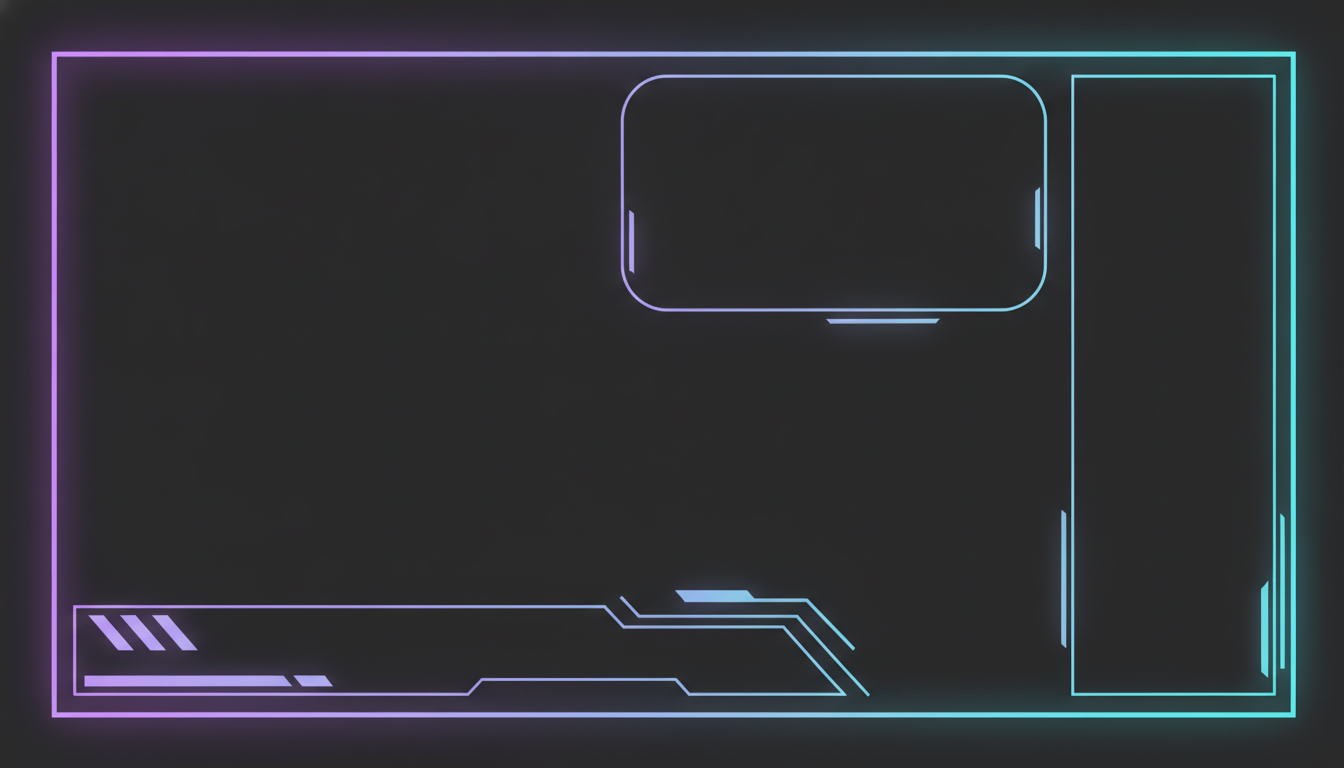
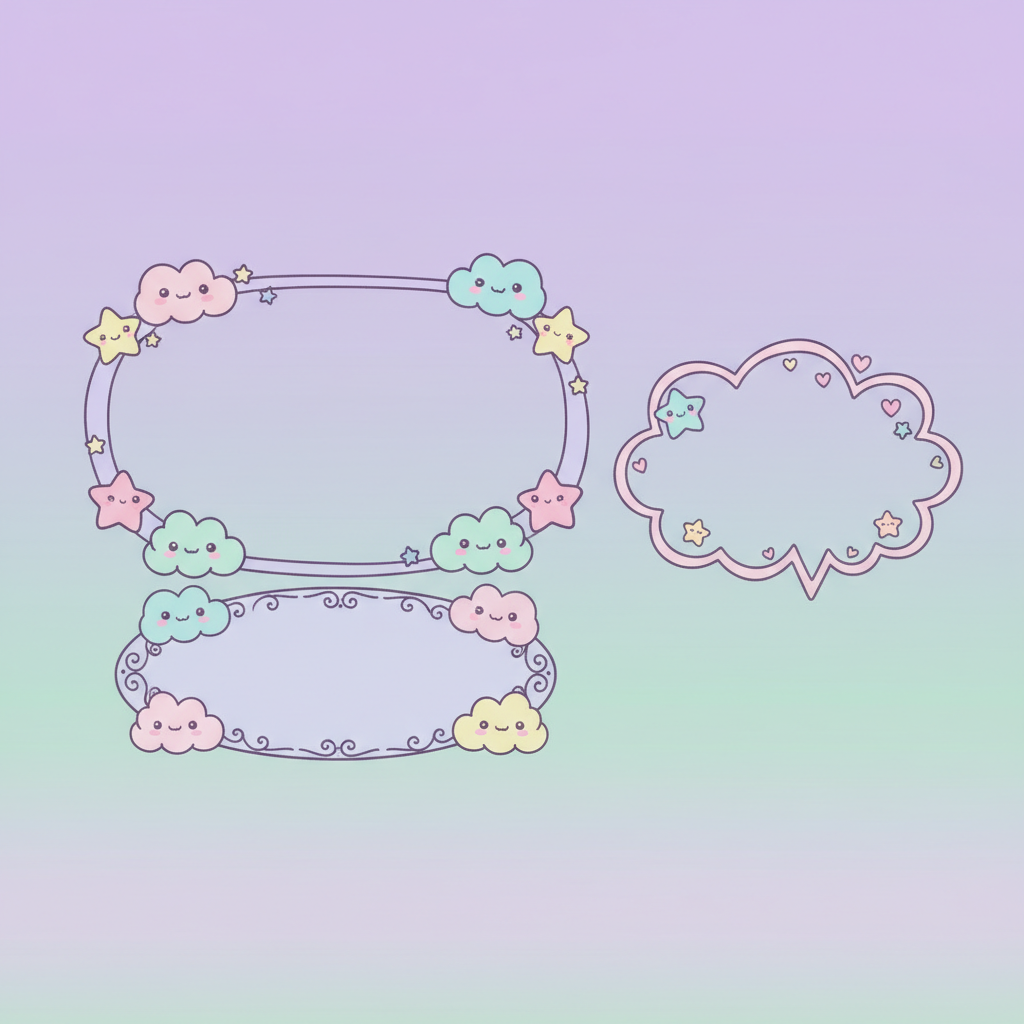
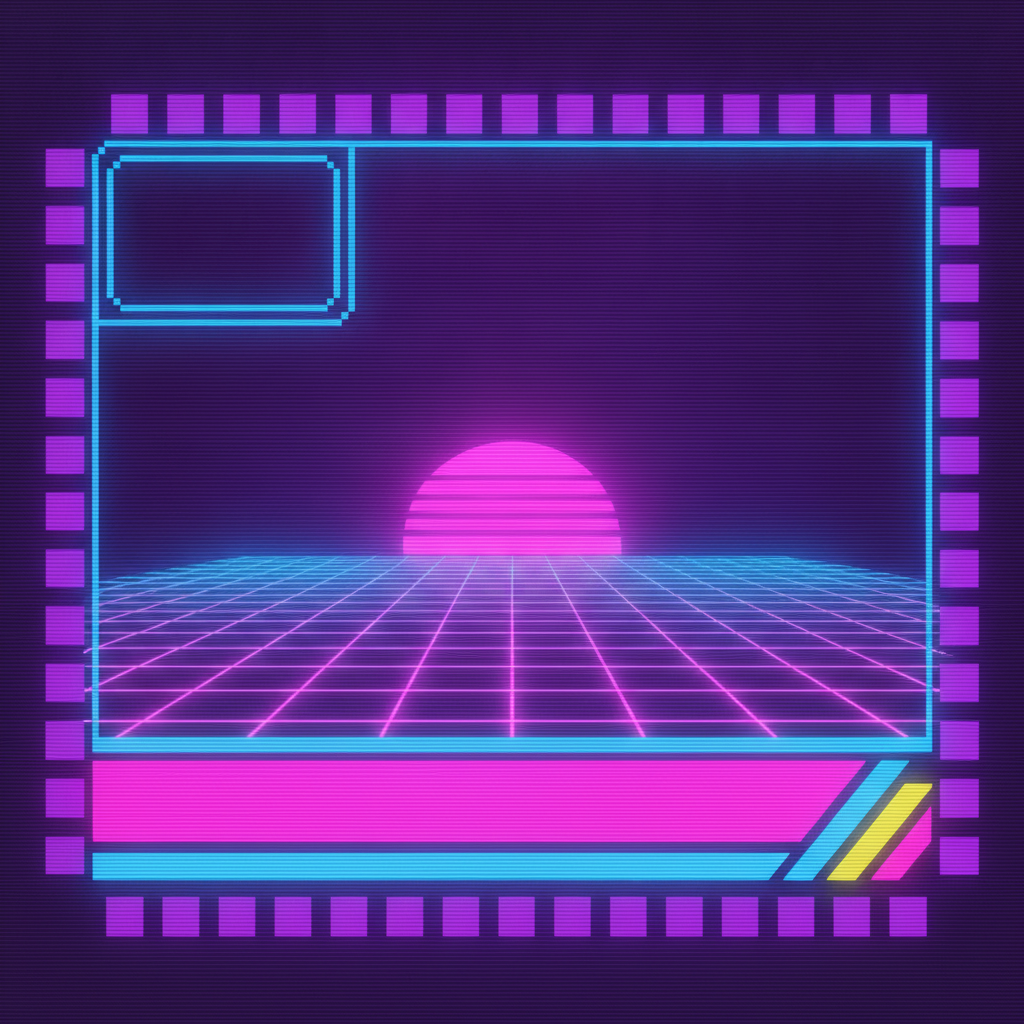
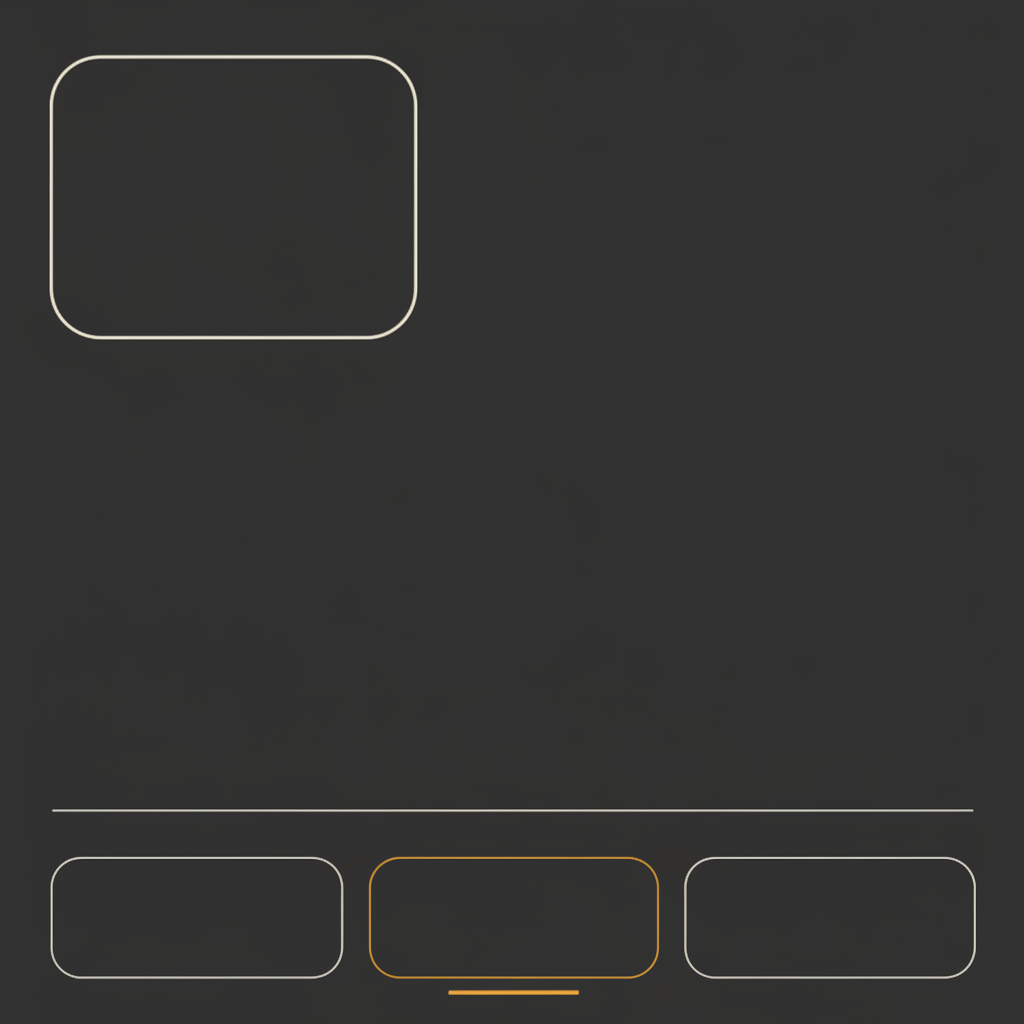
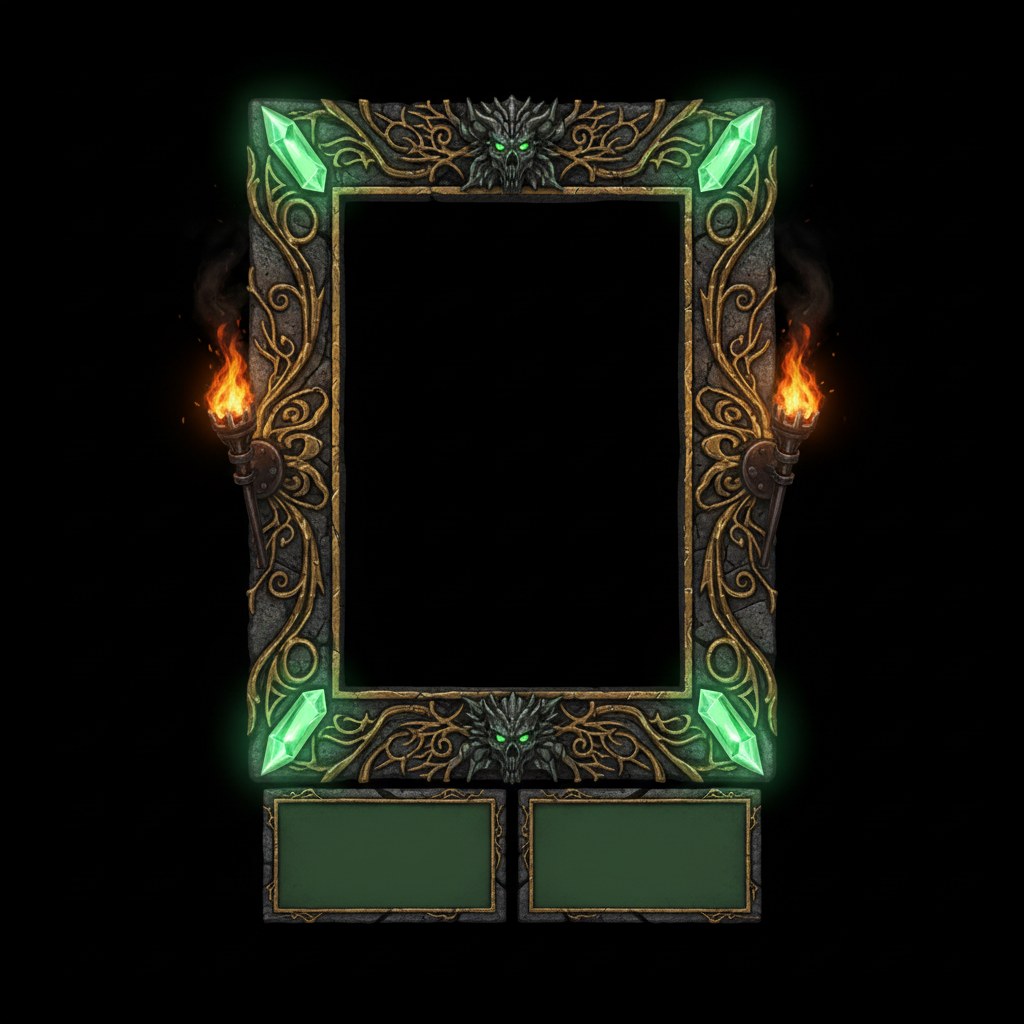
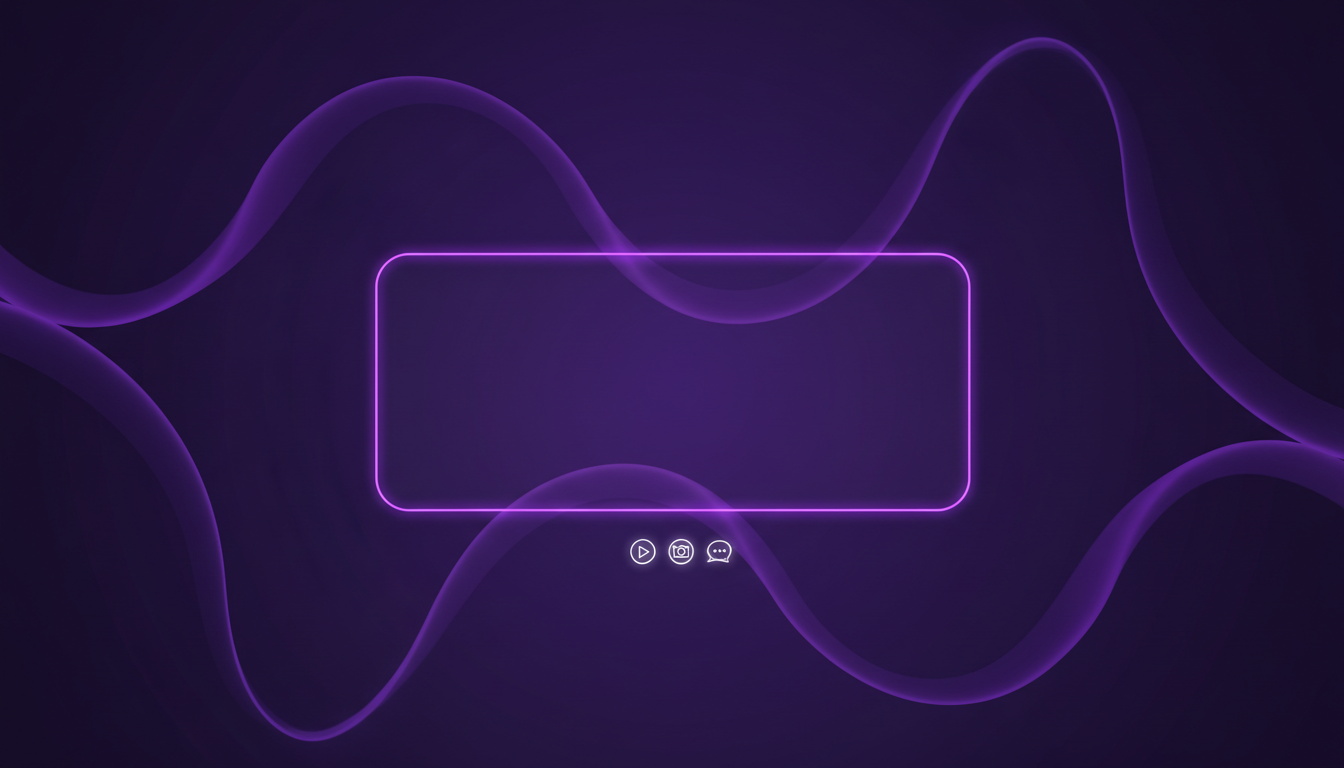
Neon esports, cozy pastel, retro synthwave, minimal clean, dark fantasy and a full offline screen — six looks covering most of what a channel needs on day one
How the AI Twitch Overlay Generator Works
Three steps from a style choice to a stream layout running in OBS
Start From What You Stream
The style should follow the content, not your favourite colour, because the overlay is the promise you make to someone who has been on your page for two seconds. Competitive shooters and ranked play want the neon esports look: hard angles, high contrast, an interface that reads as performance. Chatting, art, study-with-me and variety cosy games want the pastel treatment, where the softness is the whole signal. Retro synthwave belongs to emulation, speedruns and anything eighties. Minimal clean is the one that ages best and the only one that works for coding, finance, music production or a professional face-cam — it is also the safest if you are unsure. Dark fantasy suits RPGs, survival horror and tabletop. Then put your palette in the details box: two colours plus a neutral is the working formula, and matching them to your Twitch profile banner and your thumbnails is what makes a channel look designed rather than assembled.
Ask for Empty Panels, Not Finished Ones
This is the instruction that separates an overlay you can use from a picture of an overlay, and every preset here already carries it. You want the frames, the boxes and the bars — and nothing inside them. No channel name, no follower goal, no recent-sub label, no fake usernames in the chat panel. There are two reasons. The obvious one is that generated text is unreliable at small sizes and a misspelled label on your own name is the single most embarrassing thing that can appear on a stream. The subtler one is that these labels change constantly: goals move, sponsors arrive, panels get renamed, and burnt-in text means regenerating the whole layout every time. Empty containers let OBS or Streamlabs put live text sources on top, correctly spelled, updated in real time. Use the details box for the structure you need instead — which corner holds the webcam, how many bottom panels, whether there is a chat column on the right.
Cut It Up and Load It Into OBS
What comes back is one flat 16:9 image at up to 4K, and turning that into a working scene takes a few minutes. Add it in OBS as an Image source sized to your canvas, then place your webcam source on top and crop or mask it to sit inside the frame the artwork leaves empty. Add text sources for your name, the game and any goal, and a chat widget in the panel column if you use one. If you want individual pieces with transparency — a webcam frame you can float over gameplay, or a standalone panel — generate the element on a plain flat background and lift it with the background remover, which is far more reliable than asking for a transparent background directly. Then check the whole thing at the size viewers see: open your channel on a phone, and confirm the frame does not eat the gameplay and the panels are still readable at a third of the size.
Why Use an AI Twitch Overlay Generator
Six things worth knowing about generated stream graphics before you go live with them
A Look Nobody Else on the Directory Has
The economics of overlay packs push everyone toward the same handful of designs. A twenty-dollar bundle sells thousands of copies, the free ones sell tens of thousands, and the result is that scrolling a game directory shows the same three layouts in different colours. That is a real problem when your entire pitch to a passing viewer is that your channel is worth clicking rather than the identical one below it. Generated artwork is unique by construction: nobody else typed your prompt, and even the same preset produces a different composition on every run. It also lets you do things a pack cannot — a layout built around the specific game you are known for, a seasonal variant for a charity stream, a matching set for a co-streamed series. The trade is that you are the art director now. A pack arrives finished and consistent; this arrives as raw material you choose from and assemble, which is faster and cheaper but requires you to have an opinion.
Add Your Text in OBS, Not in the Image
The most useful rule for stream graphics is also the least obvious: generate the container, never the contents. Every label on an overlay is either something that must be spelled perfectly — your channel name, a sponsor, a Discord handle — or something that changes while you are live, like a follower goal or the current track. Baking either into the artwork is a mistake. Image models are far better at text than they were, but small interface labels are the hardest case, and a subtly wrong letter in your own name is not a bug anyone forgives. Live text sources in OBS or Streamlabs are correct by definition, editable in five seconds, and can be driven by alerts and counters. So treat the generated file as the frame, the bar and the panel shapes, and let the software fill them. That is also why the presets here explicitly ask for empty panels rather than mocked-up ones.
You Get a Flat Image, Not a Layered Pack
Understand what you are receiving so you can plan around it. A commissioned overlay pack ships as separate layered files with transparency: a webcam frame, a set of panels, alert graphics, a starting-soon screen, each one a separate PNG you can position independently. What an AI Twitch overlay generator produces is a single flattened picture of a whole layout at up to 4K, with no alpha channel and no layers. Most of the time that is fine, because a full-screen overlay image with your camera cropped in on top is exactly how most scenes are built anyway. When you need an isolated element, the workaround is quick: generate it centred on a plain flat background and remove that background with a dedicated tool, which produces a clean cut-out in seconds. What you cannot do is ask the model to hand you a tidy set of separated, pixel-aligned components — that separation is manual work, and it is the main thing you are still paying a designer for.
The Centre of the Frame Belongs to the Game
The commonest failure in a first overlay is that it is too good. A dense decorative border, glowing corners and a busy lower third look spectacular as a standalone image and actively harm the stream, because the thing viewers came for is now surrounded by ornament and squeezed into the middle. Real gameplay also has its own interface — minimaps, health bars, ammo counters, killfeeds — usually parked in the corners, which is precisely where an overlay wants to put its decoration. So think in terms of a budget: the frame and panels should occupy the edges and no more than roughly a tenth of the screen, the centre stays empty, and the corners get checked against the actual game before you commit. Every preset here is written to keep the middle open for that reason. Ornament is also easier to add later than to remove, so start plainer than feels right and build up once you have watched a VOD of yourself.
Consistency Across the Channel Is the Real Win
An overlay on its own does less than people expect. What makes a channel look established is the same visual language repeating everywhere a viewer meets it: the in-stream layout, the offline banner, the starting-soon and be-right-back screens, the profile panels under your player, the thumbnails on your VODs and clips, the Discord banner and the emote set. Buying a pack usually gets you three of those and leaves the rest mismatched. Generating them yourself makes the whole set achievable in an afternoon, because you can carry the same palette, the same shapes and the same mood through every asset — run the same prompt with a different format, keep the colour instruction identical, and the family resemblance holds. That coherence is what a returning viewer reads as a real channel rather than a hobby, and it is worth more than any single beautiful frame. It also survives a rebrand better: change the palette once and regenerate the set.
Free to Start, $9.98 to Build the Whole Set
You can generate overlays free without a credit card, which is enough to see whether a style suits your channel before anything is paid for. Paid plans start at $9.98, and that is where a full identity gets built, because a usable stream look is never the first render — you iterate on the palette, try the same layout in two moods, then produce the offline screen, the starting-soon card, the panel set and the matching thumbnails so they all belong together. Output reaches 4K without a watermark and is cleared for commercial use, which matters more for streamers than it sounds: sponsorships, subscriptions, merchandise and paid promotion are all commercial activity. Compare the alternative honestly. A marketplace pack is cheap but shared with thousands of channels; a commissioned identity from a stream designer runs from a few hundred to well over a thousand dollars and takes a week or more. This does not replace a designer for a channel with a real budget — it replaces going live with nothing.
Frequently Asked Questions
Common questions about using an AI Twitch overlay generator
Go Live Looking Like a Real Channel
Pick a style, describe your colours, and get stream artwork at up to 4K — neon esports, cozy pastel, retro synthwave, minimal clean, dark fantasy or a full offline screen. Powered by Nano Banana Pro. Free to start, plans from $9.98.
Branding a Channel With an AI Twitch Overlay Generator
Every stream directory is a wall of thumbnails, and the frame around your face is doing more persuading in the first two seconds than anything you say in the first ten minutes. That has always been an awkward problem for a new channel, because the two available answers were both bad: buy a twenty-dollar overlay pack that thousands of other streamers are already running, or commission a custom identity for several hundred dollars and wait a week for it. An AI Twitch overlay generator changes the arithmetic. Pick a look, describe your palette, and stream artwork comes back in about twenty seconds at up to 4K — unique by construction, because nobody else typed your prompt, and cheap enough that trying six directions costs less than the pack you were about to settle for.
The six styles here exist because they map onto what people actually broadcast. Neon esports is built for ranked play and competitive shooters, where hard angles and high contrast read as performance. Cozy pastel is for chatting, art, study-with-me and gentle variety games, where softness is the entire signal and the hand-drawn clouds do more work than any interface element. Retro synthwave belongs to emulation, speedruns and anything eighties. Minimal clean is the one that ages best and the only one that suits coding, music production or a professional face-cam. Dark fantasy carries RPGs, survival horror and tabletop. The offline screen is the asset most new streamers skip and the one a curious viewer is most likely to land on, since a channel page is offline far more often than it is live.
Two habits make the difference between artwork and a working layout. Generate empty containers rather than finished panels — no channel name, no follower goal, no mocked-up chat — and let OBS or Streamlabs put live text on top, where it is spelled correctly and editable in seconds. And protect the middle of the frame: the decoration belongs at the edges, the corners need checking against the game’s own interface, and the centre stays open for the thing viewers came to watch. Start plainer than feels right, watch one VOD of yourself, then add.
What the AI Twitch Overlay Generator Will Not Do
It will not hand you a layered pack. A commissioned overlay set arrives as separate transparent files — frame, panels, alerts, screens — each positioned independently in your scene. What you get here is one flattened widescreen image at up to 4K, with no alpha channel and no components to rearrange. It will not reliably set small interface text either, which is why every preset asks for empty panels instead of labelled ones. And it will not reproduce a game’s official interface, an esports organisation’s branding or a named streamer’s identity — approximations at best, and a liability on a monetised channel at worst. For any words that must appear inside the artwork rather than as a live source, text in images covers what the model can be trusted to render.
For the neighbouring jobs there are better fits. Lift a webcam frame or a single panel out of its background with the AI background remover before floating it over gameplay, and enlarge anything soft with the 4K image upscaler. For the rest of the channel identity, the AI banner maker and the AI banner generator handle offline and Discord banners, the AI thumbnail generator covers VODs and clips, the AI Twitch emote generator builds the sub emotes, and the AI logo generator gives you a mark to carry through all of it. If your face is part of the brand, the AI profile picture generator finishes the set.
Within those limits the work is yours to use. Output reaches 4K with no watermark and is cleared for commercial use, which for a streamer covers sponsorships, subscriptions, merchandise, paid promotion and overlays you make for other creators. Keep other people's property out of it — game logos, platform marks, team badges, licensed characters, and the style of a specific named living artist. Note also that in the United States purely AI-generated images are not registrable for copyright, so you can use and sell the work but may have limited recourse if another channel copies it. It is free to start with no credit card and plans begin at $9.98. Pick a style, keep the panels empty, and check the whole layout on a phone before you go live.
Try the AI Twitch overlay generator free today. Pick one of six stream styles, describe your channel colours, and get overlay artwork at up to 4K. No credit card required to start. Paid plans from $9.98.