
AI Thumbnail Generator
The AI thumbnail generator turns a few words into scroll-stopping YouTube thumbnails. Describe your video — a gaming reaction, a tech unboxing, a travel vlog, a podcast episode, a big challenge — and watch a bold, high-contrast 4K thumbnail appear in seconds. This AI YouTube thumbnail maker is built on the Nano Banana Pro model, so every expression, glow, and background pops with the punchy, click-worthy energy that lifts your click-through rate. Whether you upload daily or you are launching your first channel, the AI thumbnail generator gives you eye-catching thumbnails from a single prompt — no Photoshop, no designer, no waiting. Try it free right on this page.
Try The AI Thumbnail Generator — Free
Pick a thumbnail style below, add any details you like — your topic, mood, colors, or the emotion you want — and click Generate. In about twenty seconds the AI thumbnail generator renders a bold 4K thumbnail. No account setup, no software, no design skills required.
AI Thumbnail Generator
Turn a text prompt into a bold, click-worthy 4K YouTube thumbnail in seconds
AI Thumbnail Gallery
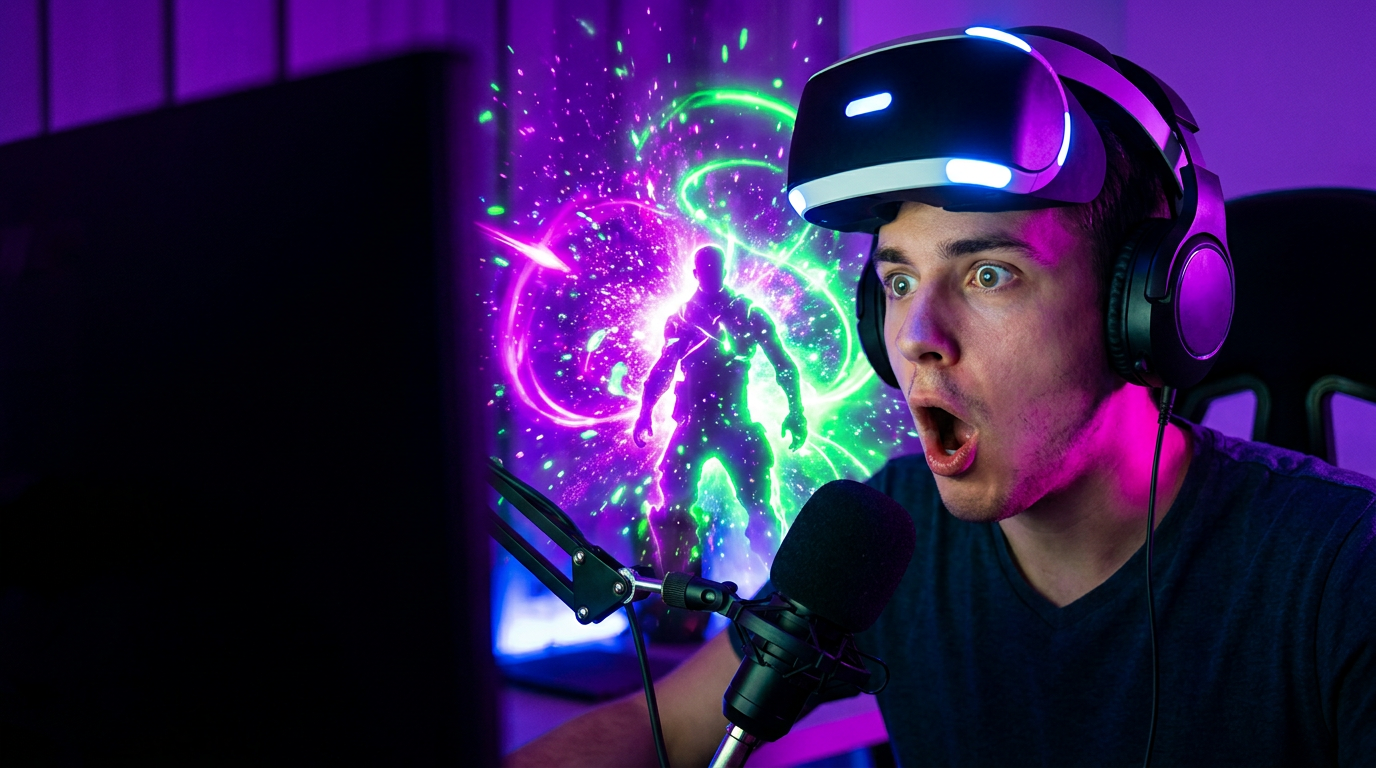
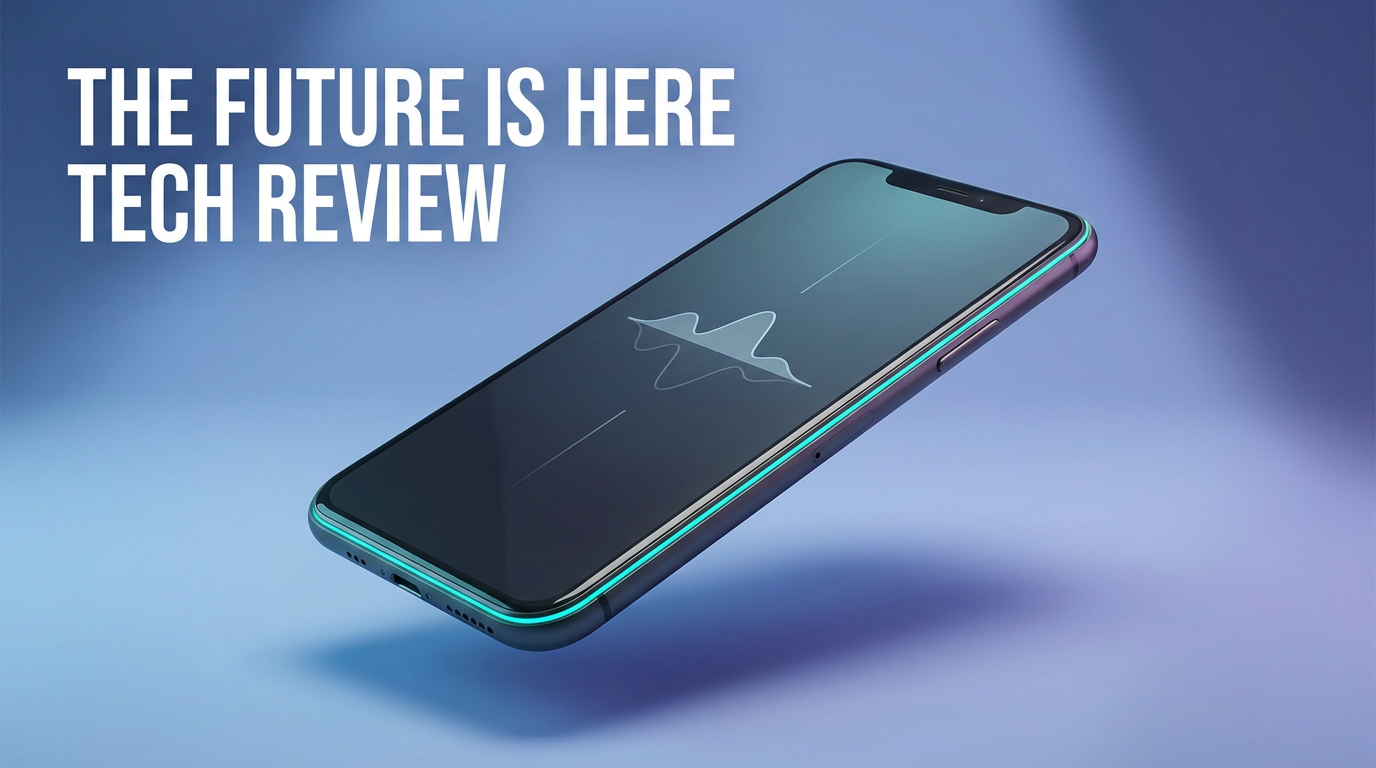
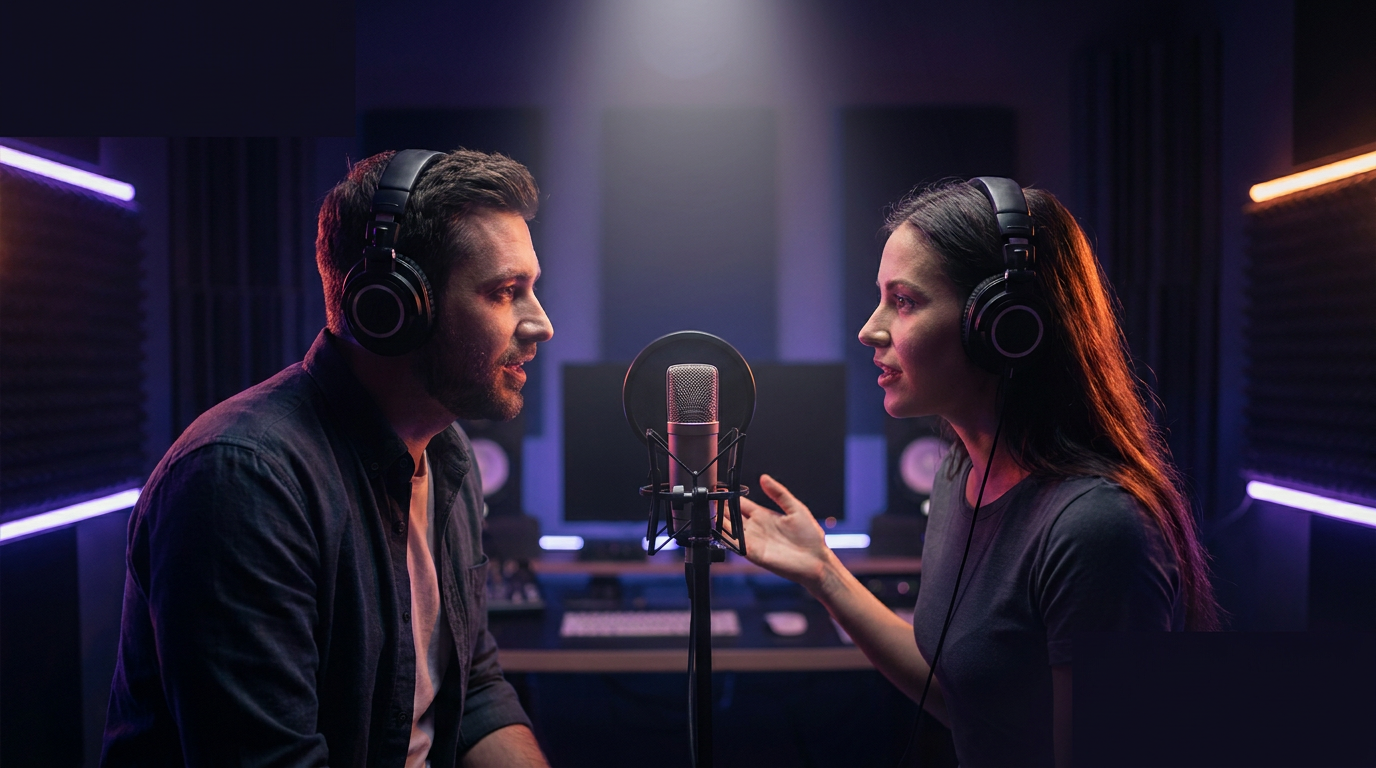
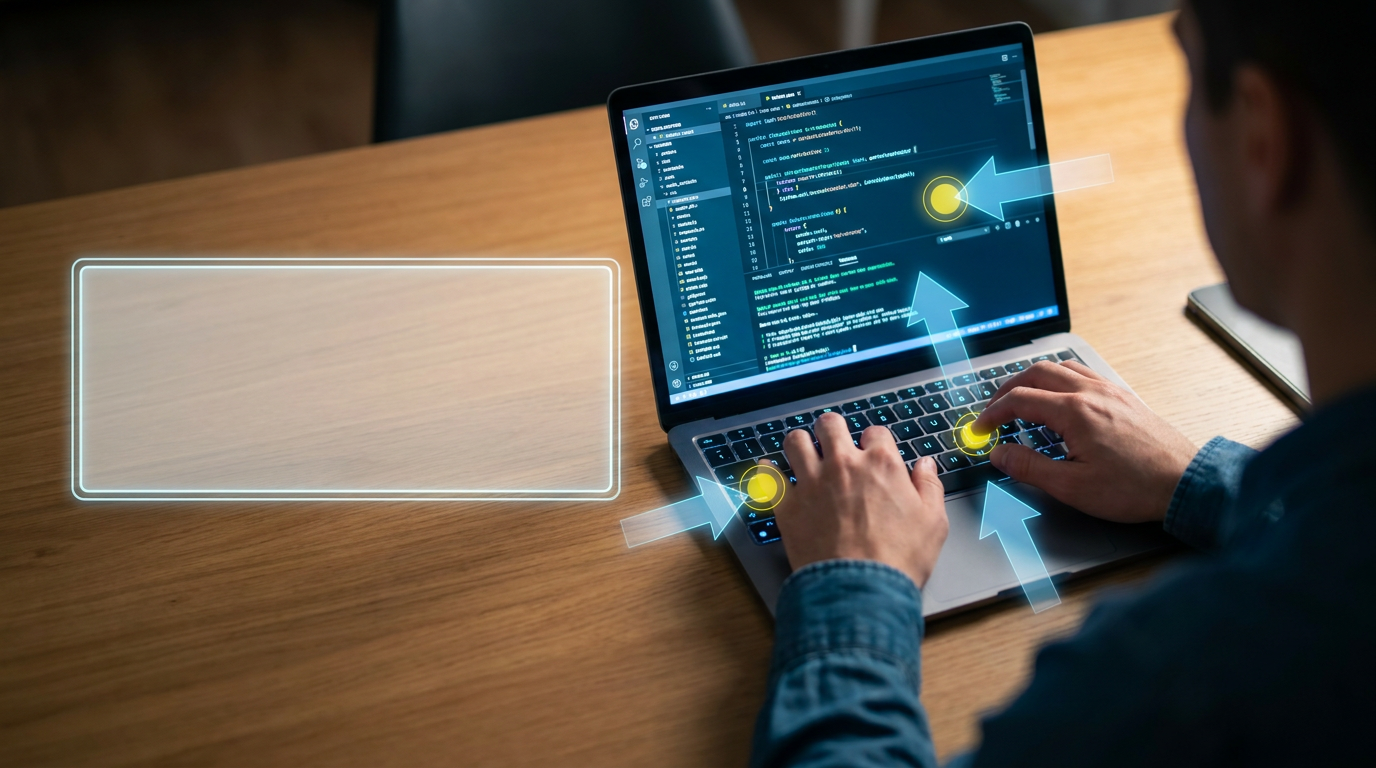
Every thumbnail below was generated from a single text prompt in 4K — six styles spanning gaming, tech, vlogs, podcasts, tutorials, and viral challenges


Why Creators Love The AI Thumbnail Generator
Six reasons YouTubers and streamers reach for AI thumbnails
Built For High Click-Through
The AI thumbnail generator is tuned for the punchy, high-contrast look that stops the scroll — bold expressions, saturated colors, and dramatic lighting. Instead of a flat screenshot, you get a thumbnail engineered to earn clicks and lift your CTR.
Six Thumbnail Styles To Start
From gaming reactions to tech reviews, vlogs, podcasts, tutorials, and viral challenges — the AI thumbnail generator ships with six tuned presets so you never face a blank canvas. Pick the one that fits your niche and add your own twist.
Perfect 16:9 Framing
Every thumbnail renders in the exact 16:9 ratio YouTube expects, with clean space left for your title text. The AI YouTube thumbnail maker gives you a layout that looks right on desktop, mobile, and the sidebar without any cropping.
True 4K Output
Thumbnails render in crisp 4K — sharp enough that they stay clean when YouTube compresses them and look great at any size. No blurry upscaling, no soft edges, just a high-resolution image ready to upload.
No Design Skills Needed
You do not need Photoshop, Canva templates, or a hired designer. Pick a style, add an optional detail like your topic or the emotion you want, and the AI thumbnail generator handles composition, color, and lighting for you in seconds.
Free To Start
Generate AI thumbnails free right on this page — no credit card, no install. That makes it painless to test a few thumbnail ideas, judge the 4K quality, and see whether the AI thumbnail generator fits your channel before you ever upgrade.
How To Create An AI Thumbnail
Three simple steps — no download, no account setup required to start
Pick A Style
Scroll to the tool above and choose a starting style — Gaming, Tech Review, Vlog, Podcast, Tutorial, or Challenge. Each preset is tuned to capture the look that performs best in that niche so you can find the right thumbnail fast.
Describe Your Video
Add an optional note about your topic, mood, colors, or the emotion you want on screen — for example "shocked face, red and yellow, huge number" or "calm minimal, cool blue tones." The AI thumbnail generator blends your input with the chosen style using the Nano Banana Pro model.
Generate & Download
Click Generate and your 4K thumbnail appears in about twenty seconds. Love it? Download it straight from your browser, add your title text, and upload. Want a variation? Tweak the prompt or switch styles and generate again for free.
Frequently Asked Questions
Common questions about the AI thumbnail generator
Make A Click-Worthy Thumbnail Right Now
No downloads, no design skills — just describe your video and generate a bold 4K thumbnail in seconds. Try the AI thumbnail generator free right now and see how much a great thumbnail can lift your clicks. Plans from $2.99.
Why An AI Thumbnail Generator Changes How You Grow On YouTube
Your thumbnail is the single most important factor in whether anyone clicks your video. You can spend hours on the perfect edit, but if the thumbnail is flat, nobody presses play. An AI thumbnail generator collapses that whole design problem into a sentence. You describe the feeling you want — a shocked face, a glowing product, a big number, a moody podcast set — and the model renders a bold, high-contrast 4K thumbnail in about twenty seconds. That speed is a game-changer for anyone publishing on a schedule: a daily vlogger, a gaming channel dropping multiple uploads a week, or a new creator who cannot yet afford a designer. Because the AI thumbnail generator builds every image from your prompt, you are not stuck cropping screenshots or fighting with templates — you get a purpose-built thumbnail designed to earn the click.
The real power is iteration. The best channels test several thumbnails before settling on one, and doing that by hand is slow and expensive. With an AI YouTube thumbnail maker you can spin up five variations of the same idea in minutes — swap the emotion, change the color palette, try a different background — and pick the one that pops hardest. Every preset renders in a clean 16:9 frame with space left for your title, so all you have to do is add the headline and upload. You steer the mood and subject while the model handles the punchy lighting and saturated color that make thumbnails perform.
Best of all, there is no barrier to trying it. The AI thumbnail generator is free to start right on this page, with no install and no credit card. You generate a few real thumbnails, judge the 4K fidelity and the click-worthy energy for yourself, and only upgrade if you want unlimited generations. Premium plans begin at just $2.99.
Who Uses AI Thumbnails
The AI thumbnail generator finds a home wherever creators compete for the click. Gaming channels and streamers use it to capture the hyped, high-energy reaction thumbnails their audience expects, without staging a photo shoot for every upload. Tech reviewers and unboxing channels generate clean, product- forward thumbnails that look professional and trustworthy. Vloggers and lifestyle creators use it for bright, friendly thumbnails that show personality, while podcasters build moody, branded episode art in seconds.
Beyond YouTube, the same thumbnails travel well. Course creators and educators use the AI thumbnail generator for tutorial and how-to graphics. Marketers and small businesses make thumbnails for product videos, webinars, and ads. Because everything renders in 16:9 at 4K, the images also repurpose cleanly into TikTok covers, Instagram Reels thumbnails, blog headers, and email graphics — so one prompt can feed your whole content pipeline.
What ties every use together is how effortless it is. You do not need Photoshop, a design background, or a budget for a freelancer — you need an idea and a few seconds. Whether you are producing one thumbnail or testing a dozen, an AI thumbnail generator lets you turn a rough concept into a scroll-stopping 4K thumbnail instantly. Try it free on this page and make your next thumbnail right now.
Ready to boost your clicks? Try the AI thumbnail generator free — no download, no design skills, no credit card. See the 4K quality and click-worthy energy for yourself. Paid plans from $2.99.