
AI Photo Editor
Edit with Words
Professional photo editing powered by AI. Describe your edits in plain English — remove backgrounds, enhance colors, transfer styles, and retouch portraits. No Photoshop skills needed.
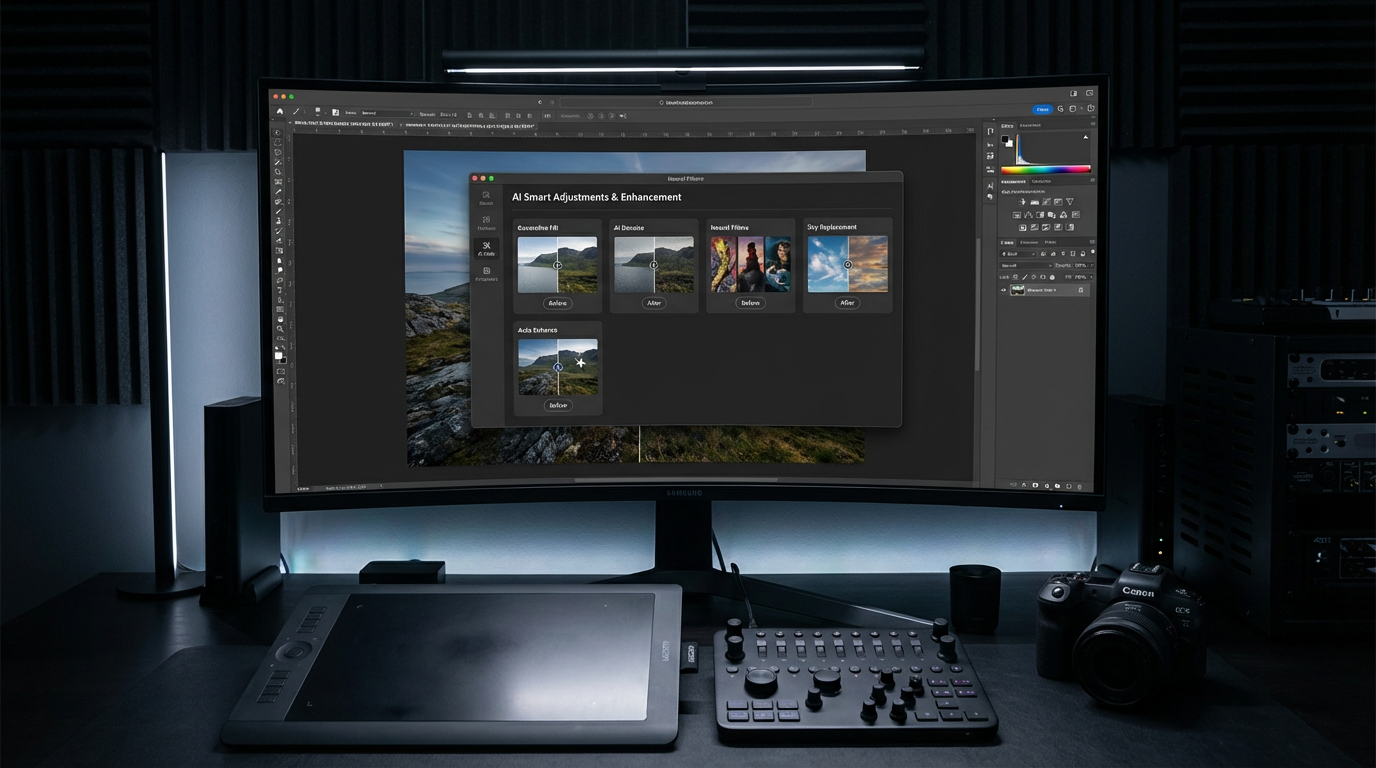
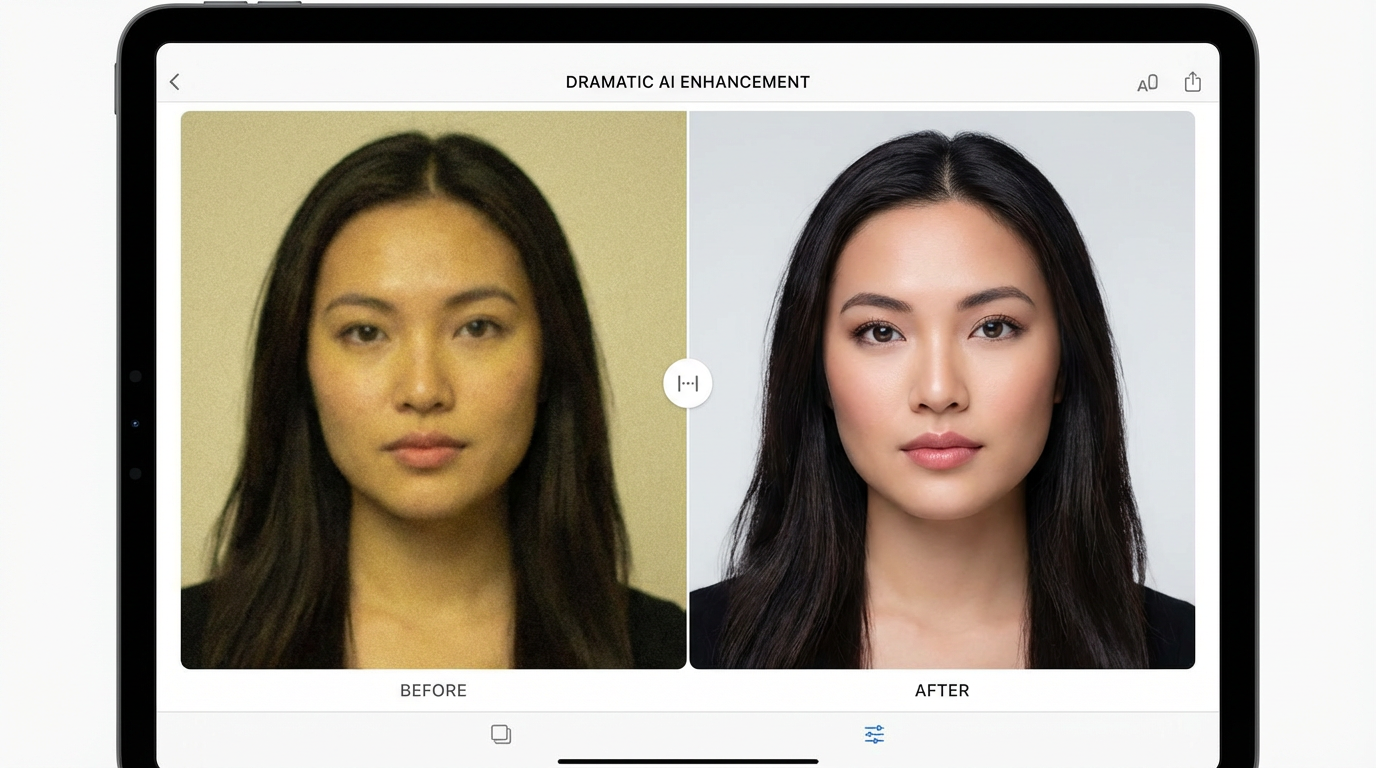
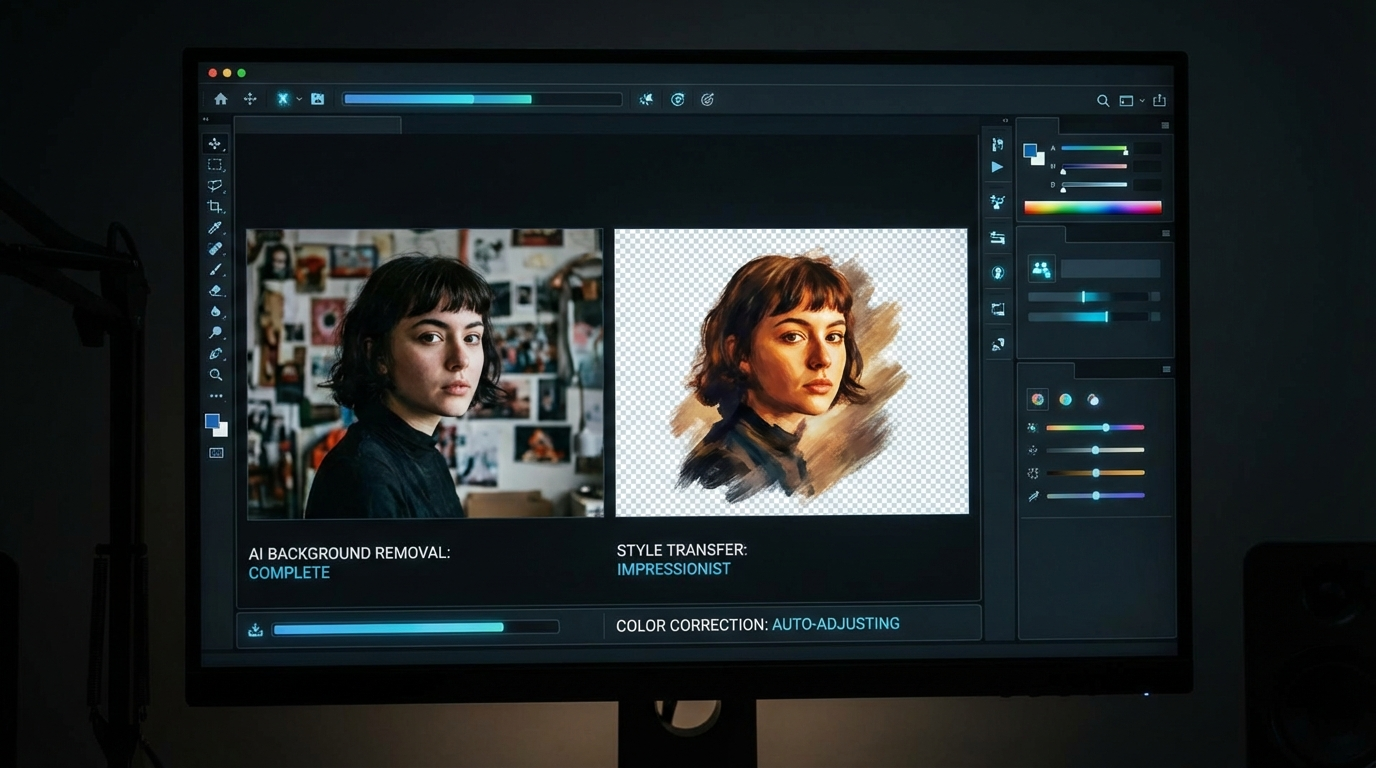
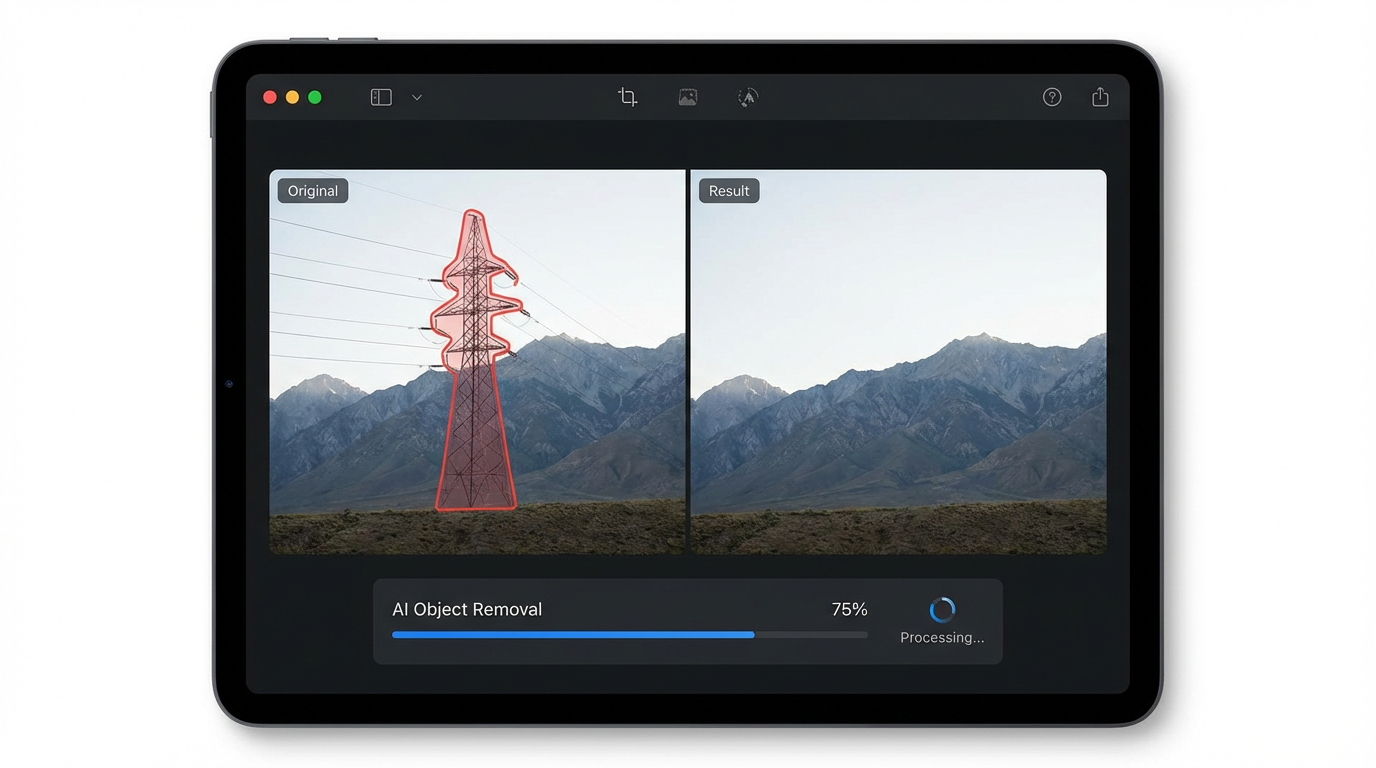
AI-Powered Photo Transformations
See what's possible when you edit photos with natural language AI
Click to view larger
Click to view larger
Click to view larger
Click to view larger
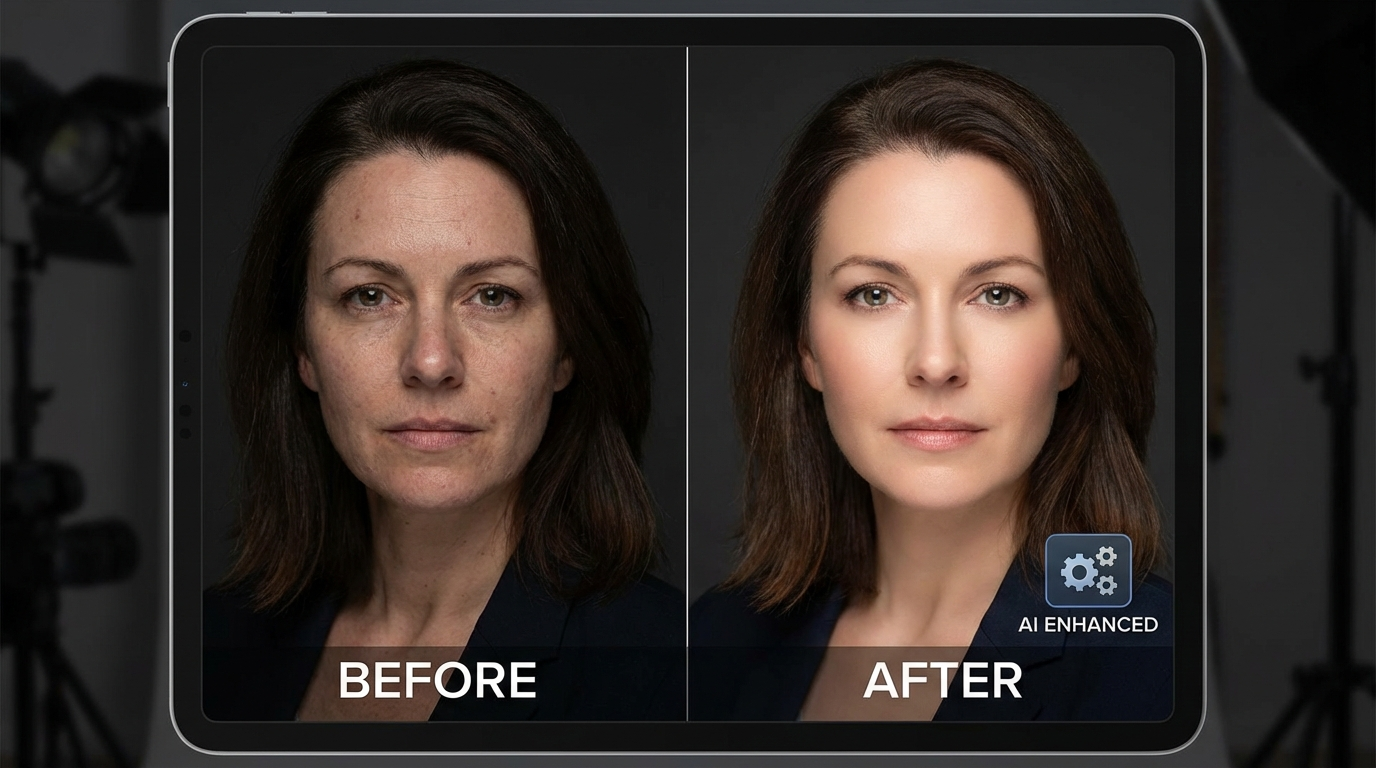
Click to view larger
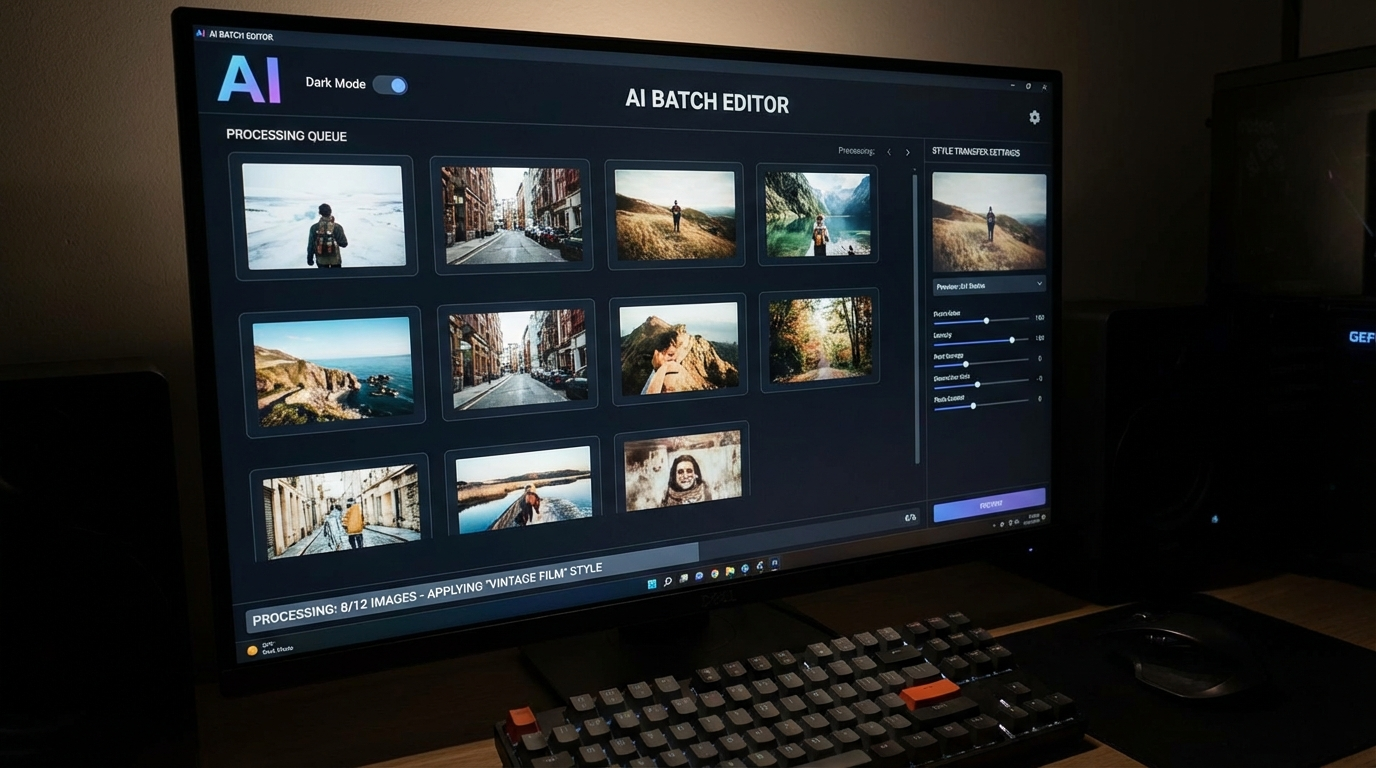
Click to view larger
How AI Photo Editing Works
Edit any photo professionally in three simple steps
Upload Your Photo
Upload any photo in JPG, PNG, or WebP format. The AI analyzes your image to understand subjects, backgrounds, colors, and composition — ready for intelligent editing.
Describe Your Edit
Tell the AI what you want changed in natural language. “Remove the background”, “make it look like an oil painting”, or “brighten the sky and add warmth”. Be specific for precise results.
Download & Use
Get your professionally edited photo in seconds. Download in up to 4K resolution, generate variations, or continue refining until the result is perfect.
What Can You Edit?
AI photo editing handles everything from quick fixes to creative transformations
Portrait Retouching
Enhance portraits with AI-powered skin smoothing, blemish removal, and lighting correction while preserving natural details.
Object Removal
Remove unwanted objects, photobombers, or distractions from photos. AI fills in the background seamlessly.
Style Transfer
Transform your photos into different artistic styles — watercolor, oil painting, anime, vintage, and more with one click.
Photo Enhancement
Automatically improve exposure, contrast, color balance, and sharpness for stunning results in seconds.
Background Replacement
Remove or replace backgrounds instantly. Place subjects in any scene — studio, outdoor, abstract, or custom.
Batch Editing
Apply consistent edits across multiple photos at once. Perfect for product shoots and social media content.
Powerful Features
Everything you need for professional photo editing without the learning curve
Natural Language Editing
Describe your edits in plain English. Say "remove the car" or "make the sky more dramatic" and AI handles the rest.
Multi-Image Editing
Edit multiple images with the same prompt for consistent results. Perfect for batch processing and branding.
4K Output Quality
Export edited photos in up to 4K resolution. Professional quality output ready for print, web, and marketing.
Smart Auto-Enhance
One-click photo enhancement powered by AI. Automatically adjusts lighting, color, and sharpness for optimal results.
Precise Control
Fine-tune every aspect with detailed prompts. Control exactly what changes and what stays the same.
Commercial License
Full commercial rights included. Use your edited photos in ads, products, client work, and any commercial project.
How We Compare
See how Nano Banana 2 stacks up against traditional photo editing tools
| Feature | Nano Banana 2 | Photoshop | Canva | Fotor |
|---|---|---|---|---|
| AI Photo Editing | ||||
| Natural Language Commands | — | — | — | |
| 4K Output | — | — | ||
| Background Removal | ||||
| Style Transfer | — | — | — | |
| No Software Install | — | |||
| Starts at $9.98 | — | — | — | |
| No Subscription Required | — | — | — |
Frequently Asked Questions
Everything you need to know about AI photo editing
The Best AI Photo Editor for Creators and Professionals
Why Choose Nano Banana 2 for Photo Editing?
AI photo editing has revolutionized how creators and professionals work with images. Nano Banana 2's AI photo editor lets you make complex edits using natural language — no technical skills required. Powered by Nano Banana Pro, our editor understands context and intent, delivering results that rival hours of manual editing in seconds.
Whether you need to remove backgrounds for e-commerce product photos, retouch portraits for professional headshots, apply artistic style transfers for social media content, or enhance exposure and colors for real estate photography — our AI handles it all through simple text descriptions. The technology goes beyond basic filters to understand image composition, subject matter, and editing intent.
Our credit-based pricing means you pay only for edits you make. No expensive monthly subscriptions or wasted credits. Start with our free tier and upgrade to premium plans starting at just $9.98 when you need more editing capacity.
Professional Photo Editing Made Simple
Traditional photo editing software like Photoshop demands years of experience and a $22.99/month subscription. Online tools like Canva and Fotor offer basic editing but lack the intelligence of AI-powered editing. Nano Banana 2 bridges this gap — professional-quality results accessible to everyone through natural language commands.
The key to great AI photo editing is writing clear, descriptive prompts. Instead of “edit this photo”, try “remove the background and replace with a clean white studio backdrop” or “enhance the portrait with soft lighting, smooth skin, and warm tones while keeping the eyes sharp”. The more specific your instructions, the more precise the result.
All edited photos come with full commercial rights. Use them in product listings, marketing campaigns, social media posts, client deliverables, and any other commercial application. No additional licensing fees or restrictions apply.
Start editing your photos with AI today. Join over 5,800 creators who trust Nano Banana 2 for AI photo editing. Free tier available with no credit card required. Premium plans start at just $9.98.
More AI Tools
Explore more AI-powered creative tools