
AI Image EditorEdit Photos with Words, Not Tools
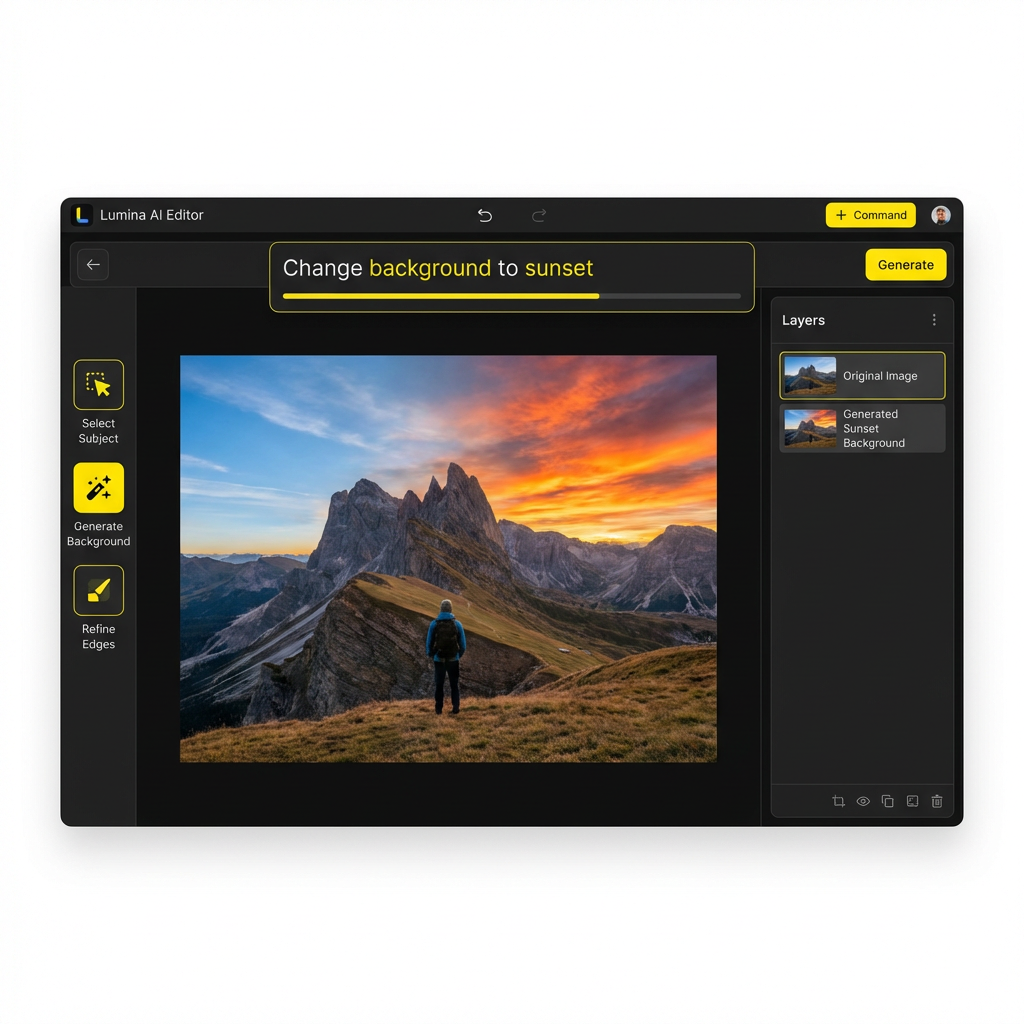
Describe what you want changed and AI does it instantly. Remove backgrounds, swap styles, fix lighting, add text — all with natural language commands. No Photoshop skills needed.
- Type instructions in plain English — AI handles the rest
- Remove objects, change backgrounds, transfer styles
- 4K output quality powered by Nano Banana Pro
- No software to install — works in your browser
2M+
Images Edited
100K+
Active Editors
4K
Max Resolution
4.8/5
User Rating
How the AI Image Editor Works
Upload, describe, done. The fastest way to edit images.
Upload Your Image
Drag and drop or select any image from your device. Supports JPG, PNG, WebP, and more.
Upload a product photo, portrait, or any image
Describe Your Edit
Type what you want changed in plain English. Be as specific or general as you like.
"Remove background and add soft studio lighting"
Get Your Result
AI processes your request and delivers the edited image in seconds. Download in 4K quality.
Edited image ready to download or edit further
AI Editing Commands to Try
Just type what you want. Here are some examples of what the AI image editor can do.
"Remove the person in the background"
"Change the background to a sunset beach"
"Make this photo look like an oil painting"
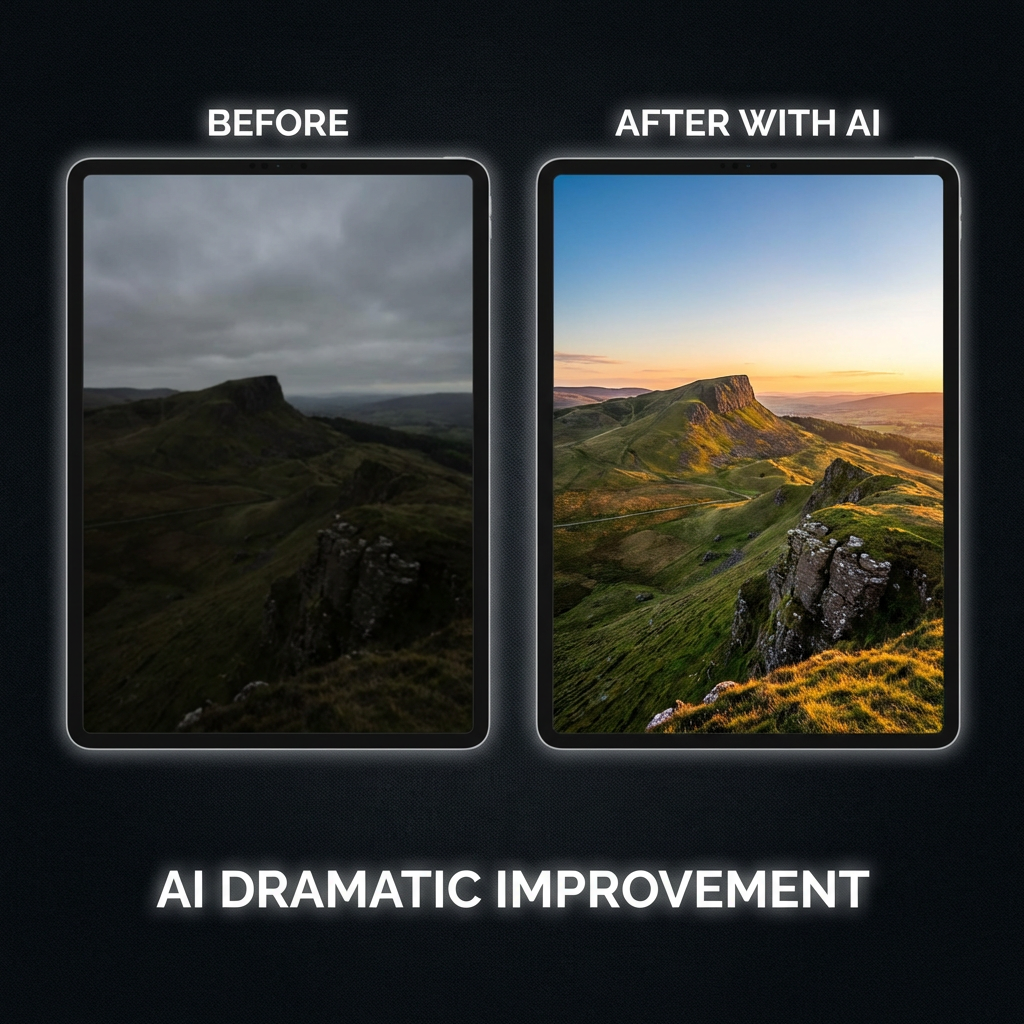
"Fix the lighting and make colors more vibrant"
"Add text: Sale 50% Off in bold red"
"Remove watermark and upscale to 4K"
Everything You Need to Edit Images
Professional editing capabilities powered by AI. No learning curve, no complex tools.
Natural Language Editing
Just describe what you want changed. "Remove the person in the background," "Make the sky more dramatic," "Add warm lighting" — AI understands and applies your instructions instantly.
Object Removal
Remove unwanted objects, people, or distractions from any photo. AI intelligently fills the space with matching background. No manual masking needed.
Style Transfer
Transform photos into different art styles — oil painting, watercolor, anime, sketch, cinematic. Apply consistent styles across multiple images for brand cohesion.
Background Replacement
Swap backgrounds instantly. Replace a studio backdrop with a beach sunset, office interior, or any scene. AI handles edge detection and blending automatically.
Text Overlay & Typography
Add crisp, readable text to any image. Create social media posts, marketing banners, and promotional graphics with embedded typography that looks professional.
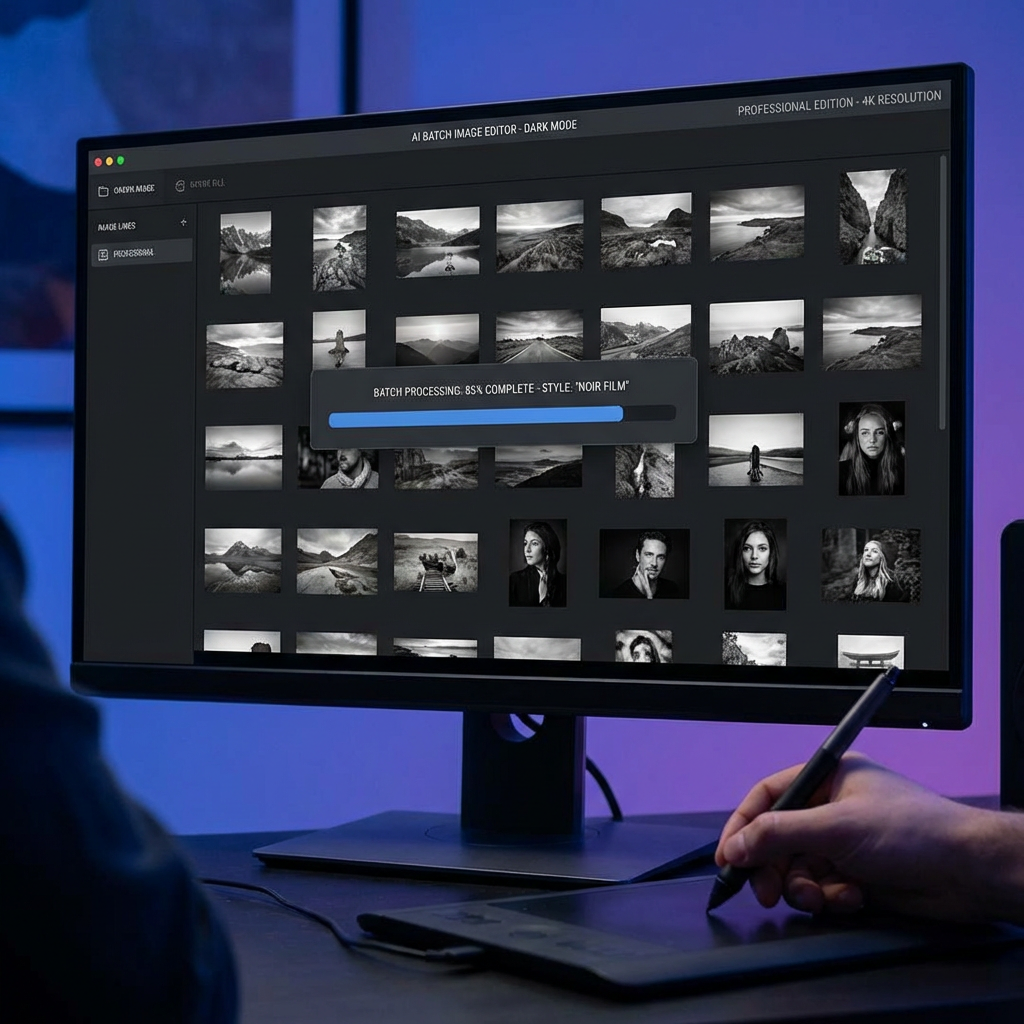
Batch Editing
Apply the same edit across multiple images at once. Perfect for e-commerce product photos, social media content, or any workflow requiring consistent edits.
AI Image Editor vs Traditional Tools
| Feature | Nano Banana | Photoshop | Canva | Others |
|---|---|---|---|---|
| Natural Language Commands | — | — | — | |
| AI Object Removal | — | |||
| Style Transfer | — | — | ||
| No Software Install | — | |||
| 4K Output | — | — | ||
| Batch Editing | — | — | ||
| Text Rendering in Images | — | |||
| Background Replacement | ||||
| Generate + Edit in One Tool | — | — | — | |
| Starting at $9.98 | — | — |
Frequently Asked Questions
AI Image Editor — Edit Photos with Natural Language
Nano Banana 2's AI image editor lets you edit any image using simple text commands. Instead of learning complex tools like Photoshop, just describe what you want changed — "remove the background," "make it brighter," "change the style to watercolor" — and AI applies the edit instantly. Powered by Nano Banana Pro, every edit is rendered in up to 4K resolution.
What makes Nano Banana 2 the best AI photo editor online? Unlike traditional editors, our tool combines generation and editing in one platform. Generate an image from text, then refine it with natural language edits. Remove objects, swap backgrounds, transfer styles, add typography — all without touching a single manual tool. The AI understands context and delivers professional results.
The smart image editor is built for everyone — marketers creating social media content, e-commerce sellers editing product photos, designers iterating on concepts, and anyone who needs quick, professional image edits. Batch editing support means you can apply consistent changes across dozens of images simultaneously.
Start editing images for free with starter credits. No credit card required, no software to install. Plans start at just $9.98 for additional credits. Every edit uses the same Nano Banana Pro model — free users get identical quality to paid users.
More AI Tools
Explore more AI-powered creative tools