
AI Background Remover
Remove & Replace Backgrounds in Seconds
Remove image backgrounds instantly with AI. Get clean cutouts, transparent PNGs, and professional-quality results — no Photoshop skills required. Perfect for e-commerce, marketing, and social media.
Try It Now — Free
Select a background removal style or describe your own scenario to generate clean cutouts
AI Background Remover
Select a style and generate background-removed images instantly
AI Background Removal Examples
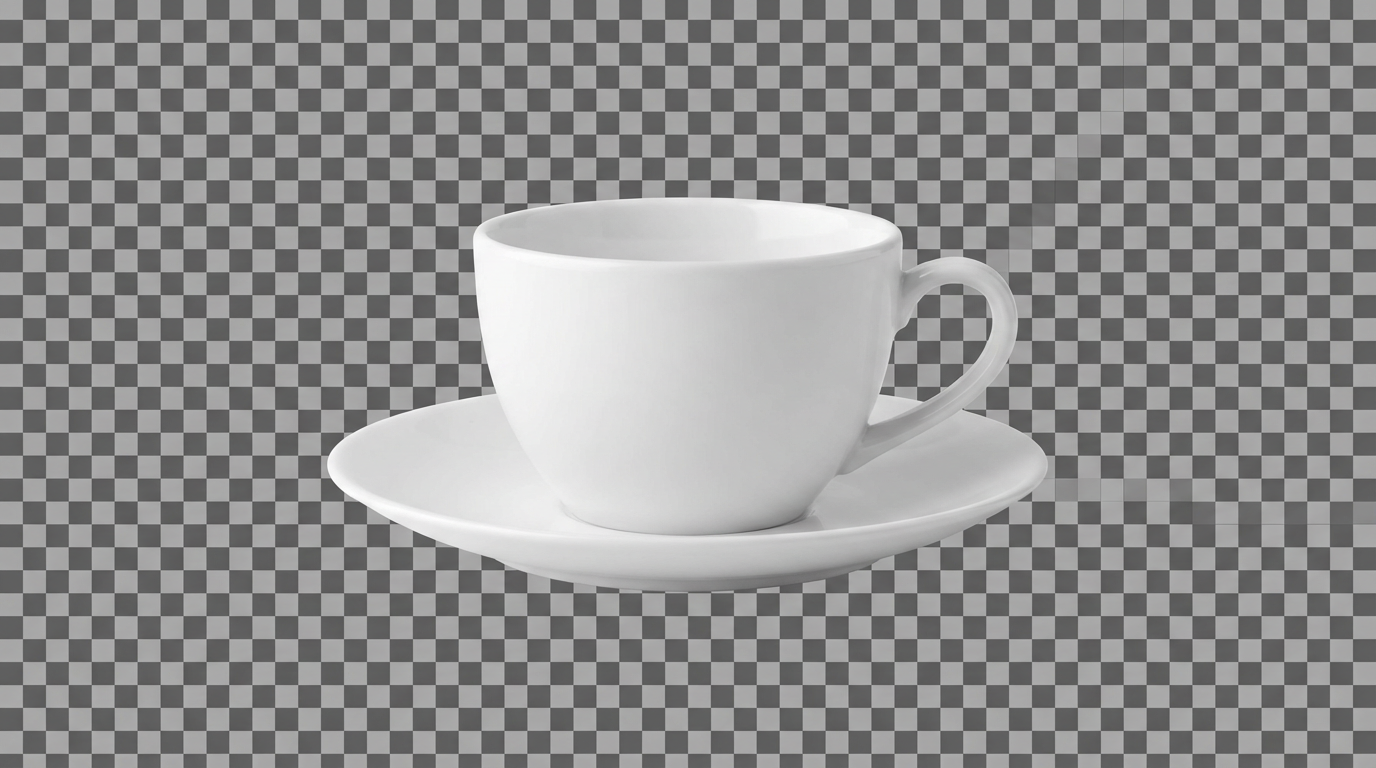
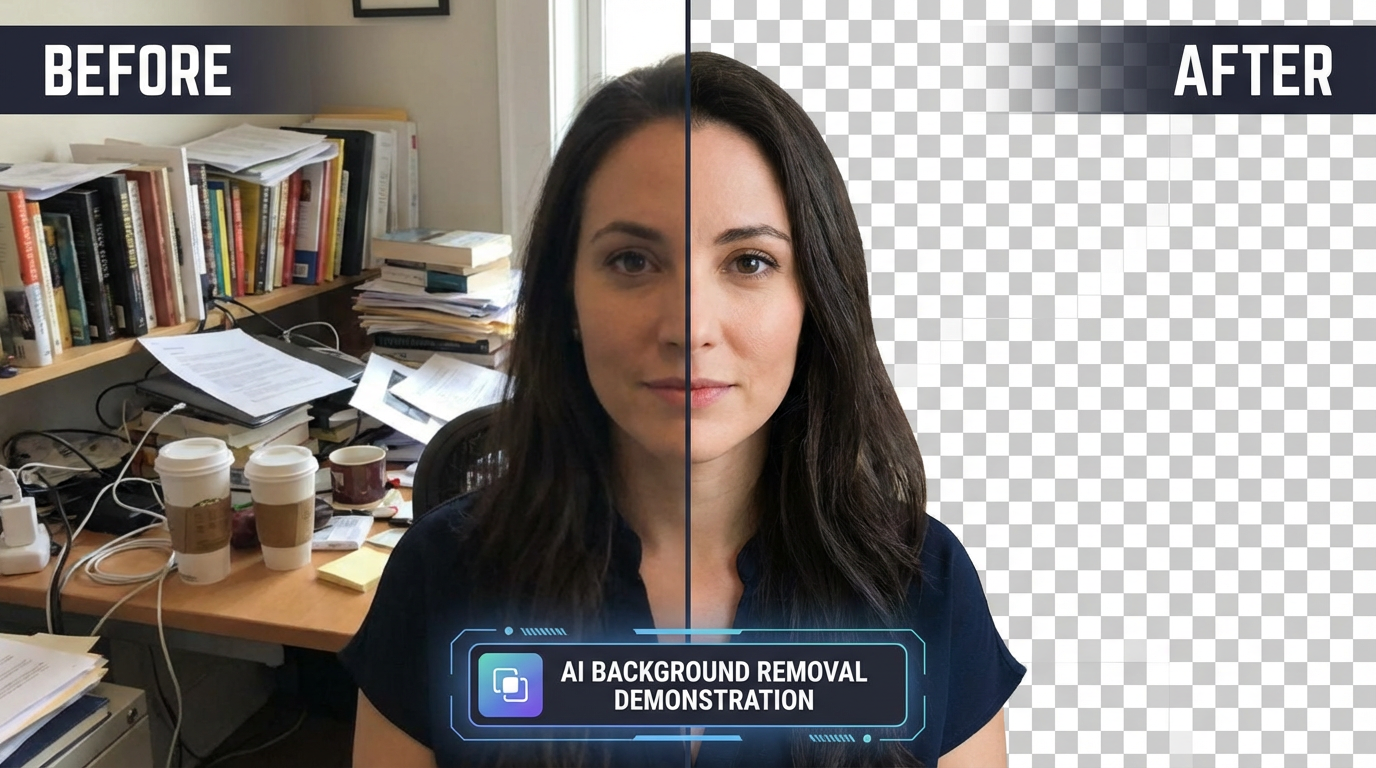
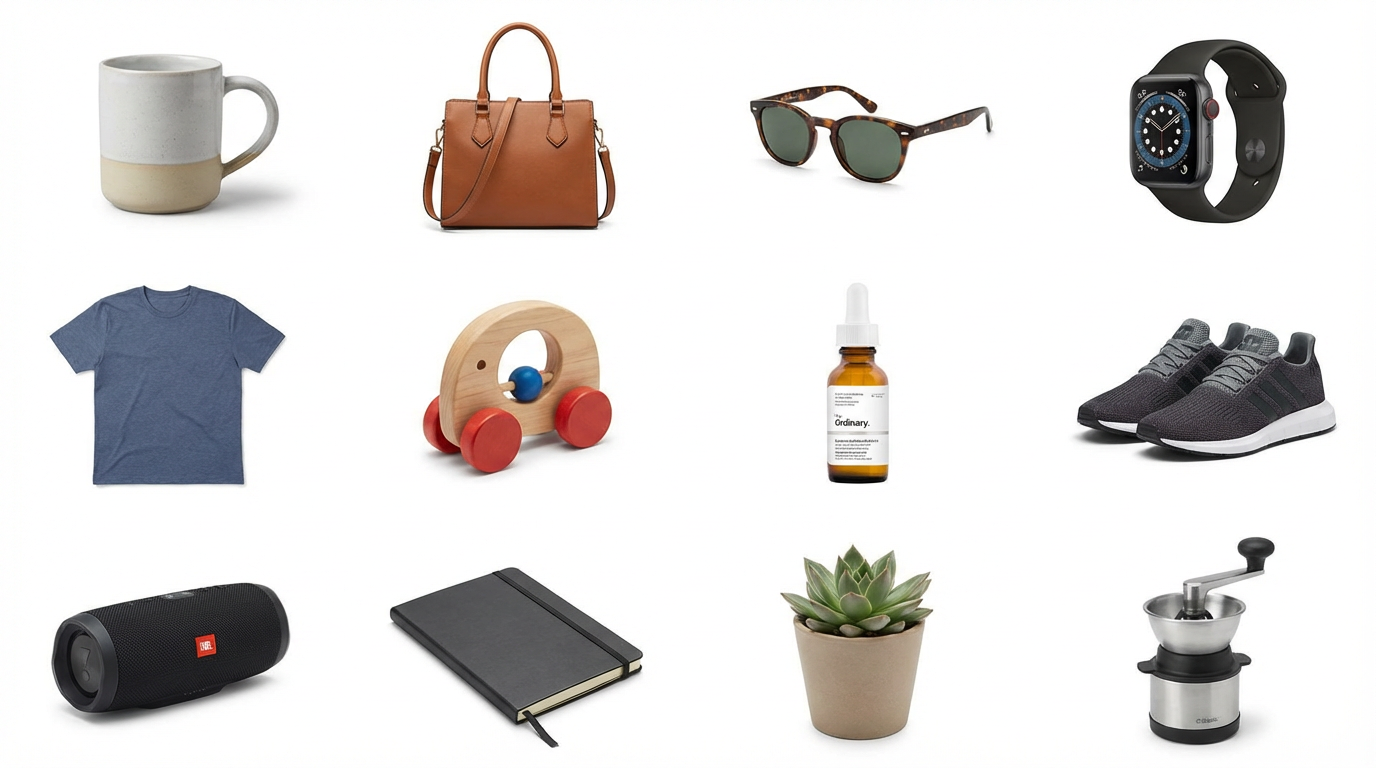
See the precision of AI-powered background removal across different subjects


How It Works
Remove any background in three simple steps
Choose Your Style
Pick a preset like Product Cutout, Portrait Cutout, or Background Replace — or describe your own removal scenario. Specify the subject, desired output format, and any replacement background you want.
AI Removes the Background
Nano Banana Pro identifies the subject, traces precise edges — including hair strands and fine details — and cleanly separates it from the background. The result is a pixel-perfect cutout with smooth, natural edges.
Download & Use
Download your cutout in high resolution. Use transparent PNGs directly in your designs, or generate versions with replaced backgrounds. Perfect for e-commerce listings, social media, and marketing materials.
Why Creators Choose AI Background Remover
Professional background removal without professional editing skills
Pixel-Perfect Edges
The AI traces subject boundaries with sub-pixel accuracy. Hair strands, fur, semi-transparent fabrics, and complex shapes are all handled cleanly — no rough edges, white halos, or jagged cutouts.
No Editing Skills Required
Manual background removal in Photoshop takes 15-30 minutes of careful pen-tool work and masking. AI does it in seconds. Perfect for sellers and marketers who need results, not editing tutorials.
Background Replacement
Don't just remove — replace. Swap cluttered backgrounds for clean white, professional gradients, or entirely new scenes. The AI matches lighting and shadows so the replacement looks natural.
Batch Processing
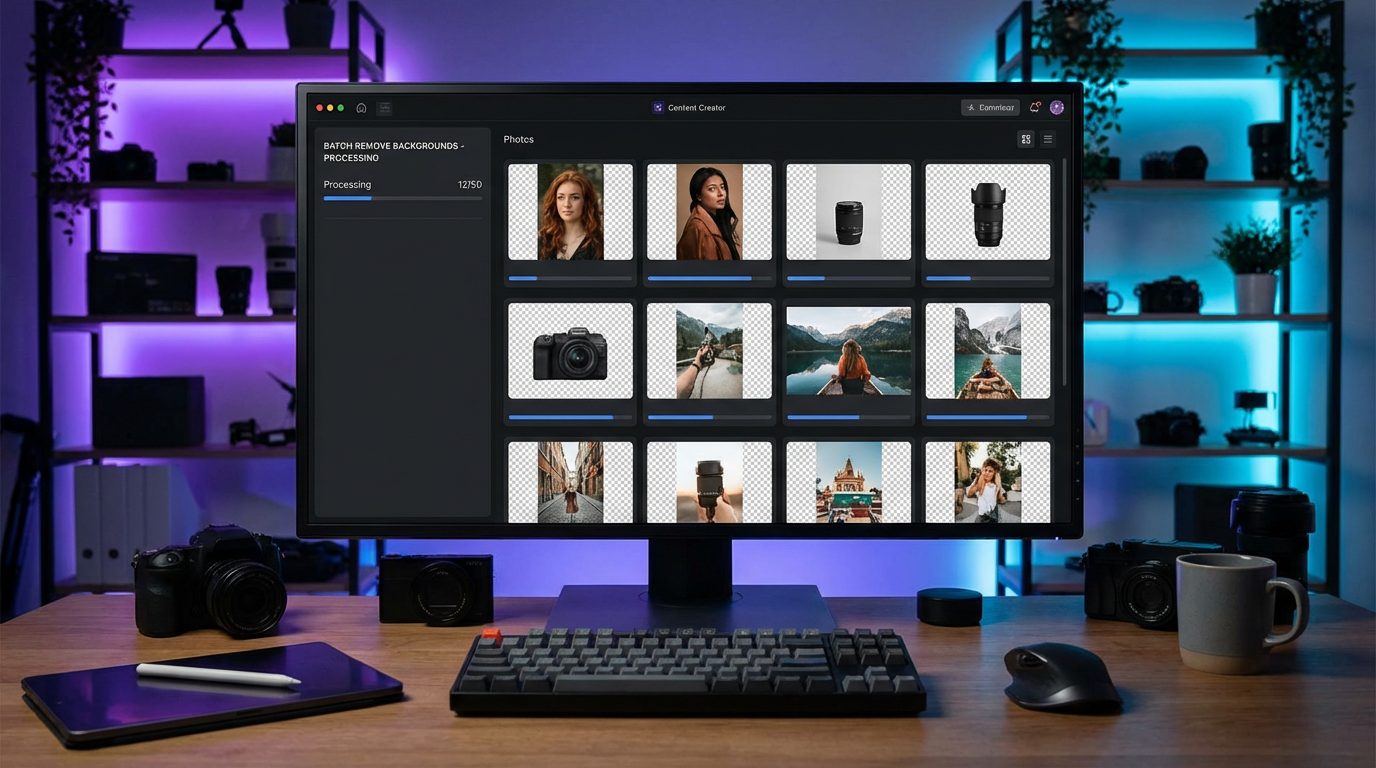
Process entire product catalogs at once. Upload dozens of images and get consistent, high-quality cutouts across every item. E-commerce sellers save hours of manual editing per listing session.
E-Commerce Ready
Output images meet marketplace requirements — Amazon, Shopify, Etsy, eBay. Clean white backgrounds, consistent sizing, and professional quality that increases click-through rates and conversions.
Full Commercial Rights
Use your background-removed images for product listings, marketing campaigns, social media, print materials, or any commercial purpose. No watermarks, no attribution, no per-image fees.
Background Removal Pro Tips
Get cleaner cutouts with these proven techniques
Describe the Subject Clearly
The more specific you are about the subject, the better the AI isolates it. Instead of "remove background from photo," try "isolate the red sneaker on the wooden table." Specificity helps the AI understand what to keep and what to remove.
Mention Edge Details
If your subject has tricky edges — curly hair, fur, lace, or transparent glass — mention it. "Preserve the wispy hair edges" or "keep the glass transparency" helps the AI pay extra attention to fine details that make or break a cutout.
Specify the Output Format
Tell the AI what you want: "transparent background," "white background," or "replace with beach scene." If you need the image for a specific platform like Amazon or Shopify, mention it — the AI will optimize accordingly.
Include Lighting Context
Describe the lighting: "studio lighting," "natural daylight," "dramatic shadows." When you replace backgrounds, matching the lighting direction prevents that "pasted on" look that makes edits obvious.
Request Shadow Preservation
For product photos, natural shadows add realism. Say "keep the drop shadow" or "add a soft contact shadow" to maintain depth. A floating product with no shadow looks less professional than one that appears grounded.
Use High-Contrast Descriptions
When the subject and background are similar colors, help the AI by describing contrast: "dark coffee mug on a dark table" or "white shirt against white wall." This extra context prevents the AI from merging similar-toned areas.
Frequently Asked Questions
Everything you need to know about AI background removal
Ready to Remove Backgrounds with AI?
Join thousands of sellers and creators who use AI for instant background removal. Clean cutouts in seconds. Start for free today, plans from $9.98.
Remove Background FreeAI Background Remover for E-Commerce, Marketing, and Design
Why AI Background Removal Is Replacing Manual Editing
Background removal used to be one of the most tedious tasks in photo editing. Professional retouchers spend 15-30 minutes per image with Photoshop's pen tool, carefully tracing edges, creating layer masks, and refining selections around hair and fine details. Services like Clipping Path charge $0.39-$15 per image, and turnaround takes 24-48 hours. For e-commerce sellers with hundreds of product photos, the cost and time add up fast.
AI background removal changes this equation completely. Modern generative AI understands object boundaries at a semantic level — it knows where a product ends and a background begins, even when colors are similar. It traces hair strands individually, preserves semi-transparent materials like glass and fabric, and maintains natural edge softness. The result is a clean cutout that looks hand-edited but takes seconds instead of minutes.
With Nano Banana Pro's advanced image understanding, you describe what you want and get a professional-quality result instantly. No layer masks, no pen tool paths, no hours of tedious manual editing. The AI handles the technical complexity so you can focus on running your business.
From Product Photos to Marketing: Background Removal Use Cases
The most common use case is e-commerce product photography. Amazon, Shopify, and eBay all require or strongly recommend white background product images. Manually editing every product photo is a bottleneck for sellers scaling their catalogs. AI background removal lets you process an entire product line in minutes, with consistent quality across every image.
But background removal goes far beyond e-commerce. Marketing teams use it to create composite images for campaigns — placing products in lifestyle scenes without expensive photo shoots. Real estate agents swap cluttered room backgrounds for clean virtual staging. Social media managers create eye-catching posts by isolating subjects against bold gradients or branded backgrounds. Designers extract elements for collages, presentations, and print materials.
Starting at just $9.98, Nano Banana 2 makes professional-quality background removal accessible to everyone. Whether you're an e-commerce seller processing product catalogs, a marketer creating campaign visuals, or a designer building compositions — AI background removal puts precision editing power in your hands. Try it free today.
Start removing backgrounds with AI today. Join thousands of creators who use Nano Banana 2 for instant AI background removal. Free tier available with no credit card required. Premium plans from $9.98.