
AI YouTube Banner Maker
Your channel banner is the first thing new viewers see — so make it count. The AI YouTube banner maker turns a short description into bold, scroll-stopping channel art sized for YouTube, with a clean central safe zone for your name and tagline. Gaming, tech, vlog, music, fitness, food, and more — no Photoshop, no templates, and sharp 4K results in seconds.
Try It Now — Free
Pick a channel style, add your niche and channel name, and the AI YouTube banner maker delivers ready-to-upload channel art in seconds — no account needed.
AI YouTube Banner Maker
Choose a style and generate a professional YouTube channel banner instantly
The AI YouTube Banner Maker in Action
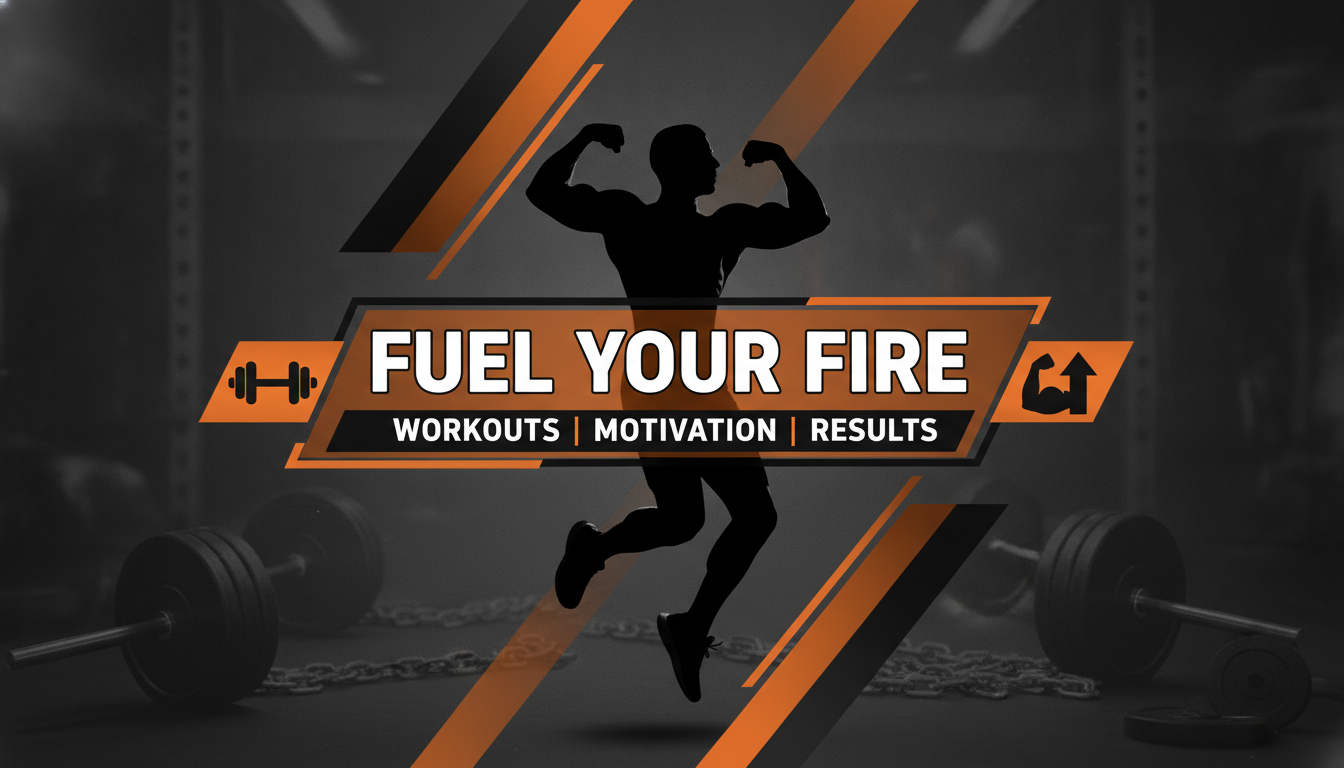
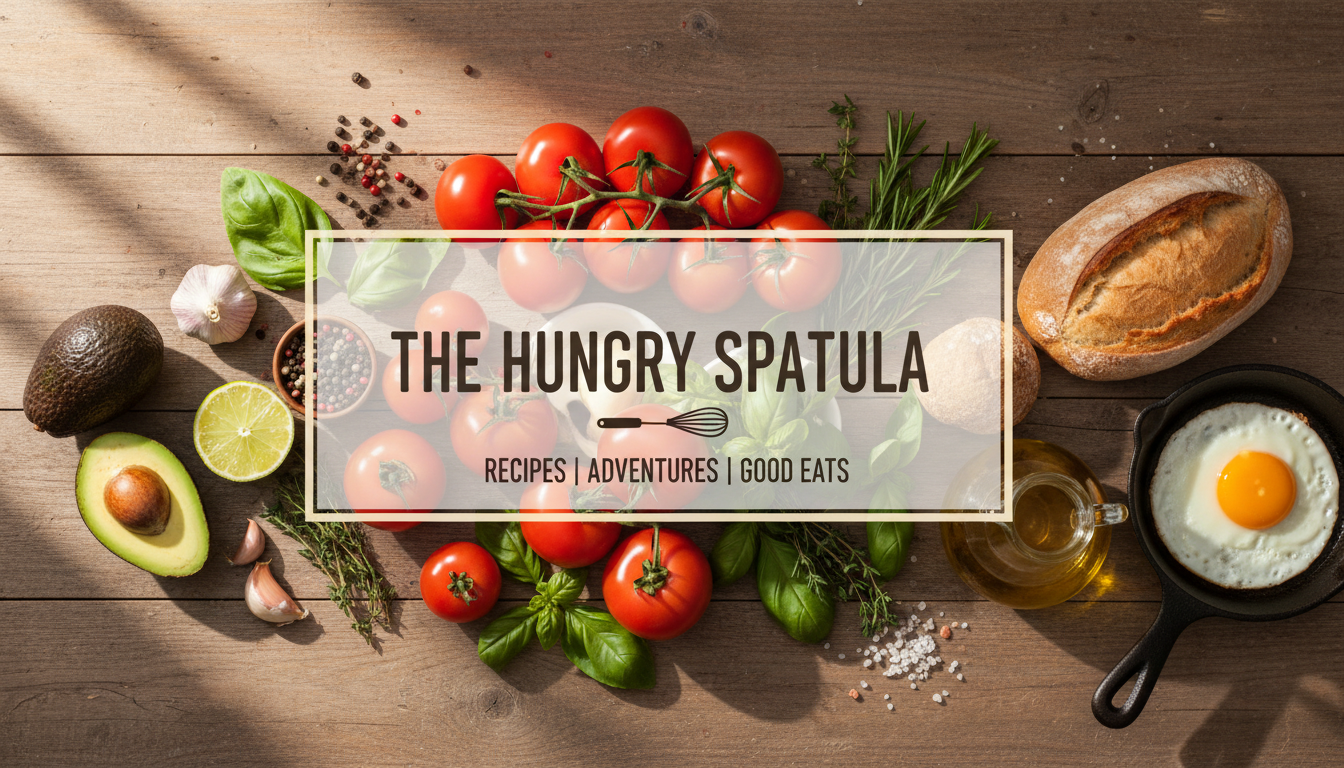
See the kind of professional channel art the AI YouTube banner maker creates from a single prompt
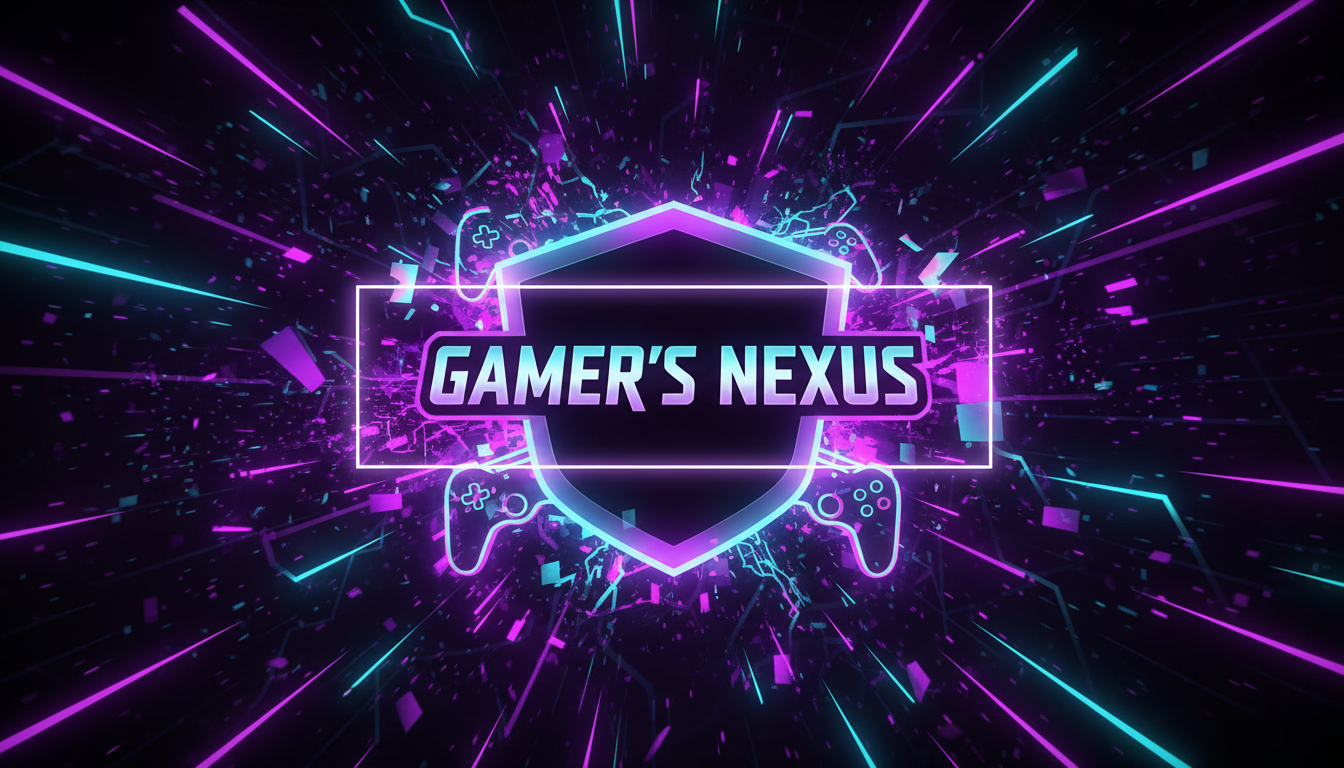
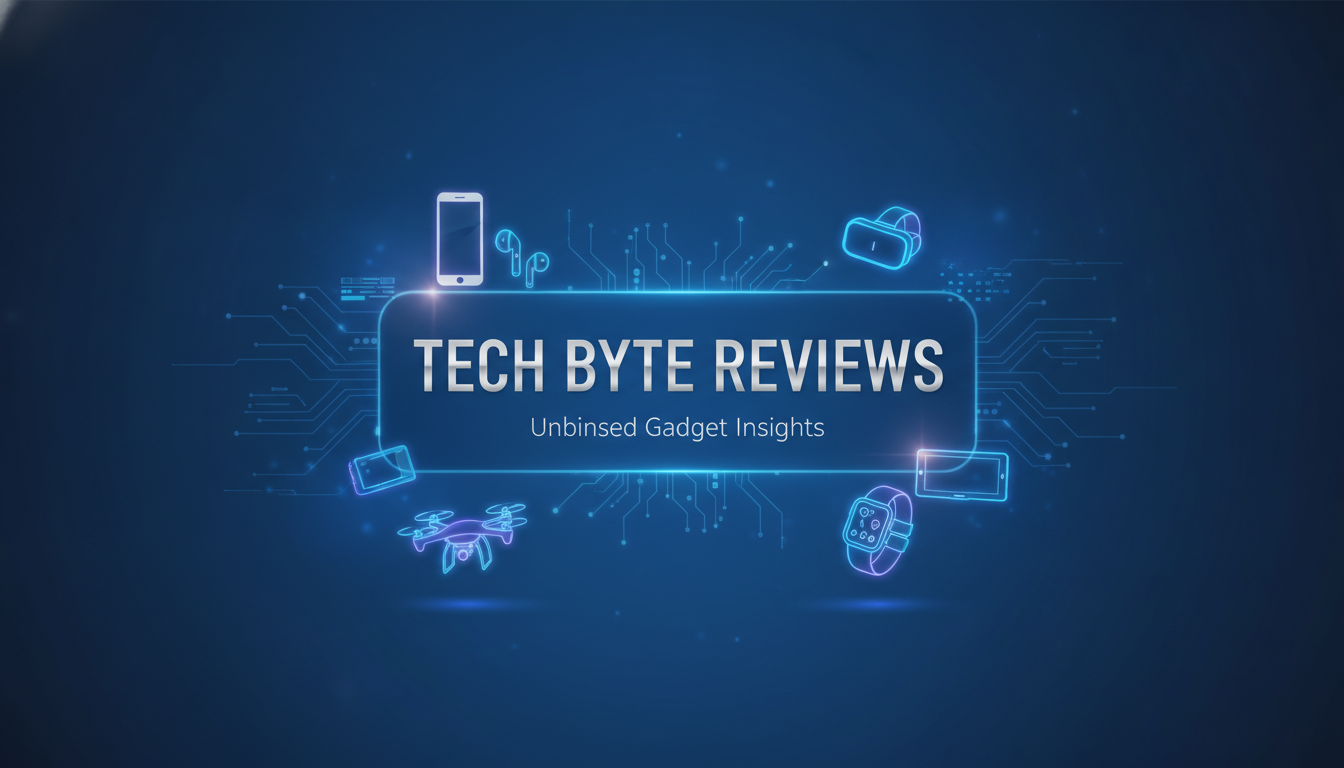
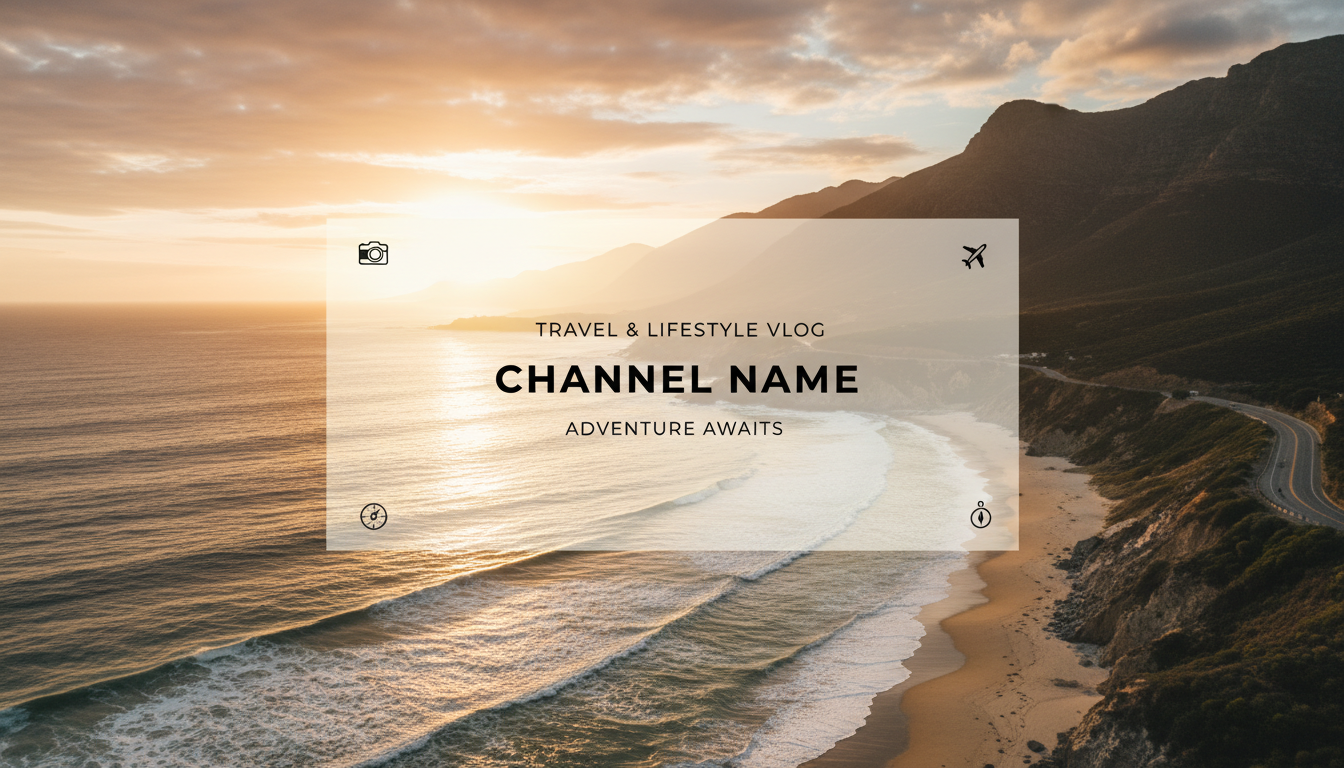
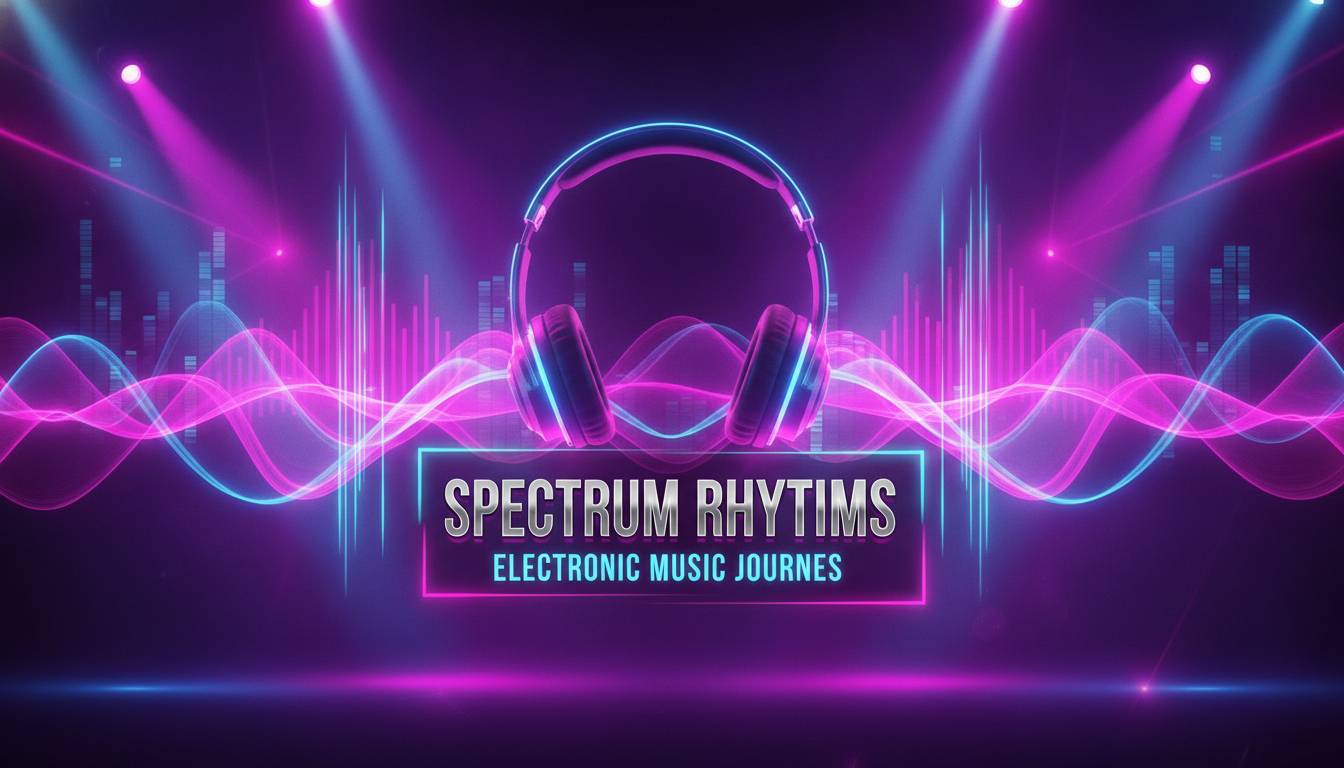
How the AI YouTube Banner Maker Works
Go from a blank channel to a polished YouTube banner in three simple steps
Describe Your Channel
Pick a style — gaming, tech, vlog, music, fitness, or food — and add your channel name, colors, or mood in the optional prompt box. The AI YouTube banner maker uses your details to design art that fits your niche.
Generate Your Banner
Nano Banana Pro creates a wide, YouTube-ready banner in about 20 seconds, keeping a clean central safe zone so your name and tagline stay visible across desktop, mobile, and TV.
Download in 4K
Save your channel art in crisp 4K and upload it straight to YouTube Studio. Generate several variations and pick the banner that best represents your brand.
Why Creators Love the AI YouTube Banner Maker
Six reasons this AI YouTube banner maker is the fastest way to professional channel art
Perfectly Sized Channel Art
The AI YouTube banner maker designs wide banners with a central safe zone, so your name and tagline stay readable on every device — phone, desktop, tablet, and TV — without awkward cropping.
Styles for Every Niche
Gaming, tech reviews, travel vlogs, music, fitness, cooking, and more. Each preset is tuned for its audience, so your banner instantly signals what your channel is about.
On-Brand in Seconds
Add your channel name, colors, and mood in the prompt box and the AI YouTube banner maker builds art that matches your brand — no templates, no stock graphics, no design degree required.
No Design Software Needed
The AI YouTube banner maker runs right in your browser. No Photoshop, no Canva learning curve, and no downloads — just describe your channel and generate.
4K Upload-Ready Quality
Every banner renders in crisp 4K, sharp enough to upload directly to YouTube Studio and look clean on big screens, while staying lightweight for fast loading.
Free to Start
Create your first YouTube banner with free starter credits — no credit card required. Upgrade only when you want more channel art and premium 4K quality, with plans from $2.99.
Frequently Asked Questions
Common questions about the AI YouTube banner maker
Design Your YouTube Banner
Create scroll-stopping channel art in crisp 4K — gaming, tech, vlog, music, fitness, and food styles with a clean central safe zone for your name. Try the AI YouTube banner maker free. Plans from $2.99.
Professional Channel Art, Powered by AI
Your YouTube banner is prime real estate. It sits at the top of your channel page, sets the tone before anyone presses play, and tells visitors in a glance whether they have found the right creator. Yet building one used to mean wrestling with design software, hunting for the correct 2560x1440 dimensions, and worrying about whether your text would be cropped on a phone. The AI YouTube banner maker removes all of that friction. Choose a style, describe your channel, and the AI designs polished, on-brand channel art that fits YouTube's layout — with a clean central safe zone so your name and tagline stay readable everywhere.
Generic banner templates make every channel look the same. The AI YouTube banner maker is different: Nano Banana Pro generates original artwork tuned to your niche, whether you run a high-energy gaming channel, a sleek tech review show, a sun-soaked travel vlog, a music channel, a fitness program, or a cozy cooking series. The result feels designed for you, not pulled from a shared library that thousands of other creators are using too.
Because everything runs in your browser, there is nothing to install and no steep learning curve. You can start from any device, generate your first YouTube banner in seconds, and explore as many styles and color directions as you like with a free tier to get you going.
From Idea to Upload in Minutes
What sets this AI YouTube banner maker apart is how quickly it turns a rough idea into finished channel art. Tell it the vibe — bold and neon, clean and minimal, warm and inviting — add your channel name and colors, and watch a complete banner appear in about 20 seconds. Don't love the first result? Regenerate instantly and compare variations until one clicks, all without opening a single design app.
Creators use the AI YouTube banner maker to launch brand-new channels, refresh a tired look, theme a banner for a new series or season, or keep a consistent brand across YouTube, Twitch, and social profiles. Every banner renders in 4K, so it stays crisp on big-screen TVs and high-resolution monitors while loading fast for viewers on mobile data.
Whether you are uploading your very first video or rebranding an established channel, the AI YouTube banner maker gives you a fast, affordable way to look professional from the moment a viewer lands on your page. Start free today and design channel art that makes people hit subscribe.
Try the AI YouTube banner maker free today. Generate professional 2560x1440 channel art in 4K — gaming, tech, vlog, music, fitness, and food styles with your real branding. No credit card required. Paid plans from $2.99.