
AI Banner Generator
A banner is a wide, shallow rectangle that has to land one message on someone who is scrolling past it or driving past it. That shape is unforgiving: one headline, one supporting line, one action, and nothing else fits. This AI banner generator does that layout for you — pick a banner type, whether it is a web sale banner, a paid social ad, a printed vinyl banner, a roll-up stand, an event backdrop or a website header, type the exact wording, and Nano Banana Pro renders the finished banner in about twenty seconds.
Try It Now — Free
Choose a banner type, then type the exact wording into the box — the headline, the one supporting line, and the words on the button if there is one. Keep the headline to about four words; a banner that needs a paragraph is a landing page. Your banner arrives in about twenty seconds at up to 4K.
AI Banner Generator
Pick a banner type, type your wording, and get a finished banner design in seconds
Banners From the AI Banner Generator
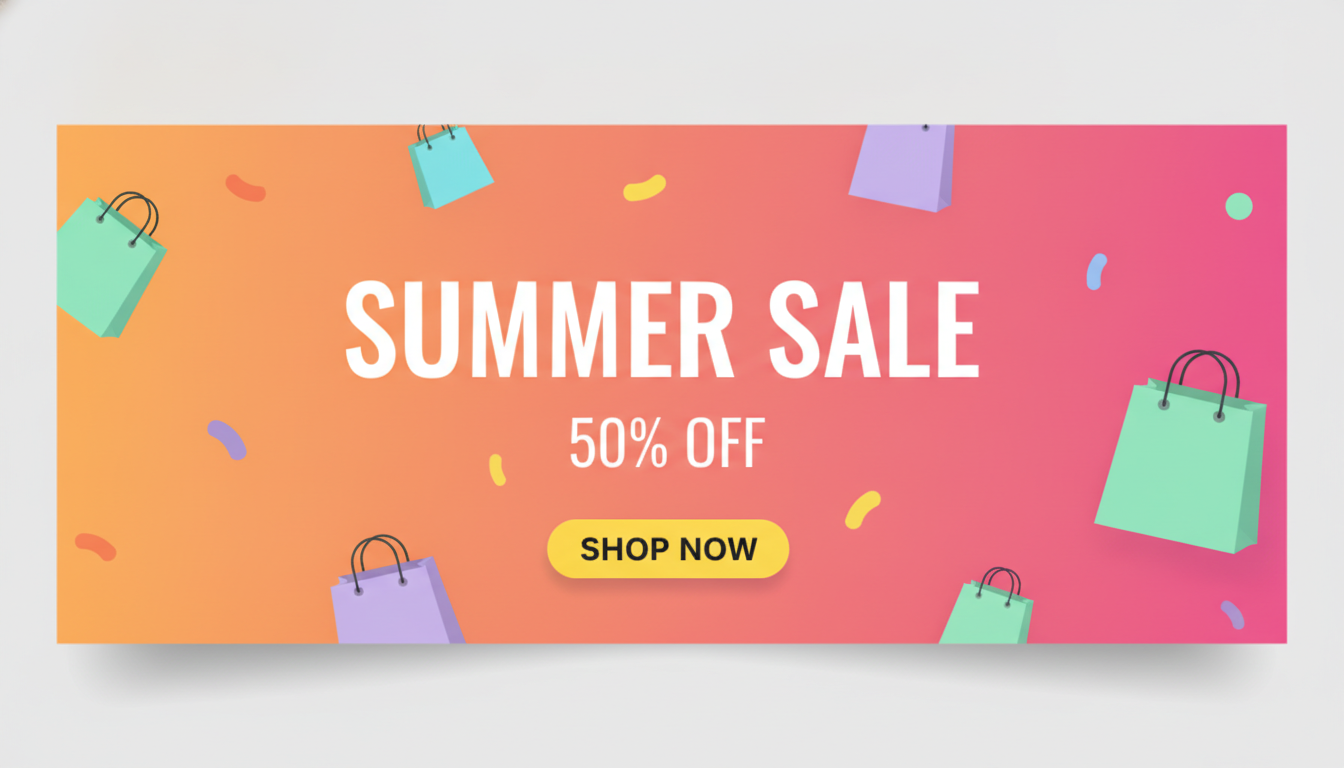
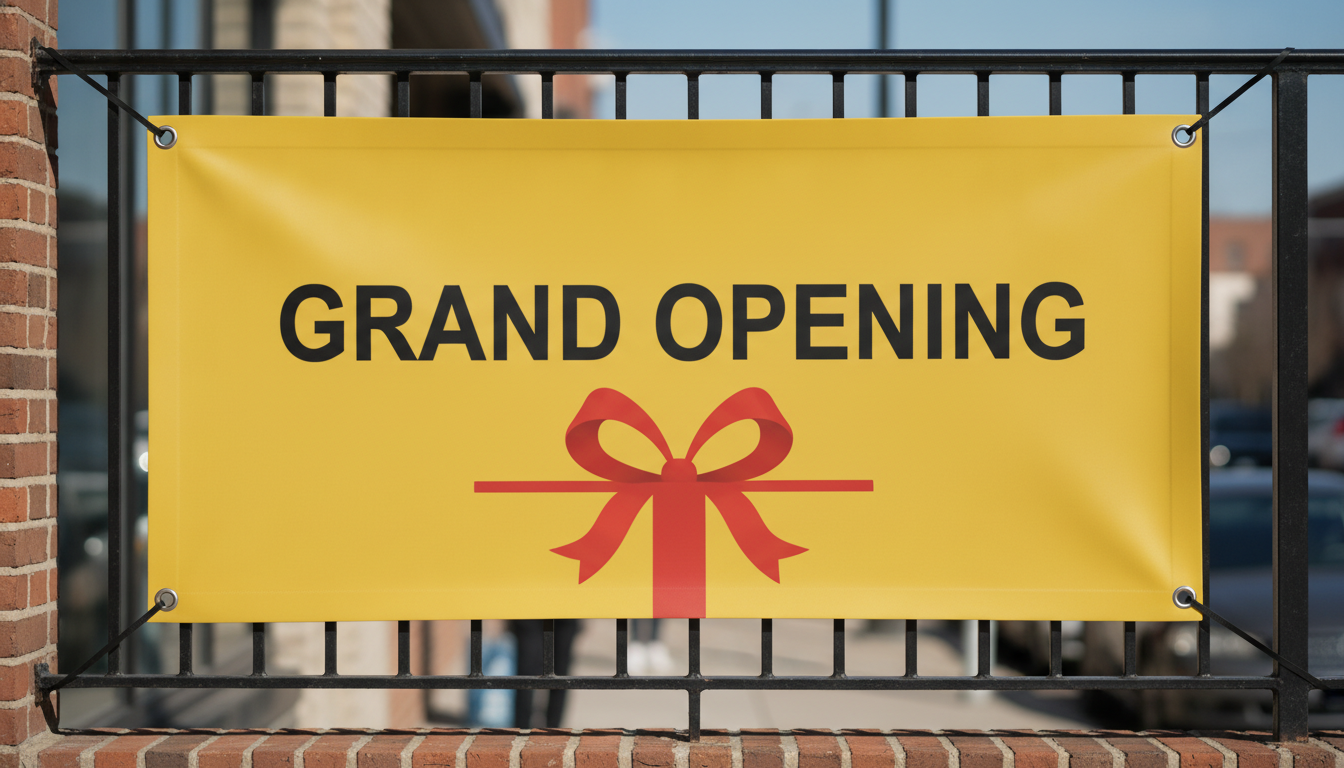
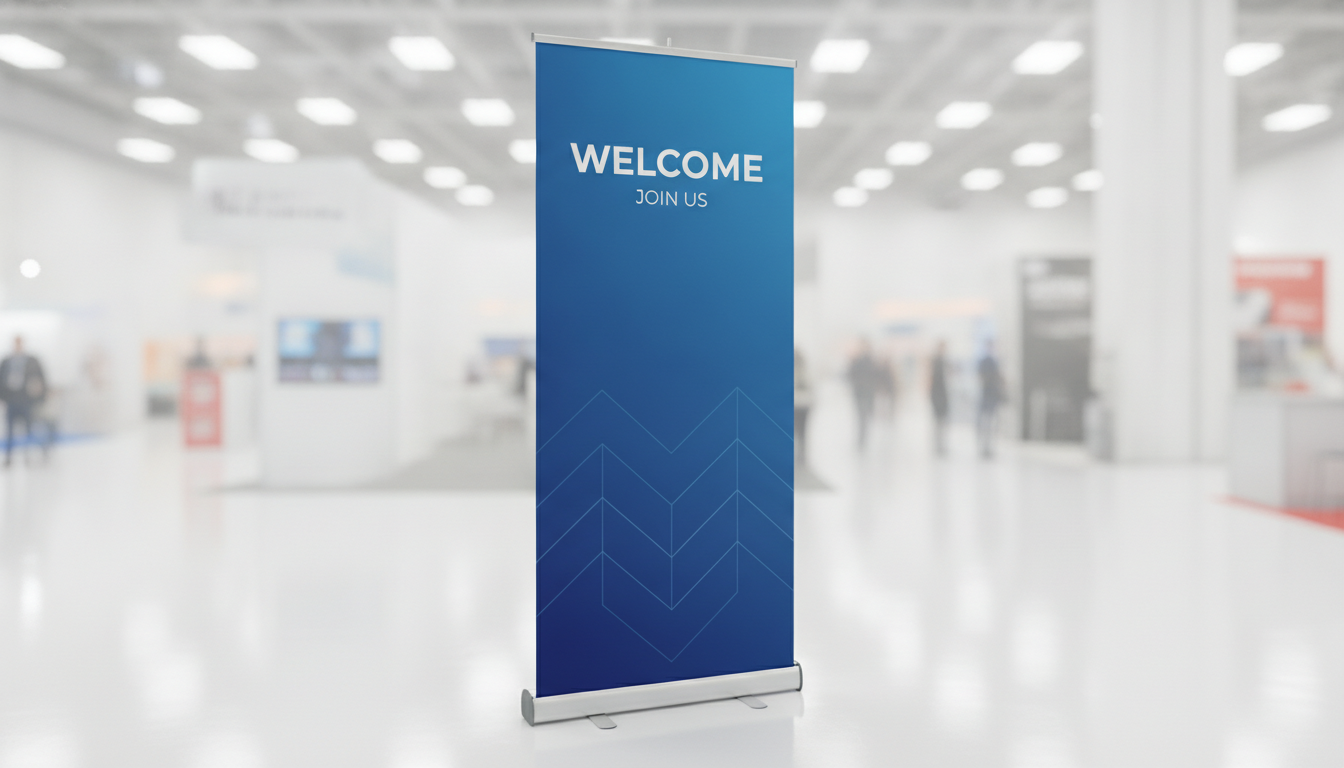
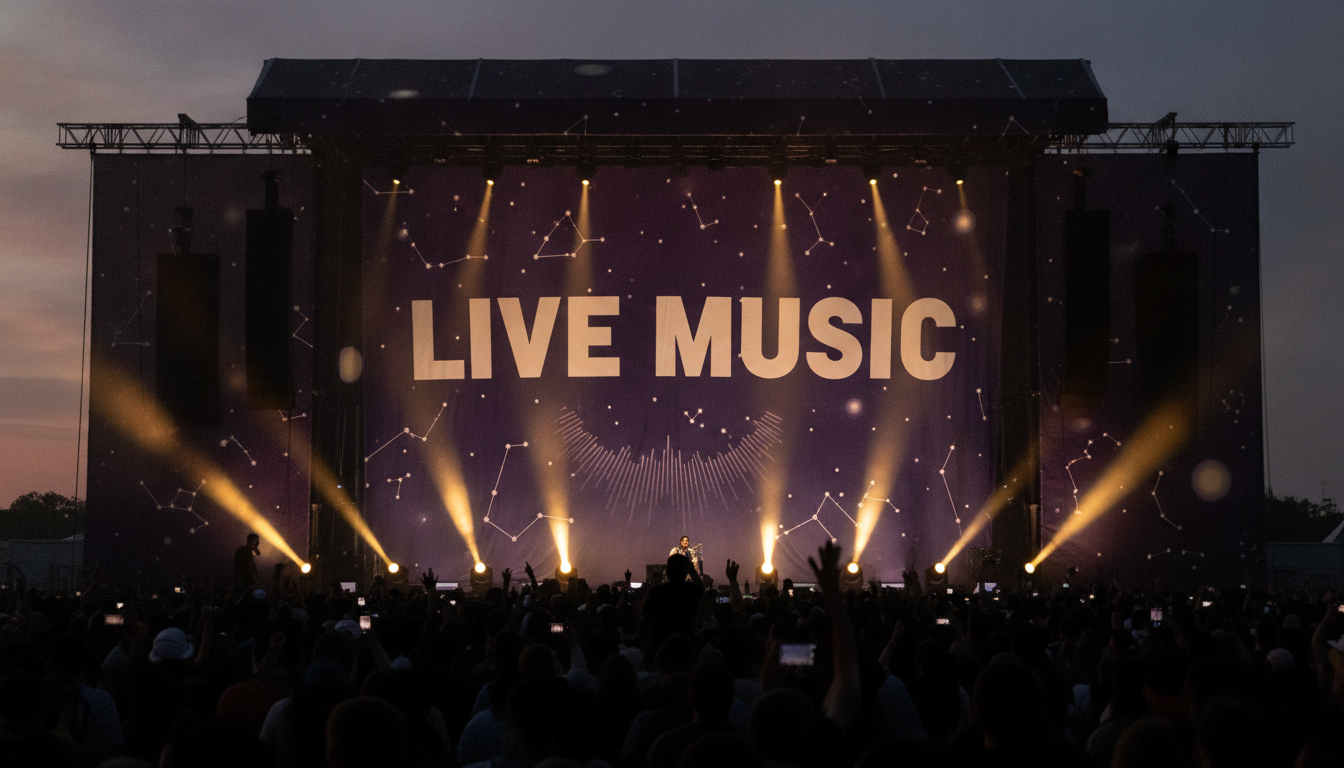
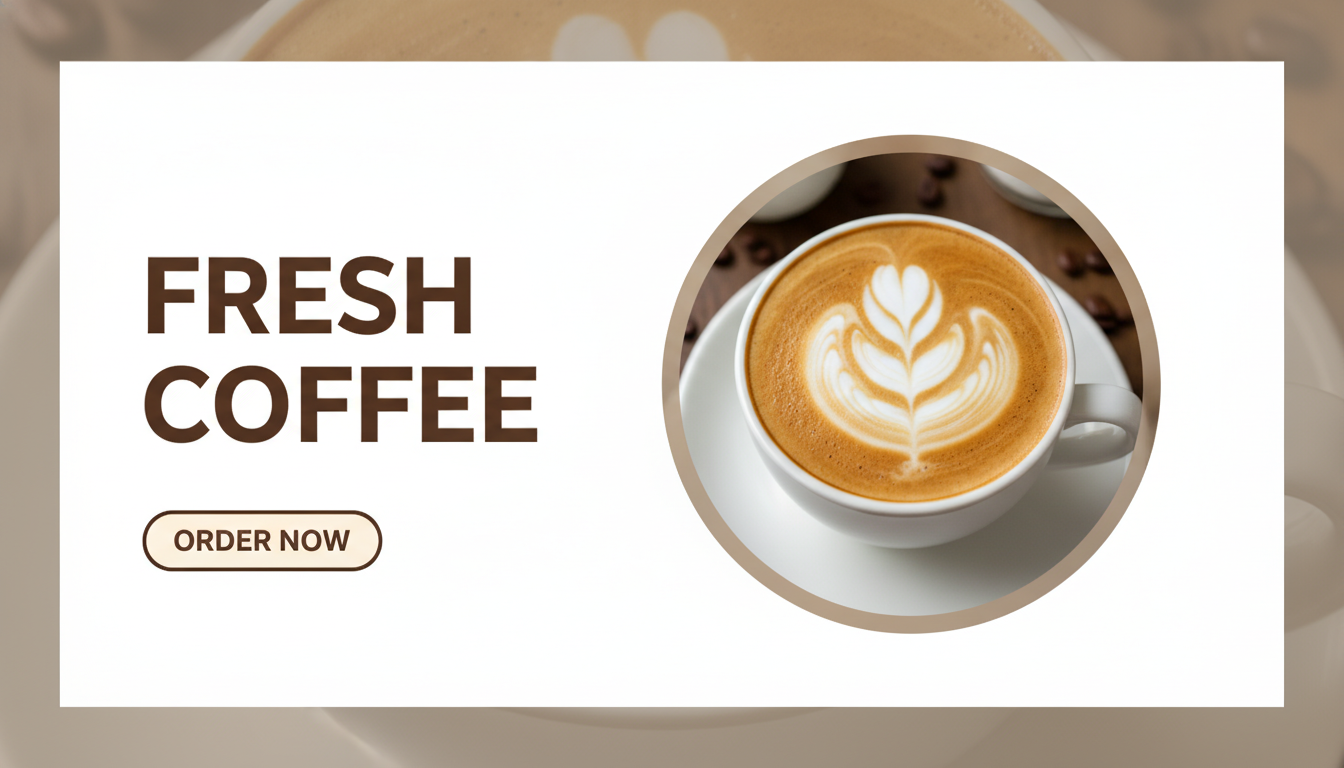
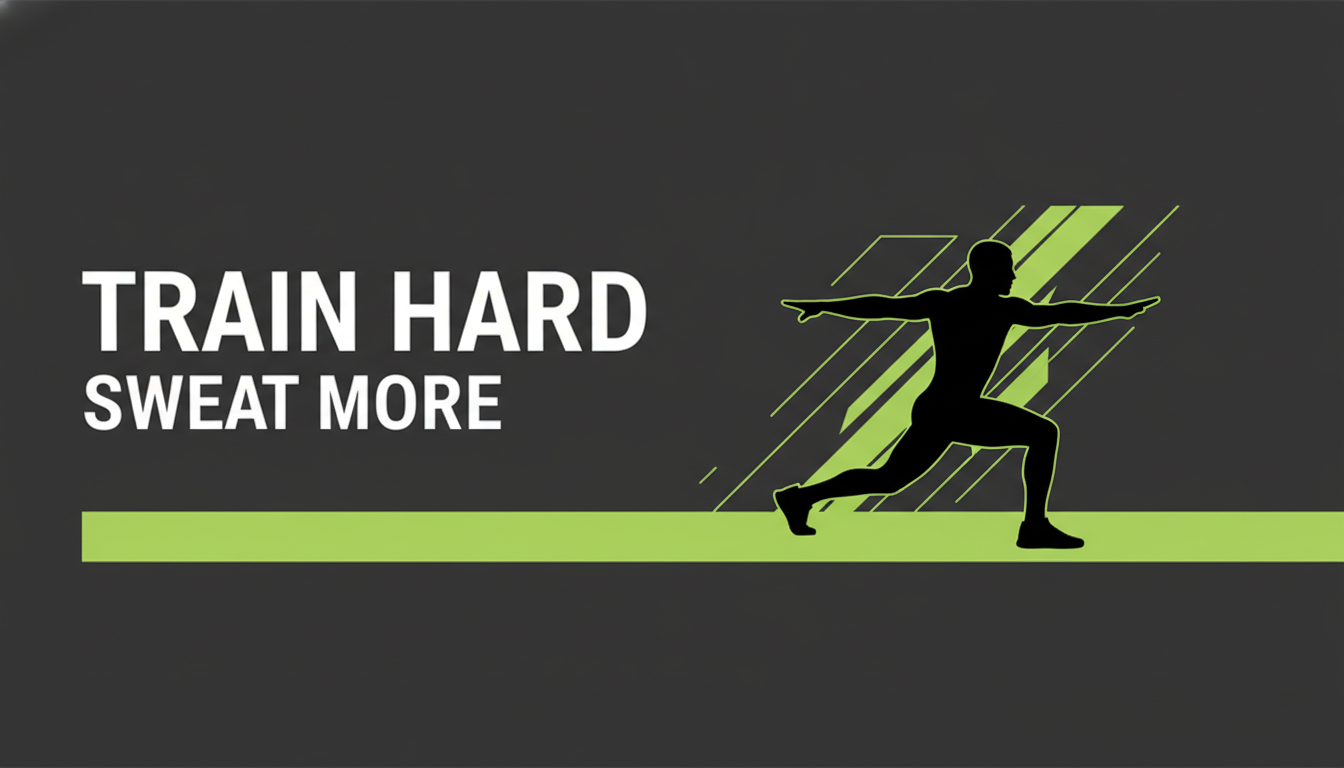
Web sale banner, printed vinyl banner, roll-up stand, event backdrop, social ad and website hero — six banner types, all generated from typed wording
How the AI Banner Generator Works
Three steps from a promotion you have decided on to a banner you can publish or send to print
Choose a Banner Type
Six presets cover the banners people actually need, and each one is a different object rather than the same rectangle recoloured. Web Sale Banner is flat artwork built around a headline, a discount line and a button. Social Ad Banner splits a photo against a calm panel and keeps everything inside safe margins. Vinyl Outdoor Banner renders a hemmed, grommeted banner hung on a railing in daylight. Roll-Up Stand is a vertical exhibition banner on its base in a hall. Event Backdrop hangs fabric behind a lit stage. Website Hero Banner is a dark web header with one accent colour. The preset decides how many lines the banner gets before you type a word.
Type the Exact Wording
Put the real words in the details box, spelled the way they must appear, and then stop. "SUMMER SALE, second line UP TO 50% OFF, button SHOP NOW, coral and cream colours" is a complete brief for a sale banner. The temptation is to add the dates, the terms, the three product categories and the web address — but a banner is read in about a second, from a distance or at a scroll, and every extra line shrinks the headline that does the actual work. Give it one message and one action.
Proof It, Then Publish or Print
Your banner comes back in about twenty seconds at up to 4K. Read every word against your own spelling before it goes anywhere, and check the discount figure twice — a wrong number on a live ad costs money in both directions. For web and social, the image is finished and ready to upload. For anything printed at size, treat the render as an approved design: a print shop will rebuild it at the true dimensions with proper bleed and a vector headline before a two-metre vinyl banner comes off the press.
Why Use an AI Banner Generator
Six reasons this beats dragging text boxes around a template
It Renders Your Actual Words
A banner is almost entirely typography, which is precisely where image models used to collapse — the headline came back as confident-looking gibberish and you were left with a mood board. Nano Banana Pro was built to set legible type inside an image, so your headline, your discount figure and your button text arrive as words you can read. That single capability is what makes an AI banner generator worth using rather than a novelty, and it is the first thing to test against any alternative.
The Hard Part Is the Hierarchy
Most bad banners are not badly drawn, they are badly ranked: three competing headlines, a button the same weight as the body text, and nothing for the eye to land on first. Each preset enforces a hierarchy — one dominant line, one supporting line at roughly half its size, one action — because that is the structure that survives being seen for a second. You supply the words; the layout decides what wins.
Six Banner Types, Six Different Jobs
A web sale banner, a roll-up stand and a vinyl banner on a fence are not the same design at different sizes. The web banner has a button and lives beside a checkout. The roll-up is read standing up from two metres away and needs bullet lines. The vinyl banner is read from a moving car and can hold about three words. The event backdrop has to keep type legible over an image under stage lighting. Switching preset rebuilds the banner around what it has to do.
See It Hanging, Not Just Flat
Printed banners get judged in place, so the print presets render them there: vinyl hung on a railing with grommets and a little fabric slack, a roll-up standing on an exhibition floor, fabric rippling behind a lit stage. That shows you what a flat mockup hides — whether the headline still reads at that distance, whether the background swallows the type once stage lights hit it, whether the bottom line disappears behind a table.
Cheap Enough to Try Six Versions
Banner design is the kind of work that gets stuck waiting on a designer for two days and then arrives close but not right. Generating six directions in ten minutes changes which arguments you have: you compare real options on screen instead of describing them, and you settle the headline, the colour and the button wording before anyone books print time or launches an ad set.
Free to Start, $9.98 to Keep Going
You can generate banners free without a credit card, which is the sensible way to check how your particular headline and brand name render before you build a campaign on it. Paid plans start at $9.98 — less than a stock photo — and cover a full set for one promotion: the web banner, the social ad, the roll-up and the printed banner. Output is up to 4K, unwatermarked and cleared for commercial use.
Frequently Asked Questions
Common questions about using an AI banner generator
Make Your Banner in About Twenty Seconds
Pick a banner type, type your wording, and get a finished banner at up to 4K — web sale banner, social ad, printed vinyl banner, roll-up stand, event backdrop or website hero. Powered by Nano Banana Pro. Free to start, plans from $9.98.
Design Web, Ad and Printed Banners With an AI Banner Generator
Banners are the most repeated design job in a small business and the one most likely to be done at the last minute. A sale starts Friday, the stand goes up Tuesday, the event is next month — and each one needs a wide rectangle carrying one message, in a format nobody has time to think about carefully. An AI banner generator collapses that job into typing: you give it the headline, the supporting line and the action, and a finished banner comes back in about twenty seconds, either as flat artwork ready to upload or rendered hanging where it will actually be seen.
What makes this newly possible is text rendering. A banner is typography with a background attached, so it was the last thing image models could handle — for years you got a beautiful gradient with a headline that dissolved when you looked at it. Nano Banana Pro was built to set legible type inside an image, and you can read more about how that works on the text in images page. That is the difference between a decorative rectangle and a banner carrying your real offer.
Six presets cover what people actually order. Web Sale Banner builds flat artwork around a headline, a discount line and a button. Social Ad Banner splits a photograph against a calm panel and keeps every word inside safe margins. Vinyl Outdoor Banner renders a hemmed, grommeted banner hung on a railing in daylight, headline sized to be read from the road. Roll-Up Stand puts a vertical exhibition banner on its aluminium base with three short bullet lines. Event Backdrop hangs fabric behind a lit stage with enough dark space to keep the type readable. Website Hero Banner is a dark web header with one accent colour and a single action. Same wording, six different jobs.
For Shops, Marketers, Event Organisers and Exhibitors
Banner quality comes down to restraint in the details box. Give it the headline, one supporting line, the button words and a colour direction — then stop. A banner is read in about a second, and every extra line steals size from the words doing the work. Once the banner is settled, the same campaign usually needs the rest of the set: the AI poster generator for the wall version, the AI flyer generator for the hand-out, the AI signage generator for the fascia and the pavement board, and the AI logo generator for the mark that ties them together. If the banner you need is channel art rather than a campaign asset, the AI YouTube banner maker is built for that specific canvas and its safe area.
Three limits are worth stating plainly. You get an aspect ratio rather than exact pixel dimensions, so a 728x90 leaderboard or a 300x250 rectangle needs a crop — which is why the presets hold wide margins and keep type away from the edges. You get a flattened RGB raster, which is ready to publish online and fine printed up to about a metre, but a three-metre vinyl banner should be rebuilt by the printer at true size with bleed and vector type. And digits are the weak spot: check discount figures, dates and web addresses character by character, and if you want a scannable code on the banner, make a real one with the AI QR code art generator and test it with a phone before printing.
Beyond that it is yours to use. Output runs up to 4K, carries no watermark and is cleared for commercial use, so the same banner can go out as a paid ad, get printed on vinyl and sit at the top of your homepage. Keep other companies' names and logos out of the design, stand behind whatever price or promise the headline makes, and place your own logo file over the space the layout leaves for it when the work is brand-critical. It is free to start with no credit card, and plans begin at $9.98. Type in your headline and see the banner before the sale starts.
Try the AI banner generator free today. Type your wording, pick one of six banner types, and download a finished banner design at up to 4K. No credit card required to start. Paid plans from $9.98.