
AI QR Code Art Generator
A QR code is the least designed thing on most menus, posters, business cards and wedding invitations — a grey square that survived every other branding decision untouched. This AI QR code art generator fixes that. Upload the plain code you already generated, choose a style, and it comes back as artwork: waves and blossom in woodblock ink, coffee beans and latte swirls, neon circuitry, pressed wildflowers, gold foil on matte black. The module grid and the three corner finder patterns stay where they belong, at up to 4K, in about twenty seconds.
Try the AI QR Code Art Generator — Free
Generate a plain QR code anywhere you like, upload it here at the highest error-correction level you can, pick an art style, and describe your brand. Then test the result with your phone before you print it.
AI QR Code Art Generator
Upload a plain black-and-white QR code, pick an art style, and get a branded QR artwork in seconds
Upload a high-contrast QR code PNG (error correction level H works best), choose a style, then describe your brand
QR Code Art Styles You Can Generate
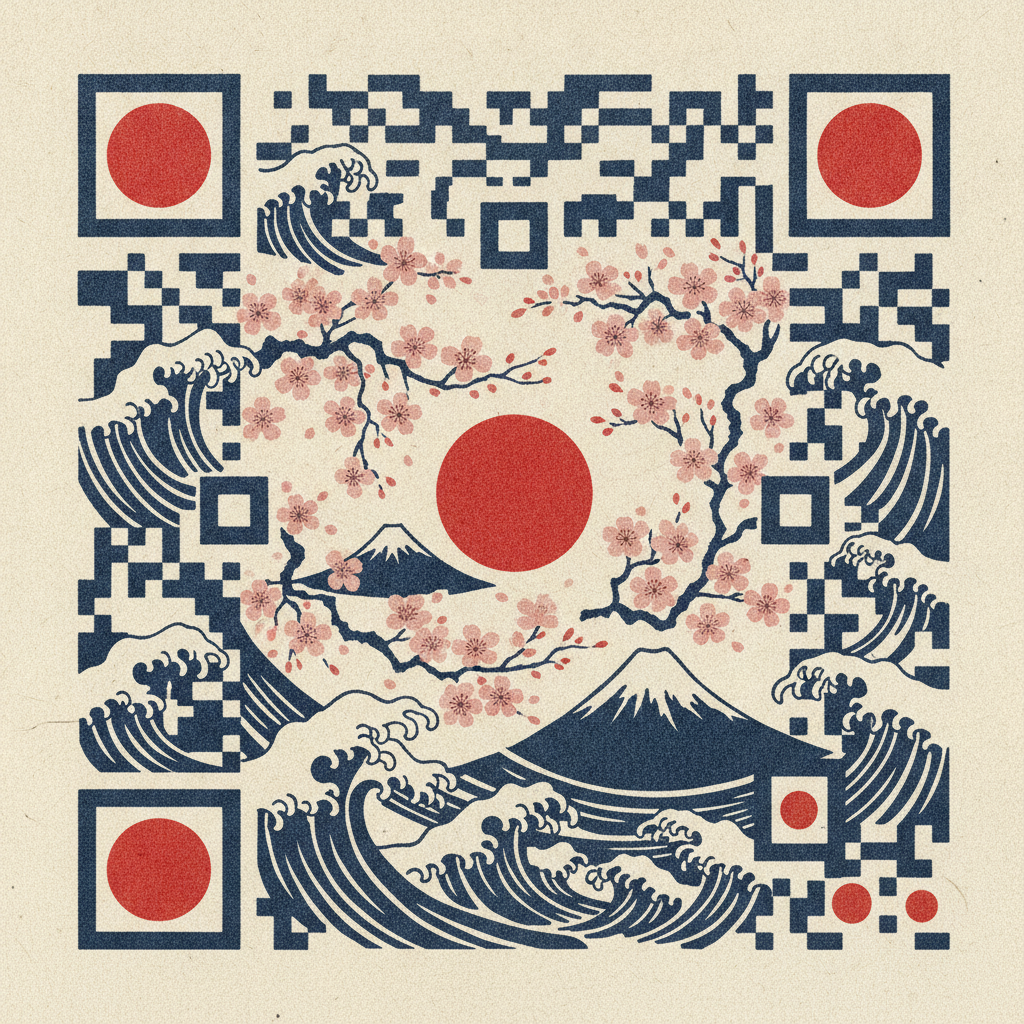
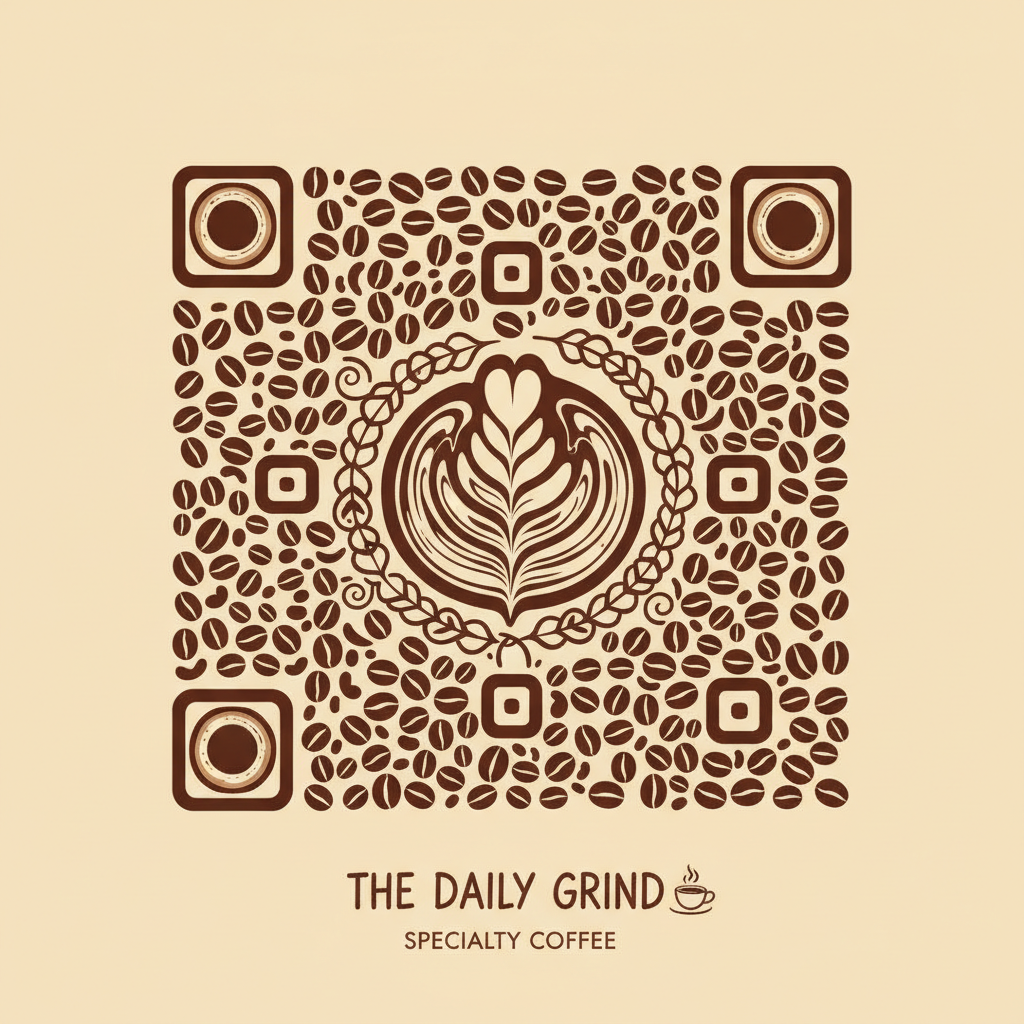
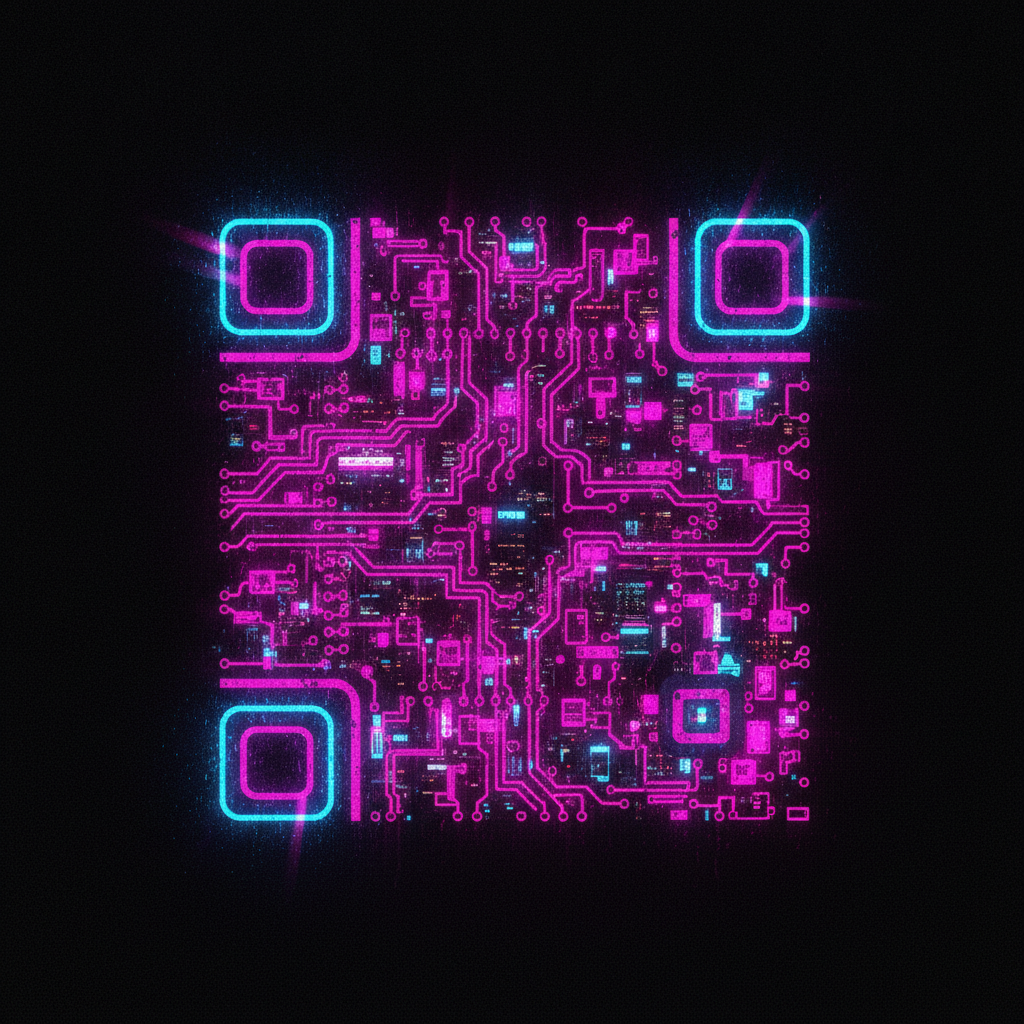
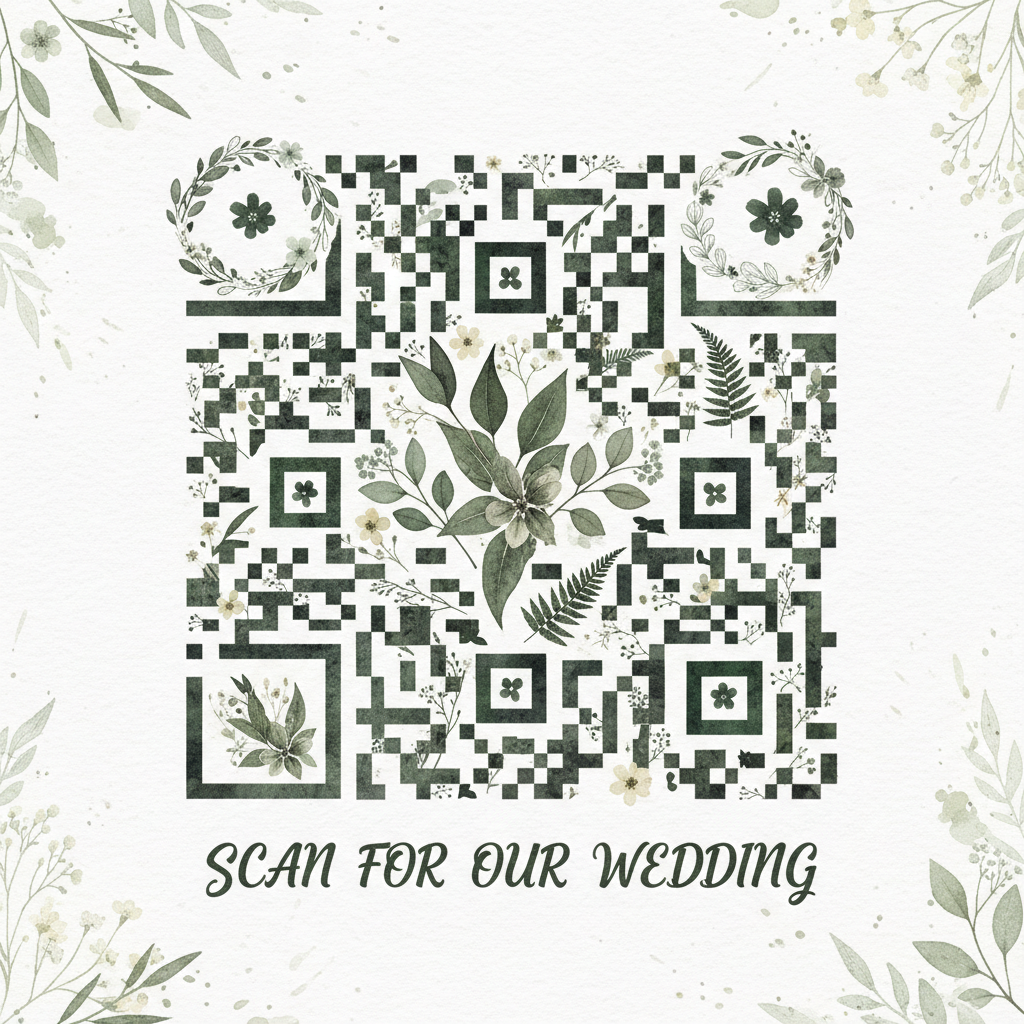
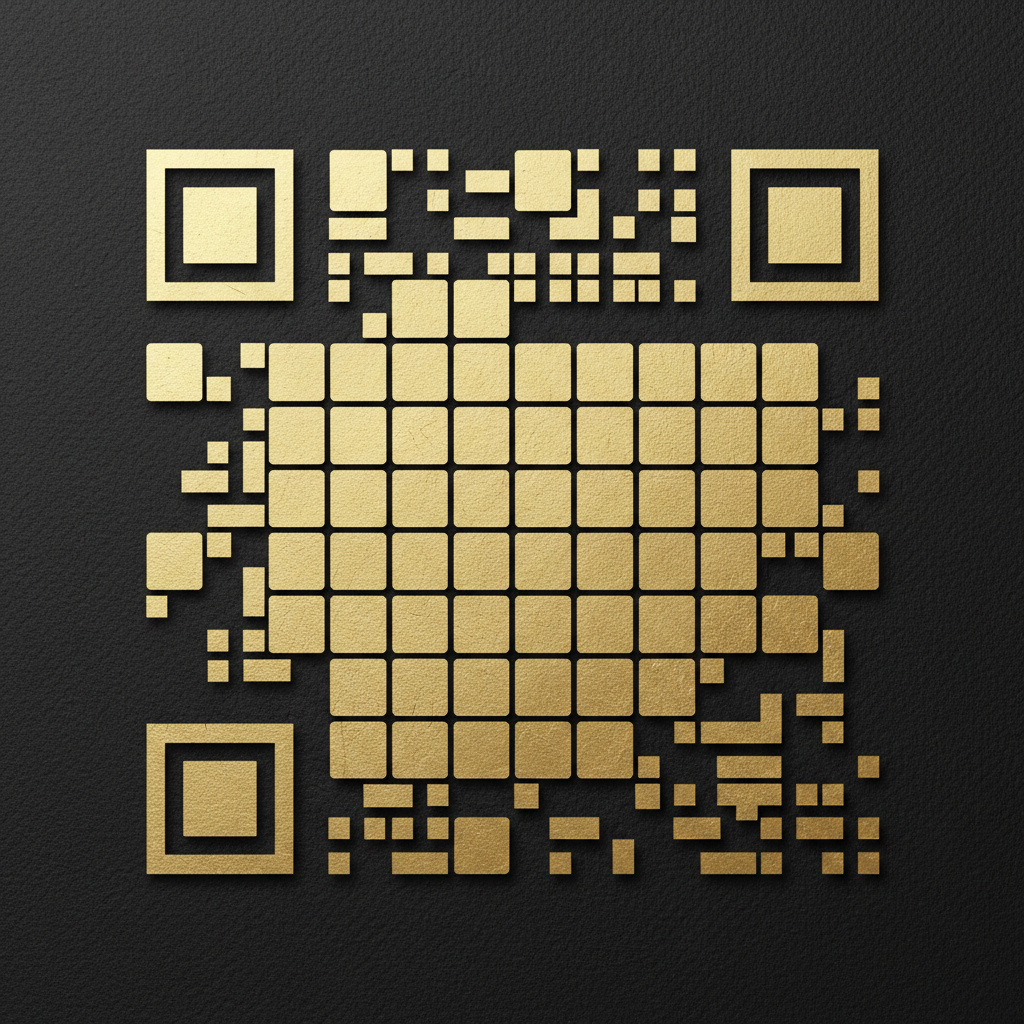
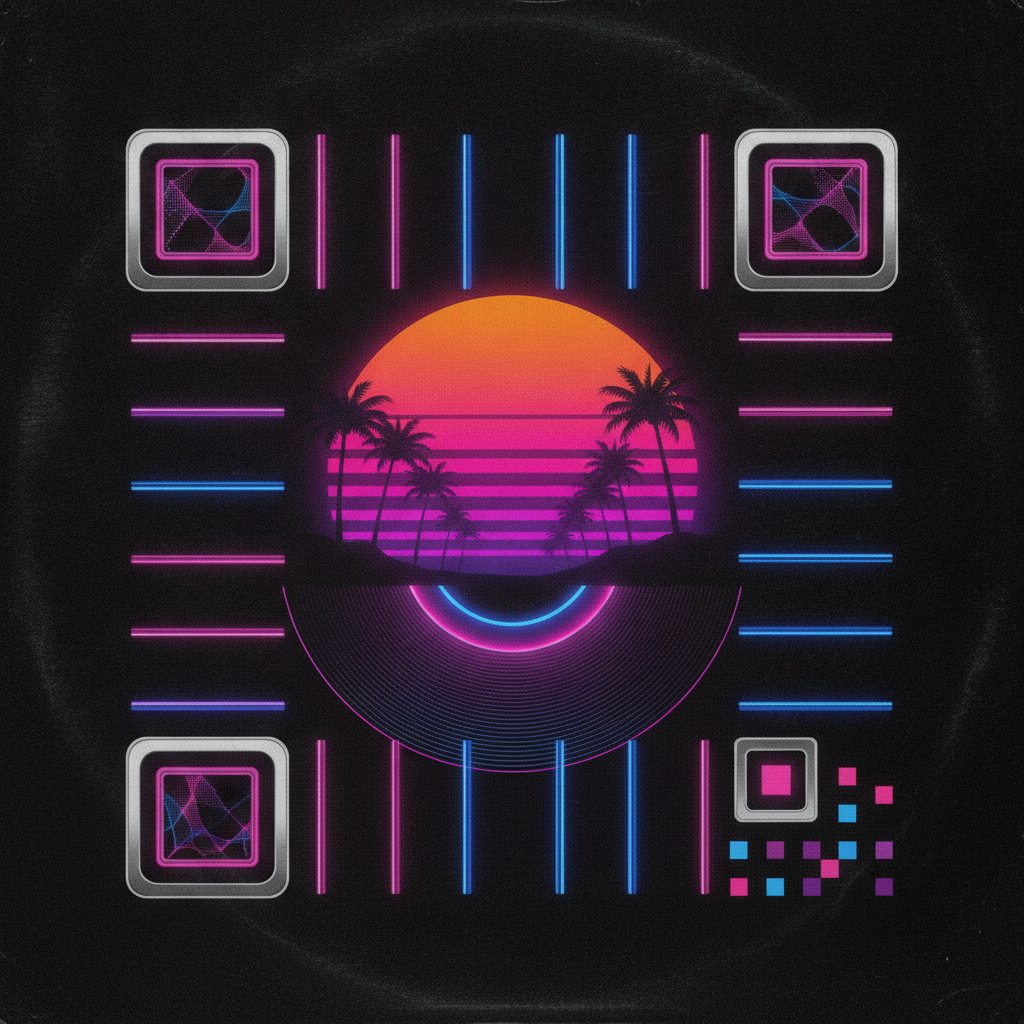
Woodblock waves, coffee beans, neon circuitry, pressed wildflowers, gold foil on matte black and chrome synthwave — six looks the same code can wear
How the AI QR Code Art Generator Works
Three steps from a grey square to a graphic people actually want to point a camera at
Bring a Plain QR Code
Make your code wherever you normally do — your link shortener, your booking platform, your Wi-Fi router app, any free QR generator. Two settings matter before you export. Set error correction to level H, which builds in roughly thirty percent redundancy and is what gives an artistic code the tolerance to survive being restyled. And export it large and pure black on pure white, ideally 1024px or more, because a small blurry JPEG gives the model mushy edges to work from and mushy edges are exactly what breaks a scan.
Choose a Style and Name Your Brand
Pick from Japanese woodblock, cafe and food brand, neon cyberpunk, botanical wedding, luxury gold foil or retro synthwave. Each preset carries an explicit instruction to hold every module in place and keep the three corner finder patterns square and intact, because that constraint is the whole difference between QR art and a pretty picture. Then add your specifics in the details box — "third-wave coffee roastery, warm browns and terracotta" or "September garden wedding, sage and cream" — so the artwork carries your palette rather than a generic one.
Generate, Then Scan Before You Print
Your artwork arrives in about twenty seconds at up to 4K, watermark-free and cleared for commercial use. Now do the step people skip: scan it. Test with an iPhone camera and an Android camera, from close up and from arm’s length, on screen and on paper. If it hesitates, regenerate with a simpler style or raise the contrast, and if you are printing at poster size test a printed proof too. A QR code that looks incredible and scans unreliably is worse than the grey square you started with.
What This AI QR Code Art Generator Does Differently
Six reasons the artwork still behaves like a QR code
The Module Grid Is Treated as Structure
Most image models see a QR code as an interesting checkerboard texture and feel free to improvise on it — a module drifts, two merge, a finder pattern picks up a decorative flourish, and the code stops resolving. Every preset here opens with the opposite instruction: hold each module in its original position, size and light-or-dark value, keep the three corner finder patterns and the alignment pattern square and fully intact, and leave the quiet zone clear. Style is applied on top of that skeleton rather than replacing it.
Contrast Is Protected, Not Just Requested
Scanners do not read colors, they read the difference between light and dark. The most common way beautiful QR art fails is mid-tone drift — a muted palette, a haze layer, a neon glow bleeding from one module across its neighbours until the boundary disappears. Each preset names the dark treatment and the light treatment separately and tells the model to keep the separation extreme, and the neon and synthwave presets specifically forbid the blooming and scanline overlays that would otherwise soften the grid.
Six Ready Styles, No Prompt Writing
Japanese woodblock for a restaurant or a tea brand, coffee beans and latte swirls for a cafe menu, neon circuitry for a tech launch or a club flyer, pressed botanicals for wedding stationery and RSVPs, gold foil on matte black for premium packaging and business cards, chrome synthwave for a music release. Each is a long, tuned prompt you would otherwise have to write and rewrite yourself. Running the same code through several presets takes a minute and gives you real options to choose between.
Your Brand Palette Goes In Too
A style preset gets you the genre; the details box gets you your version of it. Naming your roastery’s terracotta and cream, your wedding’s sage and dusty rose, or your label’s specific black-and-brass gives the artwork a reason to sit next to the rest of your material rather than looking borrowed. Nano Banana Pro follows long, specific color and material descriptions well, so the more concretely you describe the brand, the less the output looks like stock QR art.
Works From Any QR Code You Already Have
This is a restyler, not a link encoder, and that is deliberate. Your code keeps pointing wherever you made it point — a menu, a Calendly, a Spotify release, a Wi-Fi network, a vCard, a donation page — including dynamic codes whose destination you can change later without reprinting. You generate the code with the tool you trust for tracking and redirects, and use this AI QR code art generator purely for the visual layer on top.
4K Output, Free to Start, $9.98 to Scale
Designs export at up to 4K with no watermark and full commercial rights, which is enough for a menu card, a shop window decal, a packaging print, a poster or a table tent. Start free without a credit card and test a scan before you commit to anything. Plans begin at $9.98 when volume shows up — a franchise rolling out codes per location, a wedding with separate RSVP and registry codes, an agency producing a set of campaign variants in one afternoon.
Frequently Asked Questions
Common questions about generating artistic QR codes that still scan
Stop Printing the Grey Square
Turn the QR code on your menu, packaging, poster or invitation into artwork that matches your brand. 4K, watermark-free, powered by Nano Banana Pro. Free to start, plans from $9.98.
Turn a Plain Code Into Branded Artwork With an AI QR Code Art Generator
Look at almost any restaurant menu, product box, gig poster or wedding invitation and you will find one element that escaped the design process entirely: the QR code. Everything else got a typeface, a palette and an opinion. The code got pasted in as a grey square because that is what the generator handed over. It is a strange gap, because that square is often the single most important thing on the page — it is where the menu, the booking, the playlist or the RSVP actually lives, and it is the only element you are explicitly asking someone to interact with. An AI QR code art generator closes the gap by treating the code as a design surface rather than a technical artifact.
The technique matters more than it might sound. A QR code is not decoration that happens to look geometric; it is a data structure with rules. The three large squares in the corners are finder patterns that tell a scanner where the code is and how it is rotated. The smaller square near the opposite corner is an alignment pattern that corrects for perspective and curvature. The blank border around the whole thing is the quiet zone, and covering it breaks detection just as thoroughly as scribbling on the data. Style all of that freely and you get a beautiful graphic that no phone will read. That is why every preset in this AI QR code art generator opens by pinning the module grid, the finder patterns, the alignment pattern and the quiet zone, and only then describes how the dark and light modules should be rendered.
Six styles cover most of what people actually need. Japanese woodblock builds the code from indigo waves, Fuji silhouettes and blossom on cream washi — a natural fit for tea, sushi and craft brands. Cafe and food brand assembles it from roasted beans, latte swirls and steam in espresso tones for menus and table tents. Neon cyberpunk renders the modules as glowing circuit traces and lit city windows for tech launches and club flyers. Botanical wedding composes pressed leaves, eucalyptus and wildflowers on cotton paper for invitations and RSVP cards. Luxury gold foil embosses brushed metallic tiles onto matte black card for premium packaging and business cards. Retro synthwave assembles chrome grids, a gradient sun and palm silhouettes for music releases and event art.
Restaurants, Wedding Planners, Musicians, Retailers and Marketing Teams
The people who get the most from artistic QR codes are the ones whose codes live somewhere physical and branded. Restaurants and cafes replacing the printed menu with a scan and wanting that scan to look like the room it sits in. Wedding planners and stationers producing invitation suites where an RSVP code has to match the letterpress. Musicians and labels putting a Spotify code on a vinyl sleeve or a poster. Retailers and DTC brands adding a code to packaging for care instructions, reorders or authenticity checks. Event organisers, real estate agents, museums, breweries and trade show teams — anywhere a camera-pointing moment is part of the experience and the grey square undercuts it.
Three habits separate reliable results from frustrating ones. Generate the original code at error correction level H, because the roughly thirty percent redundancy that level buys is what lets an artistic code survive stylisation at all. Keep the encoded URL short by using a link shortener or a dynamic code, since a shorter string means a lower-density grid with larger modules, and larger modules tolerate art far better than a dense grid packed with a long UTM-tagged URL. And upload the code large, at least 1024px, in pure black on pure white with no grey anti-aliasing fringe — a small, soft, re-compressed screenshot gives the model ambiguous edges, and ambiguous edges are where scans go to die.
One honest caveat, because it is the thing that matters most. Artistic QR codes are a probabilistic craft, not a guaranteed output, and no generator can promise a scan it has not tested. Always scan the finished artwork yourself before it is printed — iPhone and Android, close up and at arm's length, on screen and on the actual paper stock, in the lighting the code will really live in. If it hesitates, move to a flatter style, raise the contrast, shorten the URL or print it larger. Get that right and you keep everything the format is good for: up to 4K, watermark-free, cleared for commercial use, free to start with no credit card, and plans from $9.98 when a whole rollout needs designing.
Try the AI QR code art generator free today. Upload any plain QR code and get branded artwork in woodblock, cafe, neon, botanical, gold foil or synthwave style at up to 4K. No credit card required to start. Paid plans from $9.98.