
AI Quilt Pattern Generator
The hardest part of a quilt is not the piecing — it is deciding what the finished thing should look like before you cut into fabric you have already paid for. Graph paper is slow, quilt design software costs a few hundred dollars and takes a weekend to learn, and pinning other people's quilts leaves you with a board full of layouts you cannot quite adapt. This AI quilt pattern generator sits in front of all of that: pick a direction — traditional sampler, modern minimalist, baby quilt, geometric medallion, applique floral or a paper-pieced starburst — describe your palette, and see a finished quilt top in about twenty seconds at up to 4K, as many times as it takes to know what you actually want to make.
Try It Now — Free
Pick the style closest to the quilt in your head, then use the details box for the part that matters most: your colours. Name three or four specific shades rather than a mood, say whether you are working from solids or prints, and mention the block you want to build the top around. Every preset already asks for a flat top-down view of the whole quilt, which is what makes the result readable as a layout instead of a styled photograph of a bed.
AI Quilt Pattern Generator
Pick a quilt style, describe your fabric palette, and see the finished top at up to 4K
Quilts From the AI Quilt Pattern Generator
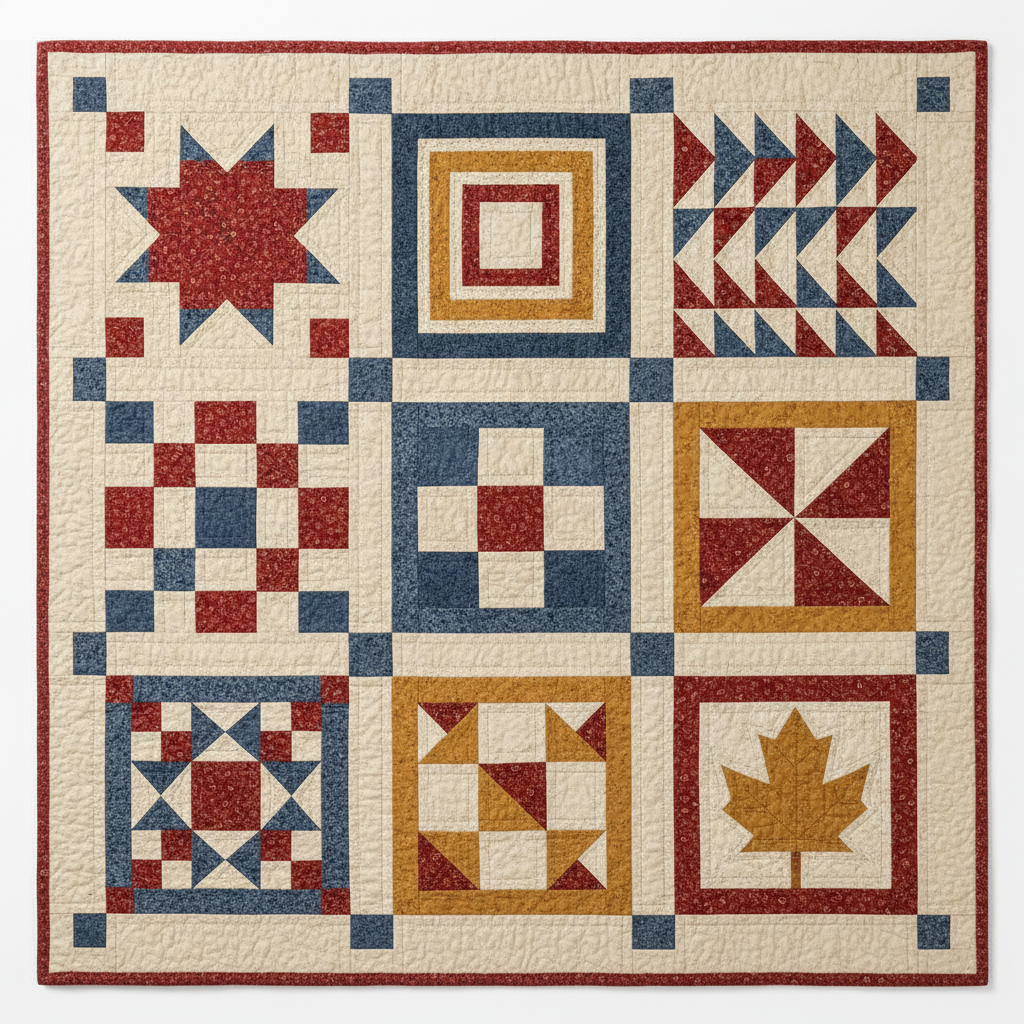
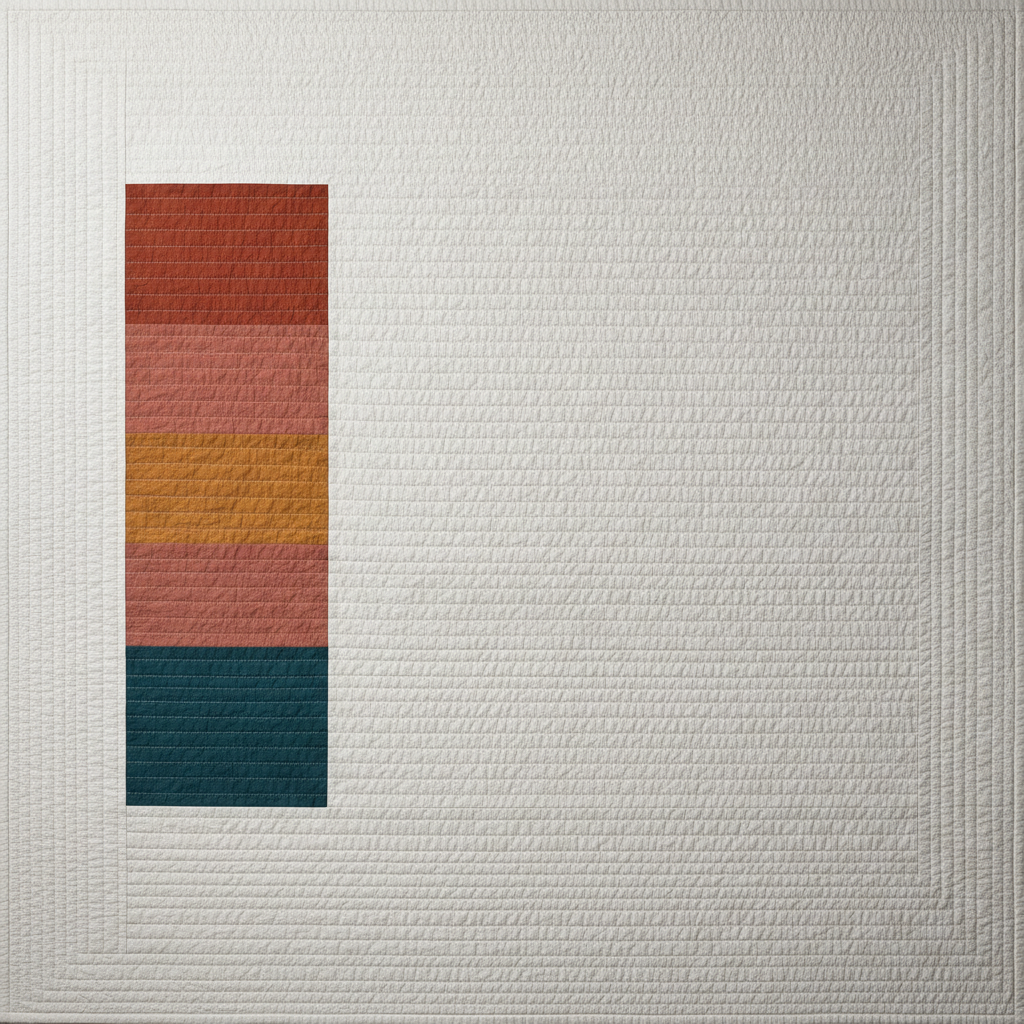
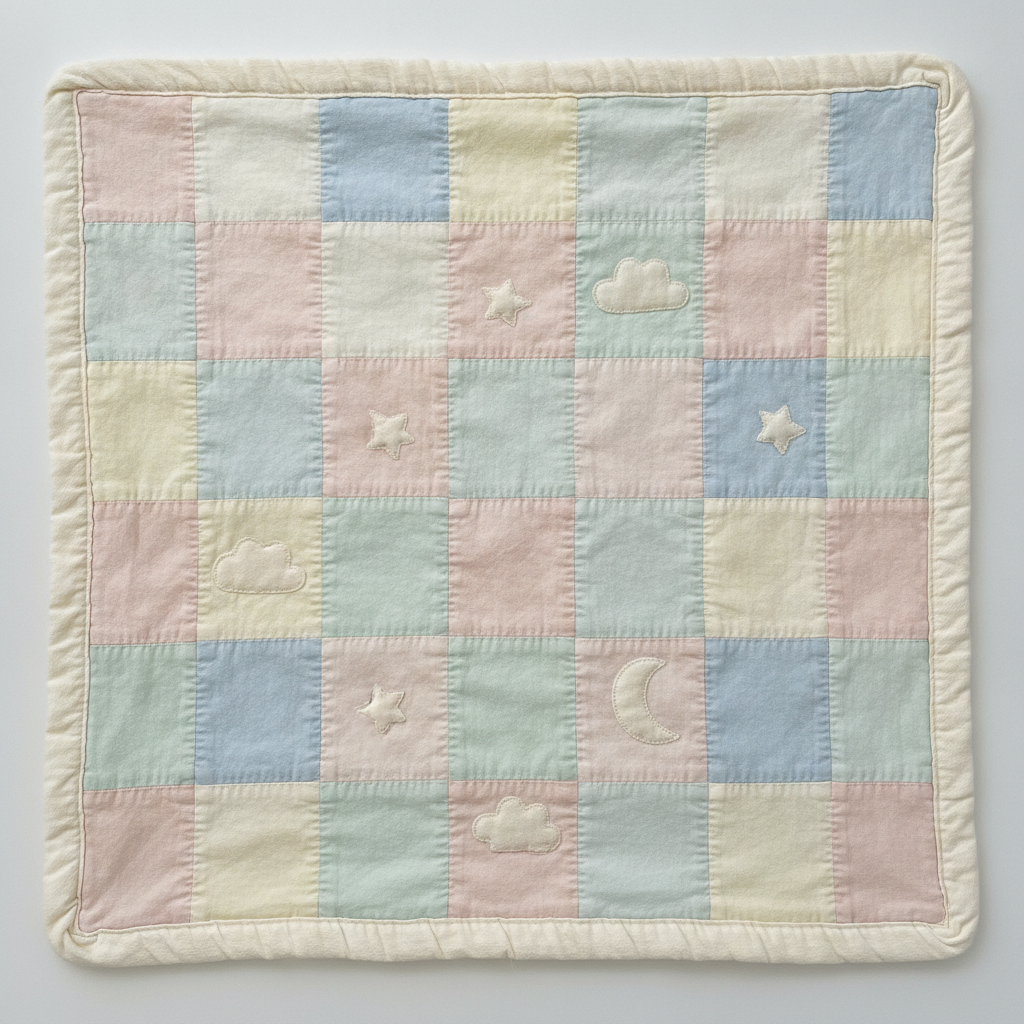
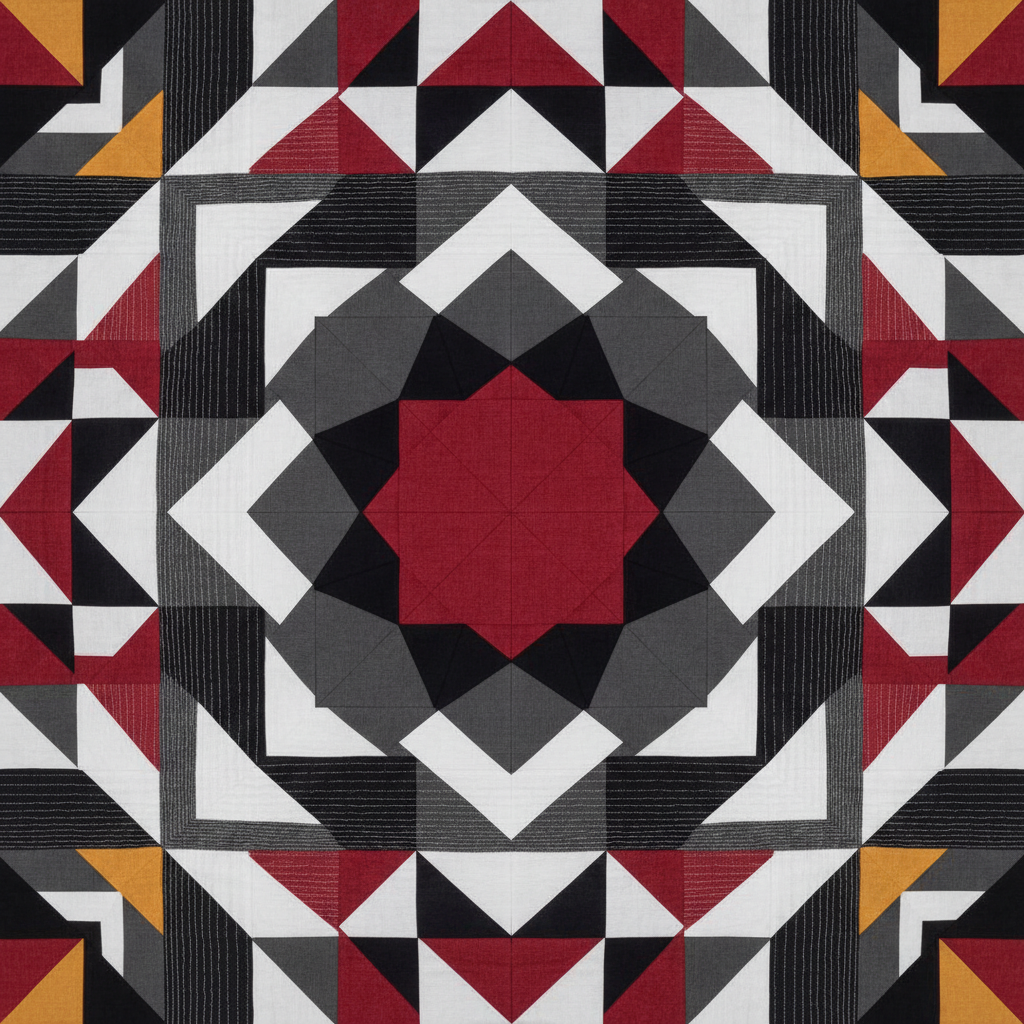
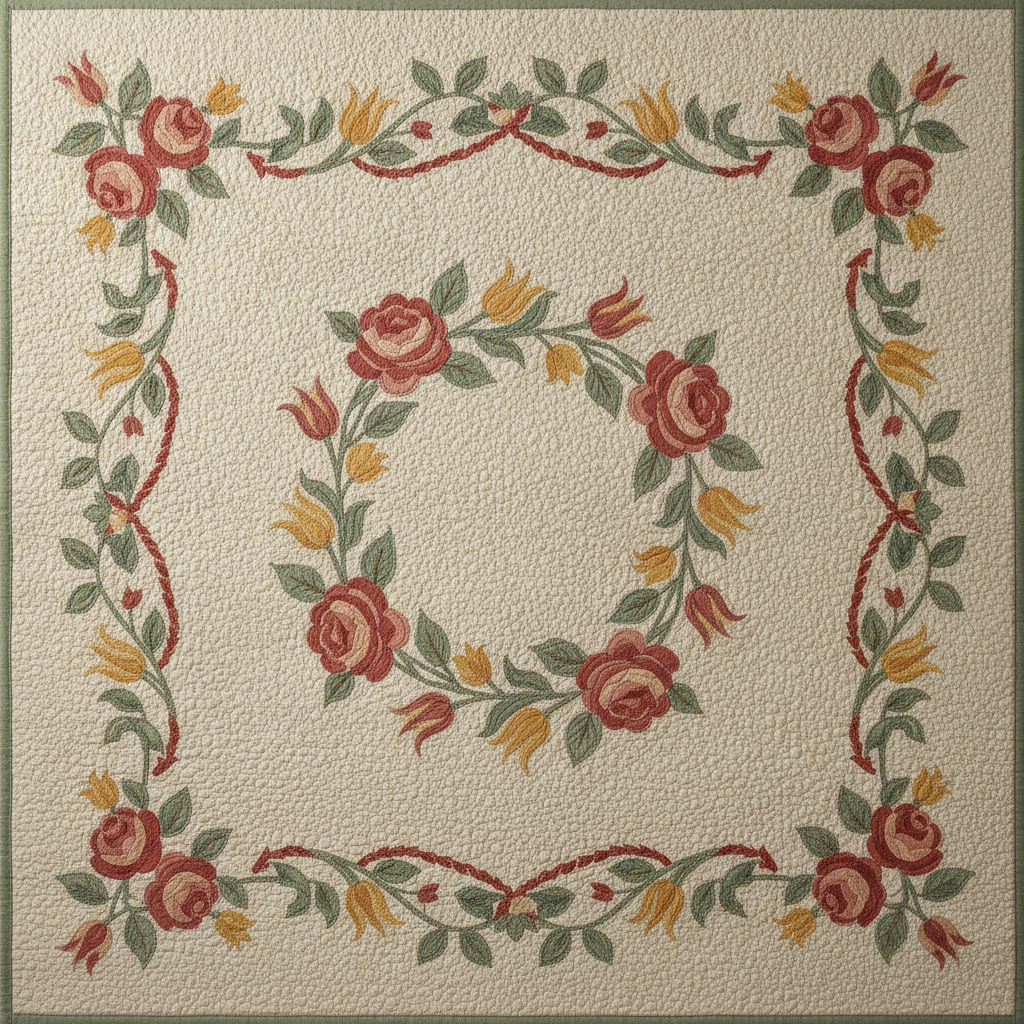
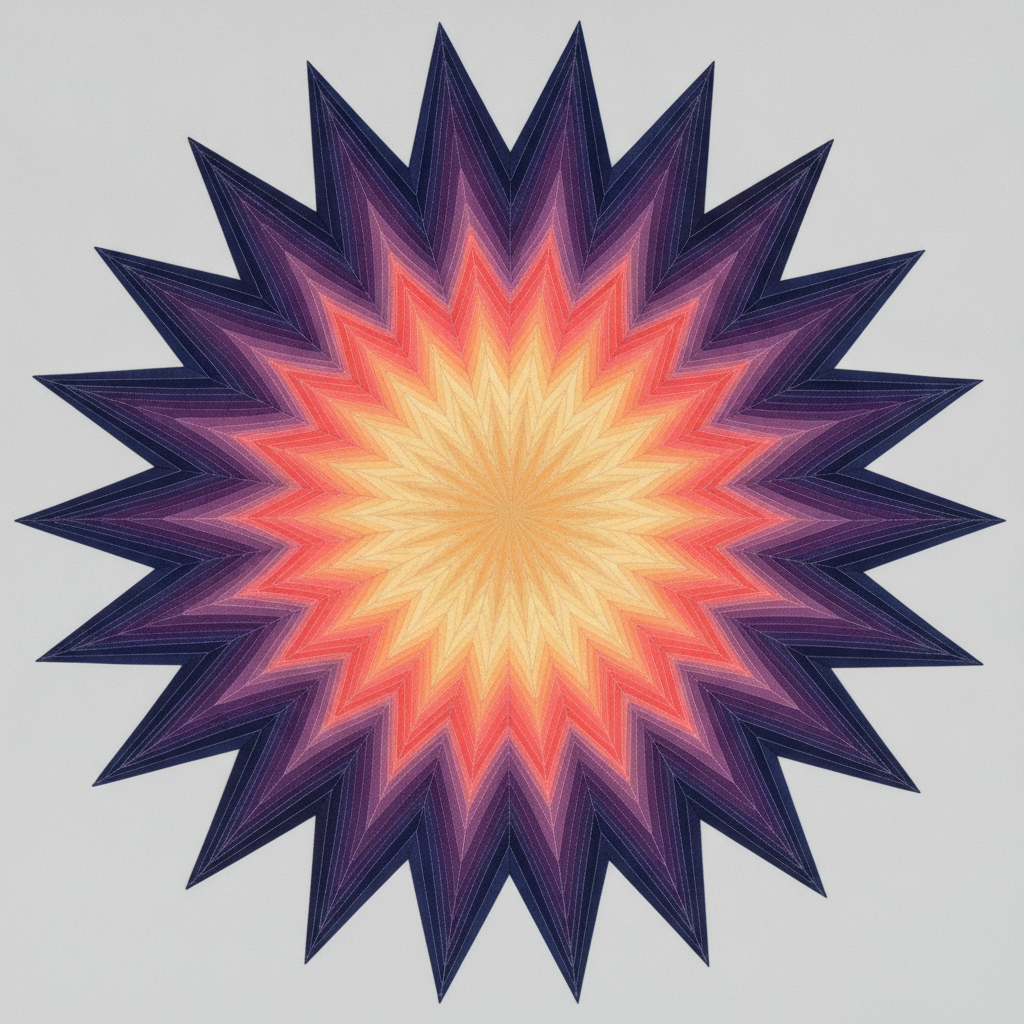
Traditional sampler, modern minimalist, baby quilt, geometric medallion, applique floral and a paper-pieced starburst — six directions covering most of what a quilter actually starts from
How the AI Quilt Pattern Generator Works
Three steps from a vague idea to a layout you can draft and cut from
Pick the Style, Then Name Your Colours
The style preset sets the structure — a grid of sampler blocks, a modern top built on negative space, a medallion radiating from the centre — and your description supplies everything that makes it yours. Colour is where the effort belongs, because colour is what decides whether a quilt works long before the piecing does. Name three or four specific shades rather than a mood: sage green, warm cream and rust reads far better than autumnal. Say whether you are using solids or prints, since a top made of busy florals behaves completely differently from the same layout in flat solids. Add the block you want it built around if you have one, and the finished size or the bed it is for, which quietly shapes the scale of the piecing. If you already own the fabric, describe what is in the stack — designing toward the yardage you have is the fastest way to make a quilt you will finish.
Iterate Before You Cut, Not After
The real value here is that a wrong idea costs twenty seconds instead of a hundred dollars of fabric and a weekend of piecing. So use it that way. Run the same style four times with four different palettes and see which one you keep looking at. Take one layout and try it once in solids and once in prints. Swap the background from white to a deep charcoal and watch the entire quilt change character. Push the scale — the same star block at nine inches and at twenty-four inches produces two unrelated quilts. Most quilters make the decision about value contrast far too late, on the design wall with everything already cut; seeing six versions side by side on a screen surfaces the flat one immediately, because low contrast that looks subtle in your head reads as muddy the moment it is rendered.
Turn the Picture Into a Real Pattern
What comes back is an image of a finished quilt top, not a pattern file — no block diagrams, no cutting list, no yardage, no seam allowances, and nothing dimensionally exact. Bridging that gap is ordinary quilting work and it is not hard once you have a target. Identify the blocks in the render, because almost everything traditional decomposes into shapes quilters already draft: half-square triangles, flying geese, nine-patches, log cabin strips. Choose a finished block size, count the blocks across and down for your target quilt dimensions, then work out cutting sizes with the usual allowances and calculate yardage from there. Treat the generated image as a design sketch and a colour map rather than as instructions, keep it open on your phone while you cut, and check the layout on a design wall before you sew rows together.
Why Use an AI Quilt Pattern Generator
Six things worth knowing before you design a quilt this way
Fabric Is Expensive and Mistakes Are Permanent
Quilting is one of the few crafts where the design decision is effectively irreversible. Cotton runs twelve to eighteen dollars a yard, a queen top can swallow ten yards, and the moment the rotary cutter goes through the fold you are committed to that colourway. Everything quilters do to hedge that risk is slow: colouring printed block sheets by hand, cutting test blocks, pinning a design wall and standing back for three days. Rendering the whole top before anything is cut collapses that loop to seconds and, more usefully, lets you be wrong cheaply. The version you would never have tried on graph paper — the dark background, the single unexpected accent, the block at double scale — costs nothing to look at. That is the point. Not that the machine designs better quilts than you, but that it removes the cost of exploring the ideas you would otherwise have talked yourself out of.
It Renders a Quilt Top, Not a Pattern File
Be clear about what arrives, because it is the difference between a useful tool and a disappointing one. A published quilt pattern gives you block diagrams, a cutting chart, precise strip widths, yardage requirements, seam allowances and step-by-step piecing order, all of it tested so the maths actually closes. What an AI quilt pattern generator produces is a photorealistic picture of a finished top: the layout, the colour relationships, the block arrangement and the overall feel, at up to 4K. There are no measurements, no templates, nothing dimensionally guaranteed, and the piecing shown may not be constructible exactly as rendered. For a quilter who can already draft — who sees half-square triangles and flying geese and knows how to size them — that is a sketch worth a great deal. For an absolute beginner it is inspiration that still needs a real pattern behind it, and pairing a generated design with a tested block pattern in the same size is the sensible route.
Colour and Value Decided Before the First Cut
Ask experienced quilters what separates a quilt that sings from one that goes flat and almost none of them will say piecing accuracy. They will say value — the light-to-dark relationship between fabrics — and value is exactly what is hardest to judge from a stack of folded fat quarters on a shop table. Two fabrics that look pleasingly different in your hands can read as one blurred mass across three feet of finished quilt. Seeing the whole top rendered at once shows you that immediately, and it shows the other thing a fabric pull cannot: proportion. A colour that felt too loud as a full yard often turns out to be exactly right when it appears only in the cornerstones. Run your palette through several layouts, then take the render to the fabric shop rather than the other way around, and you will buy against a plan instead of a feeling.
Traditional Blocks Are Public, Modern Designs Are Not
This is worth understanding before you post anything. Classic pieced blocks — log cabin, nine-patch, flying geese, drunkard’s path, sawtooth star, bear paw — are centuries-old public heritage that nobody owns, which is why generating and adapting them freely is entirely uncontroversial. Contemporary quilt patterns are a different matter: they are original creative work, they are how independent designers make a living, and asking for a named designer’s pattern is both legally muddy and unkind to a small community that runs on goodwill. Describe what you want structurally instead — the geometry, the palette, the negative space, the block family — and you will get something both original and safely yours. The same caution applies to licensed characters and brand motifs on a quilt you intend to sell, which are exactly as protected on cotton as they are anywhere else.
Good for Commissions and Guild Work
If you make quilts for other people, the biggest cost is not fabric or time — it is the misunderstanding you discover after the top is assembled. A client says modern and means minimalist solids while you heard scrappy improv, and the correction costs a week. Rendering three or four directions in the first conversation ends that argument in the first ten minutes, and it makes the customer part of a decision they can actually see rather than one described in words neither of you defines the same way. The same applies to guild projects, block-of-the-month planning, charity quilts assembled from donated stash, and memory quilts where the emotional stakes make the layout conversation delicate. Output reaches 4K without a watermark and is cleared for commercial use, so mock-ups can go in a proposal, a shop window, a pattern-testing call or a listing without any additional licensing.
Free to Start, $9.98 to Design a Whole Quilt
You can generate quilt designs free without a credit card, which is enough to find out whether this fits how you plan a project. Paid plans start at $9.98, and that is where the workflow actually pays, because designing a quilt is never one render — it is the same layout in four palettes, the block tried at two scales, the border on and off, and then the coordinating pillow, the label mock-up and the backing idea once the top is settled. Generating at 4K and downloading full resolution means you can zoom into a block to count the pieces when you are drafting from it. Compare that with the alternatives honestly: dedicated quilt design software runs from around a hundred to several hundred dollars and expects real time invested in learning it, and it gives you exact measurements this does not. If you need cutting charts, buy the software or the pattern. If you need to decide what to make, start here.
Frequently Asked Questions
Common questions about using an AI quilt pattern generator
See the Quilt Before You Cut the Fabric
Pick a style, describe your palette, and get a finished quilt top at up to 4K — traditional sampler, modern minimalist, baby quilt, geometric medallion, applique floral or a paper-pieced starburst. Powered by Nano Banana Pro. Free to start, plans from $9.98.
Planning a Quilt With an AI Quilt Pattern Generator
Every quilt begins with the same stalled afternoon: a stack of fabric, a rough idea, and no way to see the finished thing without committing to it. The traditional answers are all slow — colouring block sheets by hand, piecing sample blocks you may never use, or pinning a hundred other people's quilts and adapting none of them. An AI quilt pattern generator removes the cost of that first decision. Choose a direction, name your colours, and a flat top-down render of the whole quilt comes back in about twenty seconds at up to 4K, which means the palette you were unsure about and the layout you dismissed can both be looked at properly before a rotary cutter touches anything.
The six presets here map onto how quilters actually start. Traditional sampler is the block-a-week learning project and the safest home for classic piecing. Modern minimalist trades piecing for negative space and dense straight-line quilting, which is why it finishes fastest and forgives the most. The baby quilt preset is the gift quilt and the sensible first project, built from large simple squares with a soft appliqued scatter on top. Geometric medallion radiates a single bold motif out to the edges for a top that needs no border to feel finished. Applique floral covers the heritage folk-art tradition, where the interest lives in the stitched shapes rather than the seams. And the paper-pieced starburst is the showpiece — dozens of ombre wedges meeting at one point, beautiful and genuinely advanced.
Two habits get the most out of it. Put your effort into the colour description rather than the style choice, because value contrast decides whether a quilt sings and it is the hardest thing to judge from folded fabric on a shop table. And iterate deliberately: the same layout in four palettes, the block at two scales, the background swapped from white to charcoal. Twenty seconds a version means you can afford to be wrong repeatedly, which is exactly the freedom that ten yards of cotton at fifteen dollars a yard normally takes away.
What the AI Quilt Pattern Generator Will Not Do
It will not hand you a pattern. There are no cutting charts, no strip widths, no template shapes, no seam allowances and no yardage requirements, and nothing in the render is dimensionally exact — the geometry is convincing rather than engineered, and some renders will show piecing that could not be sewn exactly as drawn. It will not size a block for you or tell you how many you need for a queen bed. Treat the output as a design sketch and a colour map, identify the block families you recognise, then draft the maths yourself or pair the design with a tested pattern in a matching block. It will also not reliably render small text, so if you want words on a quilt label or a pieced banner, see what text in images can and cannot be trusted with.
For the neighbouring jobs there are better fits. Coordinating yardage and repeat prints belong to the AI pattern generator, stitched labels and decorative detailing to the AI embroidery design generator, and a printed throw rather than a pieced top to the AI blanket design generator. Matching cushions come from the AI pillow design generator, and if you are placing the quilt in a room before you make it, the AI bedroom design generator will show it in context. Enlarge anything soft for printing with the 4K image upscaler.
Within those limits the work is yours. Output reaches 4K with no watermark and is cleared for commercial use, which covers finished quilts sold at markets, commissioned work, pattern-testing calls and listing images. Keep other people's property out of it — licensed characters, team badges and brand motifs are as protected on cotton as anywhere else, and contemporary quilt patterns belong to the independent designers who wrote them, though traditional pieced blocks are public heritage that anyone may use. Note also that in the United States purely AI-generated images are not registrable for copyright, although a quilt you physically piece from one is your own handwork. It is free to start with no credit card and plans begin at $9.98. Pick a style, name your colours honestly, and design the quilt before you buy the fabric.
Try the AI quilt pattern generator free today. Pick one of six quilt styles, describe your fabric palette, and see the finished top at up to 4K. No credit card required to start. Paid plans from $9.98.