
AI Pillow Design Generator
A throw pillow is the largest flat surface most makers ever print, and the only one that gets judged from across a room and then from thirty centimetres away on a sofa. The design has to survive being wrapped over a stuffed cube, cropped by seams on all four sides and seen next to whatever else is already in the room. This AI pillow design generator builds artwork around those limits and shows it on a real cushion in about twenty seconds, at up to 4K, in six styles: abstract shapes, botanical repeat, woven geometric, embroidered line art, kids print and a matched collection. Pick a style, describe your motif and palette, and see the cushion before you order a roll of fabric.
Try It Now — Free
Pick the pillow style first, then use the details box for your motif, your palette and the fabric you have in mind. Every preset already carries what a cushion cares about — a composition that reads from across a room, a palette tight enough to sit in a real interior, and enough margin that the seams do not slice through the part you cared about.
AI Pillow Design Generator
Pick a pillow style, describe your motif and colours, and see it on a real cushion
Cushions From the AI Pillow Design Generator
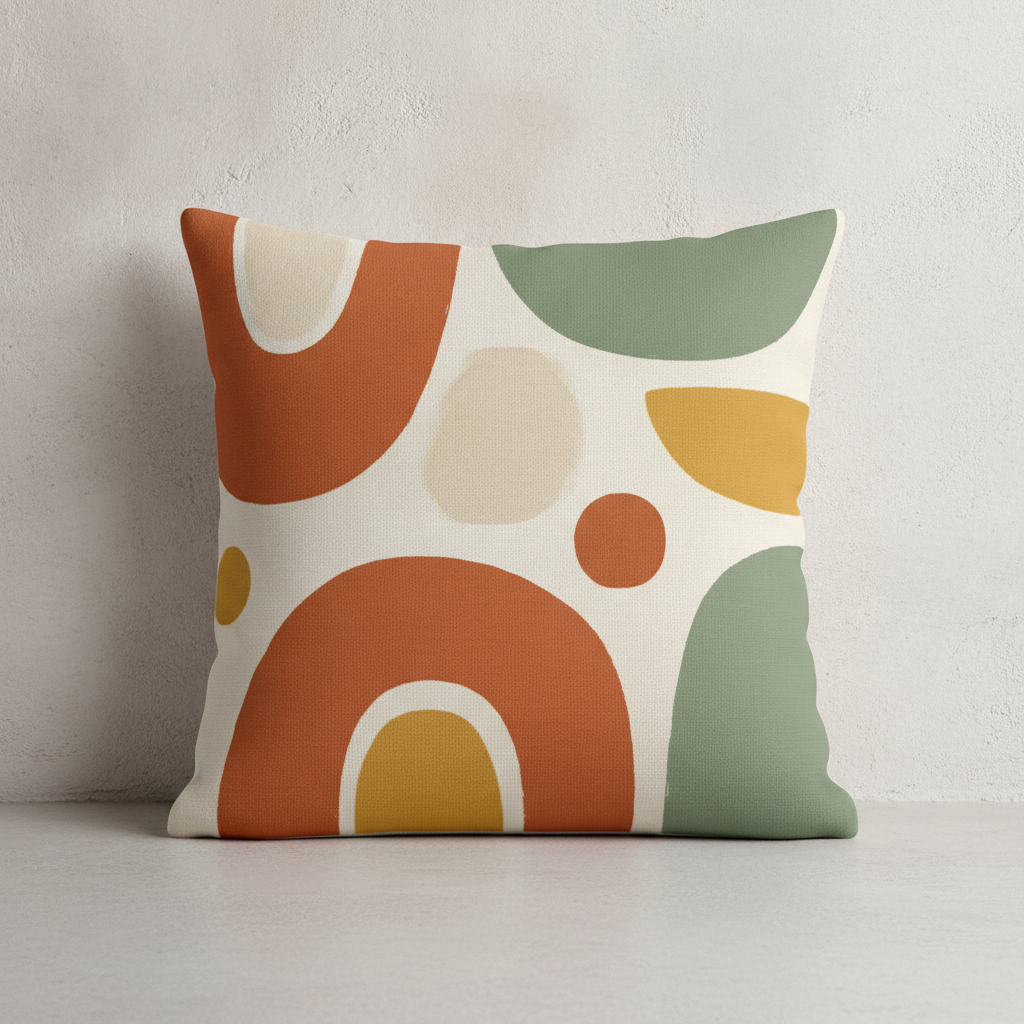
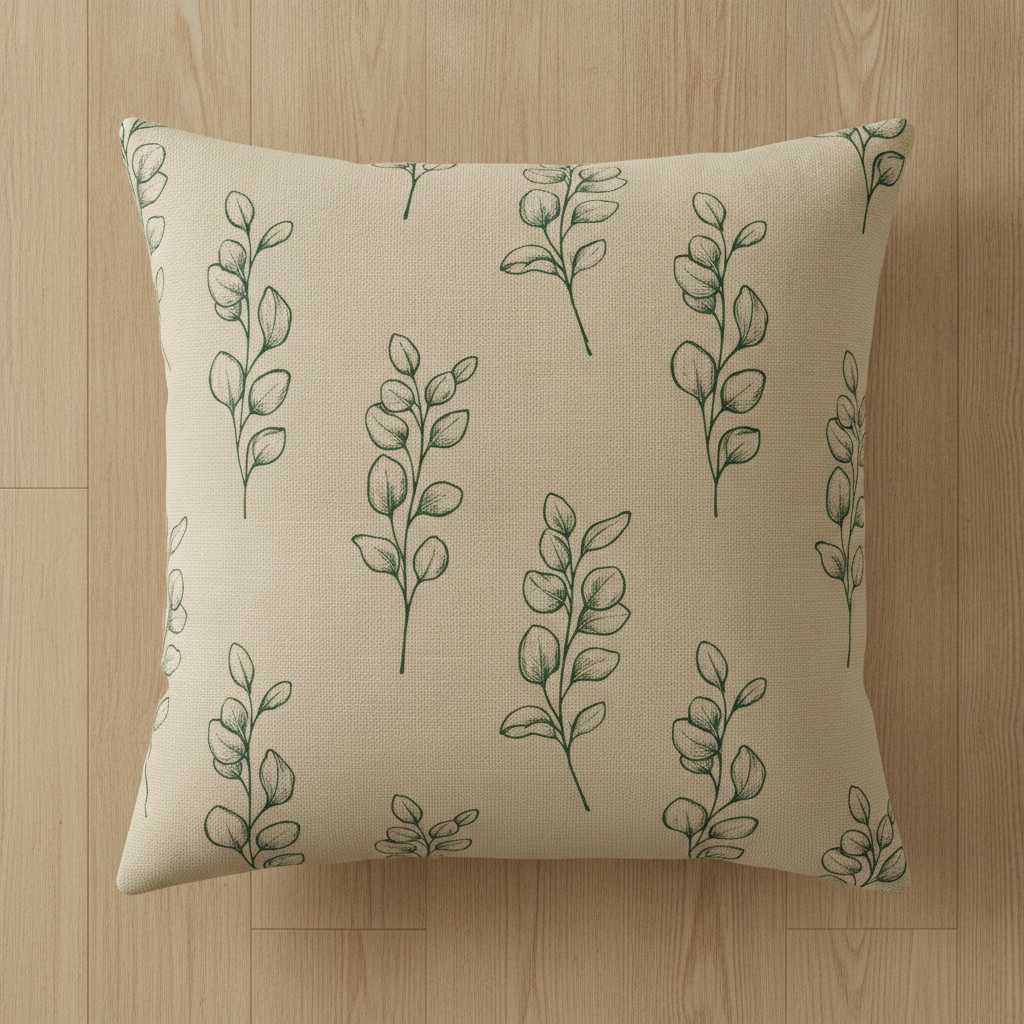
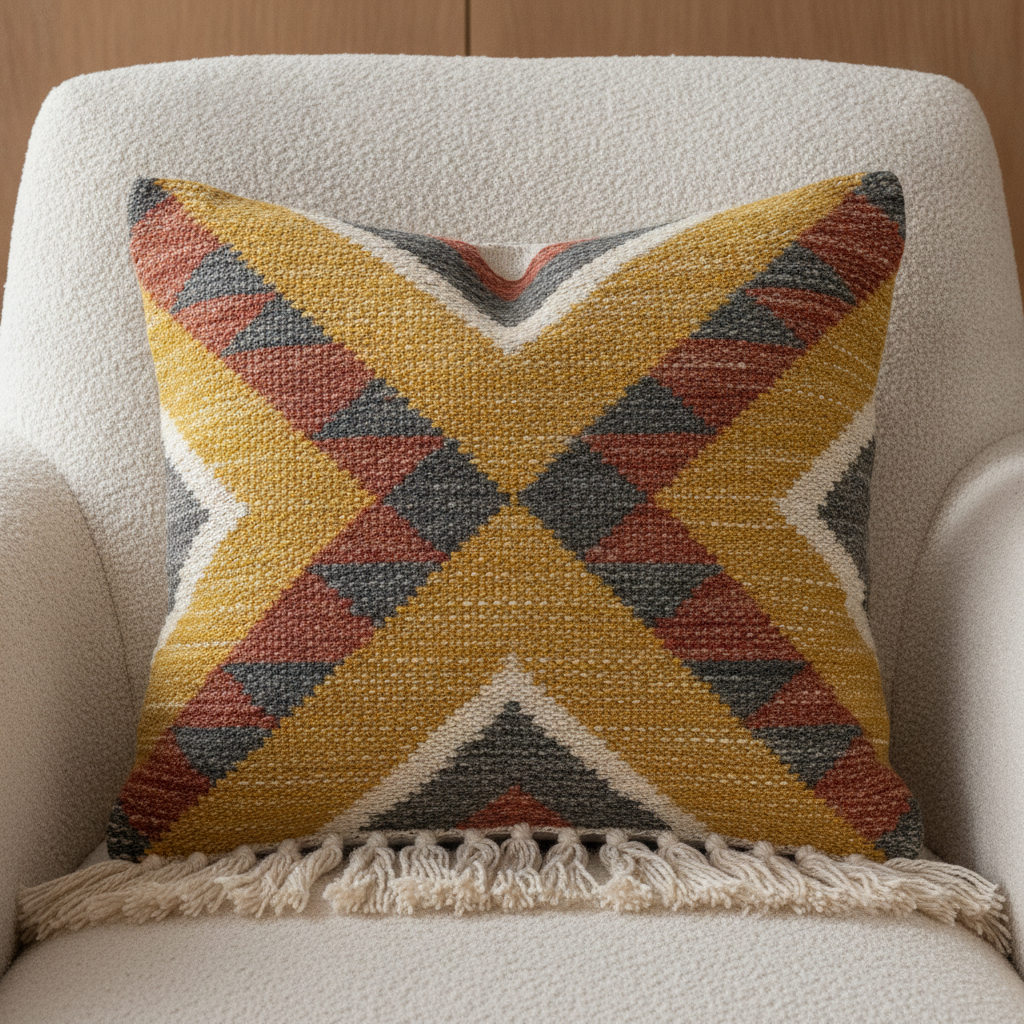
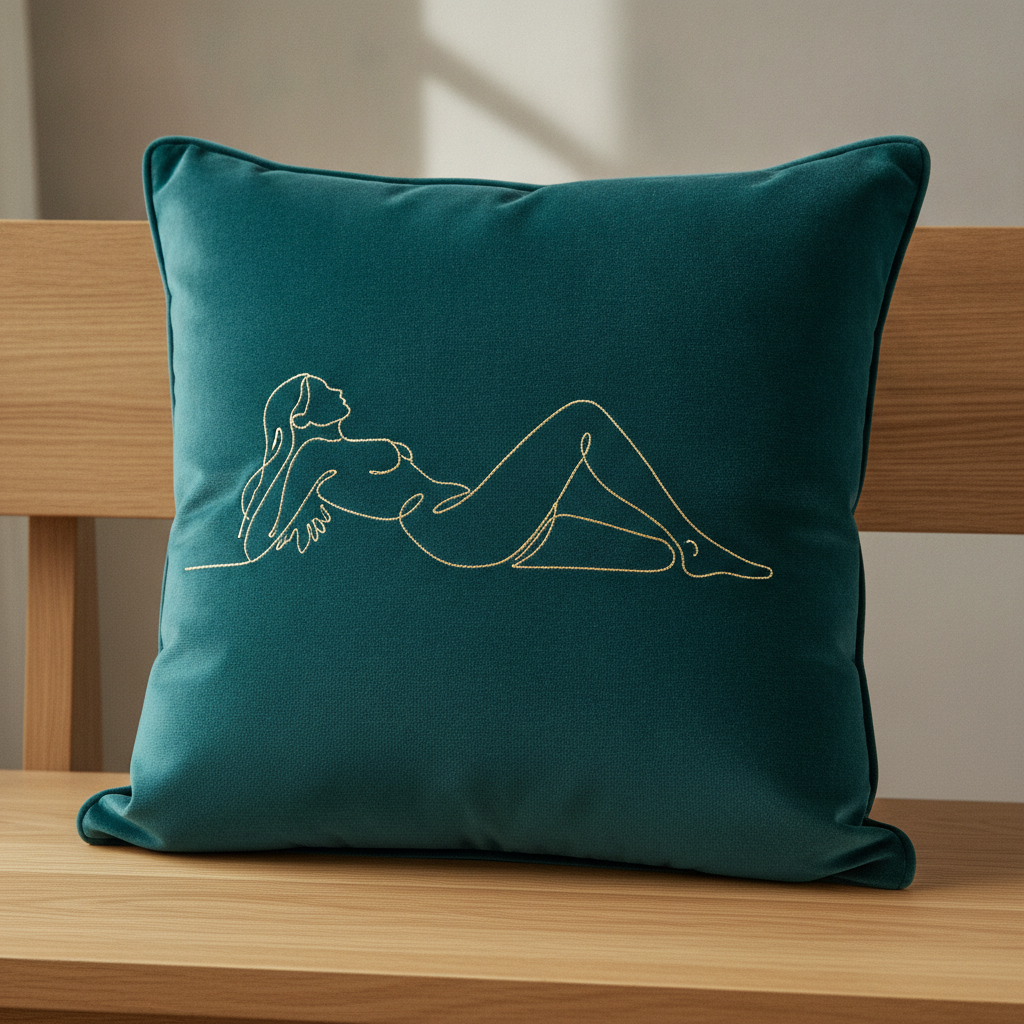
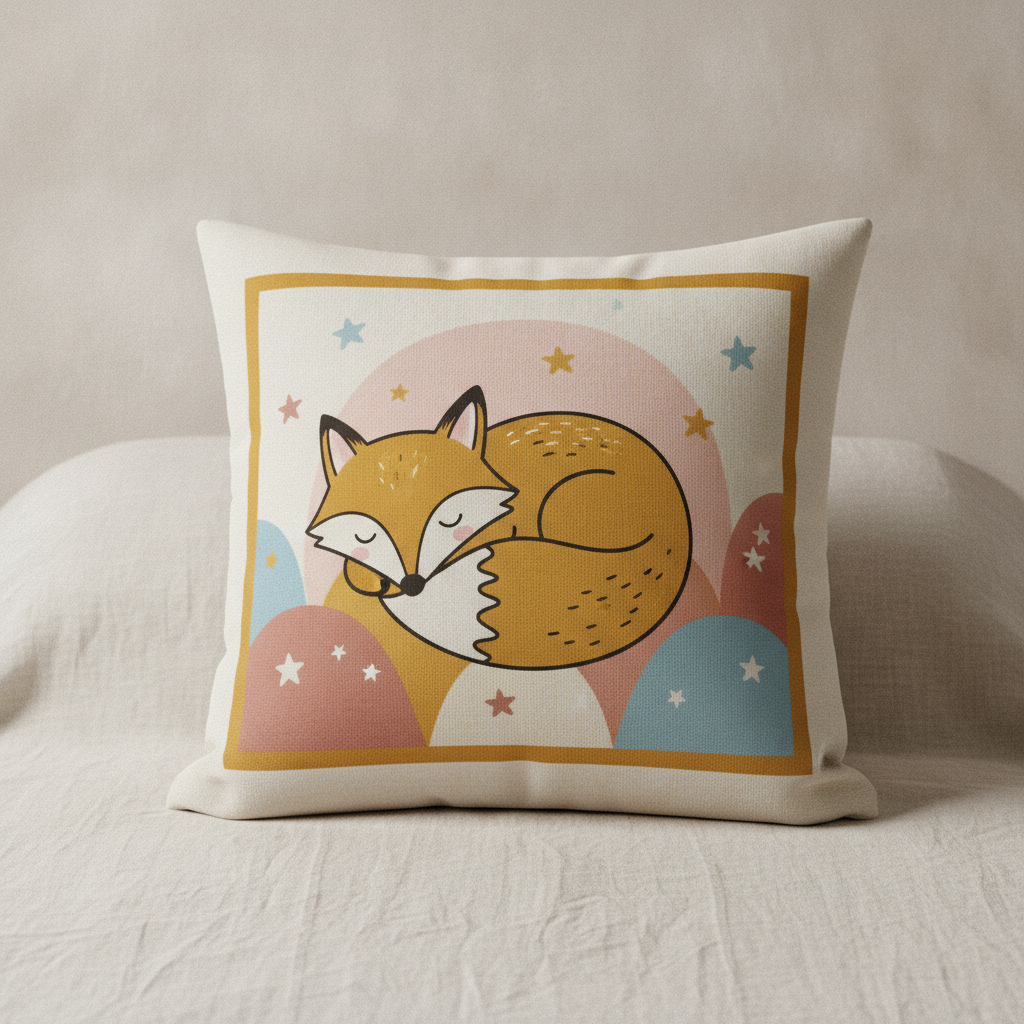
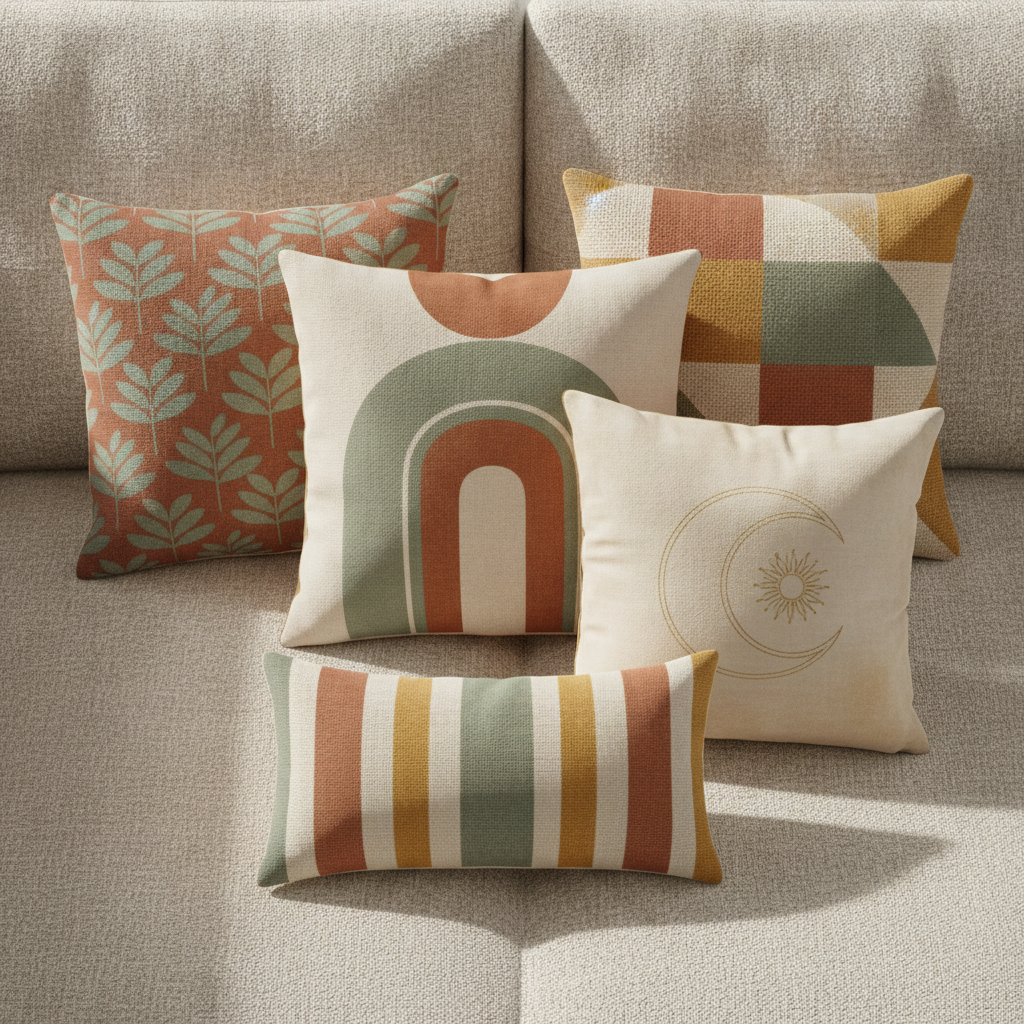
Abstract shapes, botanical repeat, woven geometric, embroidered line art, kids print and a matched collection — the six formats that cover almost every throw pillow anybody actually buys
How the AI Pillow Design Generator Works
Three steps from an idea to artwork a fabric printer can work from
Pick the Construction, Because It Decides the Artwork
A cushion cover is not one product. Digitally printed fabric behaves like paper: it takes full colour, soft gradients, photographs and any composition you like, which is why almost every print-on-demand pillow is printed cotton, linen or a poly canvas. A woven cushion is the opposite — the pattern is built from coloured yarn on a loom, so it comes out as blocks, bands and stepped diagonals with a hard limit on colours and no smooth curves at all. Embroidery is a third thing again: thread on plain ground, so the design has to be line work with real empty space around it, and a large filled area becomes stiff, expensive and prone to puckering. Choose the construction first and you avoid designing a watercolour for a loom that cannot weave one.
Describe the Motif, the Palette and the Fabric
Three things carry a pillow design. Name one motif and its scale rather than a scene, because a cushion is looked at from two distances and a busy composition that works on screen turns into visual noise on a sofa — one large shape, or a repeat of one small one, almost always beats a crowded arrangement. Name four colours and stop, since a pillow has to sit in a room next to a wall, a sofa and a rug it did not choose, and a tight muted palette is what makes a cushion look designed rather than loud. Then name the fabric, because it changes the result more than people expect: washed linen softens and desaturates everything, velvet deepens colour and adds sheen, and a flat cotton canvas prints closest to what you see on screen.
Generate, Then Take It to a Printer
Each design arrives in about twenty seconds at up to 4K, shown on a real cushion so you can judge scale, contrast and whether the motif survives being wrapped over a stuffed form. Use it two ways. As a sample, it is the mockup you put in front of a client, an interior project or a customer poll before anyone commits to a fabric order. As a brief, it is what you send a printer: a fabric mill wants a flat tiling repeat file at print resolution with a stated repeat size, a print-on-demand service wants a flat square artwork file sized to their template with bleed, and building either of those is a conversion step this tool does not do. Ask for the flat artwork on a plain background rather than the photographed cushion when you need the production file.
Why Use an AI Pillow Design Generator
Six things that decide whether a pillow design survives being wrapped over a stuffed cube and put in a real room
The Seams Crop Your Design on Four Sides
A cushion cover is flat when you design it and curved when it arrives. The fabric wraps over a stuffed form, which pulls the outer few centimetres around the edge and out of sight, and the seam takes another slice on all four sides. Designers arriving from posters put a motif near a corner and then wonder why the finished pillow shows two thirds of it. The fix is a habit rather than a skill: treat the outer ten percent of the square as a safe margin that may not be visible, keep anything you actually care about inside the middle eighty percent, and let backgrounds and repeats run right off the edge where losing a few centimetres costs nothing. Corners are the worst offenders because the fabric gathers most there, so a design that relies on four matching corner motifs rarely arrives looking symmetrical.
Scale Is the Decision People Get Wrong
A pillow is seen from two distances and both matter. From across a room it is a block of colour and one readable shape, which is what decides whether it works in the space at all. From arm’s length on a sofa it is texture and detail. A motif that looks perfect on a screen is usually far too small once printed, because a browser window flatters a pattern that becomes fussy speckle at forty-five centimetres square. The rule of thumb that holds up: pick either one large motif that fills most of the front, or a repeat whose individual element is at least four or five centimetres across. Anything between those two — a mid-sized motif floating in space — tends to read as an accident. Generating the design on a photographed cushion rather than as a flat file is precisely what makes this judgement possible before you print.
A Repeat Has to Actually Tile
Any pattern that runs off the edge of a cushion is a repeat, and a repeat has one hard requirement: the right edge must join the left, and the top must join the bottom, with no seam and no visible grid. This is the step that separates a nice pattern from a usable one, and it is where most AI generated fabric artwork falls down — the model produces something that looks seamless in a single frame but shows a hard line the moment it is tiled. Treat what you get here as the motif and the colourway rather than the finished tile: it settles the look, the density and the palette in seconds, and turning it into a true repeat is a short mechanical job in a pattern tool or a task for whoever preps your file. State your repeat size in centimetres when you hand it over, because the mill scales to that rather than to your file.
Every Construction Has a Different Colour Rule
Colour behaves differently on each cushion type and getting this wrong costs a sample round. Digital print on cotton or canvas handles gradients, soft shading and photographs, so an illustrated or painted design is fine — though everything prints a shade darker and slightly softer than it looks on a backlit screen. Linen shifts it further, since the natural ground is warm rather than white and the weave breaks up fine detail. Velvet deepens and saturates colour and adds a directional sheen that changes with the light. Woven cushions cannot do gradients at all, because each colour is a separate yarn: expect four to six colours, hard edges and stepped diagonals. Embroidery is limited by thread count and hates large filled areas. Match the design to the process at the start and skip the round where the supplier tells you what you cannot have.
Pillows Sell in Sets and Live in Rooms
Almost nobody buys one cushion. A sofa takes three or five, a bed takes a stack, an interior client wants a scheme that runs through a whole room, and a print-on-demand shop wants one motif across a cushion, a wall print and a tote so a single idea earns three listings. That makes coordination the actual job: a set works when the pillows share a palette and vary the scale and the density — one large graphic, one fine repeat, one plain textured — and fails when three loud patterns fight each other. It also has to survive the room it lands in, next to a wall colour and a rug nobody consulted you about. Holding the palette steady while changing the motif is exactly what this does, and the Pillow Collection preset generates five coordinating cushions in one pass, which also photographs far better than a single cushion on white.
Free to Start, $9.98 to Go Further
You can generate pillow designs free without a credit card, which is enough to find out whether a motif holds up at cushion scale before you pay for a metre of printed fabric or commit to a sampling run. Paid plans start at $9.98 for real work: building a coordinated set of five, testing one motif in six colourways to match a client’s room, or the repeated passes it takes to get the scale of a repeat right. Output reaches 4K without a watermark and is cleared for commercial use, which is what matters once designs are going to a mill and onto stock you have paid for. Against a few hundred for a surface pattern designer and a week of revisions, being able to see twelve directions on a real cushion before choosing one usually changes which design you print.
Frequently Asked Questions
Common questions about using an AI pillow design generator
Design the Cushion in Twenty Seconds
Pick a style, describe your motif and colours, and see it on a real cushion at up to 4K — abstract shapes, botanical repeat, woven geometric, embroidered line art, kids print or a matched collection. Powered by Nano Banana Pro. Free to start, plans from $9.98.
One Motif, Forty-Five Centimetres: the AI Pillow Design Generator
Designing a cushion used to start with the most expensive step. You briefed a surface pattern designer, waited a week, paid a few hundred, then paid for a sample metre on top — and only when the fabric arrived did you find out that the motif was too small to read across a room, or that the palette fought the sofa it was meant to sit on. An AI pillow design generator inverts that order. You describe the construction, the motif and the palette, and the design arrives on a photographed cushion in about twenty seconds, which makes the deciding cheap and leaves only the printing expensive. On a product where fabric is bought by the metre and sampling rounds add up, trying a dozen directions before choosing one is worth far more than it costs.
The six presets exist because the construction dictates the artwork. Digital print takes full colour, gradients and any composition you like, which is why it carries almost every print-on-demand cushion on the market. Weaving builds the pattern from coloured yarn on a loom, so it needs blocks, bands and stepped diagonals with a hard colour limit and no smooth curves. Embroidery is thread on plain ground, so it lives on line work with real empty space around it. A kids print wants one big friendly character rather than a repeat. And the collection preset generates five coordinating cushions in one palette, because pillows are bought in threes and fives and photographed as groups.
Two habits improve nearly every pillow design. Keep the important part inside the middle eighty percent of the square, because the fabric wraps over a stuffed form and the seams crop all four sides. And commit to a scale — one large motif, or a repeat whose element is at least four or five centimetres across — since the mid-sized motif floating in space is the one that reads as an accident. Construction, motif, palette: three decisions, and the printer does the rest.
What the AI Pillow Design Generator Will Not Do
It will not make a pillow, and it will not produce a factory-ready repeat file. What you get is artwork shown on a cushion, which is what you need for judging scale, contrast and placement and for a listing photo while you test demand — but a fabric mill wants a true seamless tile at a stated repeat size and a print-on-demand service wants a flat square sized to their template with bleed, and preparing those is a separate step. Generate the design you like, run it again asking for the flat artwork on a plain background, then clean it up with the AI background remover and enlarge it with the 4K image upscaler so the detail stays crisp when the printer scales it to size.
It will not guarantee the finished cushion either, because fabric is not pixels. Printed colour lands a shade darker than a backlit screen, linen warms and softens everything against its natural ground, velvet deepens and adds sheen, and a woven version of a design always steps its diagonals — so always approve a physical sample before a production run. For neighbouring jobs there are better fits: the AI pattern generator is the place to work on a repeat itself, AI embroidery design generator covers thread work in more depth, the AI wall art generator extends the same motif to the print above the sofa, the AI tote bag design generator carries it onto a merch range, the AI interior design generator shows the whole room the cushion has to live in, and the AI mockup generator places a finished design into styled shop photography. For any lettering, text in images explains what type the model can reliably set.
Within those limits the work is yours to use. Output reaches 4K with no watermark and is cleared for commercial use, which covers Etsy and Shopify listings, print-on-demand shops, market stalls, homeware lines, hotel and interior projects and client jobs alike. Keep other people's property out of it — licensed characters, sports teams and the style of a specific named living artist — because homeware attracts exactly those requests. Check the AI policy of whichever marketplace you sell through, and know that in the United States purely AI-generated images are not registrable for copyright, so selling the cushion is fine but stopping an imitator may not be. It is free to start with no credit card and plans begin at $9.98. Pick a construction, name your motif, and see the cushion before you buy the fabric.
Try the AI pillow design generator free today. Pick one of six pillow design styles, describe your motif and colours, and see it on a real cushion at up to 4K. No credit card required to start. Paid plans from $9.98.