
AI Wall Art Generator
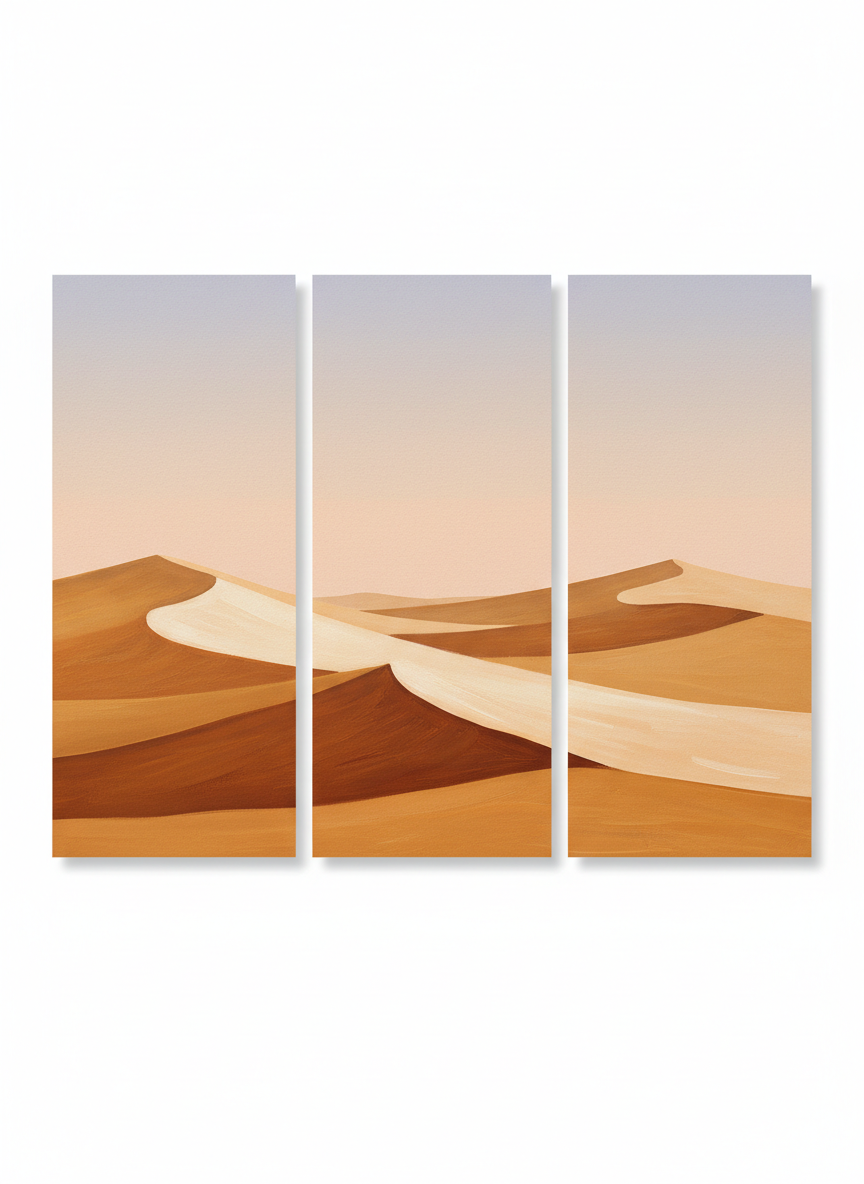
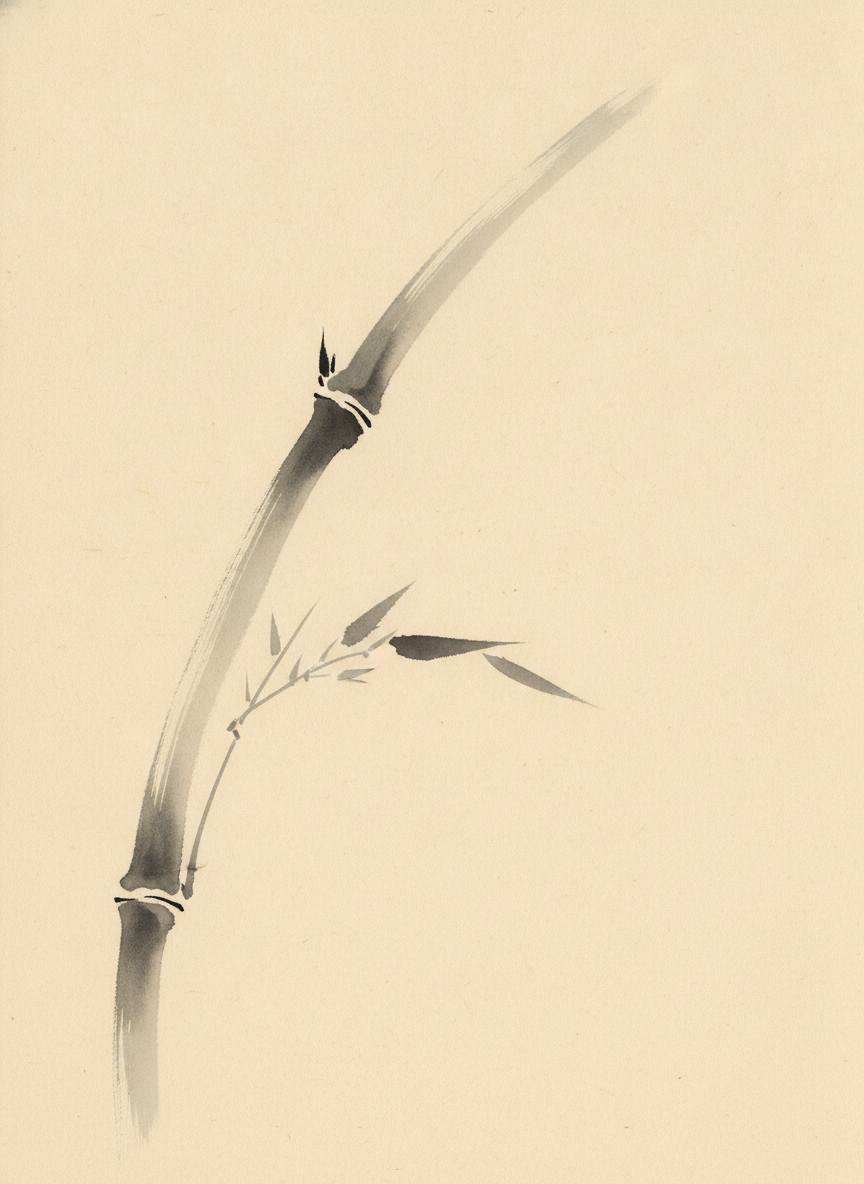
The wall is already empty and the print shops all sell the same four things. This AI wall art generator makes the piece you actually pictured — in about twenty seconds, at up to 4K, in six formats that exist for six different walls: an oversized abstract statement piece, a minimal botanical line print, a moody landscape, a soft nursery print, a three-panel set and a Japandi ink wash. What you download is the printable artwork file, sized and ready to send to a printer.
Try It Now — Free
Pick the format first, then use the details box for your subject and colours. Each preset already carries what that kind of wall art has to get right — how much empty space it needs, how far back it will be seen from, and whether it is meant to be the loudest thing in the room or the quietest.
AI Wall Art Generator
Pick a wall art format, describe your subject and palette, and get a printable artwork file
Wall Art From the AI Wall Art Generator
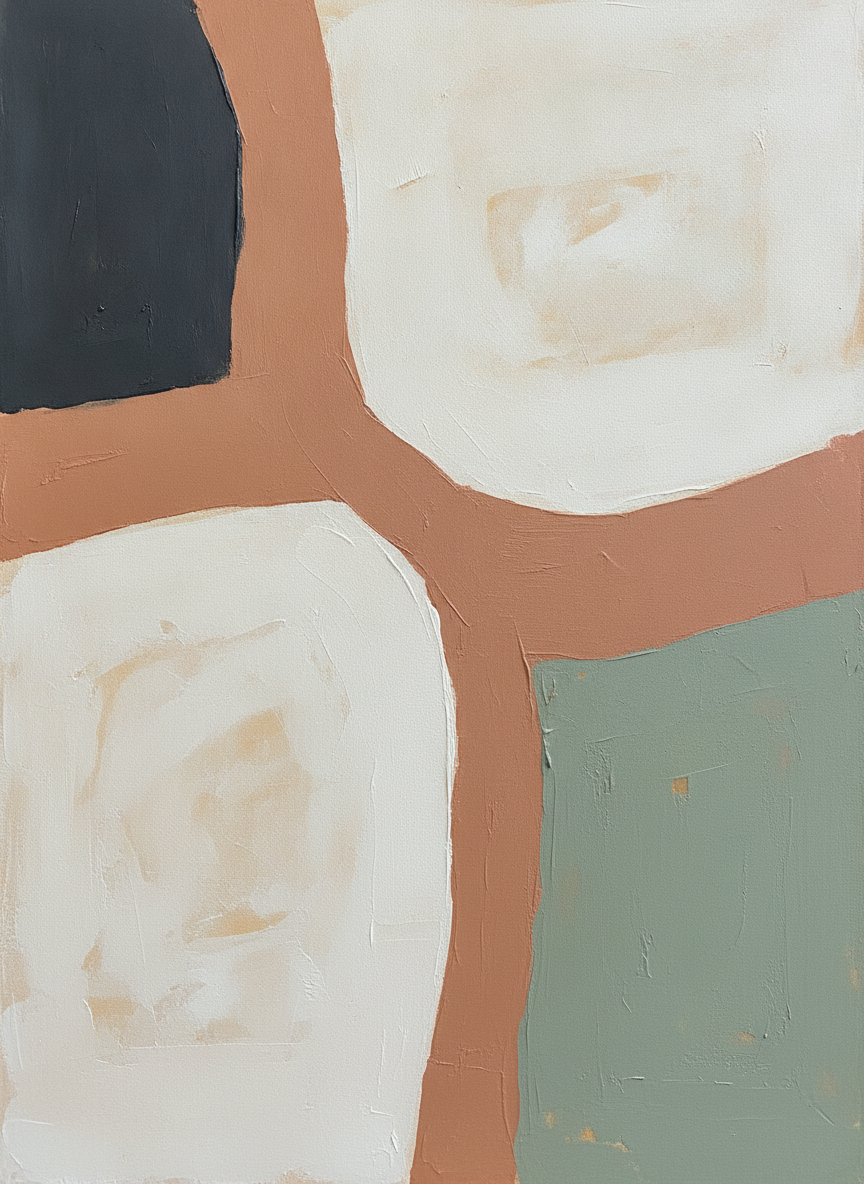
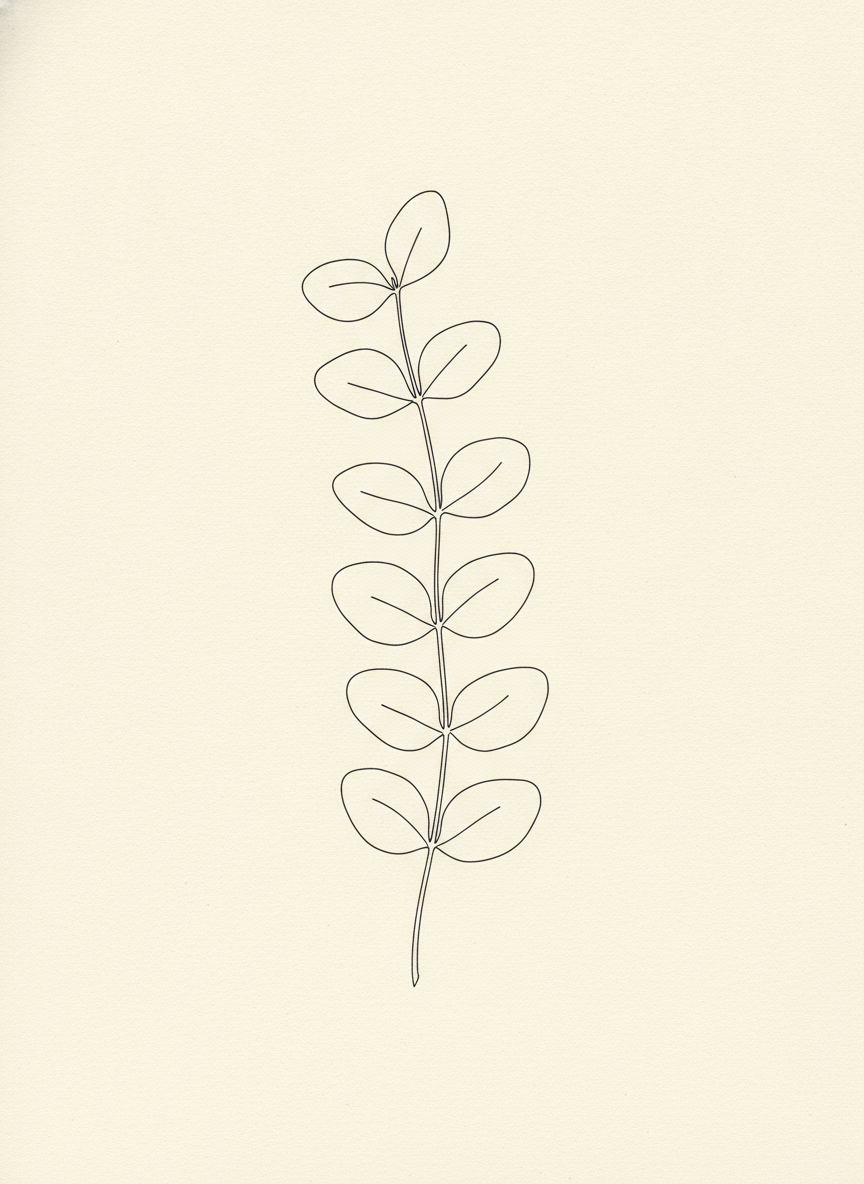
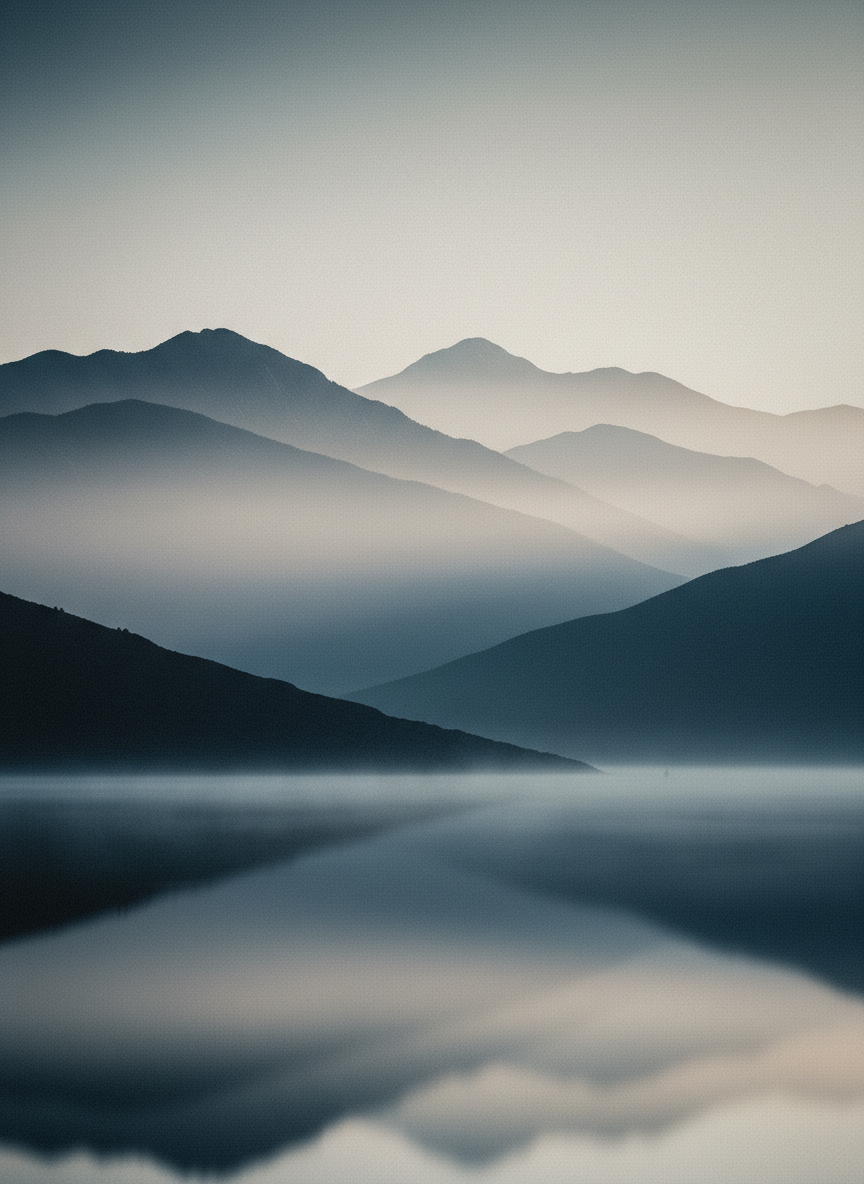
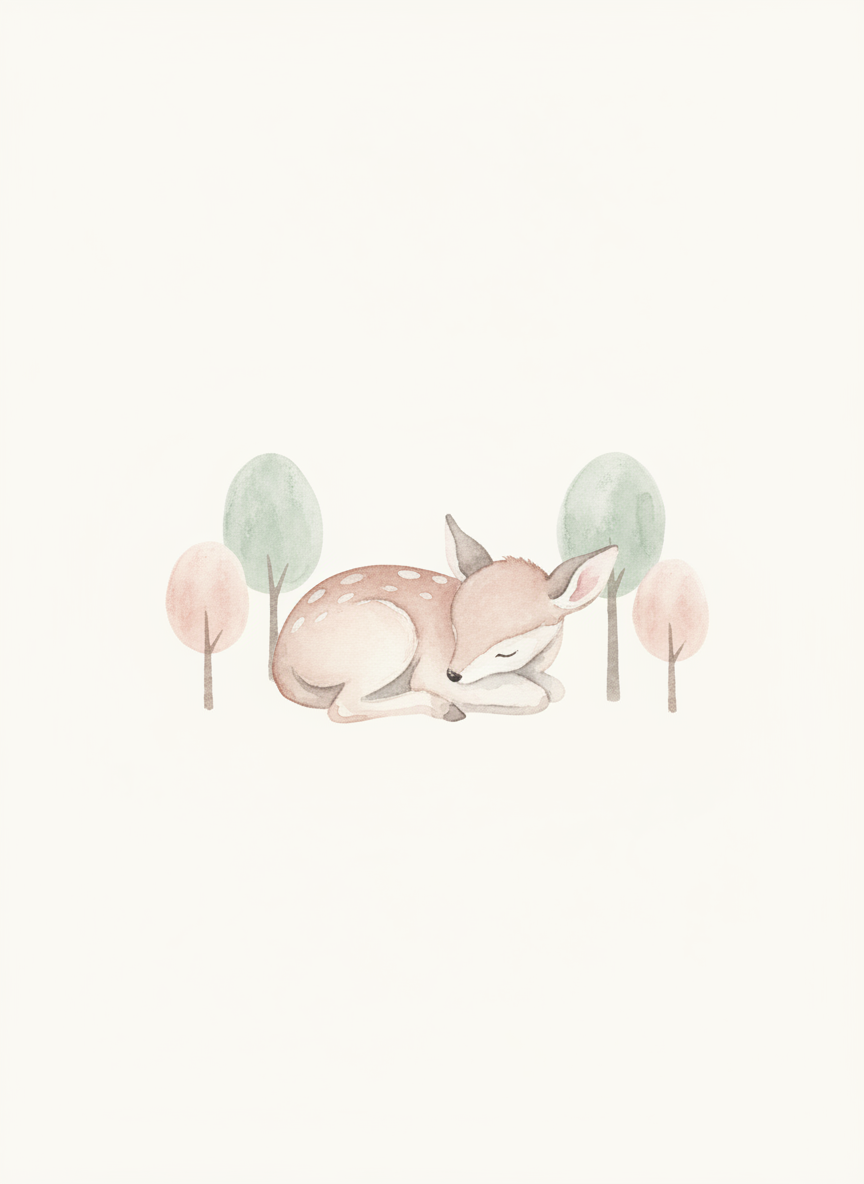
An abstract statement piece, a botanical line print, a landscape, a nursery print, a three-panel set and a Japandi ink wash — six formats rather than six decorations
How the AI Wall Art Generator Works
Three steps from an empty wall to a file your printer can use
Measure the Wall, Then Pick the Format
Wall art is decided by distance and by how much room the wall has to give. The six presets are six answers to that. Abstract Statement is built to carry a big empty wall above a sofa and to still read from the far side of the room. Botanical Line Print is the opposite — one thin line and a lot of paper, meant for a narrow hallway or a spot you pass close to. Landscape Print gives depth to a wall that needs a window. Nursery Print stays soft and low-contrast on purpose, because a child sleeps under it. Set of Three spreads across a width no single print covers. Japandi Ink Wash is the quietest of the six, for a room that is already busy. Start with where it is going, not with what it looks like.
Describe the Subject and the Palette
The details box is for what the preset cannot guess. Two things carry most of the result. Name your subject specifically — a coastal cliff at dusk rather than a landscape, a single fig leaf rather than a plant — because the presets set the treatment and you set the thing being treated. Then name two to four colours, and pick them from the room rather than from the picture: the whole reason a print looks bought-for-this-wall is that it repeats a tone already in the sofa, the rug or the oak of a sideboard. Also say what the ratio is for. A frame you already own is a hard constraint, and it is far easier to generate to it than to crop to it later.
Generate, Then Size It for the Print
Each piece arrives in about twenty seconds at up to 4K. Before you send it anywhere, do the one calculation that decides whether a print looks sharp or soft: divide the pixel width by the inches you want it printed. Above roughly 150dpi is fine for art seen from a few feet away, and 300dpi is what you want for something you stand right next to. A 4K file is comfortable up to around A3. Beyond that, upscale it first rather than letting a print shop stretch it. Then order one small test print on the paper you plan to use, because a screen is backlit and paper is not.
Why Use an AI Wall Art Generator
Six things that decide whether a print works on a real wall
The Ratio Is the Decision You Cannot Undo
Frames come in fixed proportions and they do not forgive. The common ones are 2:3 (4x6, 8x12, 12x18, 16x24, 24x36), 4:5 (8x10, 16x20), 3:4 (6x8, 18x24) and square. The trap that catches almost everyone is that 8x10 is 4:5, not 2:3 — so a print generated at 2:3 loses a visible band off the top or the side when it is cropped to fit an 8x10 frame, and it is always the part of the composition you liked. Decide the frame first and generate to its ratio. Cropping afterwards is how a balanced piece becomes an off-centre one.
Pixels Set the Maximum Print Size
This is the number that actually limits wall art, and it is easy to check. Divide the pixel width of your file by the width in inches you want to print, and you have the dpi. Around 150dpi holds up for a piece viewed from a few feet across a room; 300dpi is the standard for anything you will stand close to or hold. A 4K file is comfortable up to roughly A3 at full quality and will stretch to a large canvas viewed at distance, but a 24x36 inch gallery print at 300dpi wants more pixels than any generator gives you directly. Upscale before printing, never after — a print shop enlarging a small file just makes the softness bigger.
Screen Colour Is Not Printed Colour
Your monitor emits light and paper reflects it, which is why a print almost always comes back slightly darker and less saturated than what you approved on screen. Deep blacks lift towards charcoal on matte cotton rag, and the electric blues, hot pinks and neon greens that look best on a display sit outside what CMYK ink can reach, so they land duller. None of this is a fault in the file. The fix is boring and reliable: order one small test print on the exact paper stock you intend to use before committing to a large one, and choose your palette knowing that muted, earthy and tonal schemes survive the trip to paper far better than fluorescent ones.
Size It to the Furniture, Not to the Wall
A render has no dimensions, so the scale decision stays yours, and it is the one people get wrong most often. Art hung above a sofa or a bed should span roughly two thirds of the furniture below it — anything much smaller reads as a stamp on a large blank wall. Hang the centre of the piece at about 145 to 152cm, or 57 to 60 inches, from the floor, which is standing eye level and what galleries use. For a group, keep the gaps between frames tight, around 5 to 8cm, so the arrangement reads as one object. And remember a three-panel set needs the gaps counted into its total width as well as the panels.
A Set Is Easier Than a Single Piece
Coherent groups are where generation genuinely beats buying. A gallery wall of six prints that clearly belong together, a triptych that spans a wide sofa, a nursery pair, or a whole shop listing in one palette all come from holding the format and the colours steady and changing only the subject. Doing that by hand means finding six separate artists whose work happens to agree. Here it means running the same preset six times with one variable moved. Keep the palette to the same two to four colours across the set and the wall does the rest of the work for you.
Free to Start, $9.98 to Go Further
You can generate wall art free without a credit card, which is enough to find out whether a subject and a palette carry a whole wall before you spend anything on framing. Paid plans start at $9.98 for real work: building a gallery wall, generating a range of colourways for a print shop listing, or the repeated passes it takes to get the balance of empty space right in a minimal piece. Output reaches 4K without a watermark and is cleared for commercial use, which is what matters once something is going to be printed large or sold.
Frequently Asked Questions
Common questions about using an AI wall art generator
Fill the Wall in Twenty Seconds
Pick a wall art format, describe your subject and palette, and download a printable artwork file at up to 4K — abstract statement, botanical line, landscape, nursery, a set of three or an ink wash. Powered by Nano Banana Pro. Free to start, plans from $9.98.
The Wall Decides Everything: the AI Wall Art Generator
Buying wall art is a negotiation you always lose slightly. The piece that suits the room is the wrong proportion for the wall, the one that fits the frame is in colours that fight the sofa, and the print that gets all of it right is a limited edition at four figures. That is what an AI wall art generator changes. You describe the subject and the palette, name the format, and the piece arrives built for the wall you actually have rather than for a photograph in a catalogue. Twenty seconds a try means the expensive part is no longer deciding — it is only the framing.
The six presets here are six formats rather than six decorations, because format is what a wall responds to. An oversized abstract statement piece is built to carry a large empty wall and to hold up from across the room. A botanical line print is one thin continuous line and a great deal of paper, for a hallway or a spot you walk past at arm's length. A landscape print gives depth to a wall with no window. A nursery print stays deliberately soft and low in contrast. A set of three spreads across a width no single print covers. A Japandi ink wash is the quietest of the six, for a room that already has enough going on. Choose by where it hangs and the treatment follows.
Two habits improve almost every result. Pull your colours from the room rather than from the picture: a print reads as chosen-for-this-wall when it repeats a tone already present in the rug, the oak or the upholstery, and that single trick does more than any amount of styling. And be specific about the subject — a coastal cliff at dusk rather than a landscape, one fig leaf rather than a plant — because the preset sets the treatment and your description sets the thing being treated. Format, subject, palette: three decisions, and the wall does the rest.
What the AI Wall Art Generator Will Not Do
It will not make the file bigger than it is. Output reaches 4K, which prints cleanly up to around A3 and will go onto a large canvas seen from a distance, but a full-size gallery print at 300dpi wants more pixels than that. Do the arithmetic before you order — pixel width divided by inches gives you the dpi — and run the file through the 4K image upscaler before printing rather than letting a print shop stretch it. It will not guarantee colour either: a monitor is backlit and paper is not, so blacks lift, neons dull, and the only reliable answer is a small test print on the stock you plan to use.
It also will not show you the piece hanging in your room, on purpose — what you download is the artwork full bleed, with no frame, mount or wall baked into it, because anything drawn around the edge would print as part of the picture. For the room view, the AI interior design generator works from a photograph of your actual space, and the AI mockup generator places a print into a framed scene for a shop listing. If the words are the artwork rather than a caption, the AI poster generator is the better fit and text in images explains what type the model can reliably set. For repeats rather than single pieces, see the AI pattern generator, and for pure linework the AI line art generator goes further than the botanical preset here.
Within those limits the work is yours to use. Output reaches 4K with no watermark and is cleared for commercial use, which covers framed originals, Etsy and Shopify listings, print-on-demand catalogues and client jobs alike. Keep other people's property out of it — logos, characters, album artwork, and the style of a specific named living artist — check the AI policy of whichever marketplace you sell through, and know that in the United States purely AI-generated images are not registrable for copyright, so selling the print is fine but stopping an imitator may not be. It is free to start with no credit card and plans begin at $9.98. Measure the wall, pick a format, and print something that belongs there.
Try the AI wall art generator free today. Pick one of six wall art formats, describe your subject and palette, and download a printable artwork file at up to 4K. No credit card required to start. Paid plans from $9.98.