
AI Tote Bag Design Generator
A tote is the friendliest thing in print-on-demand and the easiest to get subtly wrong. The panel is a flat square, the handles crop the top of it, and natural canvas is a colour you are printing onto rather than a blank page. This AI tote bag design generator makes the artwork and shows it printed on the bag in about twenty seconds, at up to 4K, in six styles that produce very differently: minimal line art, botanical watercolour, vintage retro, a bold screen print, an embroidery look and an all-over block print. Pick a style, describe your idea, and see the bag before you order a single unit.
Try It Now — Free
Pick the style first, then use the details box for your subject, your bag colour and your palette. Each preset already carries what that kind of tote print has to get right — how many colours the method can hold, how much of the front panel the design should fill, and how the artwork has to behave against undyed canvas rather than white paper.
AI Tote Bag Design Generator
Pick a tote bag design style, describe your idea and bag colour, and see it printed on the canvas
Bags From the AI Tote Bag Design Generator
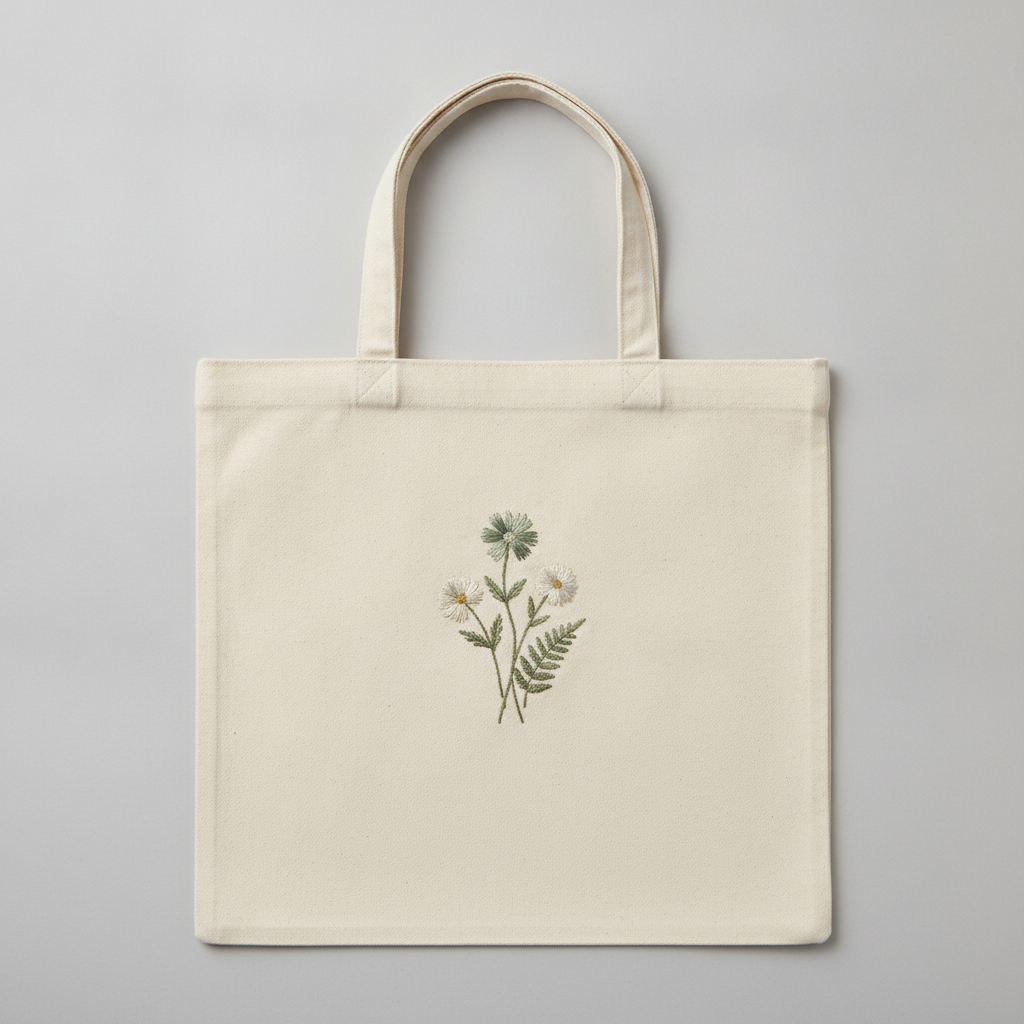
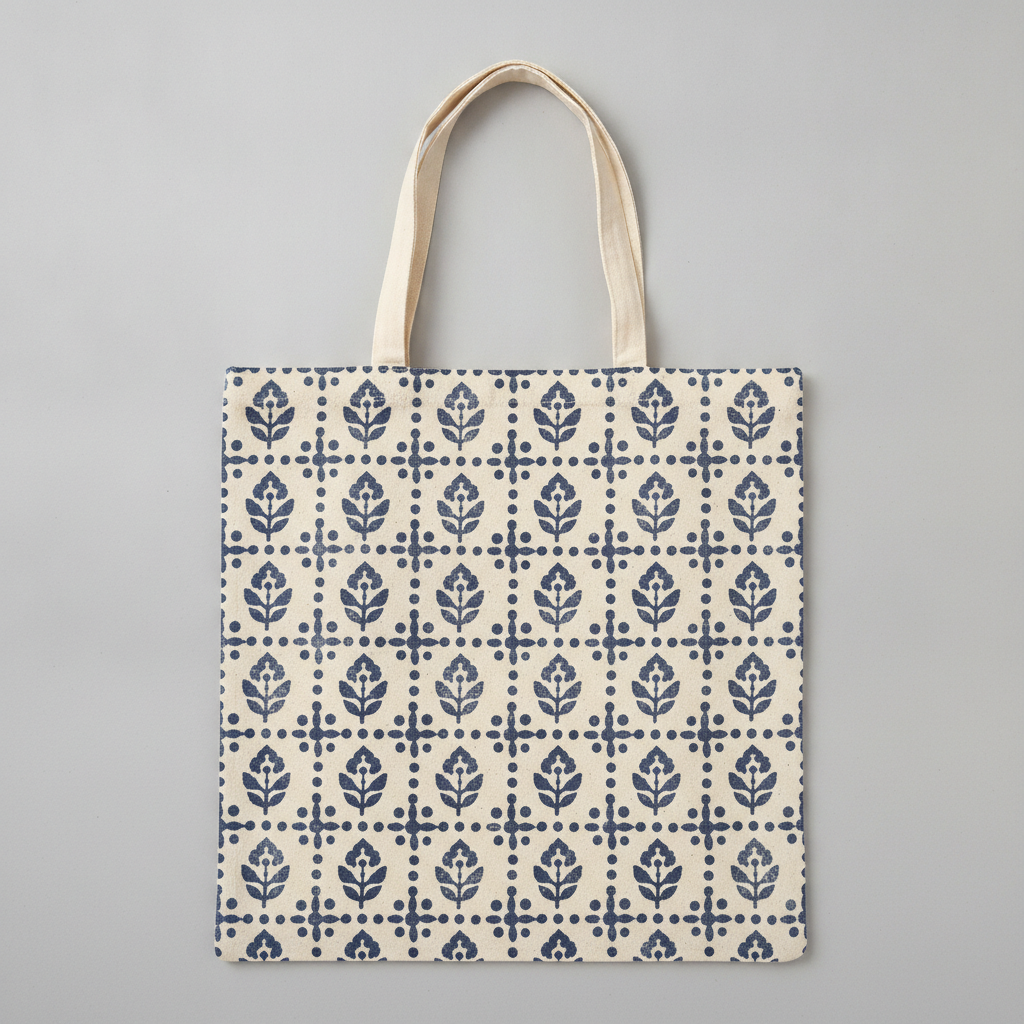
Minimal line art, botanical watercolour, vintage retro, a bold screen print, an embroidery look and an all-over block print — six print methods rather than six pictures
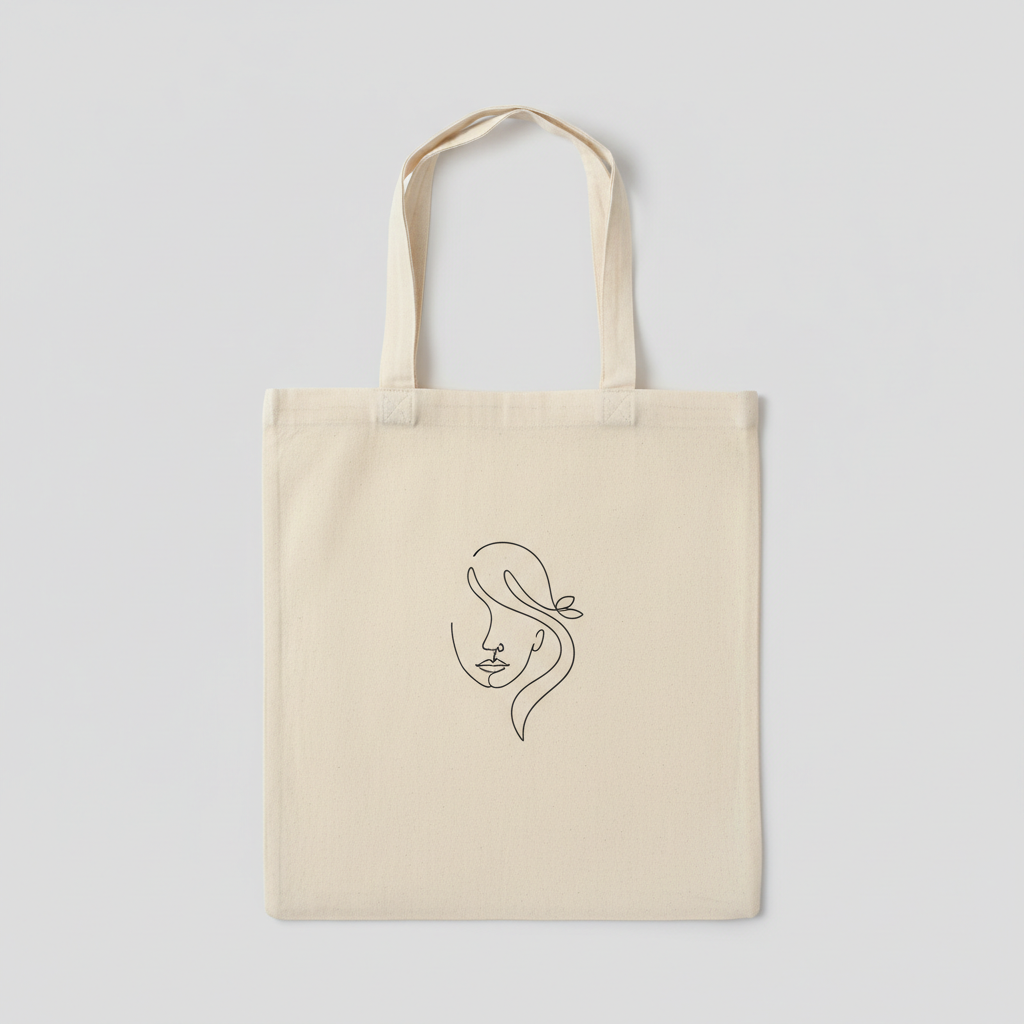
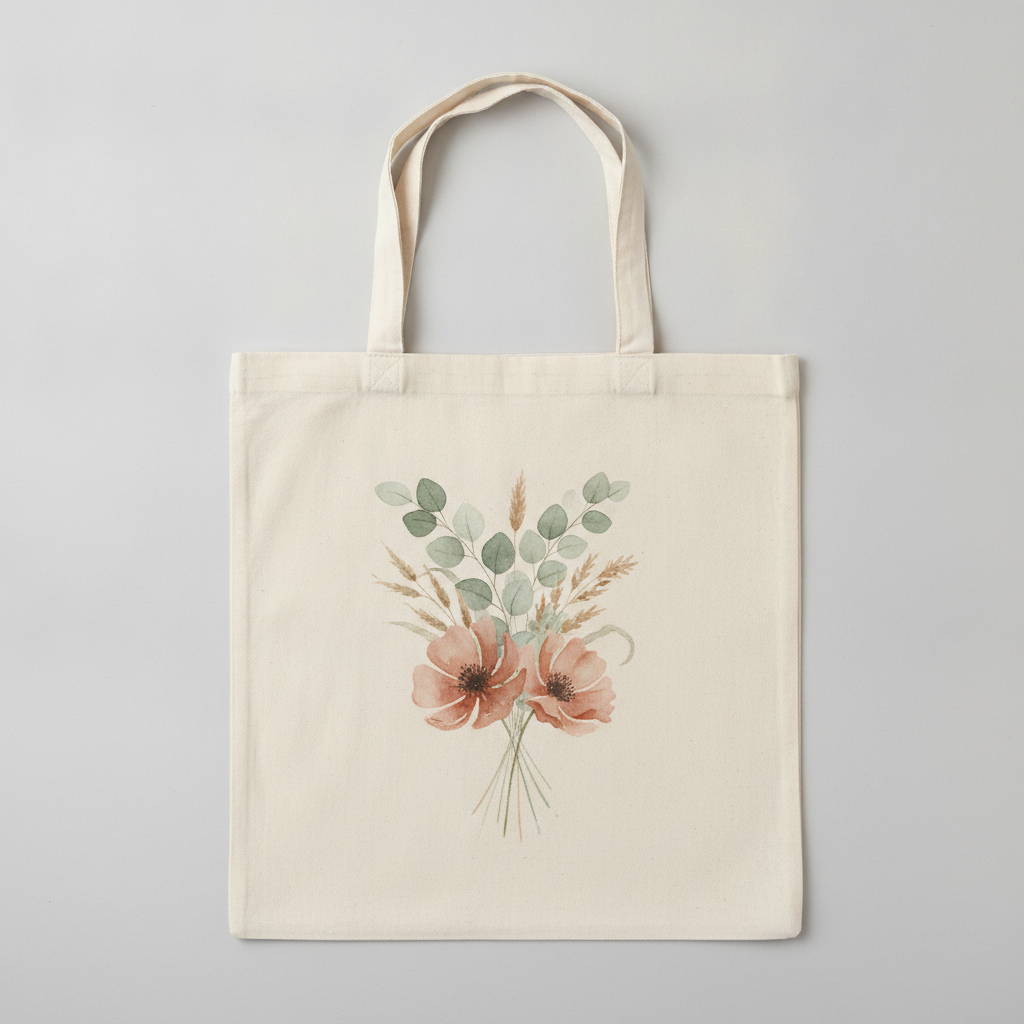
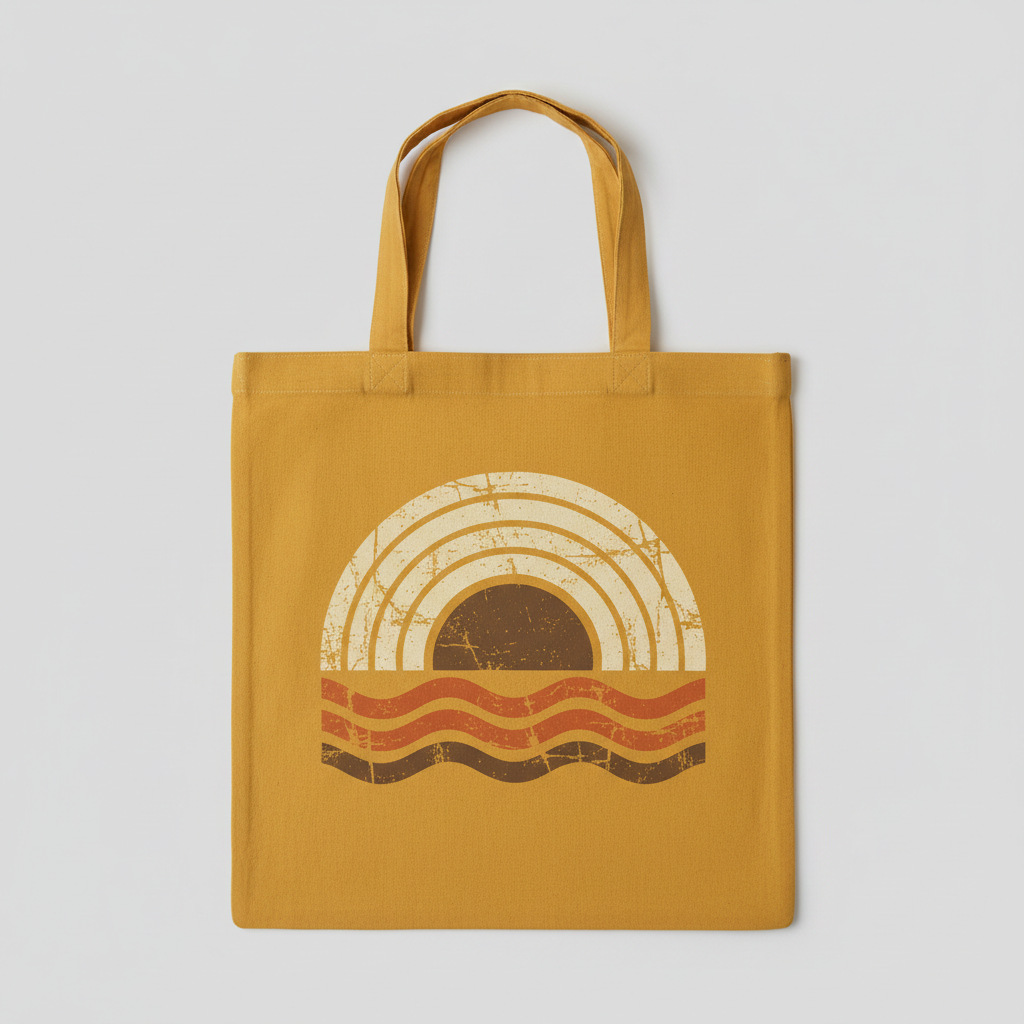
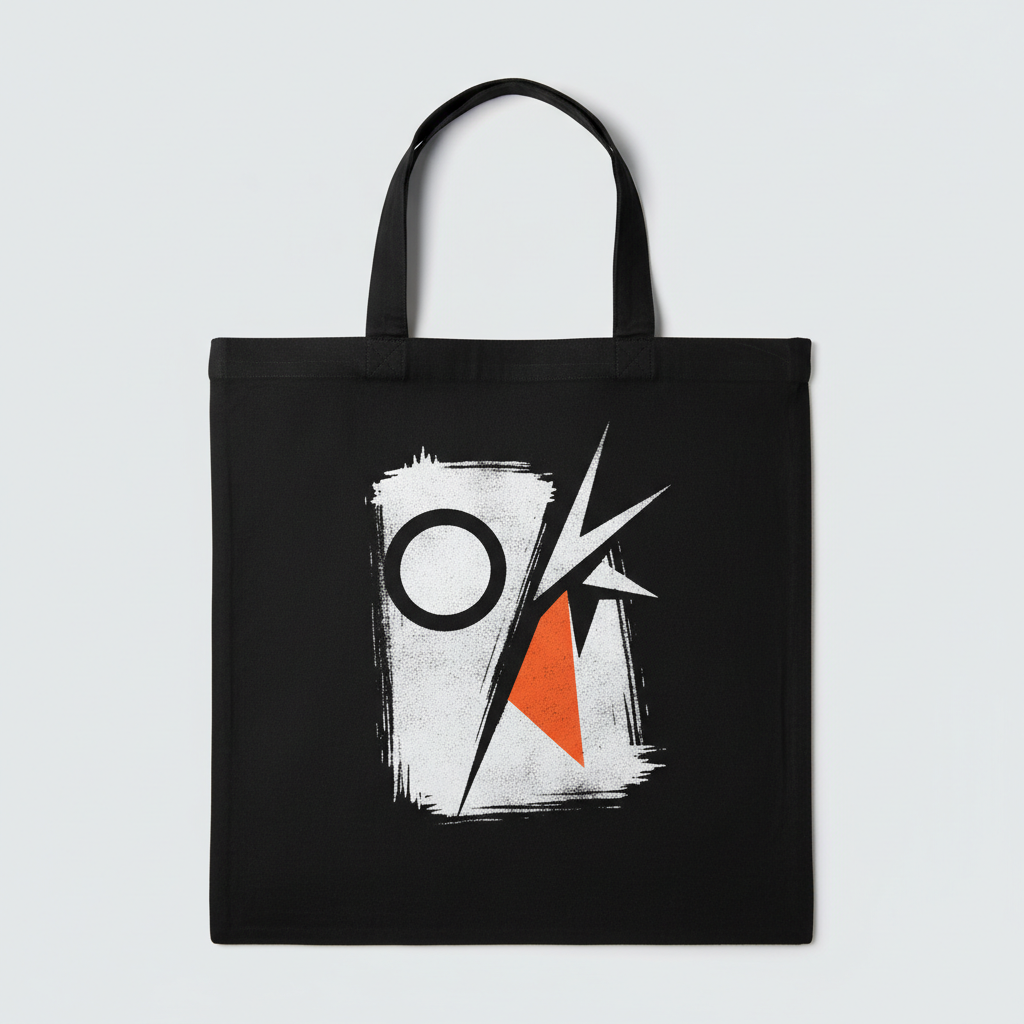
How the AI Tote Bag Design Generator Works
Three steps from an idea to a design you can hand to a print service
Pick the Style, Because It Is Really a Print Method
The six presets are six ways ink or thread actually meets canvas, which is why the choice matters more than it looks. Minimal Line Art keeps the stroke even and heavy enough to survive a woven surface. Botanical Watercolour needs full-colour digital printing, because soft bleeds and granulation cannot be separated into screens. Vintage Retro builds the distressing into the artwork rather than hoping the wash does it later. Bold Screen Print goes to two flat opaque colours, which is exactly what a screen printer is cheapest and sharpest at. Embroidery Look stays small and simple, because stitching cannot hold fine detail and every extra colour is another thread change. All-Over Block Print covers the whole panel and has to tile, which is a different production job again. Choose by how it will be made, not by what it looks like on screen.
Describe the Subject and the Bag Colour
The details box is for what the preset cannot guess, and two things carry most of the result. Name your subject specifically — a lemon branch rather than a plant, a single sailing boat rather than the sea — because the preset sets the treatment and you set the thing being treated. Then name the bag colour and say it as a bag rather than a background: on natural canvas, on black, on faded mustard. This matters on a tote because most totes are undyed cream rather than white, so pale inks and white highlights that look clean on screen can disappear into the fabric entirely. Add two to four ink colours and stop there — a tight palette is what makes a tote look like a boutique product rather than a test print.
Generate, Then Get It Print-Ready
Each design arrives in about twenty seconds at up to 4K, shown on the bag so you can judge scale and contrast the way a customer will. When you have one you want to produce, run it again with "flat artwork only, centred on a plain white background, no bag" added to the details box, and you get the same design as a usable print file. Then meet your print service where it lives: most print-on-demand platforms want somewhere around 3000 by 3000 pixels at 300dpi for a standard tote print area of roughly 10 by 10 to 12 by 12 inches, with the background removed so the canvas shows through instead of a white square. Upscale before you upload rather than letting the platform stretch the file, and always order one sample on the exact bag colour before you list it.
Why Use an AI Tote Bag Design Generator
Six things that decide whether a tote bag design survives contact with a real bag
Natural Canvas Is Not White
This is the single most common tote mistake and it is invisible until the sample arrives. Most tote bags are undyed cotton canvas, which is a warm oatmeal cream with a slight fleck to it, not the pure white your screen shows behind your artwork. Anything white in your design does not print white — it prints as nothing, and the canvas simply shows through. Pale yellows, soft greys and the highlights in a watercolour wash go the same way, losing most of their contrast. Design as though the cream is one of your colours, keep your lightest tone at least a couple of steps darker than the fabric, and never rely on a white highlight to do structural work. If you genuinely need white, you need a bag that is dyed dark enough to carry it.
The Handles Crop the Design
A tote panel looks like a clean square in a mockup and behaves like a cropped one in a shop. The handles are stitched to the top of the front panel and hang across it whenever the bag is carried or displayed on a hook, so the top few inches of your artwork spend most of their life partly hidden or visually cut into three. The bottom of the bag creases and folds inward when it is empty, which eats the lower edge. What survives is the middle. Centre the design a little lower than feels right, keep it clear of the top hem and the side seams, and treat anything above the handle stitching as decoration rather than as content. Designs with a strong single focal point in the middle of the panel handle this far better than edge-to-edge compositions.
Canvas Holds Detail Better Than Jersey
Here is where a tote is genuinely easier than apparel, and it is worth exploiting. Canvas is a tight flat plain weave with no pile and no stretch, so it does not swallow fine strokes the way fleece does and it does not distort the artwork the way a stretched t-shirt front does. Line art stays crisp, watercolour edges keep their softness, and small repeating pattern detail holds up at a scale that would turn to mush on a hoodie. The bag also lies flat rather than wrapping a body, which is why totes photograph so cleanly and why fine botanical illustration and delicate single-line work are such a staple of the category. You still want to avoid hairline strokes under about a millimetre at final size, but the ceiling is much higher than on any garment.
All-Over Patterns Are a Tote Speciality
The flat rectangular panel makes a tote one of the few products where an edge-to-edge repeat looks better than a centred graphic, and it is the fastest way to make a bag look expensive. A seamless block print or folk repeat covers the panel completely, which hides the handle crop problem entirely because there is no focal point to cut into, and it reads as fabric design rather than as merch. Two production notes. Printing edge to edge costs more than a centred graphic on most print-on-demand platforms and some will not do a genuine full bleed at all, so check before you design one. And the repeat has to actually tile — if the motif does not meet cleanly at the panel edges you get a visible seam. Generate the pattern, then check the four edges before you commit.
A Range Is Easier Than a Single Piece
Coherent collections are where generation genuinely beats commissioning, and totes are usually sold as ranges — a bookshop series, a market stall set, wedding favours, a conference giveaway, a seasonal drop. A six-piece range that clearly belongs together, the same motif worked across natural and black canvas, or a whole shop listing in one visual language all come from holding the style and the palette steady and changing only the subject. Doing that by hand means briefing an illustrator six times and hoping the sixth still matches the first. Here it means running the same preset again with one variable moved. Keep the palette to the same two to four colours across the range and it reads as a brand rather than as six unrelated bags that happen to share a shop.
Free to Start, $9.98 to Go Further
You can generate tote bag designs free without a credit card, which is enough to find out whether an idea carries a bag before you spend anything on samples. Paid plans start at $9.98 for real work: building a full range, generating every colourway a listing needs, or the repeated passes it takes to get placement and scale right. Output reaches 4K without a watermark and is cleared for commercial use, which is what actually matters once a design is going onto stock you have paid for. Compared with a few hundred dollars and a fortnight for a freelance illustrator, the arithmetic of testing ten ideas instead of one is not close — particularly on a product where the unit economics are thin and the winner is usually the fourth idea rather than the first.
Frequently Asked Questions
Common questions about using an AI tote bag design generator
Design the Tote in Twenty Seconds
Pick a style, describe your idea and bag colour, and see the design on the canvas at up to 4K — line art, watercolour, vintage retro, screen print, embroidery or an all-over block print. Powered by Nano Banana Pro. Free to start, plans from $9.98.
The Canvas Decides Everything: the AI Tote Bag Design Generator
Getting a tote made used to start with the most expensive step. You briefed an illustrator, waited a fortnight, paid a few hundred, and only then found out whether the idea actually carried a bag — and by that point sunk cost quietly decided the answer for you. An AI tote bag design generator inverts that order. You describe the subject, the style and the bag colour, and the design arrives on the canvas in about twenty seconds, which means the cheap part is now the deciding and the expensive part is only the stock you eventually buy. On a product with margins as thin as a tote, testing ten ideas before lunch beats defending one idea for a fortnight.
The six presets here are six print methods rather than six pictures, because how a design is made is what a bag responds to. Minimal line art keeps its stroke even so it stays crisp on a woven surface. Botanical watercolour needs full-colour digital printing, since soft bleeds cannot be separated into screens. Vintage retro builds the distressing into the artwork instead of waiting for the wash to do it. The bold screen print goes to two flat opaque colours, which is what a screen printer does most cheaply and most sharply. The embroidery look stays small because thread cannot hold fine detail and every colour is another stop. The all-over block print covers the panel and has to tile, which is a different job again. Pick by how it will be produced and the look follows.
Two habits improve almost every tote bag design. Treat the canvas colour as one of your colours rather than as a background — undyed cotton is a warm cream, so white does not print and pale tones lose their contrast, and a palette that sings on natural regularly disappears on black. And respect the handles: they hang across the top of the panel whenever the bag is carried, so centre the artwork a little lower than feels right and keep the important part in the middle. Style, subject, bag colour: three decisions, and the canvas does the rest.
What the AI Tote Bag Design Generator Will Not Do
It will not manufacture anything. What you get is an image of your design on a tote bag, which is what you want for judging scale, placement and contrast and for a listing photo while you test demand, but no bag is ordered and nothing is sent to a printer. It will not hand you a production file automatically either — generate the version you like, then run it again asking for flat artwork on a plain background, size it to the roughly 3000 by 3000 pixels at 300dpi that most print-on-demand platforms expect for a standard tote panel, and remove the background properly with the AI background remover before you upload. Run it through the 4K image upscaler first rather than letting a platform stretch a small file.
It will not guarantee the print either, because canvas is not a screen. Undyed cotton shifts every pale colour warmer and drops white entirely, ink on fabric always sits a little duller than colour on a backlit display, and an all-over repeat has to tile cleanly at the panel edges or it shows a seam — so order one sample on the exact bag colour before listing. For neighbouring jobs there are better fits: the AI t-shirt design generator is built for jersey, AI design for apparel covers the wider range of garments, the AI hoodie design generator handles fleece and its heavier line weights, the AI embroidery design generator goes further than the embroidery preset here, the AI pattern generator is the right tool for a seamless repeat you want to reuse, the AI mockup generator places a finished design into styled shop photography, and the AI logo generator handles a wordmark better than a graphic preset will. For slogan bags, text in images explains what type the model can reliably set.
Within those limits the work is yours to use. Output reaches 4K with no watermark and is cleared for commercial use, which covers print-on-demand listings, a small brand range, market stalls, wedding and event favours, bookshop and conference merchandise and client jobs alike. Keep other people's property out of it — logos, teams, characters, book covers, album artwork and the style of a specific named living artist — because totes attract exactly those references and they are the fastest way to lose a listing. Check the AI policy of whichever marketplace you sell through, and know that in the United States purely AI-generated images are not registrable for copyright, so selling the bag is fine but stopping an imitator may not be. It is free to start with no credit card and plans begin at $9.98. Pick a style, name the canvas colour, and see the tote before you buy the stock.
Try the AI tote bag design generator free today. Pick one of six tote bag design styles, describe your idea and bag colour, and see it printed on the canvas at up to 4K. No credit card required to start. Paid plans from $9.98.