
AI Embroidery Design Generator
Thread has a width, and that one fact decides which designs stitch well and which turn into a stiff, muddy blob. This AI embroidery design generator renders your idea as real stitching on real fabric — chest logo, hoop art, cap front, iron-on patch, single-colour line art or a back statement piece — so you can see the density, the palette and the shape before anyone digitises a file. Up to 4K, about twenty seconds.
Try It Now — Free
Pick the embroidery job first, then use the details box for your motif and thread colours. Each preset already carries the constraint that job actually has — how small the piece is, how dense the fill can be, how much detail survives at that size, and what the fabric underneath it will tolerate.
AI Embroidery Design Generator
Pick an embroidery type, describe your motif and thread colours, and see it rendered in real stitching
Designs From the AI Embroidery Design Generator
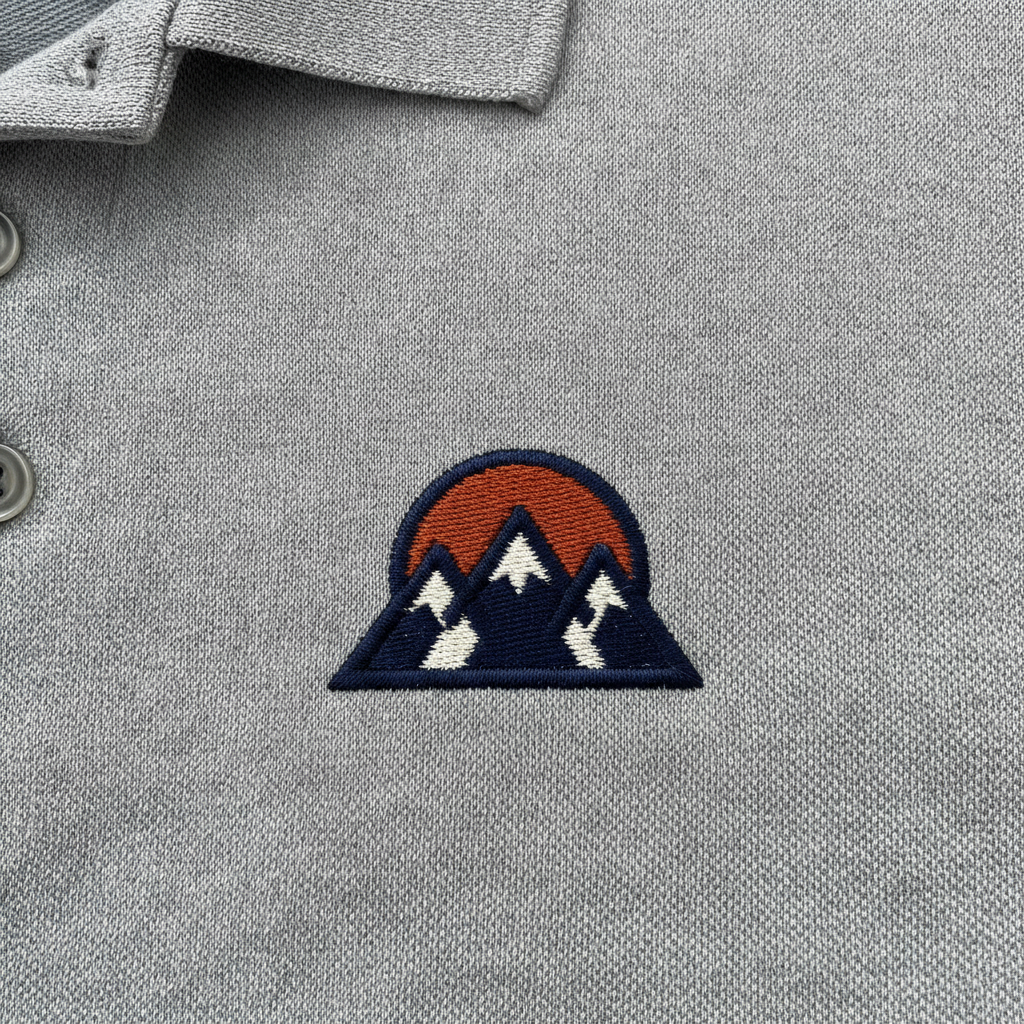
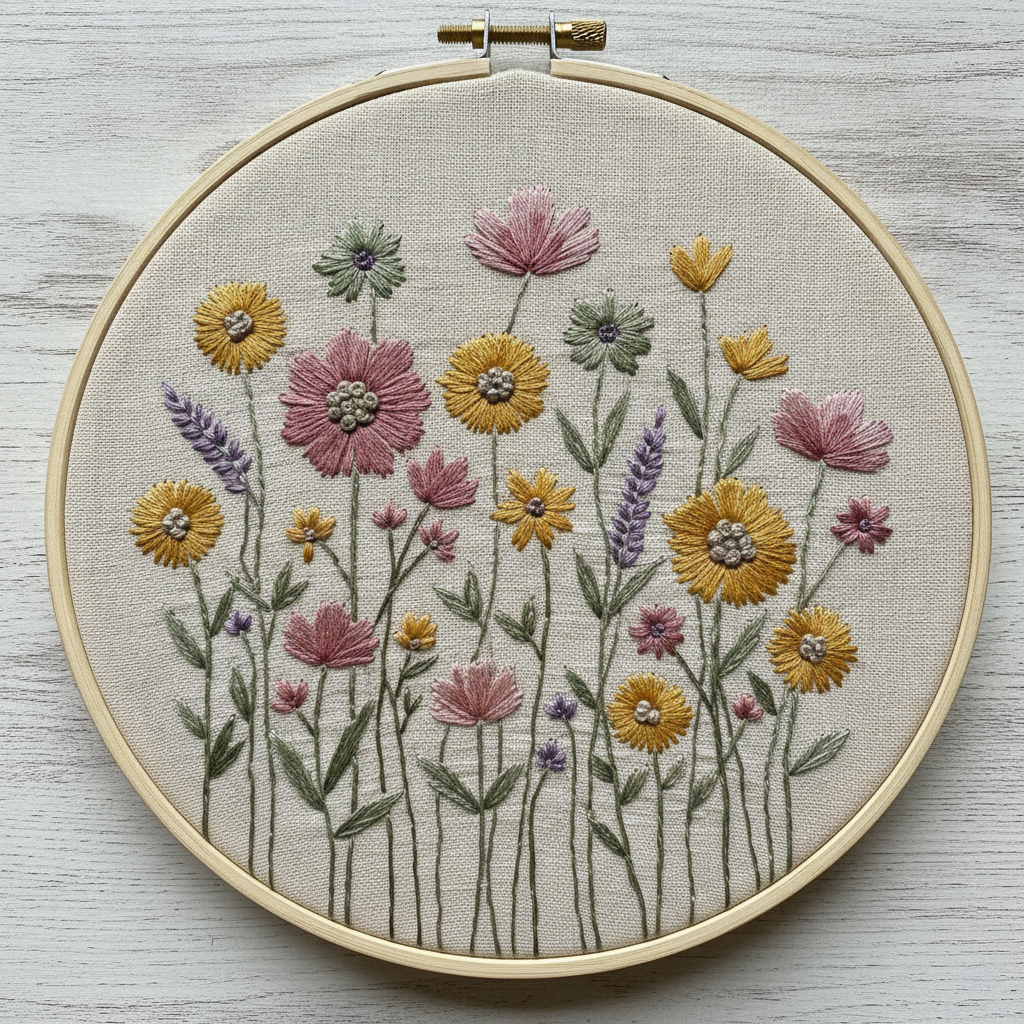
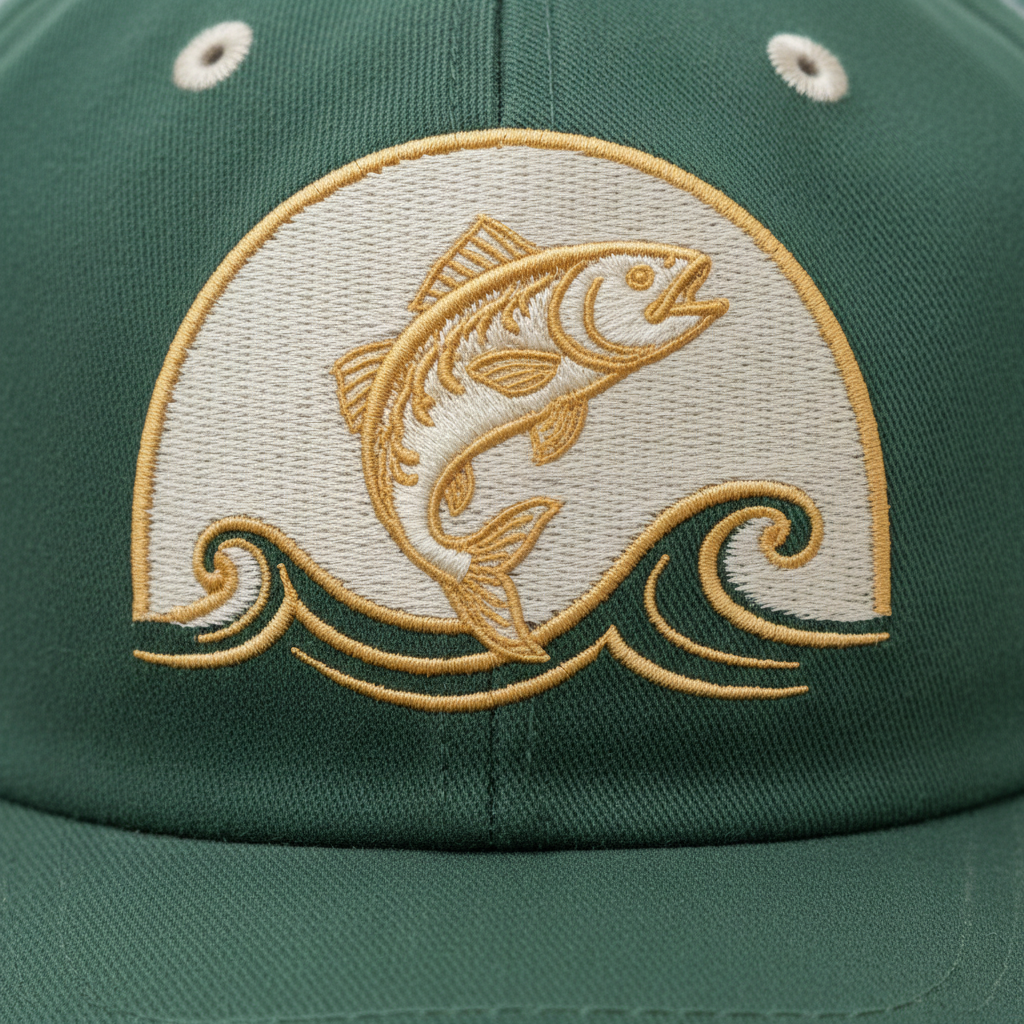
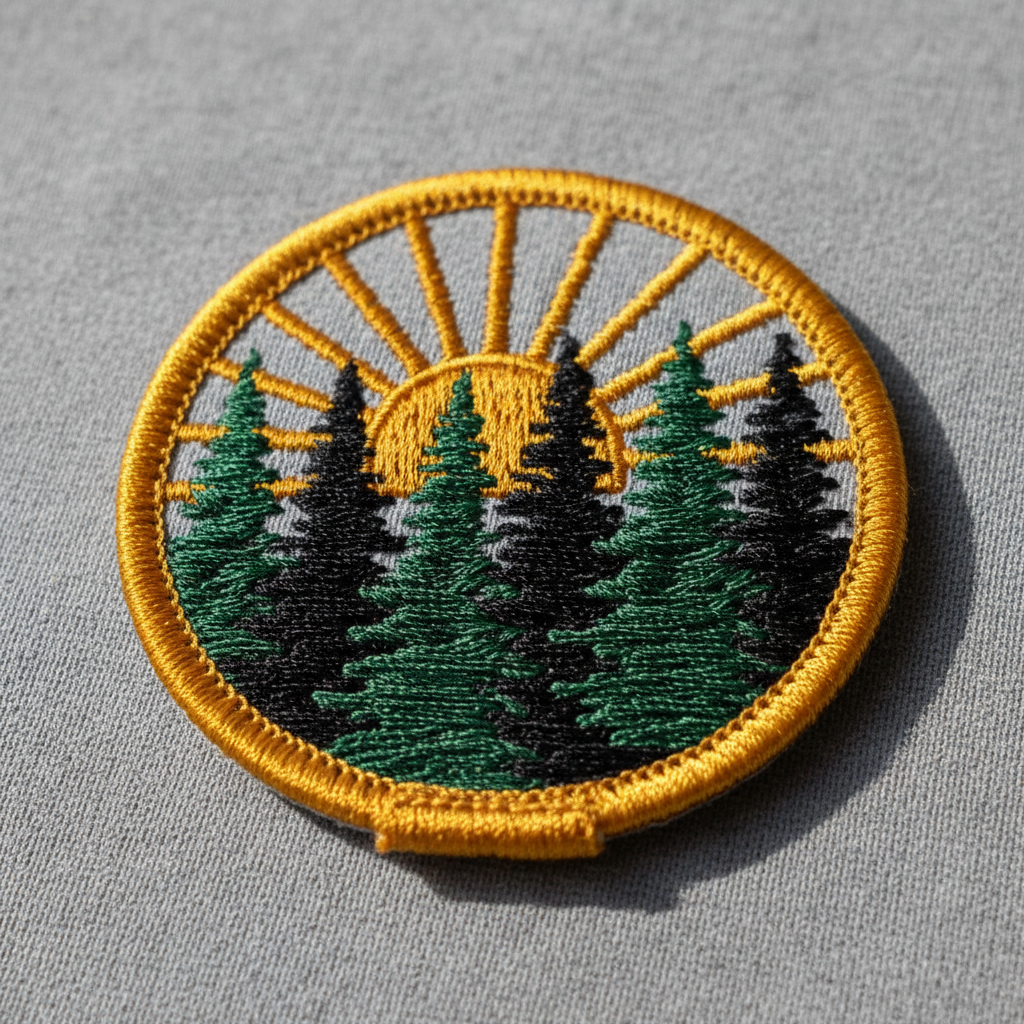
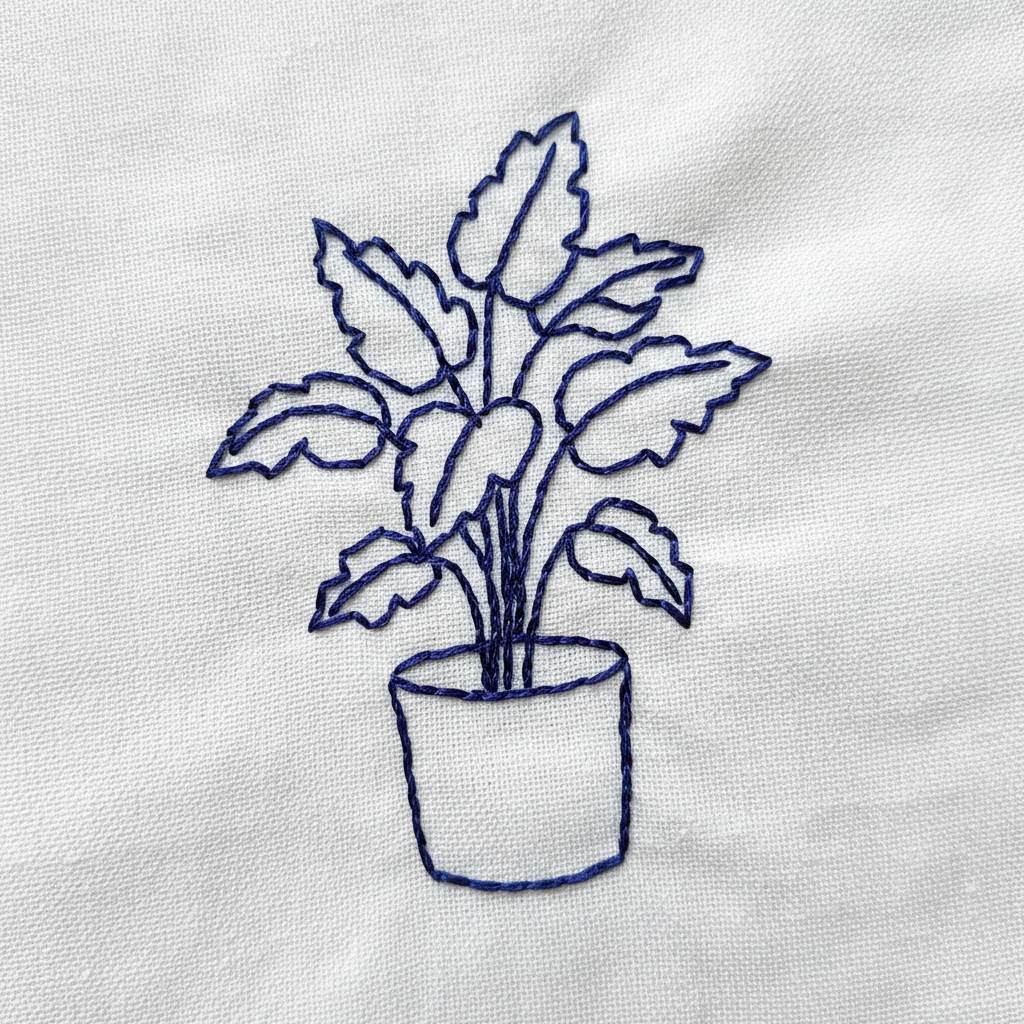
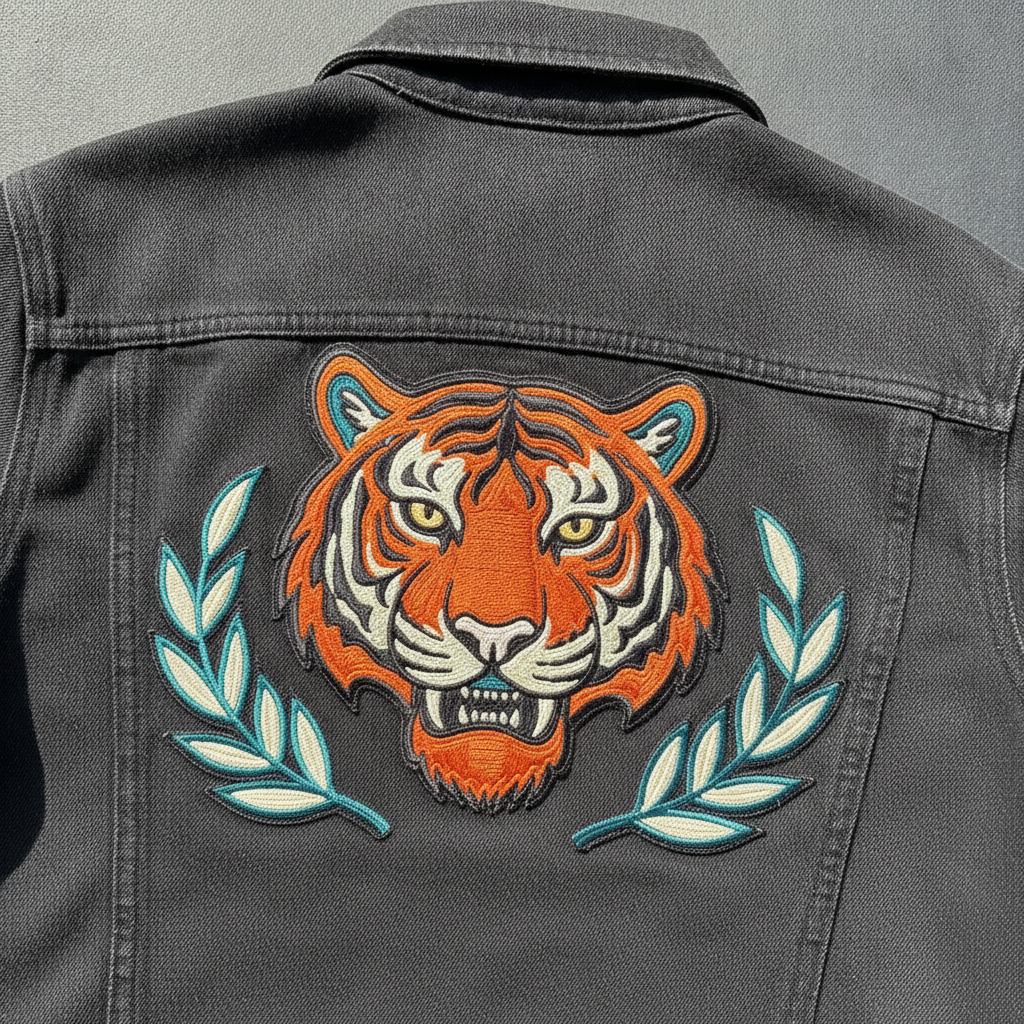
Chest logo, hoop art, cap front, iron-on patch, single-colour line art and a back statement piece — six different embroidery jobs, each with its own rules about size, density and detail
How the AI Embroidery Design Generator Works
Three steps from an idea to something a digitiser can actually work from
Pick the Job, Not the Picture
The six presets are six embroidery jobs rather than six subjects, because the job is what limits the design. Chest Logo is small and bold, roughly the width of a hand, so it holds thick shapes and loses hairlines. Hoop Art can be dense and shaded because nobody has to wear it. Cap Front sits on a curved panel barely two inches tall and suits raised puff stitching. Iron-On Patch is flat colour inside a merrowed border. Line Art is one thread and outlines only, the cheapest thing to stitch. Back Piece is the one place a design can be large and heavy. Choose where it goes first and the rest follows.
Describe the Motif and the Thread Colours
Use the details box for what the preset cannot guess: a bee and three wheat stalks instead of a mountain, mustard and cream instead of navy and rust. Name two to four thread colours rather than a whole palette, because every extra colour is a thread change on the machine and a small addition to the price. Leave lettering out. Small text does not stitch well below about a quarter of an inch in cap height no matter who digitises it, and an image model is the least reliable place to produce type — a name or a date is better added by the embroiderer with a proper keyboard font.
Generate, Judge the Density, Then Send It to a Digitiser
Each design comes back in about twenty seconds at up to 4K, rendered as thread on fabric so you can see whether it reads at the size it will actually be worn. Look for the things that go wrong in real stitching: lines too fine to hold, fills so solid the garment would stiffen, colours that vanish against the fabric. What you download is a picture of embroidery, not a machine file — an embroiderer digitises it into a stitch file for your fabric and hoop, which is a separate skilled job. Treat the render as an approved design and a brief.
Why Use an AI Embroidery Design Generator
Six reasons a stitched render beats a flat drawing you have to imagine in thread
It Shows the Design as Thread, Not Ink
A drawing and a stitch-out are different objects. Thread is shiny, it lies in a direction, it sits above the cloth and catches light along the stitch, and it cannot do a soft gradient or a hairline. Designs that look elegant as flat vector art routinely come back from the machine looking heavy or muddled, and you find out after paying for digitising and a sample. Rendering the idea as real stitching on real fabric puts that judgement at the start, where changing your mind is free.
Density Is the Whole Game
Stitch count decides price, run time and how the finished garment feels, and it is the thing beginners misjudge most. A solid filled shape the size of a fist is thousands of stitches, adds real cost per garment, and can stiffen a soft knit into a card panel that puckers around the edges. Seeing the fill rendered — solid blocks against open fabric, outline against filled — makes the trade obvious. The Line Art preset exists precisely because a one-colour outline is often the smarter, cheaper and better-looking option.
Uniforms, Workwear and Team Kit
Anyone ordering embroidered polos, aprons, fleeces or caps is buying one design many times over, so the cost of getting it wrong multiplies by the order. Running the mark through the Chest Logo and Cap Front presets shows whether it survives being shrunk to a palm and then to a curved panel — which is where most detailed logos quietly fail. It also gives the supplier something concrete to quote against, alongside the AI logo generator if the mark itself is still being designed.
Hoop Art, Craft and Etsy Sellers
Hand embroidery and hoop art have the opposite problem: nothing to wear, so density is free, and the limit is the composition and the palette. Generating a hoop in four colourways before threading a single needle is a fast way to settle a design, and the renders double as concept images for a shop listing or a commission conversation. Output at up to 4K carries no watermark and is cleared for commercial use, so a finished piece can be sold without any licensing question about the design.
A Brief Your Embroiderer Can Price
Embroidery quotes start with two unknowns: how many stitches and how many thread colours. A description does not settle either. A render does — it fixes the size relative to the garment, the number of colours, and whether the shapes are filled or outlined, which is most of what a digitiser needs to give you a real number. They will still redraw it properly as a stitch file, but the conversation starts from an image instead of from the words "a bee, kind of vintage looking".
Free to Start, $9.98 to Go Further
You can generate embroidery designs free without a credit card, which is enough to test whether an idea holds up in thread at all. Paid plans begin at $9.98 for real work: running one motif through every embroidery type, producing colourways for a shop, or taking the several passes it takes to get a shape simple enough to stitch cleanly. Set against a digitising fee plus a sample garment for a design that was never going to work small, it is not a close comparison.
Frequently Asked Questions
Common questions about using an AI embroidery design generator
Design Embroidery Worth Stitching
Pick an embroidery type, describe your motif and thread colours, and see it rendered in real stitching at up to 4K — chest logo, hoop art, cap front, patch, line art or a back piece. Powered by Nano Banana Pro. Free to start, plans from $9.98.
Thread Has a Width: the AI Embroidery Design Generator
Embroidery designs fail in a way that is easy to predict and easy to avoid. Somebody takes a logo that works beautifully on a website, shrinks it to sit on a chest, and sends it to be stitched. The thin outline vanishes. The gradient becomes a flat block. The small word underneath fills in until it reads as a smudge. Nothing went wrong at the machine; the design simply asked thread to do things that ink does and thread does not. An AI embroidery design generator is useful because it moves that discovery to the beginning, where it costs nothing, instead of after the digitising fee and the sample garment.
Every preset here renders your idea as photographed stitching — visible stitch direction, the sheen along a satin stitch, the slight relief where the thread stands above the cloth — on the surface the design would really sit on. The six are six embroidery jobs rather than six styles: a small bold chest logo, a dense decorative hoop, a curved cap front that suits raised puff stitch, a flat-colour patch inside a merrowed border, a one-thread outline that costs almost nothing to run, and a large back piece where heavy fill is finally appropriate. Change the motif and the thread colours inside those rules and the design stays stitchable.
The second lesson from the gallery is subtraction. The designs that read well in thread have fewer elements, thicker strokes and more space between shapes than their printed equivalents, and the single most common improvement to an embroidery design is deleting something. If you take one habit from this tool, make it the habit of generating the simple version alongside the detailed one and comparing them at the size the design will actually be worn, which is usually about the width of your hand.
From Render to Stitch File, and What This Tool Will Not Do
Be clear about the handover. What you download is an image of embroidery, not a machine file. Sewing it requires a digitised stitch file — PES, DST, JEF and the rest — in which every stitch path, underlay, sequence and trim has been decided by a person for your specific fabric and hoop. That is a separate paid job, and one worth paying properly for, since a badly digitised file ruins a good design. Position the render as an approved design and a brief: it settles the shapes, the colour count and the scale, which is most of what a digitiser needs to quote. If the file needs enlarging first, the 4K image upscaler covers that step.
Two other limits deserve naming. Lettering is best left off entirely: small text does not stitch well below roughly a quarter of an inch in cap height, and generated type is unreliable in its own right, so a name or a date belongs in the embroiderer's keyboard font rather than in the artwork. And thread colour is chosen from a numbered catalogue rather than from your screen, so treat the palette in a render as a direction and ask for a sew-out if a brand colour matters. If you are building a range around one motif, the AI logo generator makes the mark, AI pattern generator makes the repeat, and the AI t-shirt design generator, phone case designer and AI sticker generator carry it onto the printed products.
Within those limits the designs are yours. Output reaches 4K with no watermark and is cleared for commercial use, which matters for uniform suppliers, patch sellers and craft shops alike — with the obvious caveat that a commercial licence on the render is not permission to stitch someone else's logo, characters or team crest onto goods you sell. It is free to start with no credit card and plans begin at $9.98. Pick an embroidery type, describe the motif, and see it in thread before anyone digitises a file.
Try the AI embroidery design generator free today. Pick one of six embroidery types, describe your motif and thread colours, and download the design rendered in real stitching at up to 4K. No credit card required to start. Paid plans from $9.98.