
AI Keychain Design Generator
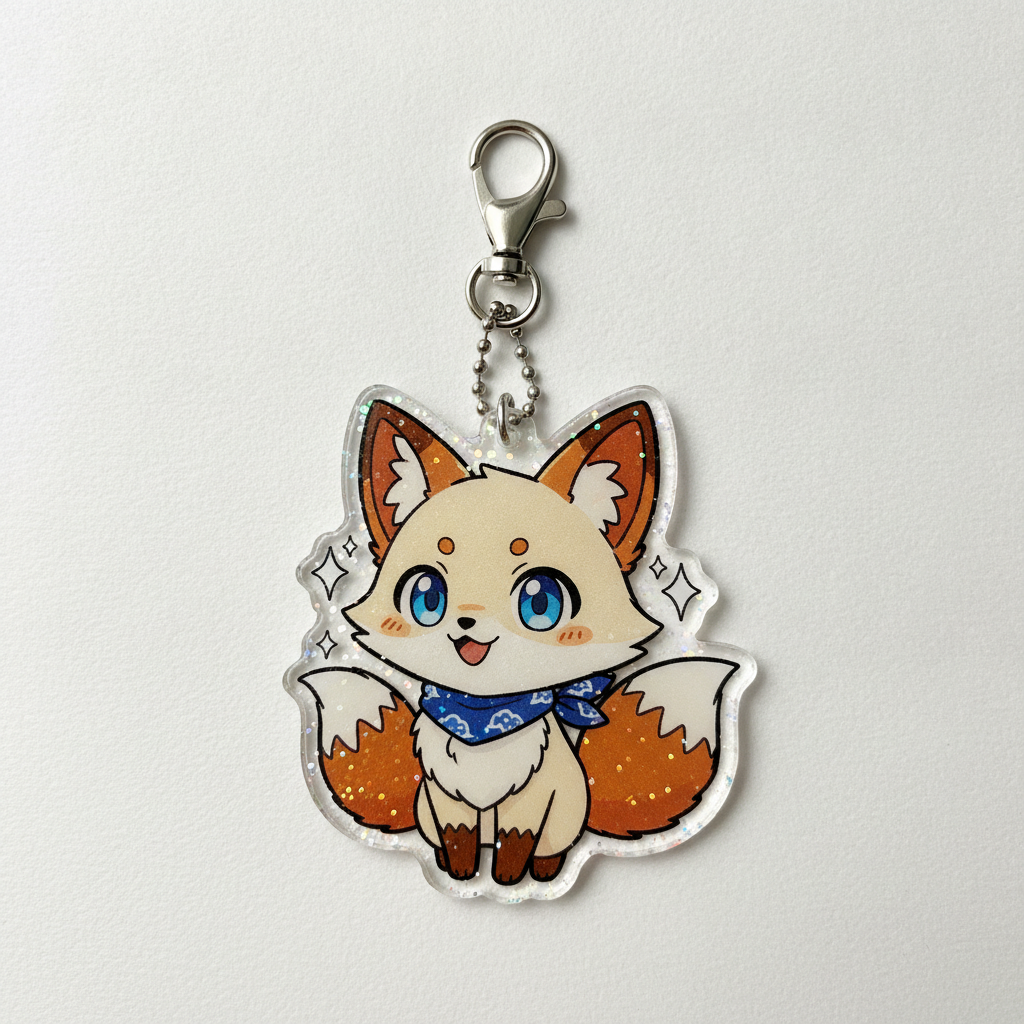
A keychain is the smallest product most makers ever sell. The whole design lives inside something around five centimetres tall, it gets seen at arm's length dangling from a bag, and it has to survive being cut out with a hole punched through it. This AI keychain design generator builds artwork around those limits and shows it on a real charm in about twenty seconds, at up to 4K, in six styles: acrylic character charm, leather tag, hard enamel, photo keychain, anime glitter charm and a matched collection. Pick a style, describe your subject and colours, and see the charm before you order a hundred of them.
Try It Now — Free
Pick the keychain material first, then use the details box for your subject, your palette and the finish you want. Every preset already carries what a tiny cut-out product cares about — one clear subject, a readable silhouette, a bold outline that survives die cutting and enough margin for the hole the ring goes through.
AI Keychain Design Generator
Pick a keychain style, describe your subject and colours, and see it on a real charm
Keychains From the AI Keychain Design Generator
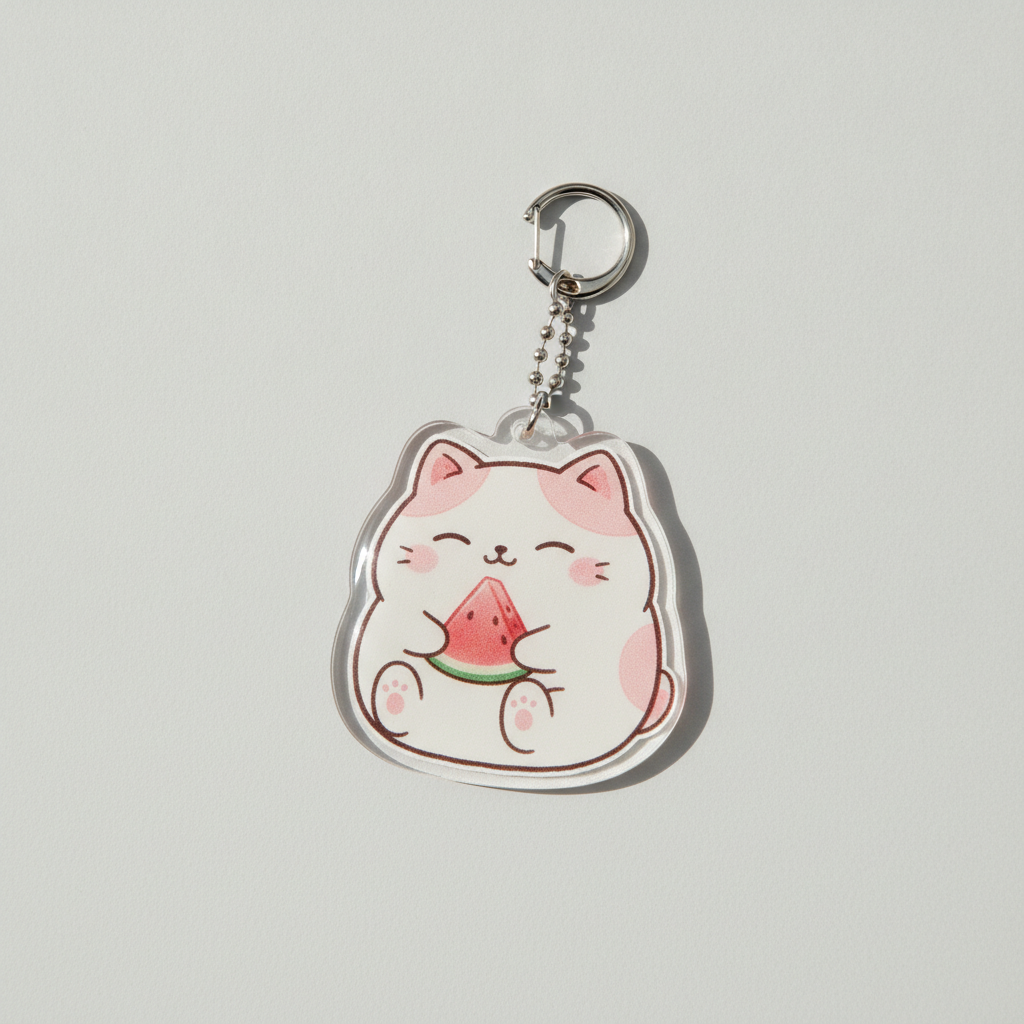
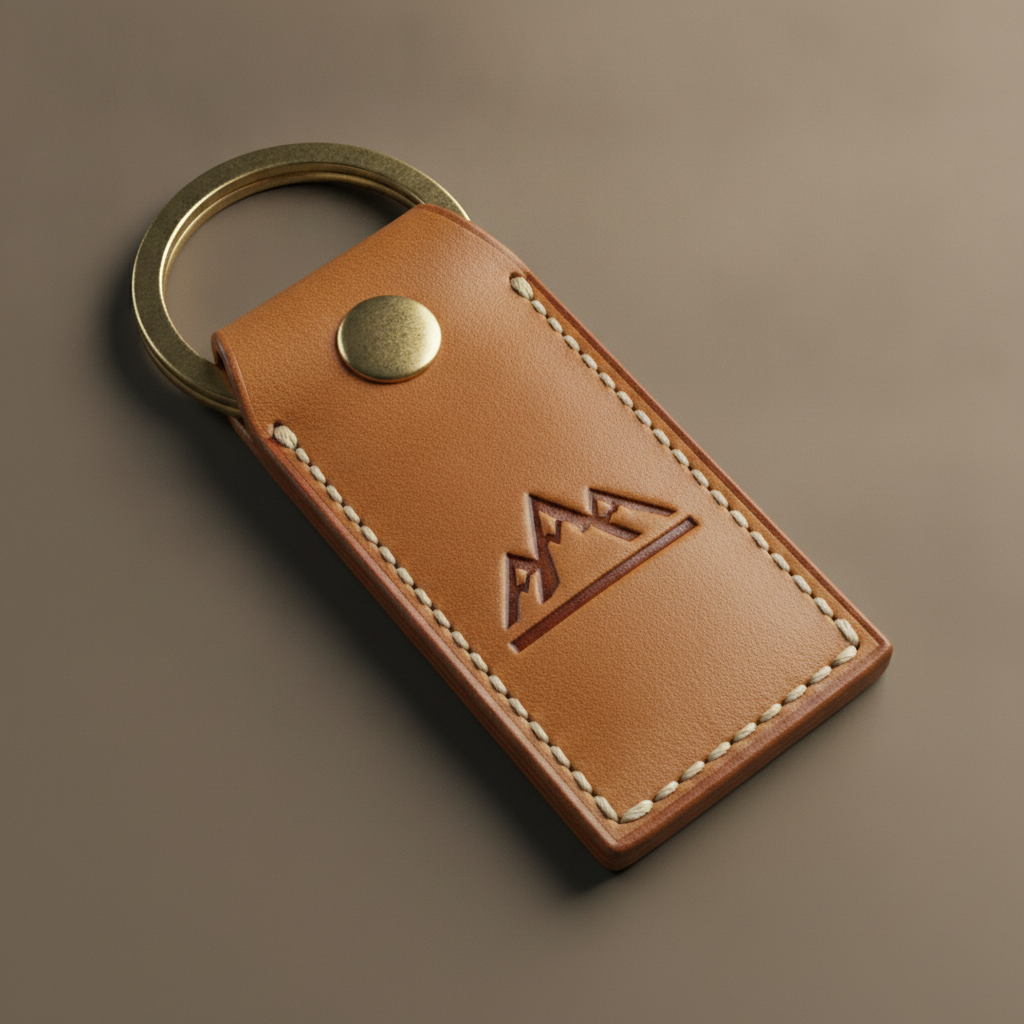
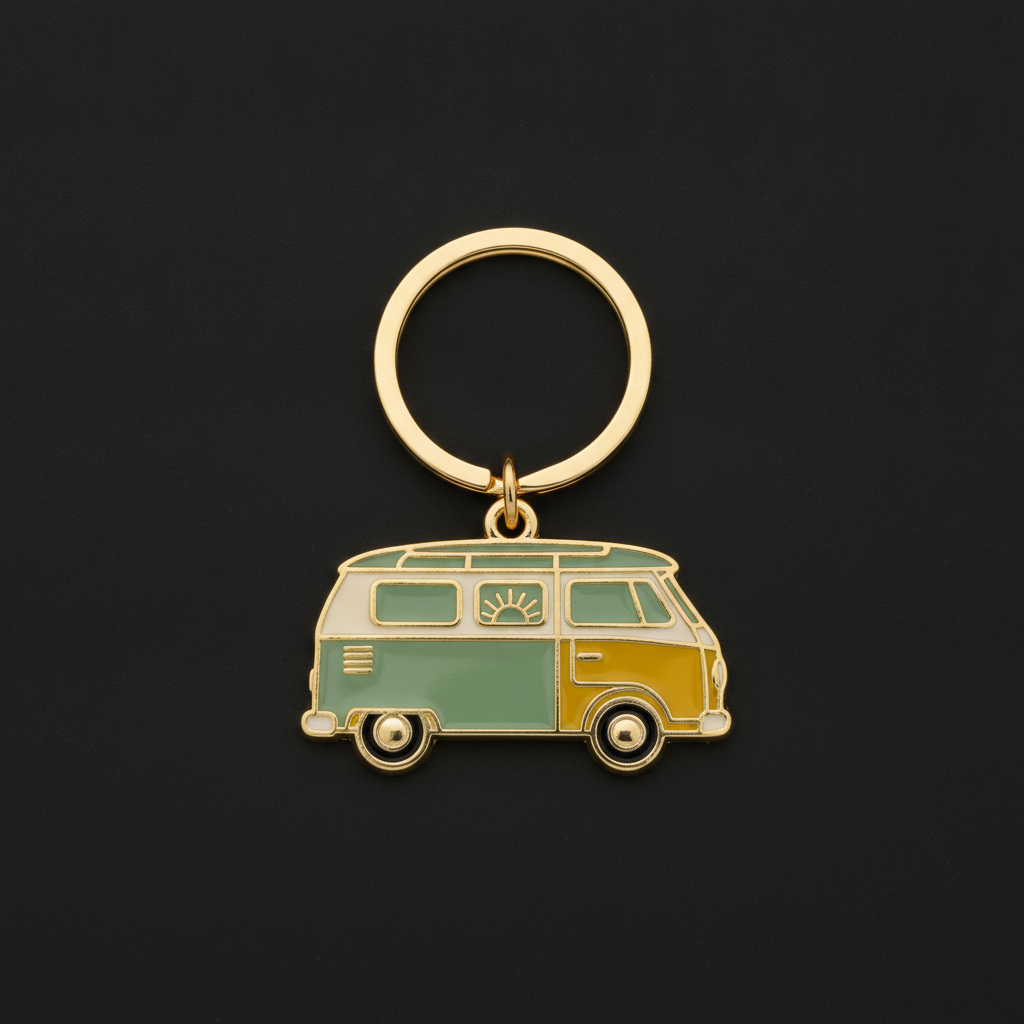
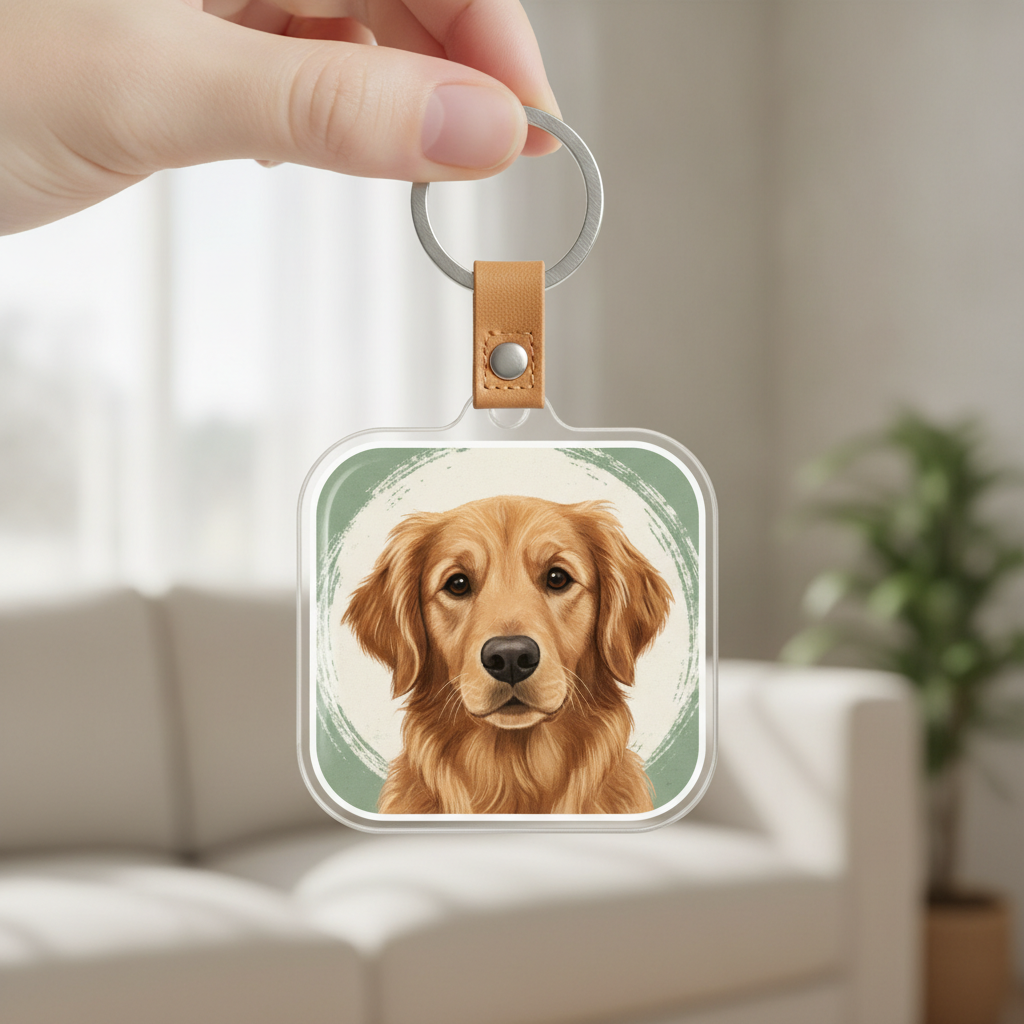
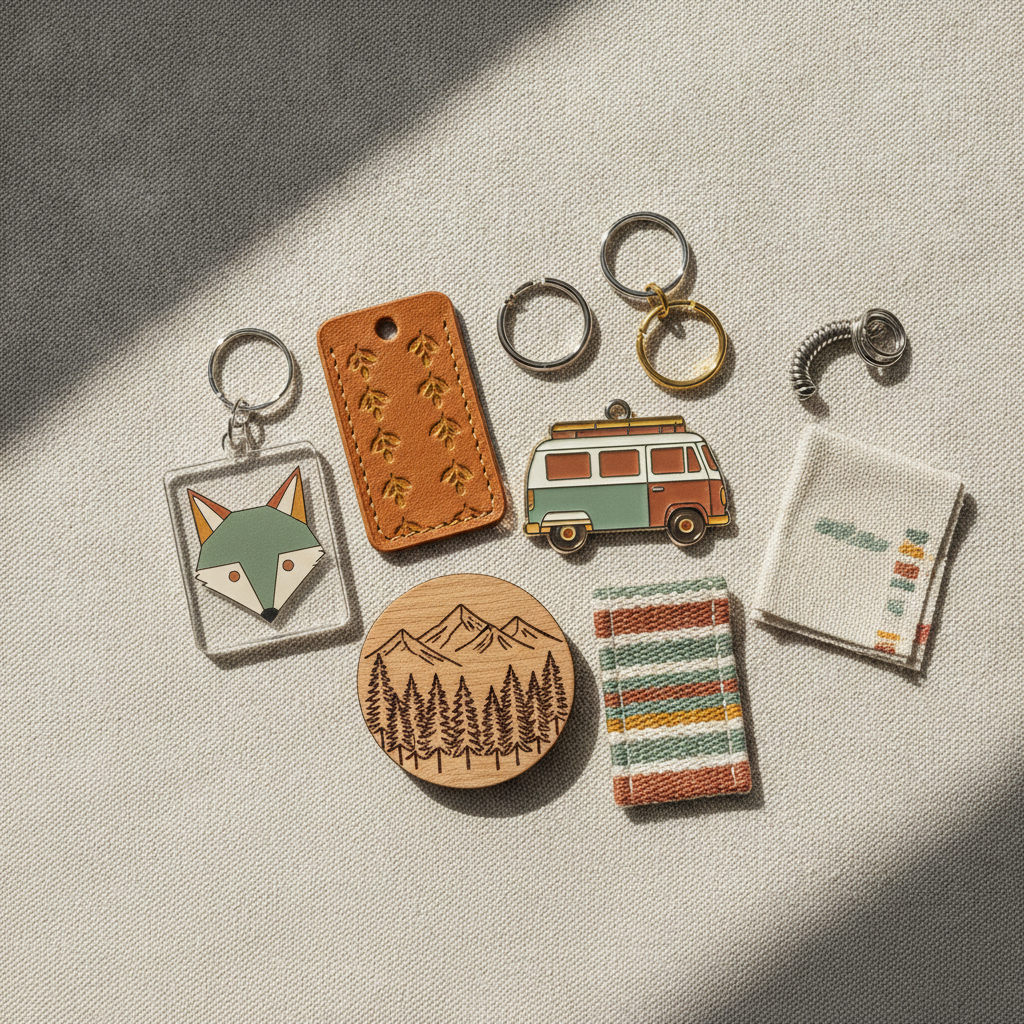
Acrylic charm, leather tag, hard enamel, photo panel, anime glitter charm and a matched collection — the six formats that cover almost every keychain anybody actually orders
How the AI Keychain Design Generator Works
Three steps from an idea to artwork you can hand to a manufacturer
Pick the Material, Because the Material Picks the Design
Keychains are not one product, they are five with a ring through them, and the material decides most of the artwork before you draw anything. Clear acrylic is printed, so it takes full colour, soft shading and a cut line that can follow any silhouette you like — which is why almost every character charm on Etsy is acrylic. Hard enamel is die-struck metal: every colour is a separate poured well and each one is bounded by a raised metal line, so the design has to be built as flat blocks with strong outlines and nothing subtle in between. Leather takes no colour at all in most workshops, only a pressed impression, so the design lives or dies on the boldness of its lines. A printed photo panel is the most forgiving of the five and the only one that handles a real photograph. Wood burns to one tone. Choose the material first and you avoid designing something the process cannot make.
Describe the Subject, the Palette and the Finish
Three things carry a keychain design. Name one concrete subject rather than a scene — a sleepy corgi with a coffee cup, a geometric lighthouse, a camper van seen from the side — because at five centimetres there is room for exactly one idea and a busy composition just turns into a blob on a bag strap. Name three or four colours and stop, since enamel charges per colour well, printing loses subtlety at that size, and a tight palette is what makes a range look designed rather than assembled. Then name the finish, because it changes the product more than people expect: glossy epoxy, holographic glitter sealed under the acrylic, a matte laminate, polished gold metal lines or brushed silver. Those three lines, plus the preset, are usually the whole brief.
Generate, Then Take It to a Manufacturer
Each design arrives in about twenty seconds at up to 4K, shown on a real charm so you can judge the silhouette, the readability and whether there is room for the hole. Use it two ways. As a sample, it is the mockup you put in front of a client, a convention table or a customer poll before anyone commits to a minimum order. As a brief, it is what you send a manufacturer: for acrylic charms they want a transparent PNG with a cut line, for hard enamel they want flat vector colours and a mould drawing, and both of those are conversion steps this tool does not do. Ask for the flat artwork on a plain background rather than the photographed charm when you need the production file, and expect a one-off mould fee on any enamel or metal order.
Why Use an AI Keychain Design Generator
Six things that decide whether a keychain design survives being shrunk to five centimetres and punched through
Five Centimetres Is the Whole Canvas
Most keychain charms finish somewhere between four and seven centimetres on their longest side, which is smaller than a business card and roughly the size of a large postage stamp. Designers arriving from posters or shirts routinely bring artwork with three focal points and a background, then discover that shrinking it produces a smudge with a ring attached. What survives at that scale is one subject, a clear silhouette and high contrast between the subject and whatever it sits on. What dies is a crowd scene, a thin decorative border, a texture that reads as noise and any detail smaller than a millimetre. The honest test costs nothing: view the design at actual size on a phone from arm’s length, which is exactly how a keychain is seen in real life. If you cannot tell what it is, no manufacturer can rescue it.
The Silhouette Matters More Than the Picture
Almost every keychain is die cut, meaning the charm is physically cut out along the shape of the artwork rather than left as a rectangle. That makes the outline a structural decision rather than a stylistic one. Long thin protrusions — a tail, an antenna, a raised sword, a flower stem — become the weak point where the acrylic snaps in a pocket, and most manufacturers will either thicken them without asking or reject the file. Deep narrow notches are equally awkward to cut cleanly. The designs that work are compact and roughly rounded, with a thick white or coloured cut border of one to three millimetres that both strengthens the edge and makes the charm pop against a bag. The presets here generate that border by default, because it is the single most common revision request from charm factories.
Every Material Has a Different Colour Rule
Colour behaves differently on each keychain type and getting this wrong is expensive. Printed acrylic handles gradients, soft shading and photographs perfectly well, so a painted illustration is fine. Hard enamel cannot: each colour sits in its own well bounded by a raised metal line, so gradients are impossible, every extra colour adds to the unit price, and a design with more than four or five colours starts to look muddy at charm size. Soft enamel is the same rule with recessed colour. Leather usually gets no colour at all, only a pressed impression, so contrast has to come from the depth of the deboss. Wood burns to a single tone. Match the design to the process at the start and you skip the round of revisions where the factory tells you what you cannot have.
Leave Room for the Hole
The detail that catches first-time sellers is the simplest one: a keychain needs a hole, the hole needs to be a few millimetres in from the edge, and it cannot land on the middle of your artwork. If the design fills the charm edge to edge, the drilled hole takes a bite out of a character’s ear or a logo’s corner, and the fix at that point is redrawing rather than nudging. Plan a quiet zone at the top of the composition — empty space, background colour or an unimportant part of the shape — big enough for the hole and the ring that sits in it. It is worth thinking about hanging balance too: a charm whose weight sits far from the hole will always dangle at an angle, which looks accidental in a listing photo. The presets keep the subject centred with clear space above.
Keychains Sell as Sets, Not as Singles
Nobody builds a business on one charm. A convention table wants six characters from the same series, a coffee shop wants a matching tag for staff and shelf, a print-on-demand shop wants one motif across acrylic, leather and enamel so a single idea earns three listings. Keychains are also the classic impulse add-on, the four-dollar item that lifts an order at checkout, which only works when the set looks like a set. The hard part has always been consistency across materials, since the same motif has to be redrawn for printing, for die striking and for pressing. Holding the palette and the subject steady while changing the material is exactly what this does, and the Keychain Collection preset generates five coordinating pieces in one pass — which also photographs far better than a single charm on a white background.
Free to Start, $9.98 to Go Further
You can generate keychain designs free without a credit card, which is enough to find out whether a subject reads at charm size before you pay a mould fee or commit to a hundred-piece minimum. Paid plans start at $9.98 for real work: building a matched range across five materials, testing one character in six palettes, or the repeated passes it takes to simplify a silhouette until it cuts cleanly. Output reaches 4K without a watermark and is cleared for commercial use, which is what matters once designs are going to a factory and onto stock you have paid for. Against a few hundred for a freelance illustrator and a week of revisions, being able to try a dozen directions before choosing one usually changes which charm you order — and it is rarely the first one you drew.
Frequently Asked Questions
Common questions about using an AI keychain design generator
Design the Keychain in Twenty Seconds
Pick a style, describe your subject and colours, and see it on a real charm at up to 4K — acrylic, leather, hard enamel, photo panel, anime glitter or a matched collection. Powered by Nano Banana Pro. Free to start, plans from $9.98.
One Idea, Five Centimetres: the AI Keychain Design Generator
Designing a charm used to start with the most expensive step. You briefed an illustrator, waited a week, paid a few hundred, then paid a mould fee on top — and only when the sample arrived did you find out that the subject was unreadable at charm size or that the tail snapped off in a pocket. An AI keychain design generator inverts that order. You describe the material, the subject and the palette, and the design arrives on a photographed charm in about twenty seconds, which makes the deciding cheap and leaves only the manufacturing expensive. On a product where the minimum order is often a hundred pieces, trying a dozen directions before choosing one is worth far more than it costs.
The six presets exist because the material dictates the artwork. Printed acrylic takes full colour and any silhouette, which is why it carries almost every character charm on the market. Hard enamel is struck from a metal mould, so it needs flat colours bounded by raised metal lines and a strictly limited palette. Leather takes no colour at all, only a pressed impression, so it lives on the boldness of its lines. A printed photo panel is the only one of the five that handles a real photograph, which makes it the pet portrait and personalised gift format. The anime glitter charm is the convention table staple. And the collection preset generates five coordinating pieces in one palette, because charms are bought as sets and photographed as groups.
Two habits improve nearly every keychain design. Keep it to one subject with a compact silhouette and a thick cut border, because the charm is physically cut along that outline and thin protrusions are where it breaks. And leave a quiet zone at the top for the hole, since a drilled hole through a character’s ear cannot be nudged out of the way after the fact. Material, subject, palette: three decisions, and the cutter does the rest.
What the AI Keychain Design Generator Will Not Do
It will not make a keychain, and it will not produce a factory-ready cut file. What you get is artwork shown on a charm, which is what you need for judging silhouette, contrast and placement and for a listing photo while you test demand — but an acrylic printer wants a transparent PNG with a drawn cut line and an enamel factory wants flat vectors with Pantone references, and preparing those is a separate step. Generate the design you like, run it again asking for the flat artwork on a plain background, then clean it up with the AI background remover and enlarge it with the 4K image upscaler so the outline stays crisp when the factory scales it to size.
It will not guarantee the finished charm either, because acrylic and enamel are not pixels. Enamel colours shift against a Pantone chip, printed acrylic reads slightly darker than a screen, and a silhouette that looks fine in a mockup can arrive with a thickened tail the factory widened to stop it snapping — so always approve a physical sample before a production run. For neighbouring jobs there are better fits: the AI enamel pin design generator covers the same metal process in pin form, AI logo generator builds the mark before you put it on anything, the AI sticker generator handles the die-cut sibling that sells beside it, the AI tote bag design generator and the AI hat design generator extend the same motif across a merch range, and the AI mockup generator places a finished design into styled shop photography. For any lettering, text in images explains what type the model can reliably set.
Within those limits the work is yours to use. Output reaches 4K with no watermark and is cleared for commercial use, which covers convention tables, Etsy and Shopify listings, print-on-demand shops, market stalls, corporate gifts and client jobs alike. Keep other people's property out of it — anime characters, game mascots, sports teams, licensed properties and the style of a specific named living artist — because keychains attract exactly those requests. Check the AI policy of whichever marketplace you sell through, and know that in the United States purely AI-generated images are not registrable for copyright, so selling the charm is fine but stopping an imitator may not be. It is free to start with no credit card and plans begin at $9.98. Pick a material, name your subject, and see the charm before you pay the mould fee.
Try the AI keychain design generator free today. Pick one of six keychain design styles, describe your subject and colours, and see it on a real charm at up to 4K. No credit card required to start. Paid plans from $9.98.