
AI Enamel Pin Design Generator
An enamel pin is the most constrained thing in merchandise and the easiest to design in a way no factory can actually make. It is metal with coloured wells poured into it, which means every colour has to be fenced in by a metal line, nothing can fade into anything else, and the whole design has to survive being shrunk to about an inch. This AI enamel pin design generator makes artwork that respects those rules and shows it as a finished pin in about twenty seconds, at up to 4K, in six styles: kawaii character, botanical, celestial, retro badge, novelty and a matching pin set. Pick a style, describe your idea, and see the pin before you pay a mould fee.
Try It Now — Free
Pick the style first, then use the details box for your subject, your plating and your palette. Every preset already carries the things a pin factory cares about — enclosed metal borders around each colour, flat fills instead of gradients, and shapes chunky enough to still read at an inch across.
AI Enamel Pin Design Generator
Pick an enamel pin style, describe your subject, plating and palette, and see it as a finished pin
Pins From the AI Enamel Pin Design Generator
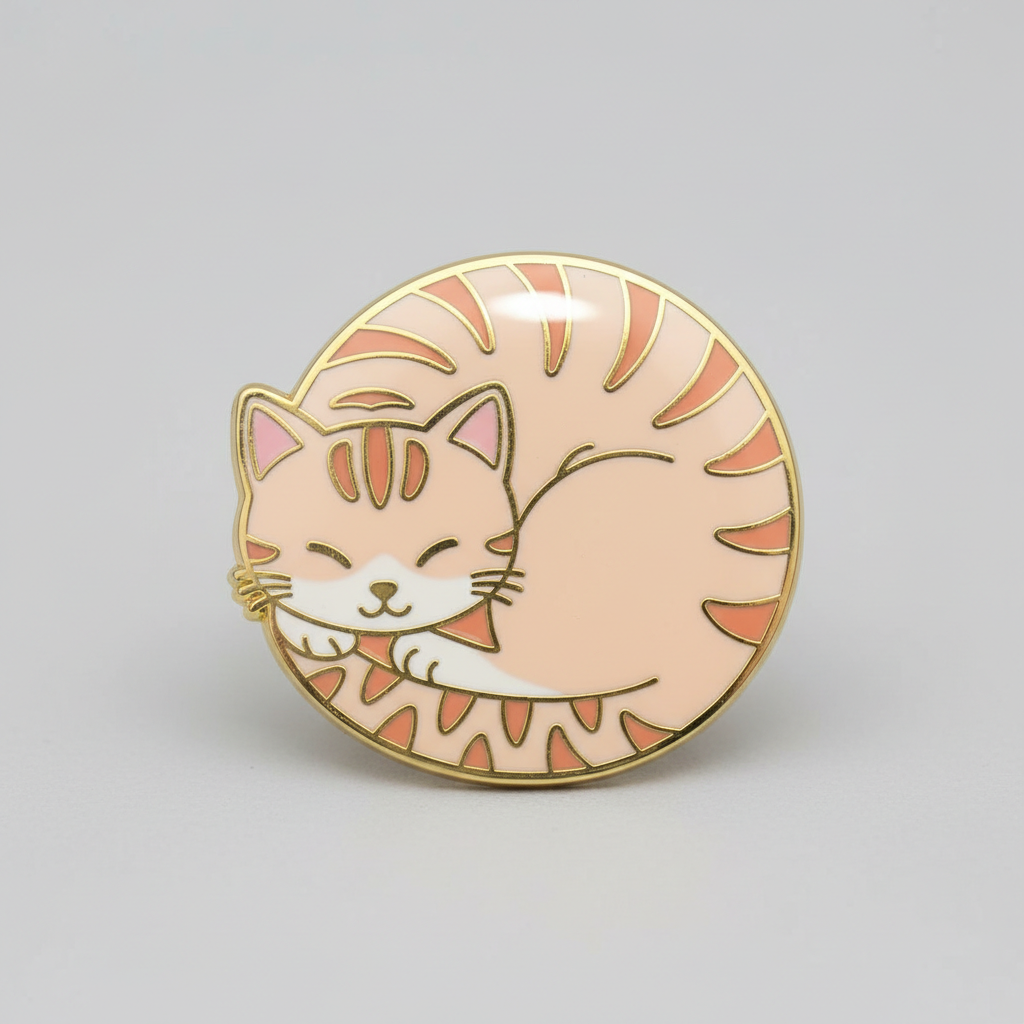
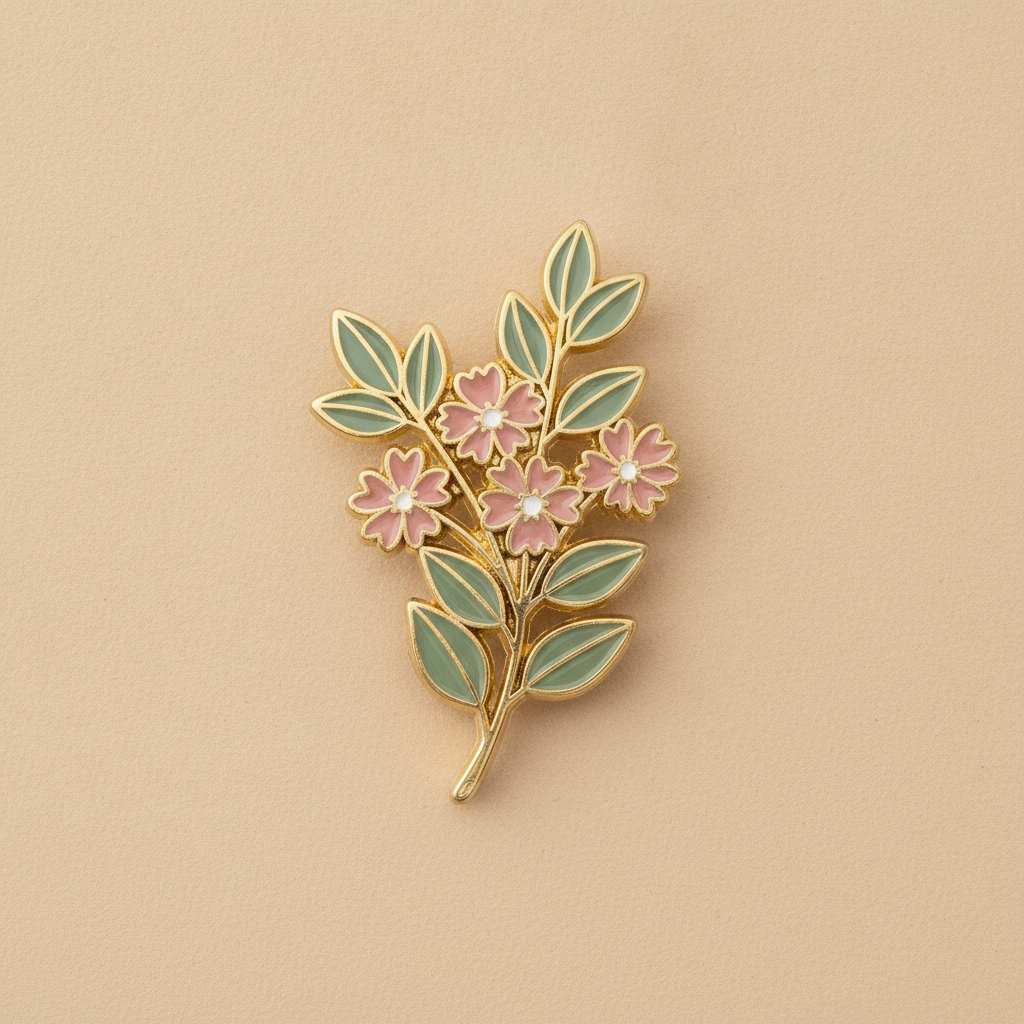
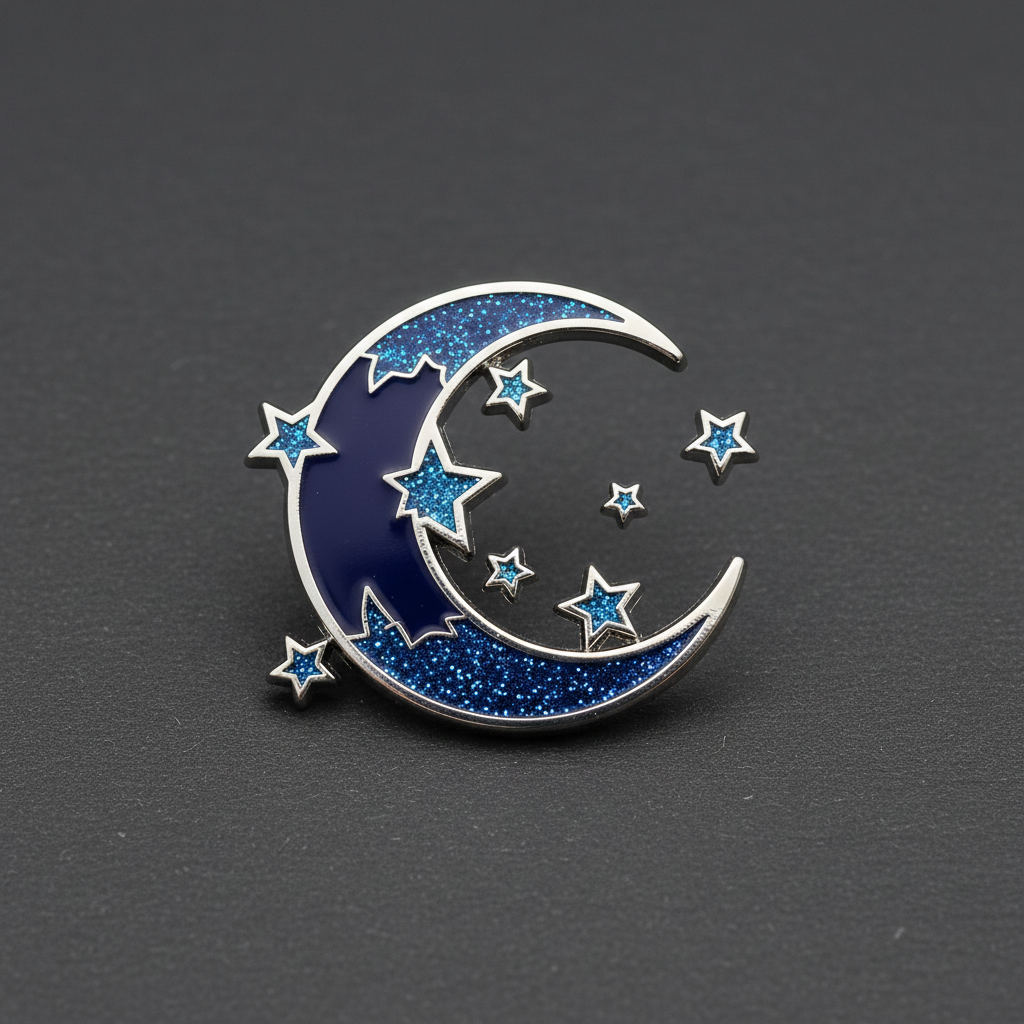
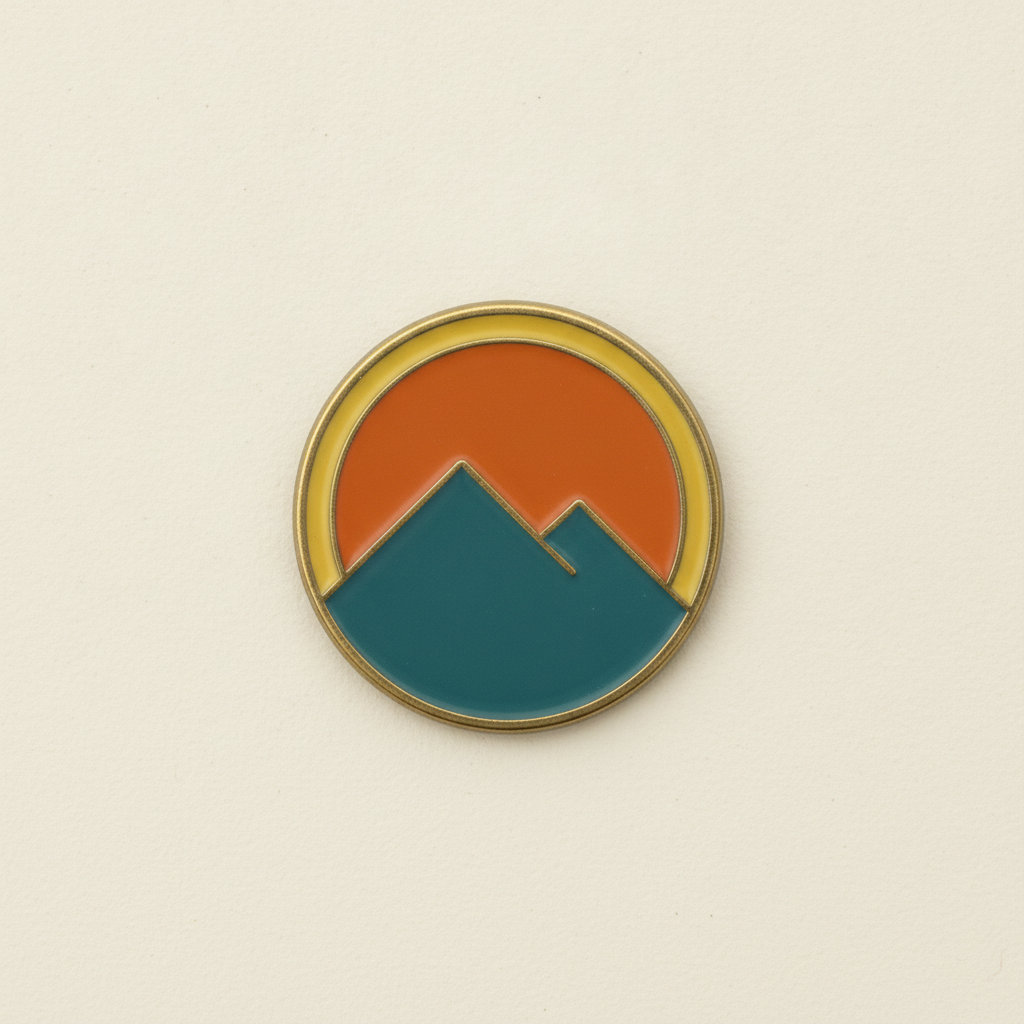
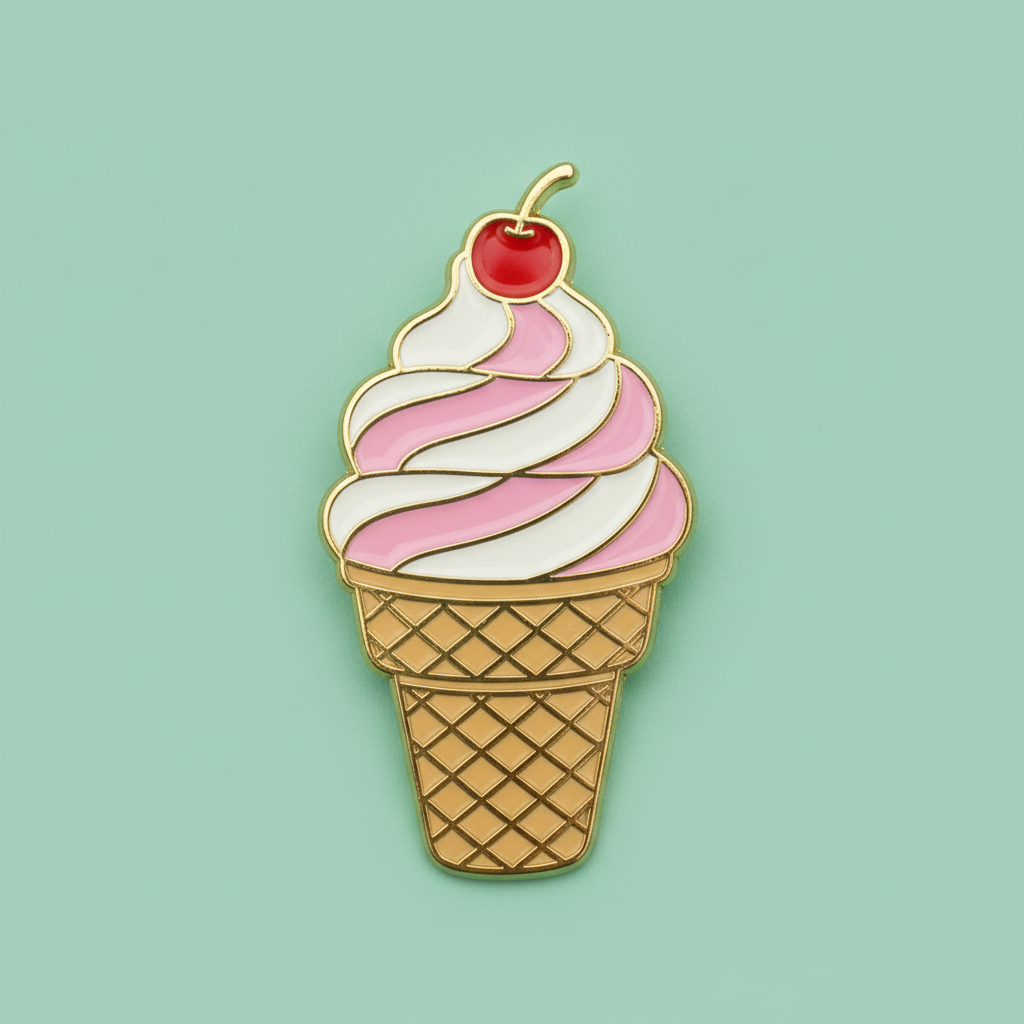
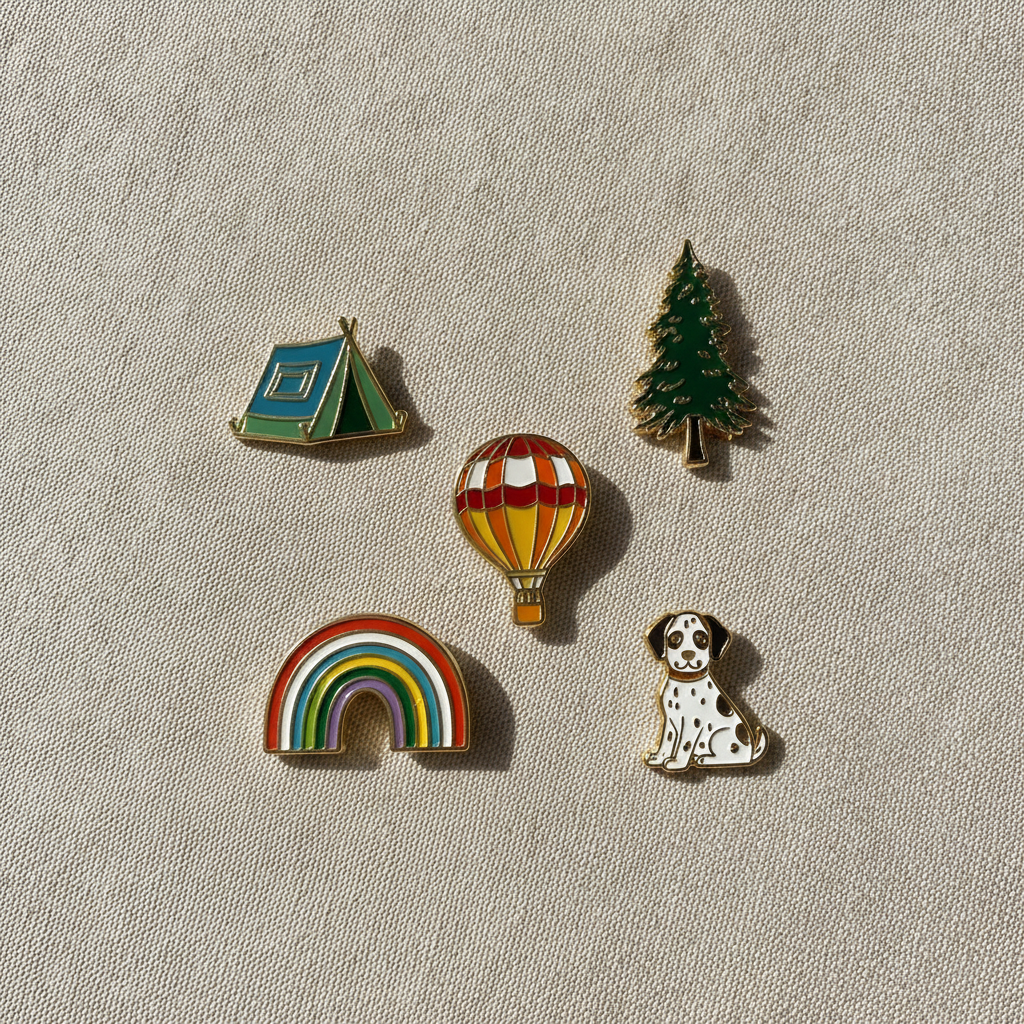
Kawaii character, botanical, celestial, a retro badge, a novelty piece and a matching set — six ways a pin gets made rather than six pictures
How the AI Enamel Pin Design Generator Works
Three steps from an idea to artwork a pin factory can quote from
Pick the Style, Because It Sets the Shape Language
The six presets differ in how forgiving they are to manufacture, which is the thing worth choosing on. Kawaii Character is the safest starting point in the category — rounded, compact, no fragile protrusions, and it is what sells hardest at conventions. Botanical is the one to watch, because petals and stems want to be thin and thin is exactly what a mould cannot hold, so the preset keeps every leaf broad enough to pour enamel into. Celestial gives you an excuse to use glitter enamel, which costs almost nothing extra and photographs far better than flat colour. Retro Badge stays inside a circle with wide flat colour bands, which is the cheapest and most reliable pin there is. Novelty leans on a chunky cartoon outline. Pin Set generates five pieces in one visual language, which is how pins are actually bought.
Describe the Subject, the Plating and the Palette
The details box handles what the preset cannot guess, and three things carry the result. Name your subject concretely — a curled sleeping fox rather than an animal, a lighthouse rather than a building — because the preset sets the treatment and you supply the thing. Name the plating, since it is the outline colour of your entire design: gold is warm and default, silver is cool and clean, black nickel makes bright enamel pop hard, and rose gold suits pastels. Then keep to three or four enamel colours. Colour count is one of the few things that genuinely moves the unit price on a quote, and a tight palette is also what makes a pin look designed rather than busy at the size it will actually be worn.
Generate, Then Take It to a Manufacturer
Each design arrives in about twenty seconds at up to 4K, shown as a finished pin so you can judge whether it survives being an inch wide. When you have one worth producing, run it again with "flat artwork only, straight-on, on a plain white background, no photographic pin" in the details box to get a clean graphic. Then hand that to a pin manufacturer — they redraw it as vector line art for the die themselves, so what they need from you is a clear, unambiguous, correctly coloured reference rather than a print-ready file. Expect to specify size in inches, plating, enamel type, backing and quantity, and expect a one-off mould fee. Ask for a digital proof and approve it carefully, because once the die is cut, changing anything means paying for a new one.
Why Use an AI Enamel Pin Design Generator
Six things that decide whether a pin design survives contact with a real mould
Every Colour Needs a Metal Fence
This is the rule that separates pin artwork from every other kind of illustration, and it is the one beginners break. An enamel pin is a struck metal base with recessed wells, and colour is poured into those wells as a liquid before being cured. A well needs walls. That means every single area of colour in your design has to be completely enclosed by a raised metal line, with no gaps anywhere along its border — if two colours meet without metal between them, the liquid enamel simply flows together and you get a muddy blend instead of two clean shapes. It also means you cannot have a colour floating unattached in the middle of another colour without a ring around it. The presets here build closed metal outlines into every cell by default, which is why the results look like pins rather than like drawings of pins.
No Gradients, No Soft Shading
Enamel is flat, opaque and one colour per well, so everything your design does has to be done with shape and with flat colour blocking. A gradient cannot be poured. Soft airbrushed shading cannot be poured. A watercolour wash, a drop shadow, a glow, a subtle texture — none of these exist in this process. If you want the impression of shading you build it the way stained glass does, by stepping through two or three discrete flat tones with a metal line between each one, which is a genuine technique and looks deliberate when it is done well. There is one escape hatch worth knowing: screen printed enamel pins can carry a printed image with real gradients, but they are a different and less tactile product, and they lose the recessed depth that makes people want to collect hard enamel in the first place.
It Has to Work at One Inch
Almost every pin sold is between about one and one and a half inches across, and a design that looks great at screen size regularly collapses at that scale. Fine lines below roughly the width of a hair on the finished pin cannot be struck into metal at all. Small enclosed colour areas are difficult to fill cleanly and are the first thing to come back looking blobby on a sample. Long thin protrusions — a tail, an antenna, a delicate stem, a thin outstretched limb — snap or bend in handling and are the most common reason a design has to be redrawn. The instinct that fixes almost all of this is to simplify harder than feels comfortable: fewer, bigger, chunkier shapes, generous line weights, and detail carried by silhouette rather than by interior fussiness.
Plating Is a Design Decision, Not a Finish
People treat plating as something chosen at the end, and it is really one of your main colours. The plating is the colour of every outline in your design and of any bare metal area you leave unfilled, so it touches literally every part of the pin. Gold is warm and flattering and the default for a reason. Silver reads cleaner and more modern and suits cool palettes. Black nickel is the sleeper choice — it makes bright and pastel enamel pop far harder than gold does, and it is what to reach for when a design looks washed out. Rose gold sits beautifully with pinks and creams and badly with almost everything else. Because the outline colour changes the whole feel, it is worth generating the same design in two platings and comparing them side by side before deciding.
Pins Are Bought as Sets
The economics of this category reward collections, and it is where generation genuinely beats commissioning. A pin has a mould fee and a minimum order quantity, so a single design is a relatively expensive experiment, while a coherent set of five gives a customer a reason to buy more than one and gives you a stall or a listing that looks like a brand. The hard part of a set has always been consistency — the same line weight, the same palette, the same degree of simplification across every piece, which by hand means briefing an illustrator five times and hoping the fifth still matches the first. Here it means holding the style and the palette steady and changing only the subject. The Pin Set preset is built specifically for this, and it is the one most people should start with.
Free to Start, $9.98 to Go Further
You can generate enamel pin designs free without a credit card, which is enough to find out whether an idea holds up as a pin before you commit to a mould fee and a minimum order. Paid plans start at $9.98 for real work: developing a full set, trying every plating and palette combination a design deserves, or the repeated passes it takes to get a silhouette simple enough to strike. Output reaches 4K without a watermark and is cleared for commercial use, which is what matters once designs are going to a factory and onto stock you have paid for. Set against a few hundred dollars and a couple of weeks for a freelance illustrator, being able to test ten concepts before choosing one changes which pin you end up making — and it is usually not the first one.
Frequently Asked Questions
Common questions about using an AI enamel pin design generator
Design the Pin in Twenty Seconds
Pick a style, describe your subject, plating and palette, and see it as a finished pin at up to 4K — kawaii, botanical, celestial, retro badge, novelty or a matching set. Powered by Nano Banana Pro. Free to start, plans from $9.98.
Metal Decides Everything: the AI Enamel Pin Design Generator
Making a pin used to begin with the most expensive step. You briefed an illustrator, waited a fortnight, paid a few hundred, then paid a mould fee on top — and only after the die was cut did you find out whether the idea actually worked at an inch across. An AI enamel pin design generator inverts that order. You describe the subject, the style and the plating, and the design arrives as a finished pin in about twenty seconds, which means the deciding is now the cheap part and the only expensive part is the run you eventually commit to. On a product where the mould is sunk cost the moment it is struck, testing ten silhouettes before choosing one is worth far more than it costs.
The six presets exist because a pin is not a drawing, it is a manufacturing process with opinions. Kawaii keeps shapes rounded and compact so nothing fragile sticks out. Botanical deliberately widens petals and leaves that would otherwise be too thin to pour enamel into. Celestial uses chunky stars and a thick crescent, and leaves room for glitter enamel, which costs almost nothing and photographs far better than flat colour. The retro badge stays inside a circle with wide flat bands, which is the cheapest and most reliable pin to make. Novelty leans on a heavy cartoon outline. And the pin set generates five pieces sharing one line weight and one palette, because pins are bought in collections rather than one at a time.
Two habits improve nearly every enamel pin design. Fence every colour: each area needs a complete metal border with no gaps, or the liquid enamel runs together and cures as a blur. And simplify harder than feels comfortable, because the pin will be about an inch wide and detail that reads beautifully on a monitor disappears entirely at that size. Subject, plating, palette: three decisions, and the metal does the rest.
What the AI Enamel Pin Design Generator Will Not Do
It will not manufacture anything. What you get is an image of your design as a finished pin, which is what you want for judging silhouette, scale and colour and for a listing photo while you test demand, but no pin is made and nothing is sent to a factory. It will not produce the vector die line art either — pin manufacturers redraw artwork themselves as part of tooling, so what they need from you is an unambiguous coloured reference rather than a production file. Generate the version you like, run it again asking for flat artwork on a plain background, then clean it up with the AI background remover and enlarge it with the 4K image upscaler so every metal line is unmistakable in the file you send.
It will not guarantee the strike either, because metal is not a screen. A factory may tell you a line is too fine to cut, a colour well too small to fill cleanly or a protrusion too fragile to survive handling, and enamel colours shift slightly against a Pantone reference — so always approve a digital proof and, where you can, a physical sample. For neighbouring jobs there are better fits: the AI sticker generator suits the same chunky outlined artwork with none of the manufacturing limits, AI logo generator handles a wordmark better than a graphic preset will, the AI icon generator is built for the same flat enclosed-shape thinking on screen, the AI embroidery design generator covers patches and stitched badges, the AI tote bag design generator and the AI t-shirt design generator extend a pin design across the rest of a merchandise range, and the AI mockup generator places a finished design into styled shop photography. For any lettering, text in images explains what type the model can reliably set.
Within those limits the work is yours to use. Output reaches 4K with no watermark and is cleared for commercial use, which covers convention tables, Etsy and Shopify listings, a small brand range, club and society badges, event and conference giveaways and client jobs alike. Keep other people's property out of it — logos, teams, game and film characters, band marks and the style of a specific named living artist — because pins attract exactly those references and many factories now refuse the order outright. Check the AI policy of whichever marketplace you sell through, and know that in the United States purely AI-generated images are not registrable for copyright, so selling the pin is fine but stopping an imitator may not be. It is free to start with no credit card and plans begin at $9.98. Pick a style, name your plating, and see the pin before you pay for the die.
Try the AI enamel pin design generator free today. Pick one of six enamel pin design styles, describe your subject, plating and palette, and see it as a finished pin at up to 4K. No credit card required to start. Paid plans from $9.98.