
AI Furniture Design Generator
A furniture idea only becomes an argument once somebody can see it. This AI furniture design generator turns a written brief into a photoreal piece in your materials — lounge chair, sofa, dining table, shelving unit, bed frame or desk — with the grain, the joints and the upholstery readable enough to judge. Up to 4K, about twenty seconds, and free to start.
Try It Now — Free
Pick the piece first, then use the details box for your materials, finishes and the shape you have in mind. Each preset already carries the way that piece is normally photographed and the proportions it usually lives inside, so what comes back reads as furniture rather than as an art render.
AI Furniture Design Generator
Pick a furniture type, describe your materials and form, and see the piece rendered as a photoreal concept
Concepts From the AI Furniture Design Generator
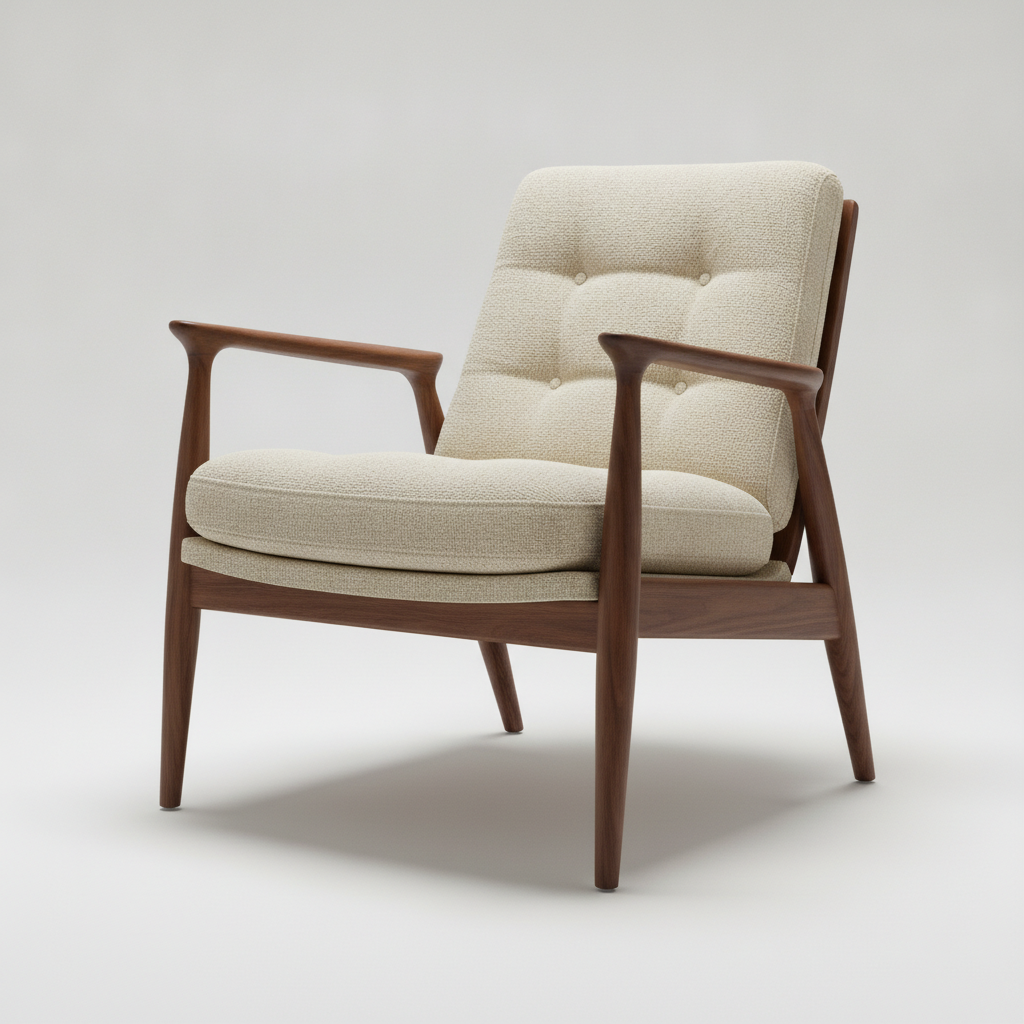
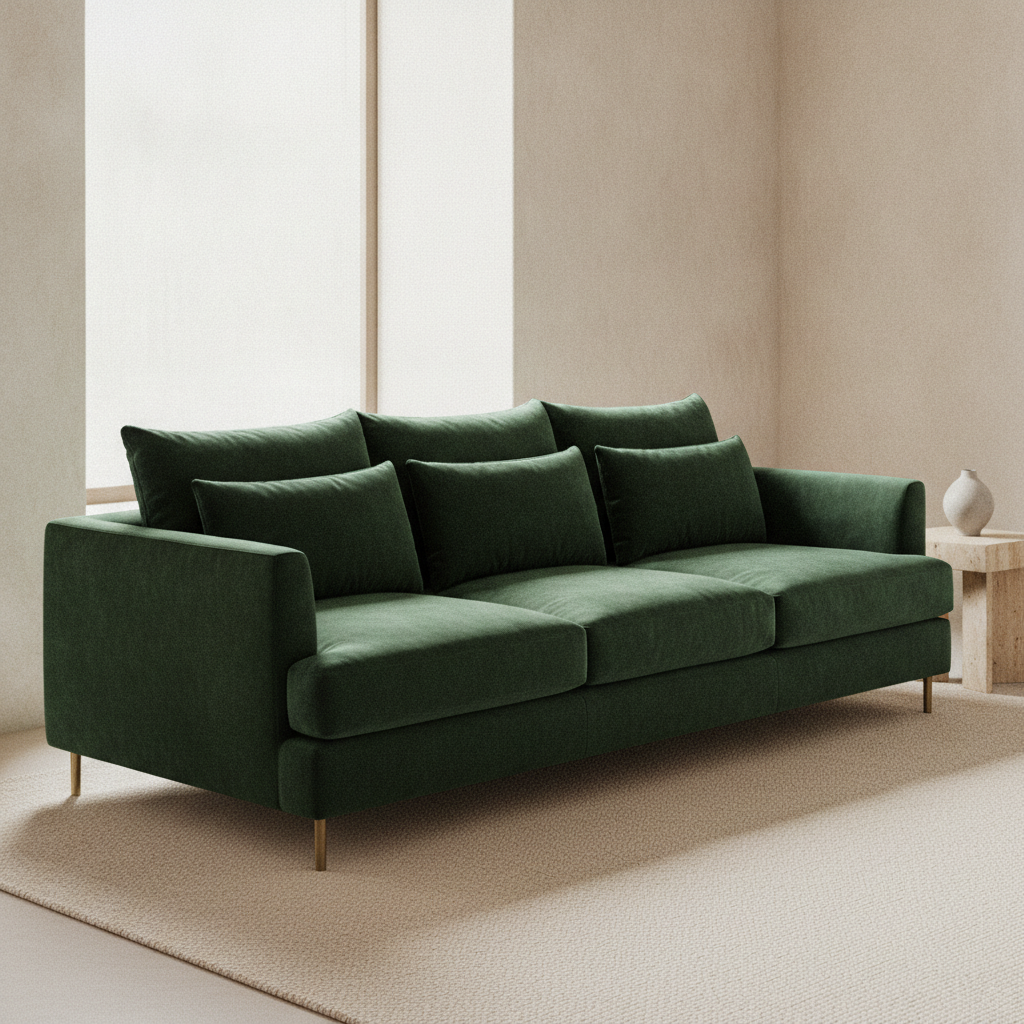
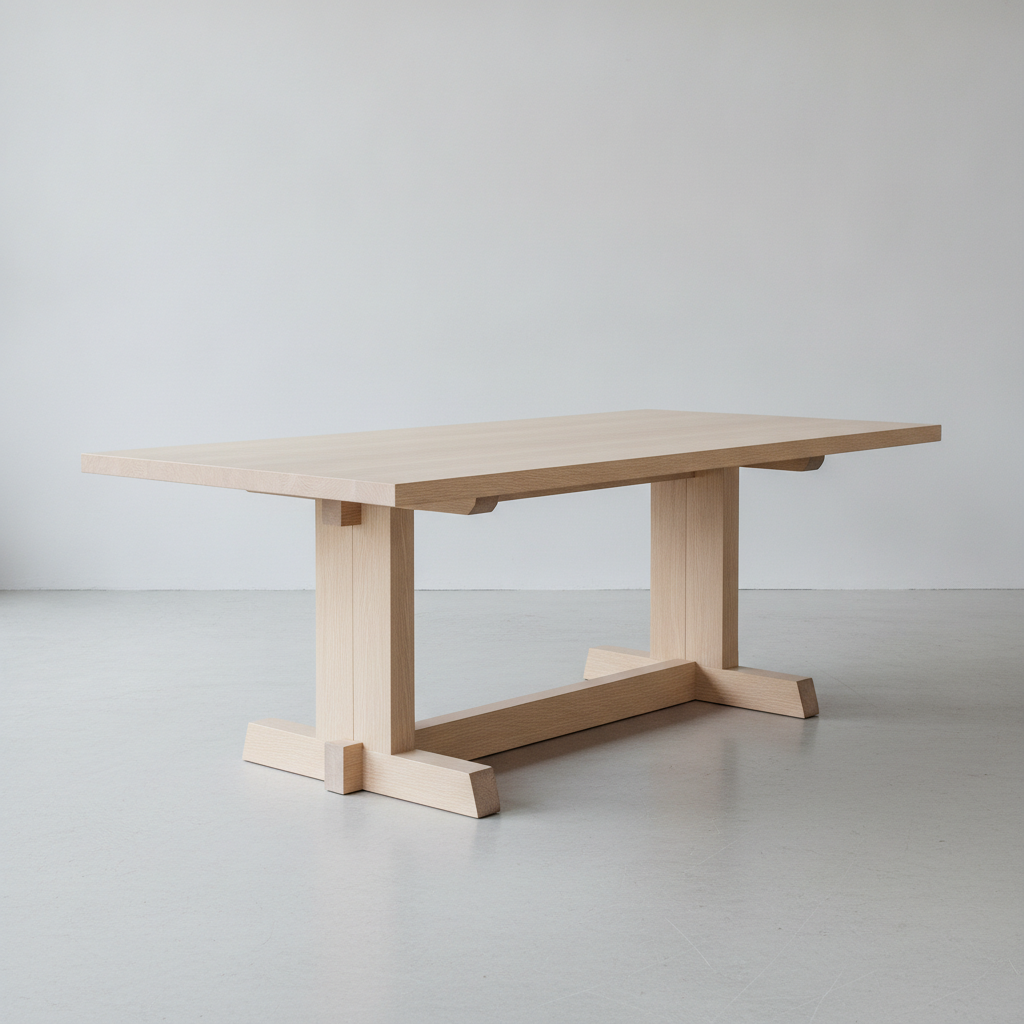
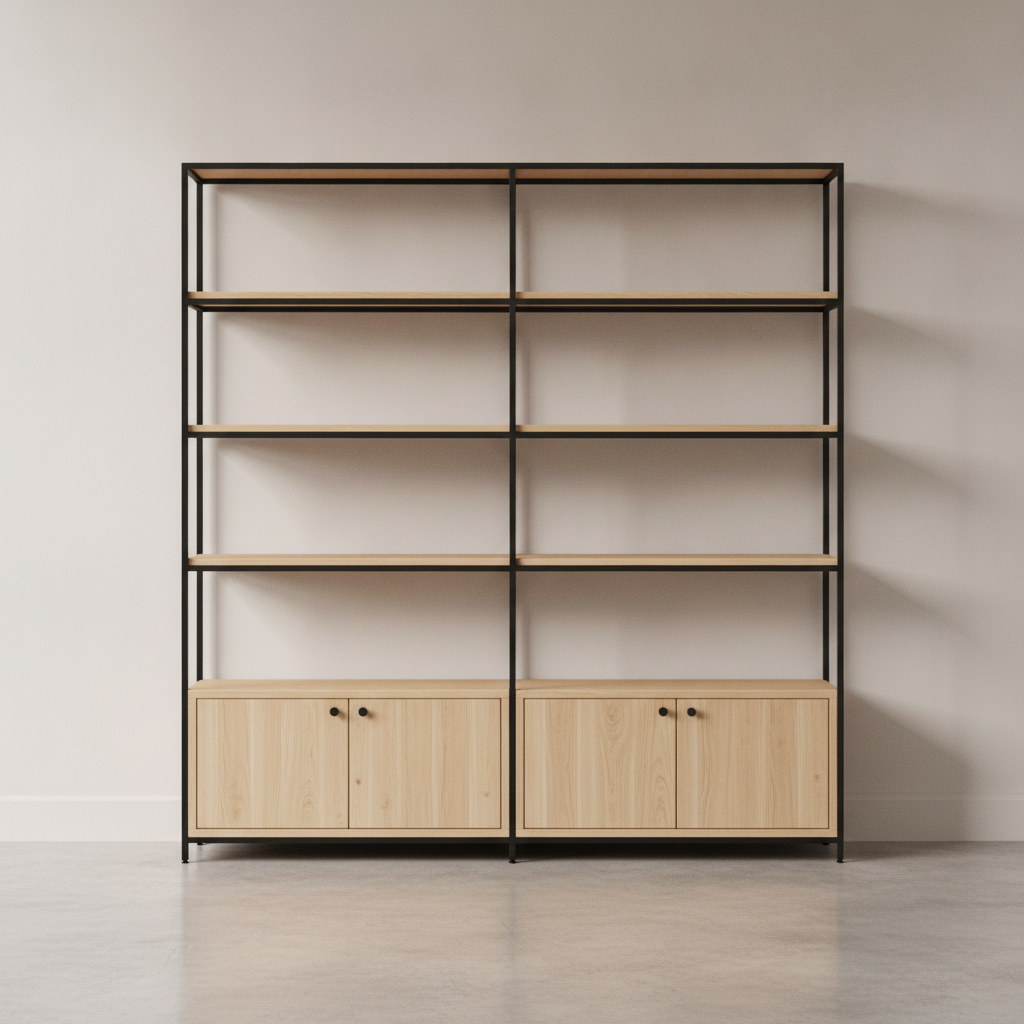
Lounge chair, sofa, dining table, shelving unit, bed frame and desk — six furniture types, each with its own proportions, materials and way of being photographed
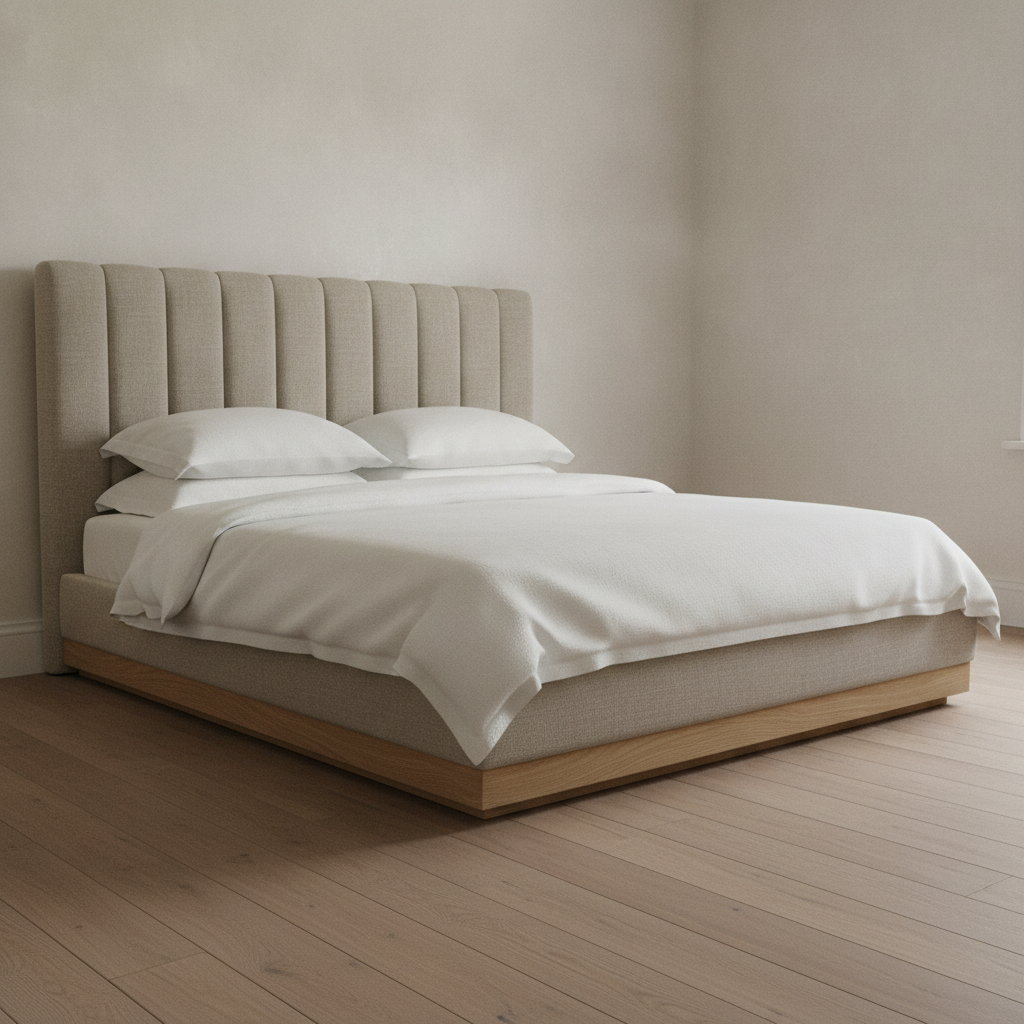
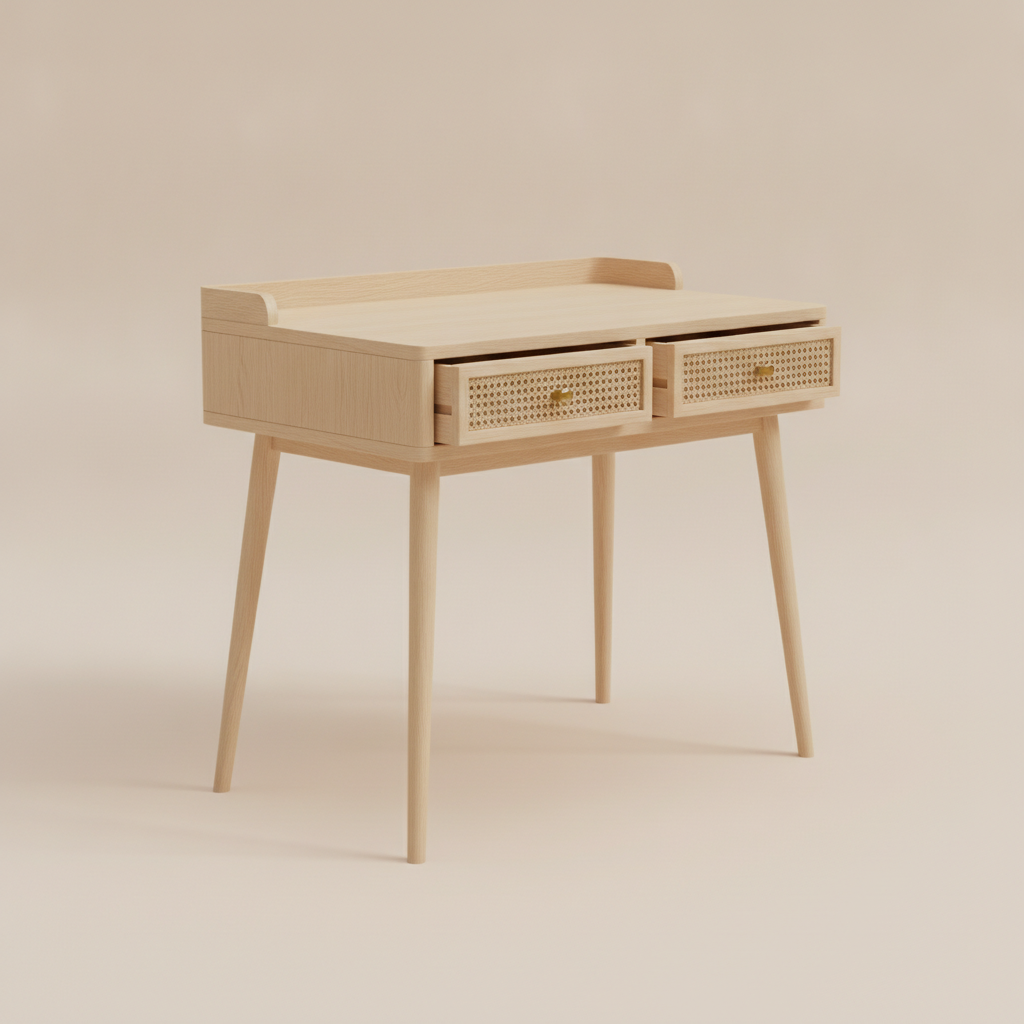
How the AI Furniture Design Generator Works
Three steps from a brief to a concept a maker can quote against
Pick the Piece, Because the Piece Sets the Rules
The six presets are six furniture types rather than six styles, because the type decides almost everything else. A lounge chair is governed by a low seat and a reclined back angle, and it is shot on a plain backdrop so the frame reads. A sofa is judged in a room, at its length and seat depth, against a wall. A dining table is about the top thickness and whether the base leaves anywhere to put your knees. Shelving lives or dies on shelf spacing and the frame grid. A bed frame is mostly headboard and plinth. A desk is height, knee room and drawer faces. Choosing the type first is what stops the render drifting into a beautiful object nobody could sit at.
Describe Materials, Finish and Form
Use the details box for the things a preset cannot guess, and be specific in the language a maker would use: blackened oak rather than dark wood, caramel aniline leather rather than brown, powder-coated steel rather than metal. Name the form in the same breath — low and wide, tight upholstery instead of loose cushions, a plinth base instead of legs, a bullnose edge instead of a square one. Two or three materials is usually the ceiling for a piece that still looks resolved. If a real reference matters, describe what you like about it rather than naming a brand, since the point of the render is an original design you can actually make and sell.
Generate, Compare Variants, Then Take It to a Maker
Each concept comes back in about twenty seconds at up to 4K. The useful move is comparison: run the same brief with oak and then walnut, with legs and then a plinth, tight and then loose upholstery, and put the results side by side. What you download is a photoreal image of a piece of furniture, not a CAD model or a cutting list, and the step from one to the other is real work — a cabinetmaker or an industrial designer draws it properly, sets the dimensions, works out the joinery and the frame, and prices the materials. The render settles the intent, which is the part briefs usually get wrong.
Why Use an AI Furniture Design Generator
Six reasons a photoreal concept beats a sketch, a mood board or a paragraph of description
Materials Are the Design
Most furniture arguments are really material arguments. The same chair in walnut and in white-oiled ash is two different objects, and boucle, linen and aniline leather age and read completely differently even in the same colour. A drawing flattens that away; a photoreal render keeps the grain direction, the sheen on a lacquer, the nap of velvet and the way light falls into a channel-tufted seam. Generating the same piece across three material stories takes about a minute and settles a conversation that otherwise runs for a week.
Proportion Errors Show Up Immediately
Furniture has unforgiving dimensions. Seat height sits near seventeen to nineteen inches, dining tables near twenty-nine to thirty, desks about the same with knee clearance below, sofa seat depth decides whether a piece is upright or loungey. Nothing exposes a wrong proportion faster than seeing the piece rendered as a real object in a real room with a floor and a wall behind it. The presets already carry sane proportions for each type, so when a variant looks off, that is information: it usually means the form you described fights the way that piece is used.
A Brief a Cabinetmaker Can Price
Bespoke quotes stall on ambiguity. A maker needs to know the material, the visible construction, the finish and roughly the size before a number means anything, and "a nice oak sideboard, kind of Japandi" supplies none of it. An image fixes the material story, the leg or plinth decision, the door and drawer treatment and the hardware, which is most of a brief. They will still redraw it, correct what cannot be built, and tell you what the joinery really costs — but the conversation starts from a shared object instead of from adjectives.
Interior Designers and Staging
When a room needs a piece that does not exist yet, or a client cannot picture the custom banquette you keep describing, a concept render fills the gap in the presentation. It sits naturally alongside the AI interior design generator for the whole room and a mood board for the palette, and it gives the client something to approve rather than imagine. For listings and property work, a generated piece can also stand in while the real specification is still open.
Makers, Studios and Product Ranges
Small furniture studios spend real money on visuals before a single unit sells: prototypes, photography, catalogue imagery. Concept renders let you test a range on paper first — chair, table and shelving in one material language — and see whether the family holds together before committing to tooling or a prototype run. Output at up to 4K carries no watermark and is cleared for commercial use, so it can go into a lookbook, a pitch deck or a crowdfunding page.
Free to Start, $9.98 to Go Further
You can generate furniture concepts free with no credit card, which is enough to find out whether an idea is worth drawing properly. Paid plans start at $9.98 for real work: material variants of one piece, a whole range in a consistent language, or the several passes it takes to get a silhouette right. Against a prototype that turns out to be the wrong proportion, or a studio photography day for a piece nobody ordered, the comparison is not close.
Frequently Asked Questions
Common questions about using an AI furniture design generator
Design Furniture You Can Actually Brief
Pick a furniture type, describe your materials and form, and see the piece rendered at up to 4K — chair, sofa, table, shelving, bed or desk. Powered by Nano Banana Pro. Free to start, plans from $9.98.
Materials First: the AI Furniture Design Generator
Furniture briefs go wrong in a specific way. Someone describes the piece they want in adjectives — warm, minimal, a bit Scandinavian, not too heavy — and everyone in the room nods while picturing something different. Weeks later a prototype arrives, and it turns out the disagreement was about the timber, or the seat depth, or whether the base was legs or a plinth. An AI furniture design generator is useful because it converts adjectives into an object early, while changing your mind still costs nothing but twenty seconds.
Every preset here renders your brief as a real piece photographed properly: grain running the length of a table top, the sheen along a satin lacquer, the nap of velvet, the shadow gap under a plinth, the junction where a steel frame meets a timber shelf. The six are six furniture types rather than six styles, because the type is what constrains the design — a lounge chair by its low seat and reclined back, a sofa by length and seat depth, a dining table by top thickness and legroom, shelving by span and shelf spacing, a bed by headboard and base, a desk by height and knee room. Change materials and form inside those constraints and the concept stays plausible.
The habit worth taking from this tool is comparison. One render is a picture; three renders of the same piece in oak, walnut and blackened ash is a decision. Generate the variants, put them next to each other, and notice which one you keep coming back to — that is the fastest honest answer to a question that otherwise gets settled by whoever speaks last in the meeting.
From Concept to Cutting List, and What This Tool Will Not Do
Be clear about the handover. What you download is an image of furniture, not a model, a drawing or a cutting list. There are no dimensions behind it and no structural reasoning in it, so a render can quite happily show a shelf span that would bow, a cantilever that would sag or a leg junction with no real joint inside it. Making it real is a separate skilled job: a cabinetmaker or furniture designer draws it to size, decides the construction and the hardware, and prices the material. Position the render as an approved look and a brief — it settles the material story, the base decision, the upholstery treatment and the overall silhouette, which is most of what a maker needs to quote. If a concept needs enlarging for print or a pitch deck, the 4K image upscaler covers that step.
Two other limits deserve naming. Do not measure the image — perspective and lens choice distort apparent proportion, so use standard dimensions in words and let a drawing carry the numbers. And do not brief a copy of a famous chair: iconic furniture designs stay protected for a long time in many countries, and a generated copy is the same legal problem as a drawn one. If you are designing a whole space rather than one object, the AI interior design generator handles the room, the living room designer and bedroom designer cover the main rooms, an AI mood board generator fixes the palette, and AI virtual staging puts furniture into a property listing.
Within those limits the designs are yours. Output reaches 4K with no watermark and is cleared for commercial use, which matters for studios, joiners and interior designers alike — with the obvious caveat that a commercial licence on an image is not permission to reproduce somebody else's protected design. It is free to start with no credit card and plans begin at $9.98. Pick a furniture type, describe the materials and the form, and see the piece before anyone cuts timber.
Try the AI furniture design generator free today. Pick one of six furniture types, describe your materials and form, and download the concept at up to 4K. No credit card required to start. Paid plans from $9.98.