
AI Mood Board Generator
A mood board is normally an afternoon of work: trawling image sites, saving pictures you half like, dragging them into a grid and then finding that together they say nothing in particular. This AI mood board generator skips straight to the finished artefact — describe the feeling you are chasing, pick a board type, and get a laid-out board of reference photos, material swatches and a colour palette as one image, at up to 4K in about twenty seconds.
Try It Now — Free
Pick the kind of board you need, then add a line of your own describing the palette, the materials or the mood — “warm terracotta and cream, heavy linen, 1970s Italian” gets you somewhere far more specific than “modern and clean”. Nouns and materials steer the result; adjectives on their own mostly do not.
AI Mood Board Generator
Choose a board type, describe the look you are after, and get a finished mood board with reference photos, swatches and a colour palette in seconds
Boards From the AI Mood Board Generator
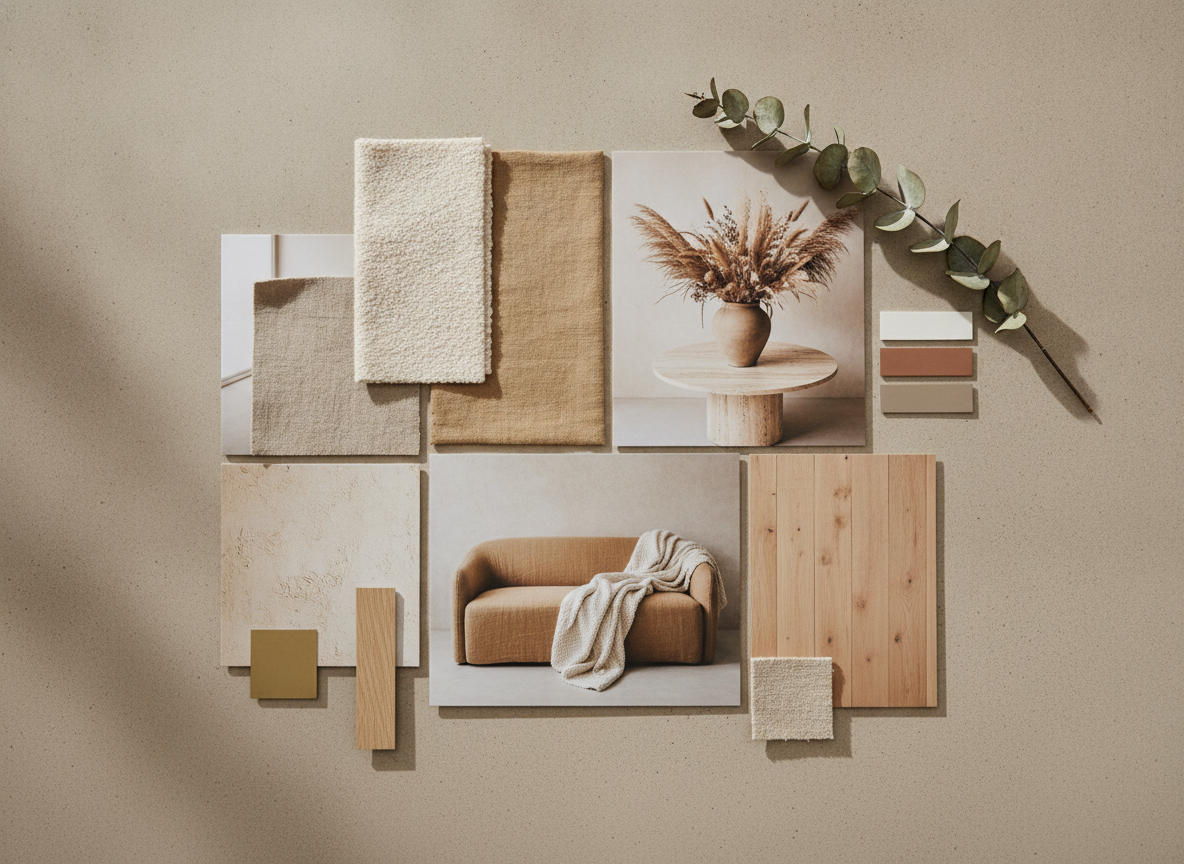
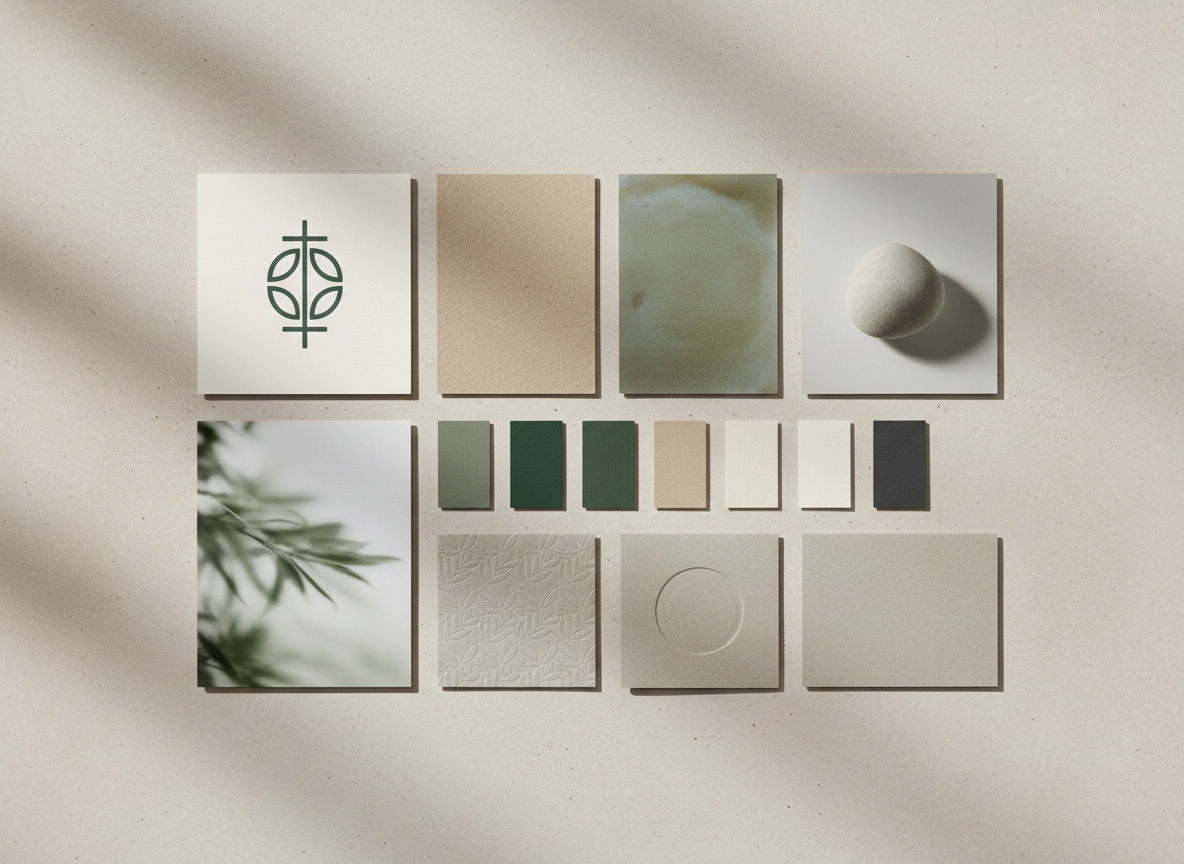
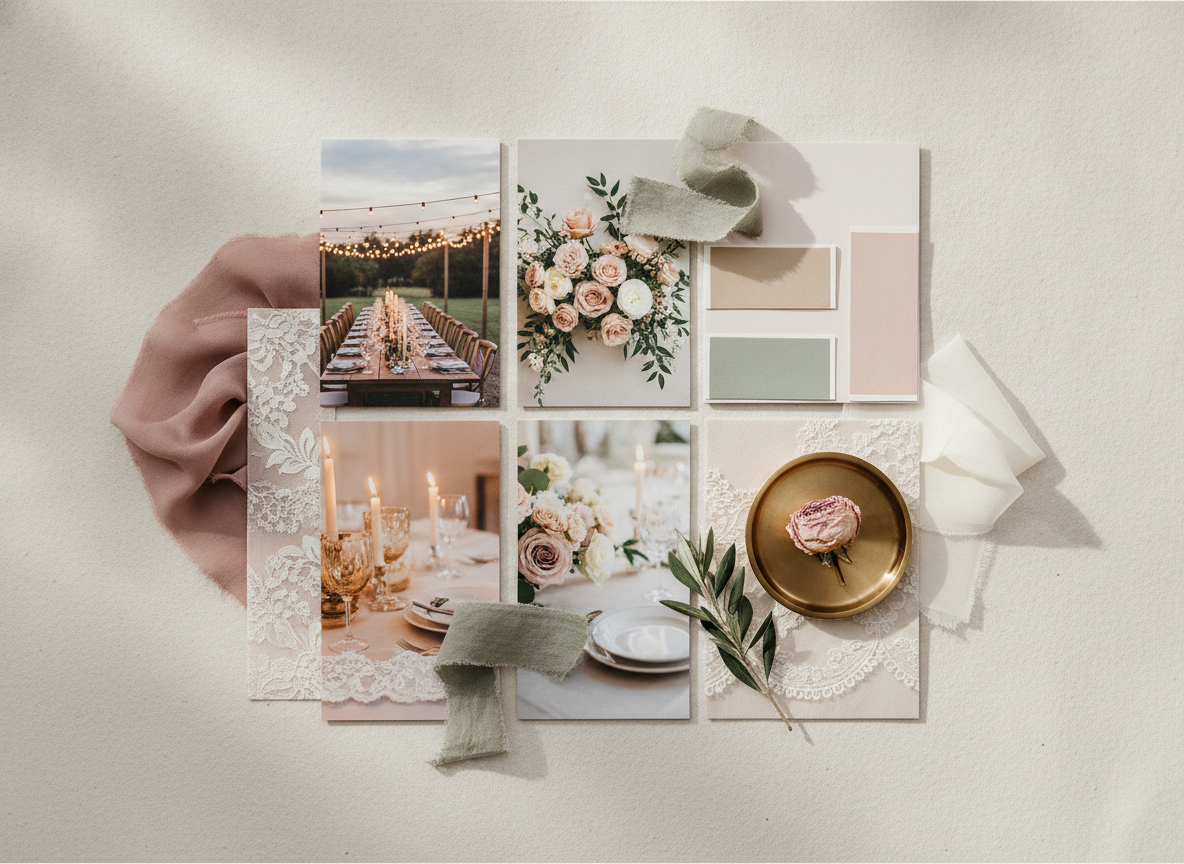
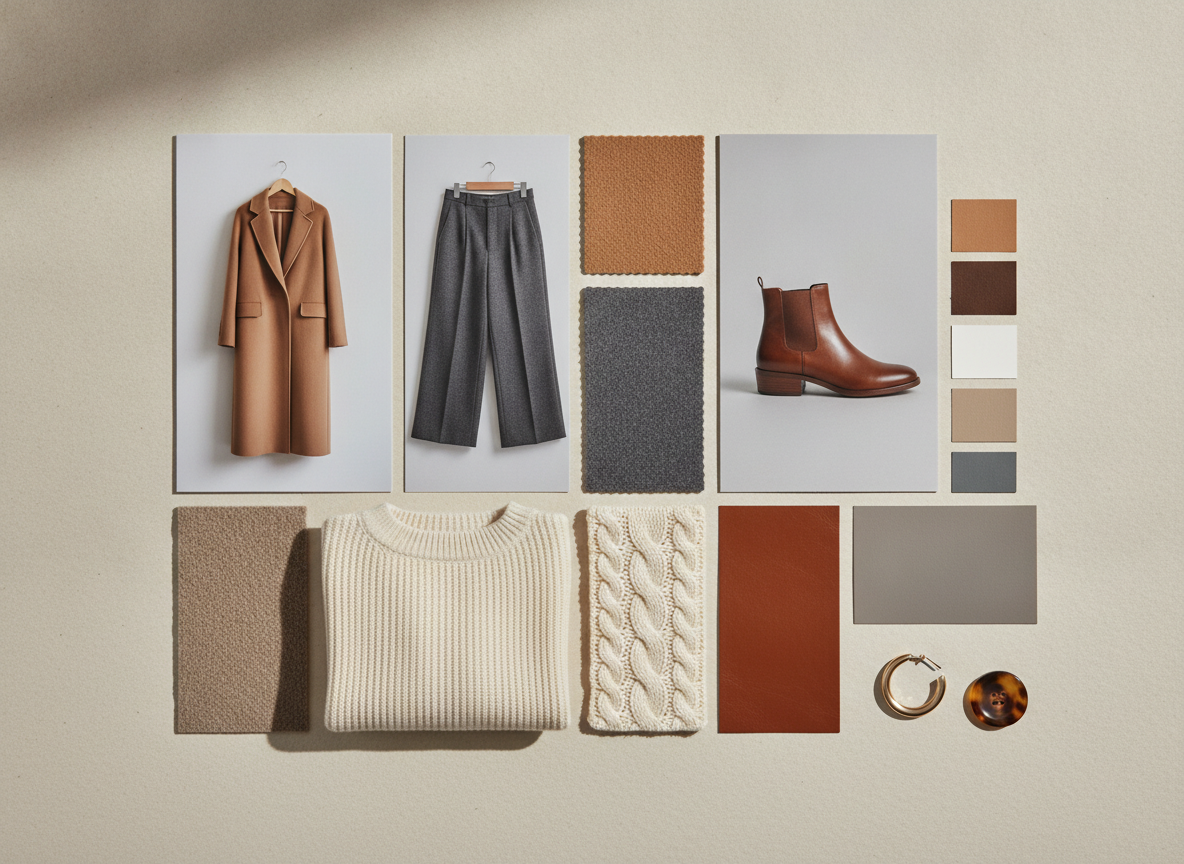
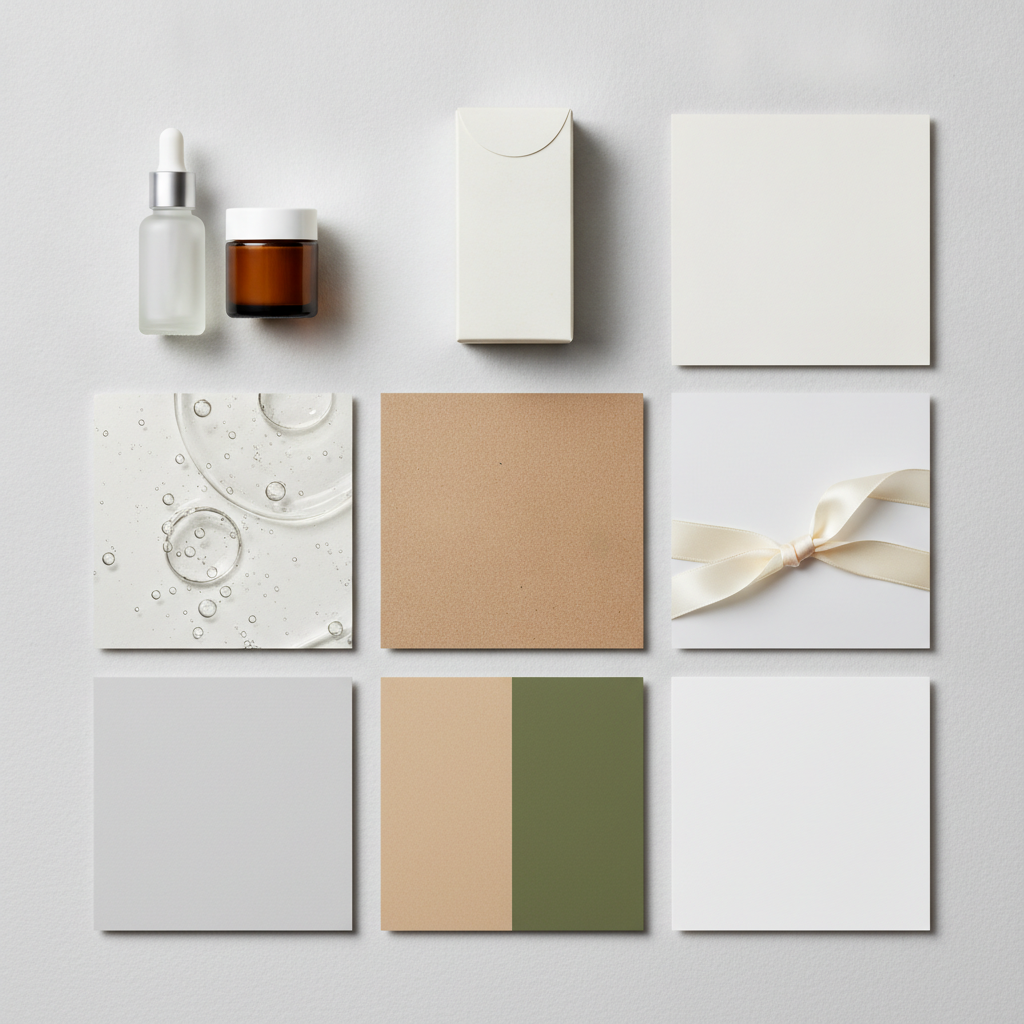
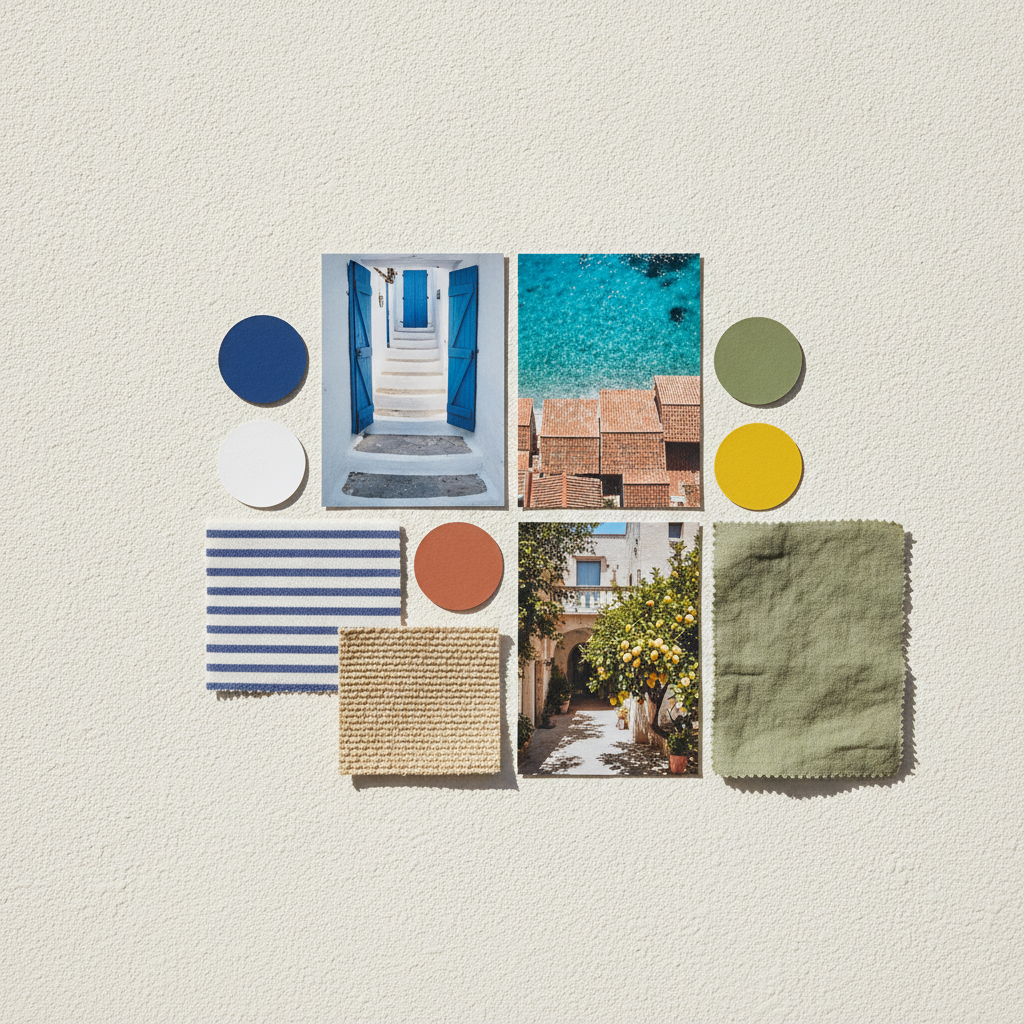
Interior design, brand identity, wedding, fashion capsule, product and packaging, and travel and colour palette — six different jobs a board actually gets used for
How the AI Mood Board Generator Works
Three steps from a vague feeling to a board you can put in front of someone
Pick the Board Type
Six presets, each built around what that kind of board is actually for. Interior Design lays out room references with fabric, paint chips, a metal finish and a wood sample. Brand Identity puts an abstract mark next to paper stock, packaging surfaces and a five-chip palette. Wedding runs venue, florals, tablescape and dress fabric with ribbon and silk. Fashion Capsule shows four garments with the matching swatch beside each. Product and Packaging covers unbranded vessels, cartons and finishes. Travel and Palette pulls colour chips straight out of location photography. The preset decides the structure of the board, so you only have to describe the look.
Describe the Look in Nouns
Add a line of your own in the prompt box, and make it concrete. Materials, colours, eras and places steer the model hard: "warm terracotta and cream, heavy linen, unglazed ceramic, 1970s Italian" produces something specific, while "modern, clean, aspirational" produces the generic board everyone else has. Name two or three colours rather than five, name the materials you want to see in the swatches, and if the board is for a client, borrow the words they used in the brief — half the value of a mood board is proving you were listening.
Generate, Compare, Then Refine
A board comes back in about twenty seconds at up to 4K. Run the same brief two or three times and you will get genuinely different interpretations, which is the point — put two boards side by side in front of a client and the conversation moves from "what do you want?" to "this one, but warmer", which is a far easier question to answer. When one is close, keep the phrases that worked and change one variable at a time. Download it, drop it into a deck, or use it as the starting frame and swap in real product photography later.
Why Use an AI Mood Board Generator
Six reasons a generated board beats another afternoon of saving other people's photos
A Finished Board, Not a Folder of Images
Most tools give you a canvas and leave the hard part to you. Collecting forty images is easy; deciding which six belong together, sizing them, and pulling a palette out of them is the actual work, and it is where an afternoon goes. This AI mood board generator returns the composed artefact — reference tiles, material swatches and colour chips already laid out in one image with a consistent light and a coherent palette. You start from something finished and edit the direction, rather than starting from an empty grid and hoping it resolves.
Nothing Is Anyone Else's Photograph
The traditional mood board is assembled from screenshots of other studios' work, stock photos with unclear terms and images scraped off social media, which is fine in a private sketchbook and awkward the moment the board goes into a client deck or a pitch. Every element here is generated, so there is no photographer to credit, no licence to check and no risk of presenting a competitor's campaign as your direction. Output reaches 4K without a watermark and is cleared for commercial use, so the board can go straight into a proposal.
Six Board Types, Six Real Jobs
A wedding board and a packaging board are not the same object with different pictures in them. A wedding board needs the venue, the florals, the tablescape and the dress fabric together; a brand board needs an abstract mark against paper stock and a disciplined five-colour palette; a fashion capsule board needs each garment paired with its swatch so the wardrobe reads as one wardrobe. Each preset builds the structure that board type is judged on, which is why the results look like something a studio produced rather than a random grid of pretty images.
Palettes That Come Out of the Images
The usual failure of a rushed board is a palette bolted on afterwards — five swatches that do not appear anywhere in the photographs above them. Every preset asks for the colour chips to be drawn from the reference imagery, so the palette reads as extracted rather than decorative, which is exactly what makes a board persuasive in a room. If the colour direction is all you need, the AI colour palette generator handles that on its own, but on a mood board the point is seeing the palette and the materials argue for each other.
Fast Enough to Use in the Meeting
Twenty seconds a board changes when you make one. A designer can bring three directions to a first client call instead of one, an interior designer can respond to "something warmer, less grey" while the client is still on the video call, and a founder can test whether the brand they are describing actually looks good before briefing an agency. Iteration speed is the real feature: the value of a mood board is in the second and third version, and most workflows never get there because the first one cost half a day.
Free to Start, $9.98 to Work Properly
You can generate a mood board free without a credit card, which is enough to see whether the direction in your head survives contact with an image. Paid plans start at $9.98 for the way this actually gets used — three or four variations of the same brief to compare, boards for several projects in a week, or a set of directions for a client presentation. Set against the hours a hand-assembled board costs, or a stock licence for a single image that ends up on it, it is not a close call.
Frequently Asked Questions
Common questions about using an AI mood board generator
Make a Mood Board in Twenty Seconds
Pick a board type, describe the look in materials and colours, and download a finished board of reference photos, swatches and a palette at up to 4K — interior, brand identity, wedding, fashion capsule, product and packaging, or travel. Powered by Nano Banana Pro. Free to start, plans from $9.98.
From a Vague Feeling to a Board: the AI Mood Board Generator
Every project starts with a feeling that nobody can describe. The client wants something warm but not rustic, elevated but not cold, and the only way anyone has ever found to settle what those words mean is to put images on a page and point. That is the whole function of a mood board, and it works — which is why the afternoon it costs is so irritating. Trawling image sites, saving forty pictures, discarding thirty-four, arranging the rest and then pulling a palette out of them is not design work, it is assembly, and it happens before the paid work even begins.
An AI mood board generator collapses that assembly into a sentence. Instead of finding images that approximate a direction, you state the direction — the materials, the two or three colours, the era or the place — and get back a composed board where the reference photography, the swatches and the colour chips were all made to agree with each other. That internal coherence is the part hand-assembled boards usually miss, because images collected from six different photographers carry six different light temperatures and never quite settle into one palette.
Six presets cover the boards people actually have to produce. Interior Design lays out room references against fabric swatches, paint chips, a metal finish and a wood sliver. Brand Identity sets an abstract symbol mark beside paper stock, a packaging surface and a five-chip palette. Wedding pulls the venue, the florals, the tablescape and the dress fabric into one romantic direction with ribbon and silk. Fashion Capsule pairs each garment with its own swatch so the wardrobe reads as one wardrobe. Product and Packaging shows unbranded vessels, a folded carton, a texture macro and the finishes. Travel and Palette treats location photography as the source of the colour chips. Each preset builds the structure that kind of board is judged on, and your own prompt line steers it to the specific brief.
Getting a Good Board, and What This Tool Will Not Do
A good board is mostly decided by the prompt, and the rule is to write in nouns. Materials, colours, eras and places give the model something to hold; adjectives like premium, clean and aspirational give it nothing and produce the board everyone else gets. Name two or three colours rather than five, say which materials belong in the swatches, and change one variable at a time when you iterate. If you only need the colour direction, the AI colour palette generator does that on its own; for a personal, goals-led board rather than a design one, use the AI vision board generator, and for a free-form arrangement of images the AI collage art generator is the closer fit.
Three limits are worth stating plainly. First, the boards carry no text by design — no labels, no hex codes, no headings — because rendered lettering is the least reliable part of any generated image, so add your annotations in Figma, Canva or Keynote afterwards. Second, nothing on the board is a real, sourceable product: the sofa, the bottle and the venue do not exist and cannot be bought, so a mood board sets direction and a specification schedule still has to be written separately. Third, the colour chips are pixels rather than data, so sample them with an eyedropper and treat what you get as a starting palette rather than a fixed specification.
Within those limits the boards are yours to use. Output reaches 4K with no watermark and is cleared for commercial use, which matters for the designer opening a pitch with three directions instead of one, the interior designer answering “warmer, less grey” before the client call ends, and the founder testing a brand look before briefing an agency. Once the direction is agreed, the AI interior design generator, AI logo generator and AI packaging design generator take it further. It is free to start with no credit card and plans begin at $9.98. Describe the look you cannot quite name and see it laid out.
Try the AI mood board generator free today. Pick one of six board types, describe your look in materials and colours, and download a finished mood board at up to 4K. No credit card required to start. Paid plans from $9.98.