
AI Wrapping Paper Design Generator
Gift wrap is a repeat pattern that gets folded, creased and cut, which makes it a stranger design job than it looks. The motifs have to be small enough that a corner fold does not slice a face in half, the spacing has to stay even so the sheet reads calm rather than crowded, and the whole thing has to tile without an obvious seam. This AI wrapping paper design generator makes patterns built around those rules and shows them printed on a real sheet in about twenty seconds, at up to 4K, in six styles: holiday, birthday, baby shower, wedding, minimalist geometric and a coordinated gift set. Pick a style, describe your motifs and palette, and see the paper before you send a single sheet to print.
Try It Now — Free
Pick the occasion first, then use the details box for your motifs, your palette and your background colour. Every preset already carries the things a printed sheet cares about — small evenly spaced motifs, a seamless repeat, flat print-ready colour and enough negative space to survive being folded.
AI Wrapping Paper Design Generator
Pick a gift wrap style, describe your motifs and palette, and see it printed on a real sheet
Paper From the AI Wrapping Paper Design Generator
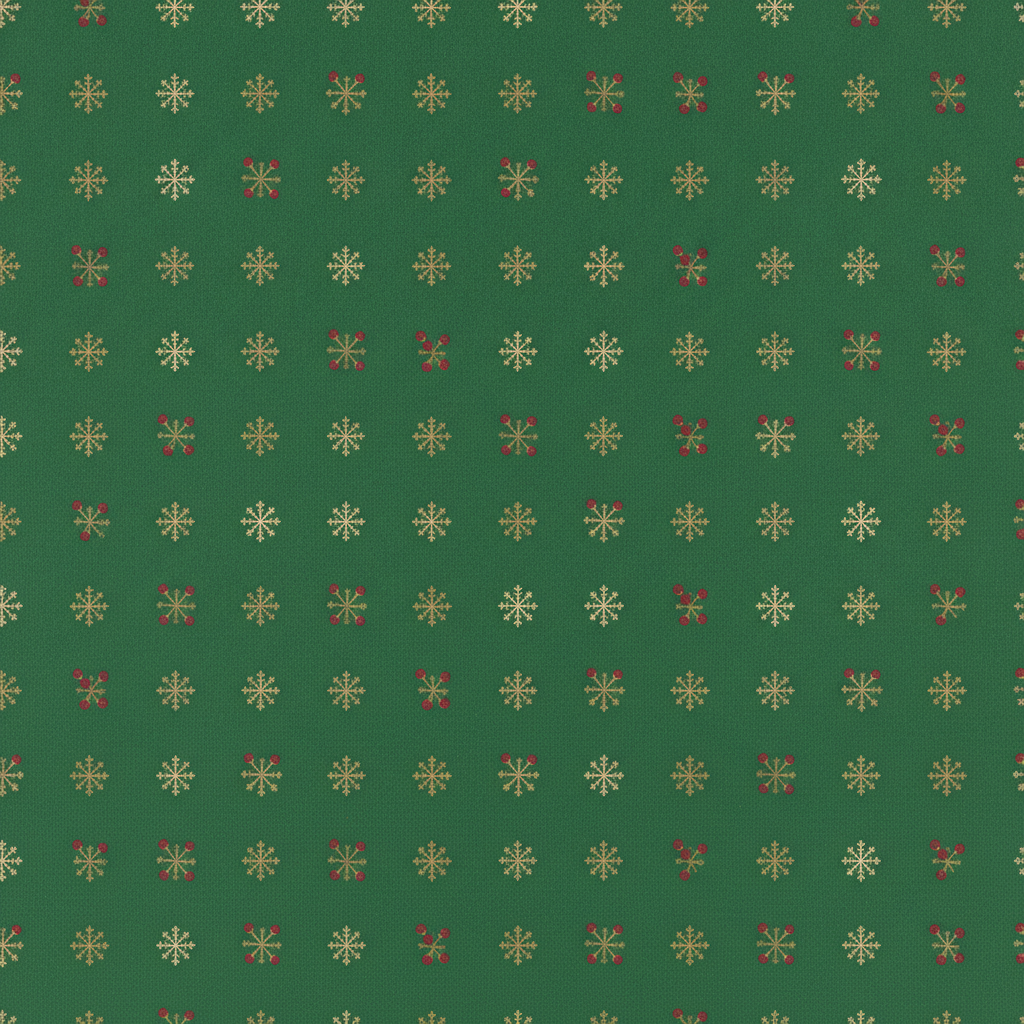
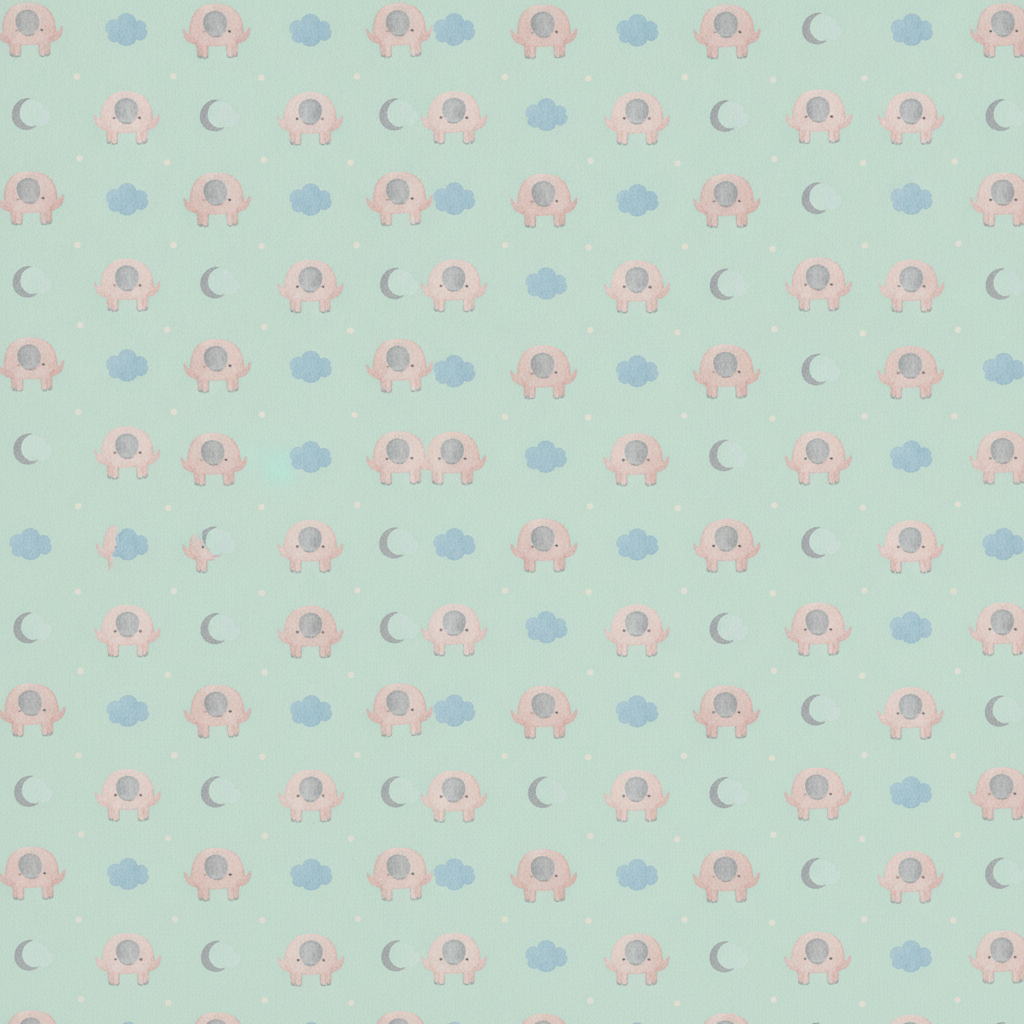
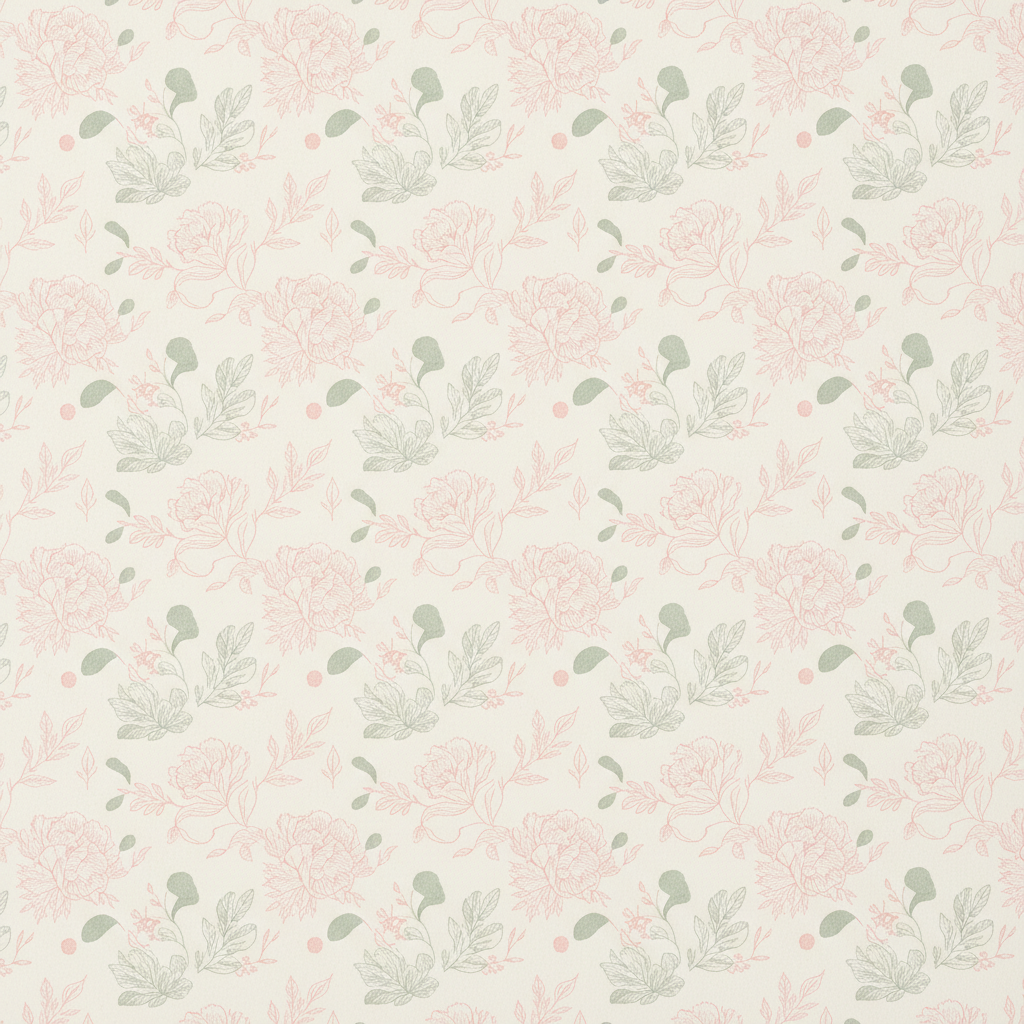
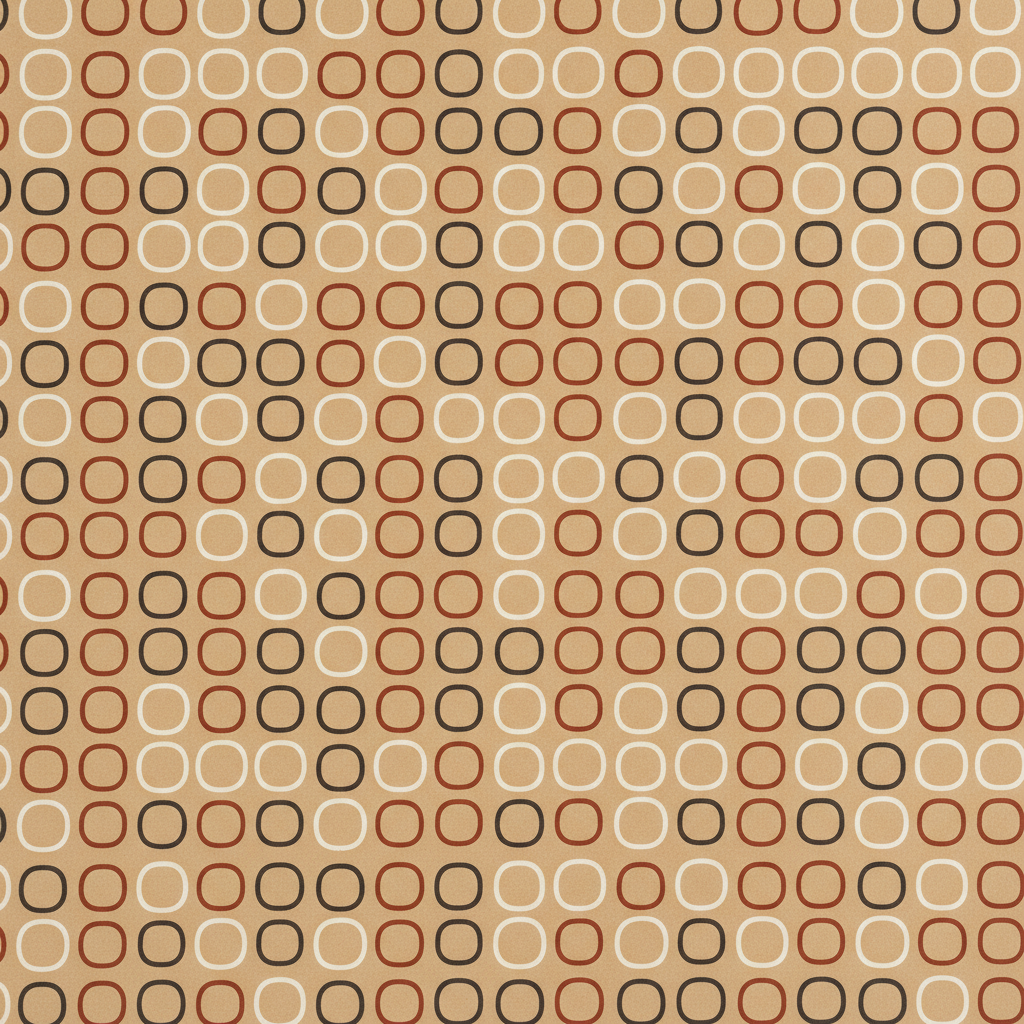
Holiday, birthday, baby shower, wedding, minimalist geometric and a coordinated set — six occasions a sheet actually gets bought for

How the AI Wrapping Paper Design Generator Works
Three steps from an idea to a sheet you can send to a printer
Pick the Occasion, Because It Sets the Whole Pattern
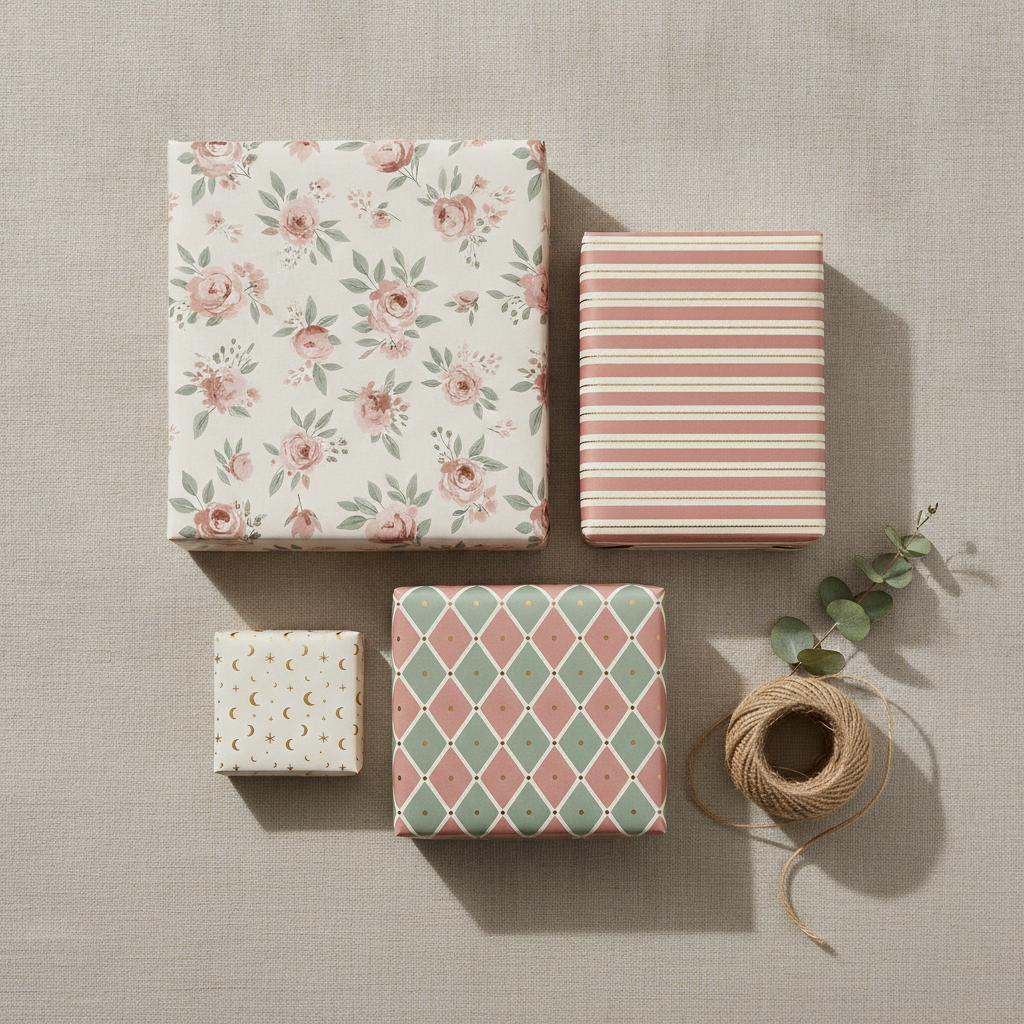
Gift wrap is bought for a moment, not for a look, so the occasion decides the motifs, the palette and even the scale of the repeat. Holiday is the volume category and the one worth designing first — it sells for six weeks and nothing else in the year comes close. Birthday is the year-round staple and the most forgiving, because bright scattered motifs on white hide folds better than anything. Baby Shower wants soft pastels and rounded shapes, and it is the easiest style to personalise for a single event. Wedding is the premium end: fine linework, an ivory ground, restraint everywhere, and buyers who will pay more for a sheet that looks expensive. Minimalist Geometric is the everyday gender-neutral option people reach for when the gift is for someone hard to buy for. Gift Set generates four coordinating papers in one palette, which is how wrap is merchandised in shops.
Describe the Motifs, the Palette and the Ground Colour
The details box handles what the preset cannot guess, and three things carry the result. Name your motifs concretely — tiny sausage dogs in party hats rather than dogs, gold citrus slices rather than fruit — because the preset sets the layout and you supply the subject. Name the ground colour, since it is most of what the eye sees: a dark ground makes metallic and cream motifs sing, a white ground keeps a bright pattern cheerful, and a muted ground reads instantly more expensive than a saturated one. Then keep to three or four colours. A tight palette is what makes a sheet look designed rather than busy, it stops the pattern fighting the ribbon, and if you ever print commercially it is also the thing that keeps the job simple.
Generate, Then Print It or Sell It
Each design arrives in about twenty seconds at up to 4K, shown printed on a sheet so you can judge the scale of the repeat and how much air the pattern has. For a one-off, print the flat pattern onto A3 or larger matte paper at home, or send the file to a local print shop for a proper roll. For a product, upload the tile to a print-on-demand service — several will print custom gift wrap by the roll — or take it to a commercial printer if you are producing a real run. Ask for the pattern only, on a plain flat background with no photographic sheet, when you want the clean artwork, and always print a single test sheet before committing, because colour on screen and colour on paper are never quite the same thing.
Why Use an AI Wrapping Paper Design Generator
Six things that decide whether a pattern survives being printed, folded and taped
Small Motifs Beat Big Ones, Always
This is the rule that separates gift wrap from every other kind of surface pattern, and it is the one people break first. A sheet of wrapping paper is never seen flat. It is wrapped around a box, which means it is folded at the corners, creased along the edges, cut wherever the box ends and partly hidden under ribbon. A large motif gets sliced through the middle by a fold and the eye reads the damage instantly — half a face, a truncated wreath, a flower with no top. Small motifs are immune, because a fold that cuts through one of forty tiny sprigs simply looks like the pattern continuing. Keep individual elements to roughly a thumbnail at print size, repeat them often, and the paper will look right on a matchbox and on a bicycle alike.
The Repeat Has to Be Seamless
A pattern that does not tile shows a hard line every time the paper wraps around, and once you have seen that seam on a gift you cannot unsee it. A true seamless tile means the motifs that run off the right edge continue exactly where the left edge begins, and the same top to bottom, so the artwork can be laid end to end forever without a visible join. The presets here are built to generate an even, consistently spaced repeat with no seam, which is enough for a printed sheet and for most print-on-demand services. If you are going to a commercial printer for a long roll, tell them you want the file used as a repeat tile and ask them to confirm the join — it takes one email and saves a full run.
Even Spacing Is the Whole Craft
The difference between a sheet that looks professionally designed and one that looks homemade is almost never the drawing. It is the spacing. Motifs clumped in one area and sparse in another give a pattern visible blotches that show up from across a room, and the instinct to fill empty space is what causes it. Good gift wrap holds far more negative space than feels right while you are making it: the ground colour is a design element, not a gap to be filled, and it is what lets each motif read cleanly at arm’s length. A regular grid or a carefully balanced toss, generous air between elements, and no clusters — that restraint is exactly what the presets enforce, which is why the results look shop-bought.
Ground Colour Does More Than Motif Colour
People agonise over the illustrations and pick the background last, and it is the wrong way round. The ground is ninety per cent of what anyone sees from two metres away, so it sets the mood before a single motif registers. A deep forest green, navy or oxblood makes cream, gold and white motifs glow and reads immediately as premium — it is why almost all expensive holiday wrap is dark. White or cream keeps a bright pattern feeling cheerful and modern, and it is the safest ground for a busy design. A muted, slightly greyed colour looks more sophisticated than a saturated one at exactly the same cost. It is worth generating the same motifs on two different grounds and comparing them, because the change is far bigger than you expect.
Wrap Is Sold in Coordinating Sets
The economics of this category reward collections, and it is where generation genuinely beats commissioning. One sheet is one purchase, while three or four coordinating papers give a buyer a reason to take the set and give a shop or a listing something that looks like a brand rather than a one-off. The hard part of a set has always been consistency — the same palette, the same motif scale, the same degree of simplification across every design, which by hand means briefing an illustrator four times and hoping the fourth still sits beside the first. Here it means holding the palette and the style steady and changing only the motifs. The Gift Set preset is built specifically for this, and it is the fastest way to a range that looks deliberate.
Free to Start, $9.98 to Go Further
You can generate wrapping paper designs free without a credit card, which is enough to find out whether a pattern works before you buy paper or pay for a print run. Paid plans start at $9.98 for real work: building a coordinating collection, testing the same motifs across several ground colours, or the repeated passes it takes to get the spacing genuinely even. Output reaches 4K without a watermark and is cleared for commercial use, which is what matters once designs are going to a printer and onto stock you have paid for. Set against a few hundred pounds and a couple of weeks for a freelance surface designer, being able to test a dozen patterns before choosing one changes which sheet you end up printing — and it is rarely the first.
Frequently Asked Questions
Common questions about using an AI wrapping paper design generator
Design the Paper in Twenty Seconds
Pick a style, describe your motifs and palette, and see it printed on a sheet at up to 4K — holiday, birthday, baby shower, wedding, minimalist geometric or a coordinated set. Powered by Nano Banana Pro. Free to start, plans from $9.98.
The Fold Decides Everything: the AI Wrapping Paper Design Generator
Designing gift wrap used to begin with the most expensive step. You briefed a surface designer, waited a fortnight, paid a few hundred, then paid for a print run on top — and only when the roll arrived did you find out whether the motifs were the right size and the spacing held up on a real box. An AI wrapping paper design generator inverts that order. You describe the occasion, the motifs and the palette, and the pattern arrives printed on a sheet in about twenty seconds, which means the deciding is now the cheap part and the only expensive part is the run you eventually commit to. On a product where the print is sunk cost the moment it is pulled, testing a dozen patterns before choosing one is worth far more than it costs.
The six presets exist because gift wrap is not a picture, it is a repeat that gets folded. Holiday puts small evenly spaced motifs on a dark ground, which is why almost all premium Christmas paper looks the way it does. Birthday keeps a bright scatter on white, the most fold-forgiving combination there is. Baby Shower stays soft and rounded and pastel. Wedding goes to fine linework on ivory, where restraint is the whole product. Minimalist Geometric is the gender-neutral everyday sheet people reach for when a gift is hard to buy for. And the gift set generates four coordinating papers sharing one palette, because wrap is merchandised as a collection rather than one sheet at a time.
Two habits improve nearly every wrapping paper design. Keep the motifs small, because the sheet will be creased and cut and a fold through a large element is the one mistake everybody notices. And keep far more empty space than feels comfortable, because the ground colour is doing most of the work and a clumped pattern shows its blotches from across the room. Occasion, motifs, palette: three decisions, and the repeat does the rest.
What the AI Wrapping Paper Design Generator Will Not Do
It will not print anything. What you get is an image of your pattern on a printed sheet, which is what you want for judging motif scale, spacing and colour and for a listing photo while you test demand, but no paper is produced and nothing is sent to a printer. It will not hand you a production-ready CMYK repeat file either — for a commercial roll, treat the output as artwork, tell the printer to use it as a repeat tile and have them confirm the join. Generate the version you like, run it again asking for the flat pattern on a plain background, then tidy it with the AI background remover and enlarge it with the 4K image upscaler so every motif edge stays crisp at full sheet size.
It will not guarantee the print either, because paper is not a screen. Colours shift on uncoated stock, metallics cannot be simulated by a flat file, and a pattern that looks balanced on a monitor can read differently once it is wrapped around a box — so always print a single test sheet before committing to a run. For neighbouring jobs there are better fits: the AI pattern generator covers seamless repeats for any surface rather than gift wrap specifically, AI greeting card generator and the AI birthday card generator make the card that goes with the parcel, the AI Christmas card generator matches a holiday sheet to its card, the AI packaging design generator handles boxes and labels rather than the paper around them, the AI tote bag design generator and the AI sticker generator extend a pattern across the rest of a range, and the AI mockup generator places a finished design into styled shop photography. For any lettering, text in images explains what type the model can reliably set.
Within those limits the work is yours to use. Output reaches 4K with no watermark and is cleared for commercial use, which covers market stalls, Etsy and Shopify listings, print-on-demand shops, a small stationery range, corporate and event gifting and client jobs alike. Keep other people's property out of it — film and game characters, sports teams, band marks, licensed properties and the style of a specific named living designer — because gift wrap attracts exactly those references. Check the AI policy of whichever marketplace you sell through, and know that in the United States purely AI-generated images are not registrable for copyright, so selling the paper is fine but stopping an imitator may not be. It is free to start with no credit card and plans begin at $9.98. Pick an occasion, name your palette, and see the sheet before you pay for the print.
Try the AI wrapping paper design generator free today. Pick one of six wrapping paper design styles, describe your motifs and palette, and see it printed on a sheet at up to 4K. No credit card required to start. Paid plans from $9.98.