
AI Christmas Card Generator
Every December the same thing happens: the card list gets written in November, the design never gets chosen, and by the second week of the month you are paying rush postage on whatever the print shop had in stock. This AI Christmas card generator closes that gap. Pick a style — elegant gold foil, watercolour village, cartoon Santa, Scandinavian minimalist, rustic farmhouse or family photo layout — type your family name and the greeting you want printed, and Nano Banana Pro returns a designed holiday card with legible typography in about twenty seconds.
Try It Now — Free
Choose a card style, then type the greeting and the family name exactly as you want them printed. Your portrait card design arrives in about twenty seconds at up to 4K.
AI Christmas Card Generator
Pick a card style, add your greeting and family name, and get a print-ready Christmas card design in seconds
Cards From the AI Christmas Card Generator
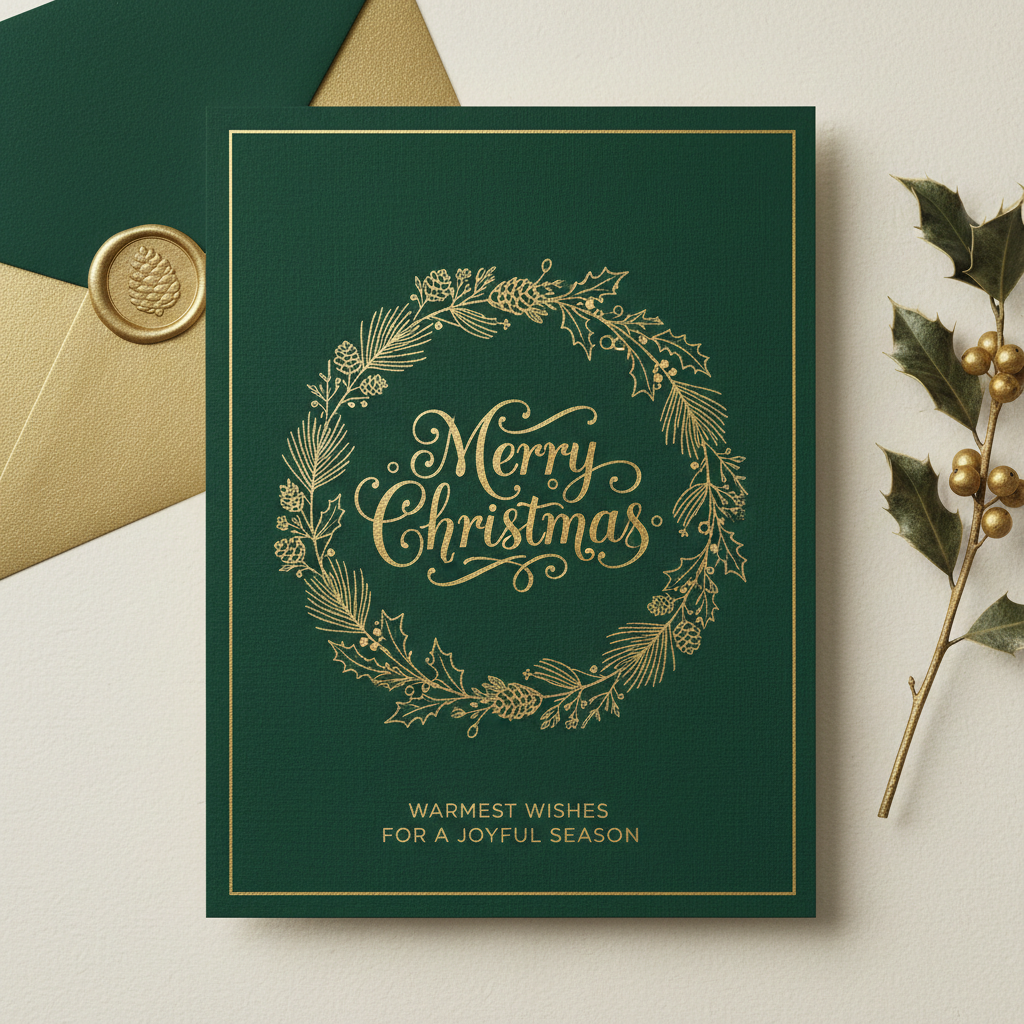
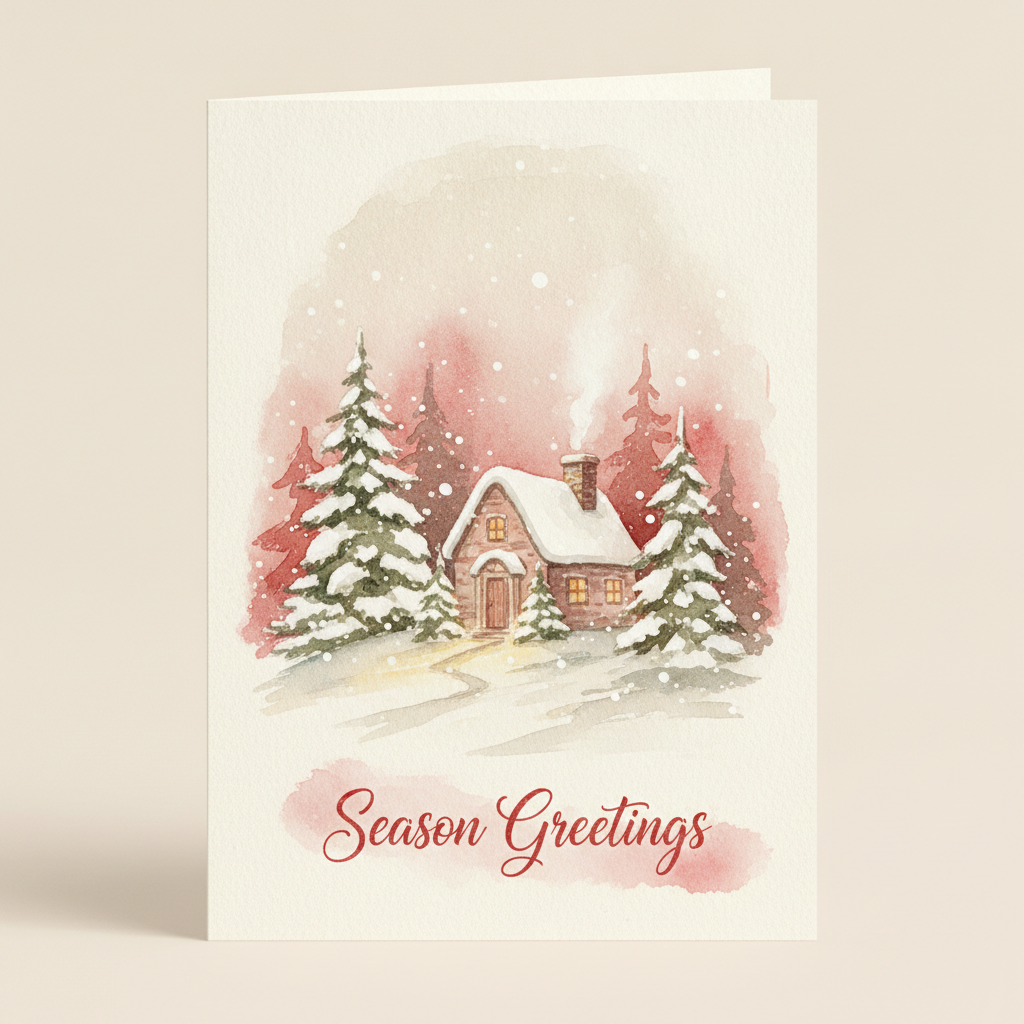
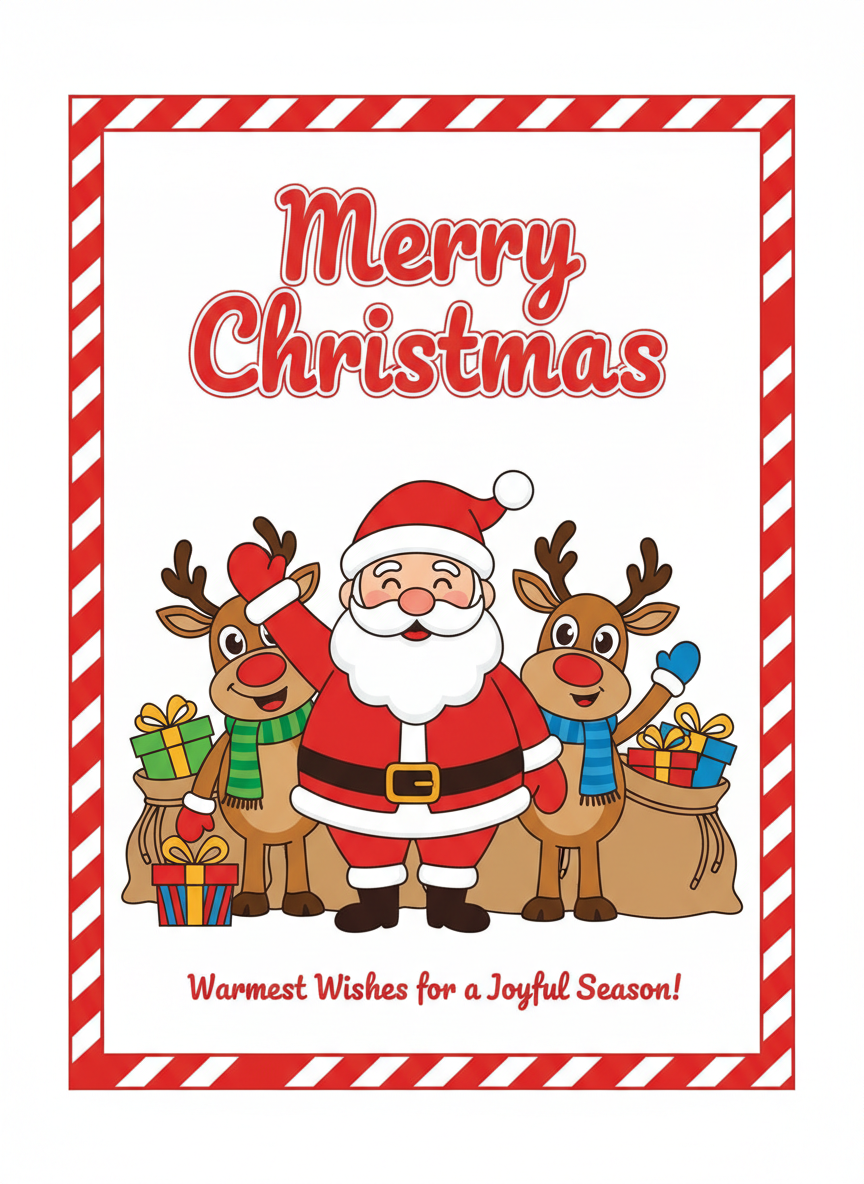
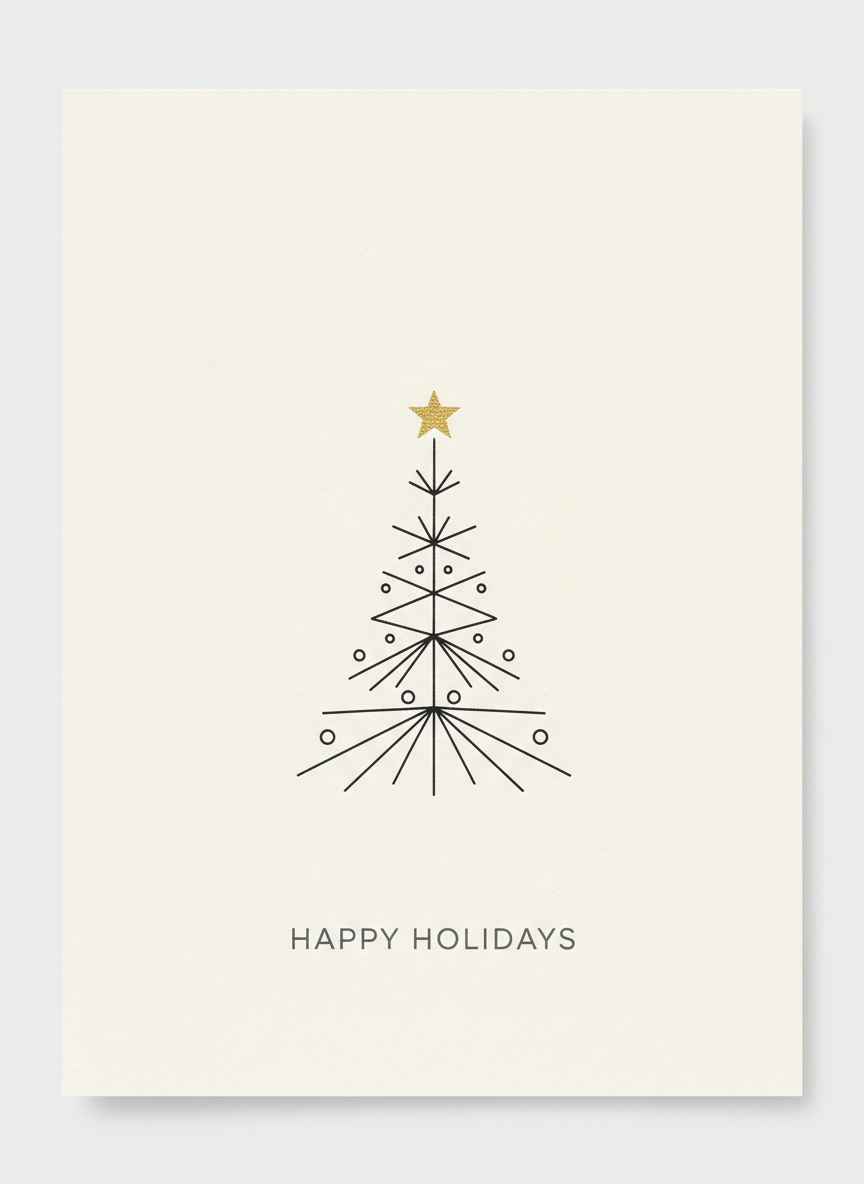
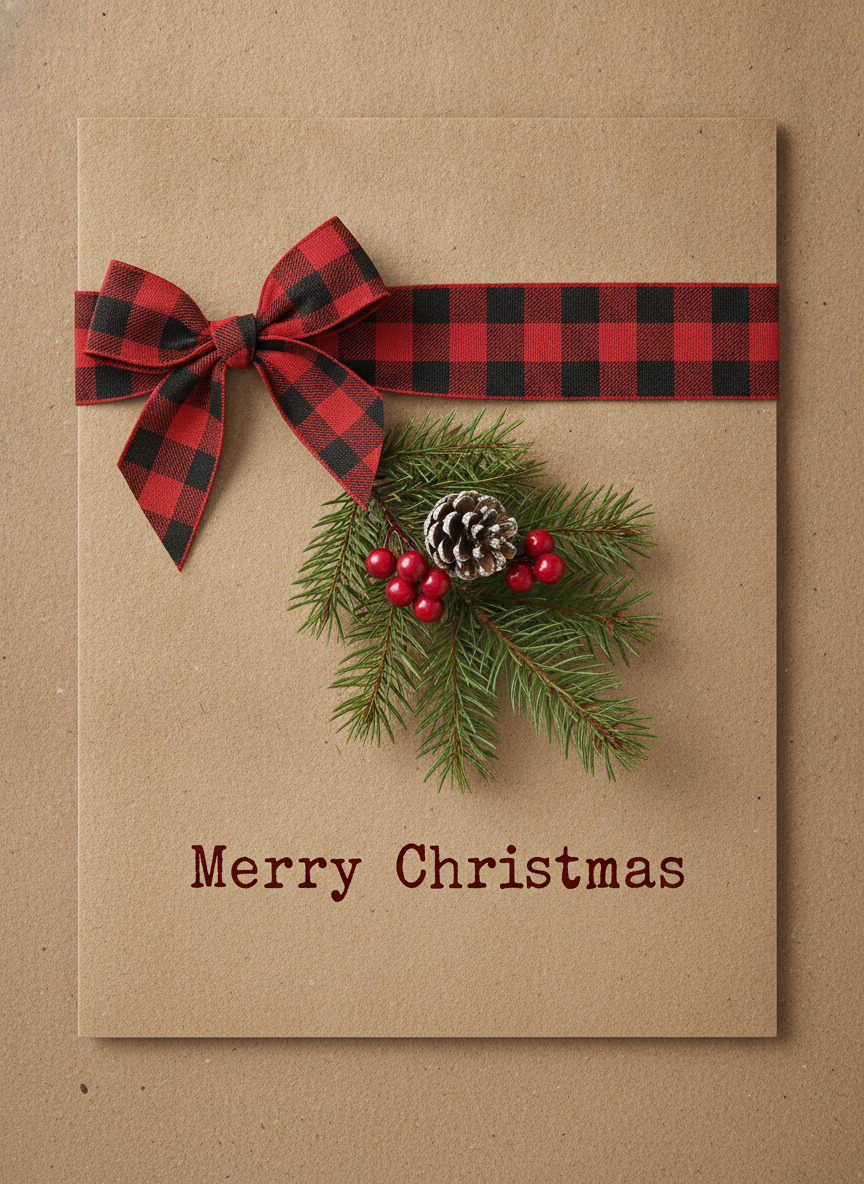
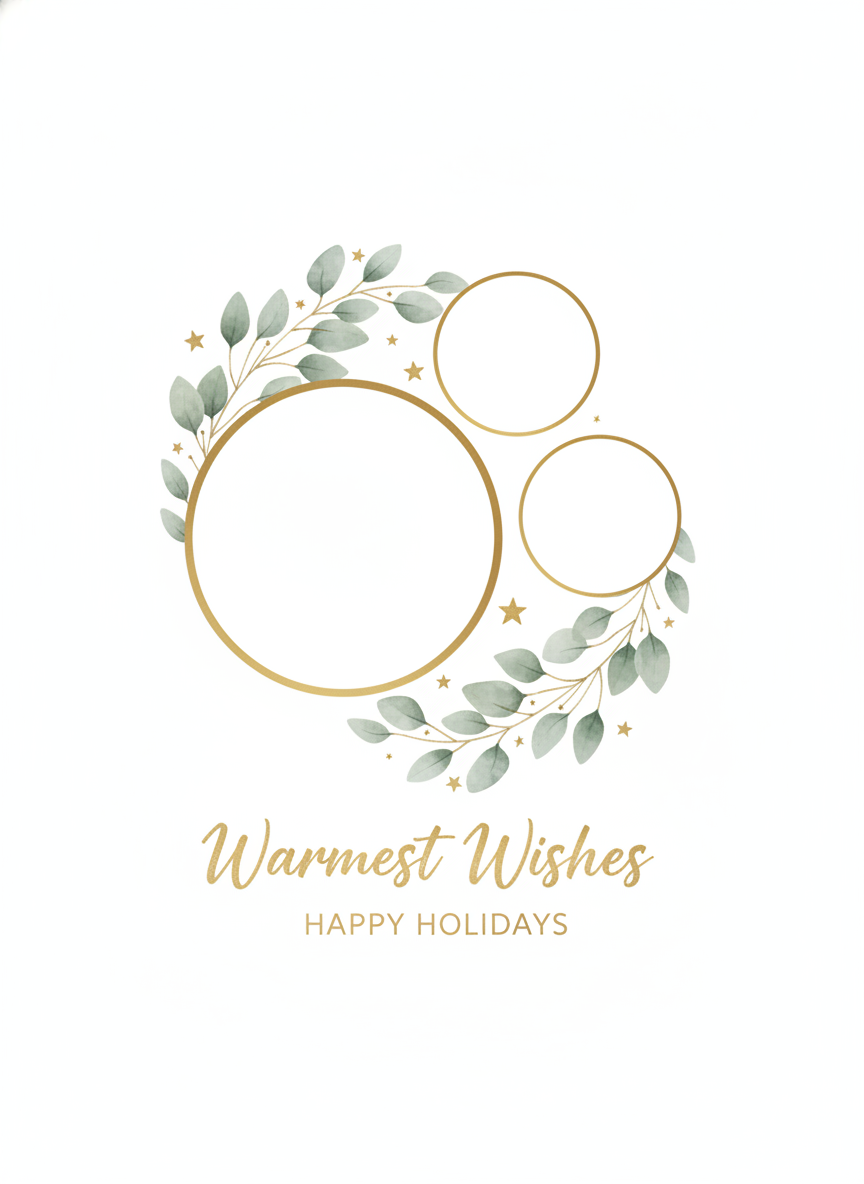
Elegant gold, watercolour village, cartoon Santa, Scandinavian minimalist, rustic farmhouse and family photo layout — six styles, all generated from a short description
How the AI Christmas Card Generator Works
Three steps from an empty card list to a design you can send to the printer
Choose a Card Style
Six presets cover the styles households actually send: a gold foil wreath card for the formal list, a painted watercolour village for the sentimental one, a cartoon Santa for families with small children, a Scandinavian line-art tree for the modern minimalist, a kraft and buffalo-plaid farmhouse card, and a photo-card layout with frames ready for your own pictures. Each preset carries its own paper, palette and type treatment, so you are picking a mood rather than assembling a layout.
Type Your Greeting and Family Name
Put the real wording in the details box, spelled exactly as it should print: "Merry Christmas from the Alvarez Family, 2026" gives the AI Christmas card generator something concrete to typeset. This is also where you add the personal detail that makes a card yours — a snowy mountain instead of a village, the dog in a scarf, your house colours, a new baby's name. Vague input returns a handsome card addressed to nobody.
Regenerate, Then Proof the Names
Each design comes back in about twenty seconds at up to 4K in portrait 3:4, the shape a card is. Run the same greeting through two styles if the household is split, then read every line at full size — especially surnames and the year. AI-set type is good but not infallible, and a card is the one thing you print a hundred copies of. Proof it before the print run, and retype a line in an image editor if a name comes back wrong twice.
Why Use an AI Christmas Card Generator
Six reasons families, small businesses and clubs use this instead of a card-shop template
It Actually Renders Your Greeting
Most image models turn text into decorative squiggles, which is why holiday cards — objects where the greeting is the whole point — have been out of reach for them. Nano Banana Pro was built to set legible type inside an image, so "Merry Christmas", the family name and the year come back as words people can read. That single capability is what makes an AI Christmas card generator possible at all, and it is the first thing worth testing against any other tool you are weighing up.
Six Moods, Not One Template
The card you send your grandmother and the card you send your team should not be the same object. These presets span formal gold foil, painted watercolour, bold cartoon Santa, Scandinavian minimal, kraft farmhouse and a clean photo-card grid. Each carries its own paper stock, palette, ornament and type treatment, so switching style changes the whole card rather than recolouring one layout — and you can send two different designs to two different lists.
Nobody Else Will Send the Same One
Shop-bought cards and template sites recycle the same few hundred designs across millions of households, which is why three of the cards on your mantelpiece match every year. A generated card is made for your description, with your greeting, your family name and the detail that only applies to you — the new puppy, the house you moved into in June, the colours of your team. That specificity is the whole reason people keep a card rather than recycling it in January.
Cheaper Than a Card-Shop Order
Personalised card services charge per card and per revision, and the good foil finishes sit behind the premium tier. Here you start free with no credit card, and plans begin at $2.99 — with unlimited changes of direction while the household argues about whether this year is a watercolour year or a minimalist year. Take the finished design to any print service you like and pay only for paper.
Print-Ready Portrait Resolution
Designs export at up to 4K in portrait 3:4, which is the shape a folded card front is and enough resolution for a home print on card stock, an online print run or a digital card you email or post. There is no watermark and output is cleared for commercial use, so a shop can send branded holiday cards to its customer list and a club can print a run for its members.
Matches the Rest of Your Christmas
A card rarely travels alone. Reuse the same palette and style description across gift tags, table place cards, the party invitation and your December newsletter header so the whole season looks deliberate rather than assembled from whatever was to hand. Generate the card first, since it is the piece people keep on the mantelpiece, then carry its styling into everything else.
Frequently Asked Questions
Common questions about using an AI Christmas card generator
Design a Christmas Card in Twenty Seconds
Pick a style, type your greeting and family name, and get a print-ready holiday card design at up to 4K — elegant gold, watercolour village, cartoon Santa, minimalist, rustic farmhouse or family photo layout. Powered by Nano Banana Pro. Free to start, plans from $2.99.
Make a Holiday Card With an AI Christmas Card Generator
The Christmas card is the last piece of print most households still send, and it is the one that reliably gets left to the end. The list is drawn up in a burst of good intentions somewhere around Bonfire Night. The design is the part nobody wants to own, because choosing a card means an evening of scrolling through a card-shop catalogue where every fourth design is the same robin on the same postbox, and the finish worth having costs extra. So the decision slides, and by the second week of December the choice has narrowed to whatever the shop still has in a box of twenty. An AI Christmas card generator takes that evening of browsing and turns it into a sentence and twenty seconds, which is the difference between a card you chose and a card you settled for.
What actually changed is text rendering. Image models have been able to paint a snowy village for years, and they were useless for cards anyway, because the moment you asked for the words Merry Christmas across the front you got an elegant arrangement of letter-shaped marks that spelled nothing. A holiday card is not a picture with a caption; the greeting is the object. Nano Banana Pro sets legible type inside the image, so the heading, your family name and the year come back as words your aunt can read from the mantelpiece. Every style on this page is built around that: each preset describes not just an illustration but a place for your greeting to sit and a hierarchy for it to sit in.
Six Christmas Card Styles, and How to Choose Between Them
Most households need two cards rather than one, which is the quiet reason shop-bought boxes disappoint. The card that suits your grandmother — gold foil, holly wreath, a serif greeting, the kind of thing that gets kept in a drawer — is not the card that suits the group chat, and neither is the card a small business sends its customer list. The Elegant Gold and Watercolour Village presets serve the first list; Cartoon Santa is for families whose children will be the ones handing cards out at school; Minimalist and Rustic Farmhouse suit a modern household or a shop with a considered brand; and the Family Photo Card layout gives you a designed frame grid to drop your own pictures into, which is what most people actually mean when they say they want a photo card. Generating two designs costs no more effort than generating one.
A practical note on timing and printing. Work backwards: international post wants cards gone in the first week of December, an online print run takes five to ten working days, so your design needs to exist by late November — which, in August, is an unusually comfortable position to be in. Export at up to 4K in portrait 3:4, proof every name at full size before you order a hundred copies, and remember you are getting a flattened image rather than a layered file, so a print shop cannot fix a typo for you. Output carries no watermark and is cleared for commercial use, so businesses and clubs can send what they generate. If you would rather turn an existing family portrait into a festive scene than design a card from scratch, the AI Christmas photo generator handles that, and the AI greeting card generator covers birthdays, thank-yous and the rest of the year.