
AI Mouse Pad Design Generator
A mouse pad is the one printed product that has a machine sitting on top of it. It is small enough to be looked at from two feet away, wide enough — once it becomes an XXL deskmat at 900 by 400 mm — that a keyboard covers most of the artwork, and it carries an optical sensor that genuinely cares what you print under the mouse. This AI mouse pad design generator works inside those constraints and shows the result on a real product mockup in about twenty seconds, at up to 4K, in six styles: gaming deskmat, topographic, landscape, minimalist, botanical and retro grid. Pick a style, describe your motif and palette, and see the pad before you order a sample.
Try It Now — Free
Pick the pad style first, then use the details box for your motif, your palette and the pad size you are printing on. Every preset already carries what a mouse pad cares about — a calm low-contrast zone where the mouse actually tracks, a mid-tone or deep ground that survives months of wrist contact, and a scale that still reads on a surface most people only ever see from two feet away.
AI Mouse Pad Design Generator
Pick a pad style, describe your motif and colours, and see it on a real product mockup
Pads From the AI Mouse Pad Design Generator
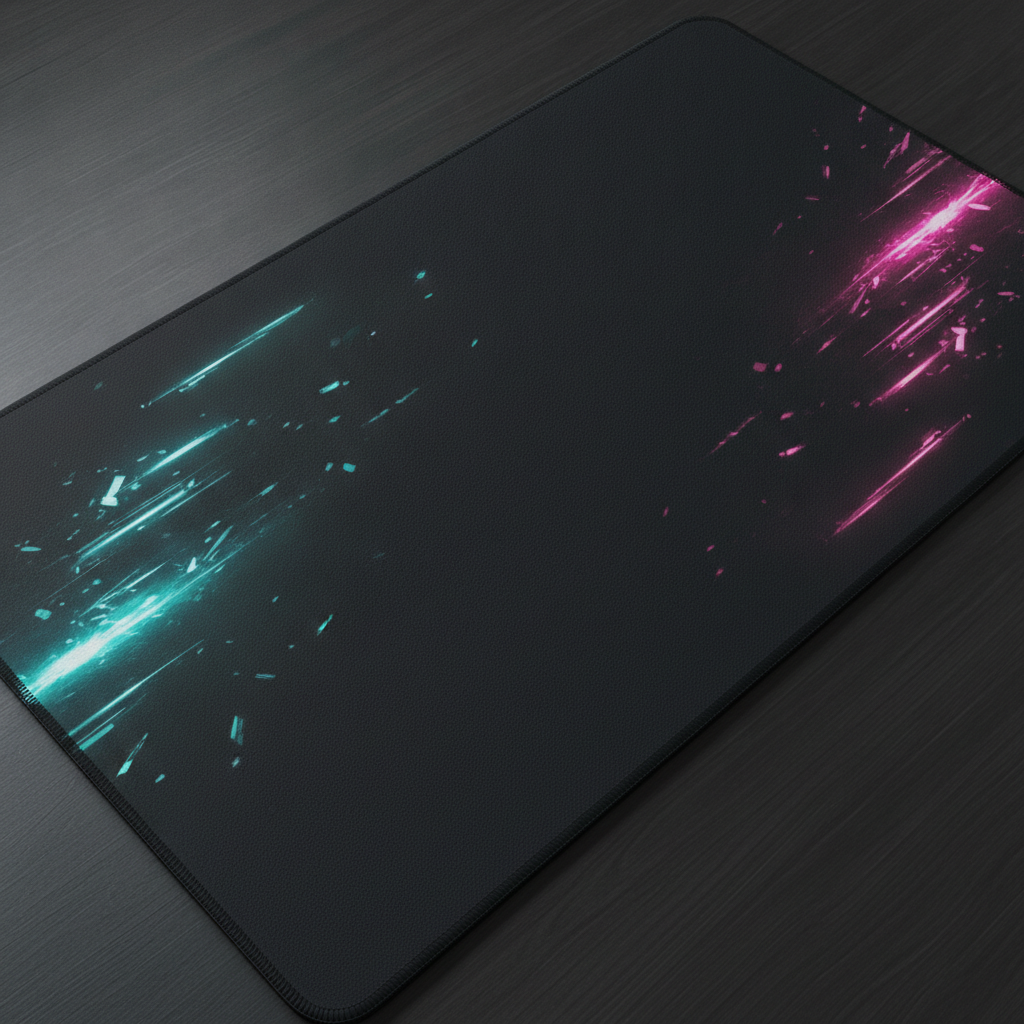
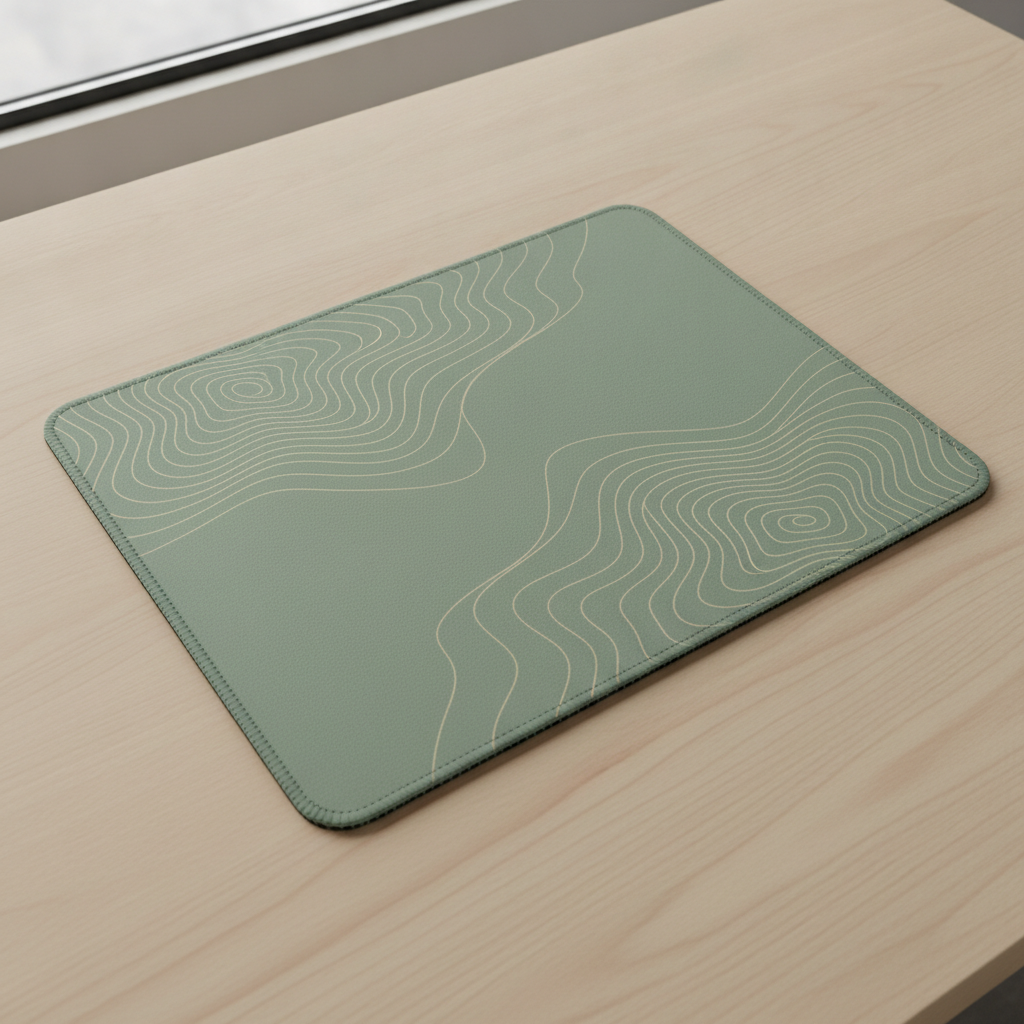
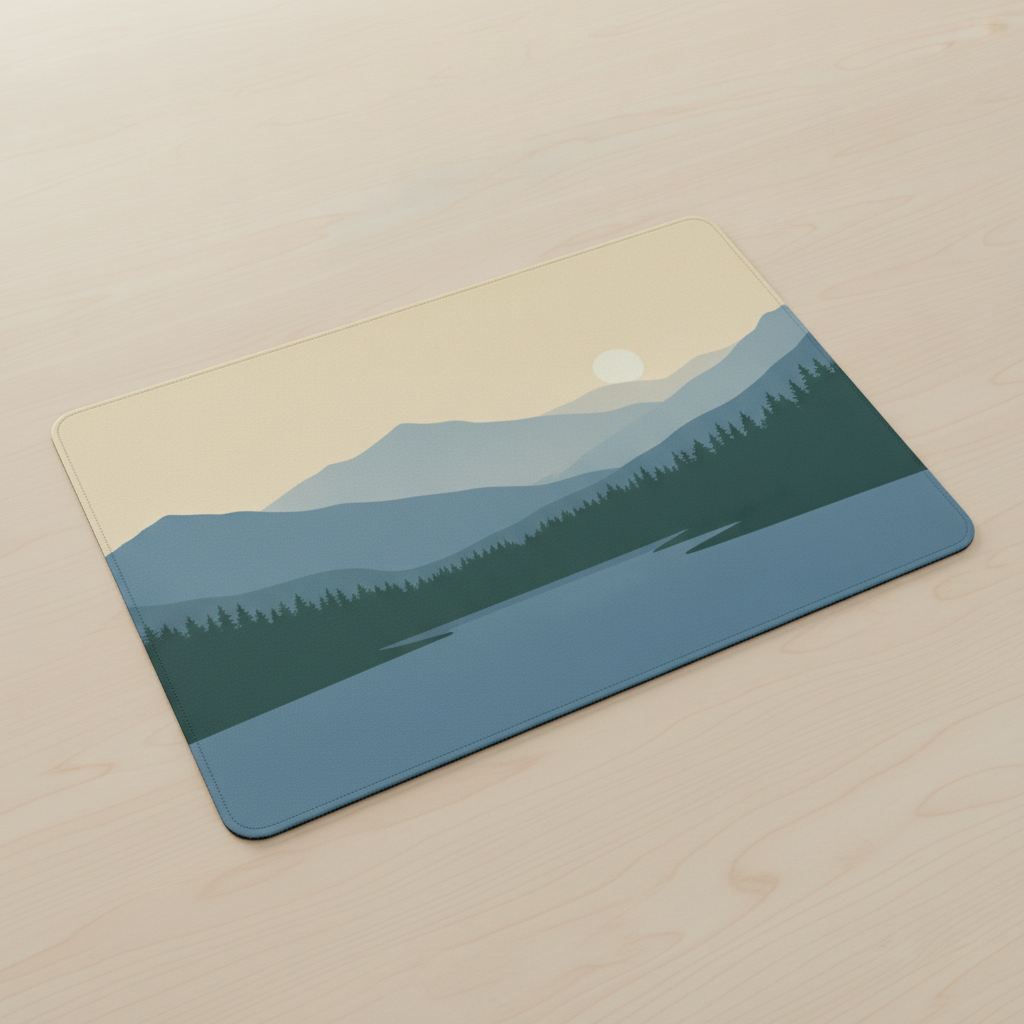
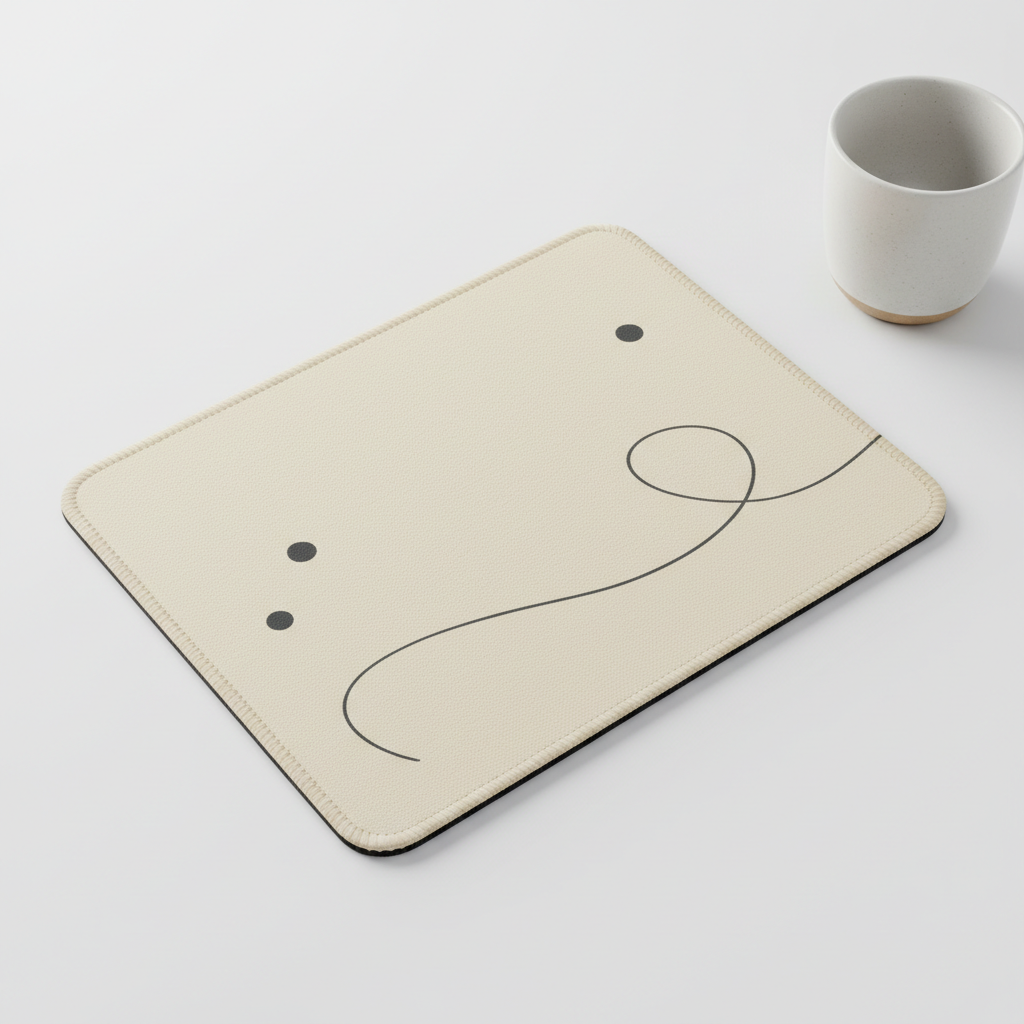
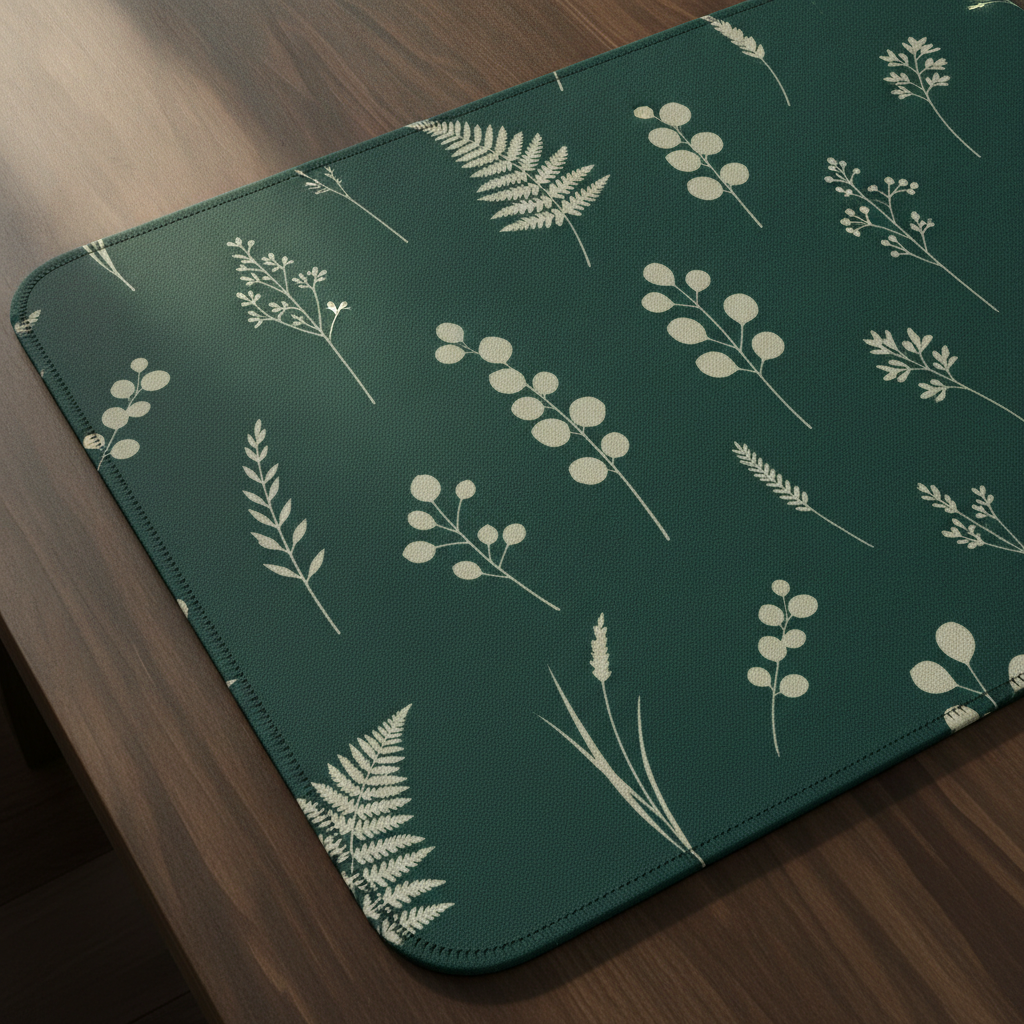
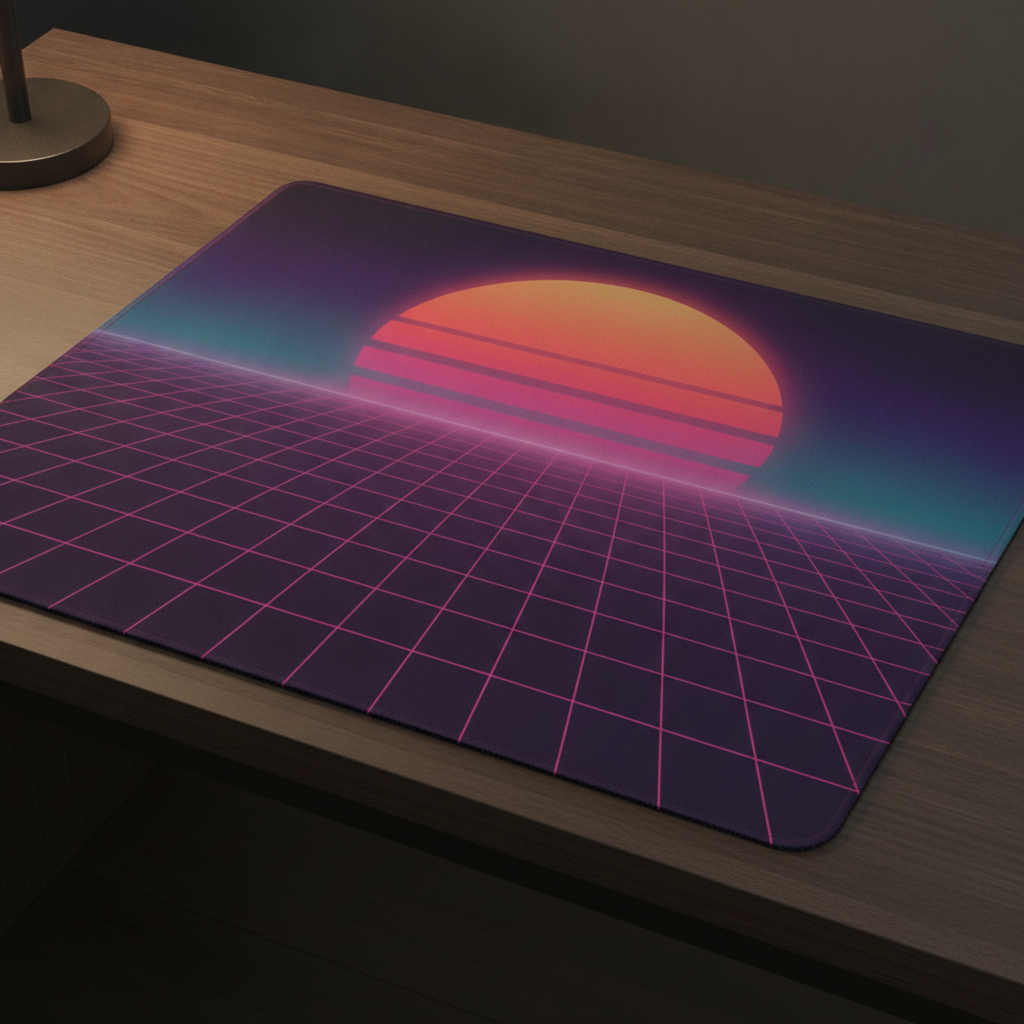
Gaming deskmat, topographic, landscape, minimalist, botanical and retro grid — the six directions that cover almost every mouse pad anybody actually buys
How the AI Mouse Pad Design Generator Works
Three steps from an idea to artwork a print-on-demand supplier can work from
Decide the Size Before the Motif
This category is really four products wearing one name, and they want different artwork. A small pad at roughly 250 by 210 mm is nearly a square and holds a single centred motif well. A medium pad around 320 by 270 mm is the everyday office size and the safest default. A large gaming pad near 450 by 400 mm gives a scene enough room to breathe. And an XXL deskmat — commonly 800 by 300 or 900 by 400 mm — is a completely different brief, because at 3 to 1 or wider it is a panorama, not a picture, and a keyboard will sit on the left two thirds of it for the entire life of the product. Naming the size in the details box changes what comes back: a motif that fills a near-square pad looks lost stretched across a deskmat, and a landscape composed for a deskmat looks cropped and confused when squeezed onto a small square one.
Describe the Motif, the Palette and the Mouse Zone
Name one motif and its scale. Mouse pads are viewed from about two feet away by one person, so they tolerate more fine detail than a shirt or a tote — but only in the areas that stay visible, which on a deskmat means the right-hand third and the strip along the front edge. Name four or five colours and stop. Then say where the calm area goes, because this is the constraint unique to the product: an optical mouse sensor reads the surface directly beneath it, and a busy high-contrast pattern with hard black-to-white edges under the mouse can produce jitter or tracking drift on some sensors. The reliable move is to keep the mouse zone low-contrast — one colour, a soft gradient, or a quiet section of the pattern — and put the loud part of the design where the mouse never goes.
Generate, Then Take It to a Supplier
Each design arrives in about twenty seconds at up to 4K on a photographed pad, so you can judge scale, contrast and whether a pattern still reads once it is on cloth rather than on a screen. Use it two ways. As a sample, it is the mockup you put in front of a client, a team or a customer poll before anybody pays for a print run. As a brief, it is what you hand to whoever makes it: a print-on-demand service wants a flat artwork file at its exact pad template — usually the finished millimetre size at 150 to 300 DPI, with a few millimetres of bleed past the trim because the stitched edge eats the outer 3 to 5 mm. Ask for the flat artwork on a plain background when you need the working file, and restate your finished proportions, because these presets generate square and a deskmat is emphatically not.
Why Use an AI Mouse Pad Design Generator
Six things that decide whether a mouse pad design survives the keyboard, the sensor and the machine that has to print it
A Keyboard Covers Most of a Deskmat
The XXL deskmat is the fastest-growing shape in this category and the one most designs get wrong. At 800 by 300 or 900 by 400 mm it looks like a generous canvas in a mockup, and then a full-size keyboard lands on the left two thirds of it and never moves again. What remains visible in daily use is the right-hand third where the mouse lives, the strip in front of the keyboard where wrists rest, and a narrow margin along the top and the two ends. Design for that and a deskmat still looks like something a year later; design a centred composition and you have built a product whose focal point is under a keyboard. The layouts that survive are a panorama that reads left to right and keeps its interest at the ends, an all-over pattern with no focal point to lose, or a quiet field with the detail deliberately pushed into the visible zones. Ask for the composition to sit off-centre, and check the mockup by mentally covering the left two thirds.
The Optical Sensor Is Part of the Brief
No other printed product has a machine reading its surface. An optical or laser mouse works by photographing the pad thousands of times a second and comparing frames, and while modern sensors are far more tolerant than the ones that struggled with glossy pads a decade ago, the failure modes are real enough to design around. Hard high-contrast edges repeating at a fine pitch directly under the mouse — dense black and white checks, tight halftone dots, sharp thin stripes — give some sensors a repeating pattern that is genuinely ambiguous to track. Very large areas of flat pure black on a smooth low-texture surface give a low-detail sensor too little to lock onto. Both are avoidable without compromising the design: keep the working zone to a single mid-tone, a soft gradient or a gently textured section of the pattern, and put the fine detail, the contrast and the drama where the mouse never travels. It also helps that cloth pads have their own weave texture, which is why they are the forgiving surface and hard plastic and glass are not.
Dye Sublimation Has No White Ink
Almost every printed cloth mouse pad is made the same way: a polyester microfibre top layer dye-sublimated onto, bonded to a natural or synthetic rubber base, then cut and edge-stitched. That process sets three rules. There is no white ink, so anything white in your design is the base fabric showing through — which is fine on the standard white blank and impossible on a black one, so decide your ground colour before your palette. Sublimated colour on polyester lands slightly deeper and less brilliant than it looks on a backlit screen, so pale tints creep towards white and neons calm down; nudge saturation up rather than down if a colour matters. And the rubber base and stitched edge define the trim: the outer 3 to 5 mm disappears into the stitching, so nothing important belongs at the edge and the artwork needs bleed past it. Hard pads, glass pads and RGB edge-lit builds change the equation again — a translucent lit border wants a dark artwork edge to glow against.
It Is a Product Somebody Rubs for Eight Hours a Day
A mouse pad takes more physical contact than almost anything else on a desk. A wrist rests on it, a forearm sweeps across it, a mouse travels the same few hundred square centimetres thousands of times a day, and skin oils, hand cream, crumbs and spilled coffee all land on it. That is a design constraint. Pale grounds — white, cream, blush, mint — photograph beautifully and go visibly grey at the wrist contact area within a couple of months, which is why so many of the best-reviewed pale pads are sold on the promise that they wash well. Deep and mid-tones survive far better: charcoal, navy, forest, plum, and any busy all-over pattern, which hides both wear and dust. Large flat areas of a single dark colour are the middle case — they hide grime and show every speck of light-coloured dust and lint. If the pad is going to a customer rather than into a photograph, that trade-off is worth making deliberately rather than by accident.
Six Styles That Match Six Different Buyers
The presets are not decoration, they are the six briefs this product actually gets. Gaming deskmat is the volume category: dark ground, angular energy, cool accents, and a mouse zone kept deliberately quiet. Topographic is the current best-seller in the tasteful-desk market, because contour lines are calm, low-contrast, gender-neutral and read as design rather than as a picture. Landscape is the panorama that justifies a deskmat shape at all, and it is the one style that gets better as the pad gets wider. Minimalist suits the office and the gift market, where the pad has to sit under a monitor without arguing with anything. Botanical is the strongest seller into home offices and the most forgiving of wear. And retro grid is the nostalgia motif that has outlasted several trend cycles. Run the same palette through two of them and compare on the mockup — the style changes the answer more than the colours do.
Free to Start, $9.98 to Go Further
You can generate mouse pad designs free without a credit card, which is enough to find out whether a motif holds up at deskmat proportions and against the ground colour you had in mind before you pay for a sample or a designer’s time. Paid plans start at $9.98 for real work: testing one design across small, medium and XXL sizes, building a coordinated desk set where the pad, the coaster and the print above the monitor share a palette, or the repeated passes it takes to get a repeat scaled right for a 900 mm mat rather than a screen. Output reaches 4K without a watermark and is cleared for commercial use, which is what matters once designs are going to a print-on-demand supplier. Against a custom pad sample costing fifteen to forty dollars and taking one to three weeks to arrive, seeing a dozen directions on a photographed pad before choosing one usually changes which pad gets made.
Frequently Asked Questions
Common questions about using an AI mouse pad design generator
Design the Mouse Pad in Twenty Seconds
Pick a style, describe your motif and colours, and see it on a real mouse pad mockup at up to 4K — gaming deskmat, topographic, landscape, minimalist, botanical or retro grid. Powered by Nano Banana Pro. Free to start, plans from $9.98.
A Canvas With a Keyboard On It: the AI Mouse Pad Design Generator
Designing a mouse pad used to start with the most expensive step. You picked something from a supplier's catalogue or briefed a designer, ordered a sample, waited one to three weeks for it to arrive and paid fifteen to forty dollars for the privilege — and only when the parcel was opened did you find out that the artwork you approved as a square has been squeezed flat by the shape of a deskmat, or that the detail you loved disappeared into the weave of the cloth. An AI mouse pad design generator inverts that order. You describe the pad size, the motif and the palette, and the design arrives on a photographed pad in about twenty seconds, which makes the deciding cheap and leaves only the making expensive. On a product with a real sampling lead time, trying a dozen directions before choosing one is worth far more than it costs.
The six presets exist because a mouse pad is a different design problem from every other printed surface. Its proportions are not one shape but four, running from a near-square 250 by 210 mm pad to a 900 by 400 mm deskmat, and a composition that suits one of them fails on the others. Its most valuable real estate is occupied: on a deskmat a keyboard covers the left two thirds permanently, so the artwork that stays visible is whatever lives in the right-hand third, along the front edge and at the two ends. Its surface is read by a machine, which is why the mouse zone wants a calm mid-tone rather than fine hard-edged contrast. And it is made by dye sublimation onto polyester with no white ink and a stitched edge that swallows the outer few millimetres, so ground colour and bleed are decisions you make before the palette rather than after.
Two habits improve nearly every mouse pad design. Choose the size before the motif, because the shape constrains what a motif can be far more than the motif constrains the shape. And commit to a scale that suits a viewing distance of about two feet with a mouse in the way — a panorama that reads left to right, or a scattered repeat with elements about the length of a finger — since the delicate detail floating in the middle of a deskmat is the one that spends its life under a keyboard. Size, motif, palette: three decisions, and the supplier does the rest.
What the AI Mouse Pad Design Generator Will Not Do
It will not make a mouse pad, and it will not produce a production-ready file. What you get is artwork shown on a real pad, which is what you need for judging layout, scale and contrast and for a listing photo while you test demand — but a print-on-demand supplier wants a flat file at its exact template dimensions with bleed, and preparing that is a separate step. Generate the design you like, run it again asking for the flat artwork on a plain background, then clean it up with the AI background remover and enlarge it with the 4K image upscaler so the detail survives being printed at 900 mm.
It will not guarantee the finished pad either, because cloth is not pixels. Sublimated colour on polyester lands deeper and less brilliant than it looks on a backlit screen, white in the artwork is the base fabric rather than ink, fine linework loses a little crispness to the weave, and no mockup can tell you how a sensor will behave on the surface you finally choose — so approve a physical sample before a production run. For neighbouring jobs there are better fits: the AI pattern generator is the place to work on a seamless repeat itself, the AI logo generator builds the team or studio mark that goes on the pad in the first place, the AI phone case design generator and the AI keychain design generator carry the same artwork onto the rest of a merchandise range, the AI wall art generator handles the print that hangs above the desk, and the AI mockup generator places a finished design into styled shop photography. For any lettering, text in images explains what type the model can reliably set.
Within those limits the work is yours to use. Output reaches 4K with no watermark and is cleared for commercial use, which covers Etsy and Shopify listings, print-on-demand shops, gaming brands, company swag and client jobs alike. Keep other people's property out of it — game characters, esports marks, hardware logos and the style of a specific named living artist. Check the AI policy of whichever marketplace you sell through, and know that in the United States purely AI-generated images are not registrable for copyright, so selling the pad is fine but stopping an imitator may not be. It is free to start with no credit card and plans begin at $9.98. Pick a style, name your motif, and see the pad before you order the sample.
Try the AI mouse pad design generator free today. Pick one of six mouse pad design styles, describe your motif and colours, and see it on a real product mockup at up to 4K. No credit card required to start. Paid plans from $9.98.