
AI Cross Stitch Pattern Generator
The hardest part of a cross stitch project is not the stitching — it is deciding what the finished piece should look like before you commit forty hours of your evenings to it. Commissioned custom charts run thirty to eighty dollars and take a week, and converter software will happily turn any photo into a nine-thousand-stitch monster in ninety shades of grey. This AI cross stitch pattern generator sits earlier in the process: upload a photo, pick a treatment, and see the design rendered as visible X stitches on aida cloth in about twenty seconds at up to 4K — so you can judge the composition, the palette and the colour count while changing your mind is still free.
Try It Now — Free
Upload the photo you want to stitch and pick a treatment. Choose by how much time you want to spend, not by which preview looks prettiest: full coverage is beautiful and enormous, beginner simple and two-colour silhouette are the ones that actually get finished, and the sampler border is the reliable choice for a gift. Every preset asks for real X stitches on a visible aida grid so you can see how the subject survives being reduced to squares.
AI Cross Stitch Pattern Generator
Upload a photo, choose a stitch treatment, and see it rendered as a cross stitch design at up to 4K
Upload a clear, well-lit photo with a strong subject — simple backgrounds convert far better than busy ones
Designs From the AI Cross Stitch Pattern Generator
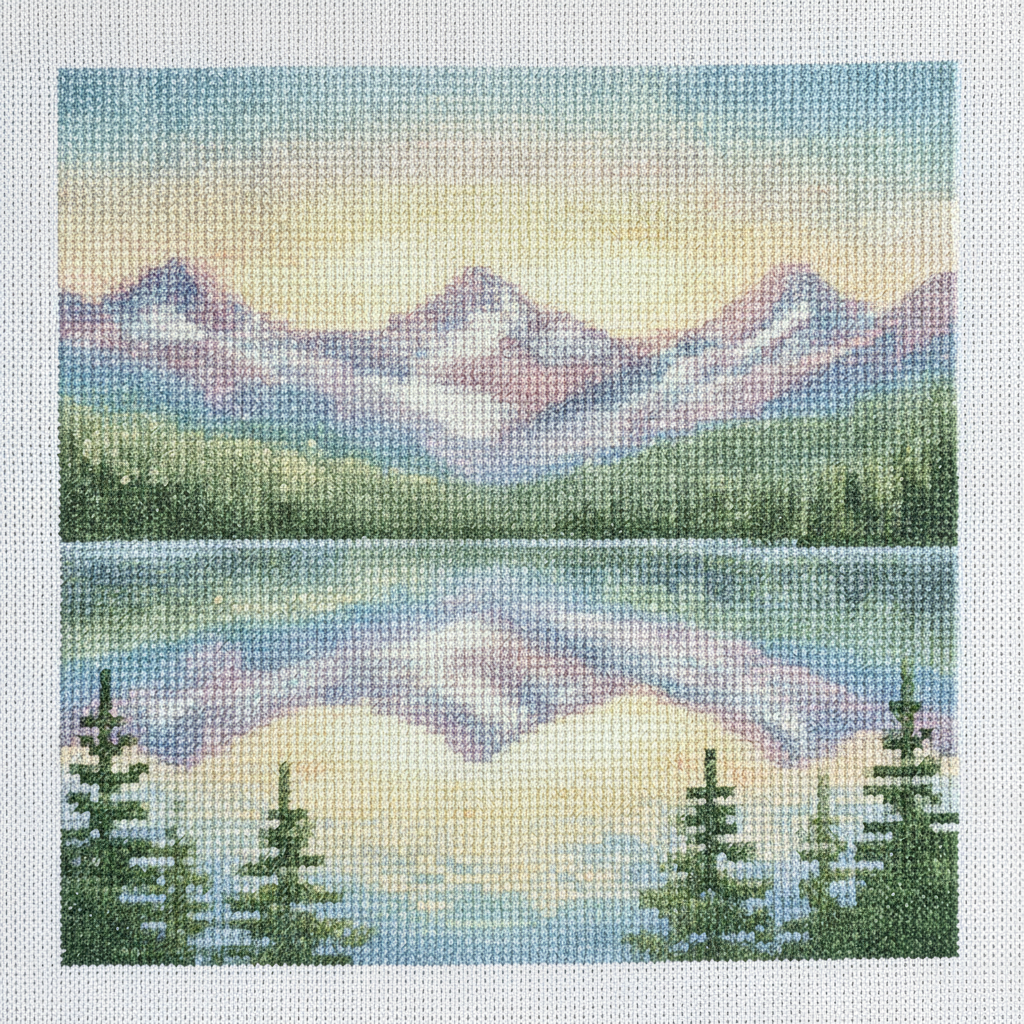
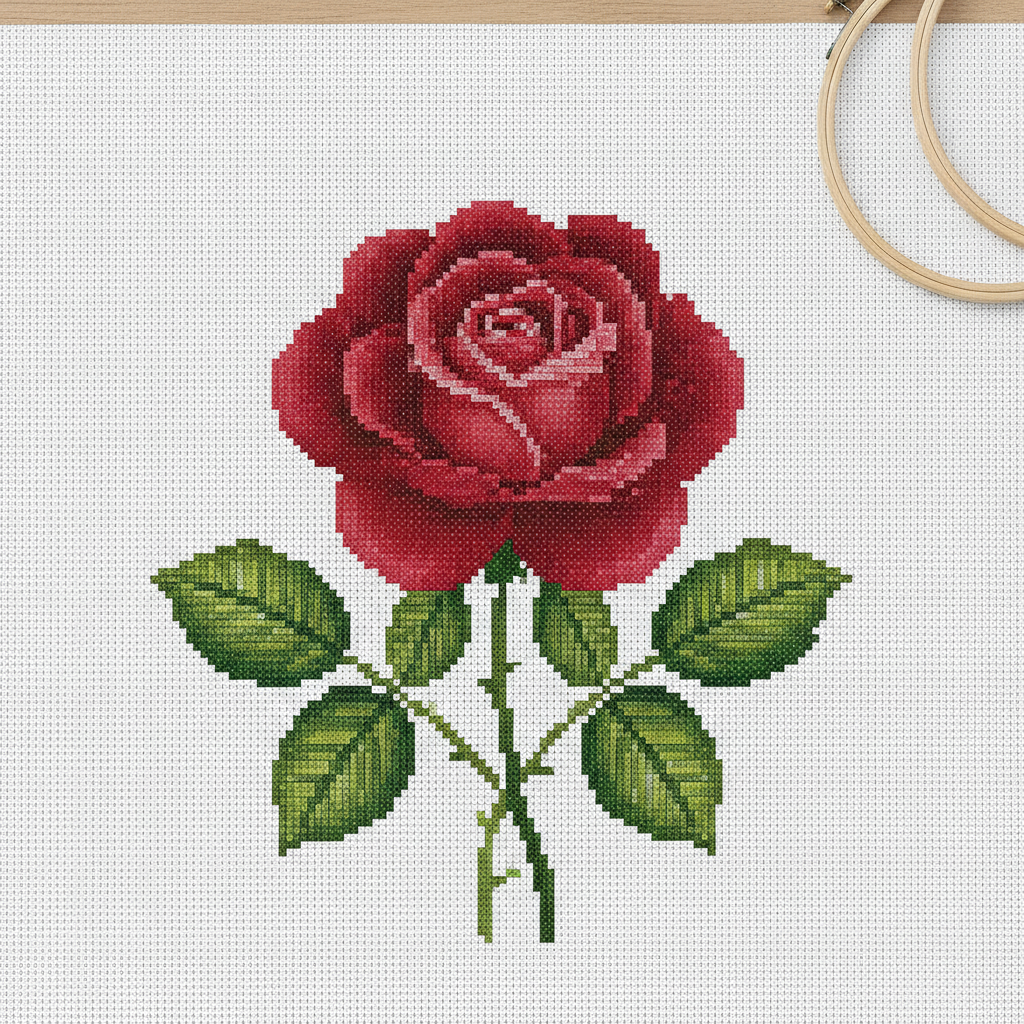
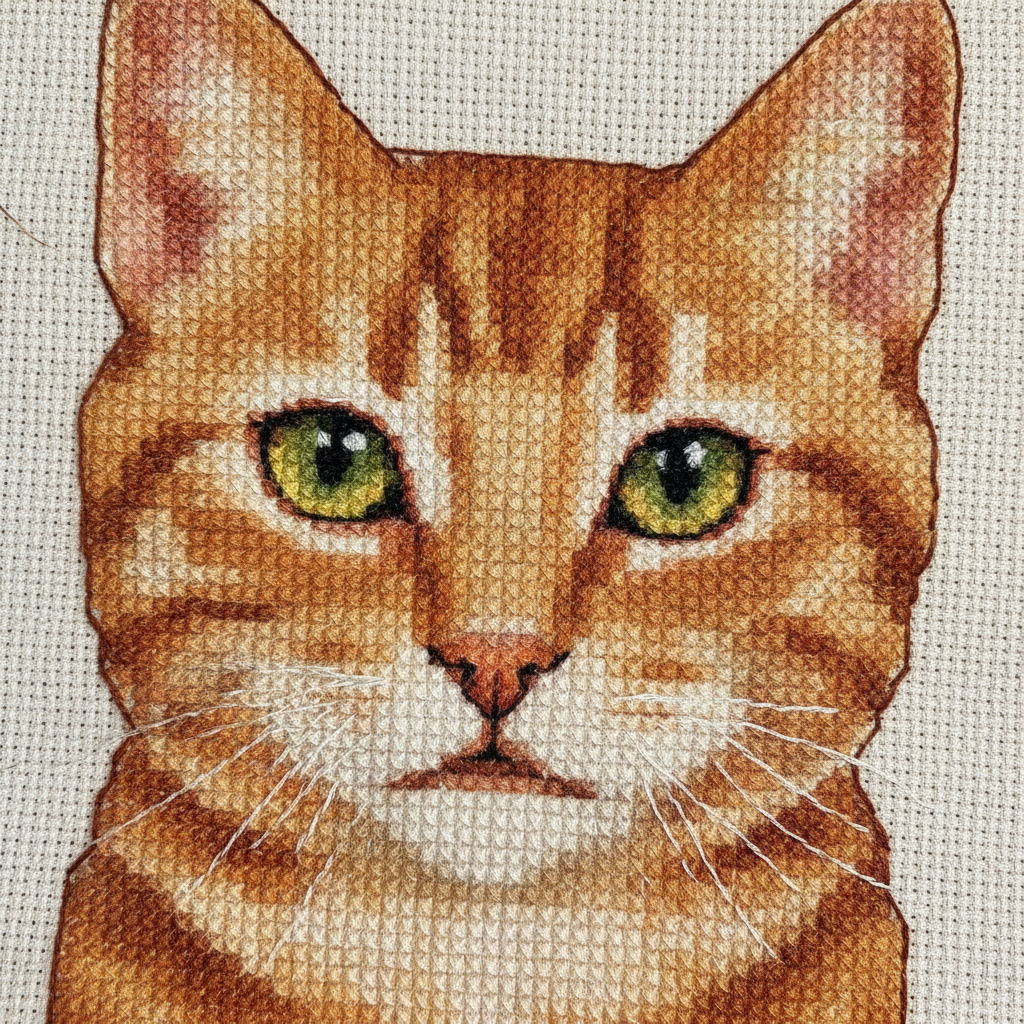
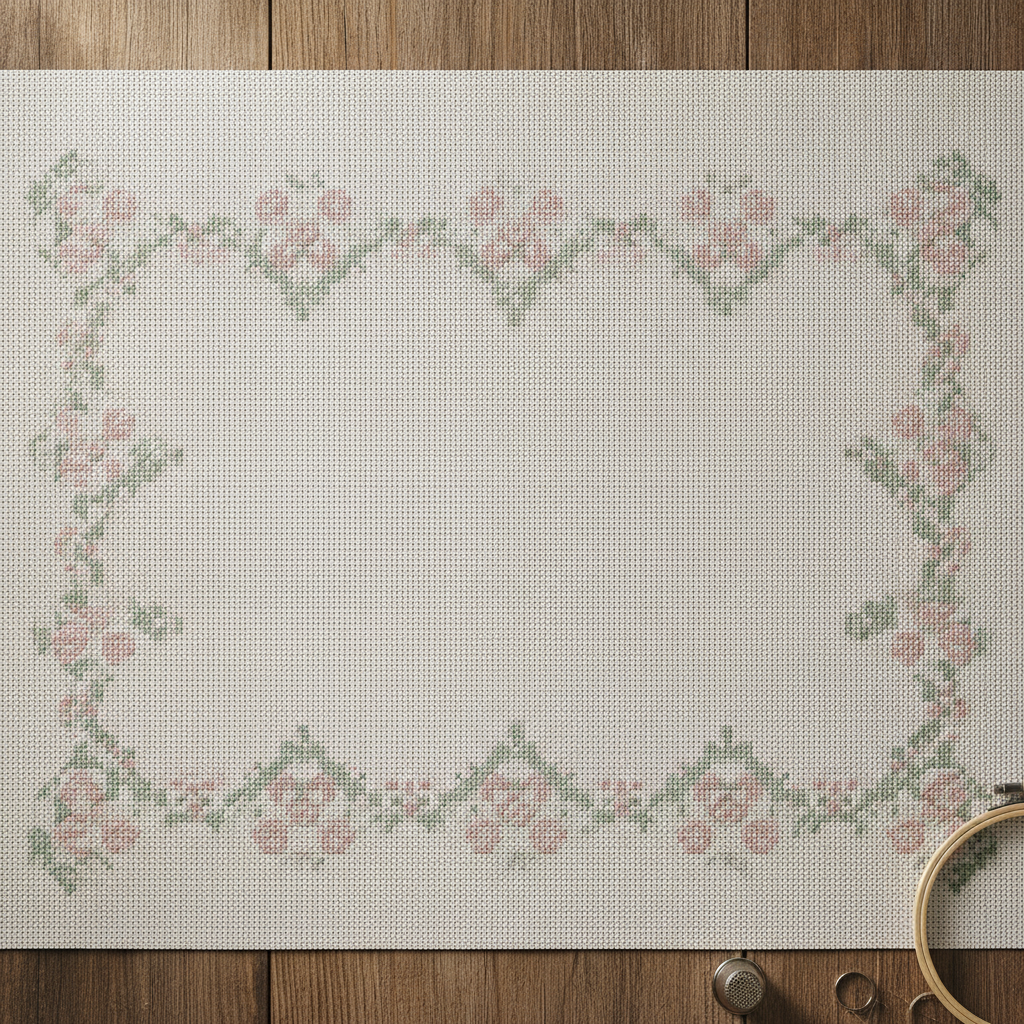
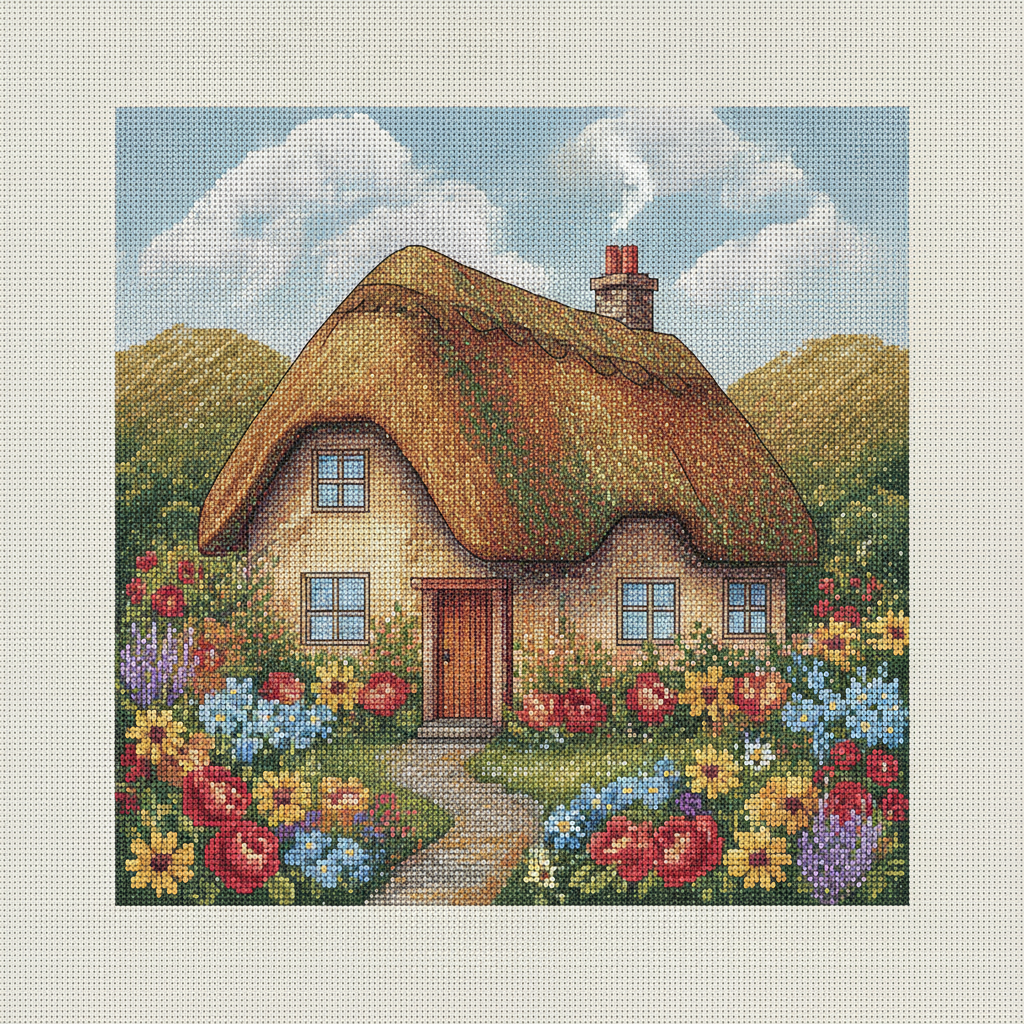
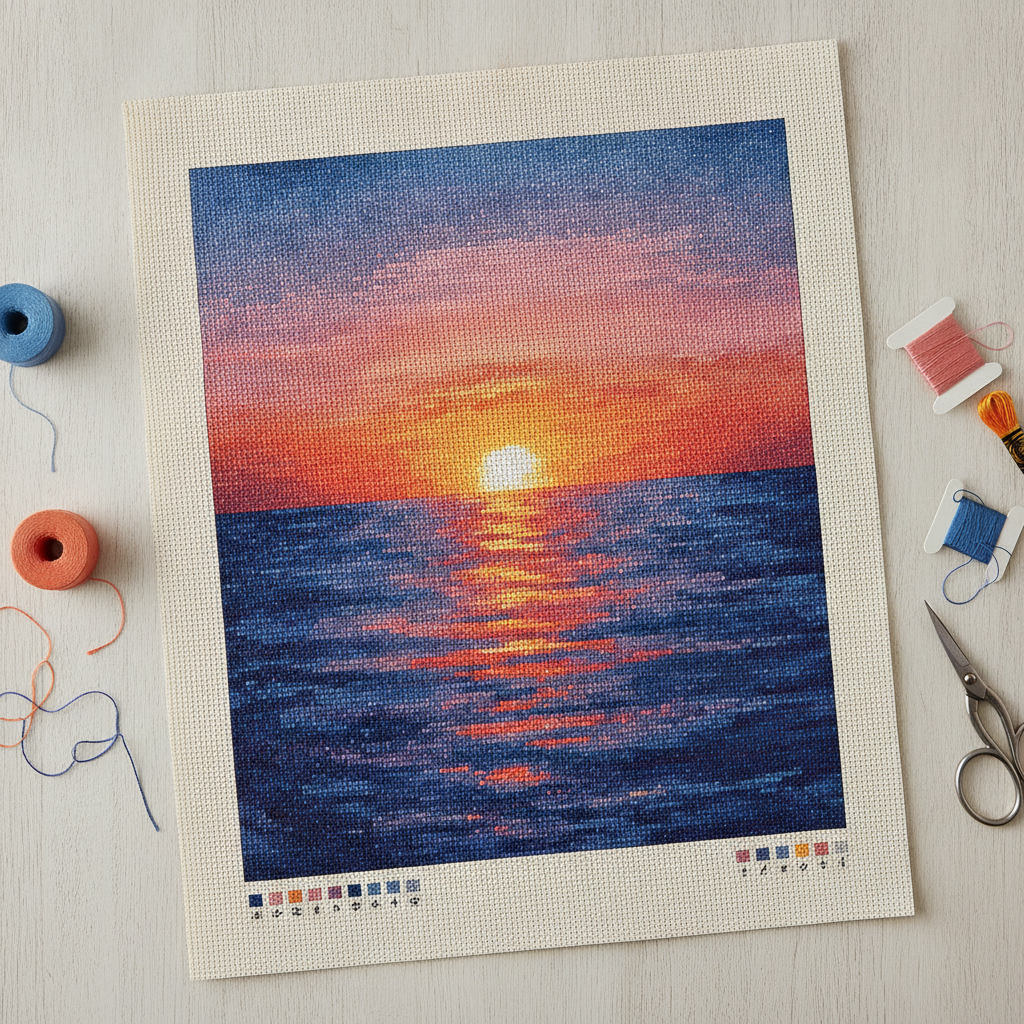
Landscapes, florals, pet portraits, sampler borders, cottages and gradient skies — six subjects showing how different material behaves when it is reduced to a grid of squares
How the AI Cross Stitch Pattern Generator Works
Three steps from a photo on your phone to a design you would actually be willing to stitch
Choose a Photo That Survives a Grid
Cross stitch throws away almost everything a photograph contains. A finished piece might hold two hundred squares across, which is less information than a phone screen shows in one corner, so the only images that convert well are the ones that still read at that size. In practice that means a single clear subject, strong separation between that subject and its background, and light coming from one obvious direction. A pet against a plain wall works; the same pet on a patterned rug becomes noise. Photograph faces straight on in soft even light rather than in harsh sun, because deep shadows read as unexplained black holes once they are reduced to flat floss colours. Squint at the picture, or shrink it on your screen until it is thumbnail-sized: whatever you can still recognise is what will survive, and everything else is detail you will spend evenings stitching for no visible gain.
Pick the Treatment That Matches Your Patience
This is the decision that determines whether the project gets finished, and it is really a decision about hours rather than aesthetics. Full coverage — every square stitched, forty-odd blended shades — produces the pieces that win competitions and also the ones that sit in a drawer half-done, because a modest full-coverage design is tens of thousands of stitches and hundreds of hours. Beginner simple cuts the palette to about eight flat colours on large-count fabric and leaves the background bare, which removes most of the work and nearly all of the frustration. Two-colour silhouette is the fastest satisfying result there is and looks deliberate rather than cheap. Portrait is the hardest treatment regardless of size, because faces are where the eye is least forgiving and a stitch out of place reads as a different person. Sampler border is the one to choose for a gift: the centre stays small, the border does the visual work, and the whole thing finishes in a fortnight.
Turn the Design Into a Chart You Can Count
What comes back is a picture of the finished piece, not a chart — and closing that gap is the step people skip. Use the design to settle the composition, the palette and roughly how many colours you are prepared to buy, then get a countable chart one of two ways. Free or inexpensive pattern software (KG-Chart, Pic2Pat, Stitch Fiddle, WinStitch and similar) will take an image, let you set the stitch count and colour limit, and output a proper symbol grid with a DMC floss list. Or work from the design by eye on gridded paper, which is slower but gives you total control and is how sampler designers have always done it. Either way, decide your finished size first — stitch count divided by fabric count equals inches, so 140 stitches on 14-count aida is exactly 10 inches — then buy fabric with at least three spare inches on every side for framing. Stitch a small corner as a test before you commit to the whole thing.
Why Use an AI Cross Stitch Pattern Generator
Six things worth understanding before you buy floss and cut fabric
See the Finished Piece Before You Commit Forty Hours
Cross stitch is the rare craft where the design decision and the payoff are separated by months. A converter will hand you a chart in seconds and a chart tells you almost nothing about how the result will feel — you find out somewhere around hour thirty, when the sky you thought would be lovely turns out to be eleven nearly identical blues that all look grey against each other. Rendering the design as actual stitched fabric first closes that loop. You can see whether the subject still reads at the size you chose, whether the palette holds together, whether the background is worth stitching at all. At about twenty seconds a render, trying the same photo as full coverage, as an eight-colour simplification and as a two-colour silhouette costs a couple of minutes and routinely changes the plan. That is the real argument for using an AI cross stitch pattern generator early: it makes the expensive decision reversible.
It Produces a Design, Not a Counted Chart
This is the limitation to understand first, because it defines what the tool is for. A cross stitch chart is a technical document: a grid of symbols, one per stitch, keyed to a numbered floss list, with a stitch count and a finished size. What an image model produces is a picture of stitched fabric — convincing, useful for judging a design, and not something you can count off square by square. The X shapes will not line up on a perfectly regular grid under close inspection, the colours are not mapped to real DMC numbers, and no legend exists. So use this at the design stage and convert afterwards with dedicated pattern software, which will let you set the exact stitch count and colour limit and give you a proper symbol grid with a floss list. Anyone claiming an image generator outputs ready-to-stitch charts is describing something it cannot do, and finding that out after buying fabric is an unpleasant way to learn it.
Colour Count Is the Whole Budget
Every practical decision in cross stitch traces back to how many floss colours you agreed to. Each additional shade means another skein to buy, another bobbin to wind, another needle to keep threaded, and — the part that actually hurts — more time spent switching between them than stitching with them. Photo converters default to a hundred-plus colours because matching pixels is what the algorithm optimises for, and that is how you get patterns with fourteen indistinguishable browns where a competent designer would use four. Restraint is a skill, and it is visible: pieces stitched in eight well-chosen colours usually read better from across a room than the same subject in ninety, because contrast survives distance and subtlety does not. The presets here are deliberately built around colour discipline, with beginner simple at roughly eight and two-colour silhouette at exactly one. Choose the palette before you fall in love with a render.
Pet Portraits and Gifts Are the Real Use Case
The requests that bring people to a cross stitch pattern generator are overwhelmingly personal: the dog, the cat, the house they grew up in, a wedding photo, a baby announcement, a grandparent no longer around. That is exactly the category where a design preview earns its keep, because these projects are emotionally expensive as well as slow, and getting thirty hours in before realising the face is not quite right is genuinely upsetting. Preview several treatments of the same photo, then show them to whoever the piece is for — or to whoever else knows the subject — and let them point at the one that looks like who it is meant to look like. Faces are hardest: a stitch of difference in an eyebrow changes an expression, so keep portraits larger than feels necessary, use fabric with a lower count so each stitch carries more information, and prefer soft even lighting in the source photo over anything dramatic.
Also Works for Adjacent Needlework
Anything worked on a counted grid is a close cousin, and the same design preview transfers with only small adjustments. Needlepoint and tapestry use the same principle at a coarser gauge and read almost identically. Pixel-based crafts share the logic too: perler and fuse beads, plastic canvas, latch hook rugs, mosaic tiling, even knitting and crochet colourwork charts, where intarsia and fair-isle motifs are laid out on exactly this kind of grid — though knitted stitches are wider than they are tall, so a square design comes out squat and needs stretching vertically to compensate. Blackwork and Assisi work start from the two-colour silhouette treatment. Sashiko and other running-stitch traditions want the folk preset. If your craft involves deciding what colour goes in each cell of a grid, the design step is the same and only the conversion software changes.
Free to Start, $9.98 to Design Properly
You can render cross stitch designs free without a credit card, which is enough to test whether a photo converts at all before anything is paid for. Paid plans start at $9.98, and iteration is where they matter, because the first render is never the one you stitch — you try three treatments, cut the palette back, crop tighter on the face, then generate the final version at full resolution to work from. Output reaches 4K with no watermark and is cleared for commercial use, which matters if you sell finished pieces at craft fairs or on Etsy. Two honest cautions. Selling charts derived from someone else’s photograph or from a licensed character is a copyright problem no output setting fixes, and it is the most common way small craft sellers get into trouble. And in the United States purely AI-generated images cannot be registered for copyright, so you can sell what you make but have limited recourse if another seller copies the design.
Frequently Asked Questions
Common questions about using an AI cross stitch pattern generator
See It Stitched Before You Thread a Needle
Upload a photo, pick a treatment, and see the design as X stitches on aida at up to 4K — full coverage, beginner simple, portrait, two-colour silhouette, sampler border or vintage folk. Powered by Nano Banana Pro. Free to start, plans from $9.98.
Designing Needlework With an AI Cross Stitch Pattern Generator
Cross stitch punishes bad planning more than almost any other craft, because the gap between choosing a design and discovering whether it worked is measured in months of evenings. The traditional options were both unsatisfying: buy a printed chart of something close to what you wanted, or feed a photo to a converter that cheerfully returns twelve thousand stitches in ninety-four shades and no warning about what that means in practice. An AI cross stitch pattern generator adds the step that was missing. Upload the photo, pick a treatment, and see the piece rendered as X stitches on aida in about twenty seconds — so the questions that used to be answered at hour thirty get answered before you cut the fabric.
The six treatments here are really six answers to the question of how many hours you have. Full coverage stitches every square in dozens of blended shades and produces heirlooms and abandoned projects in roughly equal measure. Beginner simple cuts the palette to about eight flat colours on large-count fabric and leaves the background bare, which is why it is the one that gets finished. Two-colour silhouette is the fastest genuinely satisfying result available and reads as a deliberate design choice rather than a shortcut. Portrait spends its colour budget on skin tones and keeps everything else plain. Sampler border puts a small subject inside a decorative frame and finishes in a fortnight, which makes it the sensible choice for a gift with a date attached. Vintage folk trades accuracy for the softened palette of something inherited.
Two habits separate stitchers who finish from stitchers who accumulate. Test how a photo survives being tiny before you commit to it — shrink it on screen to roughly the stitch count you plan, and accept that whatever disappears was never going to be in the piece. And treat the colour count as a budget rather than a setting, spending it on the face or the focal point and being ruthless with backgrounds. Then decide the finished size, divide by the fabric count, buy three spare inches on every side, and stitch a test corner before starting properly.
What the AI Cross Stitch Pattern Generator Will Not Do
It will not hand you a ready-to-stitch chart. There is no symbol grid, no DMC or Anchor floss key, no stitch count and no legend — the output is a picture of stitched fabric rather than a technical document, and the X shapes will not line up perfectly under close inspection. That is a real limitation and it decides how you use the tool: settle the design here, then convert it with pattern software such as Stitch Fiddle, KG-Chart, WinStitch or Pic2Pat, where you control the stitch count and the colour limit. It also will not reliably render lettering, so plan monograms, dates and quotes in your charting software instead — the text in images guide covers what the model can and cannot be trusted to spell.
For neighbouring jobs there are better fits on the site. Lift a subject away from a cluttered background before converting it with the AI background remover, which is the single most effective preparation step for a portrait, and enlarge a small source photo with the 4K image upscaler before you start. For related needlework and grid crafts, the AI embroidery design generator handles freeform thread work, the AI pattern generator builds repeating motifs for borders and backgrounds, and the AI pixel art generator is the closer match for perler beads and low-resolution grid work. If you would rather paint the subject than stitch it, the photo to painting converter and the AI coloring page generator cover those routes.
Within those limits the work is yours. Output reaches 4K with no watermark and is cleared for commercial use, which covers selling finished pieces at fairs, on Etsy or on commission. Keep other people's property out of it — photographs you did not take, licensed characters, team badges and brand logos are the usual causes of trouble for small craft sellers, and a portrait commission should come with the customer confirming the photo is theirs to use. Note also that in the United States purely AI-generated images are not registrable for copyright, so you can sell the design but may have limited recourse if it is copied. It is free to start with no credit card and plans begin at $9.98. Crop tight, keep the palette small, and stitch a test corner first.
Try the AI cross stitch pattern generator free today. Upload a photo, pick one of six stitch treatments, and see your design rendered on aida at up to 4K. No credit card required to start. Paid plans from $9.98.