
AI Pixel Art Generator
Create Retro Pixel Art — Free
Generate stunning pixel art from text descriptions. Create 8-bit characters, 16-bit landscapes, game sprites, and retro illustrations instantly with AI. Perfect for indie games, NFTs, and nostalgic art. Free to start.
Try It Now — Free
Pick a style or describe the pixel art you want to create
AI Pixel Art Generator
Select a style or describe the pixel art you want to create
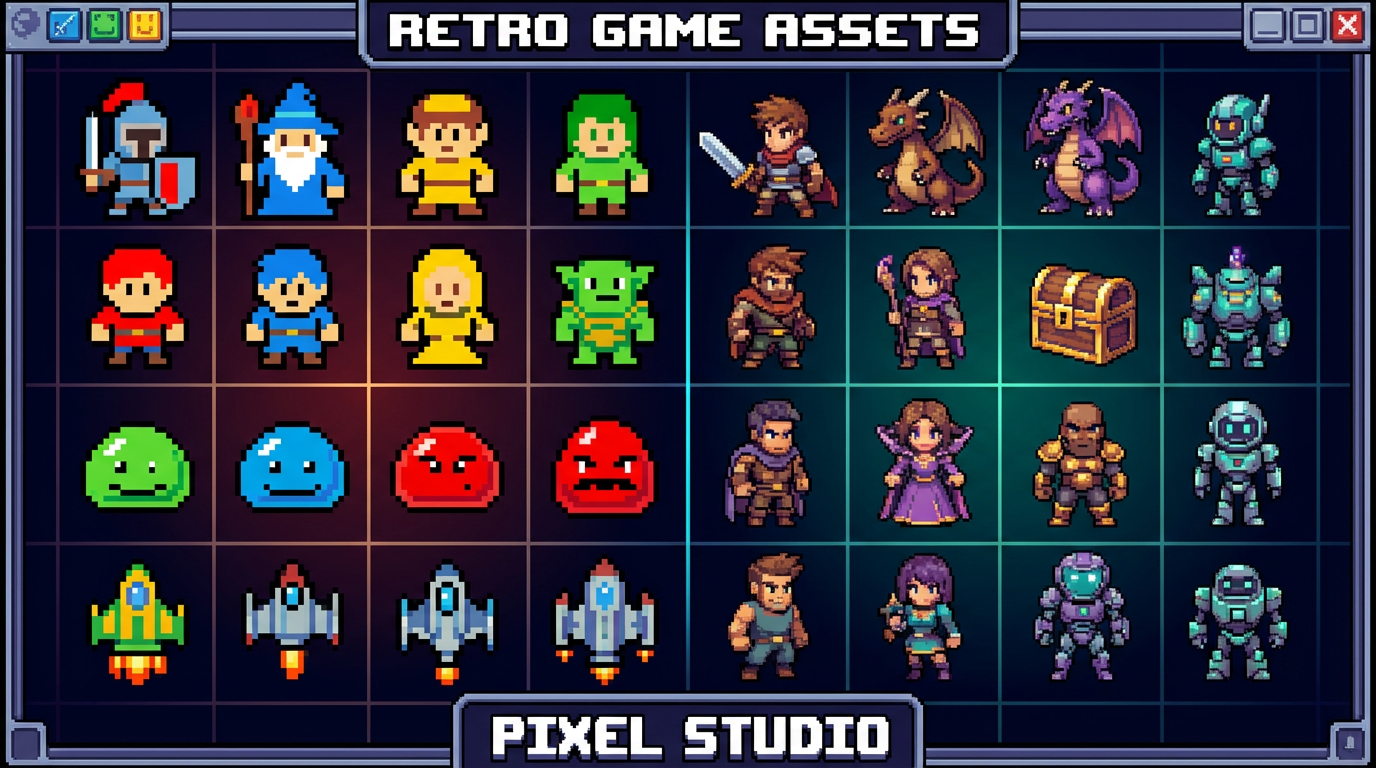
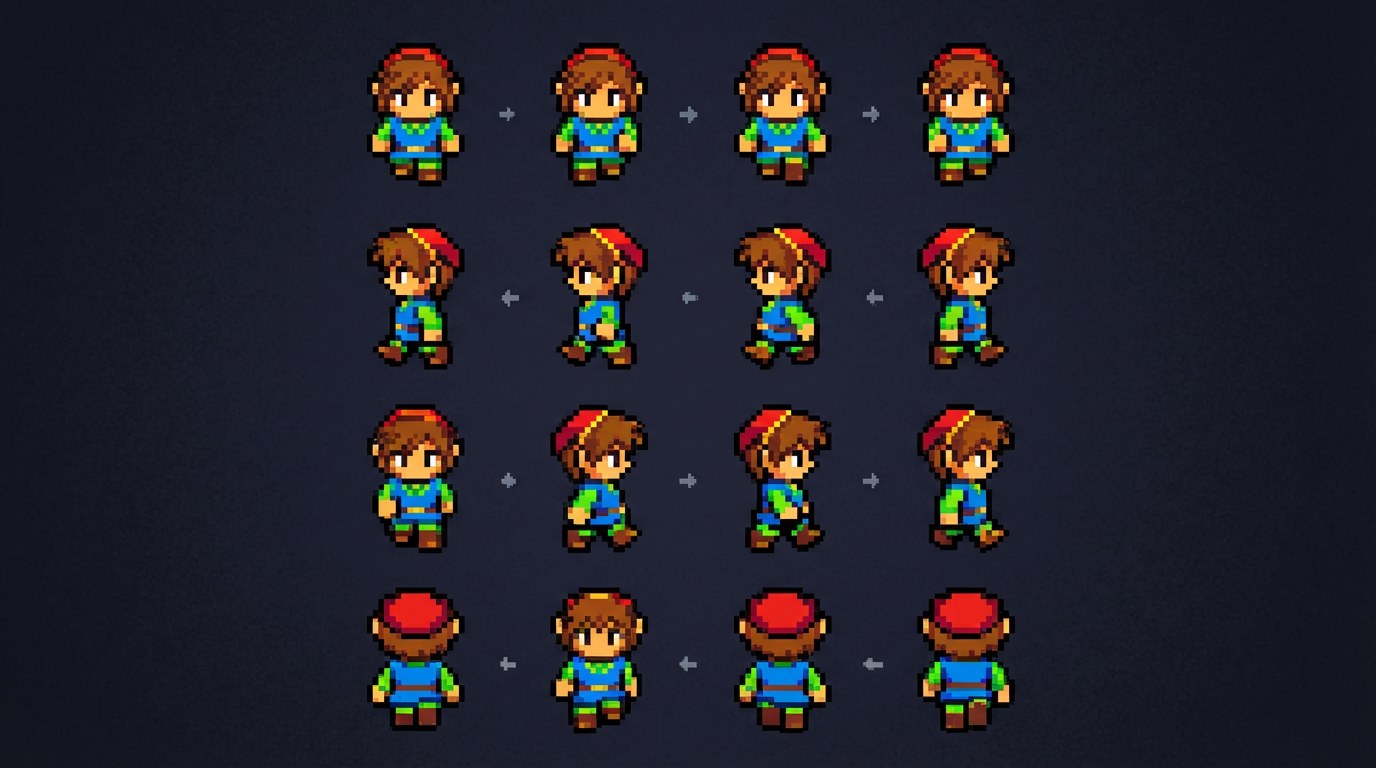
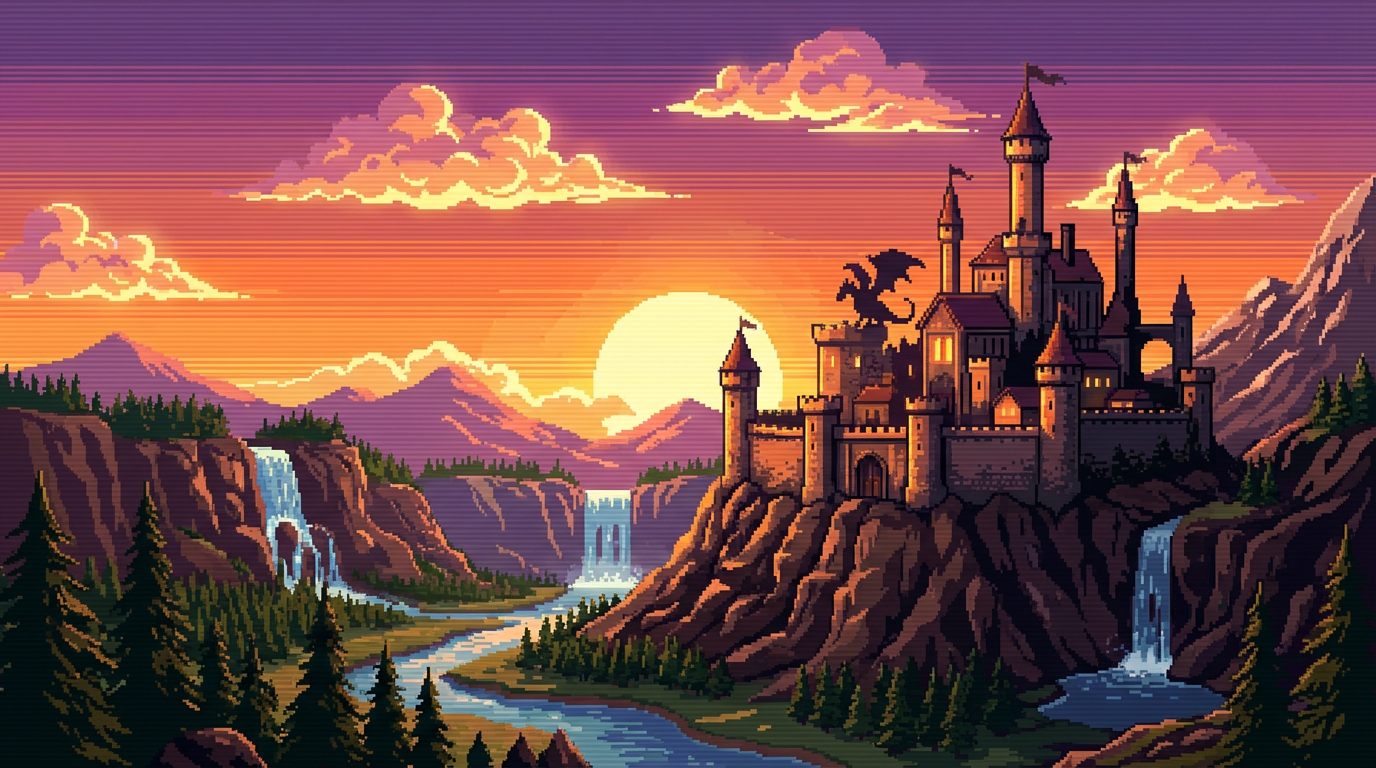
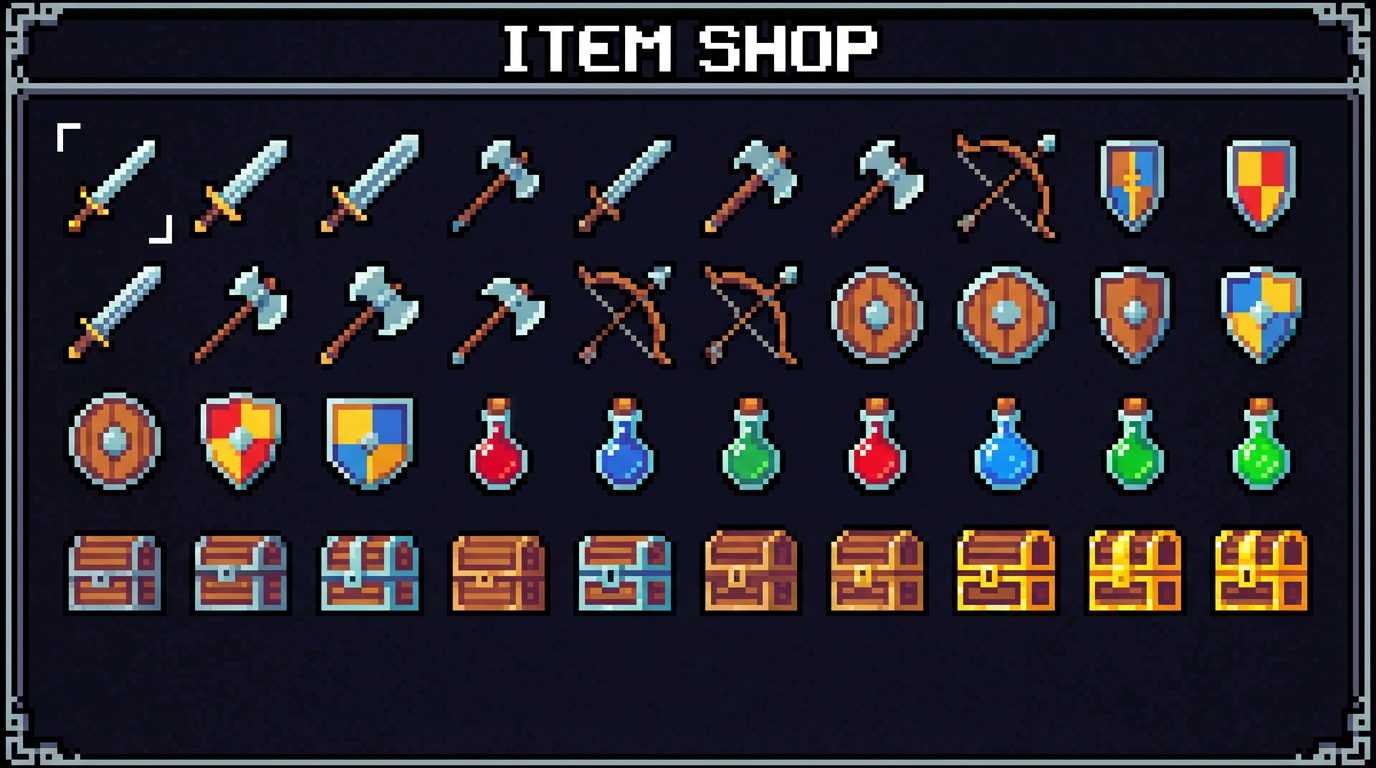
AI Pixel Art Examples
See the retro pixel art you can generate with AI
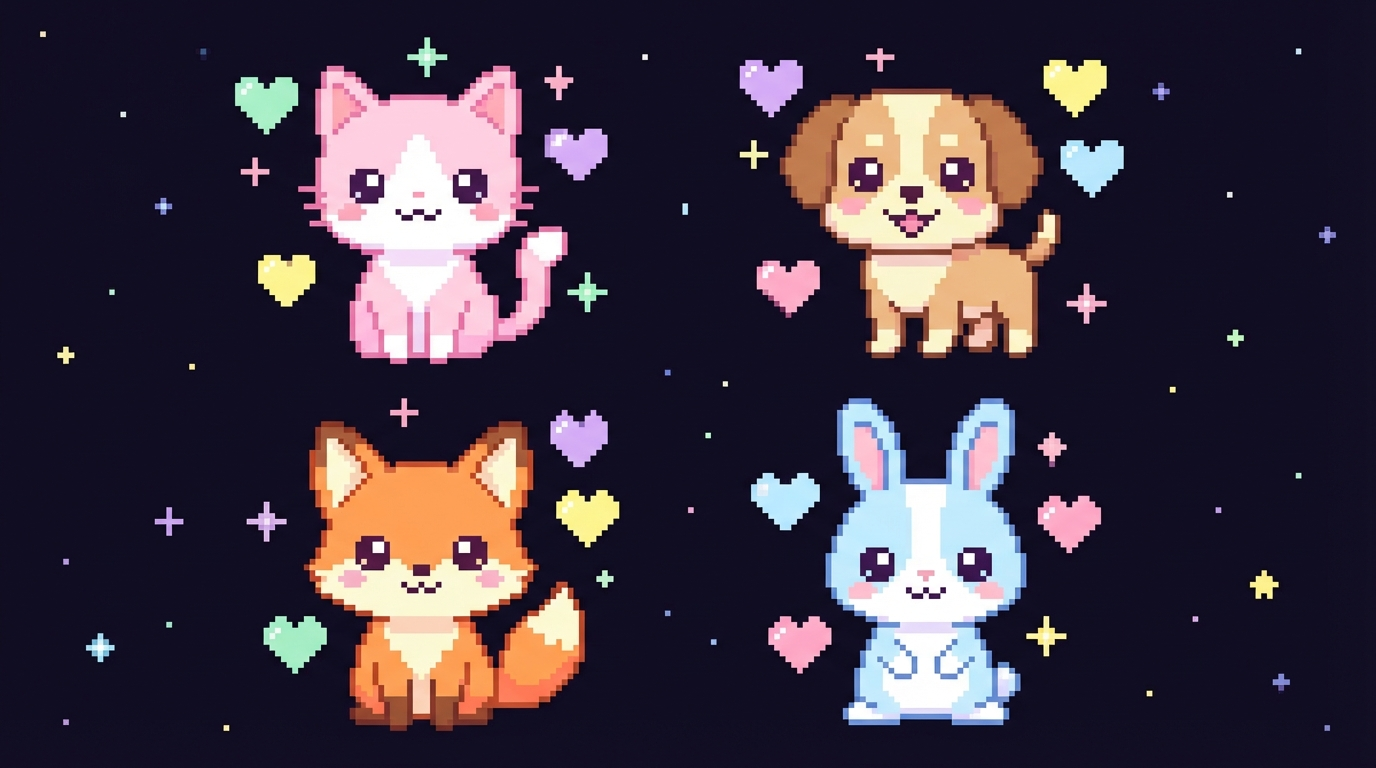
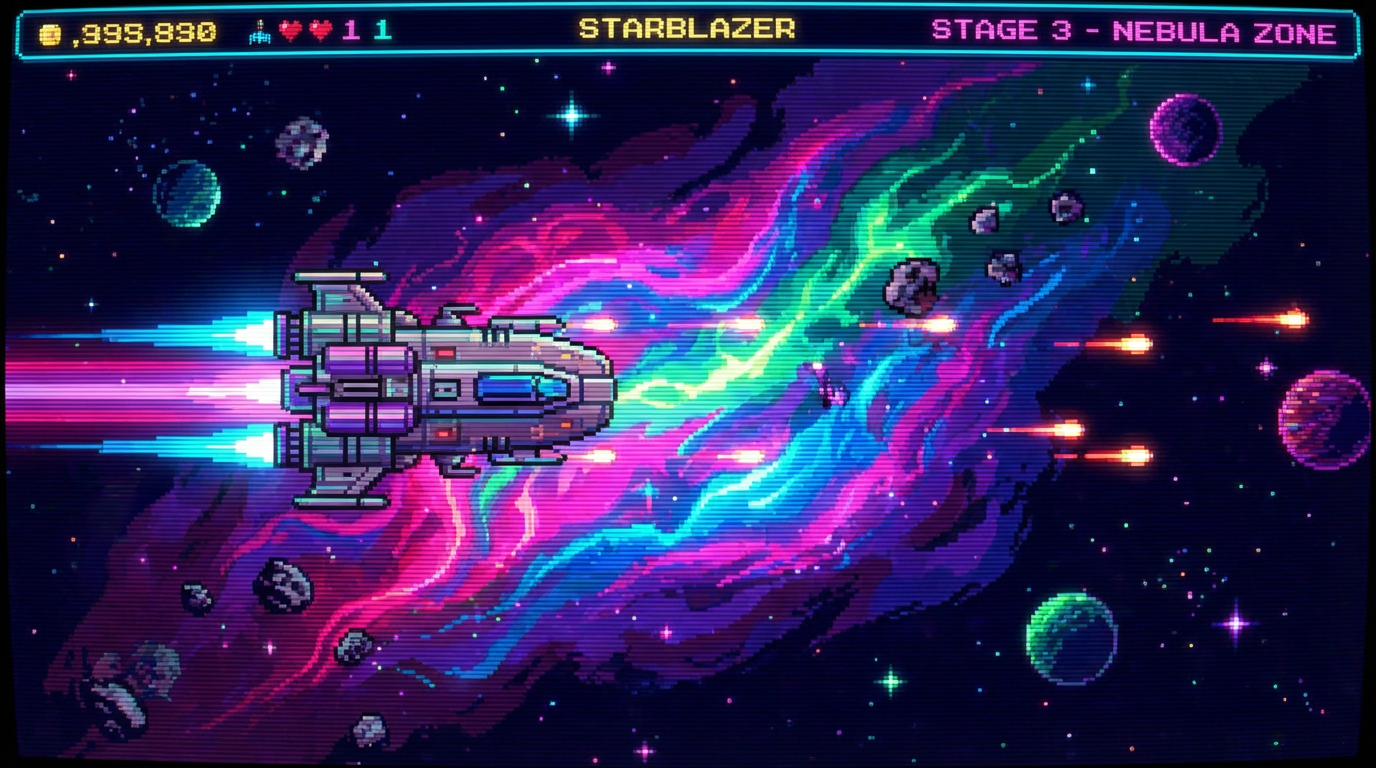
How It Works
Create pixel art in three simple steps
Describe Your Pixel Art
Pick a preset style like RPG Character, Fantasy Landscape, or Game Items — or describe exactly what you want. Include details like color palette, art style (8-bit, 16-bit, modern), and subject matter for the best results.
AI Generates Your Art
The AI creates pixel-perfect art matching your description in seconds. Generate characters, landscapes, items, tilesets, and more with authentic retro aesthetics. Try multiple variations to find the perfect result for your project.
Download & Use
Download your pixel art in high resolution. Use it directly in your indie game, scale it to your target resolution, create sprite sheets, or share it on social media. All generated art is yours for commercial use — no restrictions.
Why Choose Our AI Pixel Art Generator
The fastest way to create authentic pixel art
Authentic Retro Styles
Generate pixel art that looks like it came from a real retro game. The AI understands 8-bit NES, 16-bit SNES, Game Boy, and modern HD pixel art styles. Clean pixel grids, limited color palettes, and proper dithering — authentic retro aesthetics every time.
Game-Ready Assets
Create characters, items, tilesets, backgrounds, and UI elements ready for your indie game. Generate consistent art styles across multiple assets so everything fits together. Perfect for game jams, prototypes, and full indie releases.
Instant Generation
Skip hours of manual pixel placement. Describe what you want and get pixel art in seconds. Iterate quickly — try different styles, color palettes, and compositions until you find exactly what your project needs.
Any Subject or Theme
Characters, monsters, landscapes, buildings, vehicles, food, animals, weapons, sci-fi, fantasy, horror, cute — the AI handles any subject in pixel art style. From simple sprites to complex detailed scenes, no theme is off limits.
High Resolution Output
Get pixel art at up to 4K resolution with crisp, clean pixels. Scale down to any target resolution for your game or project. The high-res output preserves every pixel detail and makes your art look sharp on any screen.
Commercial Use Included
Every pixel art piece you generate is yours. Use it in commercial games, sell it as NFTs, print it on merchandise, or share it anywhere. No royalties, no attribution required, no usage restrictions — create freely.
Pixel Art Pro Tips
Get the best results from the AI pixel art generator
Specify the Bit Style
Include "8-bit," "16-bit," or "32-bit" in your prompt to control the level of detail. 8-bit gives you minimal, iconic sprites. 16-bit adds more colors and detail. Modern HD pixel art combines pixel aesthetics with higher fidelity.
Limit Your Color Palette
Mention a specific color count or palette in your prompt — "NES color palette," "4-color Game Boy style," or "pastel colors only." Limiting colors makes pixel art look more authentic and cohesive, just like real retro games.
Use Dark Backgrounds
Adding "on dark background" or "on black background" to your prompt gives you cleaner results that are easier to extract and use in games. Dark backgrounds also make the pixel art colors pop and look more vibrant.
Be Specific About Pose
For characters, specify the exact pose: "standing facing forward," "side view walking," "attack pose swinging sword." Clear pose descriptions help the AI generate sprites that are immediately usable in your game.
Generate Variations
Create 3-5 versions of each asset and pick the best one. Mix elements from different generations to build the perfect sprite. The more variations you explore, the better your final pixel art will be.
Reference Real Games
Mention specific game styles for better results: "Zelda-style top-down tileset," "Mega Man style character," "Stardew Valley style farm items." The AI understands game references and produces matching aesthetics.
Frequently Asked Questions
Everything you need to know about AI pixel art generation
Ready to Create Pixel Art?
Join thousands of indie developers, pixel artists, and retro gaming fans who use AI to create stunning pixel art in seconds. Start for free today, plans from $9.98.
Create Pixel Art FreeAI Pixel Art Generator for Every Creator
Why Pixel Art Is More Popular Than Ever
Pixel art isn't just nostalgia — it's one of the most popular art styles in indie gaming and digital culture. Games like Celeste, Stardew Valley, and Undertale proved that pixel art can be both beautiful and commercially successful. The demand for pixel art assets, characters, and environments has never been higher.
But creating pixel art manually is time-consuming and requires specialized skills. Placing individual pixels, managing limited color palettes, and maintaining consistency across hundreds of sprites takes years of practice. AI pixel art generation changes the equation — describe what you want and get authentic pixel art in seconds.
Whether you're building an indie game, creating retro-themed content, designing NFTs, or just making art for fun, AI pixel art generation puts professional-quality results within reach. No pixel art experience required — just describe your vision and let the AI handle the technical execution.
From Game Jam to Full Release
The biggest bottleneck in indie game development is often art production. A solo developer can code gameplay in weeks, but creating all the visual assets — characters, environments, items, UI — can take months. AI pixel art generation compresses that timeline dramatically, letting you prototype and iterate on visual styles in minutes instead of days.
For game jams, AI pixel art is a game-changer. Generate entire tilesets, character sprites, and item collections in hours instead of the jam's entire duration. Focus your limited time on gameplay and design while the AI handles visual asset creation. Many game jam winners now use AI-generated art as a starting point.
Beyond games, pixel art is trending in profile pictures, social media content, merchandise design, and digital collectibles. The retro aesthetic resonates across generations. Starting at just $9.98, Nano Banana 2 gives you unlimited creative potential for pixel art in any style. Try it free today.
Start creating pixel art with AI today. Join thousands of indie developers and artists who use Nano Banana 2 for instant pixel art generation. Free tier available with no credit card required. Premium plans from $9.98.