
AI Apron Design Generator
An apron is a garment pretending to be a flat product. It has a neck strap that crosses the top corners, armhole curves that cut the sides away, a pocket seam stitched straight through the middle of the front, and a body underneath that changes the shape of everything printed on it. That leaves a usable chest panel about the size of a sheet of paper — and almost every apron design that fails, fails because it was drawn for the whole rectangle instead. This AI apron design generator works inside those limits and shows the result on a real product mockup in about twenty seconds, at up to 4K, in six styles: minimal botanical, farmhouse gingham, BBQ slogan, barista denim, kids craft and watercolour floral. Pick a style, describe your motif and palette, and see the apron before you order a sample.
Try It Now — Free
Pick the apron style first, then use the details box for your motif, your palette and who wears it. Every preset already carries what an apron cares about — artwork that sits in the chest panel above the pocket seam, a mid-tone ground that hides oil and flour between washes, and a scale built for a garment seen across a kitchen rather than a screen held at arm's length.
AI Apron Design Generator
Pick an apron style, describe your motif and colours, and see it on a real product mockup
Aprons From the AI Apron Design Generator
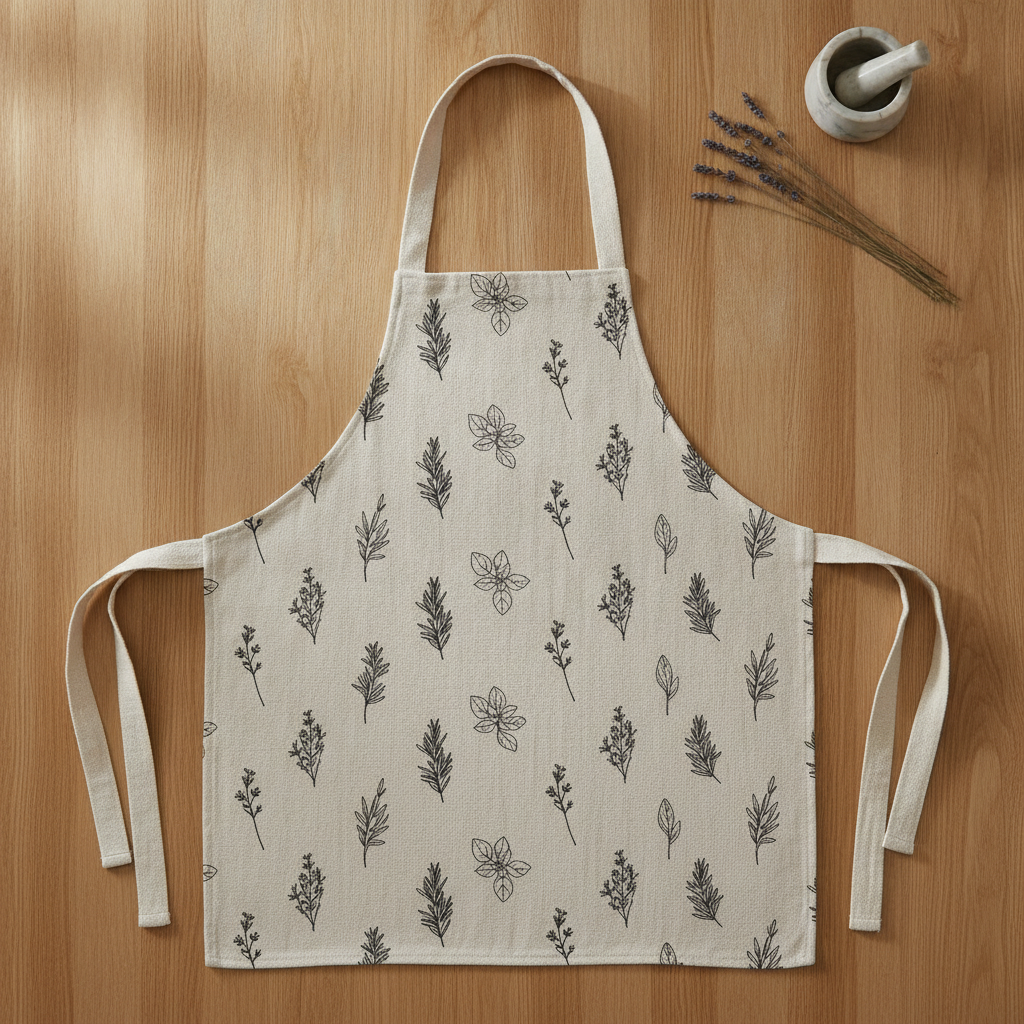
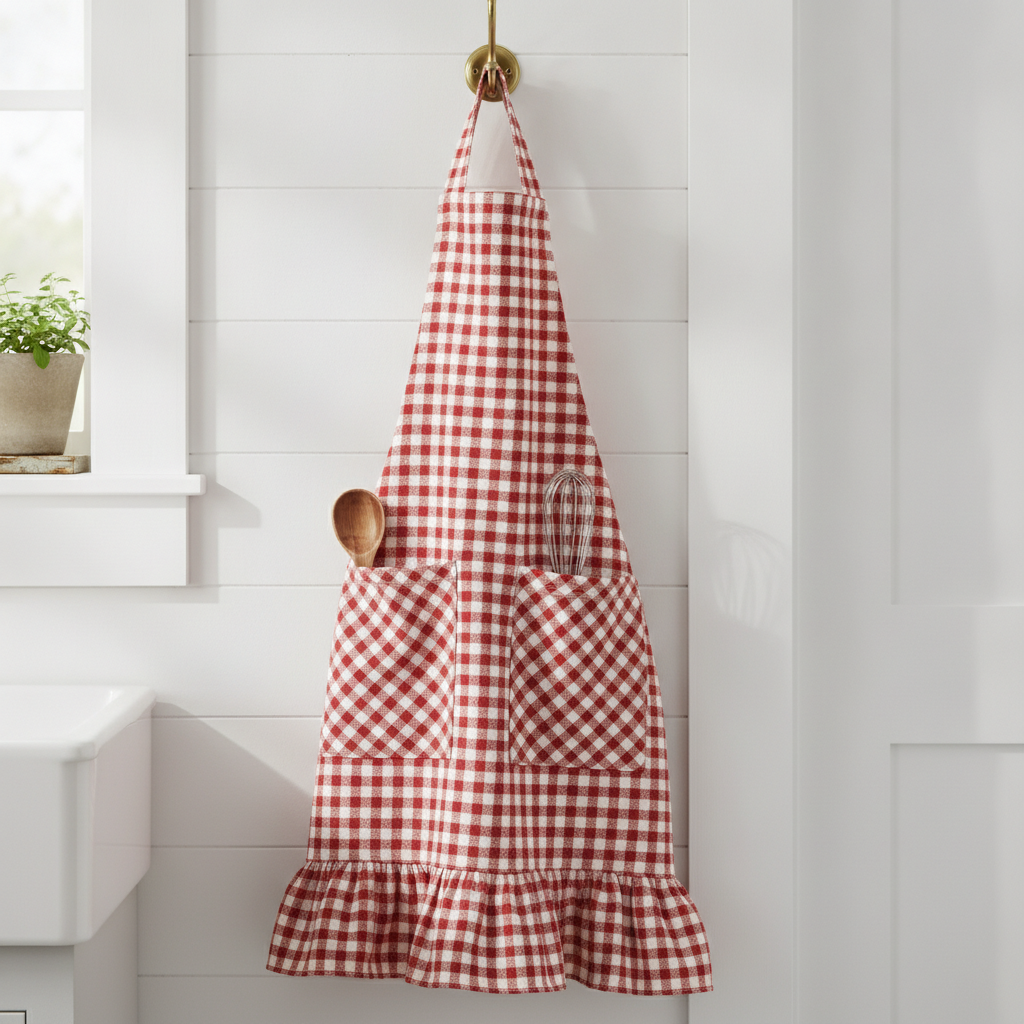
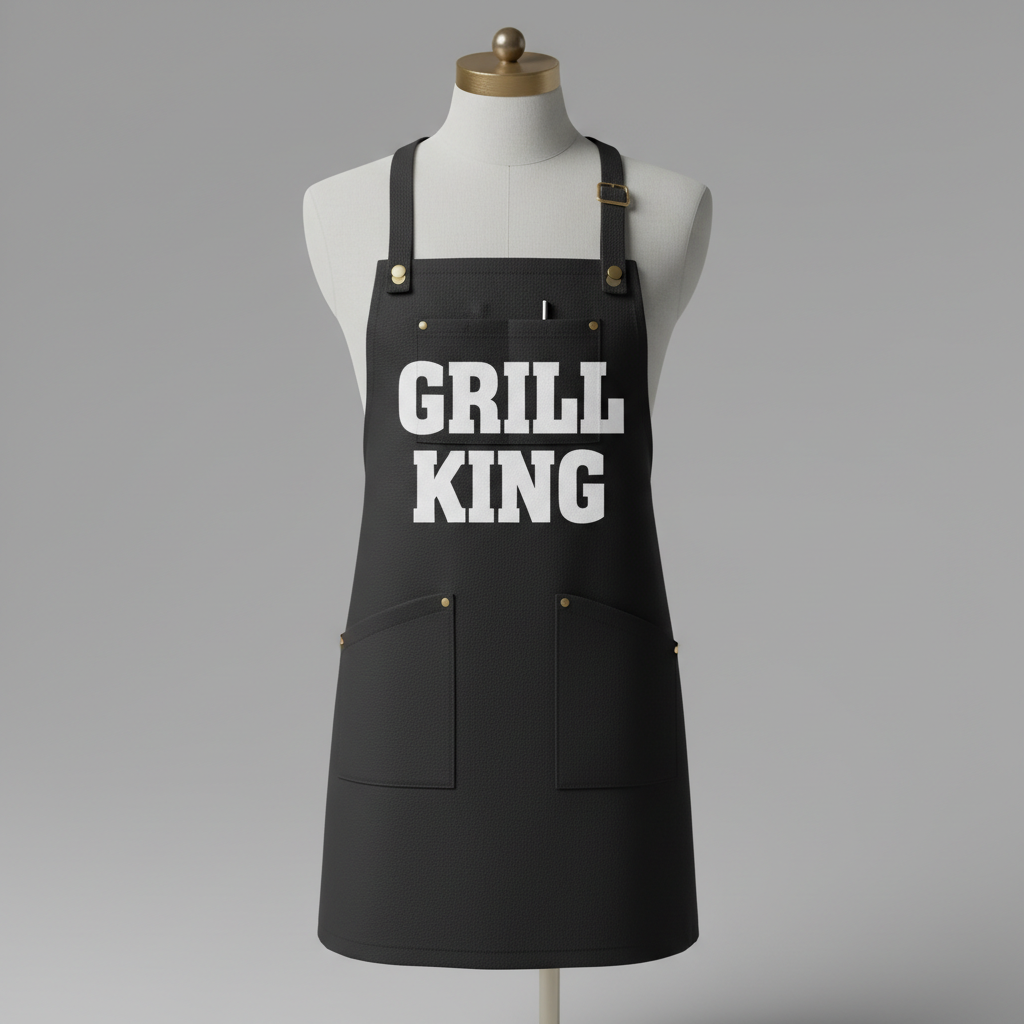
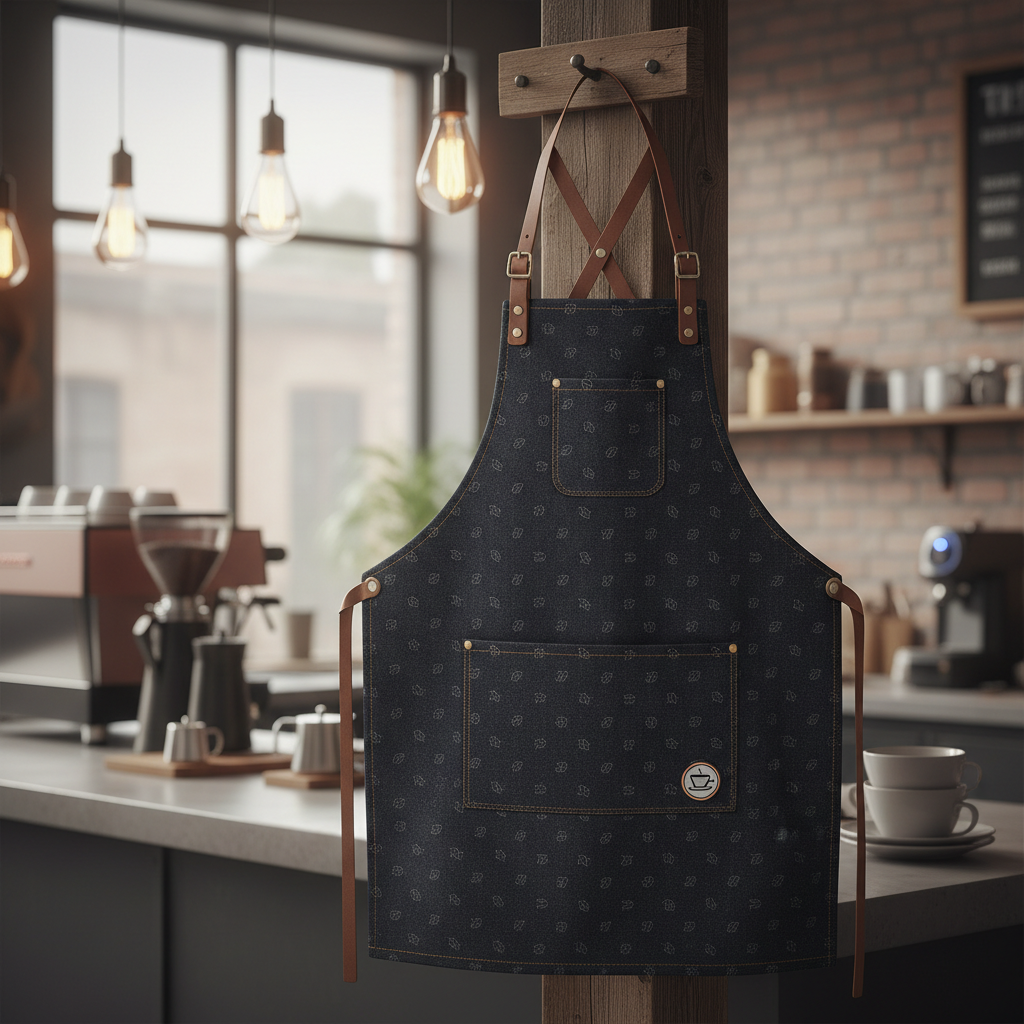
Minimal botanical, farmhouse gingham, BBQ slogan, barista denim, kids craft and watercolour floral — the six directions that cover almost every apron anybody actually buys
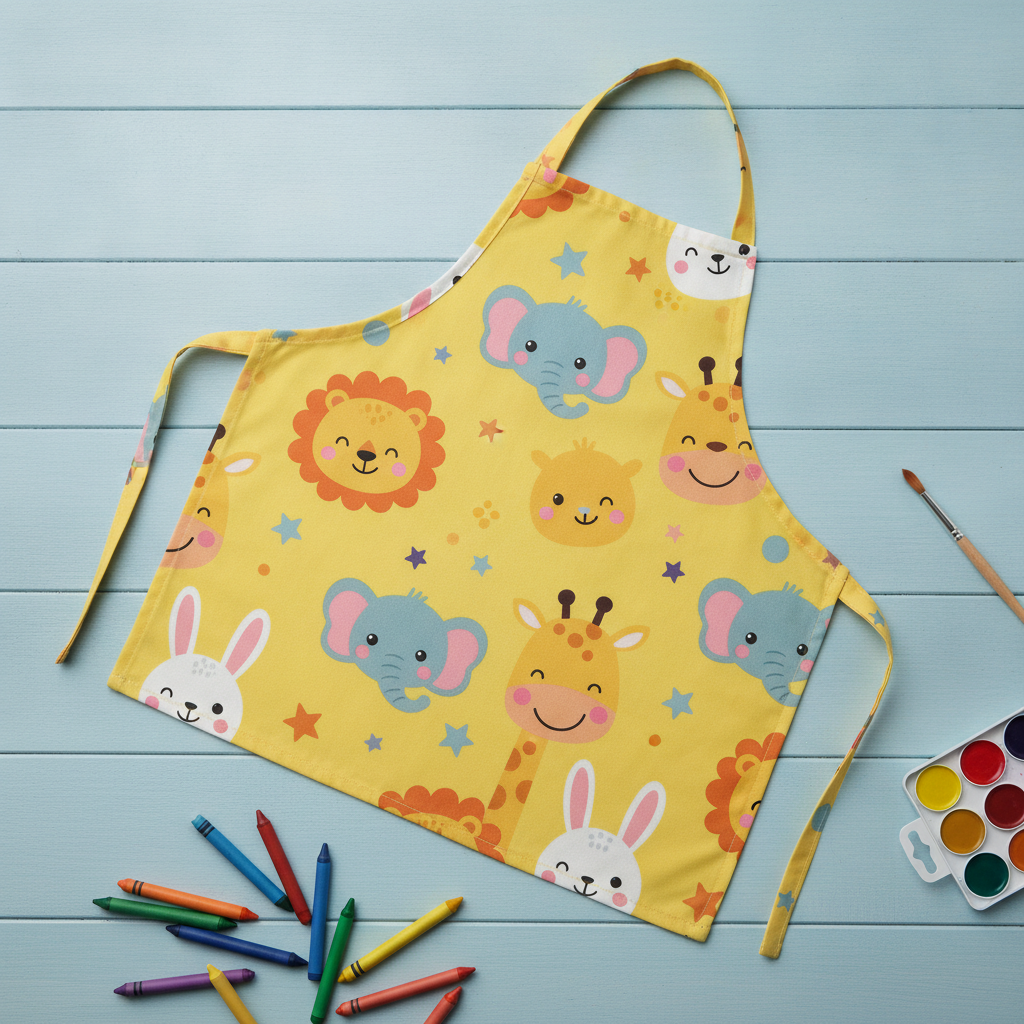
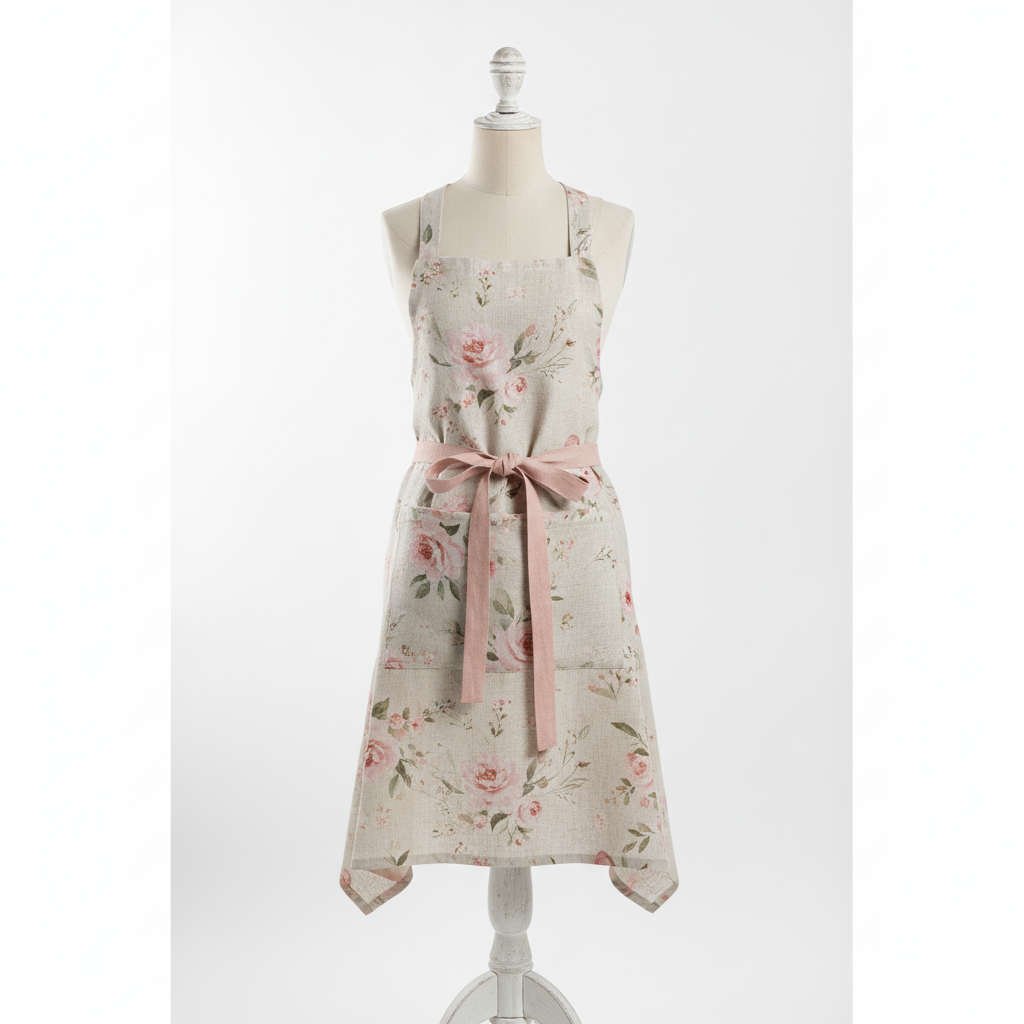
How the AI Apron Design Generator Works
Three steps from an idea to artwork a print-on-demand supplier can work from
Start With Who Wears It
Aprons split into four markets that barely overlap, and the wearer decides almost everything before the motif does. A gift apron is bought for someone else, usually personalised, and it lives on a hook being looked at more than it lives on a body — it can be pretty, pale and detailed. A uniform apron is worn eight hours a day by staff whose hands are dirty, so it wants a dark or mid-tone ground, a small logo rather than a full-front print, and stitching that survives a commercial wash. A hobby apron for a home cook, potter or gardener is chosen by the wearer themselves and follows their kitchen rather than a trend. A kids apron is bought by a parent, judged by a five-year-old, and needs chunky motifs and a colour that hides paint. Say which of the four you are making in the details box and the design comes back suited to a real wearer instead of to a flat mockup.
Describe the Motif, the Palette and the Panel
Three things carry an apron design. Name one motif and its scale — an all-over tossed repeat, a single chest-panel graphic, or a small left-chest mark — because those behave completely differently on a garment with a pocket seam through the middle. Name four or five colours and stop, and pick the ground with the job in mind: white shows the first splash of oil, black shows flour and bleach, and the mid-tones between them are why almost every professional kitchen apron in the world is charcoal, navy, olive or denim. Then say where the artwork sits. The chest panel above the pocket is the only area guaranteed to stay flat, uncut and unbroken, so tell the tool if you want the design held there rather than running edge to edge, and it will keep the strap corners and the armhole curves clear.
Generate, Then Take It to a Supplier
Each design arrives in about twenty seconds at up to 4K on a photographed apron, so you can judge scale, contrast and whether the artwork still works with a pocket seam and a neck strap crossing it rather than only flat. Use it two ways. As a sample, it is the mockup you put in front of a client, a cafe owner or a customer poll before anybody pays for a print run. As a brief, it is what you hand to whoever makes it: a print-on-demand service wants a flat artwork file sized to its exact apron template at 150 DPI or better, usually with a print area around twelve by sixteen inches on the chest, and an embroiderer wants a simplified two or three colour version of the same mark. Ask for the flat artwork on a plain background when you need the working file, and restate your finished proportions, because these presets generate square and an apron is not.
Why Use an AI Apron Design Generator
Six things that decide whether an apron design survives the pocket seam, the grease and the machine that has to print it
The Pocket Seam Runs Straight Through Your Artwork
Nearly every bib apron sold has a patch pocket stitched across the front at hip height, and a lot of them have a second line of stitching dividing it into two or three compartments. That pocket is a separate piece of fabric sewn on top of the finished panel, which means any design printed on the apron body is interrupted by it — the pattern jumps at the pocket edge, the topstitching cuts a hard line through whatever is behind it, and on a printed-then-assembled apron the pocket often does not line up with the print at all. Designers discover this after the sample arrives with a logo bisected by a seam. There are three safe answers, and the tool can produce any of them: hold the artwork in the chest panel above the pocket entirely, use an all-over tossed repeat where a break in the pattern reads as normal rather than as a mistake, or design the pocket deliberately as its own element in a contrasting colour or a bias-cut version of the same check. What does not work is a single large centred illustration that assumes the front of the apron is one clean rectangle.
A Neck Strap and Two Armholes Eat the Corners
The other thing an apron is not is a square. A standard adult bib apron is roughly 28 by 34 inches at the outside, but the bib narrows to about eleven or twelve inches across the chest, the sides curve away under the arms, the neck strap or its D-ring hardware crosses the top edge, and the waist ties are sewn into the side seams. Between them they remove the entire top strip and both upper corners from usable design space. What is left — and what every print-on-demand supplier publishes as its print area — is a panel somewhere around twelve inches wide by fourteen to sixteen inches tall on the chest, plus the skirt below the pocket if you want it. Design to that panel and everything lands where you expect. Design to the full outline and the top of your artwork disappears under hardware, the edges get trimmed by the armhole curve, and the balanced composition you drew arrives visually shoved downward because the wearer’s eye reads the strap as the top of the frame.
Cotton and Polyester Print Completely Differently
Apron fabric is a fork in the road, and it decides what artwork is even possible. Cotton canvas, cotton duck and poly-cotton twill are the traditional choices — heavy, absorbent, comfortable, available in dyed colours — and they are printed by direct-to-garment ink or screen printing, or decorated by embroidery. That route gives you real dark grounds, including black, and lets you print white ink; the trade-off is that DTG on a heavy canvas sits on the surface and softens after enough hot washes, and screen printing is only economic in quantity. Polyester and high-polyester aprons take dye sublimation, which is what makes an all-over edge-to-edge print possible at all: the dye becomes part of the fibre so it will never crack or peel, and it handles photographic detail and gradients beautifully. But sublimation cannot print white — white in your design is simply the fabric — so it needs a light apron to start from, and it prints one side only. Decide which fabric you are making before you fall in love with a design that the other process cannot produce.
It Is a Garment That Gets Ruined for a Living
An apron exists to absorb the things you do not want on your clothes: hot oil, tomato sauce, red wine, clay, dye, engine grease, bleach splash. It is then washed hotter and more often than almost any other item in the house, and in a restaurant it goes through an industrial laundry with chemistry no home machine matches. That is a design constraint, not a footnote. Pale grounds stain permanently in one shift and are the reason a beautiful cream apron sells well as a gift and terribly as a uniform. Pure black shows flour, sugar and any bleach contact as a permanent pale spot. The mid-tones survive — charcoal, navy, olive, rust, denim, and any busy pattern, which is why traditional aprons have always been striped or checked rather than plain. Decoration follows the same logic: embroidery outlasts everything and is the correct choice for a logo on staff uniforms, sublimation is next because the dye is in the fibre, and a heavy printed layer on cotton is the first thing to show its age.
Personalisation Is Most of the Market, and Most of the Risk
Search almost any marketplace for aprons and the bestsellers are personalised: a name, a family name, a role, a date, a short joke. It is a gift category first and a garment second, which is why the plain product sells for a fraction of what the same product with two words on it sells for. That makes lettering the single highest-value element in an apron design and also the most dangerous one to generate. Nano Banana Pro sets short common words on a garment better than most image models, but every extra character raises the odds of a dropped, doubled or malformed letter, and a misspelling found after a personalised apron has shipped is a refund, a reprint and a bad review in one. Treat generated lettering as a layout comp, not as final art: proofread every character at full size, and for anything you are actually selling, generate the pattern and the composition here and set the type yourself in a design tool. That is also the only workable route if you are automating personalisation across many orders.
Free to Start, $9.98 to Go Further
You can generate apron designs free without a credit card, which is enough to find out whether a motif holds up at chest-panel scale and against the apron colour you had in mind before you pay for a sample or a designer’s time. Paid plans start at $9.98 for real work: testing one design across six apron colours, building a coordinated hospitality set where the apron, the tea towel and the packaging share a mark, or the repeated passes it takes to get a repeat scaled right for a garment rather than a screen. Output reaches 4K without a watermark and is cleared for commercial use, which is what matters once designs are going to a print-on-demand supplier, an embroiderer or a cafe client. Against a custom apron sample costing twenty to thirty dollars and taking a week to arrive, seeing a dozen directions on a photographed apron before choosing one usually changes which apron gets made.
Frequently Asked Questions
Common questions about using an AI apron design generator
Design the Apron in Twenty Seconds
Pick a style, describe your motif and colours, and see it on a real apron mockup at up to 4K — minimal botanical, farmhouse gingham, BBQ slogan, barista denim, kids craft or watercolour floral. Powered by Nano Banana Pro. Free to start, plans from $9.98.
A Garment Pretending to Be a Flat Product: the AI Apron Design Generator
Designing an apron used to start with the most expensive step. You picked something from a supplier's catalogue or briefed a designer, ordered a sample, waited a week and paid for the privilege — and only when the parcel arrived did you find out that the mark you were so pleased with sits half an inch too low and is cut in two by the pocket seam. An AI apron design generator inverts that order. You describe the wearer, the motif and the palette, and the design arrives on a photographed apron in about twenty seconds, which makes the deciding cheap and leaves only the making expensive. On a product where a single custom sample costs twenty to thirty dollars and takes a week, trying a dozen directions before choosing one is worth far more than it costs.
The six presets exist because an apron is a different design problem from every other printed textile. It is a garment, so the artwork has to survive a neck strap, two armhole curves, a pocket seam and a body that moves — which is why the minimal botanical and the kids craft repeats behave so well and a single centred illustration does not. It is worn while cooking, so the ground colour is a stain decision before it is an aesthetic one, and the professional world settled on charcoal, navy, olive and denim for reasons that have nothing to do with fashion. It is decorated three completely different ways — printed on cotton, sublimated on polyester, or embroidered — and each of those rules out something the others allow. And more than half the market wants a name on it, which makes the smallest element on the apron the one worth the most money and the one most likely to go wrong.
Two habits improve nearly every apron design. Design to the panel, not to the outline: decide first whether your artwork is a left-chest badge, a centre-chest graphic or an all-over repeat, because those three are the only placements that survive assembly. And commit to a scale that suits the viewing distance — a motif about the size of a hand, or a lockup that fills the chest panel — since the delicate detail floating in the middle of a canvas apron is the one that reads as an accident. Wearer, motif, palette: three decisions, and the supplier does the rest.
What the AI Apron Design Generator Will Not Do
It will not make an apron, and it will not produce a production-ready file. What you get is artwork shown on a real apron, which is what you need for judging placement, scale and contrast and for a listing photo while you test demand — but a print-on-demand supplier wants a flat file at its exact template dimensions with a transparent background, and preparing that is a separate step. Generate the design you like, run it again asking for the flat artwork on a plain background, then clean it up with the AI background remover and enlarge it with the 4K image upscaler so the detail survives being printed at full chest width.
It will not guarantee the finished apron either, because canvas is not pixels. Direct-to-garment ink sits differently on a heavy cotton duck than on a t-shirt, sublimation cannot print white at all and needs a light polyester apron to start from, embroidery reduces your artwork to a handful of thread colours, and the pocket seam will always land where the sewing machine puts it — so approve a physical sample before a production run. For neighbouring jobs there are better fits: the AI pattern generator is the place to work on a seamless repeat itself, the AI embroidery design generator is the right tool for a stitched uniform mark, the AI logo generator builds the cafe or bakery mark that goes on the chest in the first place, the AI tote bag design generator and the AI mug design generator carry the same mark onto the rest of the merchandise, and the AI mockup generator places a finished design into styled shop photography. For any lettering, text in images explains what type the model can reliably set.
Within those limits the work is yours to use. Output reaches 4K with no watermark and is cleared for commercial use, which covers Etsy and Shopify listings, print-on-demand shops, homeware lines, cafe and restaurant uniforms and client jobs alike. Keep other people's property out of it — licensed characters, team logos and the style of a specific named living artist — because aprons attract exactly those requests. Check the AI policy of whichever marketplace you sell through, and know that in the United States purely AI-generated images are not registrable for copyright, so selling the apron is fine but stopping an imitator may not be. It is free to start with no credit card and plans begin at $9.98. Pick a style, name your motif, and see the apron before you order the sample.
Try the AI apron design generator free today. Pick one of six apron design styles, describe your motif and colours, and see it on a real product mockup at up to 4K. No credit card required to start. Paid plans from $9.98.