
AI Wedding Decoration Generator
You have a colour palette, a venue you have seen once, and eleven hundred saved photos of other people’s weddings — none of them in your colours. This AI wedding decoration generator turns that into something you can actually look at. Pick a setup, name your palette and your flowers, and get a photorealistic decor scene in about twenty seconds at up to 4K, ready to show your partner, your family or your florist.
Try It Now — Free
Choose the part of the day you are styling, then use the box to add what makes it yours — your two or three colours, the flowers you like, the season, the kind of venue. Naming actual flowers instead of a mood is the single biggest upgrade you can make to the result.
AI Wedding Decoration Generator
Pick a decor setup, describe your colours, flowers and venue, and see the styling before you book it
Setups From the AI Wedding Decoration Generator
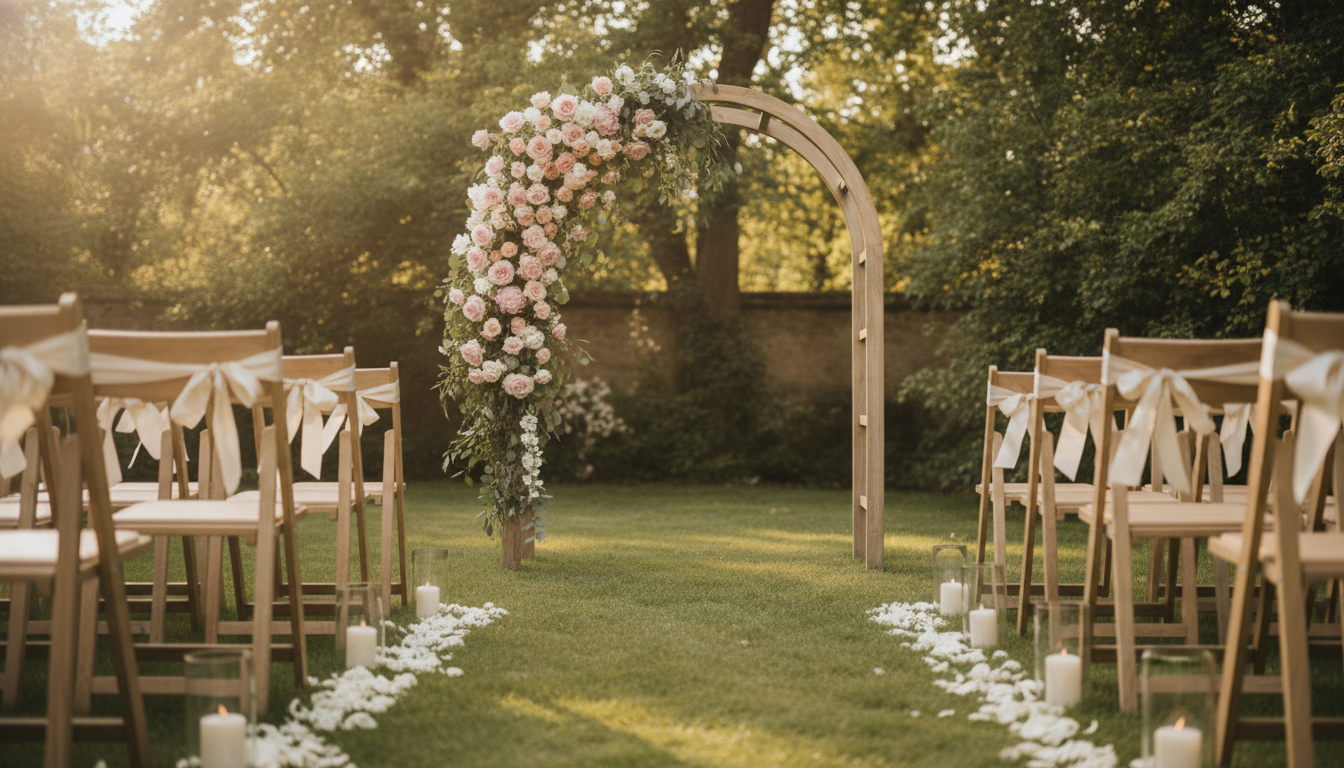
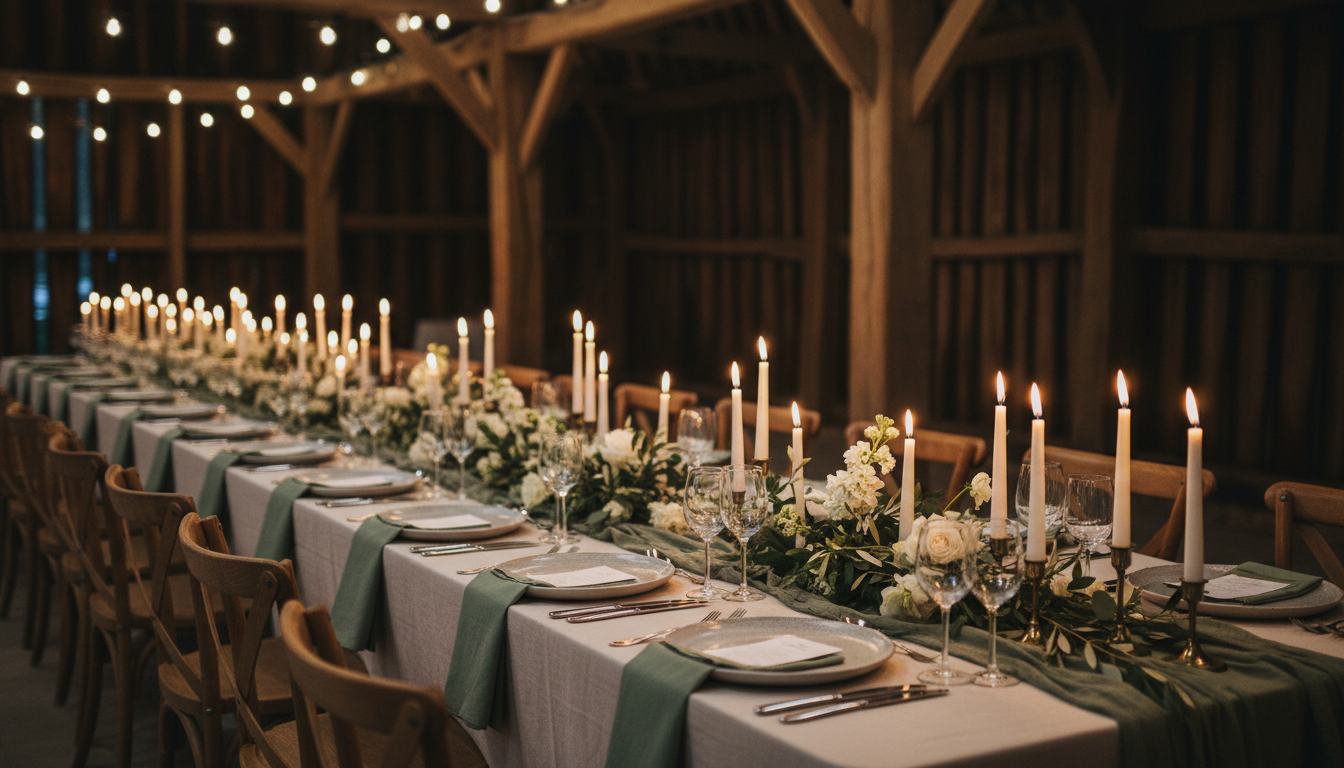
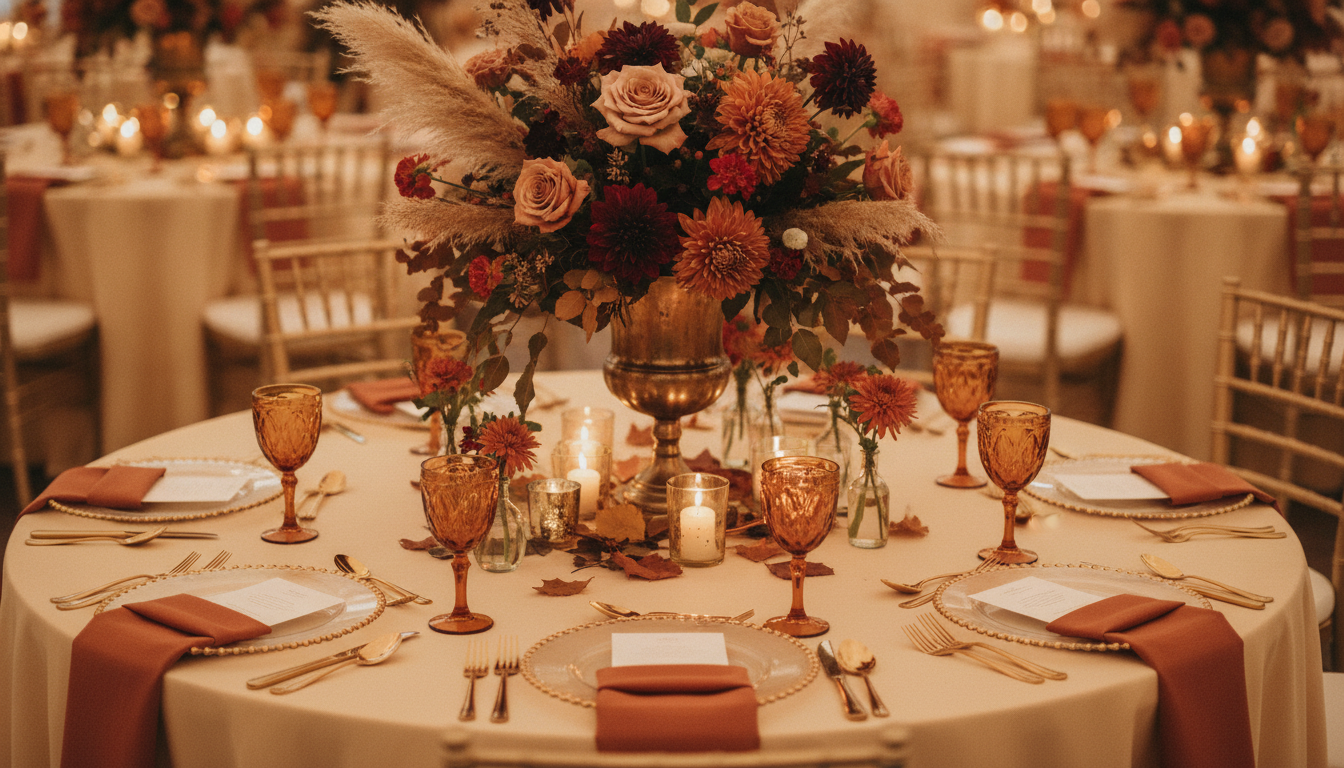
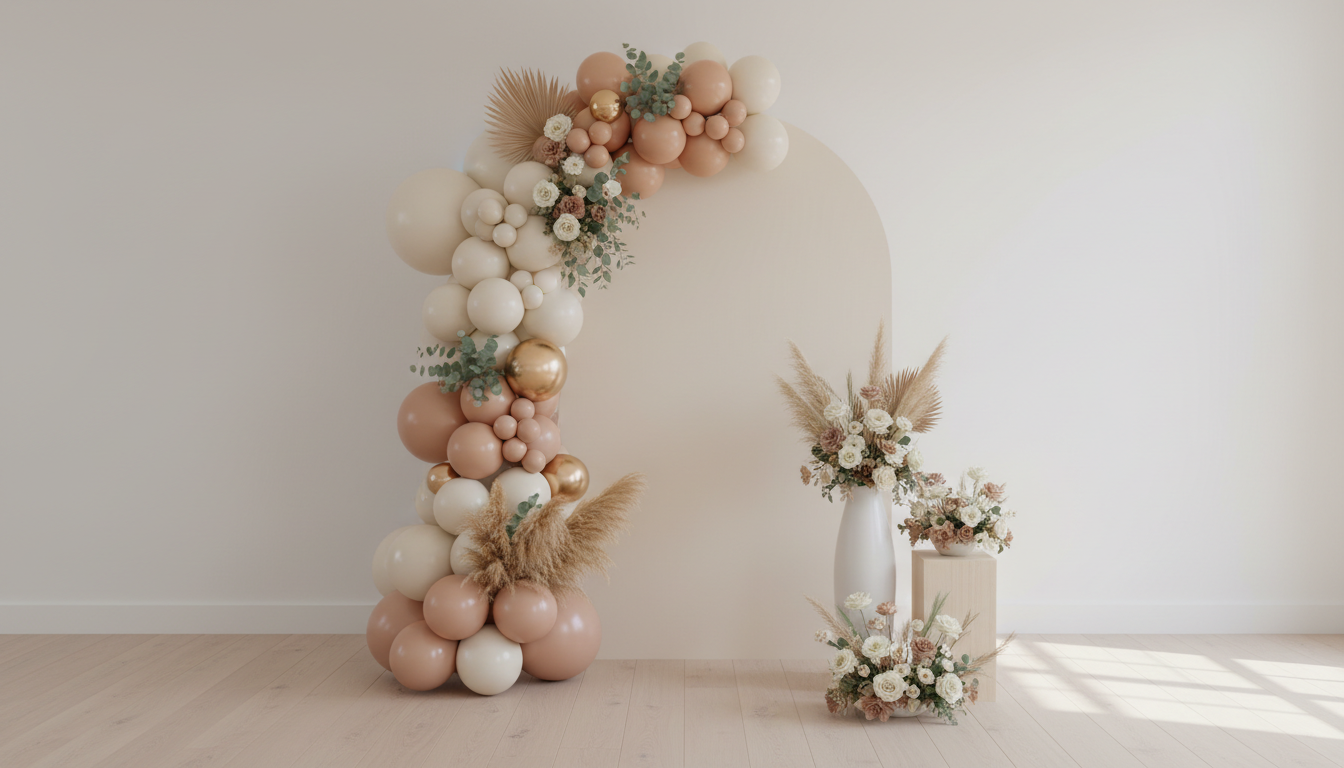
Ceremony arch, long table, centrepiece, photo backdrop, reception room and welcome area — six different jobs on the day, not one look in six colours
How the AI Wedding Decoration Generator Works
Three steps from a Pinterest board to a picture your florist can work from
Pick the Part of the Day
Six presets, each a different job rather than a different colourway: the ceremony arch and aisle, a long banquet table, one round table and its centrepiece, a photo backdrop wall, the whole reception room seen from the door, and the welcome area guests walk past first. Each already carries the framing, the lighting and the styling logic that setup needs — a centrepiece is shot from standing height because that is how a guest sees it, a reception room is shot wide from the entrance because that is the reveal you are buying.
Name Your Colours and Flowers
The box under the presets is where a stock wedding becomes yours. Give it two or three colours, the flowers you actually like, the season and the kind of venue: "sage and cream, white roses and olive foliage, timber barn, candlelit" lands somewhere very different from "burgundy and rust, dahlias and dried pampas, hotel ballroom, autumn." Real flower names beat mood words every time — "dahlias and copper beech" produces a specific arrangement, "romantic and moody" produces a stock photo.
Generate, Compare, Take It to Your Florist
Each scene takes about twenty seconds at up to 4K. Run the same palette through two or three setups and put them next to each other — that is usually the moment a couple discovers they want the low candlelit table rather than the tall urns. Then send the images to your florist, stylist or venue as a reference. It is a brief and a mood, not a quote: what it costs depends on stem counts and what is in season, and that is a conversation only your florist can have with you.
Why Use an AI Wedding Decoration Generator
Six reasons a render beats another evening of saving other people’s weddings
Your Palette in One Room, Not Forty Tabs
The problem with a mood board is that every image on it is a different wedding in a different palette, and you are asking everyone to imagine them combined. A render puts your two or three colours into one scene at once, which is where you find out that sage and blush together read softer than you wanted, or that burgundy and gold need candlelight to work at all. Seeing your own palette in a room is a completely different decision from liking six photos that happen to sit near each other on a screen.
Six Jobs, Not Six Filters
Each preset changes the framing, the lighting and the styling logic together, because a wedding is not one look repeated. The arch is an outdoor scene with an aisle and afternoon sun; the long table is candle-lit and shot down its length; the centrepiece is a single round table at guest eye level; the backdrop is a flat wall in daylight; the reception room is the wide reveal from the door; the welcome area is the first thing anyone sees. That is why the six read as six parts of one day rather than one arrangement recoloured.
Settle the Argument Early and Cheaply
Wedding decor disagreements are almost always description disagreements. One person hears "rustic" and pictures a timber barn with taper candles; the other pictures hessian and mason jars. A picture resolves it in thirty seconds, while it is still free — before a deposit is paid, before a florist orders stems, before anyone has committed to hanging installations that need rigging. Couples who look at a render early tend to arrive at their florist meeting agreeing with each other, which is worth more than it sounds.
Useful on Both Sides of the Table
Florists, stylists and venues use this differently from couples. Generate three directions before a consultation so the meeting opens with images instead of adjectives, show a client what their palette looks like at scale before ordering, or mock up a seasonal styling range for a website without buying a single stem. Output is up to 4K with no watermark and cleared for commercial use, so a concept can go into a proposal, a package page or a wedding-fair board.
Detail That Makes It Readable as a Brief
Nano Banana Pro handles the things that make an event photograph believable: the way candlelight falls off across a linen runner, the difference between fresh eucalyptus and dried pampas, the sheen on chargers, the slack in a draped fabric, the shadow a hanging installation throws on a dance floor. Those details are what let a florist read a render as a technique brief and tell you which parts are an hour of work and which are a day, a ladder and a second van.
Free to Start, $9.98 to Go Further
You can style a scene free without a credit card, which is enough to test whether your palette works or to end a debate about tall versus low centrepieces. Paid plans start at $9.98 for the point where you are working properly — every setup in your palette, several directions per client, or a full styling range for a supplier website. Against the cost of one set of centrepieces you end up disliking, the maths is not close.
Frequently Asked Questions
Common questions about using an AI wedding decoration generator
See Your Wedding Decor Before You Book It
Pick a setup, name your colours and flowers, and get a photorealistic decor scene at up to 4K — ceremony arch, long table, centrepiece, photo backdrop, reception room or welcome area. Powered by Nano Banana Pro. Free to start, plans from $9.98.
From a Pinterest Board to One Room: the AI Wedding Decoration Generator
Wedding decor planning has a specific failure mode. You save four hundred images, every one of them a different wedding, a different venue and a different palette, and then you ask a florist, a partner and two parents to imagine them combined into one room. Nobody imagines the same room. The board tells you what you like in isolation; it cannot tell you whether sage and blush together read soft or washed out under warm lighting, or whether the tall urns you love will make a low-ceilinged barn feel crowded. An AI wedding decoration generator collapses that gap by putting your colours, your flowers and your kind of venue into a single scene you can point at.
That matters because wedding styling has real decisions hiding behind similar-sounding words. Tall raised centrepieces and low candlelit runners are not two moods, they are two different rooms — different sightlines across the table, different photographs, and a substantial difference in cost. Fresh flowers, dried stems and silk are three price points that read almost identically in a description. Candlelight and uplighting produce completely different photographs of the same decoration. When the conversation happens over an image, all of that becomes visible, which is why couples who bring renders to a florist meeting tend to leave it with a more accurate quote.
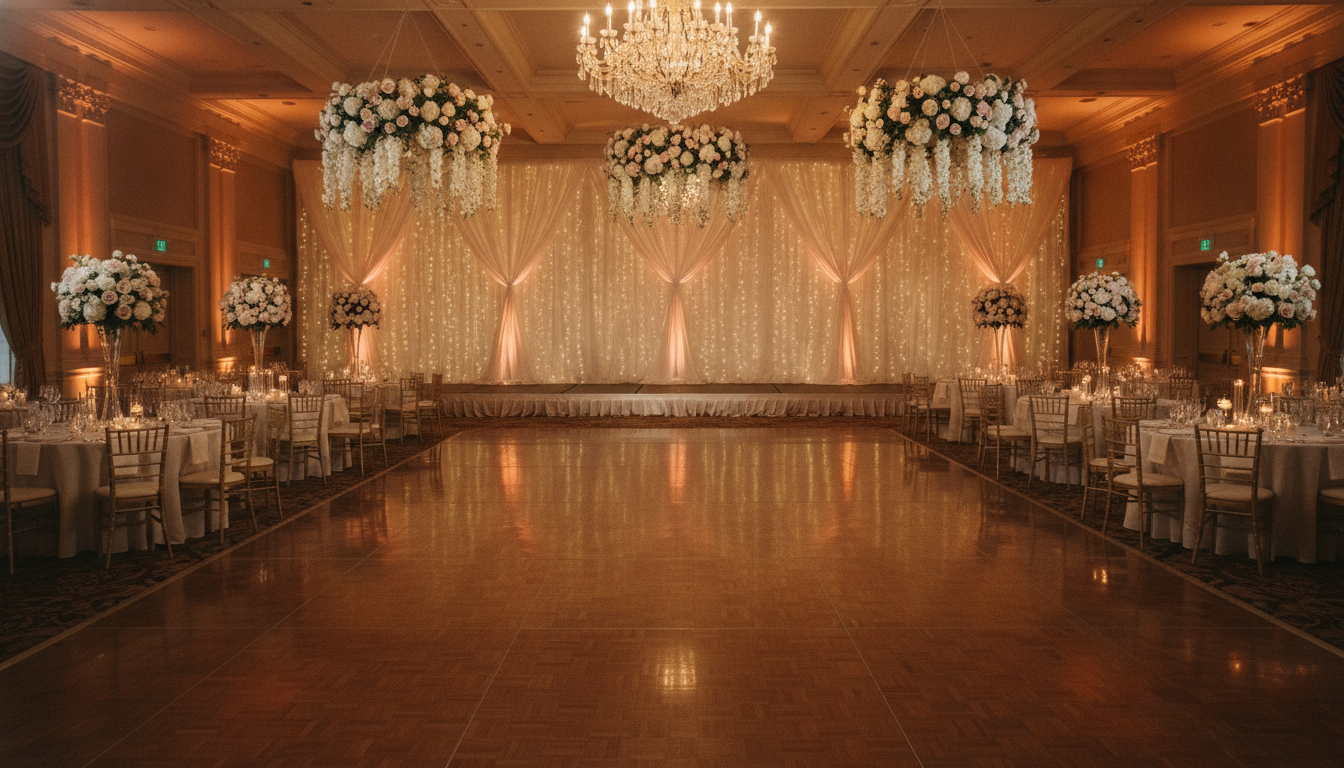
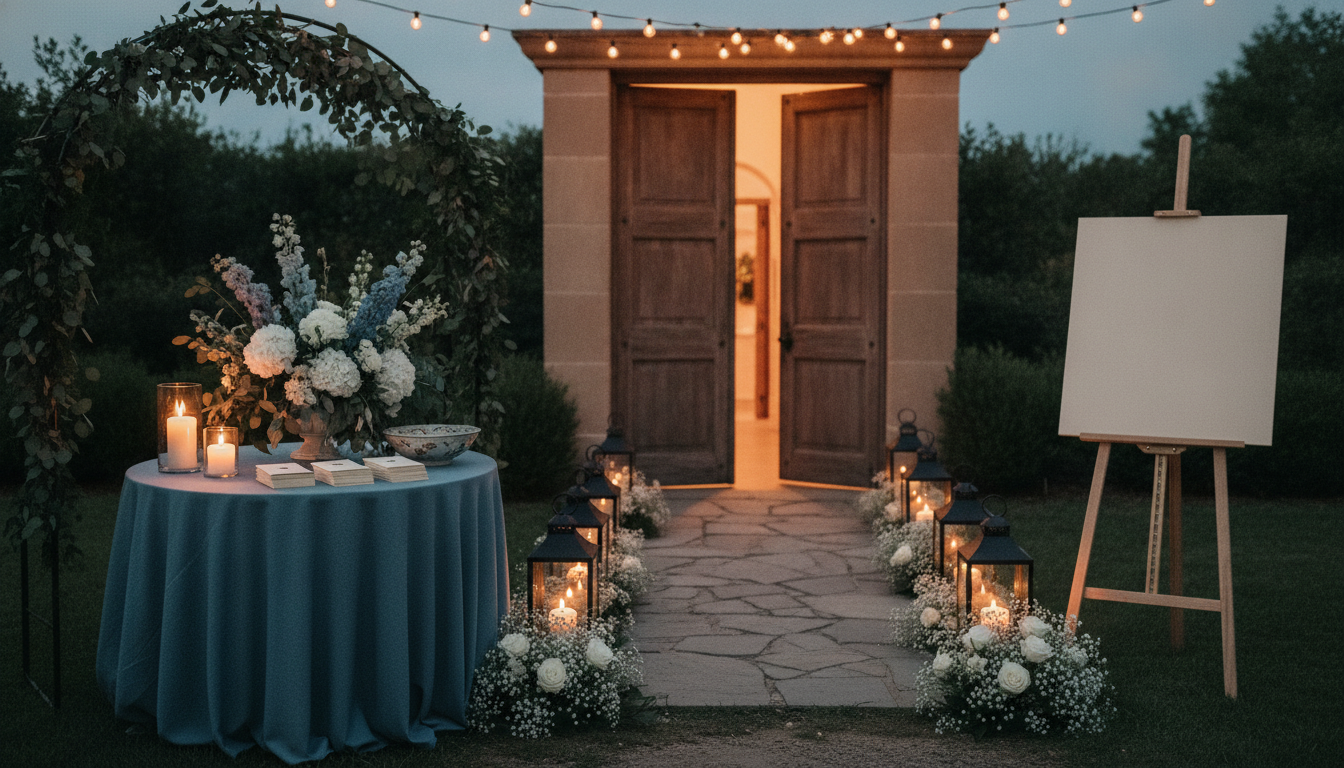
The six presets cover the parts of the day that get briefed separately. Ceremony Arch is the outdoor arch, dressed aisle, ribbon-tied chairs and lanterns in late afternoon light. Long Table is a candlelit banquet table shot down its length, runner, tapers and low foliage. Table Centrepiece is one round guest table with a raised urn arrangement at standing height, the way a guest actually sees it. Photo Backdrop is an arched panel with a balloon and floral garland for the photo corner. Reception Room is the wide reveal from the doorway, with hanging installations, dressed tables and warm uplighting. Welcome Area is the entrance table, greenery canopy and lantern-lined path. Each sets its own framing and lighting, which is why they read as six parts of one wedding rather than one arrangement in six colours.
Writing a Good Brief, and What This Tool Will Not Do
The quality of a decor scene comes almost entirely from specificity. Real nouns beat mood words: “sage and cream, white roses and olive foliage, timber barn, candlelit” produces something usable, while “romantic, elegant, boho” produces a stock wedding. Give it two or three colours rather than five, name the flowers you actually like, say the season, and say whether you want height or intimacy. If you are styling the whole day, the AI invitation maker and the AI signage generator will carry the same palette onto stationery and welcome boards, the AI cake design generator handles the cake table, and the AI wedding photo generator covers portraits of the two of you rather than the room.
Four limits are worth stating plainly. First, it is not your venue — the render builds a room from your words, so it will not match your ceiling height, your windows or the pillar by the dance floor; agree the look here and check the fit there. Second, an image has no quantities, and quantities are the budget: ask your florist to quote stem and candle counts back rather than reading cost off a picture. Third, seasonality is invisible to the model, so expect substitutions for anything out of season. Fourth, venue rules bite — open flames, anything fixed to walls, and ceiling installations all need permission, and plenty of venues say no.
Signage is deliberately left blank. Names, dates and seating numbers are exactly where image models slip a character, and a welcome board with your surname misspelt is the one output that is worse than nothing, so the presets render empty boards and the wording is a separate job. Within those limits the scenes are yours to use: output reaches 4K with no watermark and is cleared for commercial use, which matters for florists and venues putting concepts into proposals — with the caveat that a concept should be labelled as one rather than passed off as a wedding you styled. If you would rather write the whole brief yourself than start from a preset, the text-to-image generator gives you a blank box, and the AI interior design generator is the right tool when you want to restyle a real room from a photograph. Free to start, no credit card, plans from $9.98.
Try the AI wedding decoration generator free today. Pick one of six decor setups, add your colours and flowers, and download a photorealistic scene at up to 4K. No credit card required to start. Paid plans from $9.98.