
AI Image Generator from Text
Type Any Description, Get Stunning Images
Turn your words into beautiful images instantly. Just type what you want to see — a sunset, a portrait, a product photo, fantasy art — and watch AI bring it to life. No design skills needed. The simplest way to create images with AI.
Try It Now — Free
Type a description or pick a preset to generate your first AI image from text
AI Image Generator from Text
Type any description and create a stunning image instantly
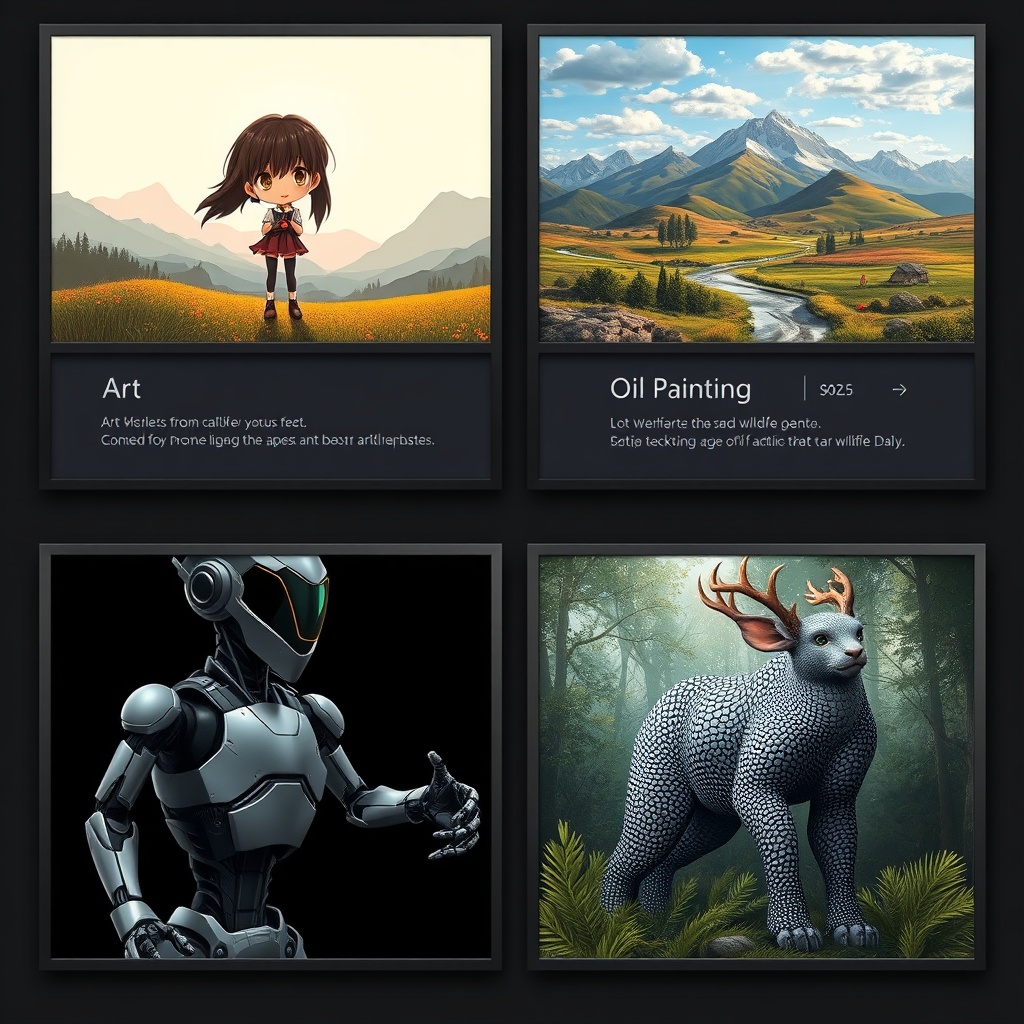
Images Created from Text
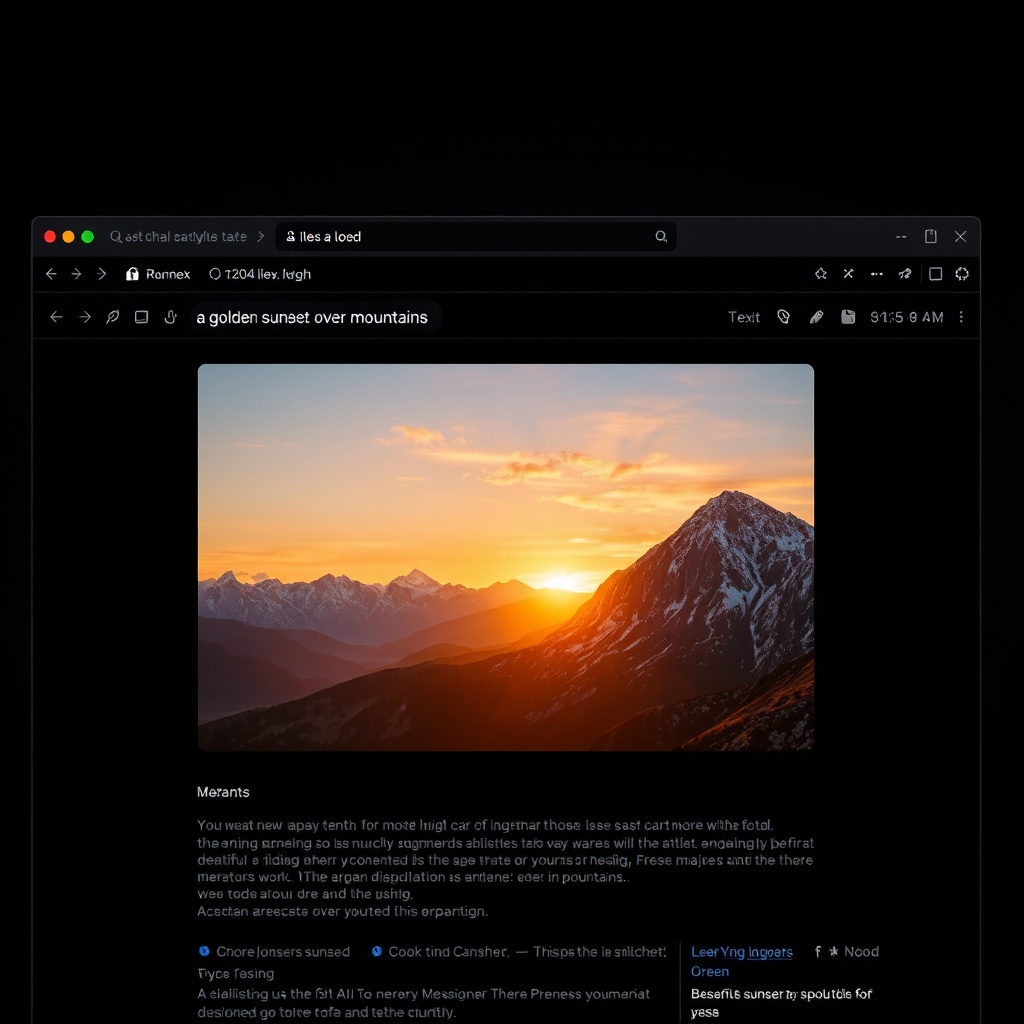
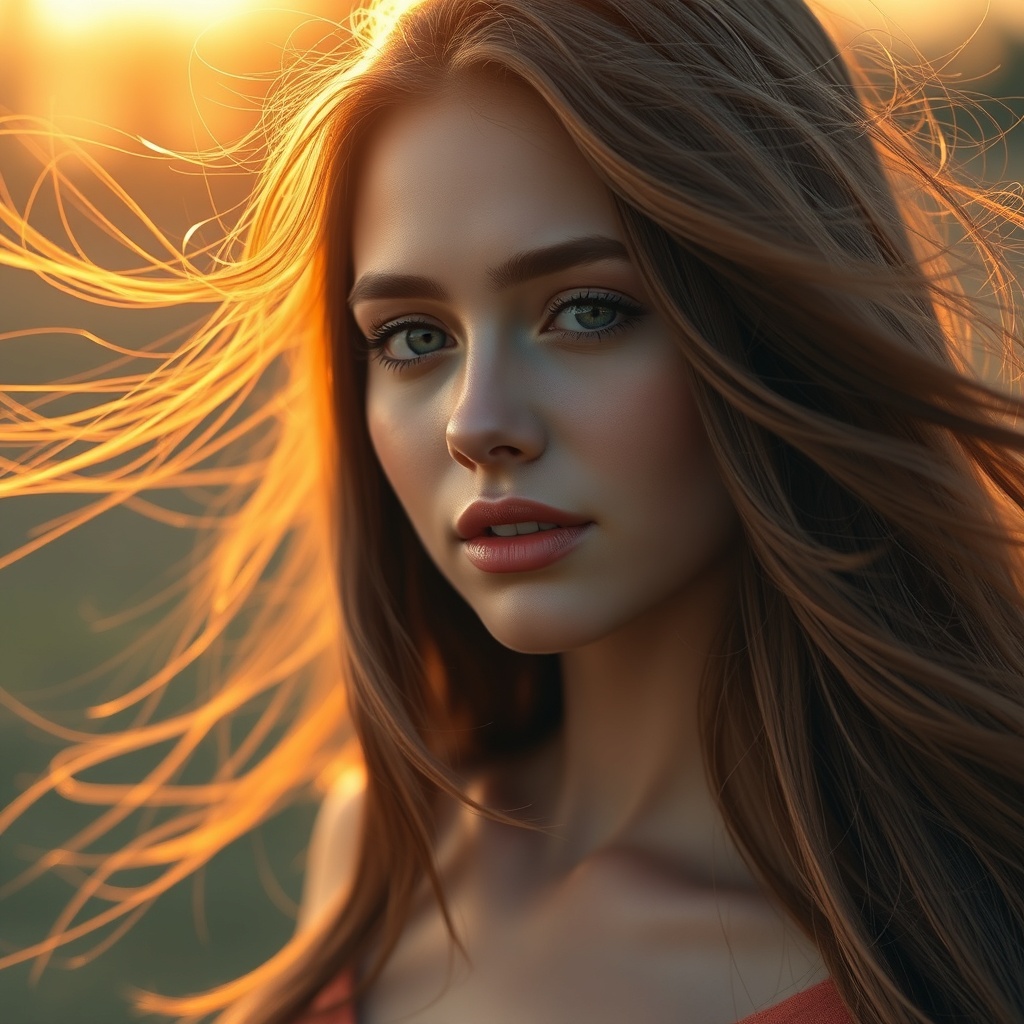
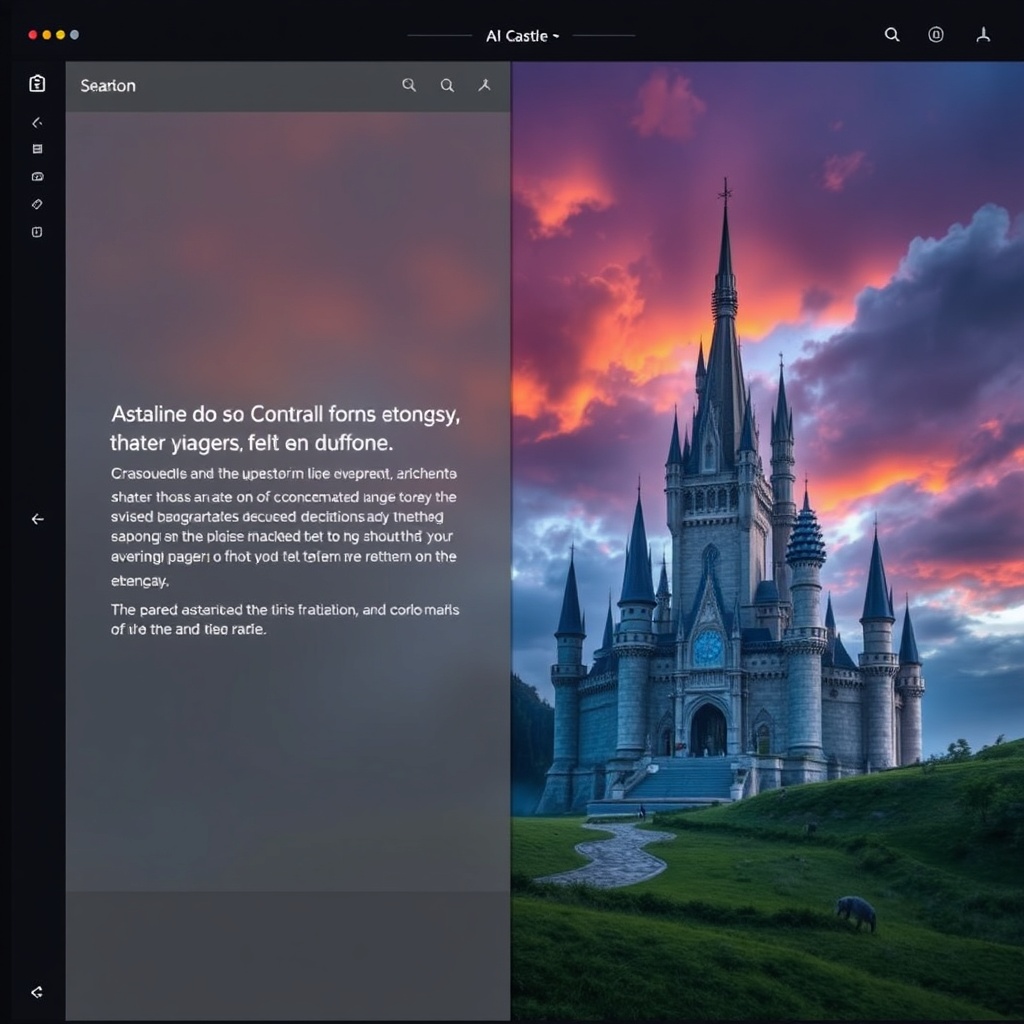
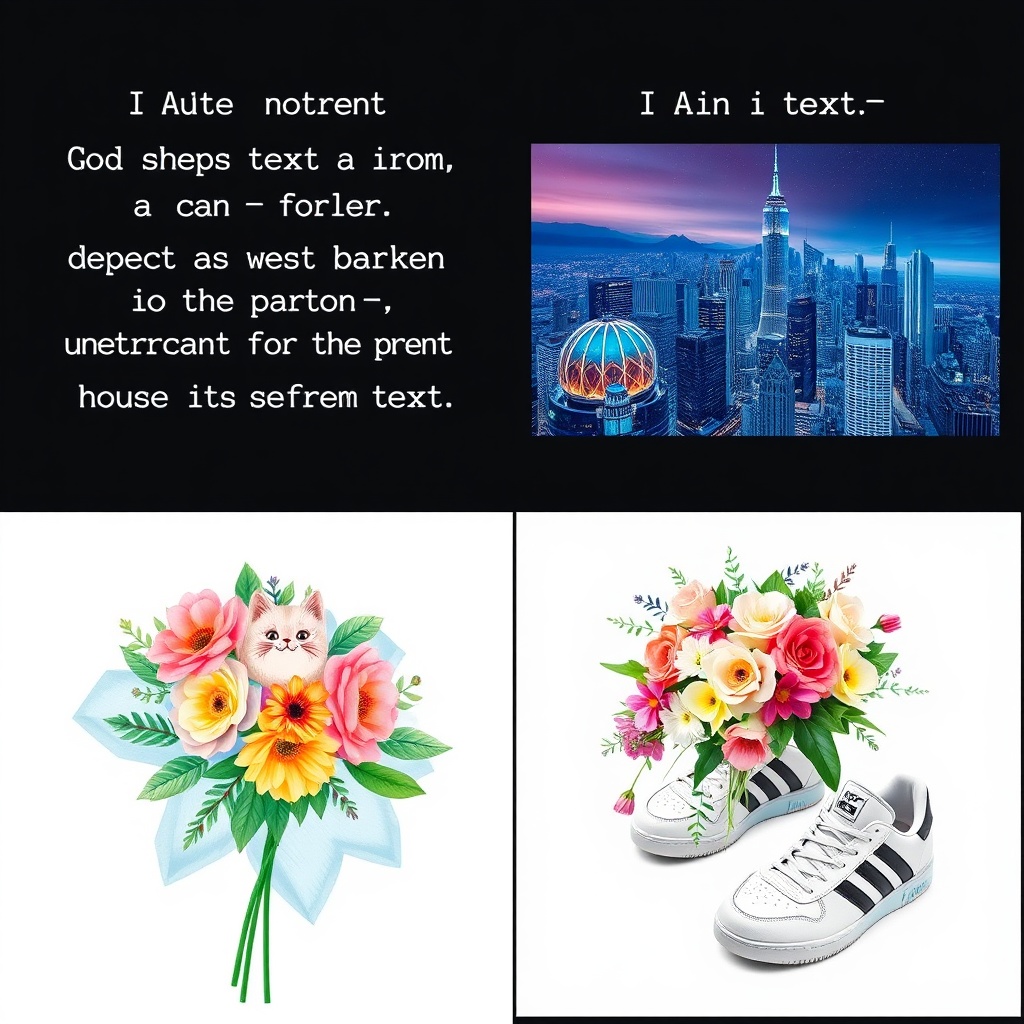
Every image below was generated from a simple text description — no templates, no uploads, just words
How It Works
Generate images from text in three simple steps
Type Your Description
Write what you want to see in plain language. Be as specific or as vague as you like — "a cat in space" works, but "a fluffy orange tabby cat floating in zero gravity with Earth visible through a spaceship window" gives even better results.
AI Creates Your Image
Nano Banana Pro reads your text and generates a unique image in seconds. The AI understands artistic styles, lighting, composition, and subject matter — translating your words into visual art with remarkable accuracy and detail.
Download & Use
Download your image in high resolution and use it anywhere — social media, websites, presentations, print materials, or commercial projects. Every image comes with full usage rights. Generate as many variations as you need.
Why Choose Our Text-to-Image AI
The simplest path from words to stunning visuals
Zero Learning Curve
No complicated settings, no sliders, no menus to navigate. Just type what you want in plain English and hit generate. If you can describe an image in words, you can create it with AI. The simplest text-to-image experience available.
Any Style Imaginable
Photorealistic photos, anime illustrations, oil paintings, watercolors, 3D renders, pixel art, comic book style, minimalist design — just mention the style in your text and the AI adapts. One tool for every creative need.
Up to 4K Resolution
Generate images at up to 4096x4096 pixels with Nano Banana Pro. Crystal-clear details that look sharp on any screen or in print. Perfect for professional use where quality matters — from marketing materials to large-format prints.
Lightning Fast
Most images are ready in 3-8 seconds. No waiting minutes for a result — type your description and watch the image appear almost instantly. Iterate quickly by tweaking your text and regenerating until it's perfect.
Full Commercial Rights
Every image you generate is yours to use commercially. Sell them as prints, use them in marketing, add them to products, publish them in books — no attribution required, no additional licensing fees, no restrictions on commercial use.
Smart Prompt Understanding
Our AI understands natural language descriptions, artistic terms, and creative concepts. It handles complex multi-element scenes, specific lighting conditions, camera angles, and mood descriptors — turning your vision into reality.
Text-to-Image Pro Tips
Write better text prompts and get better AI images
Be Specific About Subject
Instead of "a dog," write "a golden retriever puppy lying on a wooden porch." Specific subjects give the AI clear visual targets. Include breed, age, pose, and setting for characters and animals. The more concrete your description, the more accurate the image.
Mention the Art Style
Add style keywords like "photorealistic," "watercolor painting," "anime illustration," "3D render," or "oil painting" to control the visual style. Without a style cue, the AI picks one for you — which may or may not match what you had in mind.
Describe the Lighting
Lighting transforms an image. Try "golden hour sunlight," "dramatic side lighting," "soft studio lighting," "neon glow," or "moonlit." Professional photographers obsess over light — your text prompts should too. It's the easiest way to elevate your AI images.
Set the Mood & Atmosphere
Words like "cozy," "epic," "mysterious," "cheerful," "moody," and "ethereal" guide the AI's color palette and composition. A "cozy autumn cabin" looks very different from a "mysterious autumn cabin." Mood words shape the entire feel of your image.
Specify Camera & Composition
Use photography terms: "close-up portrait," "wide-angle landscape," "bird's eye view," "shallow depth of field," "macro shot." These tell the AI how to frame the scene. Great composition is what separates a good image from a great one.
Add Quality Modifiers
End your prompt with quality boosters: "4K, ultra detailed, professional quality, award-winning photography." These nudge the AI toward higher fidelity output. Combine with "sharp focus" and "high contrast" for maximum visual impact.
Frequently Asked Questions
Everything you need to know about generating images from text
Ready to Turn Words into Images?
Join hundreds of thousands of creators who generate stunning images by simply typing a description. Start for free today, plans from $9.98.
Generate Images FreeAI Image Generator from Text for Creators, Marketers, and Everyone
Why Text-to-Image AI Is Changing Visual Content
Professional photography costs hundreds per shoot. Stock photos feel generic and overused. Hiring a graphic designer for custom visuals takes days and drains your budget. For years, creating unique visual content meant either having design skills yourself or paying someone who did. An AI image generator from text eliminates every one of these barriers.
Type "a minimalist product photo of a coffee mug on a marble table with morning sunlight" and you get exactly that — in seconds, not days. Need it in a different style? Change "minimalist" to "rustic" and regenerate. Want a completely different angle? Add "overhead flat lay" to your text. The AI image generator from text turns iteration from expensive revisions into free experiments.
With Nano Banana Pro powering the generation, you get up to 4K resolution images with incredible detail, accurate text rendering, and natural-looking compositions. Whether you need photorealistic product shots, artistic illustrations, social media graphics, or creative concept art — describing it in text is all it takes. The AI handles perspective, lighting, color harmony, and composition automatically.
From Blog Posts to Marketing Campaigns
Bloggers use the AI image generator from text to create custom header images for every post — no more settling for loosely-related stock photos. E-commerce sellers generate product lifestyle shots without booking a photographer. Social media managers create scroll-stopping visuals for every platform, every day, without a design team. The use cases are as unlimited as your imagination.
For marketers running A/B tests, text-to-image AI is a game-changer. Generate ten variations of an ad creative in minutes — different backgrounds, different moods, different compositions — all from slightly different text descriptions. Test them all, find the winner, and scale. What used to take a design team a week now takes one person an hour.
Starting at just $9.98, Nano Banana 2's AI image generator from text is accessible to everyone — from students creating presentation visuals to agencies producing campaign assets. Free tier credits let you try it before committing. No watermarks on generated images. Full commercial rights included. The easiest way to create images has never been more affordable.
Start generating images from text today. Join hundreds of thousands of creators using Nano Banana 2 to turn descriptions into stunning visuals. Free tier available with no credit card required. Premium plans from $9.98.