
AI Mosaic Art Generator
A mosaic is a picture made of gaps. How big the tiles are, how few colours you can get away with, which way the rows flow and what tone the grout ends up — those four decisions are the piece, and every one of them is fixed the moment the adhesive goes off. This AI mosaic art generator sits in front of all of that: upload a photo, choose a treatment, and see it rebuilt as cut tesserae at up to 4K in about twenty seconds, while changing your mind still costs nothing.
Try the AI Mosaic Art Generator Free
Upload the photo you want in tile and pick a treatment. Choose by how much nipping you are prepared to do, not by which preview looks richest: the Roman portrait and micro mosaic are the most beautiful and by far the most pieces, beginner bold and broken china are the ones people actually finish, and the landscape in bands is the reliable answer when the subject is a view rather than a face.
AI Mosaic Art Generator
Upload a photo, choose a mosaic treatment, and see it rebuilt from cut tesserae at up to 4K
Upload a photo with a clear subject and strong tonal contrast — mosaic loses fine detail first, so bold shapes convert far better than busy scenes
What the AI Mosaic Art Generator Produces
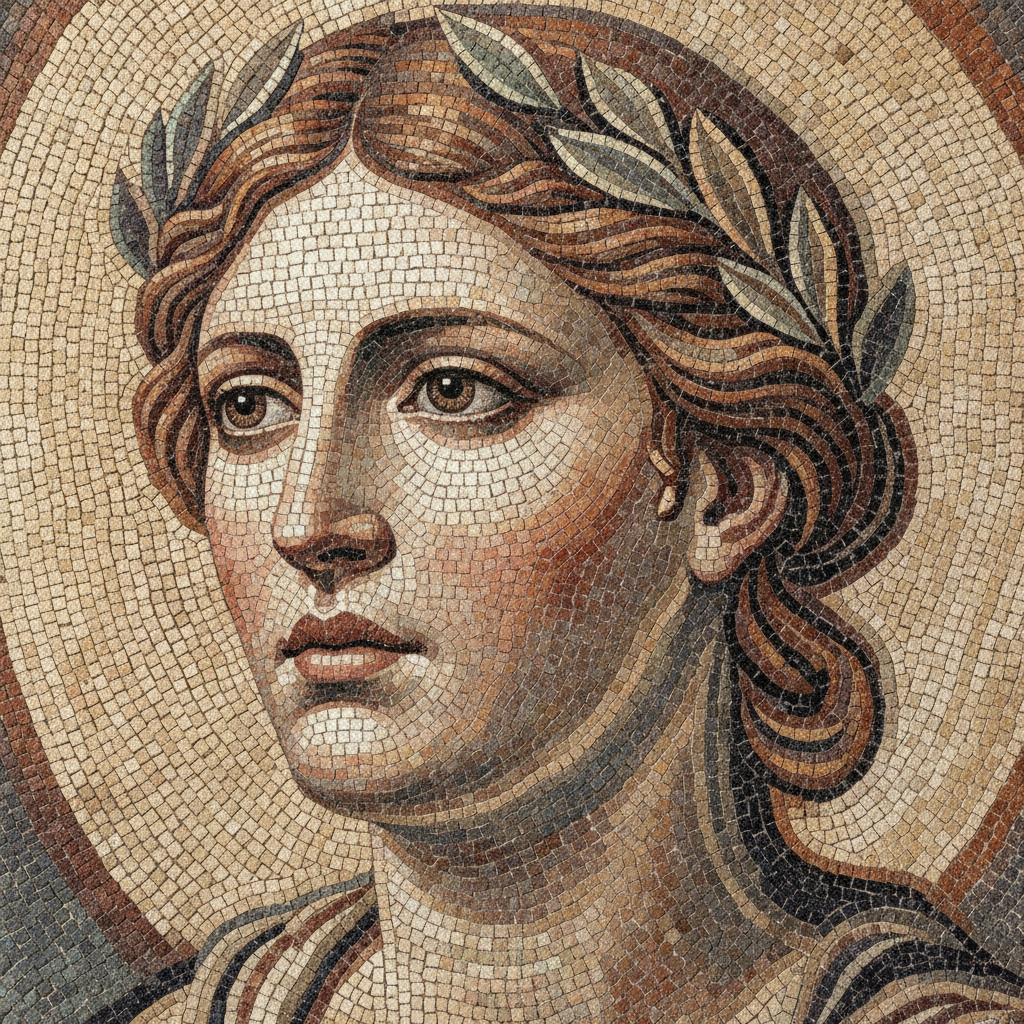
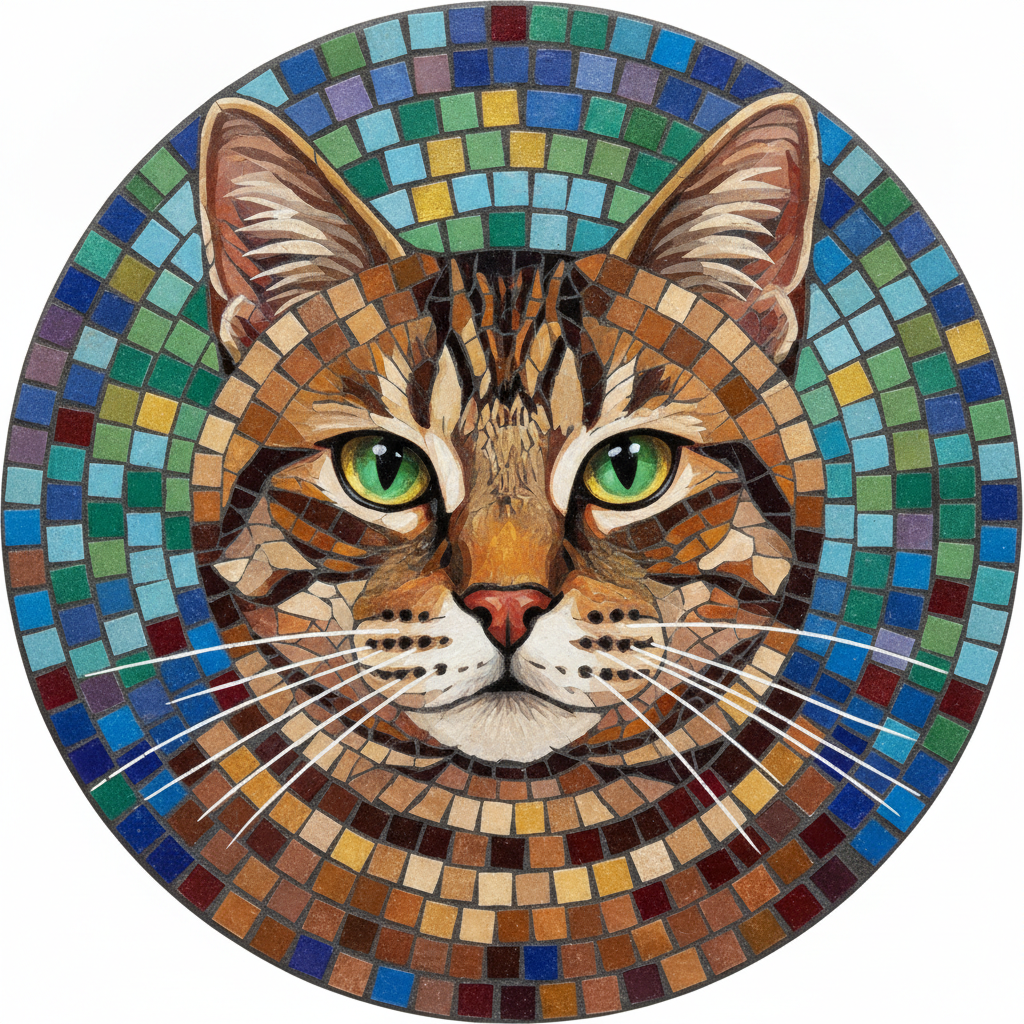
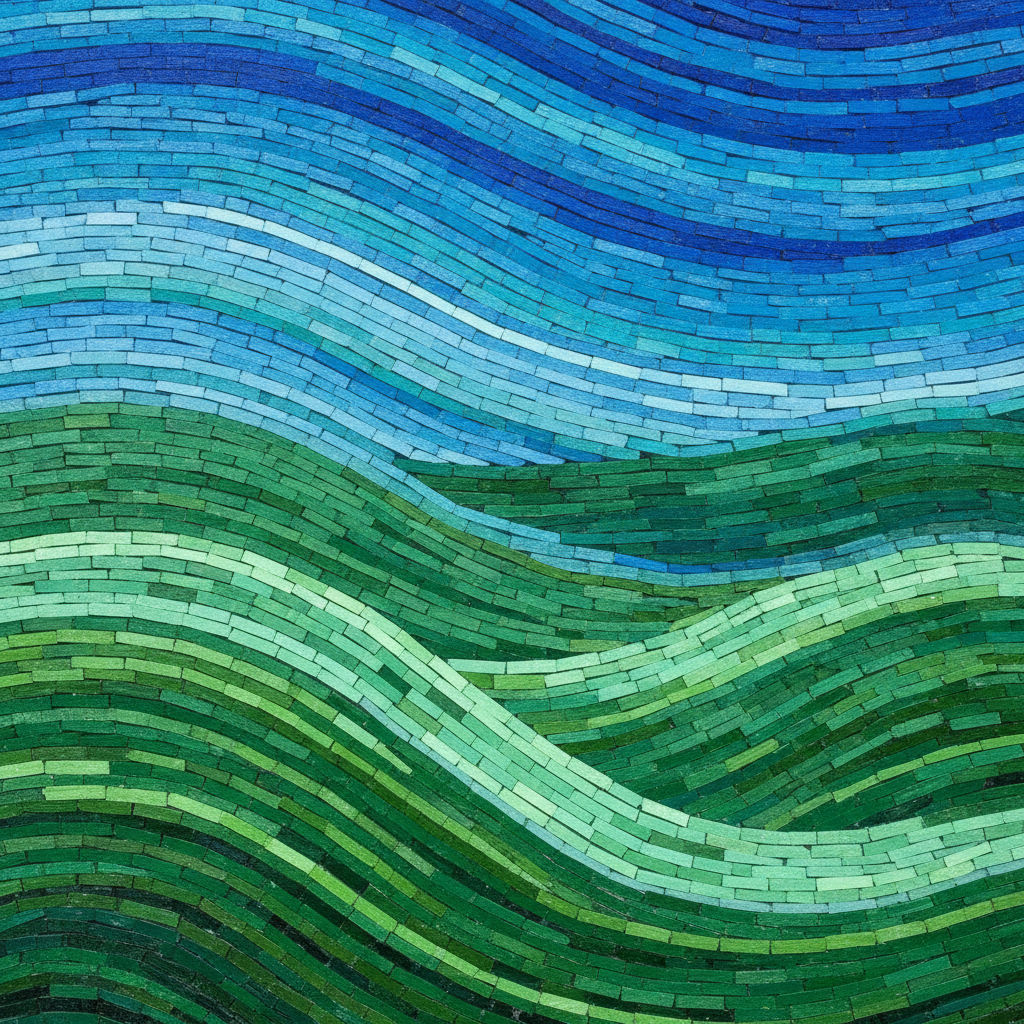
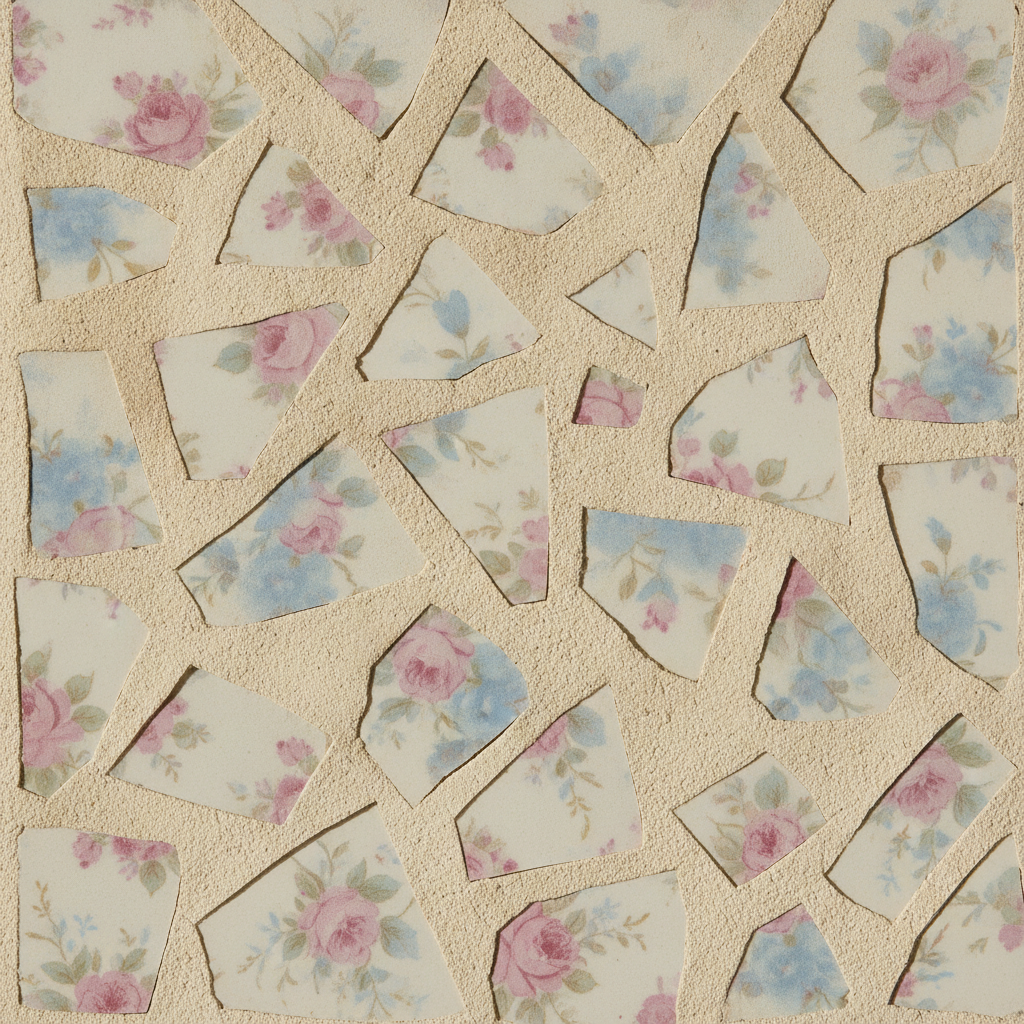
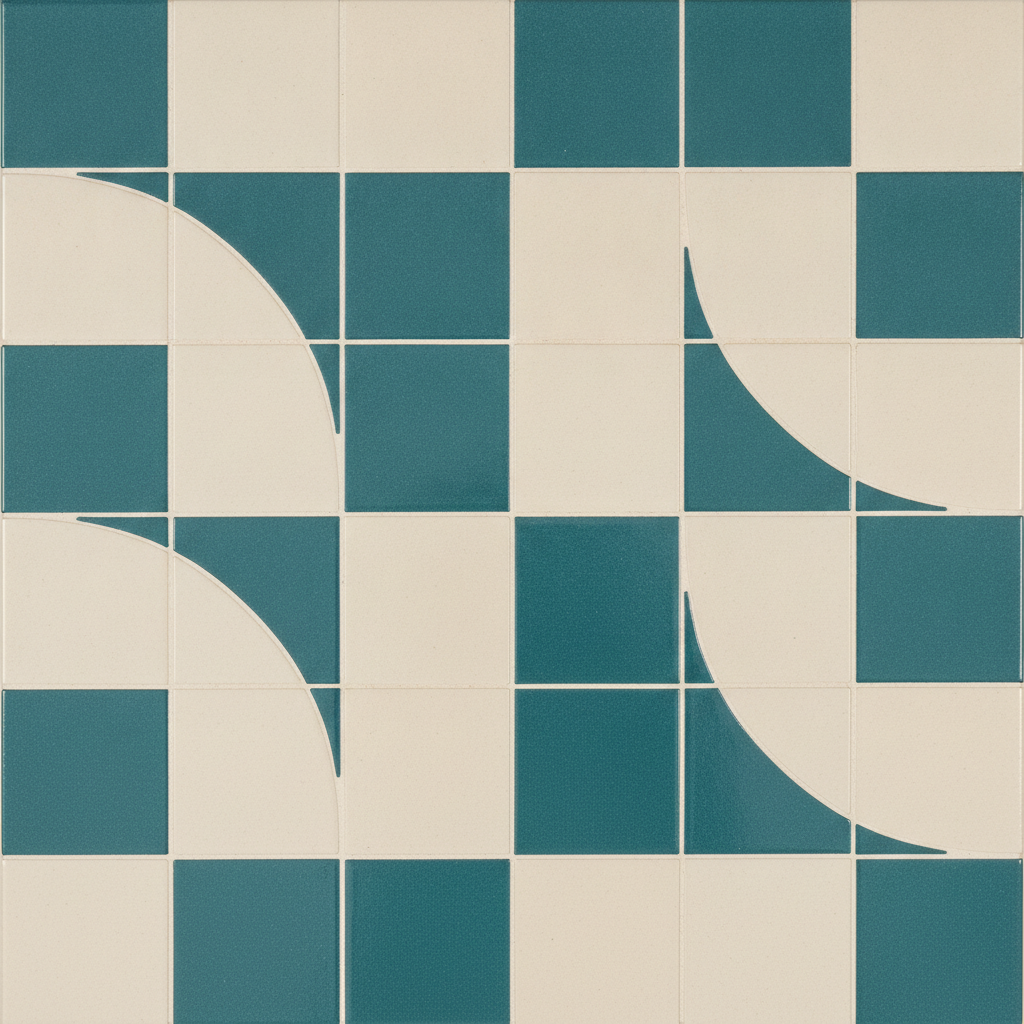
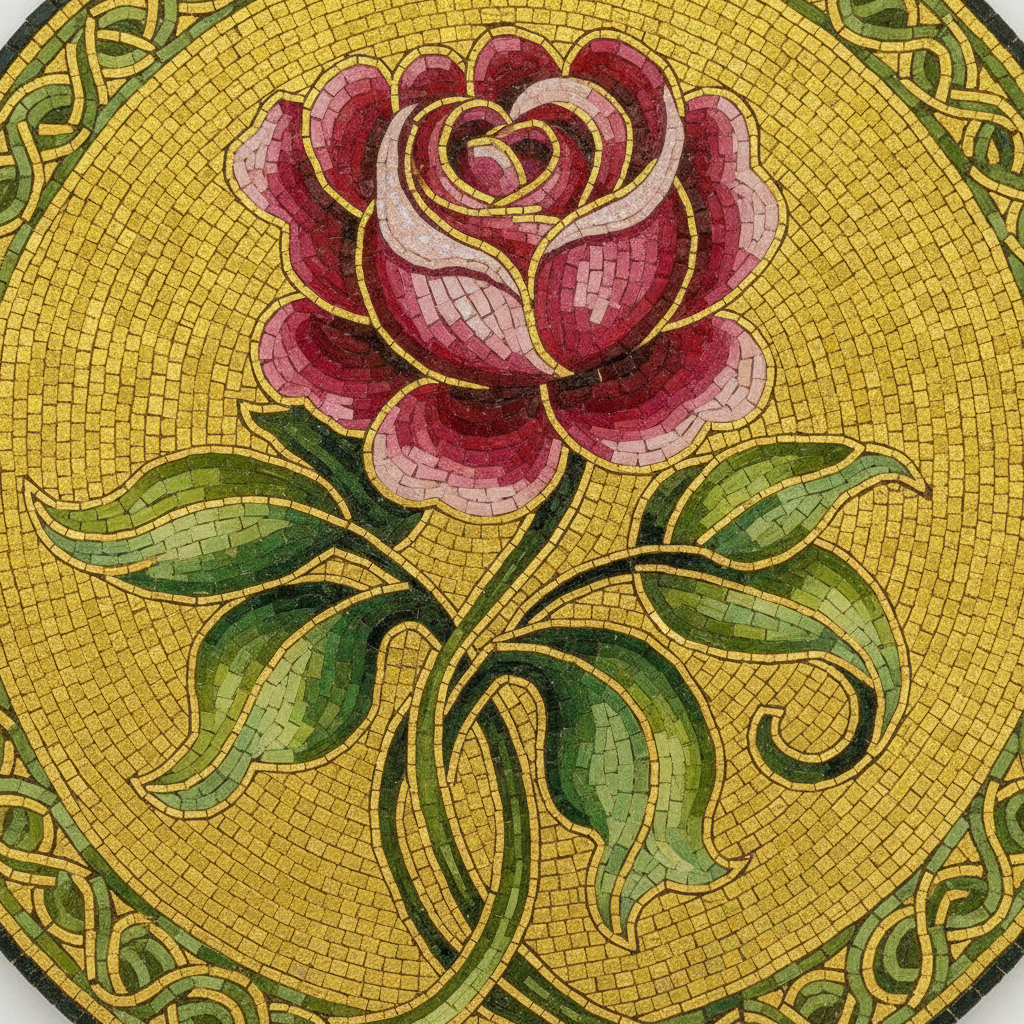
Six mosaics made with the six treatments. Ignore the subjects and look at the tile size — that number, more than anything else on this page, is how long the piece takes.
How the AI Mosaic Art Generator Works
Upload Your Photo
A pet, a face, a flower, a view. What matters is tonal contrast rather than sharpness — mosaic throws away fine detail before anything else, so a bold shape survives where a delicate one dissolves into noise.
Choose a Mosaic Treatment
Six treatments that differ by tile size, material and the direction the courses run, from a fine Roman stone portrait down to a three colour panel in large tiles that a first timer can finish in an evening.
Download and Cartoon It
You get a 4K picture of the finished mosaic. Print it at the size you plan to make, trace the colour boundaries and the flow of the rows, and that tracing is the cartoon you lay tile over.
Why Use This AI Mosaic Art Generator
Plenty of tools can drop a tile filter over a photograph. Very few of them account for the fact that the gaps between the tiles are permanent, and that they are a colour.
Six Treatments, Not Six Filters
Each preset is a different kind of mosaic with its own tile size, material and flow — Roman stone portrait, glass roundel, landscape in bands, broken china, beginner bold, micro mosaic. They are decisions about scope and technique, not about taste.
The Rows Do the Drawing
Andamento — the direction the courses run — is what gives a mosaic form. Rows curving around a cheekbone build volume; a flat grid behind the subject stays quiet. The presets set that flow deliberately, which is why two of them can share a palette and look nothing alike.
Tile Size Is Resolution
Tesserae work like pixels. You need several across a feature before it exists at all, so a twenty millimetre tile simply cannot hold an eye. Halving the tile size roughly quadruples the count and the hours, and each preset commits to an answer rather than leaving it vague.
Colour in Steps, Never Blends
There are no gradients in mosaic. Tonal change happens by stepping between adjacent shades your supplier actually stocks, which is why a good design uses far fewer colours than a photograph contains and why the renders show discrete bands rather than smooth shading.
It Produces a Design, Not a Cutting Plan
Said plainly because it matters: there is no numbered tile map and no material list. This tool settles what the mosaic should be, then hands you off to a full-size cartoon traced by hand or in software for the making.
4K Output for Full-Size Work
Mosaics are laid at physical size, so resolution is working detail rather than decoration. A 4K render prints large enough to trace courses against, or can be pushed further with the image upscaler before you tile and tape it into a full cartoon.
What Mosaic Can Do, and What It Cannot
Four constraints that decide whether a design becomes a mosaic or a box of expensive offcuts.
The grout is a colour, and it is a fifth of the surface
Ten to twenty percent of a finished mosaic is the gaps, so grout is a design decision you make whether you mean to or not. Dark grout outlines every tessera and flattens the contrast between neighbours, turning the piece into a field of separate marks. Pale grout keeps colour areas reading as shapes but shows every uneven gap and stains over time. Mid grey is the safe default. Whatever you pick, it changes the whole piece on the day you apply it, long after every tile is fixed.
Detail has a floor, and the floor is the tile
You cannot render a feature smaller than a few tesserae wide, which is why portraits in twenty millimetre tile never work and why micro mosaic exists as a separate discipline. Before you commit, shrink your photograph on screen until it is only as many pixels wide as you plan to have tiles. Whatever has disappeared at that size was never going to be in the mosaic, and seeing it go now is cheaper than discovering it forty hours in.
Colour arrives in discrete steps from a finite range
A supplier stocks a fixed set of shades, and you cannot mix an intermediate one. Modelling happens by stepping between the closest available tones, so a face that reads through a hundred subtle values in the photograph gets rebuilt in perhaps twelve. Fewer colours, chosen for the size of the jump between them, almost always reads better across a room than a large number of near-identical shades that muddle together at viewing distance.
Where it lives decides the materials
Outdoors and wet areas need frost resistant vitreous glass or porcelain on a cement based adhesive, because porous ceramic takes up water and spalls in a freeze. Floors need tiles rated for traffic and a grout you can scrub. Indoor walls open the range, including smalti — set slightly proud and deliberately unevenly so it glitters, and traditionally left ungrouted, which makes it the one material a grout-line render flatters least.
Tools That Pair With This One
Stained Glass Designs
The same cuttable-piece question for a panel that light passes through, where lead carries the weight rather than grout filling the gaps.
Background Remover
Strip a busy background before you upload, so the mosaic spends its tiles on the subject instead of on clutter.
Image Upscaler
Push a design past 4K when you need to print it at full mosaic size to trace the courses against.
AI Mosaic Art Generator FAQ
Settle the Design Before You Mix the Adhesive
Twenty seconds and no sign-up to find out whether your photograph wants fine stone or bold ceramic, and how few colours it can live with. That is a cheaper place to learn it than halfway across the substrate.
Start Designing FreeAbout the AI Mosaic Art Generator
This AI mosaic art generator turns a photograph into a mosaic design using Nano Banana Pro. Upload an image, choose one of six treatments — Roman stone portrait, glass roundel, landscape in bands, broken china, beginner bold or micro mosaic — and the model rebuilds the picture from individual cut tesserae with grout running between every piece, so you can judge the tile size, the palette and the flow of the courses before you buy a single sheet. Output runs up to 4K and takes about twenty seconds, free to start with no account required.
What separates a mosaic generator from a tile filter is respect for how the craft actually behaves. A mosaic is not a continuous image with lines drawn over it; it is a picture assembled out of gaps, and those gaps are permanent. Tile size sets the smallest feature that can exist, so a portrait and a bold graphic panel are different projects rather than different settings. Colour arrives in fixed steps from whatever a supplier stocks, so shading happens by jumping between the nearest available tones instead of blending. And the direction the rows run does the modelling — courses that curve around a cheekbone build form that a plain grid never will. Each of the six treatments in this AI mosaic art generator commits to its own answer on all three, which is why they produce genuinely different pieces of work rather than six versions of one look.
The tool is built for the decision stage rather than the workshop. Hobbyists use it to check whether a pet photograph still reads as that pet once it is a few hundred tiles. Makers taking commissions use it to show a client a direction before quoting, since a render costs seconds where a sample board costs a weekend. People tiling a splashback, a garden table or a house number panel use the bolder treatments to test proportion and colour banding against the room they are working in. In every case the value is in learning something before the adhesive is mixed, not in replacing the craft that follows.
One limit is worth stating plainly, because it is the difference between a useful tool and a disappointing one: what you download is a picture of a finished mosaic, not a cutting plan. There is no numbered tile map, no material list and no count of how many of each colour to order. Producing that is a separate step — print the design at the size you intend to make, trace the colour boundaries and the flow of the courses, and lay tile over the tracing. The same division applies to the other craft tools on this site: the stained glass generator produces a panel design rather than a numbered cartoon, the embroidery generator produces artwork rather than a digitised stitch file, and the cross stitch generator produces a design rather than a counted chart. This AI mosaic art generator settles what the mosaic should be, and hands the making back to you.