
AI Image Translator
Copying words out of a picture and pasting them into a translator gives you the meaning and destroys everything else — the layout, the typeface, the reason the design worked. This AI image translator rewrites the text inside the image itself. Upload a menu, a shop sign, a packaging label, a poster or a comic page, pick a target language, and the words come back translated in roughly their original position, weight and colour. It runs on Nano Banana Pro, whose text rendering is good enough that the translated line is readable rather than approximate — which is the whole difference between a translated image you can use and one you can only squint at.
Try It Now — Free
Upload the image you want translated, choose a target language, and get it back with the text rewritten in place — same layout, same design, new words. About twenty seconds, up to 4K.
AI Image Translator
Upload a photo, menu, sign, label or poster, pick the language you want it in, and the text is translated inside the image
Upload an image containing text, choose a target language, then click Generate
What the AI Image Translator Handles
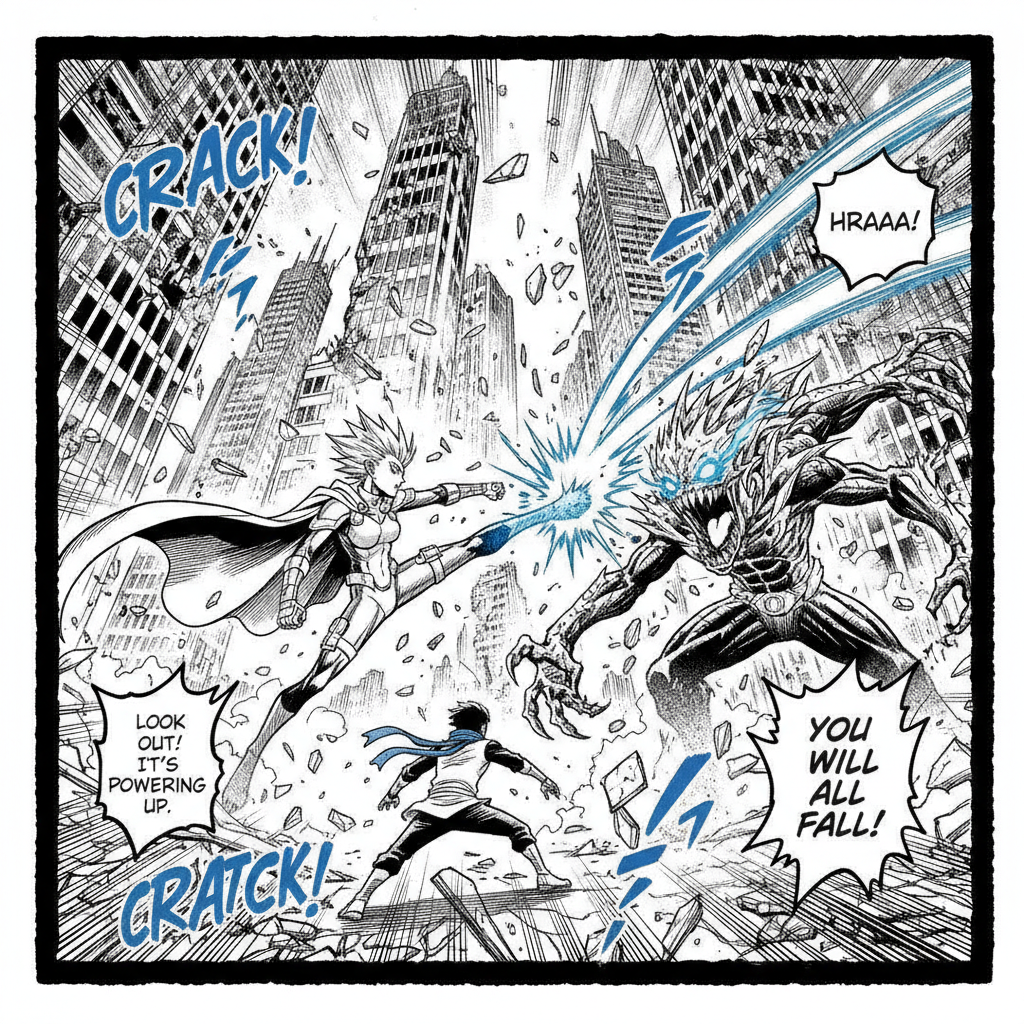
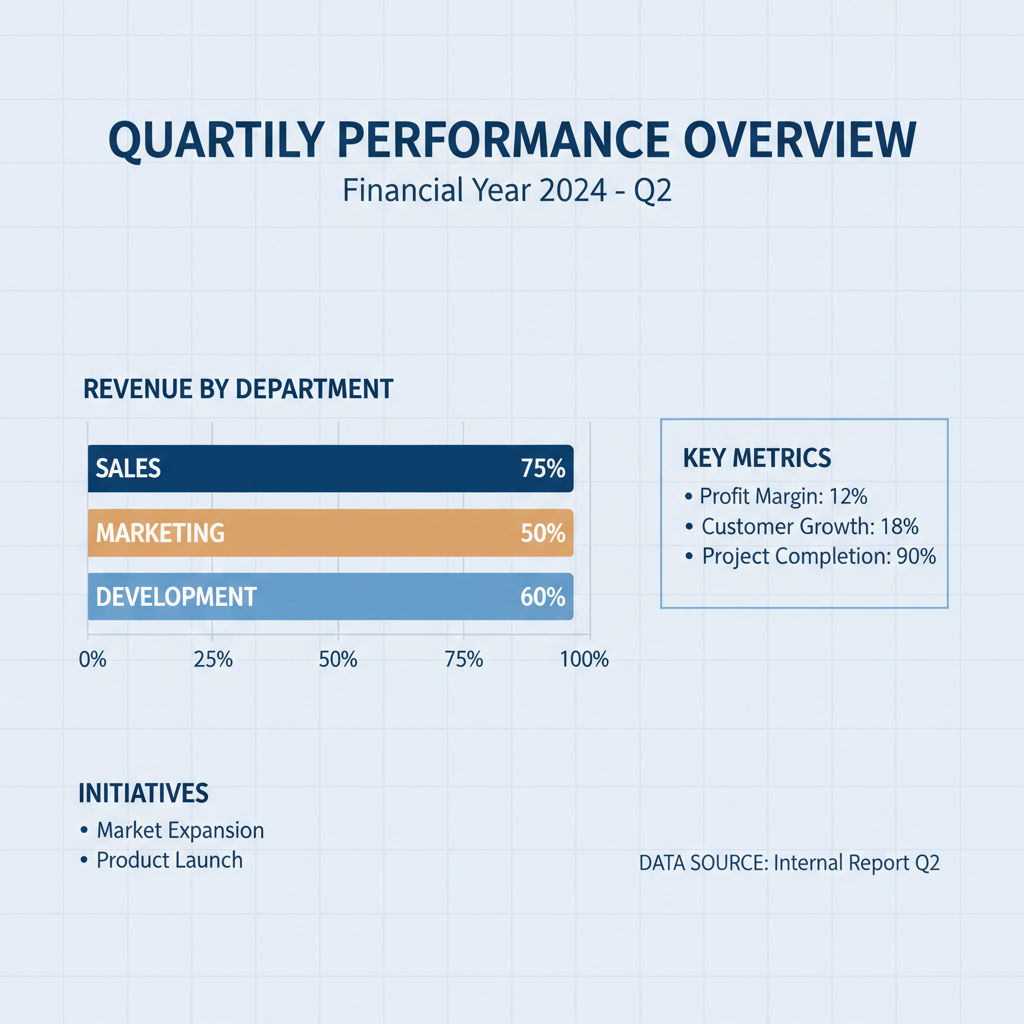
Menus, street signs, packaging labels, marketing posters, comic lettering and infographic charts — the six kinds of image people most often need the words out of
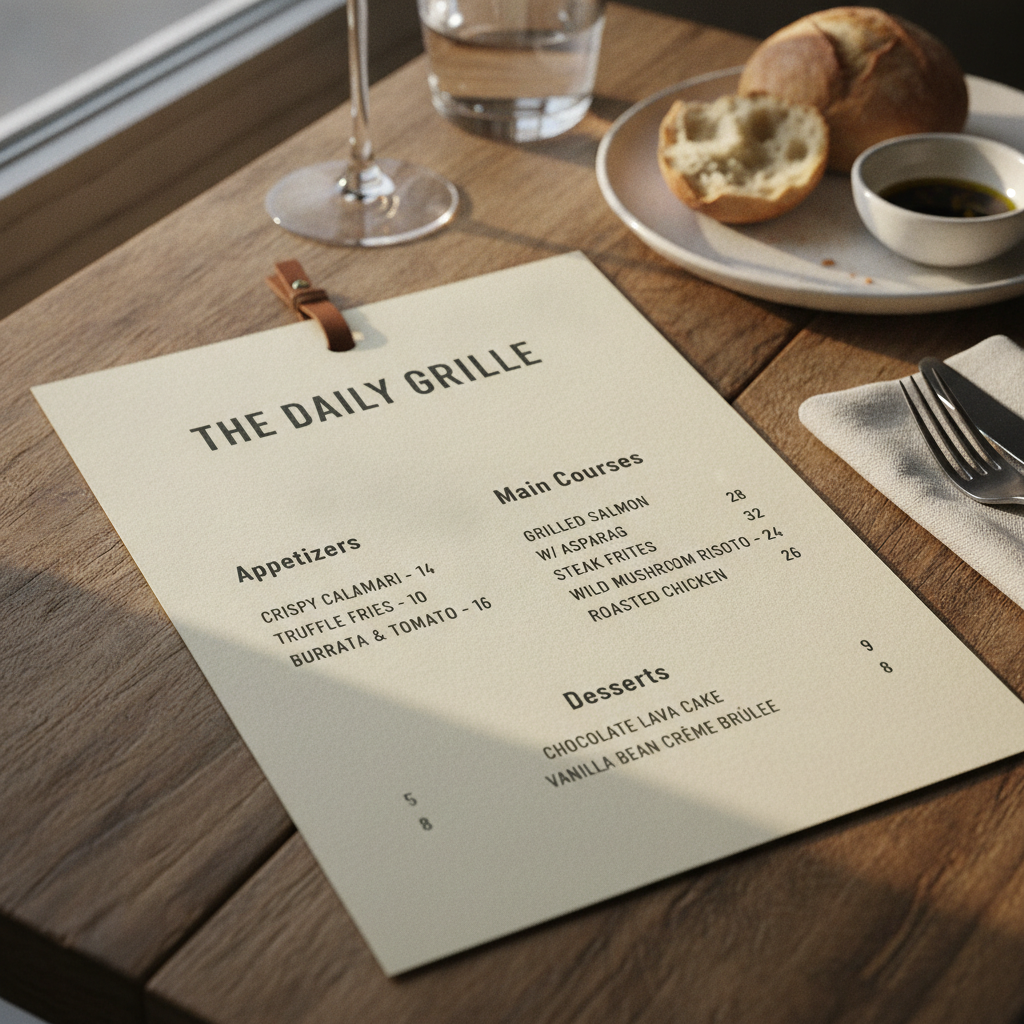
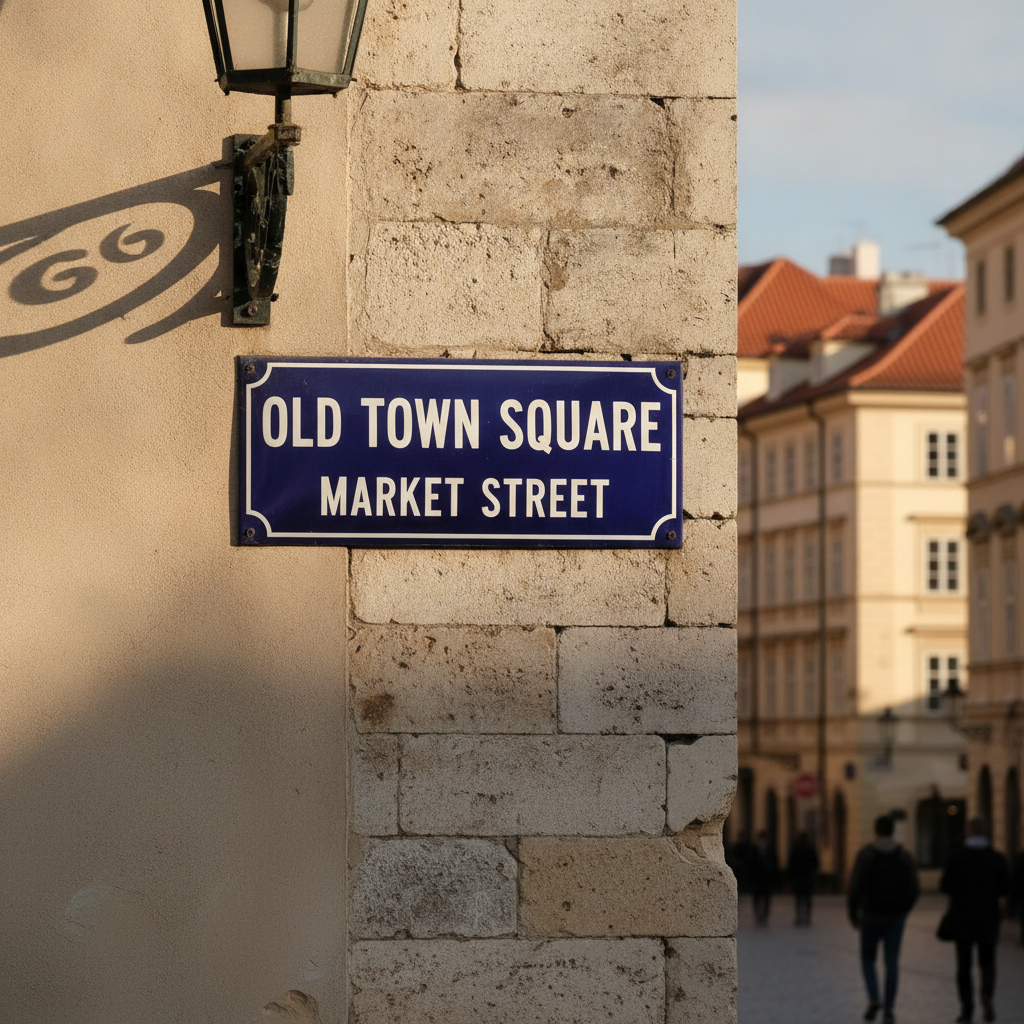
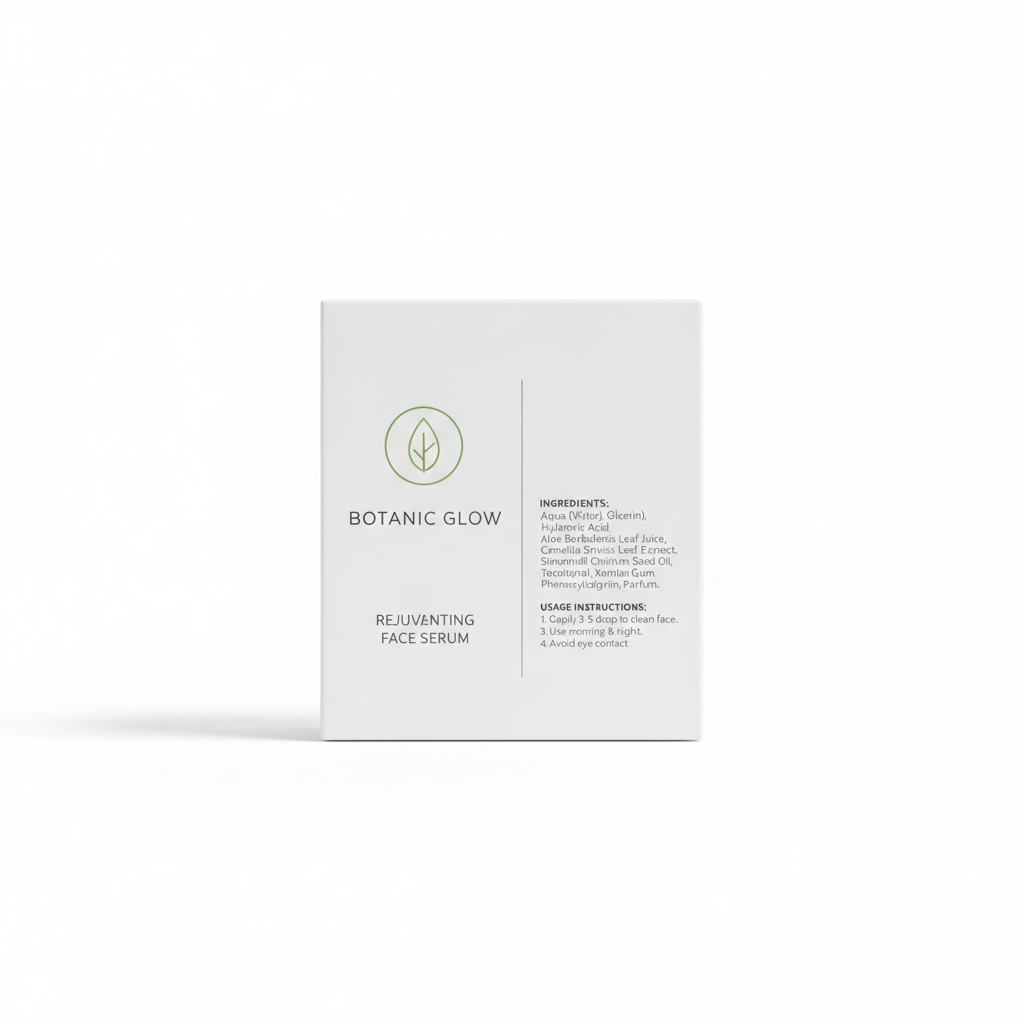
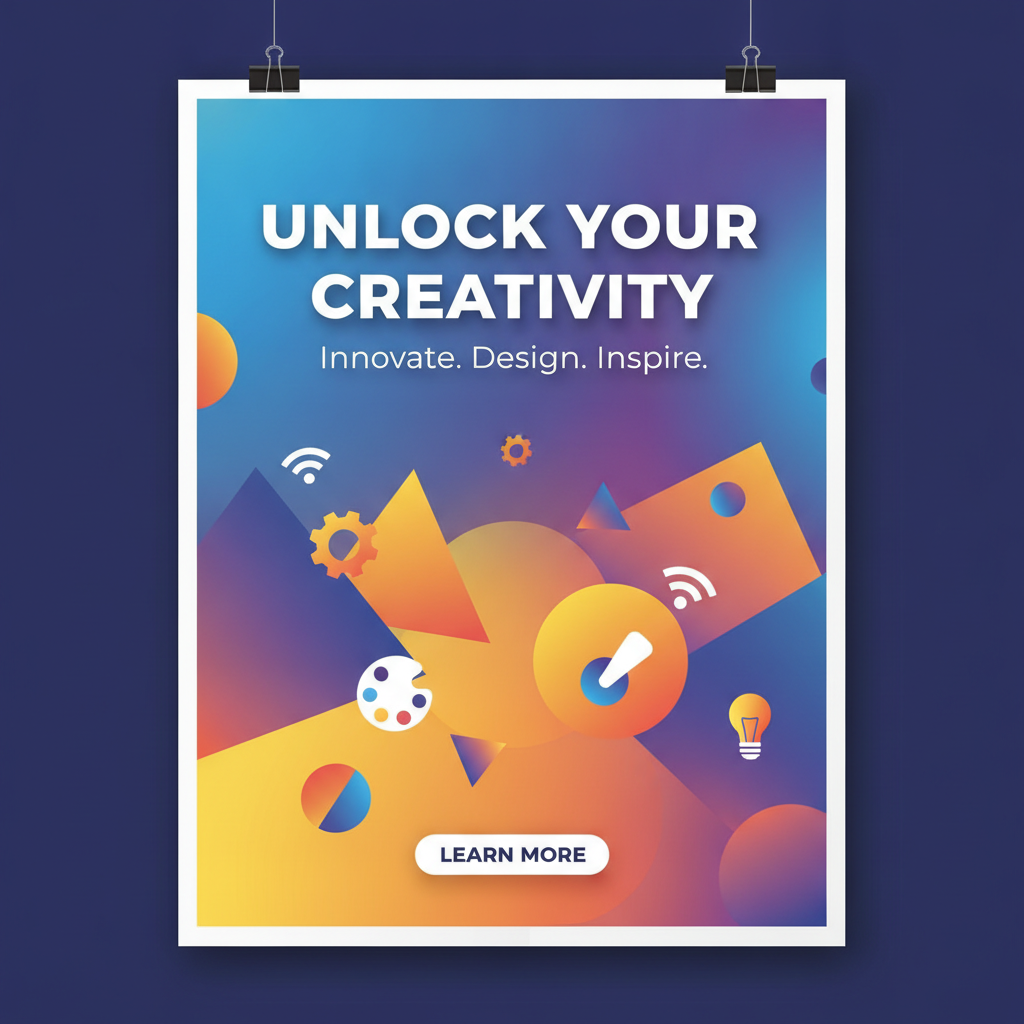
How the AI Image Translator Works
Three steps from a photo you cannot read to the same photo in a language you can
Upload the Image
Anything with words in it: a menu photographed at the table, a sign, a packaging back-panel, a slide from a deck, a poster, a page of a comic. Sharpness matters more than resolution — the model has to read the source text before it can translate it, so a straight-on shot in decent light beats a large blurry one taken at an angle. If the text is small, crop in before uploading rather than hoping it survives.
Pick a Target Language
English, Spanish, Chinese, Japanese, French or German. Each preset carries more than the language name: Spanish, French and German all run visibly longer than English and need the lines refitted, Chinese and Japanese are far more compact and need the type scaled up to sit properly in the same space, and Japanese needs a politeness level chosen to match the context. That fitting work is what usually goes wrong when people try this with a generic prompt.
Generate and Check
The translated image comes back in about twenty seconds at up to 4K with full commercial rights. Then read it. This is a generative model rewriting the picture, not a text layer swapped in a graphics editor, so proper nouns, prices, part numbers and dense small print are exactly where mistakes hide. For anything that carries a consequence — a dosage, a price, a contract clause — treat the output as a draft and confirm the wording before you rely on it.
Why Use This AI Image Translator
Six reasons it beats retyping the words into a translator and losing the design
The Design Survives the Translation
A camera translator overlays a grey box of text on top of your photo and calls it done. Copy-pasting into a text translator gives you a paragraph with no context at all. Neither leaves you with something you can show anyone. This AI image translator rewrites the words inside the picture, so the poster is still a poster, the menu still looks like the restaurant, and the packaging still has its label where the label goes. You get a usable image back, not a caption.
Translated Text You Can Actually Read
This is where most image models fall down. Ask one to put words in a picture and you get letterforms that look right in a thumbnail and dissolve into gibberish the moment you zoom. Nano Banana Pro treats text as text rather than as texture, which is why translating inside an image is possible here at all. On a task whose entire output is words, legibility at full resolution is not a nice extra — it is the product.
Six Languages, Each Fitted Properly
Translation changes how much room the words need. German compounds and French phrasing run substantially longer than English and will overflow a tight layout if nothing is refitted; Chinese and Japanese are much more compact and look lost at the original type size. Each language preset carries the fitting instructions for that specific problem — line breaking, relative sizing, alignment — instead of leaving the model to guess and hand back an overflowing headline.
Built for Menus, Labels and Signage
The images people actually need translated are rarely paragraphs of prose. They are restaurant menus, product back-panels, transit signage, warning notices, packaging, event posters, slide decks. All of these are typographic layouts where position carries meaning: the price belongs next to the dish, the warning belongs on the warning panel. Translating in place keeps those relationships intact in a way that extracted text never can.
4K Output With Commercial Rights
Translated images export at up to 4K with no watermark and full commercial rights, so a localised poster can go into a campaign, a translated packaging mock-up into a supplier deck, a menu into a printed insert for international guests. Resolution matters more here than for most images, because small print is the first thing to break down when a picture is scaled — you want the version that still holds up when someone zooms in on a phone.
Free to Start, $9.98 to Scale
Translate your first images free with no credit card, testing it on your own material rather than a demo chosen to flatter the tool. Paid plans start at $9.98 once the volume arrives — a restaurant localising a full menu, a seller producing packaging shots for six markets, a marketing team running one campaign in four languages. That is the point where doing it manually in a design tool stops being realistic.
Frequently Asked Questions
Common questions about using an AI image translator
Translate the Image, Not Just the Words
Menus, signs, packaging, posters, comics and slides — translated in place, with the layout and typography intact. Six languages, 4K, commercial rights, powered by Nano Banana Pro. Free to start, plans from $9.98.
Translate Text Inside Photos With an AI Image Translator
Most translation tools assume the words arrive as words. Real life hands them over as pictures — a menu photographed at a table, a sign at a train station, the back panel of a product bought abroad, a poster, a slide someone screenshotted from a deck. The usual workaround is to extract the text, translate it somewhere else and end up with a paragraph stripped of everything that made it intelligible: which price belonged to which dish, which line was the warning, which was the heading. An AI image translator skips the extraction entirely and rewrites the words where they already sit.
The reason this only recently became possible is legibility. Image models have been able to move pixels around convincingly for years while remaining hopeless at rendering actual letters — you got text-shaped texture that fell apart under any real inspection. That is fatal for a task whose entire output is words. Nano Banana Pro renders characters as characters, across Latin scripts as well as Chinese and Japanese, which is what makes a translated menu readable at the size someone will actually look at it. Everything else this page does rests on that one capability.
Six language presets cover what people ask for most: English, Spanish, Chinese, Japanese, French and German. Each carries the typographic handling that language needs rather than just its name. Spanish, French and especially German run longer than English and will burst a tight layout unless the lines are rebroken and refitted. Chinese and Japanese are far more compact and look stranded at the original type size, so the characters are scaled to occupy the space properly. Japanese also needs a register chosen to fit the context. Handling that fitting problem per language is the difference between a translated image that looks designed and one that looks broken.
For Travellers, Sellers, Marketers and Localisation Teams
Get the best out of it by giving it something it can read. Sharpness beats size: a straight-on, well-lit crop of the text will translate far more reliably than a large photo taken at an angle in dim light. Crop tightly to the text you care about rather than uploading a whole page and hoping the dense footnotes survive. And always read the result — small print, prices, proper nouns and part numbers are exactly where a generative model is most likely to invent something plausible. This tool sits alongside the others here that work on existing images: the AI photo editor for general edits to an upload, the AI object remover for taking things out of a scene, the AI watermark remover for clearing a mark from an image you own, and text in images when you are writing new copy into a design from scratch rather than translating copy that is already there.
It is worth being clear about the limits. A generated translation is not a certified one, and the output is a new image rather than your original file with a text layer swapped, so fine details can drift even when the layout holds. Use it freely for menus, signage, marketing copy, social posts, slides and comics. Do not use it as the final word on contracts, legal filings, medical or dosage instructions, allergen declarations or safety labelling — for those, generate the layout, then have the wording confirmed by a professional translator before anything is printed or published. Translate images you own or have permission to alter; a translated version of someone else’s poster is still derived from their work.
Everything you generate is yours to use commercially, exported at up to 4K with no watermark, free to start with no credit card, and plans from $9.98 when the volume arrives. Whether you are a traveller keeping a readable copy of a menu, a seller preparing product images for a new market, a marketer localising one campaign into four languages, or a localisation team working out how a layout survives a language that runs thirty percent longer, the AI image translator gives you back an image you can use rather than a paragraph you have to redesign around.
Try the AI image translator free today. Menus, signs, packaging, posters, comics and slides translated into English, Spanish, Chinese, Japanese, French or German with the layout and typography kept intact, at up to 4K. No credit card required to start. Paid plans from $9.98.