
AI Board Game Design Generator
A board game is not one picture. It is a family of manufactured components — a board, a box, mats, punched tokens, tiles, wooden pieces — that has to survive being read upside-down by the player opposite you. So this AI board game design generator is organised by component rather than by art style, and leaves every printed surface blank for real type. Six components, up to 4K, about twenty seconds each.
Try the AI Board Game Design Generator Free
Pick the component first, because each one is a different job. The board is a shared surface read from four sides. The box cover is a thumbnail before it is a painting. A player mat is a layout, not an illustration. A punchboard is a nesting problem. Tiles have to meet at every edge and every rotation. Wooden pieces have to read at 16mm. Describe your theme, palette and mood in the box to steer any of them.
AI Board Game Design Generator
Choose a component, describe your theme and palette, and get tabletop artwork at up to 4K
What the AI Board Game Design Generator Produces
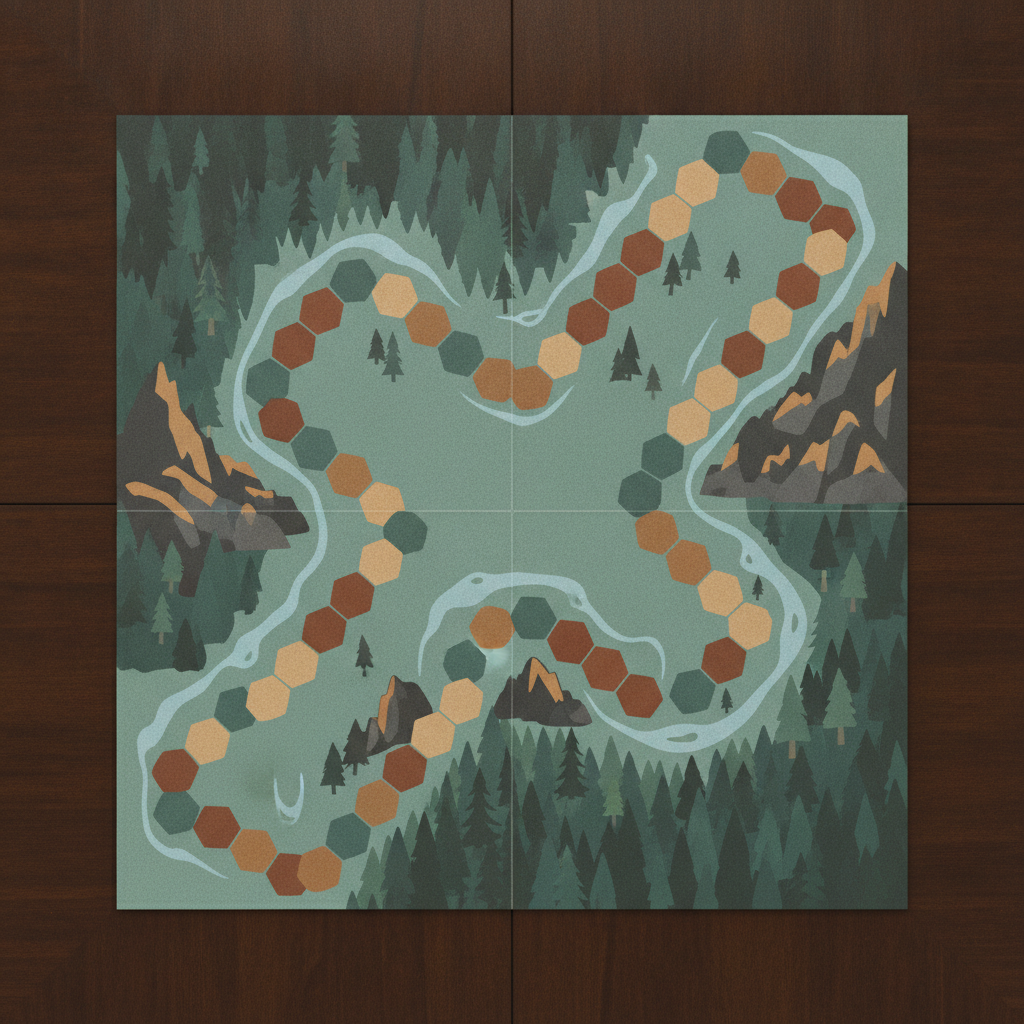
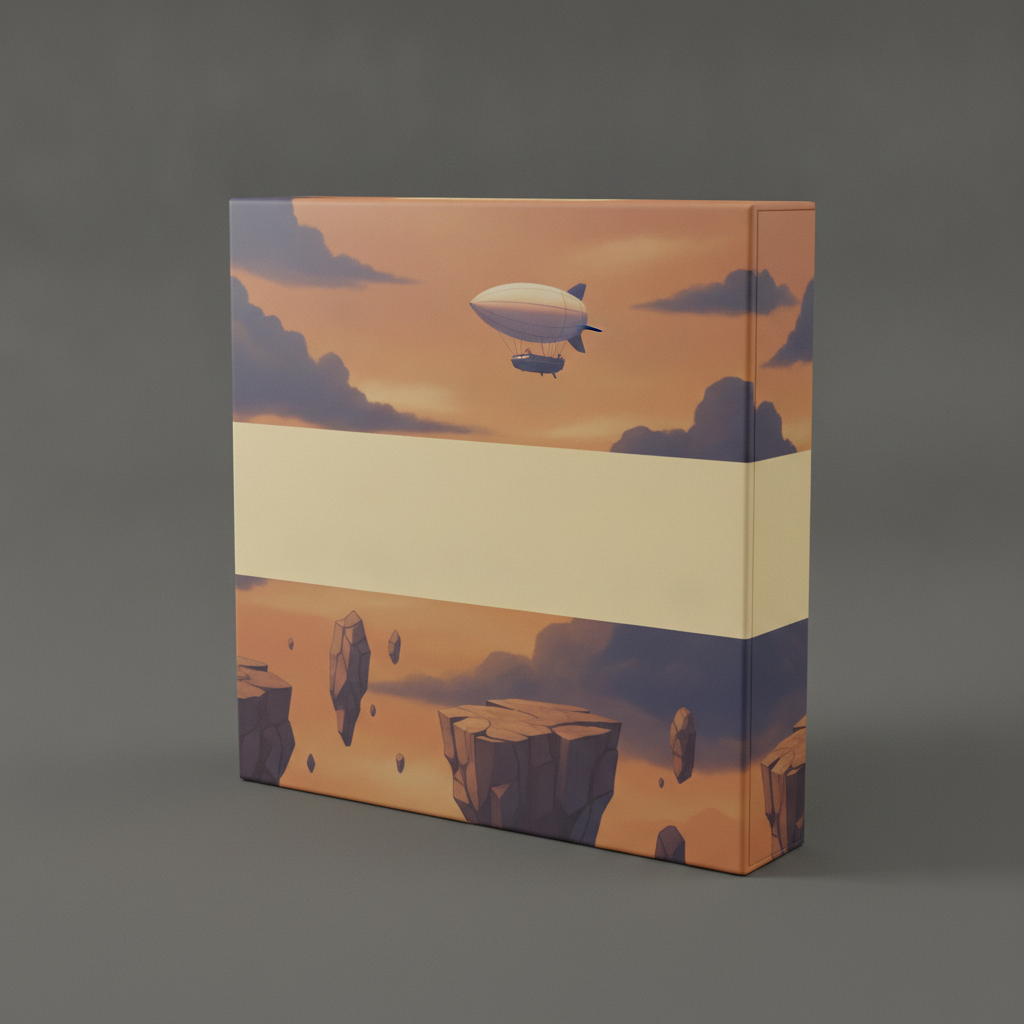
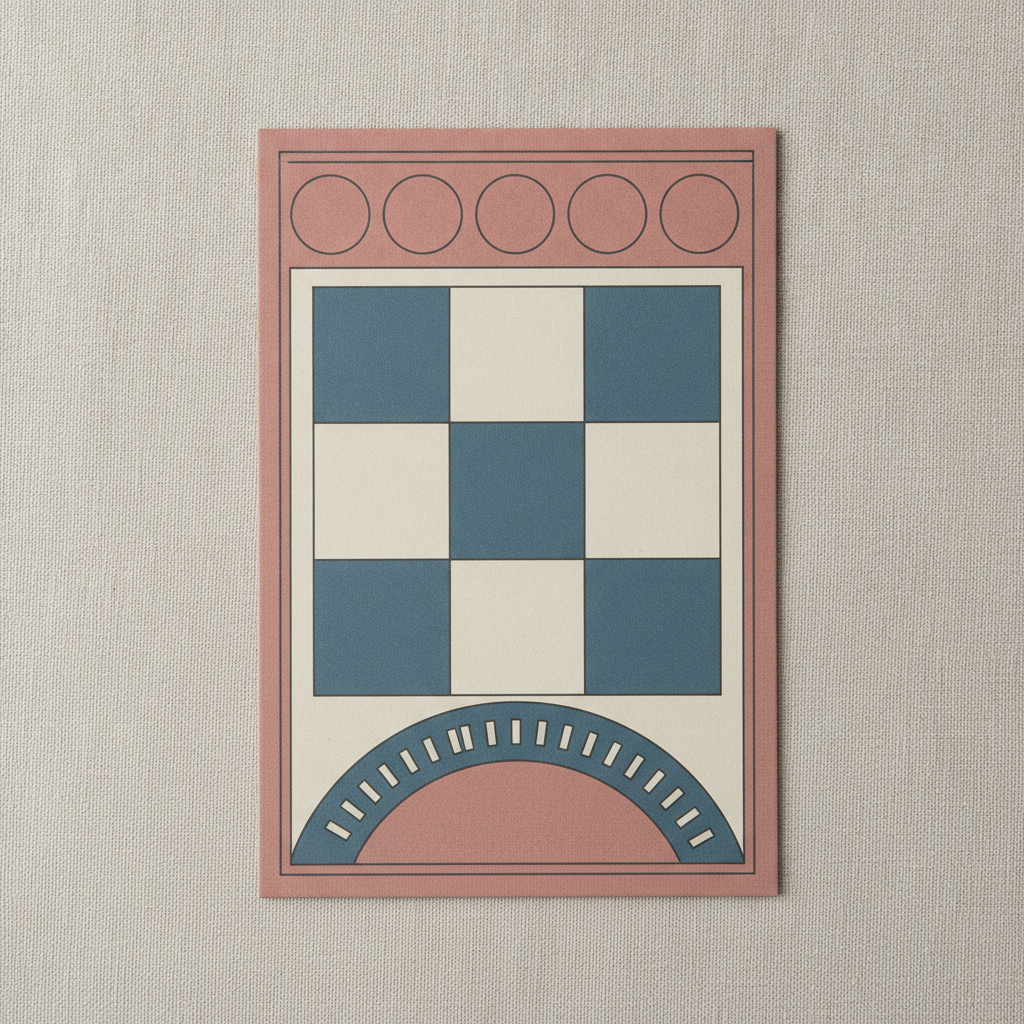
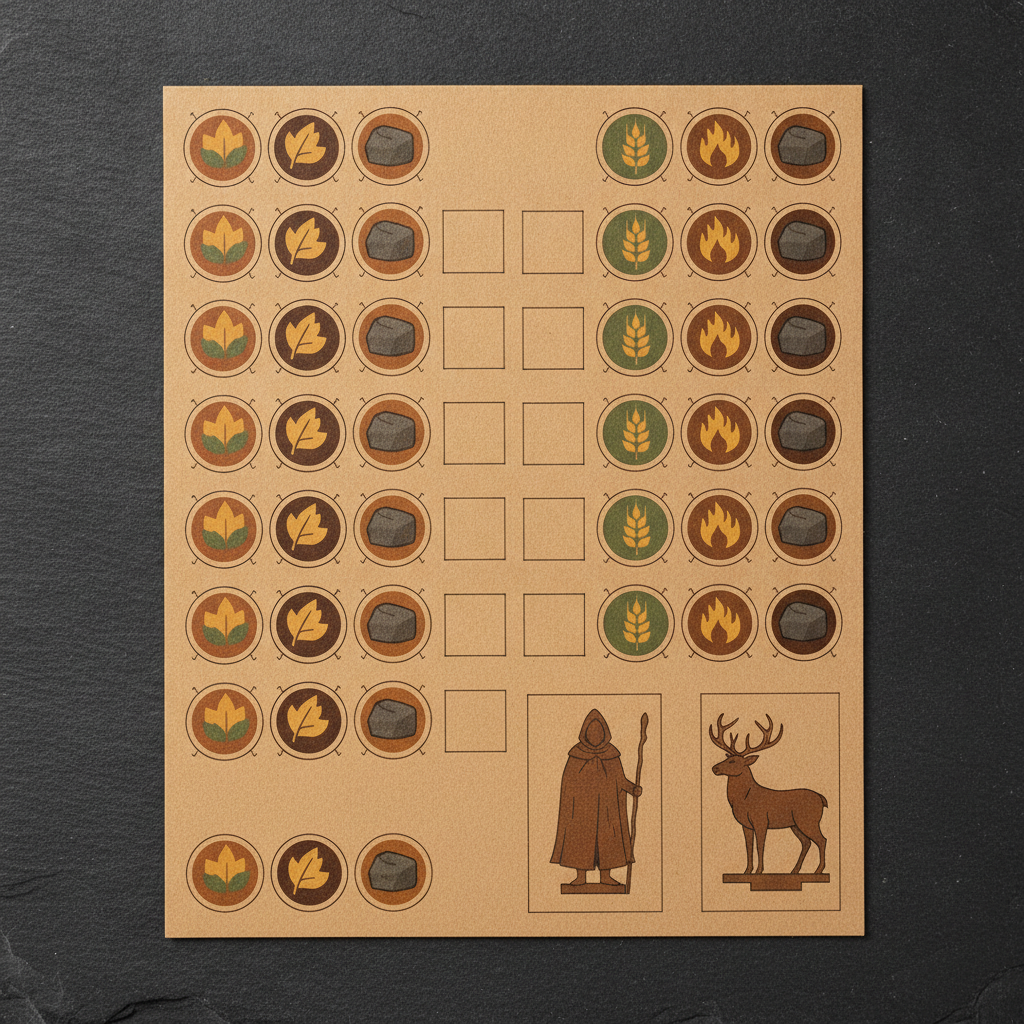
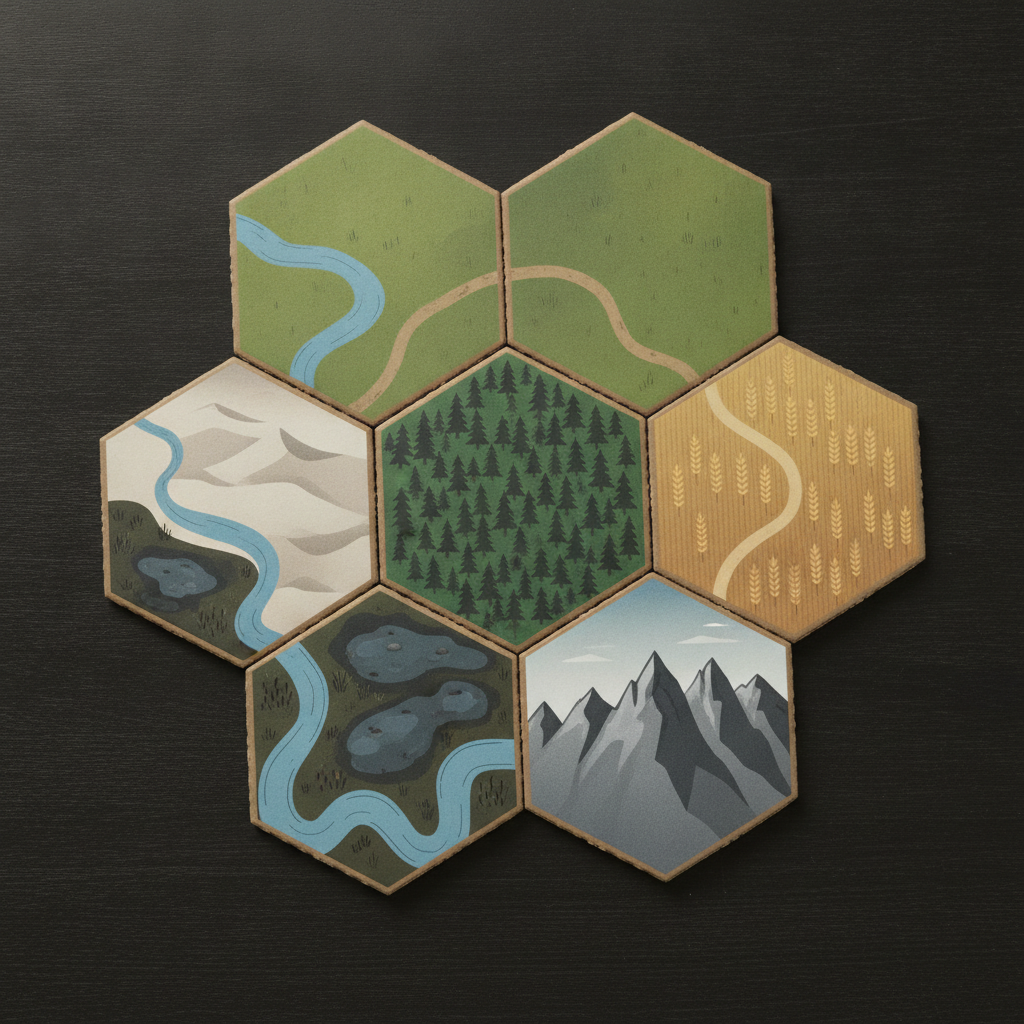
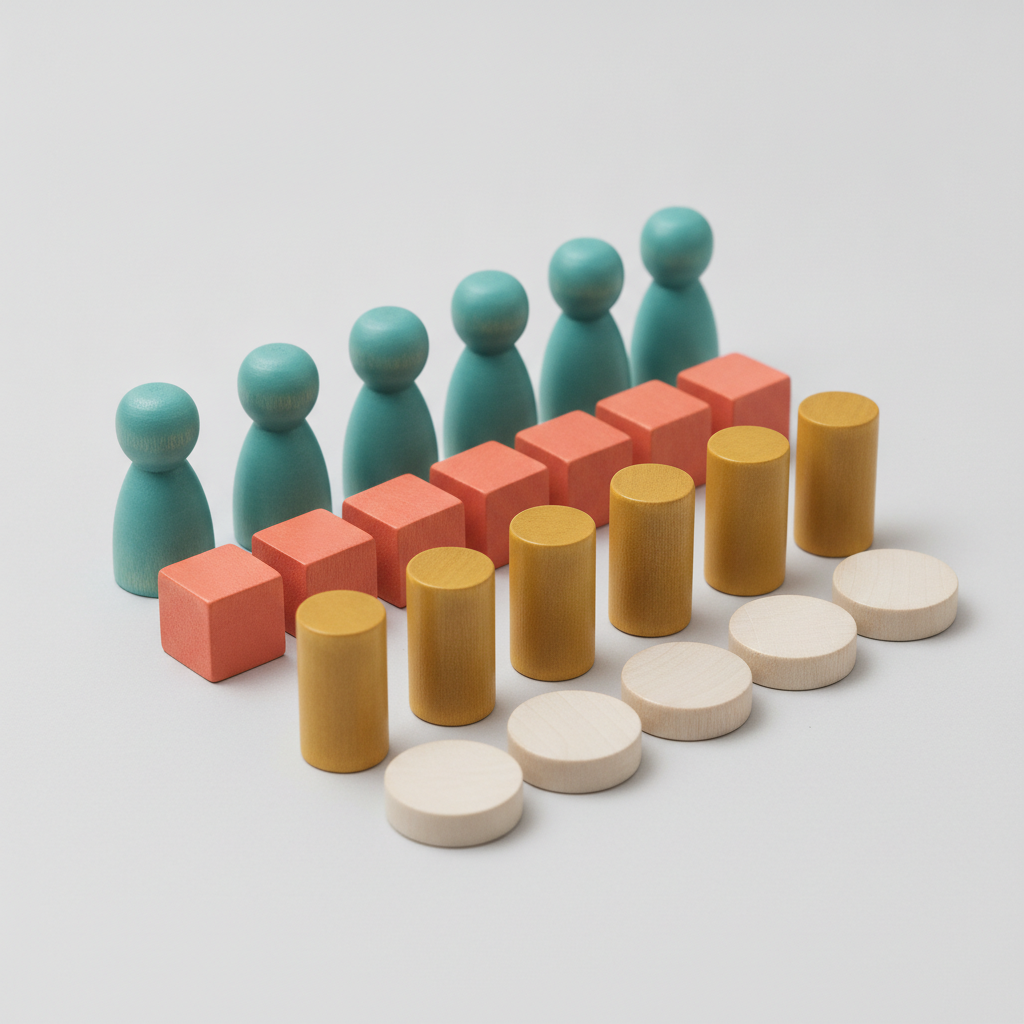
Six components rather than six decorative styles, and every printed surface in them is empty. Three of these make the page’s argument better than the prose does. The tile set is the clearest: six of the seven tiles are drawn flat from above, but the mountain tile came back in perspective with sky behind it — so that one tile has an up, and the player sitting opposite gets an upside-down mountain range. Look at the seams too: a road does continue across one of them, and the rivers simply do not meet at the others, which is the difference between the look of a tileable edge and an actual tileable edge. On the player board, the nine central spaces rendered as an alternating checkerboard rather than nine identical usable slots, which is a neat illustration of art that looks functional without being functional. And the punchboard laid its tokens out in tidy rows with a lot of bare card between them — handsome, and exactly the wasted sheet area a manufacturer charges you for.
How the AI Board Game Design Generator Works
Pick the Component, Not the Style
Board, box cover, player mat, punchboard, modular tiles or wooden pieces. Each one has a different job and a different manufacturing route, and that decides far more about the design than any art style does. Add your theme and palette in the description box.
Generate One, Then Match the Rest to It
About twenty seconds each. Make several, keep the one that feels like your game, and then describe that one explicitly — its colours, its line weight, its illustration idiom — when you generate the other components, because they will not match by themselves.
Rebuild It Over the Art
Download at up to 4K and take it into a design tool. Set every piece of type live, place the icons where the rules need them, and drop the whole thing onto your manufacturer’s template with their bleed, safe zone and die lines before you order a proof.
Why Use This AI Board Game Design Generator
Any image tool can draw a fantasy map. Very few are set up for a shared surface that four people read from four different angles, printed on card that gets punched, folded and stacked in a box.
Six Components, Not Six Looks
Game board, box cover, player mat, token punchboard, modular tiles and wooden pieces. The theme and palette are yours. Which component you are designing is what actually changes the brief, the constraints and the print route.
Every Printed Surface Stays Blank
Titles, space names, resource costs and rules text are all left off deliberately. On a board a garbled label is a rules error rather than a typo, and modern tabletop design prefers icons to words anyway so a single print run can serve every language.
Built Around How Games Are Manufactured
Fold lines on the board, nesting and holding nicks on the punchboard, matched edges on the tiles, silhouette-first wooden pieces. The presets reflect what a board game factory actually makes, which is what makes a render useful rather than merely pretty.
Readable From Every Seat
A shared board is looked at upside-down by the player opposite. The board and tile presets favour rotationally neutral layouts and bold iconography over a single upright orientation, so the design does not stop working for half the table.
Colourblind-Aware Player Colours
The wooden pieces preset gives each player colour its own silhouette, so identity survives when colour does not. Around one in twelve men has a colour vision deficiency, and red versus green player markers is the oldest avoidable failure in the hobby.
No Existing Games Copied
Game mechanics are free to reuse, but artwork, board layouts, logos and trade dress are not. Every preset carries an exclusion for existing published games, so what comes back is an invented look you can build your own prototype on.
What Makes a Good Board Game Design
Five things that decide whether a game gets played twice — none of which are about how beautiful the illustration is.
It is read from four seats, upside-down, at the same time
This is the constraint that separates board game graphics from every other kind of graphic design. A poster has one viewer and one orientation. A shared board has four viewers at 0°, 90°, 180° and 270°, all of them reading it at once, most of them at arm’s length across a table with a bowl of crisps in the way. Practical consequences follow immediately. Anything a player must read on their own turn belongs on their own player board where it faces them, not on the shared board. Anything on the shared board should either be rotationally neutral — a symbol, a coloured region, a numbered track that runs in a loop — or be duplicated once at each seat, which is why so many games print their turn-order reminder four times around the edge. Central illustration is where you can be ornate, because nobody needs to read it. And the moment a shared element genuinely has to be upright, it becomes an argument for putting it on a card that gets passed around instead.
Icons carry the rules, and words are the expensive way to do it
The visual language of modern tabletop games is iconographic, and that is not decoration — it is economics and ergonomics together. A language-independent board and set of tokens means one print run serves every territory, and a localisation touches only the rulebook and the cards, which is the difference between a game that gets published in eight languages and one that does not. Ergonomically, an icon is read faster and from further away than a word, and it survives being seen sideways. The discipline it demands is that icons must be distinguishable as silhouettes, not as pictures: at the fifteen millimetres a token actually occupies, colour and internal detail collapse, and all that survives is outer shape. Design them in black on white first, shrink them to the real size, and check that no two are confusable. Then, because iconography is only learnable if it is consistent, use the same symbol for the same thing everywhere — board, tokens, player mats and cards — and put a small key somewhere permanent for the first few plays.
Every component is a manufacturing problem before it is an art problem
Get your manufacturer’s templates before you draw anything, because each component has its own die line and its own tolerances. A folding board is a printed wrap glued around chipboard panels with channels between them, so there is a physical cross of folds through the middle of a quad-fold board — never put a key, a legend or a critical space on it, and expect a hairline of card to show along it forever. Tokens are punched from a sheet by a steel-rule die that drifts by a fraction of a millimetre, so artwork needs bleed past the cut line and nothing important within about three millimetres of it; nesting the pieces tightly on the sheet is what keeps punchboard costs down. Boxes need a lid-to-tray tolerance and a wrap that folds over the edges. Work in CMYK at 300 DPI — a 500mm board at 300 DPI is an enormous file, which is the real reason to start from the highest resolution you can get — and remember that screen colour is not printed colour, so order a proof before a run. Print-on-demand suits a prototype; manufacturers start at minimum orders in the hundreds.
The box is a thumbnail long before it is a painting
Almost nobody first sees your box at full size on a shelf. They see it as a small square in a web store listing, in a crowdfunding grid, in a photograph of a table, or on a shop shelf at three metres with only its spine showing. So the cover has to survive being shrunk: one clear focal subject, strong value contrast, and a silhouette that reads when the image is a hundred pixels wide. Detail is a bonus for the person who already picked it up. Three more things the cover has to do at once — say what kind of game this is within a second, look like it belongs to your other components, and leave a genuinely generous blank area for the title, because the title is type and type is added afterwards. The spine deserves a moment of its own: on a shelf it is often all anyone sees, so it needs the title, a strong colour and a mark that is recognisable at a glance, and it is the single most neglected surface in self-published games.
Playtesting makes the game; art makes it look like a game
The most common way a first board game dies is that the designer spends three months on artwork for a game that has never been played. Art is the last step. Before it, the game exists as a paper prototype with index cards, a hand-drawn board and coins standing in for tokens, and it gets played until the turn structure is settled, the game length is right and the ending is not anticlimactic. Only then is there anything for a designer to dress. Where a tool like this genuinely helps is in the middle of that process: a prototype that looks intentional gets better playtesting, because testers engage with a game that looks like a game and quietly withhold judgement from a stack of index cards, and a decent-looking prototype is also what a publisher wants to see at a pitch meeting. Just keep the two jobs separate. Nothing generated here should be treated as final art for a print run — it has no layers, no live text, no die lines and no spot varnish — and if you publish, be straight with backers and collaborators about which art is AI-generated, because several platforms and most publishers now expect that disclosure.
Tools That Pair With This One
Playing Card Design Generator
For the deck inside the box. It handles the parts a standard deck needs — the back, the courts, the pip set and the tuck box — which is a different system from the components on this page.
Trading Card Generator
For one collectible card at a time, with a frame and a portrait, rather than a shared board and a punched sheet of tokens. Useful for the character or unit cards a board game often carries.
Game Asset Generator
The digital counterpart — sprites, tilesets, item icons and props for a video game engine, rather than physical components that get printed, punched and folded.
AI Board Game Design Generator FAQ
Put Something on the Table This Week
Twenty seconds and no sign-up to find out whether your game looks like a cosy woodland trade route or a grim industrial one — and to get a prototype your playtesters take seriously instead of politely tolerate.
Start Designing FreeAbout the AI Board Game Design Generator
This AI board game design generator creates artwork for the physical components of a tabletop game using Nano Banana Pro. Choose one of six components — game board, box cover, player mat, token punchboard, modular tiles or wooden pieces — describe your theme, palette and mood, and the model returns finished component art at up to 4K in about twenty seconds. It is free to start with no account required, and it is organised the way the work actually divides: by the object you are designing, not by the art style you want it drawn in.
What separates a board game design generator from a general image tool is that a board game is a set of functional objects rather than a picture. The shared board is read by four people from four directions at once, so it favours icons over words and rotational neutrality over a single upright orientation. The box is a thumbnail in a web store long before it is a painting on a shelf. The punchboard is a nesting problem measured in wasted card. The tiles have to meet at every edge and every rotation. The wooden pieces have to be distinguishable by silhouette because colour alone excludes about one in twelve men. And every component is manufactured to its own die line, with folds, bleed and safe zones that decide where art can go before any aesthetic decision does.
People come to an AI board game design generator for a few clearly different jobs. First-time designers want a prototype that looks intentional, because playtesters engage properly with something that looks like a game and hold back on a pile of index cards. Established designers use it to explore a visual direction quickly before commissioning an illustrator, which is far cheaper than discovering at the sketch stage that the theme is wrong. Crowdfunding creators need box art and component mockups for a campaign page. Teachers and trainers build custom games for a classroom or a workshop where a single printed copy is the whole print run. And game groups make joke games, wedding games and office gifts that will only ever exist once.
Two limits are worth stating plainly. First, this produces artwork, not print-ready files and not a game: you get a flattened image with no layers, no live text and no die lines, each generation is independent so a set of components will drift in style until you deliberately unify it, and no amount of art rescues a game that has not been playtested. Second, keep the rights clean. Game mechanics are free to build on and always have been, but another game’s artwork, board layout, logo and trade dress are not, purely AI-generated images are not registrable for copyright in the United States, and if you intend to publish or crowdfund you should check the platform’s disclosure rules for AI-generated art. Use the AI board game design generator to settle how your game looks, then build the real components on top of it.