
AI Playing Card Design Generator
A deck is not one picture, which is why most custom decks fall apart in the details. The back gets printed fifty-odd times and has to look the same either way up or you have built a marked deck. The suit symbols have to stay readable at six millimetres in a corner. The tuck box needs a place for a name that has not been chosen yet. This AI playing card design generator is organised around those parts rather than around art styles. Up to 4K, about twenty seconds each.
Try the AI Playing Card Design Generator Free
Pick the part of the deck you are working on, because each part has a different job. The card back is the one that gets printed on every card and has to read the same upside down. The court card is a mirrored two-headed composition. The feature ace is the signature card with room for one big idea. The pip set is four silhouettes that have to survive being shrunk to a corner index. The tuck box carries the deck, and the full-art card is for game prototypes that need space left for rules text. Describe your theme and palette in the box to steer any of them.
AI Playing Card Design Generator
Choose a part of the deck, describe your theme and colours, and get custom card artwork at up to 4K
What the AI Playing Card Design Generator Produces
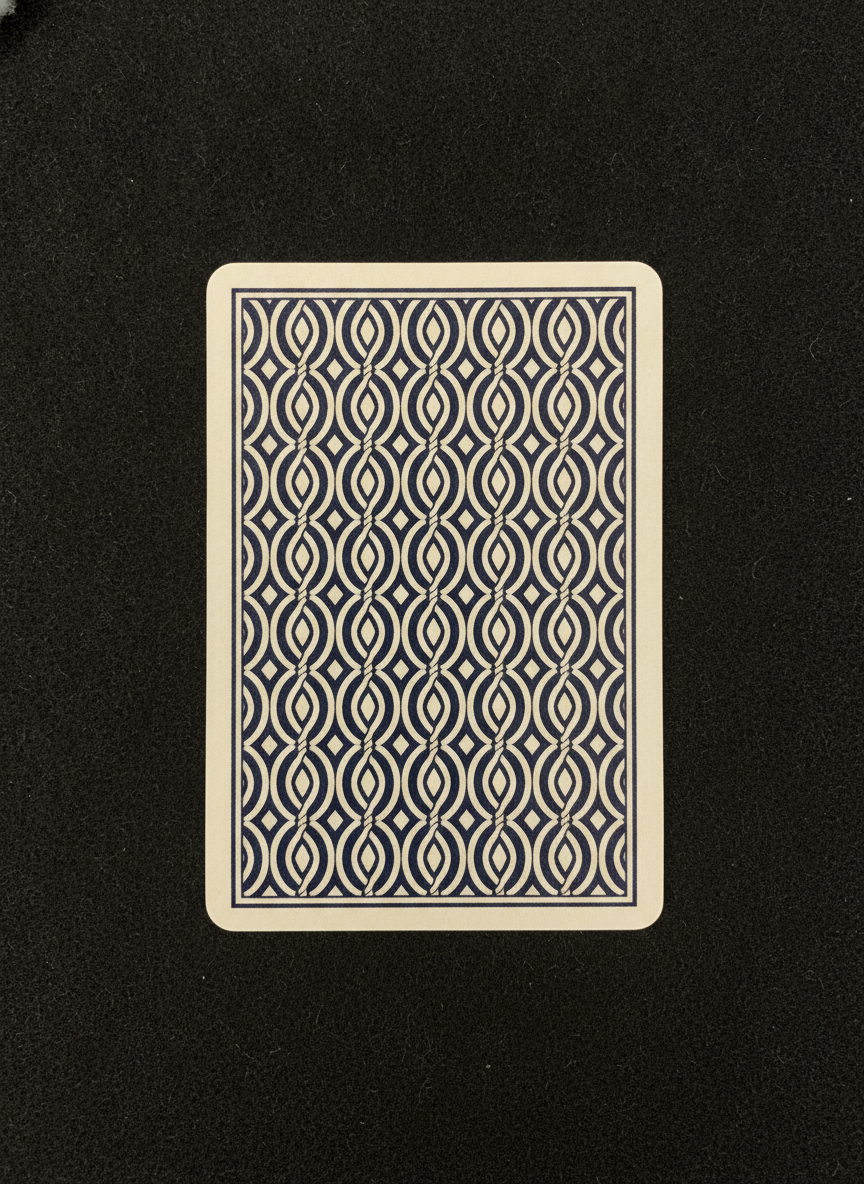
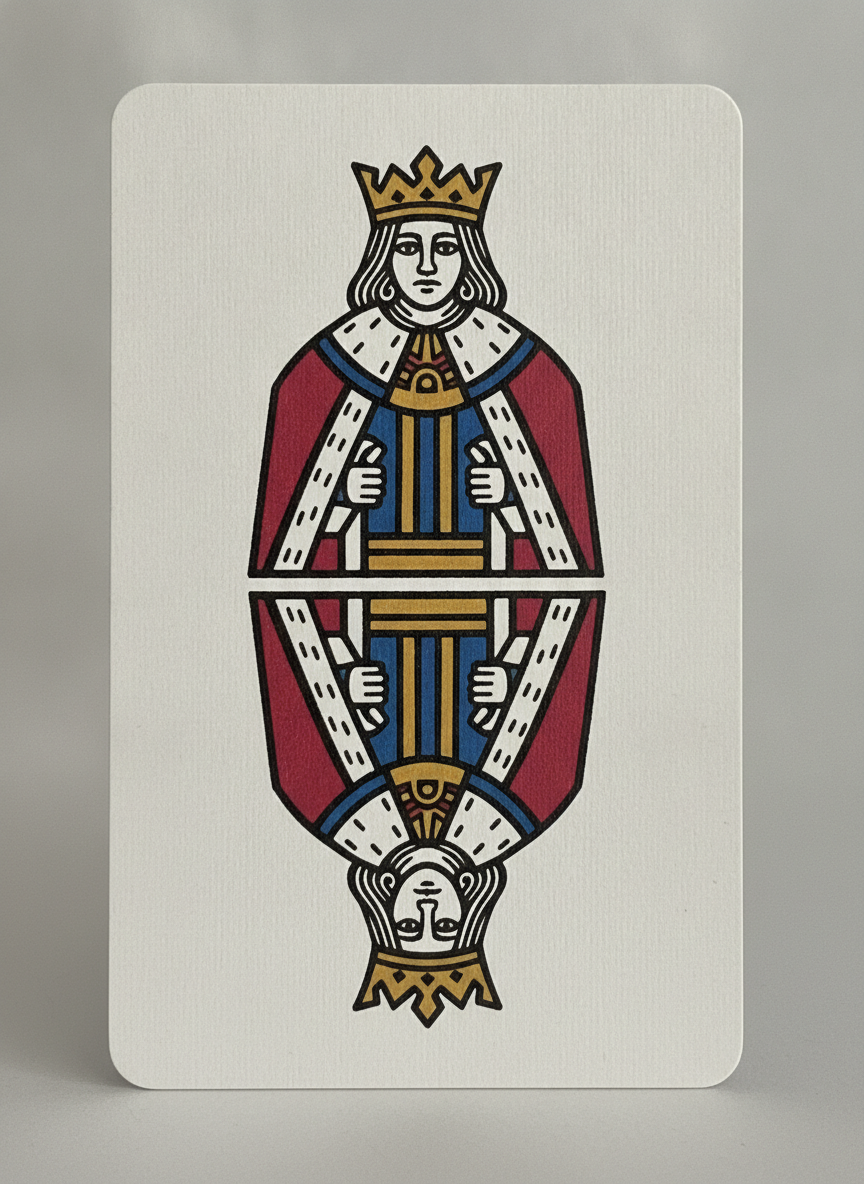
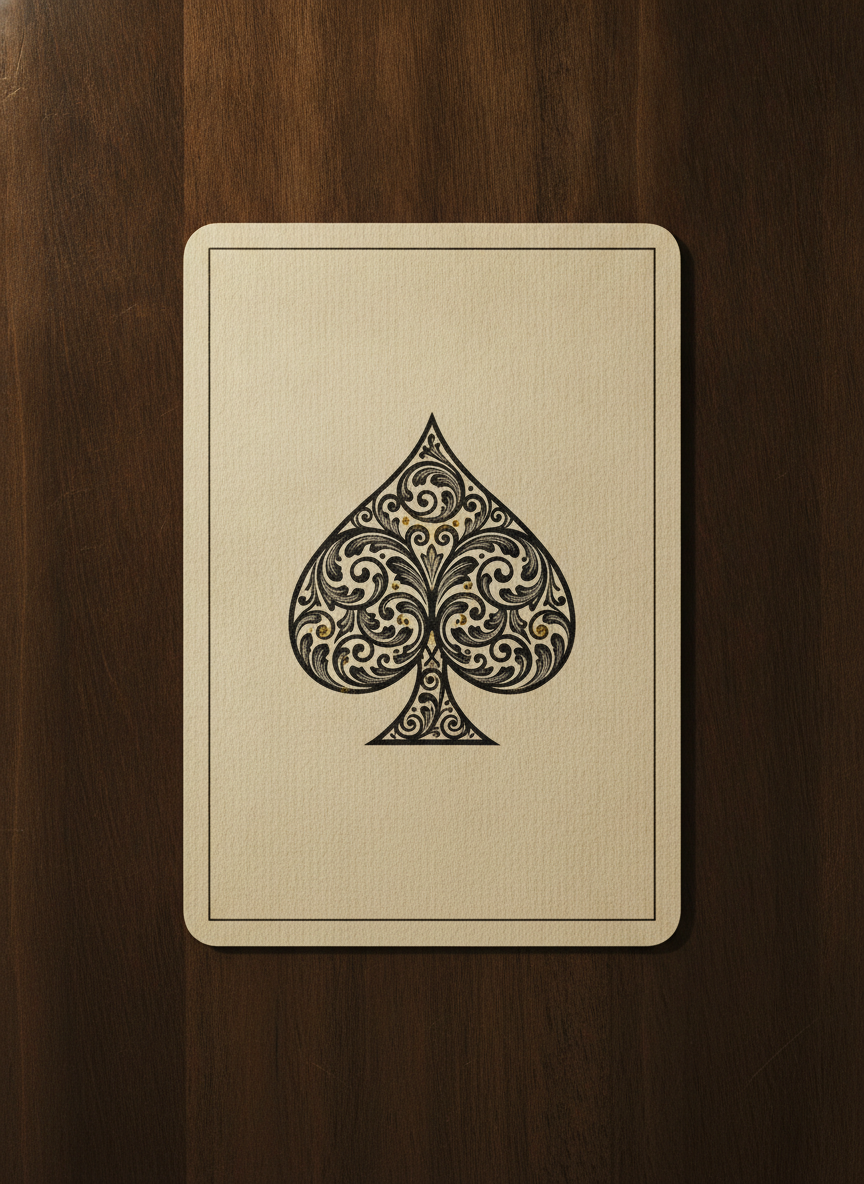
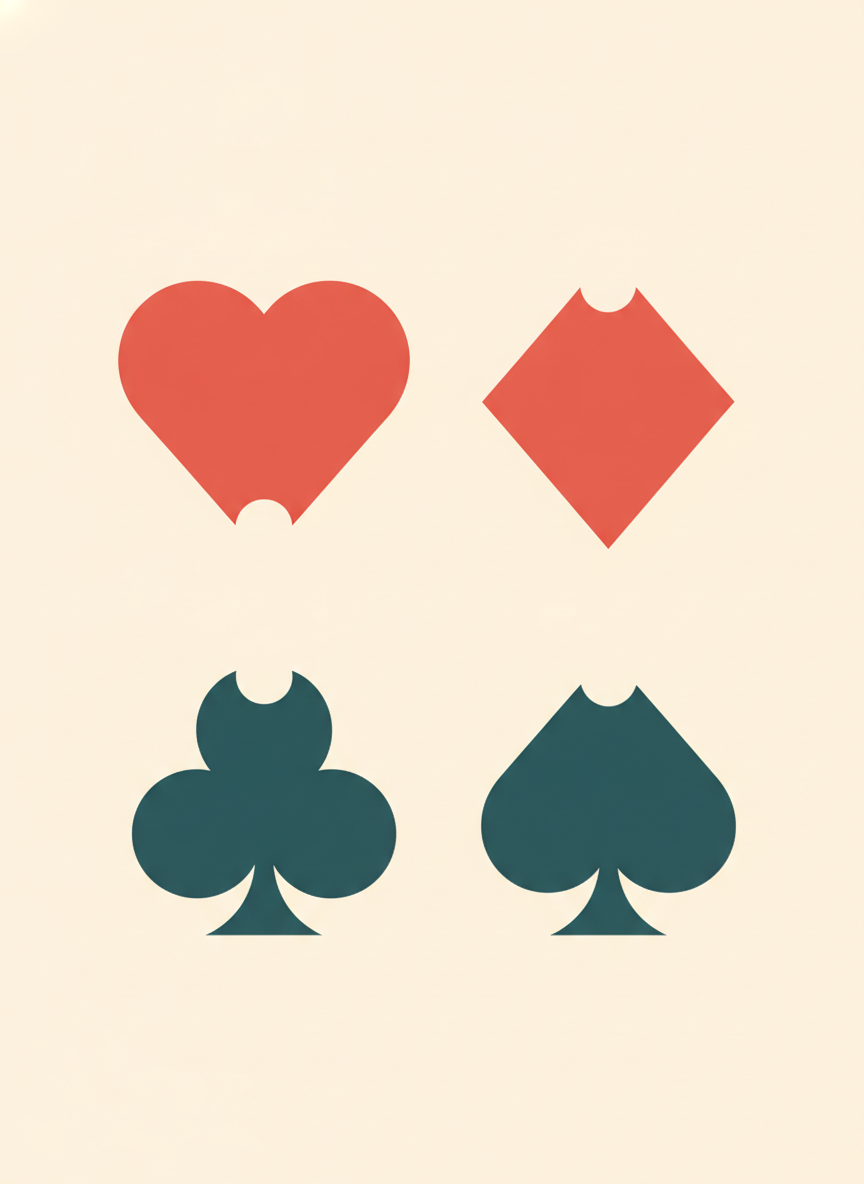
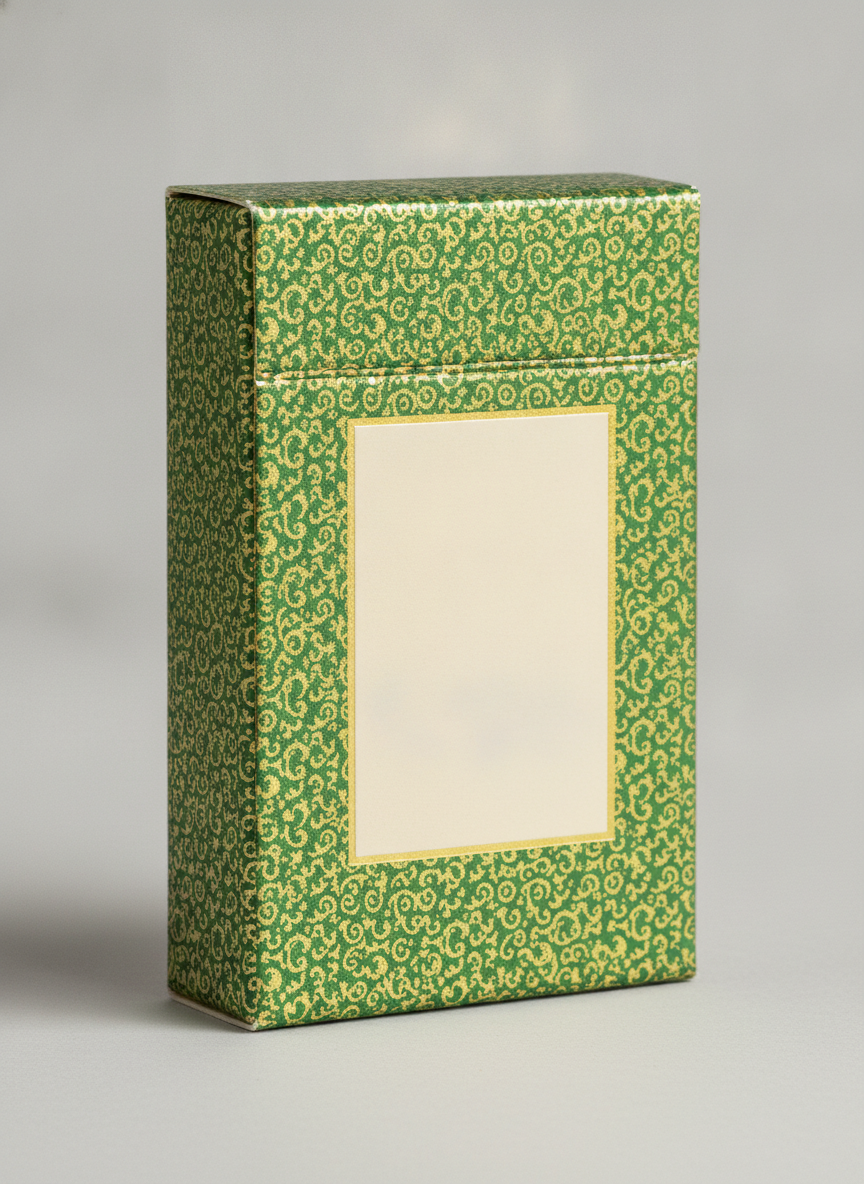
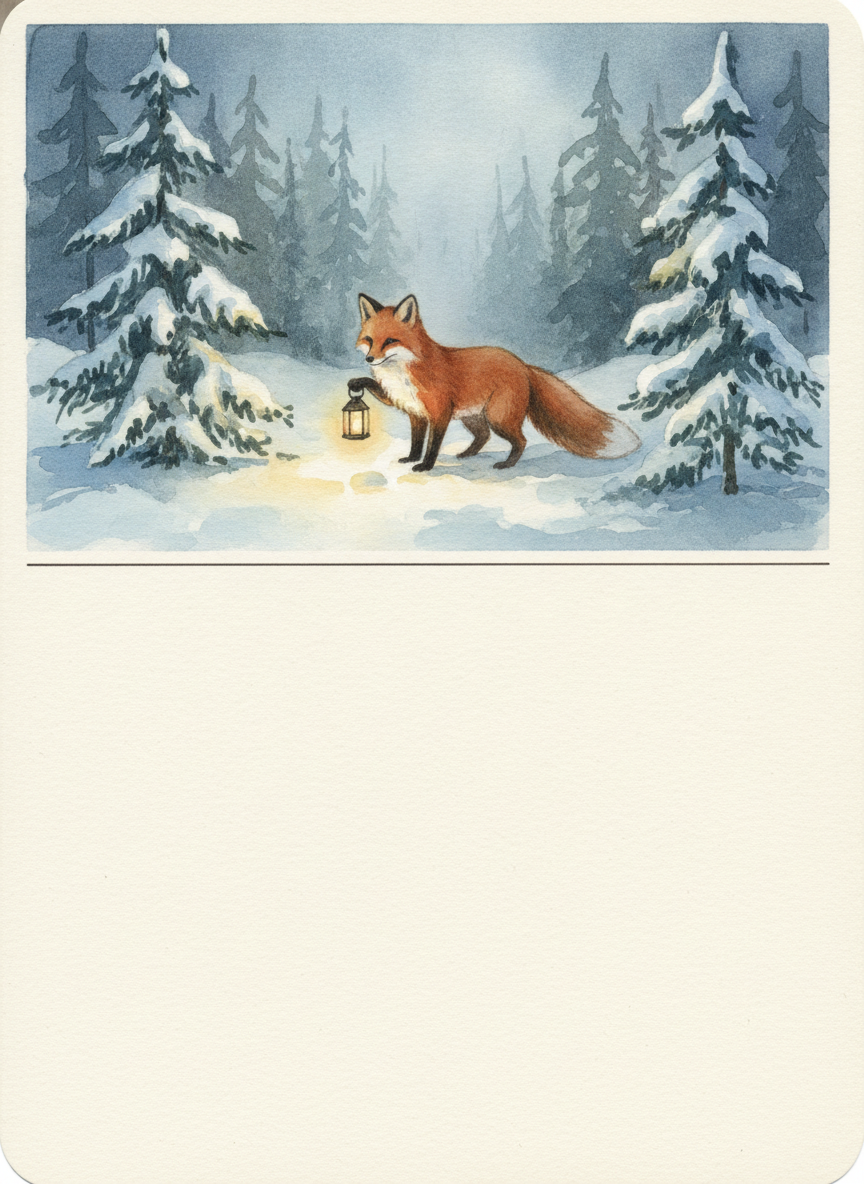
Six parts of a deck rather than six art styles. Note what each one is doing: the back is built to read the same either way up, the court card is mirrored across its centre line the way a real face card is, the pip set is four silhouettes tested for small sizes, and both the tuck box and the game card leave a panel deliberately empty for type that gets set properly later.
How the AI Playing Card Design Generator Works
Start With the Back
The back is the design decision everything else follows from, because it is the one printed on all 52 cards and the one people look at most. Settle its palette and its level of ornament first, then let the faces and the box inherit them.
Build the Rest of the System
Run the pip set, the court card, the feature ace and the tuck box with the same theme description so the parts belong to each other. About twenty seconds each, so generate several of each and compare them as a set rather than one at a time.
Lay It Out and Print
Download at up to 4K, set the corner indices and any card text in a design tool, drop everything into your manufacturer template with bleed, and order a single proof deck before you commit to a full print run.
Why Use This AI Playing Card Design Generator
Any image tool can draw a pretty card. Very few are set up for a design that gets printed fifty-two times, held in a fan, viewed from both ends and cut to within half a millimetre.
Six Deck Parts, Not Six Art Styles
Card back, court card, feature ace, suit pip set, tuck box and full-art game card. The theme and palette are yours. Which part of the deck you are drawing is the decision that actually changes what the artwork has to do.
Backs That Read Either Way Up
The back preset asks for a pattern that is unchanged when the card is rotated, which is not a stylistic preference — an asymmetric back tells everyone at the table which way a card is facing. It also keeps the border even, because uneven borders are what make a cheap deck look cheap.
Pips Built for Six Millimetres
The suit set preset produces thick silhouettes with clearly different outlines and a strong two-colour split, because the real test of a suit symbol is whether you can sort a hand by it at a glance, not how it looks blown up on a screen.
Space Left for Type
The tuck box and game card presets leave a panel deliberately empty rather than filling it with invented lettering. That is where your deck name or rules text gets set properly in a design tool, at the size and font you chose.
Court Cards Mirrored Properly
A face card is a two-headed composition so it is upright from either end of the table. The court preset builds that mirror in from the start, which is much harder to retrofit onto an illustration that was composed as a single upright portrait.
It Makes Artwork, Not a Print File
Worth saying plainly: this produces card art. Bleed, safe zones, die lines, corner indices and the 52-card layout are a separate pass in a design tool against your manufacturer template.
What Makes a Good Playing Card Design
Five things that decide whether a custom deck feels like a real deck or like fifty-two nice pictures that happen to be card shaped.
The back is the deck, and it has to work upside down
More people will look at the back of your cards than at any single face, because it is what is showing whenever the deck is on the table. It is also the only design in the pack that is printed identically fifty-two times, so any weakness in it is repeated everywhere. The hard constraint is rotational symmetry: turn the card 180 degrees and the pattern should be indistinguishable, otherwise a player can read the orientation of a card from its back and the deck is, in the technical sense, marked. That is why traditional backs are lattices, medallions and all-over repeats rather than upright scenes. The second constraint is the border. A thin white margin around a printed back is the least forgiving layout in card design, because trimming shifts by up to half a millimetre from card to card and any drift shows as a fatter margin on one side. A generous even border or a design that bleeds off all four edges both hide that; a two-millimetre border advertises it.
A deck is a system, and the parts have to match
The reason a real deck feels coherent is that one designer settled a palette, a line weight and a level of ornament, then applied them across the back, the pips, the courts, the aces and the box. Generated cards drift, because every generation is an independent roll: the third court card comes back with a different red, a heavier outline and a slightly different sense of humour, and the difference is glaring precisely because all the cards are seen together in one hand. The fix is to design the system rather than the deck. Settle one back, one pip set and one court treatment, then generate everything else from the same locked description with those images as reference, and throw away anything that does not sit comfortably beside what you already have. Number cards are usually not generated at all — they are laid out mechanically from your pip artwork, which is both faster and the only way to keep pip spacing identical across the whole deck.
The corner index is functional typography, not decoration
The rank and suit in the corner exist so a player can fan a hand and read it with a centimetre of each card showing. That gives you a very specific brief: legible at around six millimetres, in exactly the same position on every card, repeated in the diagonally opposite corner so it works either way up, and clear of the safe zone so a shifted cut never touches it. Nothing about that is illustration work, and it is the part that image models handle worst — small type is where they garble letters even when everything else in the frame is clean. Generate the artwork with the corners left deliberately empty, then set the indices in a design tool where you control the typeface, the size and the position to a fraction of a millimetre. It also means your artwork has to leave those corners quiet, which is a composition decision worth making before you fall in love with a full-bleed illustration.
Card stock and finish change how the design looks
A deck is not paper you print on, it is a specified material: typically two thin sheets laminated around an opaque black core that stops light passing through, in a weight around 300gsm, with a finish that determines how the cards handle. A linen or embossed finish scatters light and softens fine detail slightly while making the cards far nicer to shuffle; a smooth gloss holds detail but sticks and shows fingerprints. Colour behaves differently again. Your screen is backlit and works in RGB, the press is CMYK ink on coated stock, so saturated neons and electric blues come back noticeably duller, and large flat dark areas show every scuff and any banding in a gradient. None of this is a reason to design timidly, but it is a reason to order one proof deck from the manufacturer you intend to use before printing a thousand, and to judge colour from the proof rather than from your monitor.
Custom decks attract intellectual property problems
Two separate issues, both easy to walk into. The first is what you copy: the famous card backs, deck names and box designs are long-standing trademarks and trade dress belonging to established manufacturers, so a back that closely evokes one of them is a problem regardless of how it was produced, as are film, game, anime and sports characters used as courts. This is a category rights holders watch, because custom decks are sold publicly on crowdfunding platforms and marketplaces. The second is what you own: in the United States the Copyright Office has held that purely AI-generated images are not registrable for copyright, so you are free to sell your deck but have limited recourse if a competitor copies the artwork. Check your marketplace or crowdfunding platform AI disclosure policy too, since they differ and some require it up front. And keep in mind that decks intended for casino use fall under gaming regulations entirely separate from any of this.
Tools That Pair With This One
Trading Card Generator
The other kind of card. Collectible cards are designed one at a time around a character and its stats, where a playing card is one part of a fifty-two card system.
Tarot Card Generator
A 78-card deck with fixed subjects and its own larger card size, where the symbolism of each card is already decided for you.
Pattern Generator
For the repeat on its own, when you want to work out the tile for a back or a tuck box wrap before deciding how it gets framed.
AI Playing Card Design Generator FAQ
Settle the Deck Before You Order the Print Run
Twenty seconds and no sign-up to see whether your back design still works upside down and your suit symbols still read at six millimetres. Considerably cheaper than finding out from a box of five hundred printed decks.
Start Designing FreeAbout the AI Playing Card Design Generator
This AI playing card design generator creates the artwork a custom deck is printed from, using Nano Banana Pro. Choose one of six presets — card back, court card, feature ace, suit pip set, tuck box or full-art game card — describe the theme and palette you have in mind, and the model returns finished concepts at up to 4K in about twenty seconds. It is free to start with no account required, and what comes back is the part a card manufacturer cannot do for you: the look of the deck, with bleed, die lines, indices and the 52-card layout left to a design tool afterwards.
What separates a playing card design generator from a general image tool is that a deck is a system with rules, not a gallery. The back is printed identically on every card and has to be rotationally symmetrical, because a back that looks different upside down lets players read the orientation of a card. Its border has to be generous or absent, because trimming moves by around half a millimetre and a thin margin makes that drift obvious. The four suit symbols are working silhouettes that must stay apart at roughly six millimetres in a corner index. Court cards are two-headed compositions so they are upright from both ends of the table. And the tuck box and any rules text need panels left empty for type rather than invented lettering. Those constraints are what the presets here are built from, which is why they are organised by the part of the deck rather than by art style.
People come to an AI playing card design generator for a few distinct jobs. Board and card game designers prototype a deck before spending money on a designer, which is the case where generating twenty variants for nothing genuinely changes the project. Magicians and cardists commission custom decks and want to arrive at the conversation with a look already settled. Couples, clubs and companies produce novelty decks as favours, merchandise or gifts, where the back and the tuck box carry almost all of the work. And print-on-demand sellers develop deck ranges for card manufacturers, where the pattern and pip presets pay for themselves because a strong back can be recoloured into a family of decks.
Two limits are worth stating plainly. First, this produces artwork rather than a manufacturing file: there is no bleed, no safe zone, no die line and no corner index in what you download, so budget a layout pass in a design tool against your printer specific template. Second, no image model can generate a consistent 52-card deck in one go, because each generation is independent and the drift between them is exactly what a hand of cards makes visible. Design the system — one back, one pip set, one court treatment — then build outward from it and discard anything that does not match. Keep the intellectual property clean, since classic backs and deck names are trademarks and the presets here exclude existing trade dress by default, and order a single proof deck before any real print run.