
AI Watch Face Design Generator
A watch face is the only interface anyone looks at for one second, forty times a day, at arm's length, in sunlight, while walking. That is the brief — not decoration. This AI watch face design generator works in six real dial layouts: minimal analog, data-dense complications, always-on ambient, vintage dive, fitness rings and illustrated art. Describe yours and get a design in about twenty seconds.
Start Designing FreeTry the Watch Face Design Generator — Free
Pick the dial layout first, then add your palette and mood. Each preset composes for a different job — reading the time fast, carrying live data, surviving the ambient dim state, or simply looking good on a wrist.
AI Watch Face Design Generator
Choose a dial layout, describe the palette and mood, and get a smartwatch face design at up to 4K
Watch Faces Made With This Generator
Six dial layouts rather than six colour schemes, generated with the presets above and left unedited — including the ones that make the argument against themselves. The minimal analog dial is what a watch face is supposed to be: almost entirely black, a handful of lit pixels, readable before you have consciously looked at it. The neon digital face beside it is the opposite trade, bright enough for direct sun and exactly the large static bright shape that OLED burn-in punishes over a year of wear. The dive dial came back with luminous batons instead of the printed numerals it was asked for, which is the better answer anyway — markers read faster and have nothing to spell. The fitness face is the reminder that rings and widgets are live data slots at runtime rather than painted decoration; its digits and labels happen to have come out clean here, but a dial full of small text is always the thing to proofread first. And the clockwork dial is the honest one: superb at macro magnification on a monitor, and the first of the six to collapse into noise at 1.4 inches on a moving wrist.
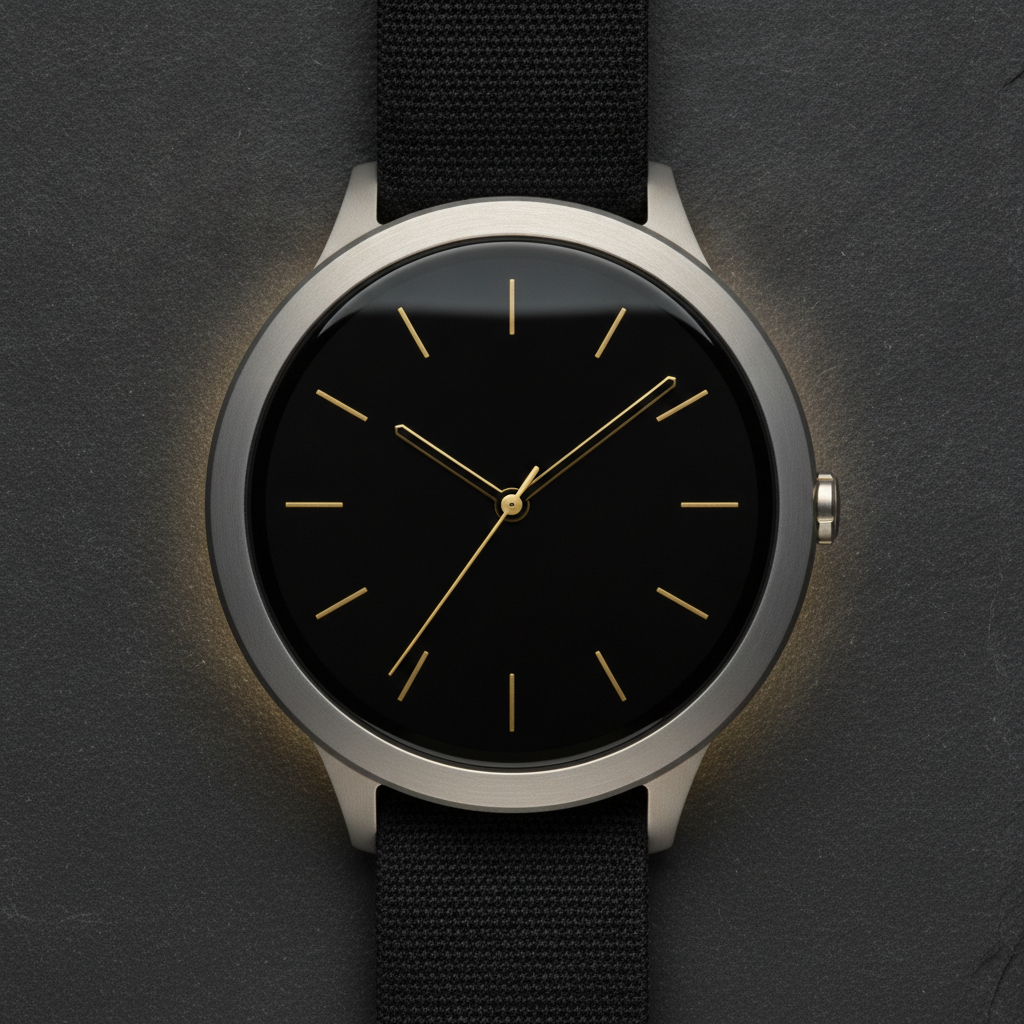
AI watch face design generator result: a round smartwatch lying on dark slate showing a minimal analog face — thin gold hour indices, slim hands, a dial left almost entirely black — the layout that costs the least battery and reads the fastest
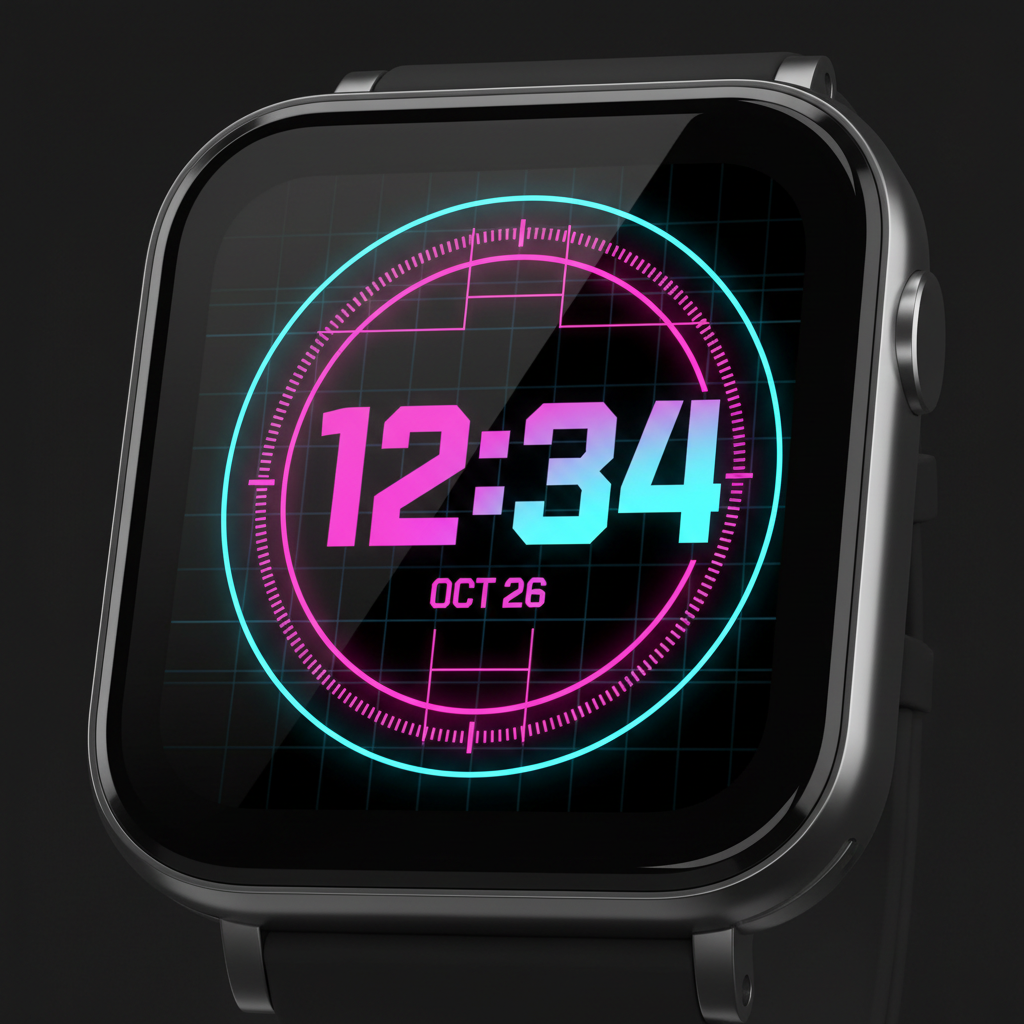
A square smartwatch showing a neon digital face with oversized magenta and cyan digits on black: bright enough to read in sunlight, and the exact kind of large static bright shape that OLED burn-in punishes over months
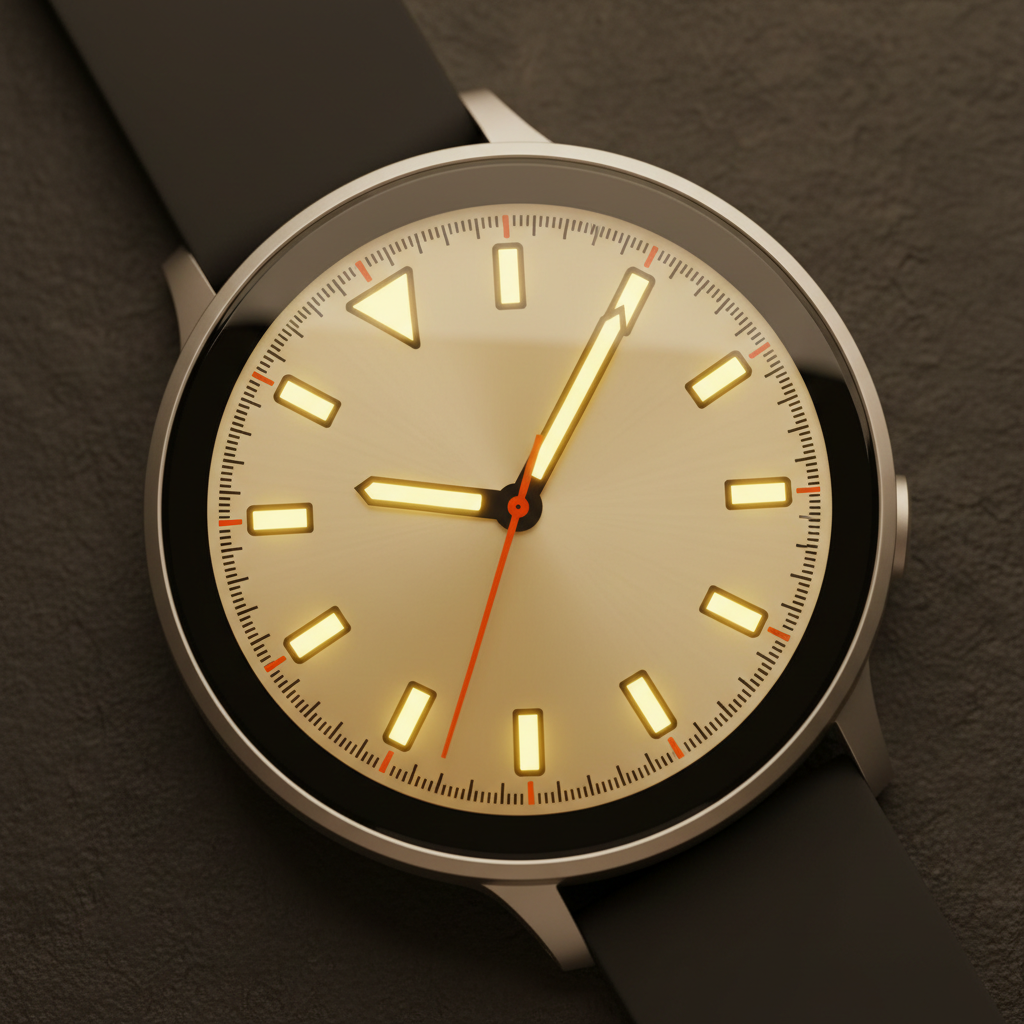
A dive-style face on a round smartwatch: warm cream dial, chunky luminous batons and an orange minute track, with no printed numerals anywhere — markers carry the same style information, read faster at a glance and have nothing to spell
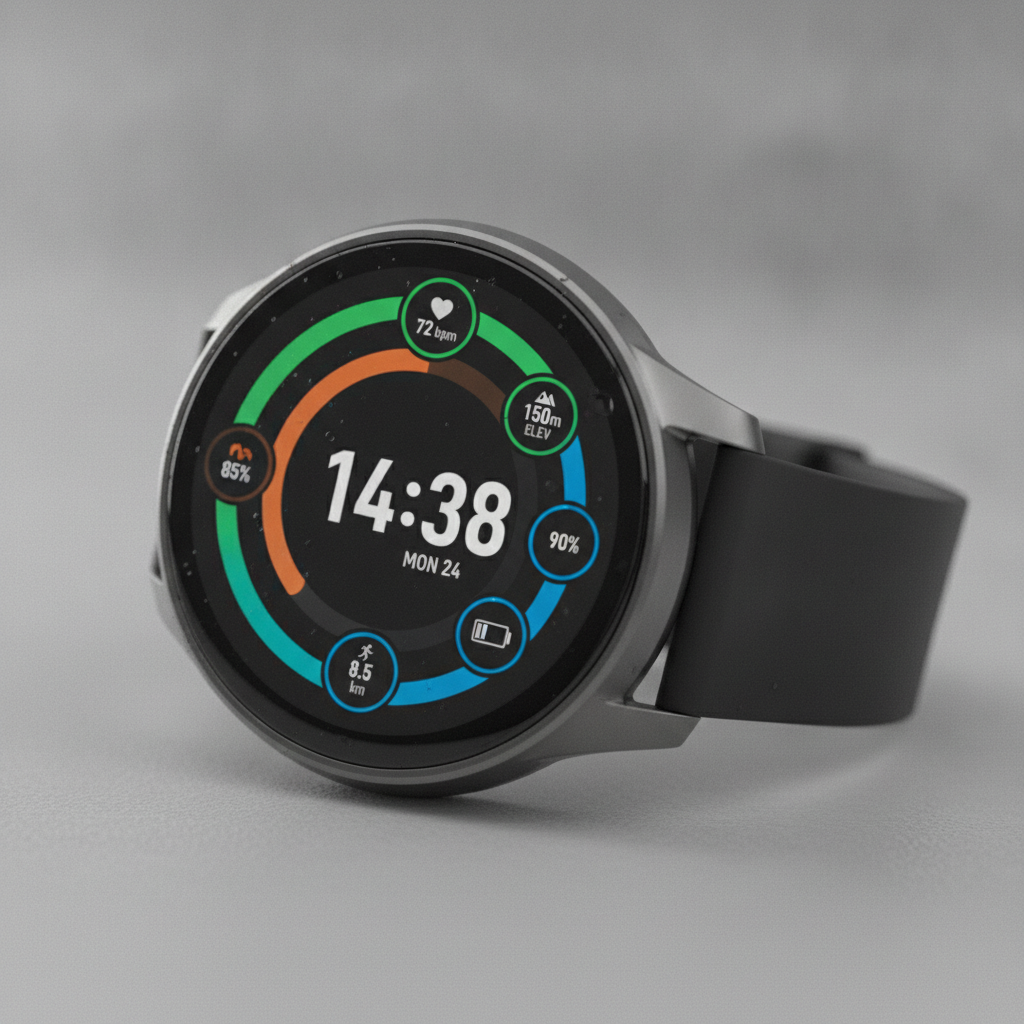
A fitness face with three concentric activity rings in green, orange and blue around large digits and small data widgets — every ring and widget is live data at runtime, so the artwork underneath has to be holes rather than painted-on numbers
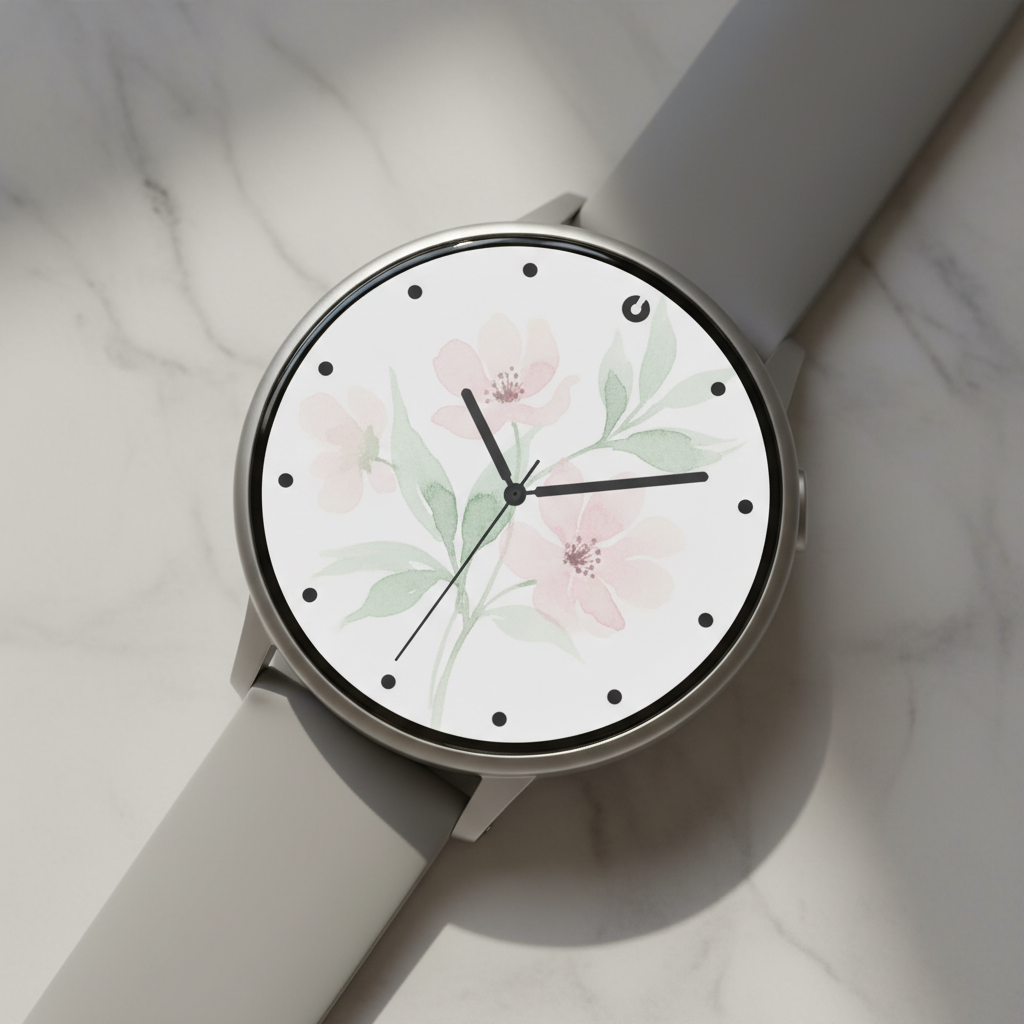
An illustrated face on a round smartwatch: pale watercolour blossoms in pink and sage held deliberately low in contrast so the charcoal hands and twelve dot markers sitting on top of them stay readable — the discipline any painterly dial needs
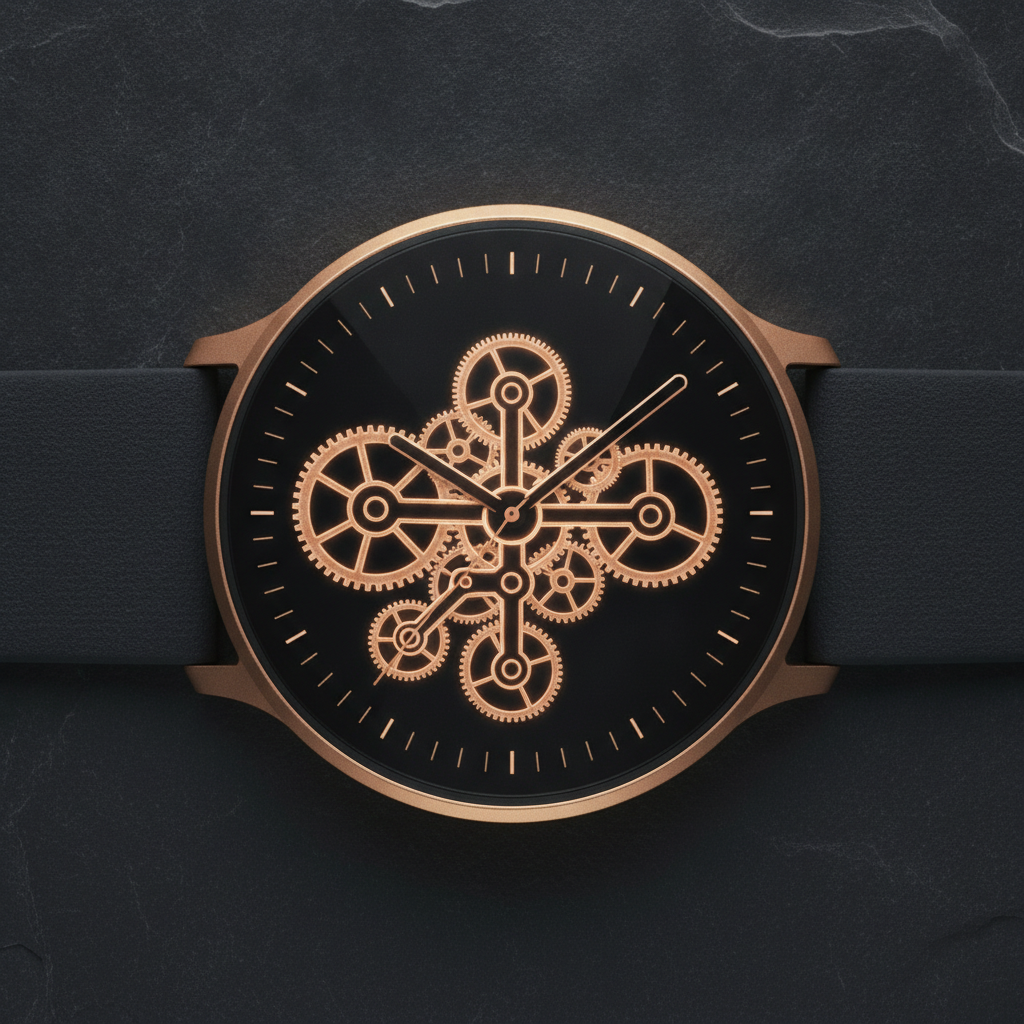
A clockwork face drawn as screen artwork: rose gold gears glowing on true black with fine tick marks around the rim — dense detail that looks superb at macro magnification and is the first thing to collapse at 1.4 inches on a moving wrist
How the AI Watch Face Design Generator Works
Pick the dial layout
Minimal analog, data dense, always-on ambient, vintage dive, fitness rings or illustrated art. The layout decides the information hierarchy, the contrast budget and how many pixels stay lit — which settles far more than any colour choice does.
Describe palette and mood
Add a colour story, a material for the dial and the hand style you want. Keep one rule in mind while you write it: whatever sits behind the hands has to stay quiet enough for the hands to win.
Glance-test, then rebuild it as a face
Designs come back in about twenty seconds at up to 4K. Shrink one to real watch size and look at it for one second. If it passes, rebuild it in Watch Face Studio, the Watch Face Format or Connect IQ — the render settles the design, not the file.
What Actually Decides a Watch Face Design
Six constraints separate a watch face from every other screen you will ever design. They are why this AI watch face design generator renders dial layouts rather than filters, and why a beautiful dial can still be a bad face.
You get one second
Nobody studies a watch face. They raise a wrist mid-stride, take the time, and drop it — dozens of times a day, often in bright sun, sometimes with the screen at an angle. That single glance is the entire user experience, and it rewards exactly one thing: contrast between the time and everything else. Anything a wearer has to hunt for is decoration. The practical test is to shrink the design to physical watch size and look at it for one second from a metre away.
Every face is really two faces
When your wrist drops, the screen switches to a dim always-on state that stays up all day, and platform guidance is strict: light only a small fraction of the pixels, cut back to a limited palette, and avoid large filled bright areas. So the ambient state is the same design stripped to outlines — hollow hands, hairline markers, background at true black. Design only the active state and the system will dim your face into something you never saw, which is the version the wearer actually looks at for most of the day.
Complications are holes, not pictures
The small data slots on a face — steps, heart rate, battery, weather, date — are filled at runtime by the wearer, and the values and their lengths change constantly. A step count runs from one digit to five. That makes each slot a reserved region with a defined shape and a legible backing, not an illustration of a number. Painting a static value into the artwork produces something that cannot become a real face. Decide how many slots you want early, then compose around them.
The screen is 1.4 inches, not 14
You will judge the design on a large bright monitor and wear it on a display of roughly 1.2 to 1.9 inches. Hairlines disappear, small low-contrast text becomes texture, and more than about four data points becomes noise. The faces that survive have a strict hierarchy: one element readable instantly, two or three readable deliberately, everything else atmosphere. Detail that only exists at macro magnification is detail you are not going to see again after the render.
Black is battery, and bright is burn-in
On an OLED panel each pixel lights itself, so a true black pixel draws essentially nothing and a mostly-black face measurably outlasts a bright one — which is why nearly every stock always-on face is dark with thin light elements. On the LCD panels in some budget and rugged watches the backlight is always on and colour costs nothing. The other half of the trade is ageing: a bright element parked in the same pixels for months can ghost permanently, which is why ambient states are required to shift position slightly over time.
A render is a design, not a watch face
A face is a small program with a layout, an ambient variant and live data bindings — built in Watch Face Studio or the Watch Face Format on Wear OS, in Connect IQ on Garmin, and not permitted at all as a third-party face on Apple Watch, where the Photos face is the only route for your own artwork. What a render settles is the composition, the palette, the marker and hand style and where the complications sit. That is the slow part of the job. Building the face from a settled design is the fast part.
Why Use This AI Watch Face Design Generator
Six layouts, not six filters
The presets differ in information hierarchy, contrast budget and how many pixels stay lit — minimal, data dense, ambient, dive, fitness, illustrated — so switching preset changes what the face is for, not just what colour it is.
The ambient state is a first-class preset
One preset renders the low-power always-on variant directly: hollow hands, hairline markers, near-total black. It is the state a wearer sees for most of the day and the one most concept designs never draw.
Composed for complications
The data-dense preset lays out real slot geometry — an even row of ring gauges with icons rather than baked-in numbers — so the design maps onto something a face builder can actually wire to live data.
Markers over numerals by default
Most presets use batons, dots and tick marks instead of printed numerals. That carries the same style information, reads faster at a glance, and sidesteps the one thing image models reliably get wrong on a dial.
4K for the rebuild
Downloads are large enough to pull colours, hand shapes and marker proportions from when you recreate the face in Watch Face Studio or the Watch Face Format, and detailed enough to judge whether fine linework will hold.
Cheap enough to test the hierarchy
About twenty seconds per design and plans from $2.99 means trying six palettes and three hand styles costs less than an afternoon of rebuilding a face you had not finished deciding on.
AI Watch Face Design Generator FAQ
Related Design Tools
AI Wallpaper Generator
The same problem one screen up: artwork that has to stay quiet enough for the interface sitting on top of it. Phones give you far more room and far less of a glance requirement.
AI Icon Generator
Designing for the other tiny canvas. Icons and hour markers share the same discipline — carry meaning at a few millimetres with no text to lean on.
AI Jewelry Design Generator
A watch is worn jewellery before it is a screen. Useful when you are designing the case, the strap and the dial as one object rather than the face alone.
Design Your Watch Face Now
Six dial layouts, an ambient-state preset, complication-aware composition and 4K downloads. Free to start, from $2.99 for more.
Start Designing FreeAbout This AI Watch Face Design Generator
An AI watch face design generator has to solve an interface problem before it solves a decorative one, because a watch face is not a small poster. It is the most-glanced-at screen anyone owns and the least looked-at: raised mid-stride, read in under a second, dropped again, forty or more times a day, often in direct sunlight and often at an angle. Whatever competes with the time on that dial loses the wearer nothing but a fraction of a second each glance, which across a year is the entire difference between a face people keep and a face people try once. The six presets here — minimal analog, data dense, always-on ambient, vintage dive, fitness rings and illustrated art — are written as answers to that brief rather than as visual styles, so switching between them changes the information hierarchy and the contrast budget, not just the colour.
The constraint most concept designs miss is that every modern face is really two faces. When the wrist drops, the display switches into a dim always-on state that stays visible all day, and platform guidance for it is strict: light only a small fraction of the pixels, restrict the palette, avoid large filled bright areas. The ambient state is therefore the same composition stripped to outlines — hollow hands, hairline markers, a background at true black — and it is the state a wearer sees for the overwhelming majority of the day. A watch face design generator that only ever renders the bright active state is designing the two minutes and ignoring the sixteen hours, which is why one of the six presets on this page draws the ambient variant directly.
Hardware sets the rest of the rules. On OLED each pixel lights itself, so a black dial costs almost no battery and a bright one measurably shortens the day, while a bright element parked in the same pixels for months can ghost into the panel permanently — the reason ambient layouts are required to shift slightly over time. The screen itself is roughly 1.2 to 1.9 inches, which kills hairlines, small low-contrast text and anything past about four data points. A round display clips the corners of rectangular artwork and makes the outermost ring the hardest region on the whole screen to read, which is one more argument for batons and tick marks over printed numerals — markers carry the same style information, read faster, and have nothing to spell, which also happens to sidestep the one thing image models reliably get wrong on a dial. Read every number on a generated face before you fall for it.
This watch face design generator runs on Nano Banana Pro, the same image model behind the rest of the tools on this site, and it renders watch hardware convincingly — the sheen on cover glass, the brushed-metal edge of a case, the way a lit dial sits behind the glass rather than on it. Designs arrive in about twenty seconds at up to 4K. Treat what comes back as the design settled rather than the face finished: it fixes the composition, the palette, the hand and marker style and where the complications go, which is the slow part of the work. The step from there to something on your wrist is rebuilding it in Watch Face Studio or the Watch Face Format on Wear OS, in Connect IQ on Garmin, or — on Apple Watch, where third-party faces are not permitted — through the built-in Photos face. It is free to start and paid plans begin at $2.99, so a full set of dial variants costs less than an evening of rebuilding the wrong one.