
AI Tumbler Wrap Design Generator
Blanks are cheap, presses are fast, and the bottleneck is always the artwork. This AI tumbler wrap design generator makes the wrap itself — the flat sheet you print on sublimation paper — in about twenty seconds, at up to 4K, in six styles that actually sell: watercolour floral, faux glitter ombre, western cowhide, boho neutral, pastel leopard and vintage Christmas. Every preset is built to run edge to edge so the pattern carries the whole way around a 20oz skinny.
Try It Now — Free
Pick the style first, then use the details box for your colours, motifs and occasion. Each preset already carries the things a wrap has to get right — pattern density that survives being curved around a cup, a palette that holds up after sublimation, and no cup, lid or mockup baked into the artwork.
AI Tumbler Wrap Design Generator
Pick a wrap style, describe your colours and motifs, and get a flat seamless tumbler wrap ready to print
Wraps From the AI Tumbler Wrap Design Generator
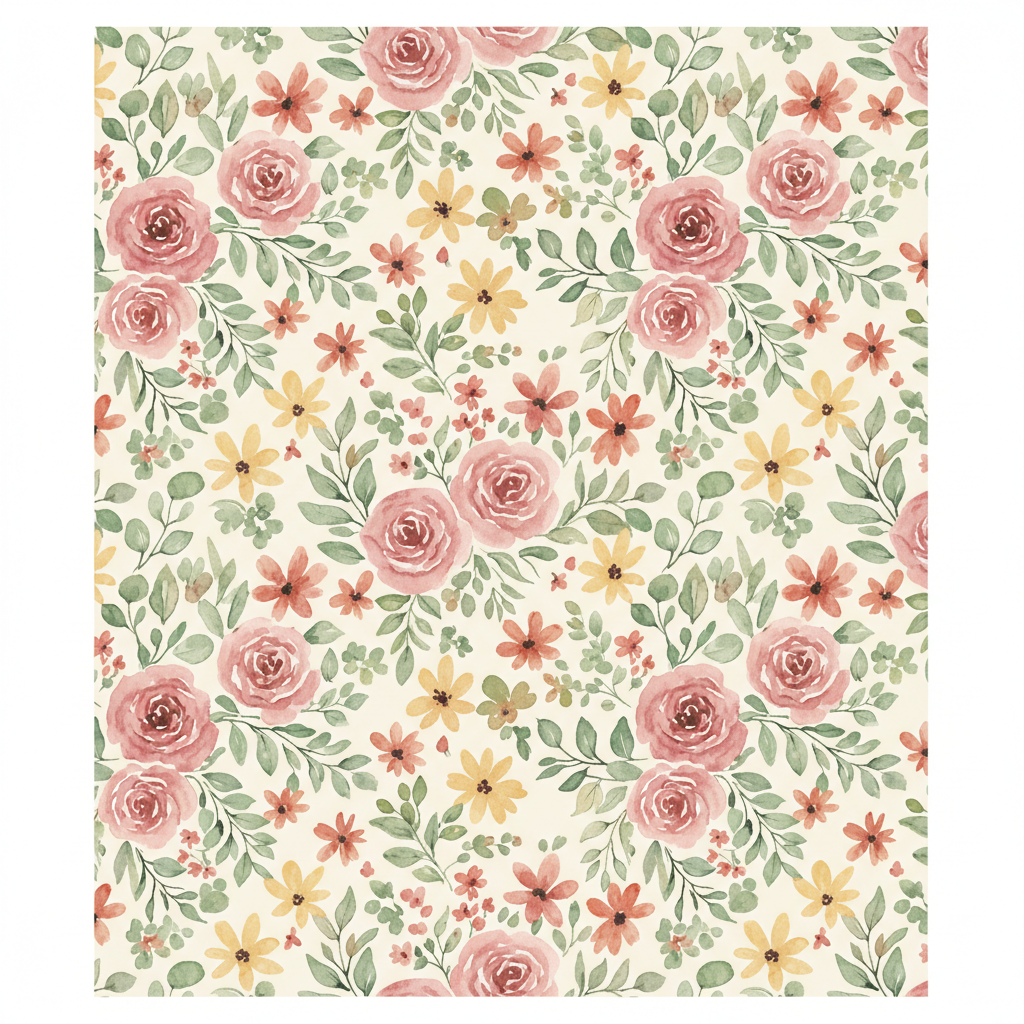
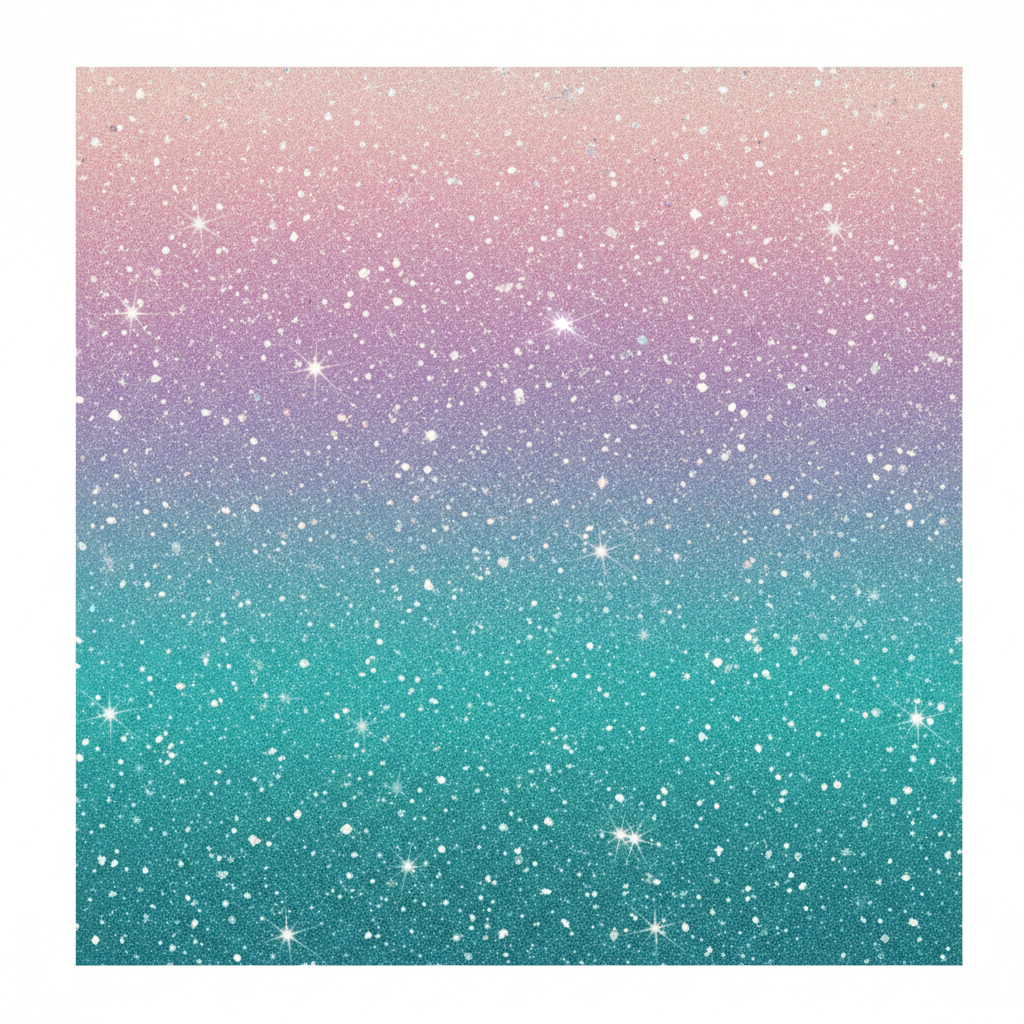
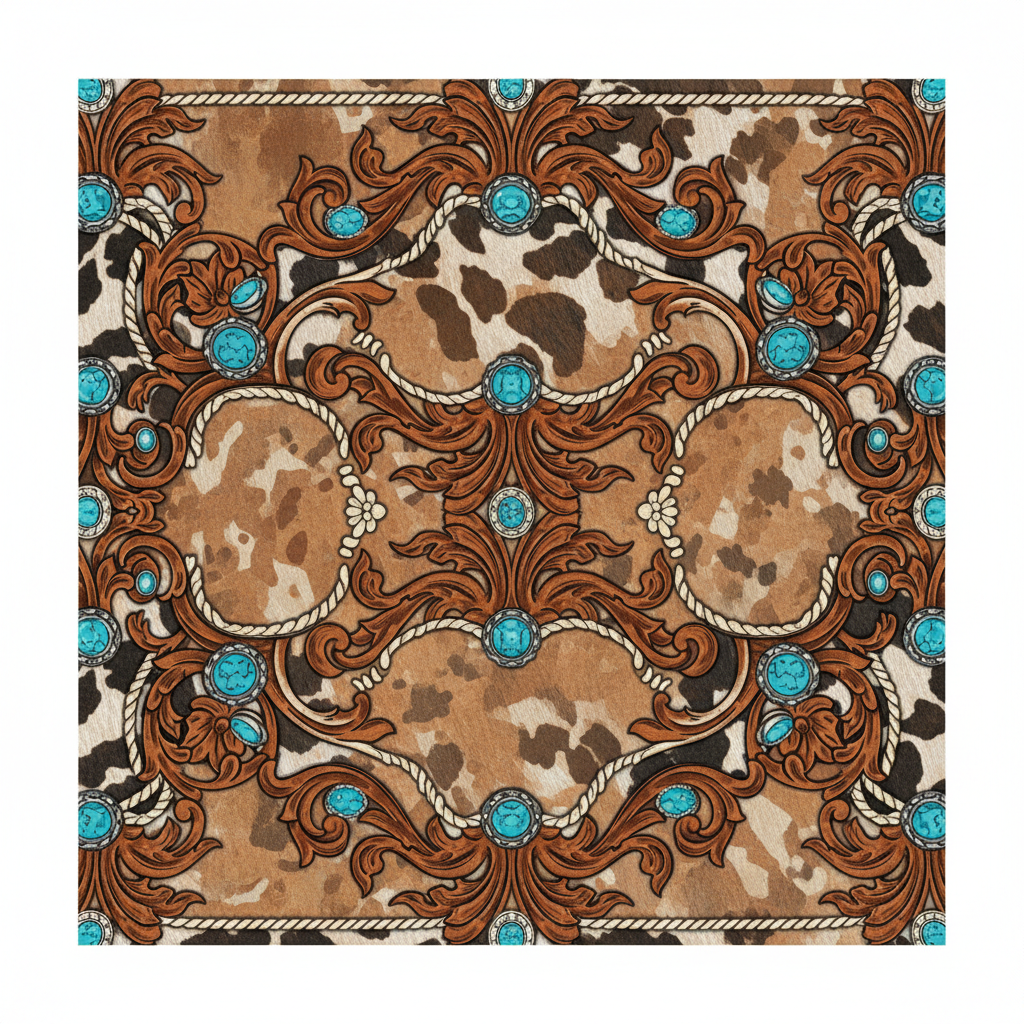
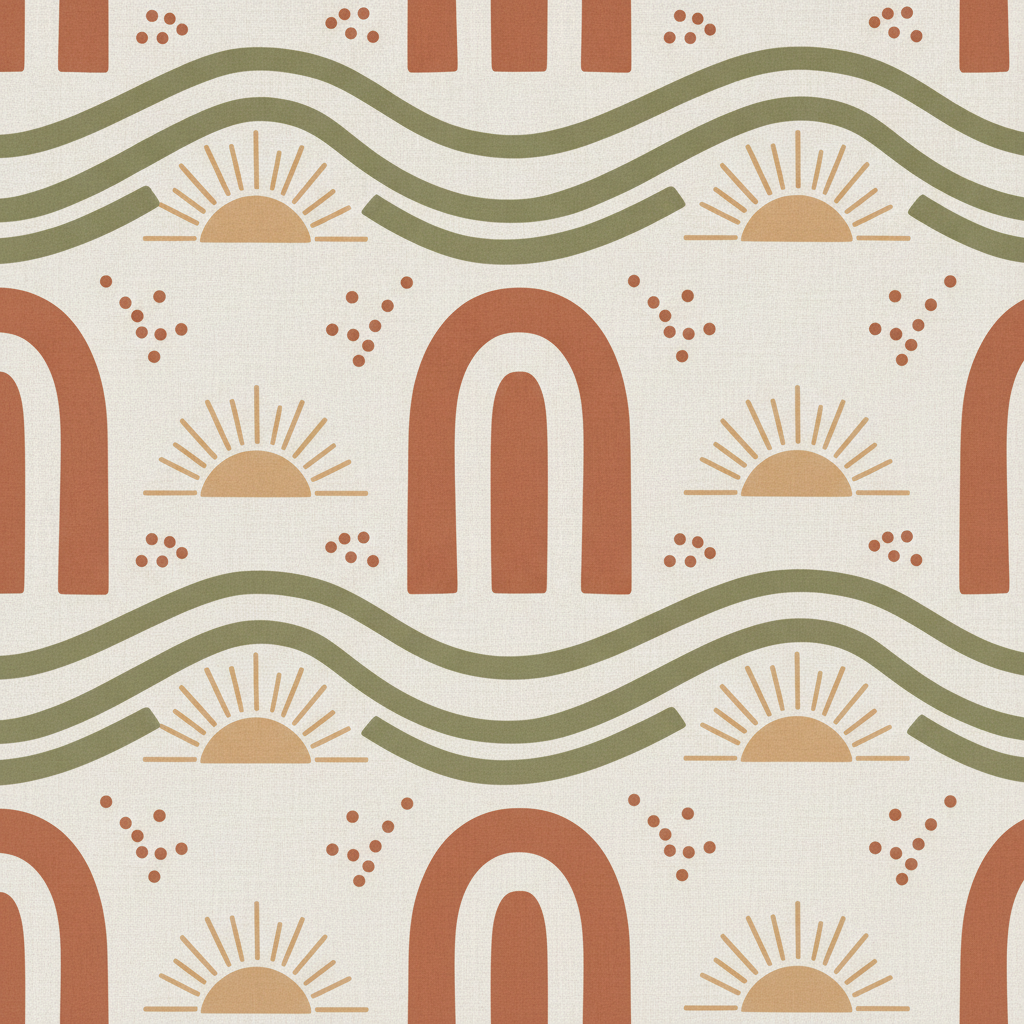
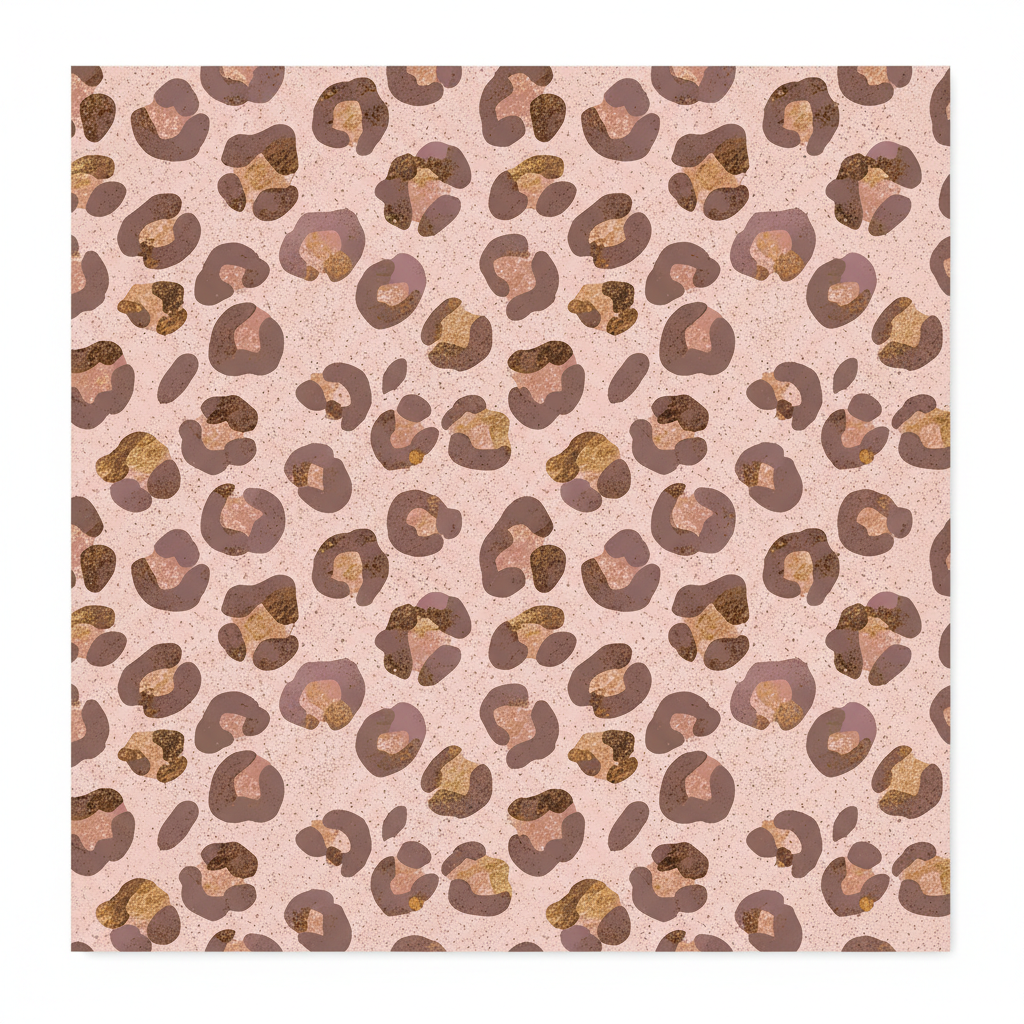
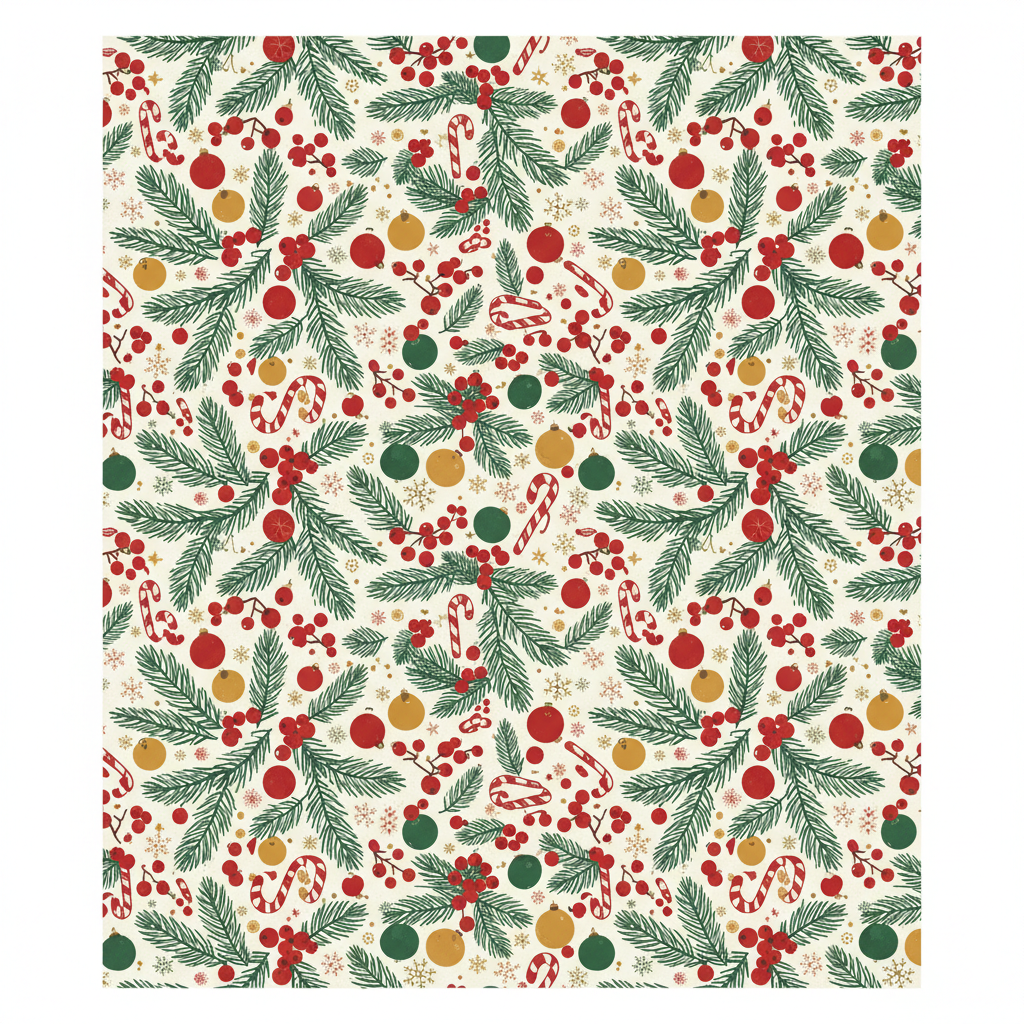
Watercolour floral, faux glitter ombre, western cowhide, boho neutral, pastel leopard and vintage Christmas — flat sheets, not mockups
How the AI Tumbler Wrap Design Generator Works
Three steps from an idea to a sheet you can print, mirror and press
Pick the Style Your Buyer Is Searching For
Tumbler wraps sell by style far more than by skill, and the six presets here are the six that keep moving. Watercolour Floral is the safe bestseller — bridesmaid gifts, teacher gifts, Mother’s Day. Faux Glitter Ombre gives you the sparkle look without buying glitter blanks or epoxy, and it presses flat and clean. Western & Cowhide carries the whole rodeo and country market. Boho Neutral is the quiet one that sits well on a desk and photographs beautifully. Pastel Leopard is the everyday impulse buy. Vintage Christmas is the fourth-quarter workhorse you should be building in August. Start from who is buying, not from what you feel like drawing.
Describe the Colours and the Motifs
The details box is where a generic pattern turns into your pattern. Two things carry most of the result. Name two to four colours rather than a mood — sage, cream and rust beats "earthy" every time — and remember sublimation ink lands more saturated than it looks on paper, so mid-tones and deep tones are safer than pastels that wash out. Then name the motif: tiny mushrooms, coffee cups, sunflowers, footballs, hearts, whatever the niche is. Keep the pattern busy rather than sparse. A wrap curves away from the eye on both sides, so anything with a large empty middle ends up looking like a mistake once it is on the cup.
Generate, Then Fit It to Your Template
Each wrap arrives in about twenty seconds at up to 4K as a flat square sheet with no cup drawn on it. From there the workflow is the normal sublimation one. Drop the artwork into your tumbler template — around 9.4 by 8.3 inches for a 20oz skinny, larger for a 30oz or a 40oz — and scale it so it overhangs every edge, because you want to trim into the design rather than run out of it. Check that it is 300dpi at the size you are printing. Mirror the image before it goes onto the sublimation paper. Then tape, wrap and press to your blank’s instructions and trim the seam.
Why Use an AI Tumbler Wrap Design Generator
Six things that decide whether a wrap presses cleanly or gets thrown away
A Tumbler Is a Cone, Not a Cylinder
This is the detail that ruins more first attempts than anything else. A 20oz skinny is tapered — narrower at the base than at the rim — so a plain rectangle of artwork does not lie flat against it. That is why every proper sublimation template is a slightly curved, arced shape rather than a straight-sided box. Generate the pattern here, then place it inside a template cut for your exact blank, because the taper differs between a 20oz skinny, a 30oz and a 40oz. All-over patterns forgive this beautifully: a repeating floral or leopard can be stretched and trimmed to the arc and nobody will ever see it. A design built around one centred motif will not survive the same treatment.
Print at 300 DPI or Do Not Print
Sublimation is unforgiving about resolution in a way screens are not. The standard is 300dpi at final print size, so for a 20oz skinny wrap at roughly 9.4 by 8.3 inches you want about 2820 by 2490 pixels. A 4K file clears that comfortably; a 1024 pixel image scaled up to fill the same sheet comes out of the press visibly soft and slightly pixelated, and you have already spent the blank and the paper by the time you find out. Check the number before you print — pixel width divided by inches printed gives you the dpi. If you are wrapping a 30oz or a 40oz, the sheet is bigger, so upscale first rather than stretching.
Sublimation Colour Shifts, and Always the Same Way
What comes out of the press is not what came out of the printer. Sublimation ink is dull and slightly muddy on the paper and turns vivid once heat converts it into the polyester coating, so colours come back more saturated and usually a shade deeper than expected. Pale pastels are the ones that catch people out: they either wash out into near-nothing or go chalky. Neons cannot be reached at all. The reliable approach is to favour mid-tone and deep palettes, treat white as the blank showing through rather than something you print, and press one test wrap on the same blank stock before running a batch of twenty.
The Seam Is Where Designs Fail
Every wrap has a join, and an all-over repeating pattern is the only kind that hides it reliably. That is why all six presets here generate dense, evenly distributed patterns that run right to the edge instead of centred compositions — a floral or a cowhide print can overlap at the seam and disappear, while a single large motif ends up sliced in half at the back. Give yourself overhang on all four sides so you trim into the artwork rather than leaving a bald strip. And if you want a name or a monogram on the tumbler, add it afterwards in your design software over the generated background, where you control exactly where it lands relative to the seam.
A Whole Collection in One Sitting
This is where generation genuinely beats buying wrap files one at a time. A shop listing does far better as a coordinated range than as a single design, and that means holding the style and palette steady while changing one variable. Run the same preset six times with six different motifs for a niche, or one motif in six colourways for a bridal party, or a full holiday drop in a single afternoon in August while everyone else is waiting until October. Buying that as individual PNG bundles costs real money per file and still leaves you with designs a hundred other sellers have. Here it costs one prompt edit.
Free to Start, $9.98 to Go Further
You can generate tumbler wraps free without a credit card, which is enough to test whether a palette survives your press and your blanks before you spend anything. Paid plans start at $9.98 for real production: building a seasonal collection, generating colourways for a shop listing, or the repeated passes it takes to get a pattern density that looks right once it is curved. Output reaches 4K without a watermark and is cleared for commercial use, which is the part that matters once you are selling finished tumblers at a craft fair or on Etsy.
Frequently Asked Questions
Common questions about using an AI tumbler wrap design generator
A New Wrap Every Twenty Seconds
Pick a wrap style, describe your colours and motifs, and download a flat sublimation-ready sheet at up to 4K — floral, faux glitter, western, boho, leopard or vintage Christmas. Powered by Nano Banana Pro. Free to start, plans from $9.98.
The Artwork Is the Bottleneck: the AI Tumbler Wrap Design Generator
Everything else in a tumbler business is solved. Blanks arrive by the case, the press cycle is a few minutes, and the shipping box is a known quantity. What holds a shop back is having something to put on the cup — which usually means buying wrap files one bundle at a time, in designs that a hundred other sellers bought from the same shop that week. An AI tumbler wrap design generator moves that bottleneck out of the way. You describe the style, the palette and the motif, and the flat sheet arrives in about twenty seconds, built to run edge to edge rather than sit as a sticker in the middle.
The six presets are the six that keep selling. Watercolour floral is the reliable gift wrap — bridal parties, teachers, Mother's Day. Faux glitter ombre gives the sparkle look without buying glitter blanks or mixing epoxy, and it presses flat. Western cowhide carries the entire country and rodeo market. Boho neutral is the quiet one that photographs well and sells to people who do not want a loud cup. Pastel leopard is the everyday impulse buy. Vintage Christmas is the fourth-quarter earner, and the sellers who do well with it are building the collection in August, not in November.
Two habits improve almost every wrap. Keep the pattern busy rather than sparse — a tumbler curves away on both sides, so a design with a large empty middle reads as unfinished once it is on the cup and the edges disappear from view. And name your colours specifically rather than describing a mood, choosing mid-tones and deeper shades over pale pastels, because sublimation ink comes out of the press more saturated than it went in and the palest tints are the ones that go chalky. Style, colours, motif: three decisions, and the press does the rest.
What the AI Tumbler Wrap Design Generator Will Not Do
It will not cut the template for you. A 20oz skinny is tapered rather than straight-sided, which is why sublimation templates are gently arced shapes — so generate the pattern here, then place it into a template made for your exact blank and scale it to overhang every edge. It will not make the file bigger than it is either. Output reaches 4K, which covers a 20oz skinny at the 300dpi standard with room to spare, but a 40oz sheet is a bigger surface, so run it through the 4K image upscaler before printing rather than stretching it in your design software. And it will not promise a mathematically perfect tile — for a true repeat, use the AI pattern generator.
It also will not show you the finished cup, on purpose — what you download is the flat wrap with no tumbler, lid or straw baked in, because anything drawn around the edge would print as part of the design. For product photography, the AI mockup generator places artwork into a product scene and the AI product photo generator styles a shot once you have a real tumbler. If a name or a date is going on the cup, add it in your own software over the generated background and read text in images first. The rest of the drinkware and print-on-demand range sits alongside this one — the AI mug design generator for ceramic wraps, the AI t-shirt design generator for apparel, and the AI sticker generator for the small stuff that goes in the same order. And if what you need is the bottle itself rather than a flat wrap file for one, the AI water bottle design generator renders the whole product — vessel, closure and finish — as drinkware photography.
Within those limits the work is yours to sell. Output reaches 4K with no watermark and is cleared for commercial use, which covers craft fair stock, Etsy and Shopify listings, print-on-demand catalogues and bulk orders for a bridal party or an office alike. Keep other people's property out of it — logos, sports teams, cartoon characters — check the AI policy of whichever marketplace you sell through, and know that in the United States purely AI-generated images are not registrable for copyright, so selling the tumbler is fine but stopping someone copying the file may not be. It is free to start with no credit card and plans begin at $9.98. Pick a style, name your colours, and get the press warm.
Try the AI tumbler wrap design generator free today. Pick one of six wrap styles, describe your colours and motifs, and download a flat sublimation-ready sheet at up to 4K. No credit card required to start. Paid plans from $9.98.