
AI Sneaker Design Generator
A shoe idea dies in the gap between having it and seeing it. Sketching a sneaker properly takes drawing skill, and rendering one takes a week in 3D software you probably do not own. This AI sneaker design generator collapses that gap: pick a silhouette — retro runner, minimalist luxury, high-top basketball, technical trail, streetwear colorway or sustainable knit — describe the materials and colours you want, and get a photorealistic product render at up to 4K in about twenty seconds.
Try It Now — Free
Pick a silhouette below, then use the description box to name the specifics — the exact colours, the upper material, the sole colour, the lace type. “Nice sneaker” gives you an average of every shoe ever made; “cracked bone leather upper, forest green suede toe, translucent ice sole” gives you a design. Materials and colours are what the model listens to hardest.
AI Sneaker Design Generator
Pick a silhouette, describe your colours and materials, and get a photorealistic sneaker concept render in seconds
Sneakers From the AI Sneaker Design Generator
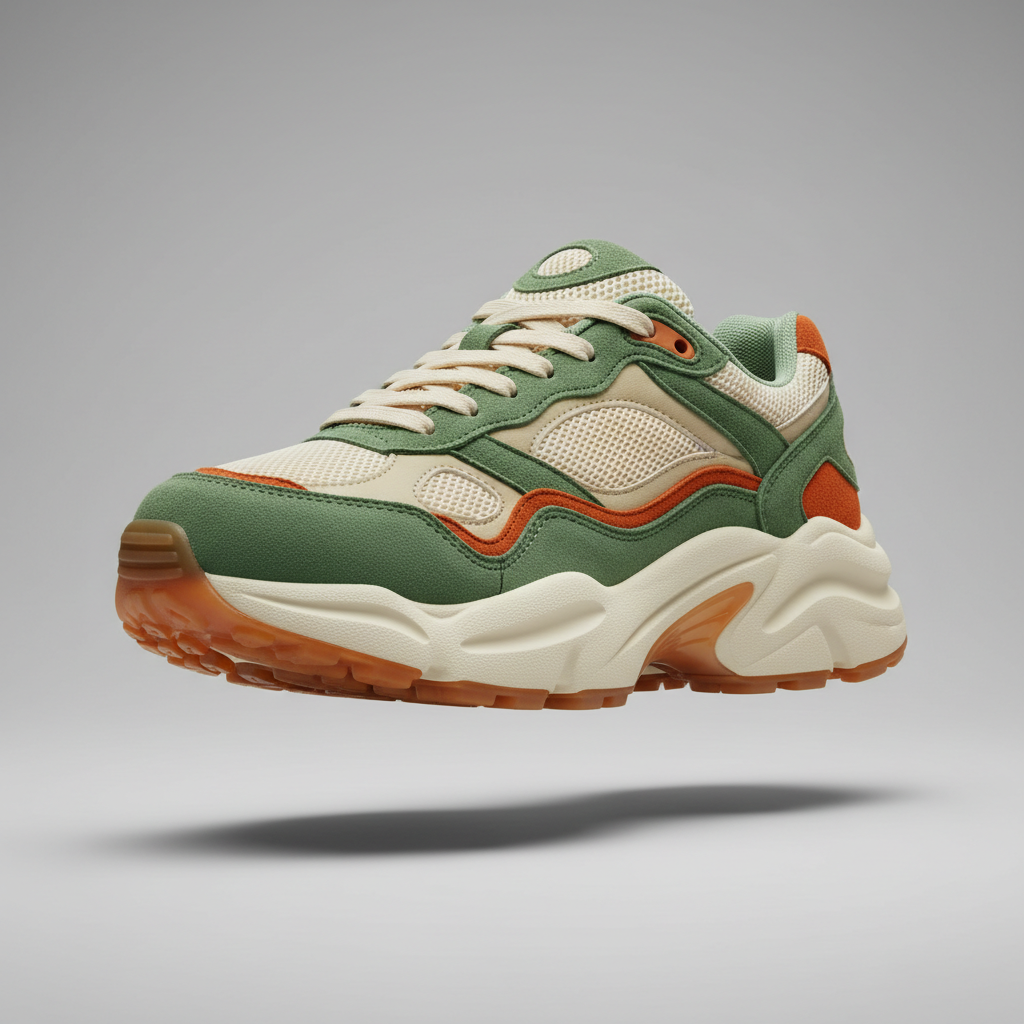
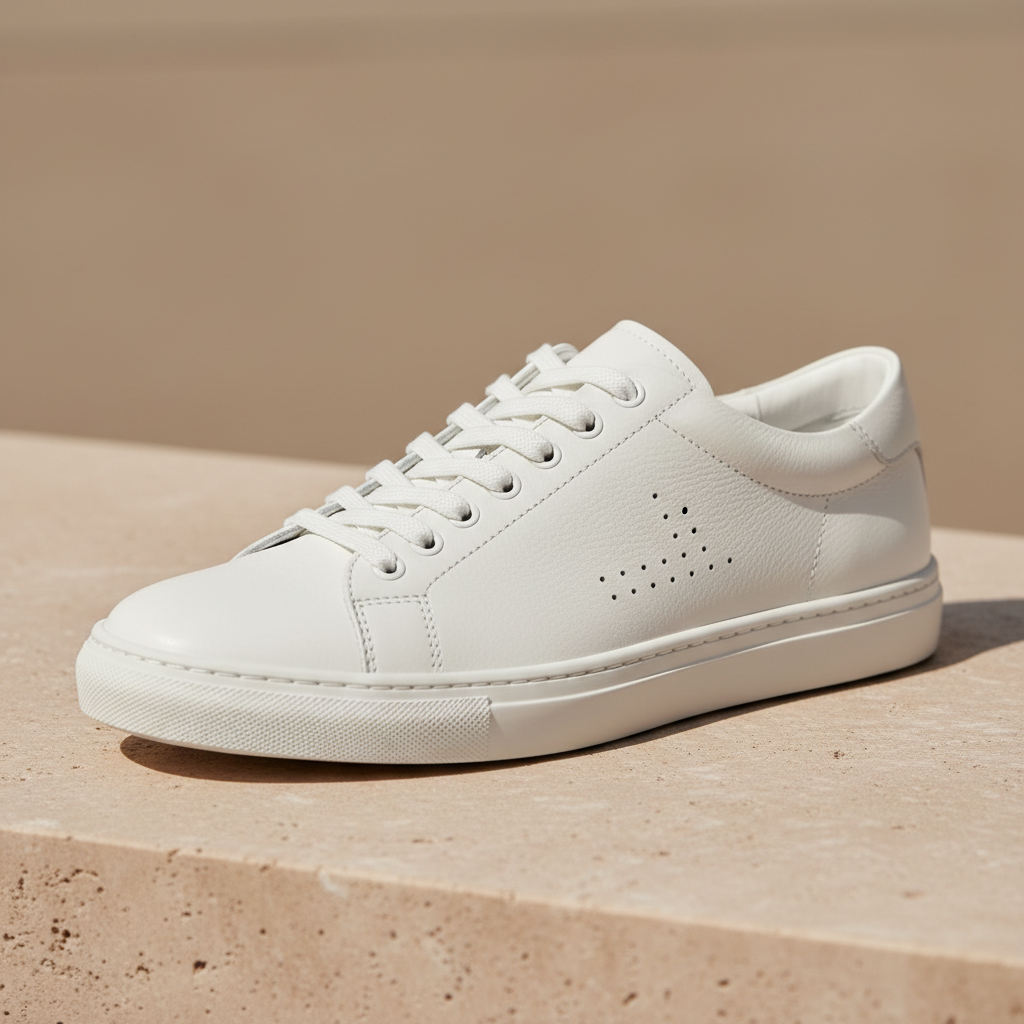
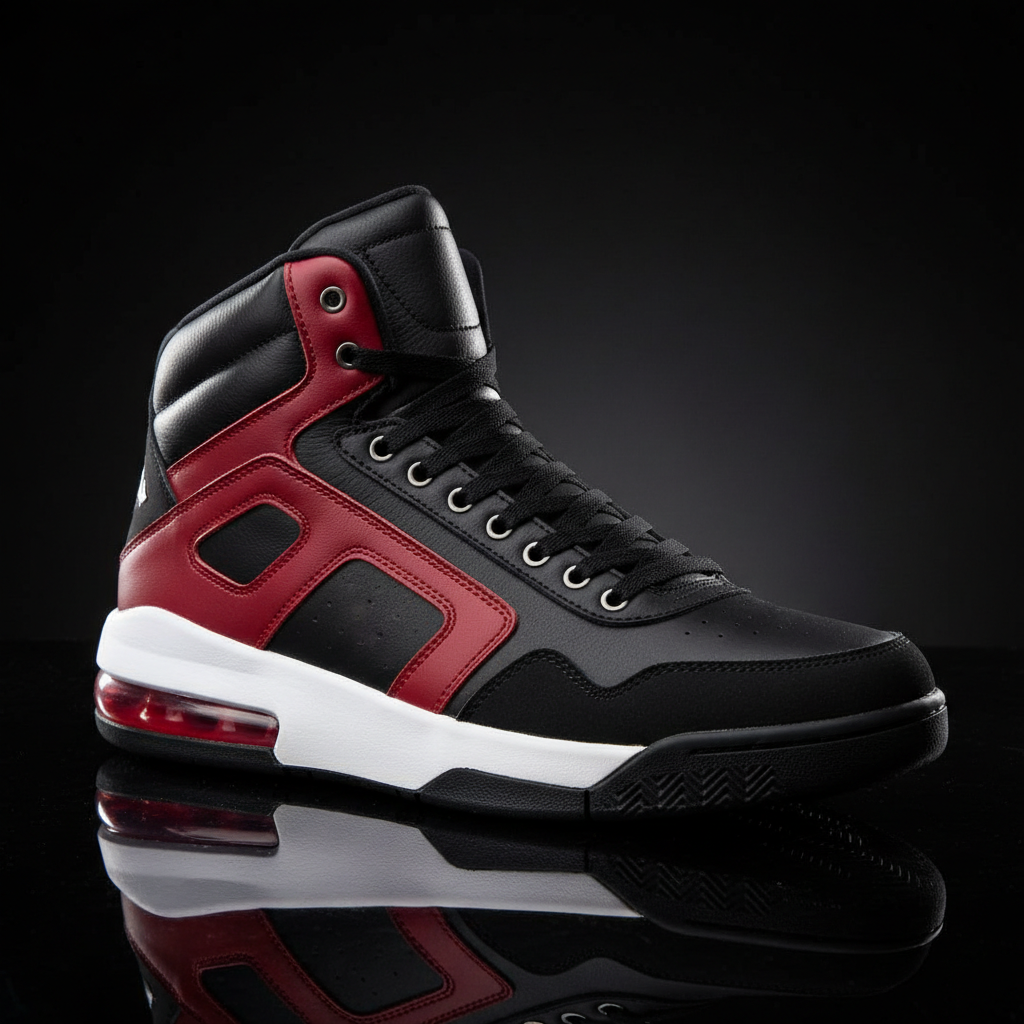
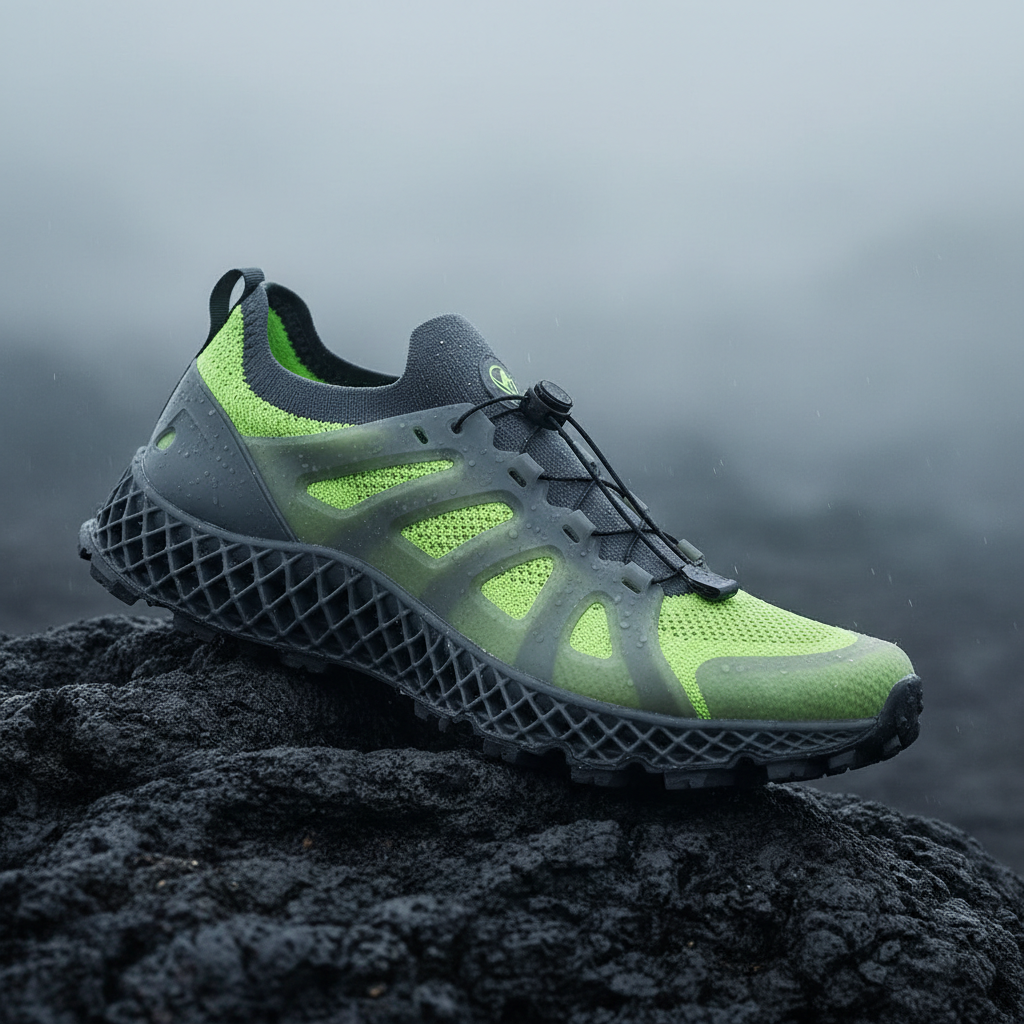
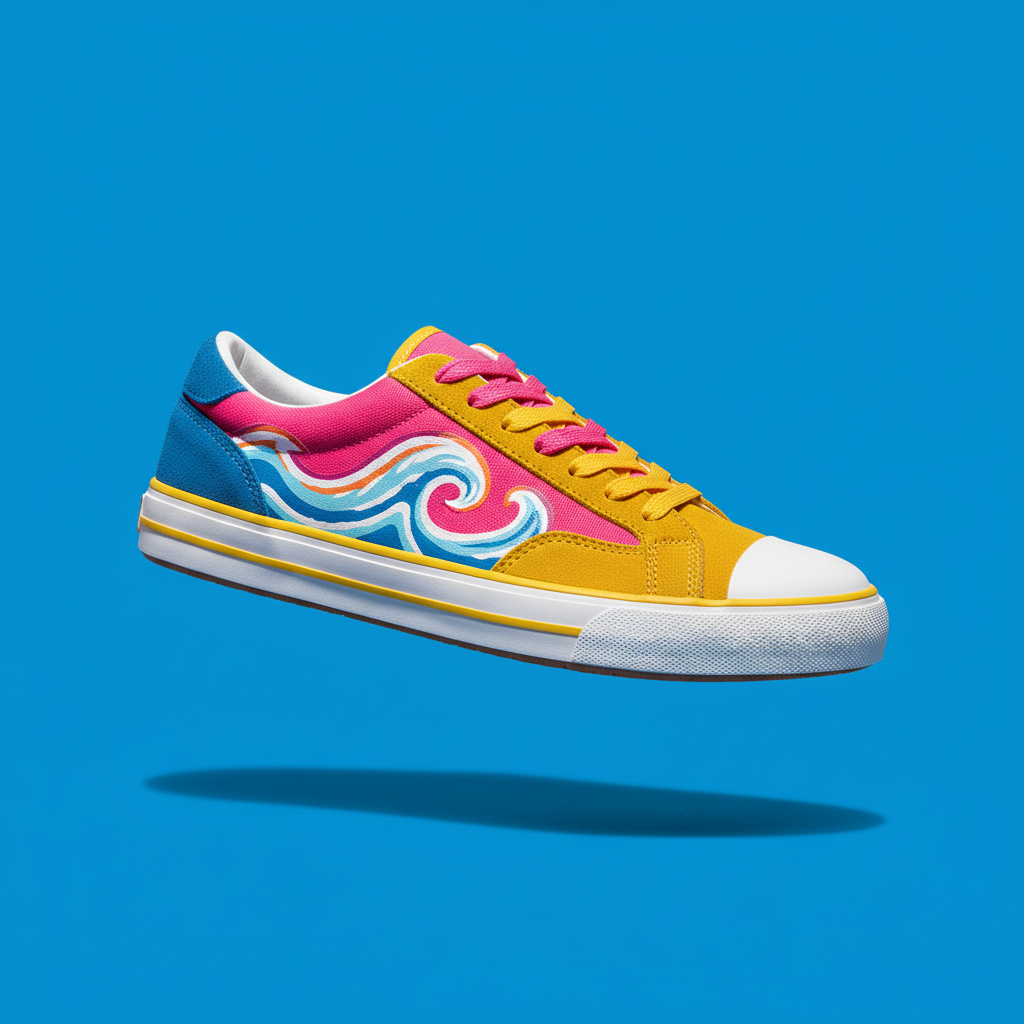
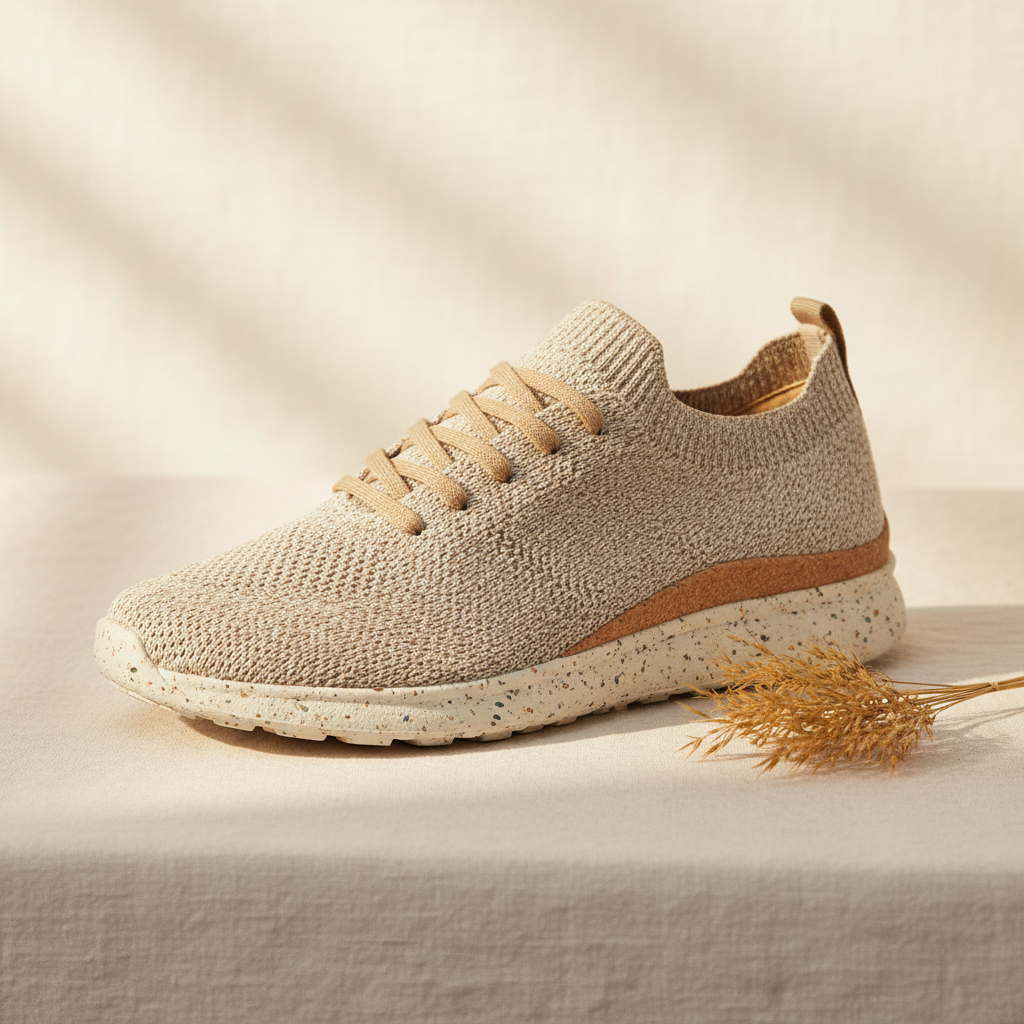
Retro runner, minimalist luxury, high-top basketball, technical trail, streetwear colorway and sustainable knit — six genuinely different shoes, not six colourways of one
How the AI Sneaker Design Generator Works
Three steps from a shoe in your head to a render you can put in front of someone
Pick the Silhouette First
Silhouette is the single biggest decision in footwear, and it is the one people skip when they write a prompt. A chunky retro runner and a slim leather low-top can share a colourway and still be two completely different products at two completely different prices. Each of the six presets fixes a full silhouette — the last shape, the toe box, the collar height, the midsole volume, the outsole, the lacing — along with the studio setup that suits it. Choose the shape you are actually designing before you think about colour, because everything else reads differently on a different last.
Describe Materials and Colours
The description box is where a preset becomes your design, and material words carry the most weight. Say cracked bone leather, oiled nubuck, ripstop nylon, heathered wool knit, translucent ice rubber, gum outsole, waxed cotton laces — those are the terms that visibly change a render. Name colours specifically too: forest green and burnt sienna land far better than "green and orange". Two or three concrete material and colour choices per prompt is the sweet spot; a paragraph of twenty details usually means half of them quietly get dropped.
Iterate, Then Build a Board
Renders come back in about twenty seconds at up to 4K, so treat the first one as a draft rather than an answer. Change one variable at a time — same silhouette, three colourways; or same colourway, three silhouettes — and you will learn more in ten minutes than a day of sketching gives you. Save the ones that work into a board. Footwear designers use that board as the direction for a real tech pack, custom-shoe sellers use it to show a client an idea before painting anything, and everyone else uses it because it is the fastest way to find out whether the shoe in your head actually looks good outside it.
Why Use an AI Sneaker Design Generator
Six reasons a render beats a sketch when you are still deciding what the shoe is
Ideas Cost Twenty Seconds
The reason most sneaker ideas never get looked at is that the cost of drawing one is high enough to make you pick your favourite before you have seen any of them. A render in twenty seconds inverts that: you can put ten colourways on the same silhouette, decide the fourth one is the only good one, and throw the rest away without it costing anything. That volume changes what you design, not just how fast you design it, because the good idea is usually the eighth one and it rarely survives the process of choosing on paper first.
Six Silhouettes, Not Six Colourways
Each preset sets a genuinely different shoe. Retro Runner is layered suede and mesh on a bulky foam midsole with a gum outsole. Minimalist Luxury is seamless full-grain leather on a slim cup sole. High-Top Basketball is padded nubuck, a tall collar, metal eyelets and a translucent heel unit. Technical Trail is knit under a translucent cage on a lattice midsole with deep lugs. Streetwear Colorway is a vulcanised canvas skate low-top with hand-painted panels. Sustainable Knit is marled natural fibre on cork and speckled recycled rubber. Different last, different materials, different price point.
Materials Actually Render
A sneaker is sold on its materials, and this is where most generic image tools fall apart — everything comes back as the same plastic-looking surface. Nano Banana Pro holds the difference between oiled nubuck and smooth full-grain, between ripstop nylon and heathered knit, between a gum outsole and translucent ice rubber. That matters because the material call is the design call: the same shoe in cracked bone leather and in bright ripstop is aimed at two different buyers, and you can only judge that if the render shows you the surface honestly.
A Concept Board Before a Tech Pack
Footwear development is expensive at the far end and cheap at this end, which is why the concept stage is worth spending time in. Renders give you something concrete to argue about in a review — a shape everyone can see, a material story, a colour direction — long before anyone commits to a last, a mould or a sample run. Designers use them to brief a real tech pack, students use them to build a portfolio without a 3D licence, and small brands use them to test three directions with their audience before paying for one.
Custom Shoe Sellers and Resellers
Custom painters and one-of-one sellers have the hardest possible sales problem: the customer has to approve something that does not exist yet. Rendering the concept first turns "trust me" into an image, and it costs nothing if they hate it. The same applies to drop teasers, print-on-demand shops testing a graphic direction, and anyone mocking up a collab idea. Output is up to 4K with no watermark and cleared for commercial use, so a render can go straight into a pitch deck, a product page or a social post.
Free to Start, $9.98 to Go Further
You can generate sneaker concepts free without a credit card, which is plenty to find out whether the shape you have been picturing holds up as a product. Paid plans start at $9.98 for the point where you are working seriously — running one silhouette through a dozen colourways, iterating on a material story until it lands, or producing a full concept board for a client or a portfolio. Compared to a 3D licence, a freelance rendering fee or a sample that arrives wrong, it is not a close comparison.
Frequently Asked Questions
Common questions about using an AI sneaker design generator
Design the Sneaker in Your Head
Pick a silhouette, describe the colours and materials, and get a photorealistic concept render at up to 4K — retro runner, minimalist luxury, high-top basketball, technical trail, streetwear colorway or sustainable knit. Powered by Nano Banana Pro. Free to start, plans from $9.98.
Six Silhouettes, Endless Colourways: the AI Sneaker Design Generator
Almost everyone who likes sneakers has designed one in their head. Very few have ever seen it. The route from idea to image has historically run through drawing skill you may not have, or through 3D software with a licence fee and a learning curve measured in months, and the result is that the good ideas stay as descriptions told to friends. An AI sneaker design generator removes the step that was doing the filtering, which turns out to change what gets designed rather than only how quickly.
The reason it works is that footwear is unusually well suited to image generation. A sneaker is photographed the same way every time — three-quarter side view, studio surface, controlled light — which gives the model a strong, consistent target. And the thing being decided at concept stage is exactly what an image is good at showing: proportion, material and colour. It is not deciding construction, fit or durability, none of which a render can speak to. Used for the part it is actually good for, it is a genuinely useful tool rather than a novelty.
Six presets cover the categories people design in. Retro Runner is layered suede and mesh with a bulky foam midsole, a gum outsole and a chunky rounded toe. Minimalist Luxury is seamless full-grain leather with tonal stitching on a slim cup sole. High-Top Basketball is padded leather and nubuck with a tall collar, metal eyelets and a translucent heel unit. Technical Trail is a knit upper under a translucent cage, a lattice midsole and deep lugs. Streetwear Colorway is a vulcanised canvas and suede skate low-top with hand-painted panels and mismatched laces. Sustainable Knit is marled natural fibre on a cork footbed edge and speckled recycled rubber. Each sets the last, the materials, the sole and the studio setup together — six different products, not one shoe in six colours.
Writing Prompts That Work, and What This Tool Will Not Do
Good renders come from material words. Cracked bone leather, oiled nubuck, ripstop nylon, heathered wool knit, translucent ice rubber, gum outsole, waxed cotton laces — those change the image; premium, clean and futuristic mostly do not. Name colours precisely, change one variable at a time, and keep prompts to two or three concrete choices so nothing gets silently dropped. If you are designing the rest of an outfit rather than the shoe, the AI fashion design generator covers garments, the AI t-shirt design generator handles printed apparel, and the AI product photo generator is the right tool once you have a real physical product to shoot.
Three limits are worth being direct about. First, a render is a concept, not a technical drawing — no dimensions, no last spec, no pattern pieces, no construction detail — so nothing here can be manufactured from and no factory can quote against it. Second, keep other brands out of it: logos, signature silhouettes and trade dress are protected, every preset asks for no logos and no lettering for that reason, and a render carrying someone else's marks cannot be sold or produced. Third, expect to iterate. Fine details near the sole, lace hardware and stitching sometimes come back imprecise, and small text or numbers on footwear render unreliably, which is another reason the presets ask for none.
Within those limits the renders are yours. Output reaches 4K with no watermark and is cleared for commercial use, which matters for custom painters showing a client an idea before touching a real shoe, small brands testing three directions before committing to one, students building a footwear portfolio without a 3D licence, and designers briefing a tech pack from something concrete. If you would rather write the whole thing yourself with no preset at all, the text-to-image generator gives you a blank prompt box. It is free to start with no credit card and plans begin at $9.98. Pick a silhouette and find out what the shoe in your head looks like.
Try the AI sneaker design generator free today. Pick one of six silhouettes, describe your colours and materials, and download a photorealistic sneaker concept render at up to 4K. No credit card required to start. Paid plans from $9.98.