
AI Recipe Card Generator
A recipe is an awkward thing to design. It is not a poster and it is not a document — it is a list and a sequence that have to sit side by side and stay readable with flour on your hands. This AI recipe card generator handles that layout for you. Pick a format — classic index card, food blog pin, minimalist, rustic kraft, vintage heirloom or meal-prep card — type in your ingredients and your method, and Nano Banana Pro sets it as a finished card in about twenty seconds. Print it, pin it, or drop it into a post.
Try It Now — Free
Choose a card format, then type the recipe title, the ingredients with their quantities, and the numbered steps into the details box. Write them exactly as you want them to read. Your card arrives in about twenty seconds at up to 4K.
AI Recipe Card Generator
Pick a card format, add your ingredients and method, and get a printable recipe card in seconds
Cards From the AI Recipe Card Generator
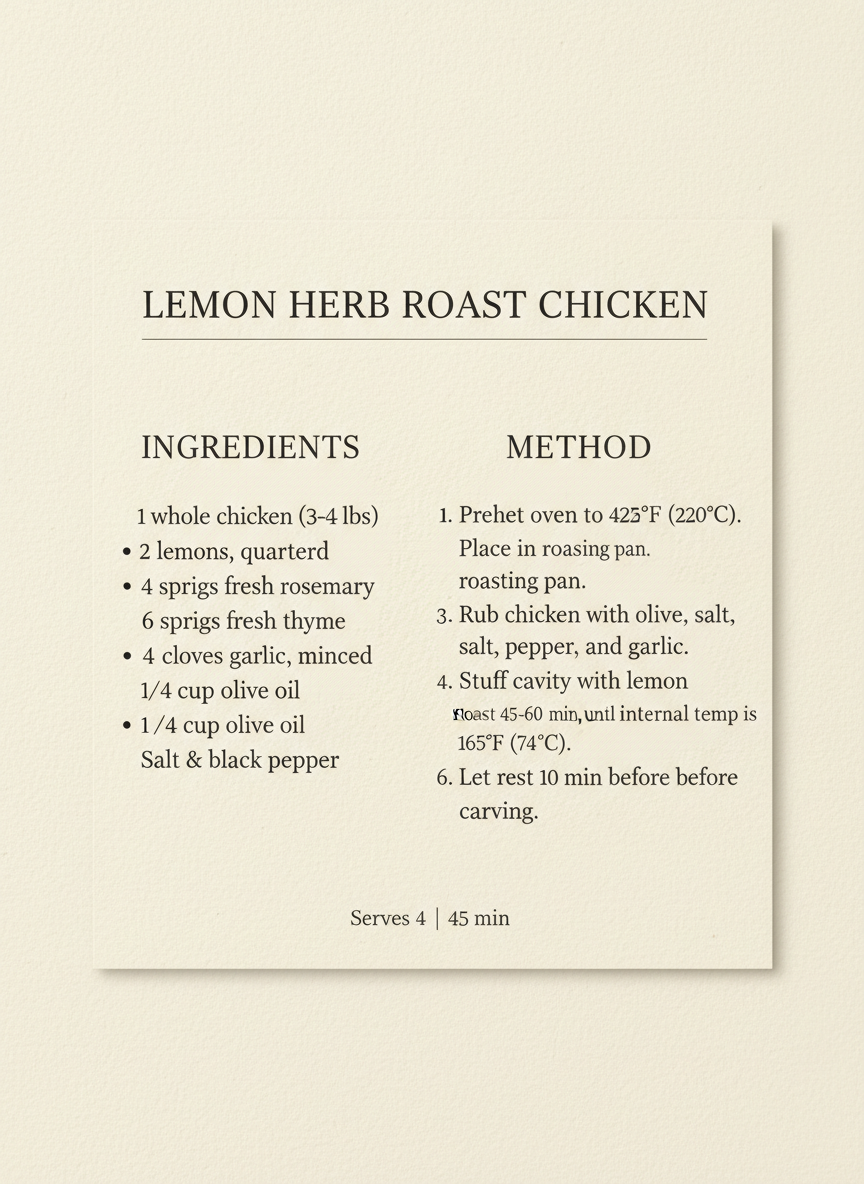
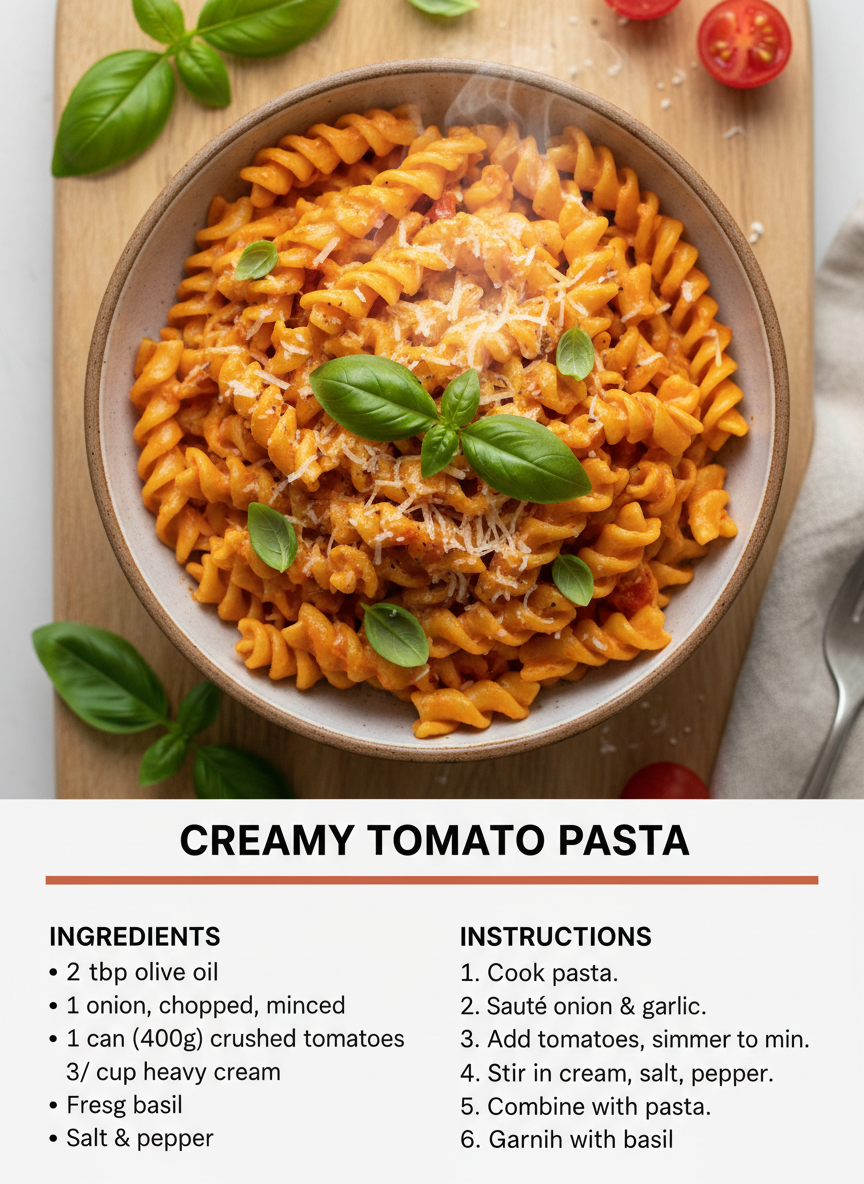
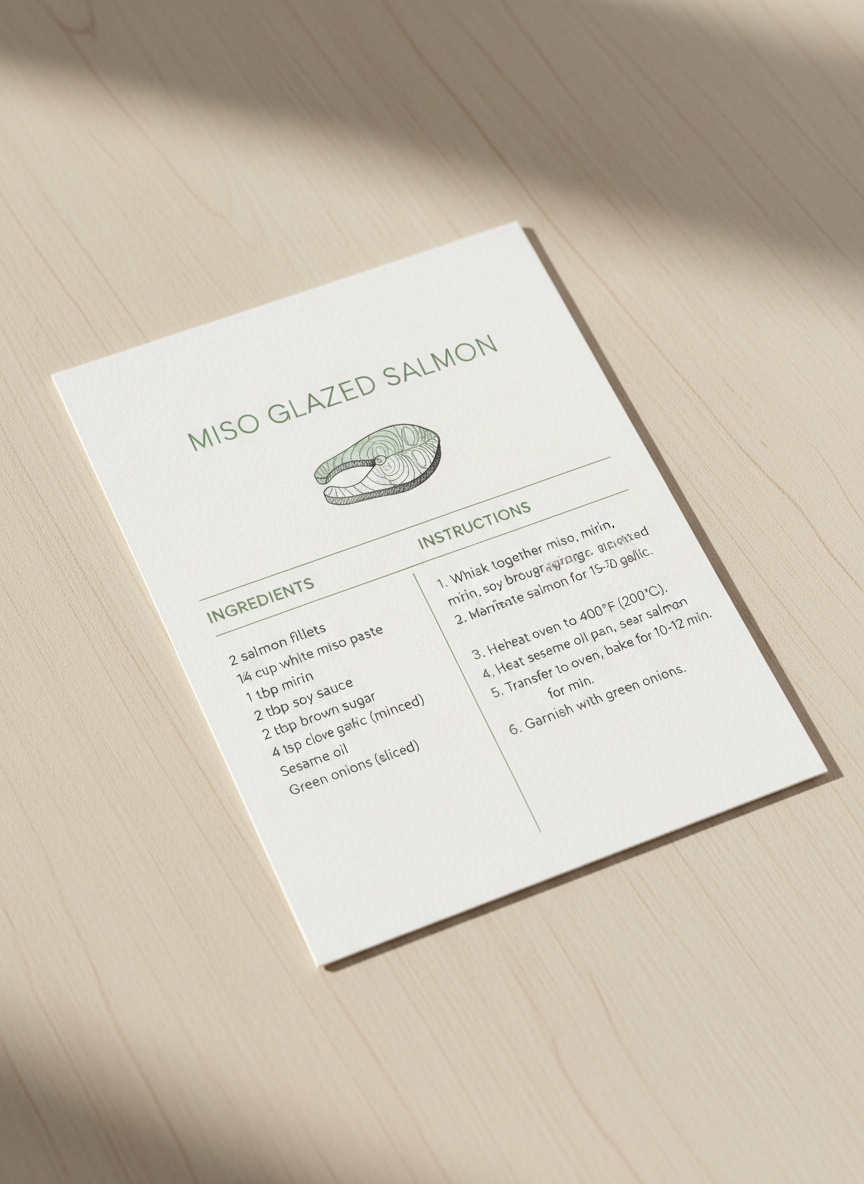
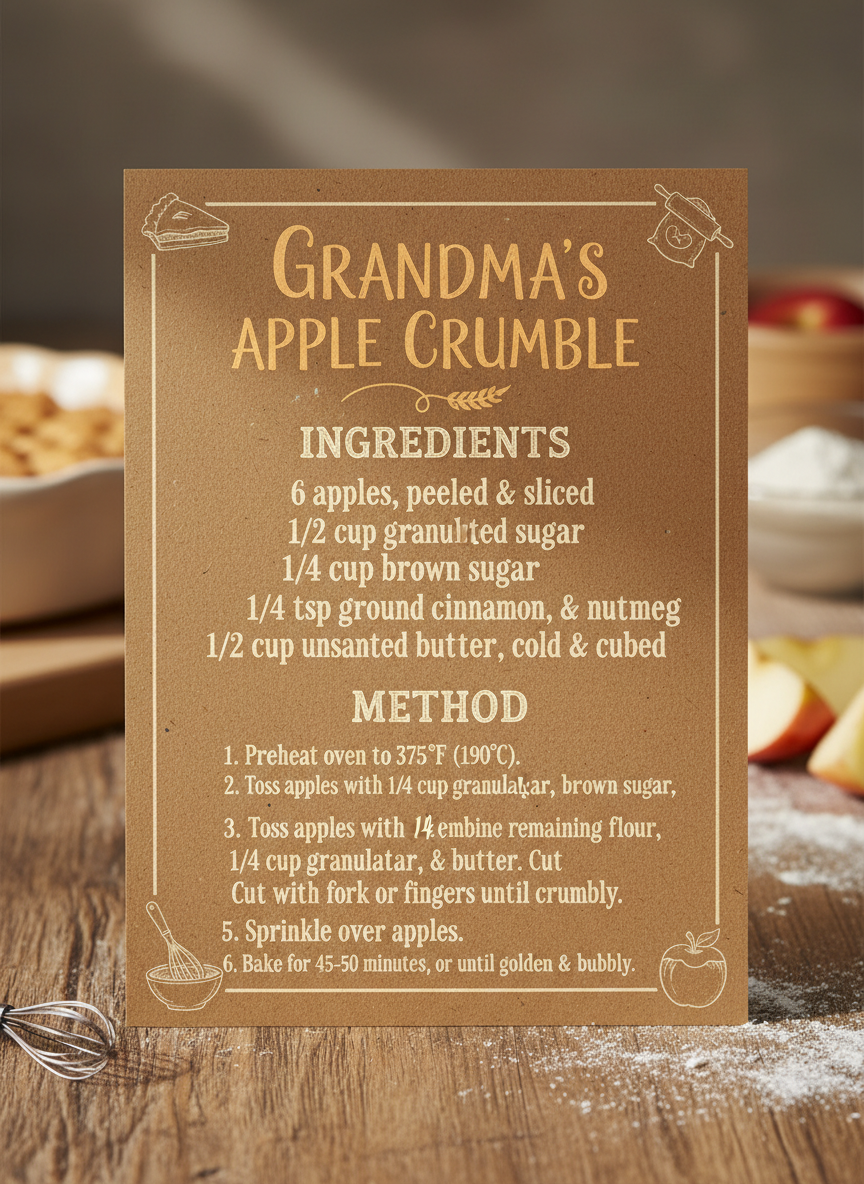
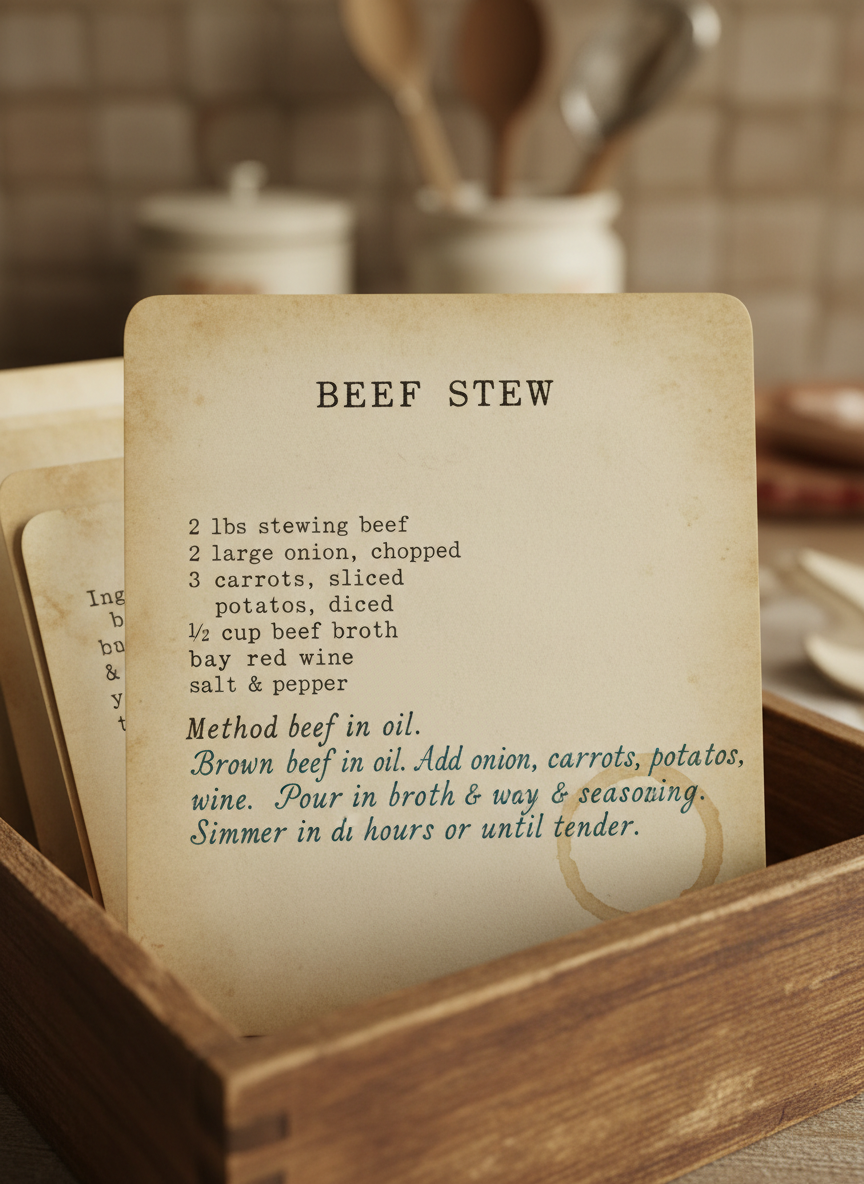
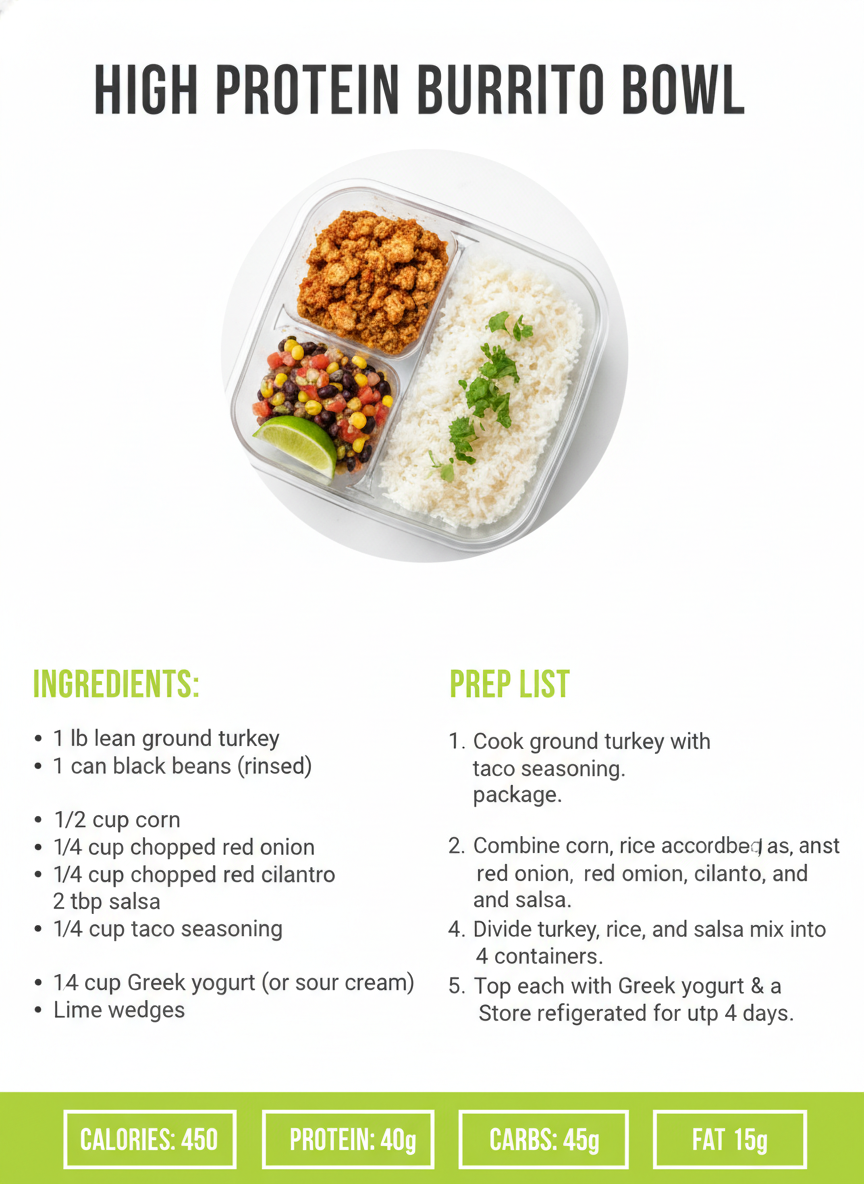
Classic index card, food blog pin, minimalist, rustic kraft, vintage heirloom and meal-prep — six formats, all generated from a written recipe
How the AI Recipe Card Generator Works
Three steps from a scribbled recipe to a card you can print
Choose a Format
Six presets cover the shapes a recipe actually takes: a 4x6 index card for the recipe box, a vertical food blog pin for Pinterest, a minimalist editorial card, a rustic kraft card for a gift, a vintage heirloom card for a family recipe and a meal-prep card with a nutrition strip. Each preset already carries the layout logic — ingredients in a column with quantities, numbered method steps, a serves and time line — so you are picking a direction, not building a grid.
Type the Recipe
Put the real recipe in the details box: the title, every ingredient with its quantity, and the steps in order. "LEMON HERB CHICKEN. Ingredients: 4 chicken thighs, 2 lemons, 3 tbsp olive oil. Method: 1. Heat oven to 200C..." gives the AI recipe card generator something exact to typeset. Vague input produces a handsome card for a recipe nobody can cook; specific input produces yours.
Regenerate, Then Proof It
Each card comes back in about twenty seconds at up to 4K. Run the same recipe through two or three formats and compare. Then read every line against your original — this matters more here than on any other kind of card, because AI-set type can drop a digit, and a recipe with the wrong quantity or the wrong oven temperature is not a typo, it is a ruined dinner. Proof before you print or publish.
Why Cooks and Bloggers Use an AI Recipe Card Generator
Six reasons this beats wrestling a template into shape
It Actually Renders Your Words
Most image models turn text into decorative nonsense, which is exactly why recipe cards have been out of reach for them — a card whose ingredients you cannot read is a picture of a card. Nano Banana Pro was built to set legible type, so the title, the quantities and the numbered steps come back as words rather than squiggles. That one capability is what makes this tool possible, and it is worth testing on any alternative you are weighing up.
Six Formats, Not One Template
A card for the recipe box and a pin for Pinterest are different objects with different proportions and different reading distances. The presets span a classic 4x6 index card, a photo-led blog pin, a minimalist editorial card, a rustic kraft card, a vintage heirloom card and a meal-prep card with a nutrition strip. Each brings its own paper, palette, type treatment and layout, so switching format redesigns the card rather than recolouring it.
A Recipe Layout Is Genuinely Fiddly
Ingredients want a narrow column with the quantities lining up; the method wants a wider one with numbers that stay aligned when a step runs to three lines; and both have to survive being read at arm’s length on a worktop. That is a real typesetting problem, and it is why word-processor recipe cards look the way they do. The presets encode those decisions, so you supply the words and skip the fight with tab stops.
Perfect for Gifts and Family Recipes
A grandmother’s handwritten recipe on a stained card is a keepsake, and it is also increasingly unreadable. The vintage heirloom and rustic kraft presets let you retype the recipe and set it as an object worth keeping — a shower favour, a wedding-gift recipe box, a Christmas set of the family bakes. Print a batch on card stock and you have a present that costs the paper and means considerably more.
Print-Ready Resolution
Cards export at up to 4K, which is plenty for a 4x6 or 5x7 card, a full-page printable, a recipe binder insert or a blog and Pinterest image. There is no watermark and output is cleared for commercial use, so a food blogger can publish the card, a small bakery can slip one in with an order and a course-runner can hand them out. Portrait 3:4 is the default because that is the shape a recipe card is.
Cheaper Than a Template Subscription
The recipe-card templates on design sites are behind a monthly plan, and the free ones are the ones everybody else is using. Here you start free with no credit card, and plans begin at $9.98 — so building out a whole recipe collection, or trying a format you are not sure about, costs less than one month of a design subscription you would cancel after the third card anyway.
Frequently Asked Questions
Common questions about using an AI recipe card generator
Make a Recipe Card in Twenty Seconds
Pick a format, type your ingredients and steps, and get a printable recipe card at up to 4K — index card, blog pin, minimalist, rustic kraft, vintage heirloom or meal-prep. Powered by Nano Banana Pro. Free to start, plans from $9.98.
Make a Printable Card With an AI Recipe Card Generator
Recipes get written down in the worst possible places. On the back of an envelope during a phone call with your mother. In a note app, half-punctuated, while the pan is on. On a card in a box in a kitchen drawer, in handwriting that has been getting harder to read for twenty years. The step from there to something you would print, gift or publish is not a big creative leap — it is a fiddly typesetting job that nobody enjoys, and that is precisely where it stalls. An AI recipe card generator removes that step: you type what you already have, choose a direction, and the card is laid out for you in about twenty seconds.
What makes this possible now is text rendering. Image models have been able to produce a lovely photograph of a recipe card for years, provided nobody tried to read it — the headings dissolved into approximate letterforms and the quantities became texture. Nano Banana Pro was built to set legible type inside an image, which is what moves this from a mood-board exercise to a card with your actual four chicken thighs and your actual 200°C on it. You supply the words; the preset supplies the paper, the palette, the column structure and the spacing.
Six presets cover the formats people really make. Classic Index Card sets a cream 4x6 for the recipe box, ingredients left, numbered method right. Food Blog Pin puts a hero photo above a clean text panel at Pinterest proportions. Minimalist Modern uses hairline rules, a light geometric sans and one small line-art illustration. Rustic Kraft hand-letters onto warm brown paper for gifts and farm-shop packaging. Vintage Heirloom ages the paper and mixes typewriter type with fountain-pen script for a family recipe. Meal-Prep Card adds a nutrition strip and prep-time icons. Same recipe, six objects.
For Home Cooks, Food Bloggers, Gift-Makers and Meal Preppers
Getting a usable card comes down to how you fill the details box. Give it the title, every ingredient with its quantity and unit, and the steps in order, written the way you want them read. Then run the same recipe through two or three formats and look at them at the size they will be used — a card that reads at arm's length across a worktop is doing its job, and one that only works zoomed in on a laptop is not. Once the card is settled, the same styling carries into the rest of a food project: the AI food photography generator produces the dish images, the AI menu design generator handles a venue's full menu rather than a single recipe, the AI Pinterest pin generator covers the rest of your pins, and the AI greeting card generator makes the card that goes in the gift box alongside them.
Two limits are worth stating plainly, because the output is convincing enough that they matter. The first is proofing, and on a recipe it is not optional: AI-set type is good but not infallible, and a dropped digit in a quantity or an oven temperature produces a card that fails the one job a recipe has. Read every line against your original before printing or publishing. The second is the file — you get a flattened image at up to 4K, not a layered document with live text, so a typo means regenerating rather than editing, and there is no bleed or CMYK setup for a commercial print run. And if the card carries nutrition figures, type in your own real numbers; generated ones are decorative and must never stand in for food labelling.
Within those limits, everything you generate is yours. Cards export at up to 4K with no watermark and are cleared for commercial use, which matters for a blogger publishing printables, a baker slipping a card in with an order, or anyone assembling a recipe box as a wedding present. It is free to start with no credit card, and plans begin at $9.98 when you want to work properly through a whole collection. Type in the recipe that has been living on the back of an envelope, and see it set properly for the first time.
Try the AI recipe card generator free today. Add your ingredients and steps, pick one of six formats, and download a printable recipe card at up to 4K. No credit card required to start. Paid plans from $9.98.