
AI Menu Design Generator
Most independent restaurants print a menu built in a word processor, because a designer costs more than the week's produce order and the template sites all look like each other. This AI menu design generator gives you a third option. Pick a direction — minimalist bistro, chalkboard café, fine dining card, coffee bar, izakaya or cocktail list — type in your restaurant name, your dishes and your prices, and Nano Banana Pro lays out a designed menu with legible typography in about twenty seconds. Change the wording and run it again until the layout is right.
Try It Now — Free
Choose a menu style, then type your restaurant name, section headings, dish names and prices into the details box. The more exactly you write them, the more exactly they come back. Your design arrives in about twenty seconds at up to 4K.
AI Menu Design Generator
Pick a menu style, add your restaurant name, dishes and prices, and get a laid-out menu design in seconds
Menus From the AI Menu Design Generator
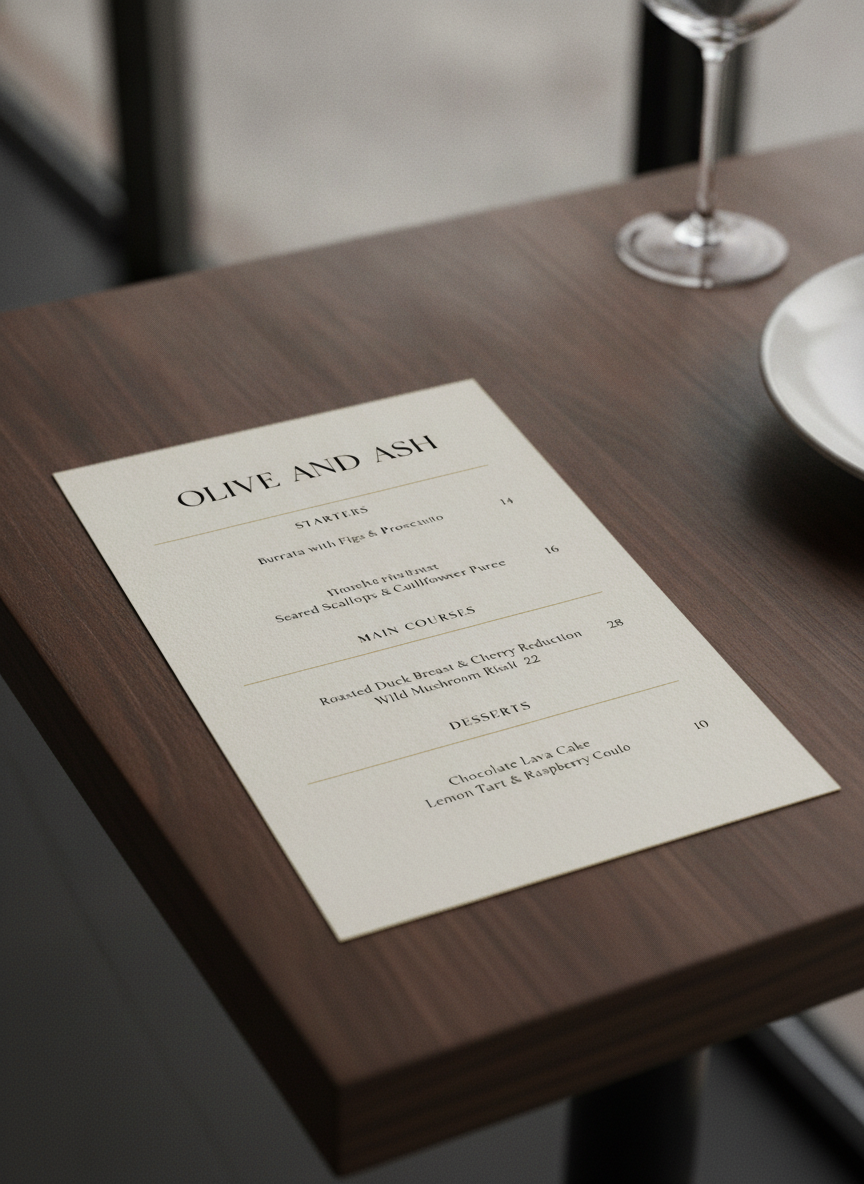
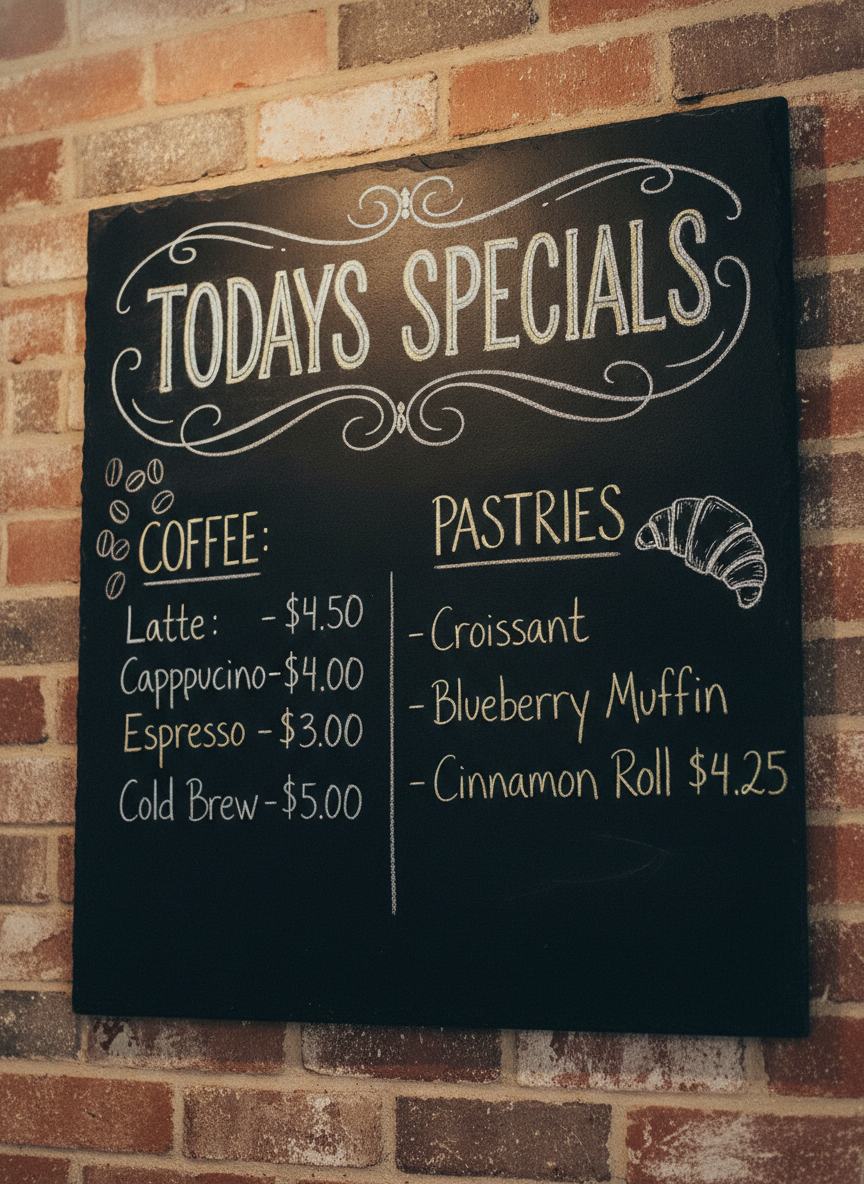
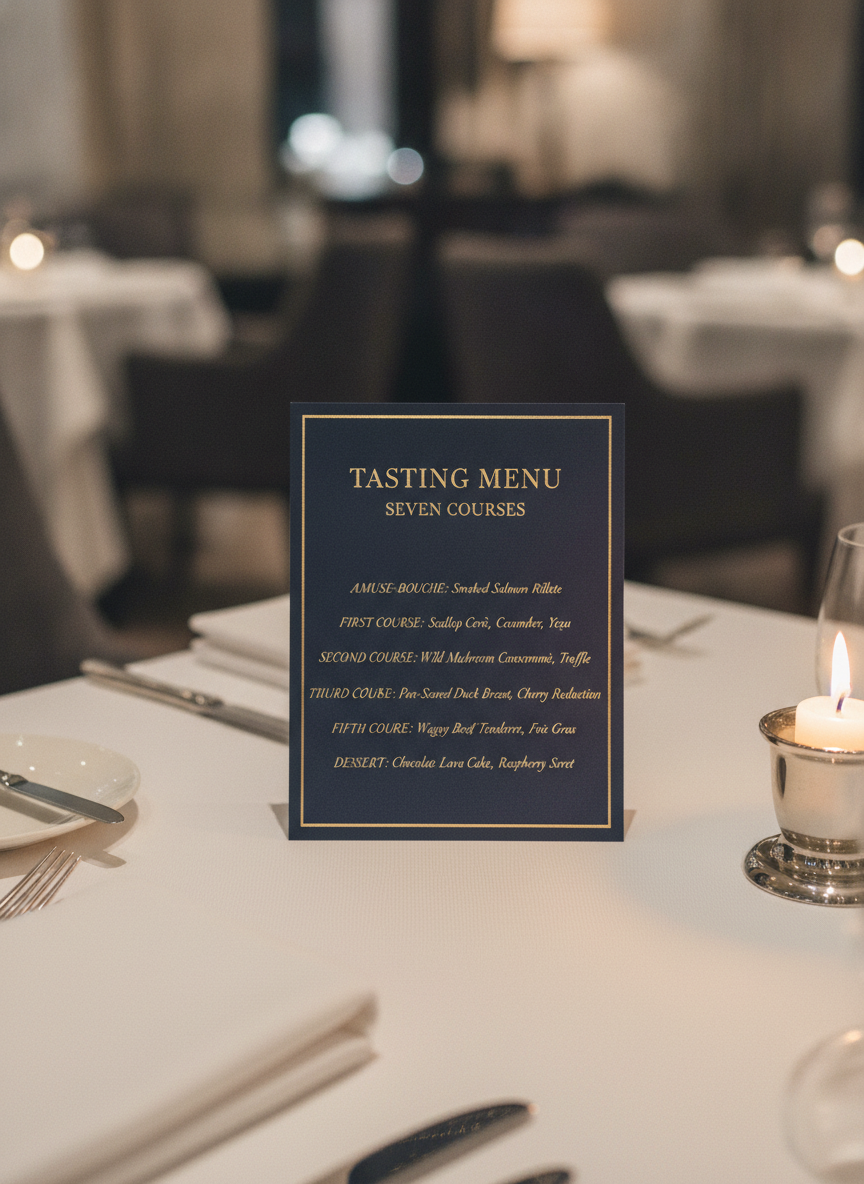
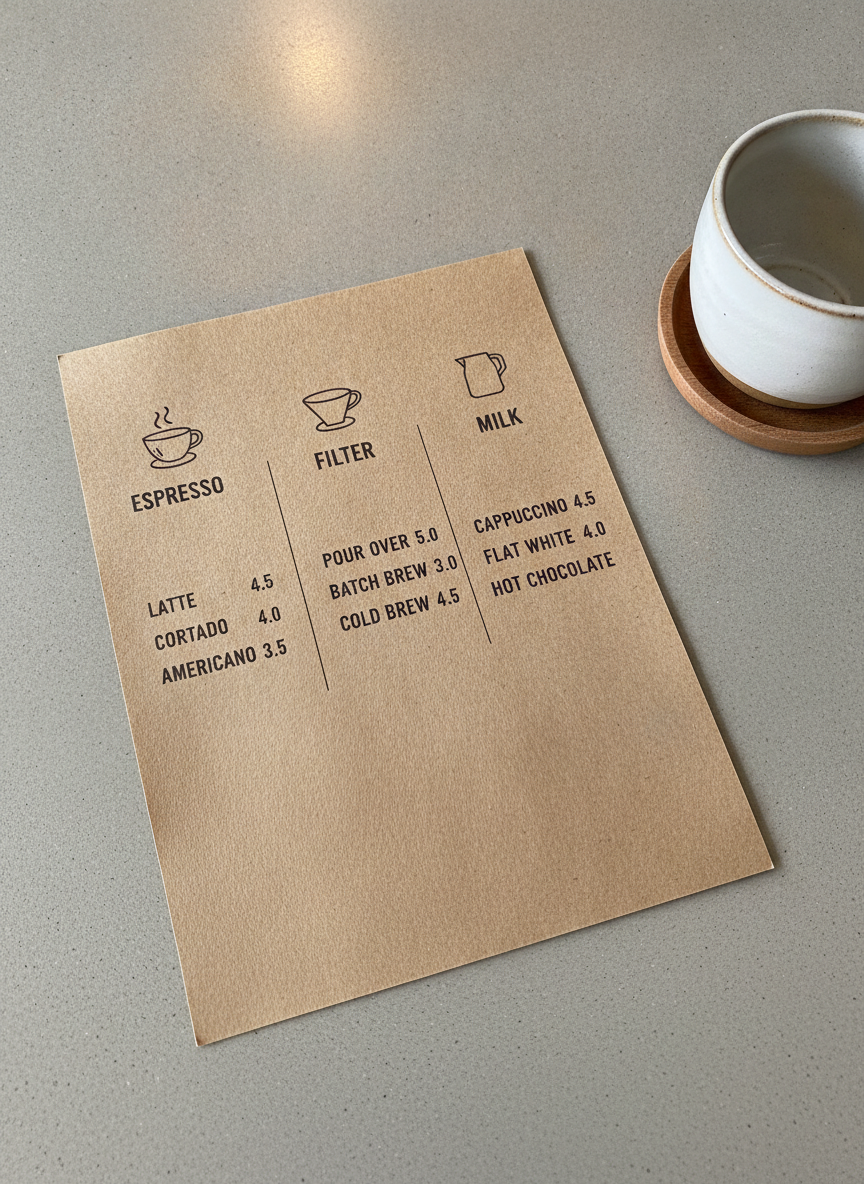
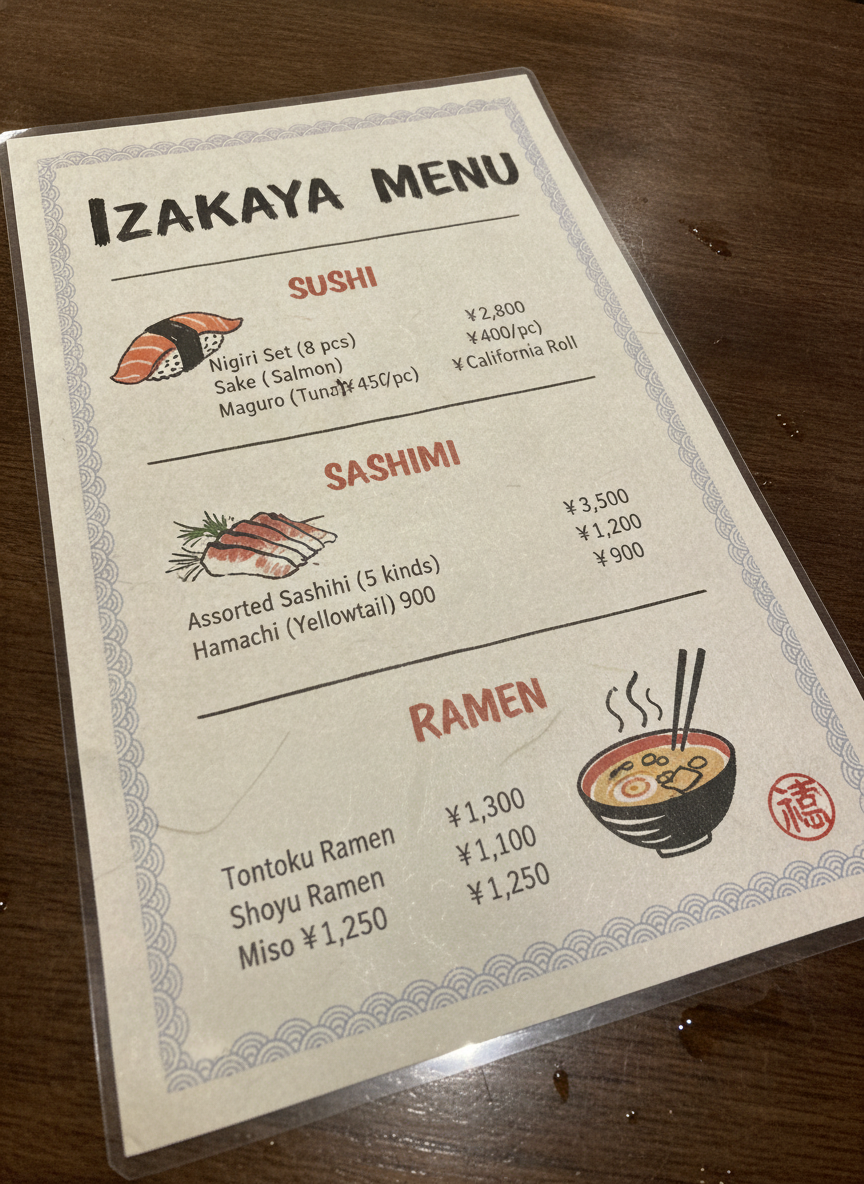
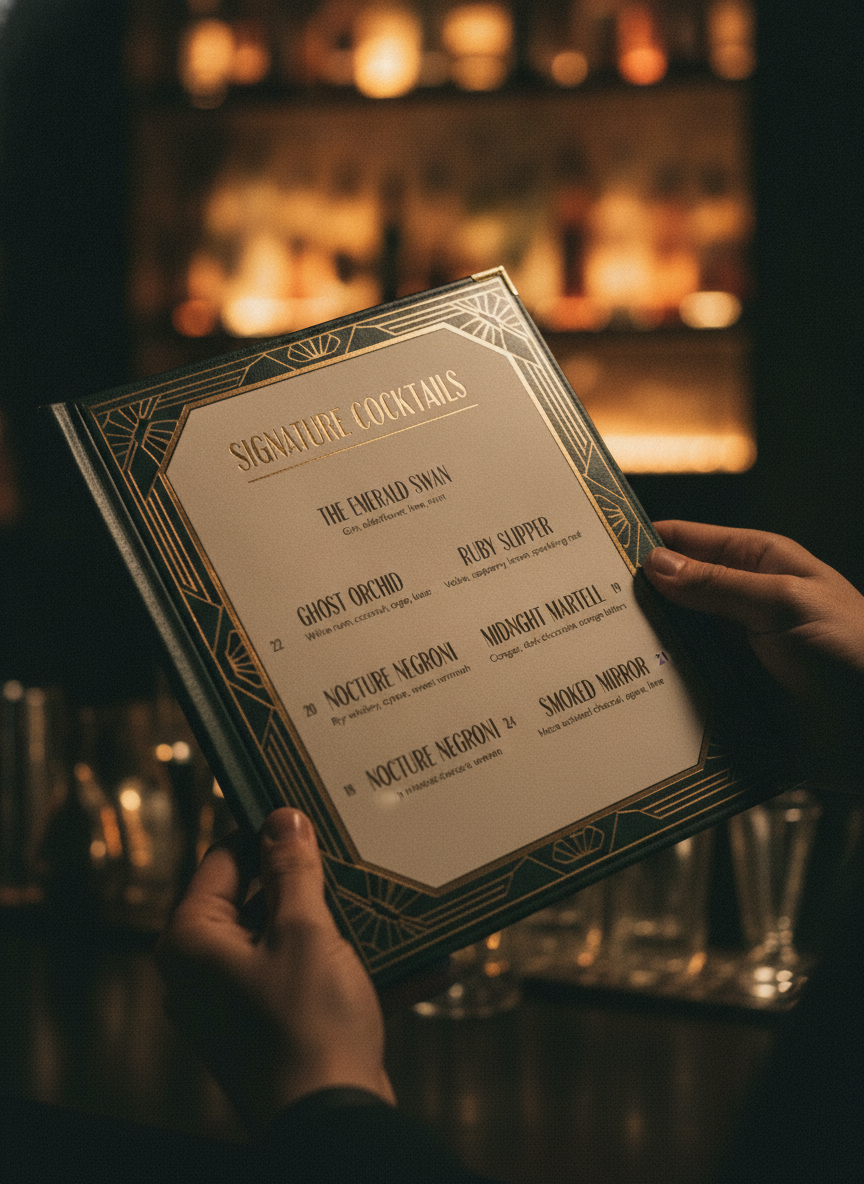
Minimalist bistro, chalkboard café, fine dining card, coffee bar, izakaya and cocktail list — six directions, all generated from a short description
How the AI Menu Design Generator Works
Three steps from a list of dishes to a designed menu
Choose a Style
Six presets cover the formats most venues need: a minimalist bistro card, a hand-lettered chalkboard, a gold-on-navy fine dining tasting menu, a kraft-paper coffee board, a washi-paper izakaya sheet and an art-deco cocktail list. Each preset already carries the layout instructions — section headings, dish lines, prices to the right margin, breathing room — so you are choosing a direction rather than building a grid from scratch.
Type Your Dishes and Prices
Put your real content in the details box: the restaurant name, the section headings you use, the dishes and what they cost. "OLIVE & ASH. Starters: burrata £9, soup £7. Mains: sea bass £22" gives the AI menu design generator something concrete to typeset. Vague input produces a handsome menu for a restaurant that does not exist; specific input produces one for yours.
Regenerate, Then Proof It
Each design comes back in about twenty seconds at up to 4K. Run the same content through two or three styles and compare them at the size customers will actually hold. Then read every line: AI-rendered type can drop a letter or round a price, so proof the copy before anything reaches a printer, and retype prices in a design tool if you need them exact.
Why Restaurants Use an AI Menu Design Generator
Six reasons operators reach for this before they reach for a template site
It Actually Renders Your Words
Most image models turn text into decorative nonsense, which is why menus have been out of reach for them. Nano Banana Pro was built to render legible type, so section headings, dish names and prices come back as words you can read rather than squiggles that look like words. That single capability is what makes a menu generator possible at all, and it is worth checking against any other tool you are considering.
Six Formats, Not One Template
A wine bar and a ramen counter do not want the same object. The presets span a minimalist bistro card, a chalk board for a café wall, a gold-foil tasting menu for a fine dining room, a kraft coffee list, a washi izakaya sheet and a deco cocktail list. Each carries its own paper, palette, type treatment and layout logic, so switching style changes the whole design rather than recolouring one.
Seasonal Changes Stop Being a Project
Menus change — a supplier drops out, the specials rotate, prices move with costs. When redesign means emailing a designer and waiting three days, most kitchens just cross a line out in pen. Regenerating takes twenty seconds, so the printed menu can keep up with the kitchen. That is the practical difference for a small operator, more than any single beautiful design.
Cheaper Than a Design Round
A freelance menu design runs a few hundred at the low end and comes with a revision limit. Template sites are cheaper but you end up with the same layout as the café two streets over, and the good fonts are behind the subscription. Here you start free with no credit card, and plans begin at $9.98 — less than the ink for a print run, with unlimited direction changes while you decide.
Print-Ready Resolution
Designs export at up to 4K, which is enough for an A4 or A5 menu card, a table tent, a wall board photograph or a specials insert. There is no watermark and output is cleared for commercial use, so the file you download is the file you send to the printer or upload to your delivery platform. Portrait 3:4 is the default because that is the shape a menu is.
Useful Beyond the Menu Itself
The same content and styling carries across the rest of a venue’s print: specials boards, table tents, takeaway inserts, a chalked drinks list for the window. Generate the menu first, then reuse its palette and type description for the companion pieces so the set looks deliberate. Consistency across five small printed items reads as a brand; five different templates read as a scramble.
Frequently Asked Questions
Common questions about using an AI menu design generator
Design Your Menu in Twenty Seconds
Pick a style, type your dishes and prices, and get a laid-out menu design at up to 4K — bistro card, chalkboard, tasting menu, coffee board, izakaya sheet or cocktail list. Powered by Nano Banana Pro. Free to start, plans from $9.98.
Design a Restaurant Menu With an AI Menu Design Generator
The menu is the only piece of design every single customer reads, and in most independent restaurants it is the piece that gets the least attention. There is a reason for that, and it is not indifference. A designer wants a brief and a fee and three days; a template site wants a subscription and still hands you the layout the café two streets over is using; and the version typed in a word processor at eleven at night, after service, is the one that ends up laminated on the tables. None of those routes is bad exactly — they are just badly matched to a business whose prices move with the supplier list and whose specials change on Thursday. An AI menu design generator fits that rhythm better, because the cost of changing your mind drops to twenty seconds.
What makes it possible now is text rendering. Image models have been able to produce a beautiful photograph of a menu for years, as long as nobody tried to read it — the headings dissolved into approximate letterforms and the prices became decoration. Nano Banana Pro was built to set legible type inside an image, which is what moves this from a mood board exercise to something with your actual sea bass and your actual twenty-two pounds on it. You supply the words, the preset supplies the paper, the palette, the type treatment and the spacing, and the result is a designed object rather than a list in a box.
Six presets cover the formats venues really print. Minimalist Bistro sets a cream card in thin serif capitals with gold hairline rules between courses. Chalkboard Café hand-letters white chalk onto slate for the wall behind the counter. Fine Dining Card puts gold foil on deep navy for a tasting menu on linen. Coffee Shop Board runs espresso, filter and milk down three kraft-paper columns. Izakaya works in red and black sumi ink on washi. Cocktail Bar List frames six signature drinks in brass art deco. Same dishes, six different rooms.
For Restaurants, Cafés, Bars, Food Trucks and Pop-Ups
Getting a usable design comes down to how you write the details box. Give it the venue name, the section headings you use, each dish with a short description and the price, written the way you want it to read. Then run the same content through two or three styles and look at them at the size a customer holds, not zoomed in on a laptop — a menu that reads well at arm's length in low light is doing its job. Once the menu is settled, the same palette and type description carry into the rest of the venue's print, and the AI flyer generator handles event and specials sheets, the AI poster generator covers window and wall pieces, the AI business card generator finishes the stationery, and the AI food photography generator produces the dish images that go with them.
Two limits are worth stating plainly, because the output is convincing enough that they matter. The first is proofing: AI-set type is good now but not infallible, and on a dense menu a long dish name can drop a character or a price can round. Read every line before it reaches a printer — the same discipline you would apply to any proof. The second is the file itself. You get a flattened image at up to 4K, not a layered document with live text, so nobody can fix a typo at the print shop and there is no bleed or CMYK setup. For in-house printing that is fine; for a large professional run, hand the image over as the design reference and have the final artwork built from it.
Within those limits, everything you generate is yours. Designs export at up to 4K with no watermark and are cleared for commercial use, which matters for a venue printing its own menus, a consultant pitching concepts to a client, or a pop-up that needs a drinks list by Friday. It is free to start with no credit card, and plans begin at $9.98 when you want to work properly through several styles and companion pieces. Type in your dishes, pick a direction, and see the menu you have been meaning to redesign since last spring.
Try the AI menu design generator free today. Add your dishes and prices, pick one of six styles, and download a print-ready menu design at up to 4K. No credit card required to start. Paid plans from $9.98.