
AI Monster Generator
A monster is only frightening, or only charming, because of how it is presented. This AI monster generator starts from the presentation rather than the anatomy — a rubber-suit movie creature under a swinging lamp, a bestiary plate on parchment, a kaiju seen from street level, an eldritch thing half out of black water, a friendly cartoon mascot, or a blurry cryptid photograph. Describe the creature, pick the register, and get it back at up to 4K in about twenty seconds.
Try It Now — Free
Pick the monster type first, then use the details box for the creature itself. Each preset already carries the lighting, framing and rendering that make that kind of monster read — how big it looks, how real it looks, and whether it is meant to scare anyone.
AI Monster Generator
Pick a monster type, describe the creature, and get an original monster in about twenty seconds
Creatures From the AI Monster Generator
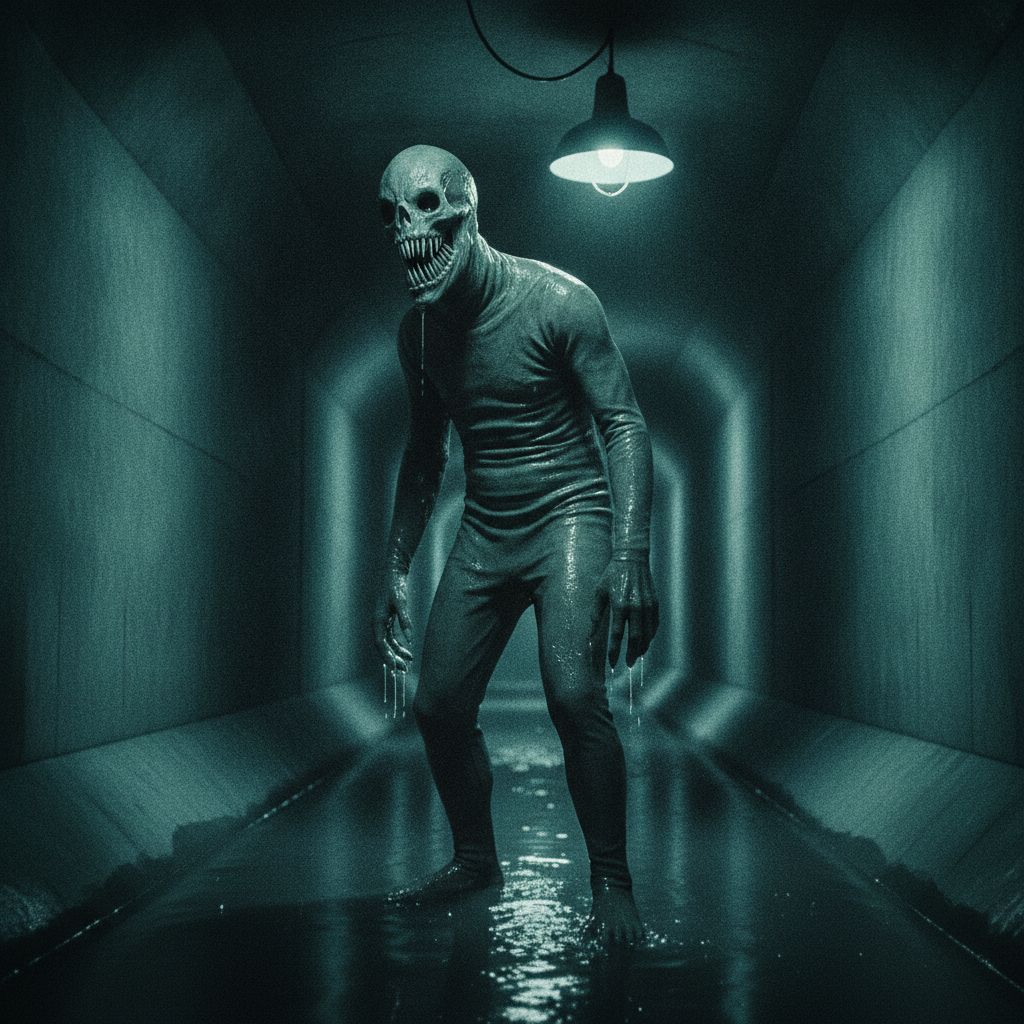
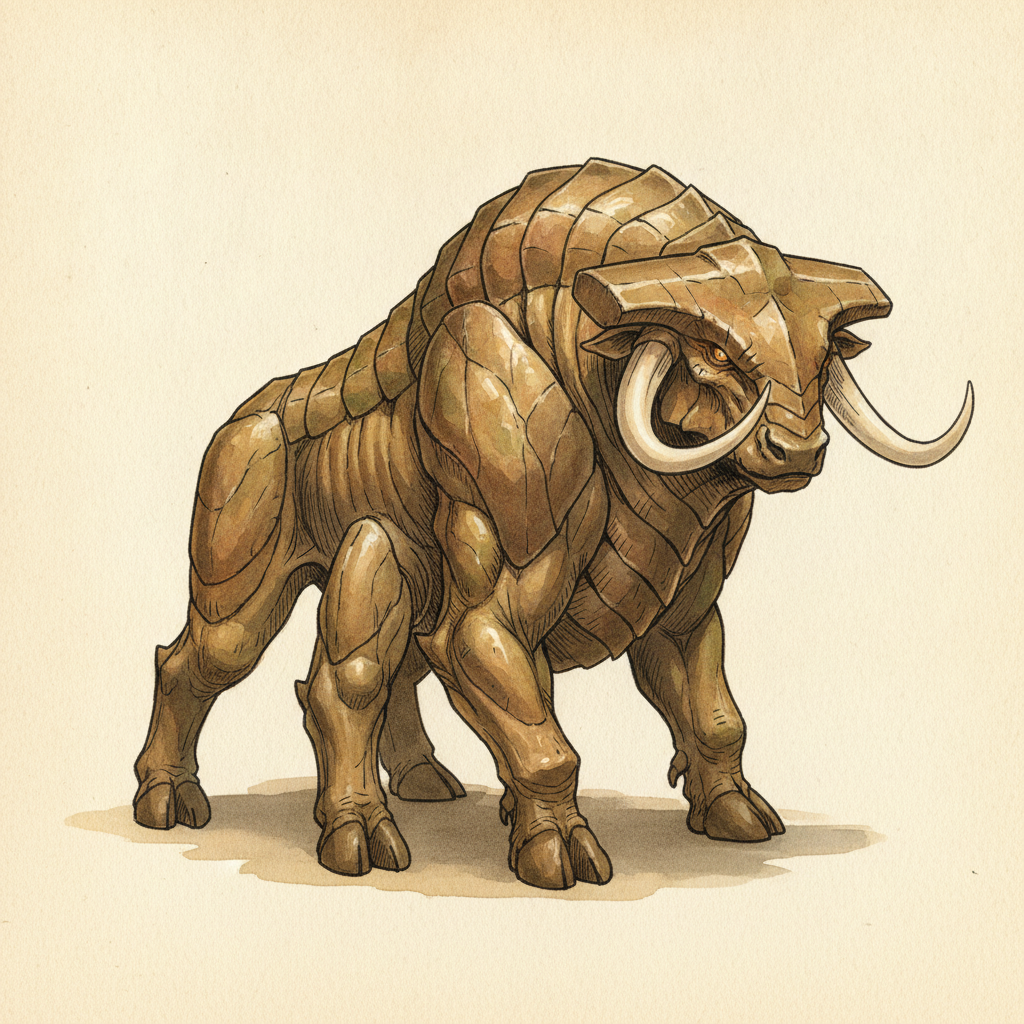
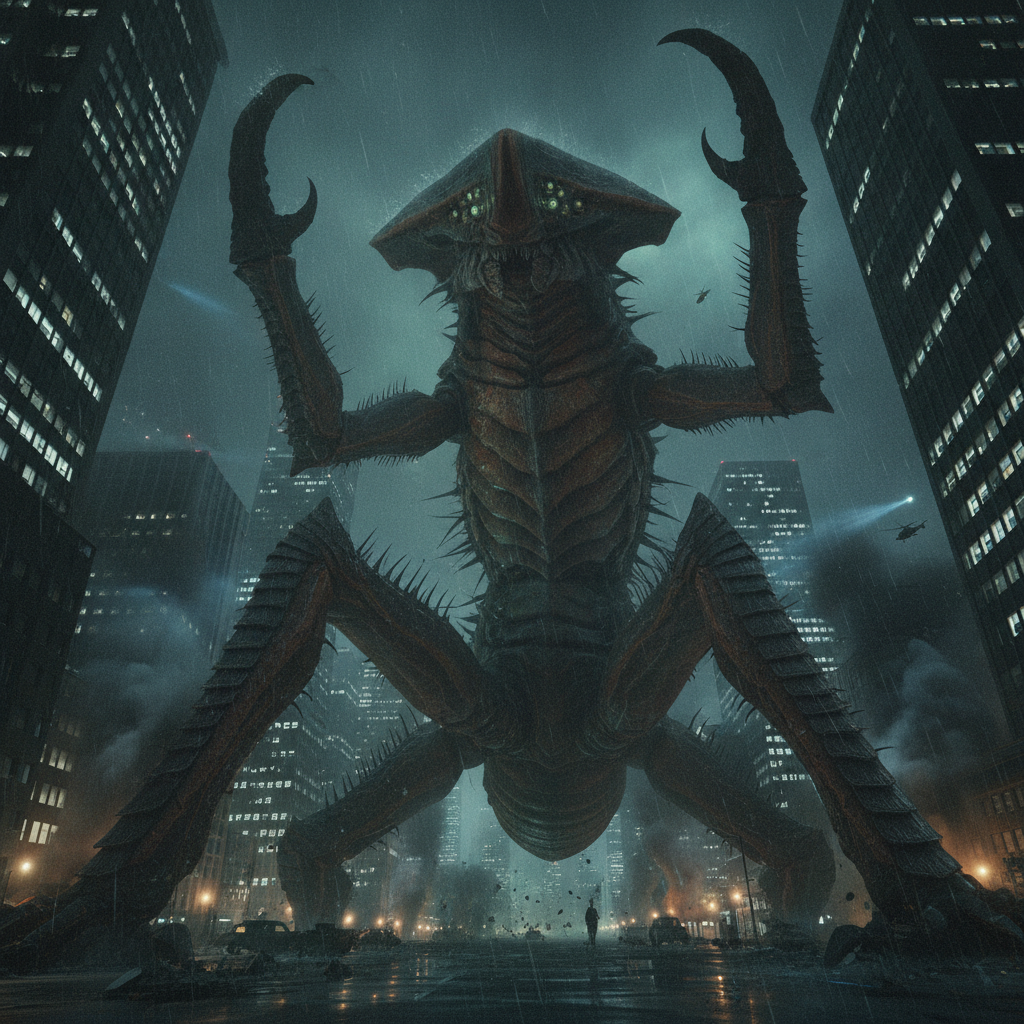
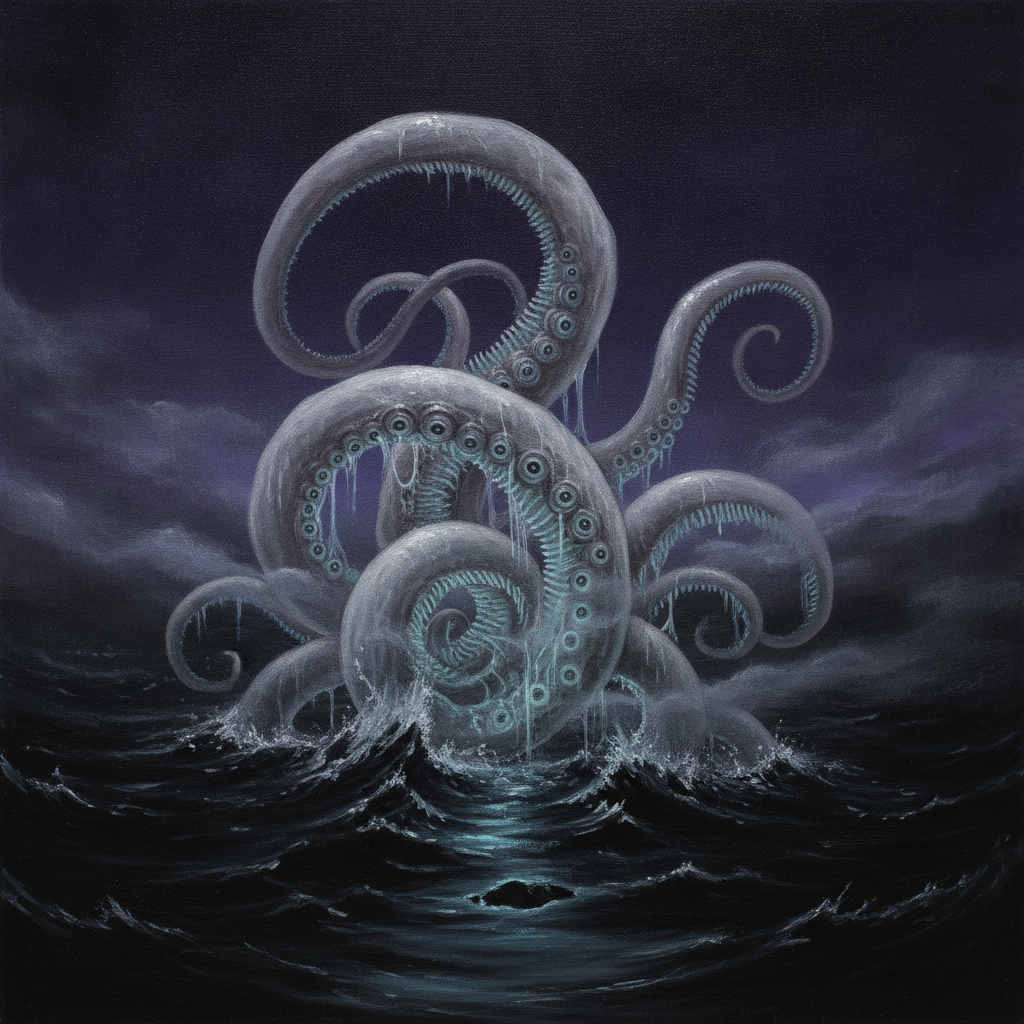
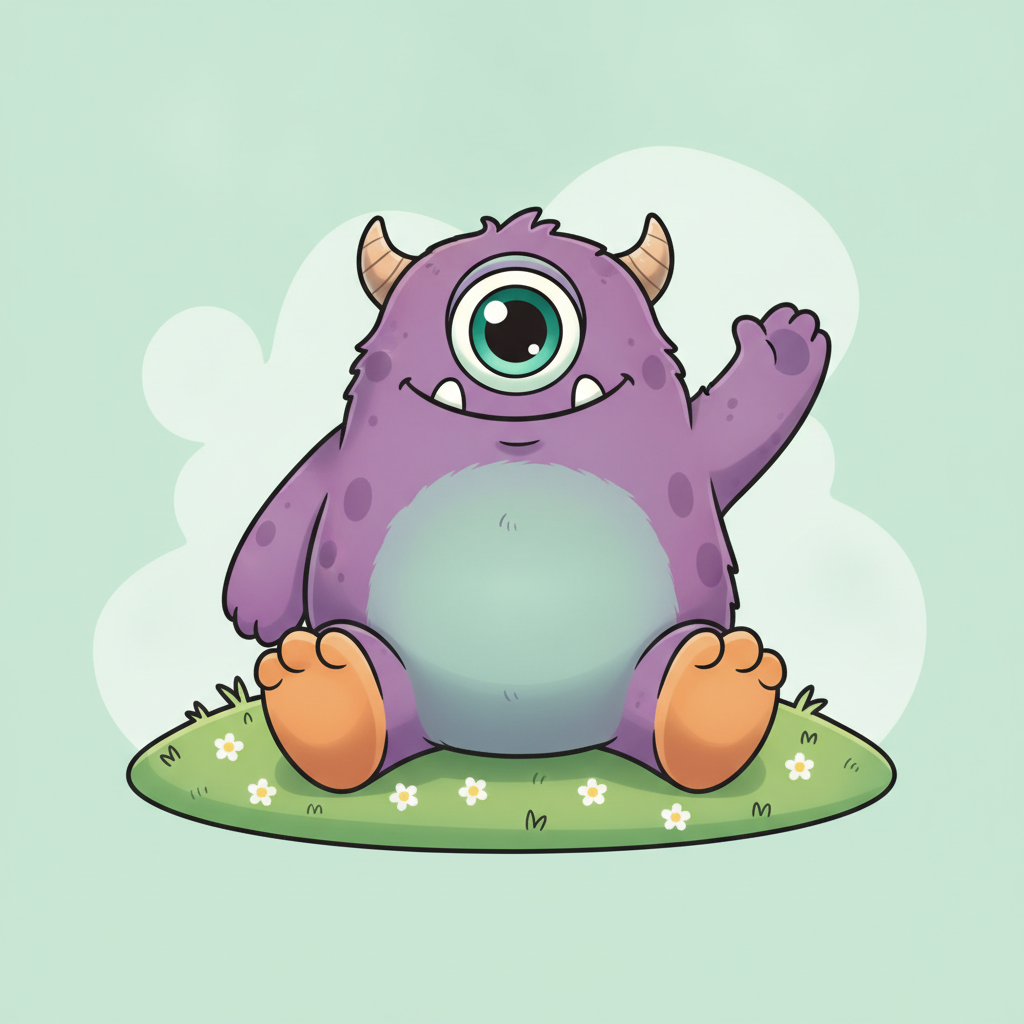
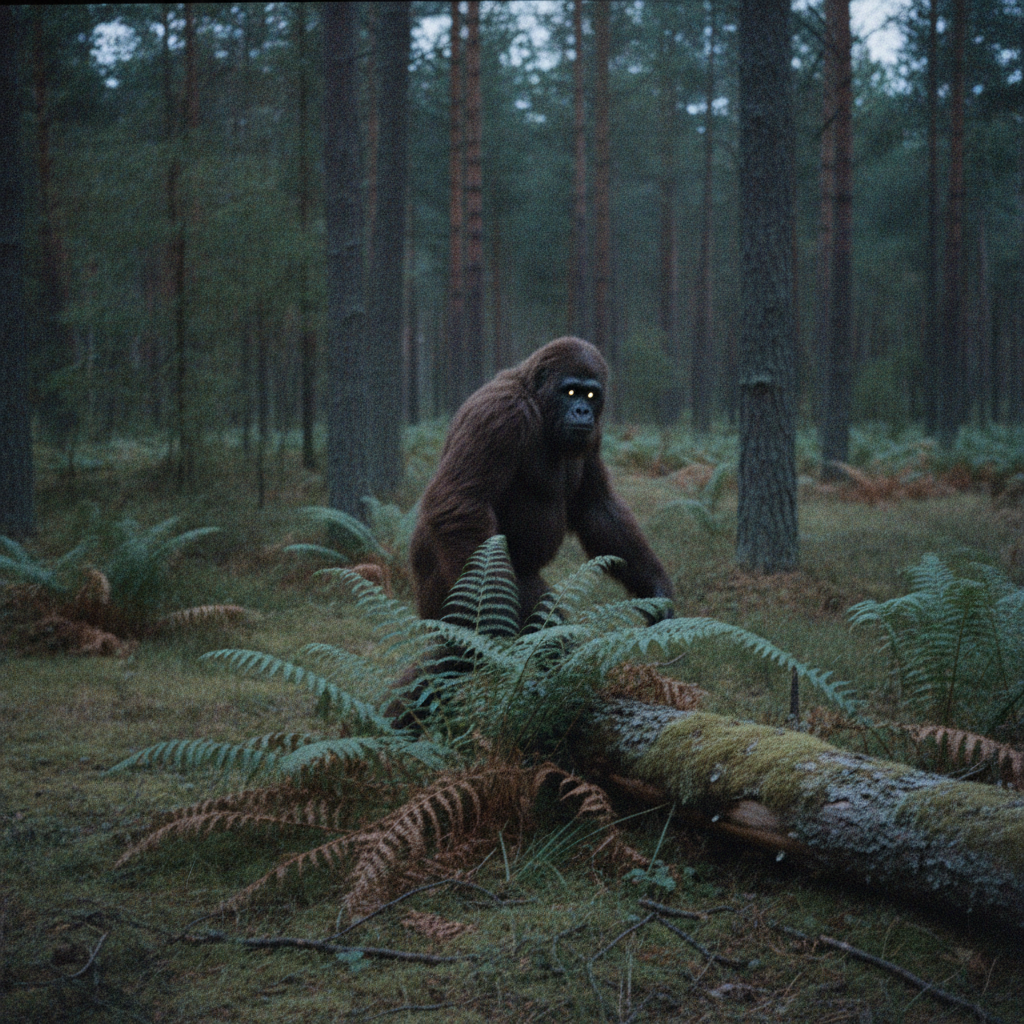
Movie monster, fantasy beast, kaiju, eldritch horror, cute monster and cryptid photograph — six registers of the same idea, each one lit and framed differently
How the AI Monster Generator Works
Three steps from a vague creature idea to something you can actually use
Pick the Register, Not the Species
The six presets are six ways of presenting a monster rather than six kinds of animal, because presentation is what decides how a creature lands. Movie Monster lights a physical-looking body with one hard practical source, which is what makes something read as a thing standing in a room. Fantasy Beast puts the whole creature side-on against parchment so its anatomy is legible, the way a bestiary entry has to be. Kaiju is shot from the ground looking up, which is the only reason anything looks a hundred metres tall. Eldritch Horror deliberately refuses a clear silhouette. Cute Monster rounds every shape and floods the scene with even light. Cryptid Photo throws away all of the craft on purpose. Choose the register and most of the image is already decided.
Describe the Creature in Parts
Use the details box for what the preset cannot guess, and describe a monster the way a make-up department would: body plan, skin or hide, head, limbs, eyes, and one memorable detail. Six eyes in two rows, bark-like skin, antlers that branch too many times, an extra pair of arms folded against the chest. Concrete nouns beat adjectives — "horrifying" gives the model nothing, "translucent skin with the ribcage visible through it" gives it everything. Naming a real animal for the underlying build, then breaking it in one specific way, is the fastest route to something that feels alive rather than assembled.
Generate, Then Push One Variable
Each creature comes back in about twenty seconds at up to 4K. The useful move afterwards is to change one thing and run it again: the same monster as a kaiju and as a cryptid photograph tells you whether the design survives being seen from far away, and the same monster cute and frightening tells you whether it is really a silhouette or really a texture. Designs that hold up across two registers are the ones worth keeping. Download at full resolution with no watermark, cleared for commercial use.
Why Use an AI Monster Generator
Six reasons creature design is worth doing visually rather than in a description
Monsters Are Made by Lighting, Not Anatomy
The same body can be terrifying or endearing depending entirely on how it is lit and framed. A hard source from one side with the rest in blackness hides most of the creature and lets the viewer finish it, which is why practical-effects films shoot that way and why the Movie Monster preset does too. Flat even light from the front does the opposite: it shows everything, removes all mystery, and turns the identical creature into a mascot. Trying both on one design in the space of a minute teaches more about creature design than a page of description ever will.
Game Masters and Homebrew Campaigns
A described monster and a seen monster land very differently at a table. Reading out four sentences of stat block gets polite attention; putting a picture down gets a reaction, and players remember the thing they saw for the rest of the campaign. The Fantasy Beast preset renders a creature side-on against parchment so its build is actually legible, which is what a bestiary entry needs and what a moody atmospheric render is bad at. For the people fighting it rather than the thing itself, the AI D&D character generator handles the other side of the table.
Scale Is a Camera Decision
Nothing in an image is inherently big. A creature looks a hundred metres tall because the camera is at street level looking steeply up, because there are lit office windows next to it for comparison, and because low cloud catches the fire glow above it — remove those and the identical monster reads as a lizard on a model set. This is the single most common failure in generated creature art, and it is why the Kaiju preset specifies the viewpoint and the reference objects rather than just asking for something enormous.
Concept Art, Games and Short Films
Creature design normally happens as dozens of thumbnails before anything is worth showing, and that stage is exactly where generating is cheapest. Run a body plan through several registers, keep the two that survive, and take those to a concept artist as a brief rather than a blank page. The output is a direction, not a finished asset — but a director, a game team or a client can respond to it, which is more than a paragraph of text achieves. The AI concept art generator and the AI game asset generator carry the same creature into environments and props.
Horror That Stays Suggestive
The Eldritch Horror preset is built around refusing a clear silhouette — coiling limbs that never resolve into a body, too many eyes, glow coming from inside the flesh rather than from a light source. That is a deliberate design position: the frightening thing is the part the viewer cannot parse, not the part that is graphic. It also keeps the results usable, since the presets stay away from gore and human remains, which matters if the image is going on a book cover, a store page or anywhere with content rules.
Free to Start, $9.98 to Go Further
You can generate monsters free without a credit card, which is enough to find out whether an idea has a shape worth keeping. Paid plans begin at $9.98 for real work: running one creature through every register, building a set of related monsters for a campaign or a game, or the repeated passes creature design genuinely takes. Output reaches 4K with no watermark and is cleared for commercial use, so a design can go straight onto a cover, a card or a store listing.
Frequently Asked Questions
Common questions about using an AI monster generator
Make Something That Should Not Exist
Pick a register, describe the creature, and get an original monster at up to 4K — movie monster, fantasy beast, kaiju, eldritch horror, cute monster or a cryptid photograph. Powered by Nano Banana Pro. Free to start, plans from $9.98.
Presentation First, Anatomy Second: the AI Monster Generator
Ask most people to design a monster and they start with the body — how many legs, what kind of teeth, which animal it is crossed with. Ask a creature designer and they start somewhere else entirely: what is the audience meant to feel, and from where are they looking at it. That is the idea this AI monster generator is built around. The six presets are not six species, they are six registers, and each one locks down the lighting, the camera and the rendering that make a creature read the way that register demands. The body you describe is then poured into that mould.
The gallery makes the point better than a description can. The movie monster works because one hard practical light leaves most of it in blackness and the viewer finishes the rest. The bestiary beast works because it is shown side-on against plain parchment where the anatomy is legible. The kaiju is enormous only because the camera is on the pavement looking up past lit windows. The eldritch horror is unsettling precisely because the silhouette never resolves. The cute monster is charming because every shape is rounded and the light is flat and even. The cryptid is believable because the photograph is bad. Change the register and the same creature becomes a different image entirely.
That is also the fastest way to test a design. Generate one monster twice, once as a kaiju and once as a cryptid photograph, and you learn whether it survives being seen at distance and at a glance — which is really asking whether the silhouette does any work. Generate it cute and frightening and you learn whether the horror was in the shape or only in the texture. Creatures that hold up across two registers are the ones worth taking further; the rest were a lighting trick, and it is much cheaper to find that out in forty seconds than after a week of drawing.
Who Uses It, and Where the Monster Goes Next
Game masters get the most immediate value: a described monster earns polite attention at a table, while a picture put down on it gets remembered for the rest of the campaign, and the Fantasy Beast preset is built to render a creature legibly rather than atmospherically for exactly that use. For the party facing it, the AI D&D character generator covers the other side of the table, and the AI fantasy art generator handles the world the creature lives in.
Game teams, illustrators and short-film makers use it at the thumbnail stage, where creature design is normally dozens of throwaway sketches and where generating is cheapest. What comes out is a direction rather than a finished asset — but a director or a client can react to a direction, which is more than a paragraph of text ever achieves. From there the AI concept art generator and the AI game asset generator carry the creature into environments and props, the AI storyboard creator puts it into shots, and the 4K image upscaler handles anything that needs enlarging for print. If you already know the species you want, the dedicated dragon, zombie, werewolf, demon and alien generators go straight there, and the AI Halloween costume generator turns a creature into something wearable.
The limits are worth naming plainly. Each generation is independent, so a creature keeps its described features across runs but not its exact details — for the identical monster in several scenes, reuse one very specific description and then work from the best result rather than regenerating. The presets stay away from gore and from recognisable franchise creatures, which keeps the output usable on covers and store pages and keeps you out of somebody else's intellectual property. Within those limits the designs are yours: 4K, no watermark, commercial use included, free to start and plans from $9.98.
Try the AI monster generator free today. Pick one of six monster types, describe your creature, and download it at up to 4K. No credit card required to start. Paid plans from $9.98.