
AI Isometric Illustration Generator
A single hero isometric scene normally costs an illustrator two or three days. This AI isometric illustration generator gives you one in about twenty seconds — cut-away rooms, miniature buildings, city blocks, low-poly game islands — on a consistent isometric grid with soft contact shadows. Six results are below exactly as they came back, including the one where a room arrived with no walls.
Create an Isometric Illustration FreeTry the AI Isometric Illustration Generator — Free
Pick a preset, then describe your subject and palette in the box. Every preset already carries the isometric projection rules and a long clause keeping screens, signage and book spines blank, so you only have to describe the thing itself.
AI Isometric Illustration Generator
Choose an isometric style, describe your scene and palette, and get a finished isometric illustration on a clean grid. Up to 4K.
Six Scenes From This AI Isometric Illustration Generator, Shown Exactly As They Came Back
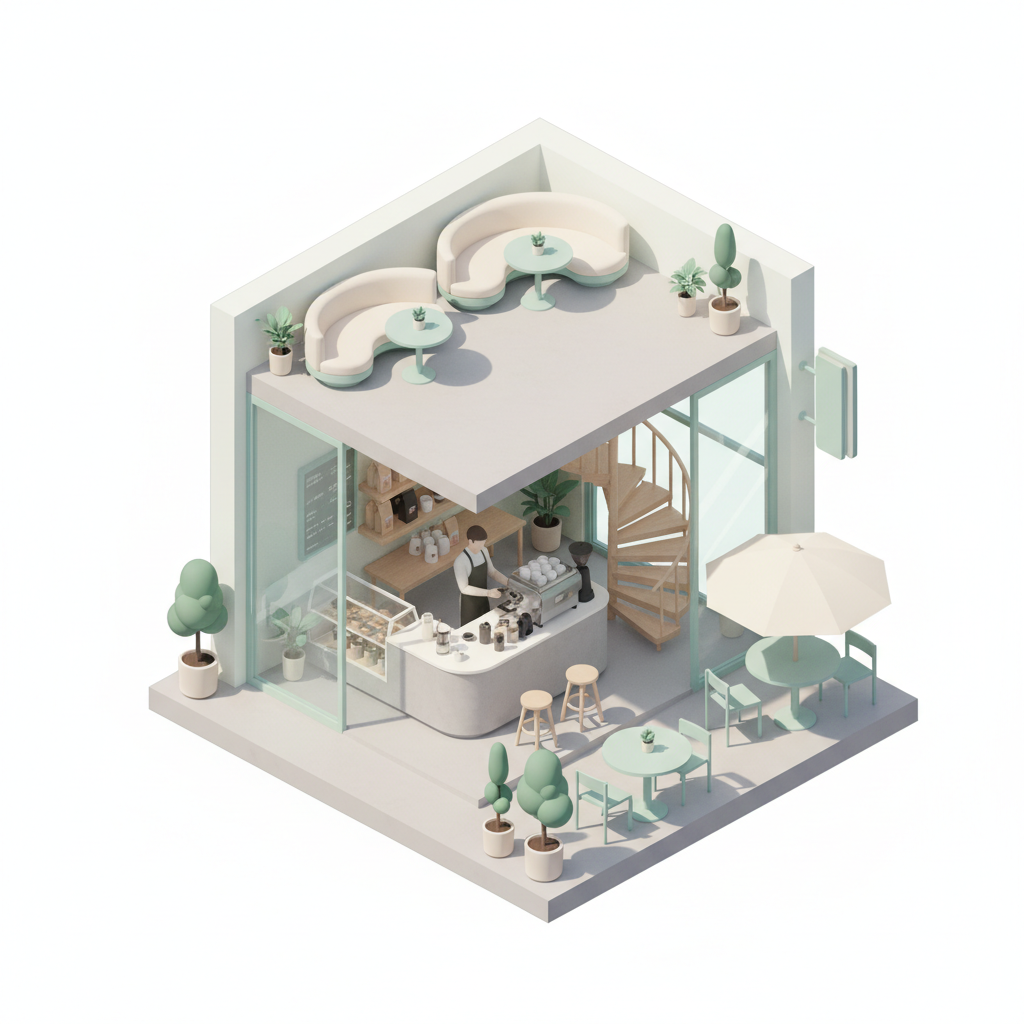
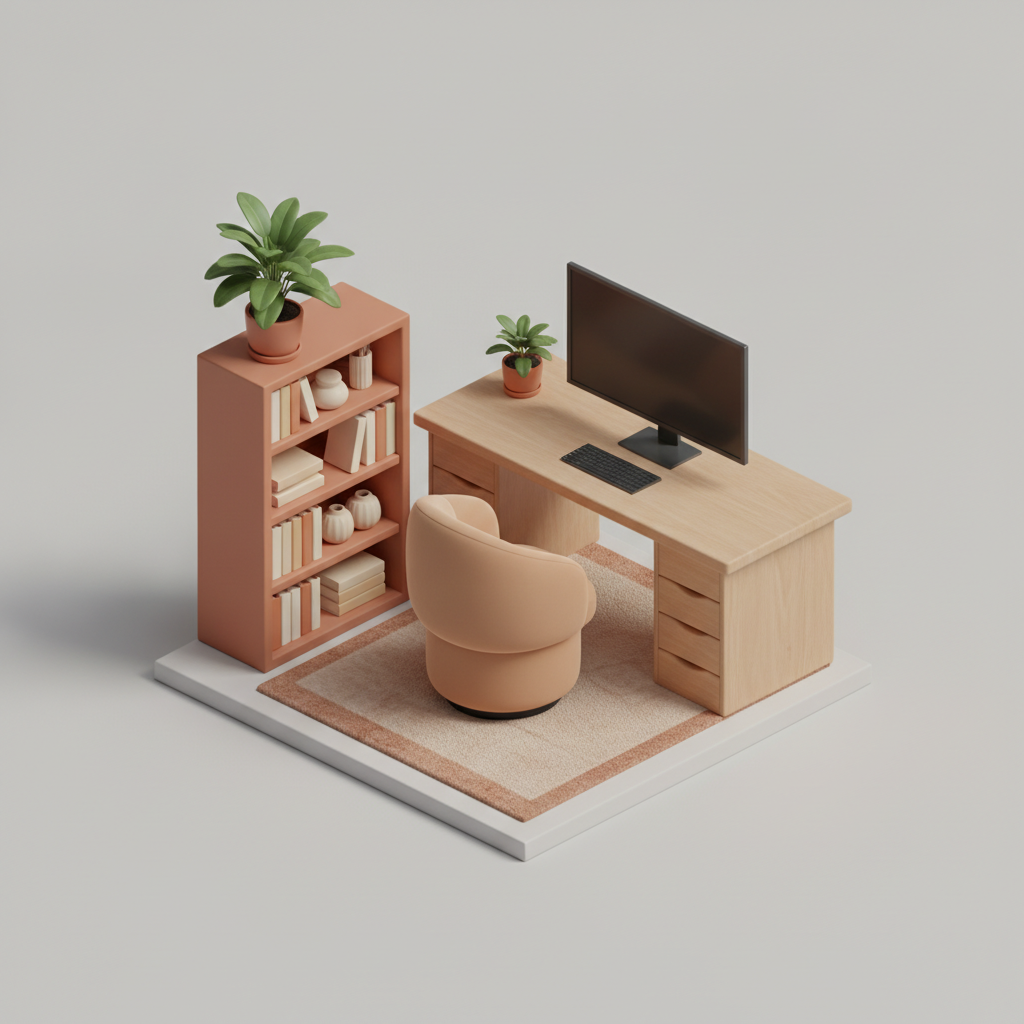
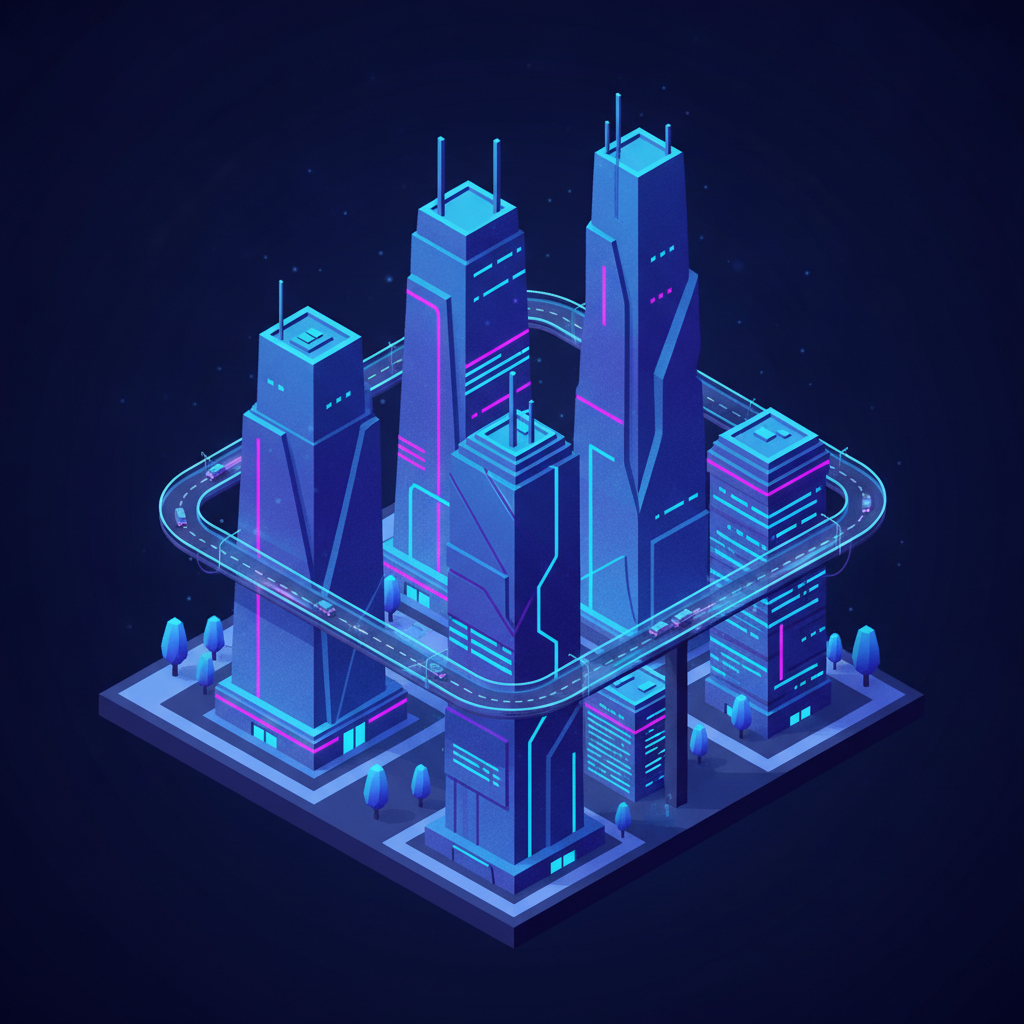
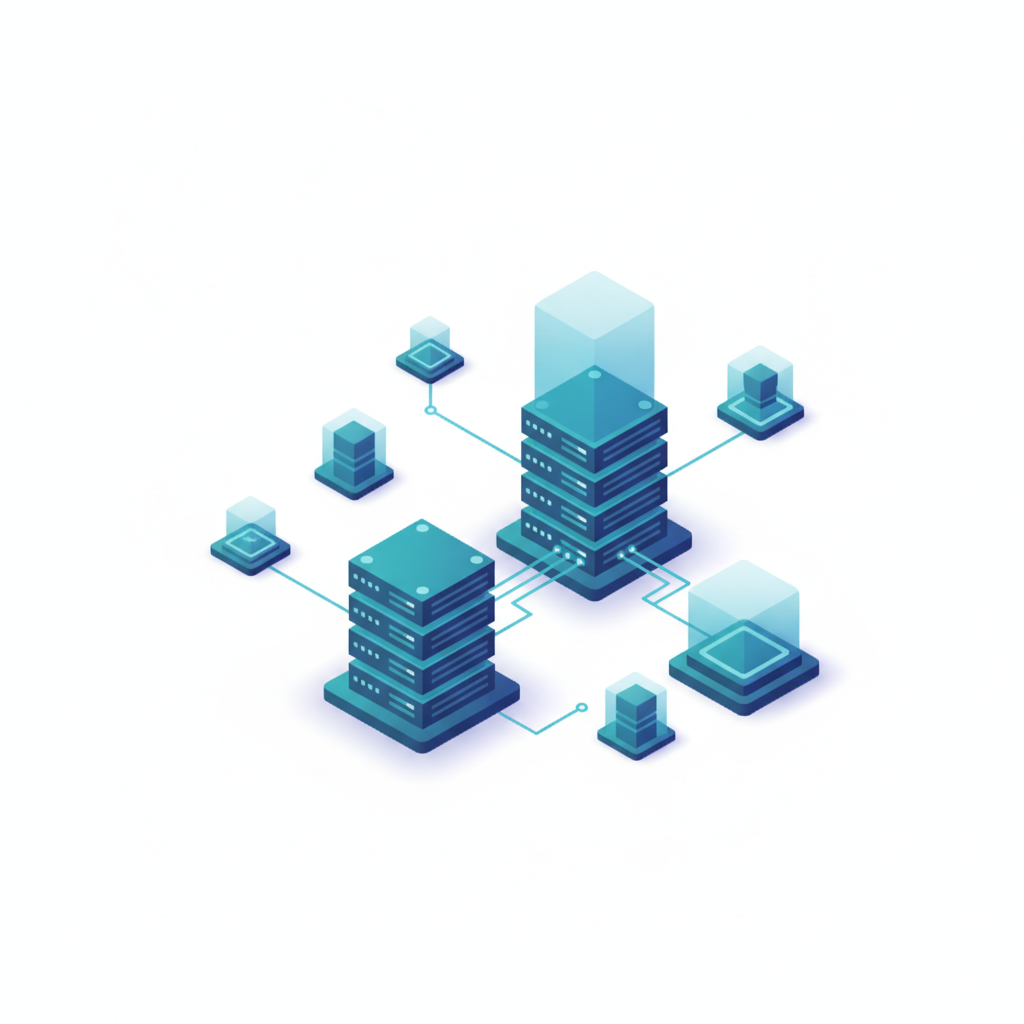
Nothing here has been retouched, reordered or regenerated to flatter the tool. The isometric grid held on all six and the no-text clause held on all six. Read the note under each one — it says what landed and what drifted.
How It Works
Pick the isometric style
Six presets: cut-away room, miniature building, isometric city block, flat vector tech diagram, low-poly game asset and product vignette. Each one already carries the projection rules — 30 degree axonometric grid, parallel edges, no vanishing point, soft contact shadows — plus a long clause naming screens, signage, posters, book spines and logos as blank, so you never have to write any of that yourself.
Describe the subject and the palette
This is the step that decides whether the scene is usable. Name what is in it, how many of each thing, and roughly where they sit: "a bakery counter, a glass cabinet, two small tables, a striped awning, in cream and dusty pink". Three or four colours beats a vague mood word every time, and stating how many walls should remain standing is what stops an interior arriving as furniture on a floating slab.
Check the framing first, then download
Twenty seconds later you have an isometric illustration. Glance at the composition before you read any detail — if the subject has drifted into a corner and left a quadrant empty, regenerate immediately rather than cropping, because cropping throws away exactly the resolution you came for. Then download at full size, up to 4K, which matters on scenes this dense with small objects.
What This AI Isometric Illustration Generator Gets Right, and What It Gets Wrong
Isometric art is an unusually good fit for an image model and an unusually easy one to get subtly wrong. Here is exactly where the line falls, based on the six scenes above.
The projection genuinely holds
On all six images the parallel edges stay parallel and there is no vanishing point pulling the geometry inward. That is the thing most people expect to fail and it did not — a scene with creeping perspective is instantly obvious next to real isometric work, and none of these have it. What is not guaranteed is the precise axis angle, so two scenes generated separately can be a degree or two apart from each other.
Lighting and shadow are the quiet strength
Soft ambient occlusion in every corner, consistent contact shadows under every stool, planter and rock, and a single coherent light direction within each scene. This is the detail that makes an isometric illustration read as a physical miniature rather than as clip art, and it is the part that takes an illustrator longest to fake by hand. It is genuinely excellent here.
Interiors lose their walls
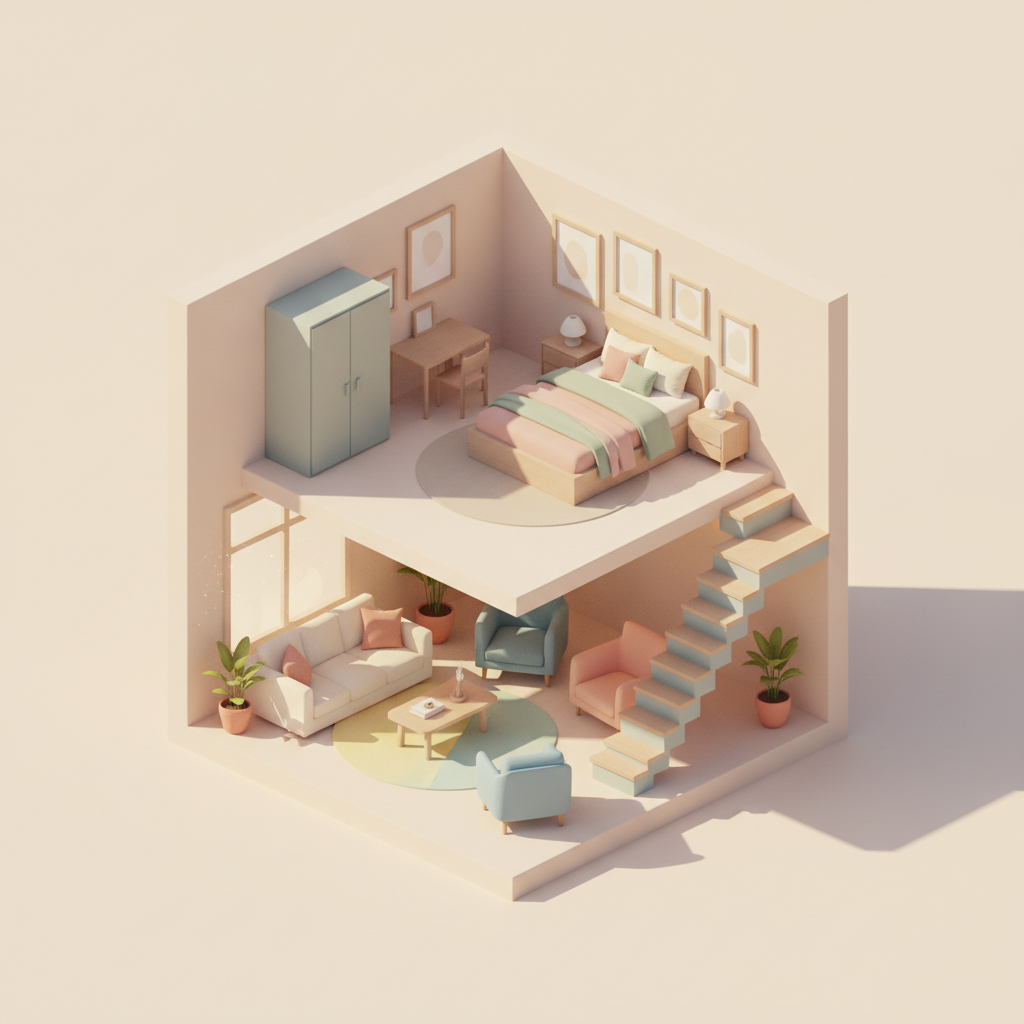
The home office above is the standard failure: a room was requested and what arrived is furniture arranged on a floating white slab with no walls, no ceiling and no floor plane beyond the platform. The model reaches for a vignette whenever the wall structure is left implicit. Say how many walls remain, which ones, and that they stand at full height, and the cut-away apartment is what you get instead.
Composition drifts off centre
The server diagram left roughly the top-left third of a square frame completely empty, which is a straight loss of downloaded resolution. Asking for the subject to be centred and to fill the frame with even margins helps and is not reliable, so check the framing before anything else and regenerate rather than crop. Twenty seconds is cheaper than the pixels.
Repeated objects are literally repeated
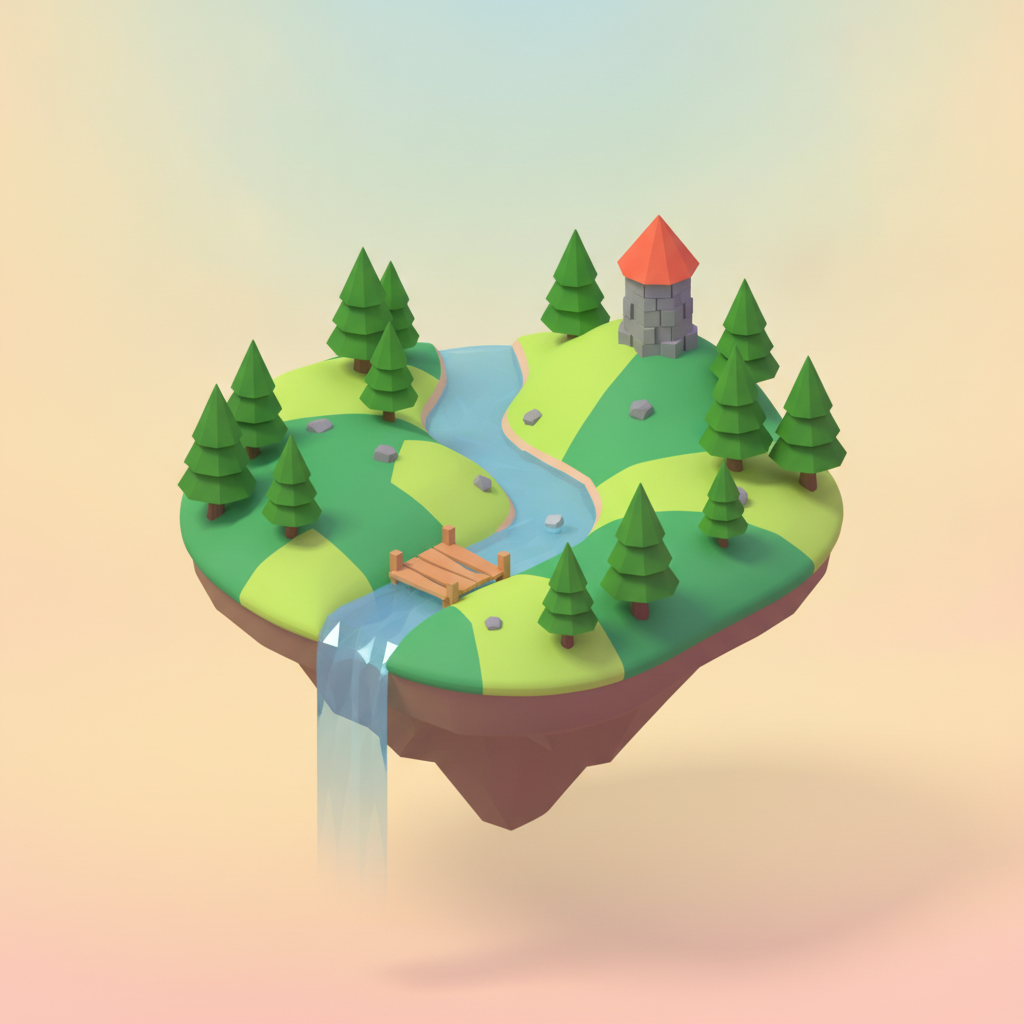
Every pine tree on the low-poly island is the same cone at three sizes, and the same habit shows up in windows, chairs and street trees. At a glance it reads as a consistent art style; across a set of scenes it reads as copy-paste. Asking explicitly for three visibly different variants of any object you need several of is the fix, and it works more often than not.
Structures look right rather than work
The apartment cantilevers a bedroom over open living room with nothing holding it up, and the city block runs an elevated ring road that loops in mid-air and connects to nothing at either end. Both look completely convincing until someone asks how it stands up or how a car gets on. Treat architectural output as illustration, never as a plan.
Writing a Prompt That Produces a Usable Isometric Illustration
Four habits that separate a scene you can hand to a client from one you regenerate, learned from the six in the gallery.
Say how many walls stand
"An isometric home office" gets you furniture on a floating slab. "Two walls remaining at full height, the back wall and the left wall, meeting at a corner, the other two removed" gets you a room. The wall structure is the single instruction that separates the two interiors on this page.
Count the objects
"Some furniture" is a scene the model composes for you. "A desk, one monitor, a chair, a bookshelf, two potted plants and a rug" is a scene you composed. Counts are respected reliably, and they are what makes two illustrations in a set feel like siblings rather than strangers.
Fix the palette to three or four colours
Naming an exact palette — mint, cream, pale grey and one warm accent — is the fastest route to scenes that sit together on one page. Mood words like "modern" or "vibrant" get reinterpreted every generation, and a set assembled from those never quite matches.
Name the surfaces that stay blank
Monitors, book spines, shop signs and notice boards all attract invented lettering. Listing each one as blank is why no text appears in any of these six. And ask for a blank painted panel rather than a chalkboard, because a chalkboard with no text comes back covered in squiggles that imitate handwriting.
Who Uses an AI Isometric Illustration Generator
SaaS and product marketing
The isometric hero illustration has been the default look of software landing pages for a decade, and commissioning one costs days. Generate six directions before the standup, put the one that fits in the mock, and only pay an illustrator once the page has been signed off.
Game designers and level artists
Concept a tile set, a town layout or a terrain chunk in an afternoon instead of a sprint. The low-poly language holds well enough to model straight from, as long as you write down the grid, the palette and the light angle rather than inferring them from the picture.
Architects and interior designers
A cut-away room or a miniature building communicates a concept to a client far faster than a plan does. The projection is sound and the structure is decorative, so use it to sell the idea and keep the real drawings where they belong.
Pitch decks and explainer slides
A flat vector isometric diagram turns an abstract architecture slide into something an audience actually looks at. Six variants of the same concept in ten minutes means you can pick by eye rather than defending the first one you made.
Editorial and infographic designers
Isometric cities, buildings and cross-sections carry data stories well, and this handles the scene-building while you handle the numbers. Add the labels and callouts yourself afterwards — the generator is deliberately kept clear of text for exactly that reason.
Illustration students and portfolios
Testing twenty compositions against each other used to eat a term. Judge which ones work, then learn the craft by rebuilding your favourite properly on a locked grid in a vector tool, which is where the actual skill lives.
AI Isometric Illustration Generator FAQ
Related Illustration & 3D Tools
AI Vector Art Generator
The flat-graphics neighbour of this page. Clean shapes, limited palettes and crisp edges without the isometric grid, for logos, spot illustrations and anything you will eventually rebuild as real vector artwork.
AI 3D Image Generator
The same rendered look with a free camera instead of a fixed axonometric angle. Useful when you want perspective, dramatic lighting and a hero product shot rather than a miniature you can read like a map.
AI Game Asset Generator
One step past the low-poly preset: characters, props, tiles and UI pieces conceived as parts of a game rather than as one finished scene, with the same honest account of where matching a set gets manual.
Build the Scene Before You Build the Scene
Six isometric presets — cut-away room, miniature building, city block, flat vector tech, low-poly game asset and product vignette — each a finished illustration in about twenty seconds, on a consistent grid with soft contact shadows and no stray text. Up to 4K. Free to start, from $2.99.
Create an Isometric Illustration FreeAn AI Isometric Illustration Generator for Product Teams, Game Designers and Studios
Isometric illustration has been the visual default of software marketing for long enough that most teams can describe theirs before they have commissioned it — the cut-away office with the tiny plants, the glowing city block, the cluster of servers connected by thin blue lines. The problem an AI isometric illustration generator solves is not imagination, it is the gap between that description and a finished picture. Building one properly means setting up an axonometric grid, modelling or drawing every object on it, keeping the light direction consistent across dozens of separate pieces, and then discovering at the end that the composition needed a different camera. That is two or three days for a single hero image, which is why so many landing pages ship with a stock illustration that nearly fits.
The six presets here cover the isometric scenes that actually get used: a cut-away room with two walls standing, a miniature building on a base plate, a city block with streets and traffic, a flat vector tech diagram in the style software pages use for architecture slides, a low-poly game world tile, and a product vignette on a circular platform. Each preset already carries the projection rules — a 30 degree axonometric grid, parallel edges that never converge, no vanishing point, soft ambient occlusion and contact shadows under every object — so you only ever have to describe the subject and the palette. Each also carries a long clause naming screens, shop signs, billboards, posters, book spines, labels and logos individually as blank, because a dense isometric scene is full of surfaces that invite invented lettering, and a short instruction like "no text" loses to a model that has seen a million illustrations with writing in them.
The six results above are shown exactly as they were generated, drifts included, because the strengths and weaknesses of this AI isometric illustration generator are consistent enough to be worth learning before you rely on it. The headline is better than most people expect: the projection held on every image with no creeping perspective, the no-text clause held on every image, and the lighting — soft occlusion in every corner, one coherent light direction per scene — is genuinely the part that would have taken an illustrator longest. The honest list of failures is short and specific. A room asked for casually came back as furniture floating on a slab with no walls. A flat vector composition drifted into one corner and left a third of the frame empty. Every pine tree on the low-poly island is the same cone resized. And the structures look right rather than work: a bedroom cantilevers over open space, an elevated ring road loops in mid-air and connects to nothing.
The working rule follows from all of that. Say how many walls stand and which ones, count the objects rather than gesturing at them, fix the palette to three or four named colours, and name the surfaces that must stay blank. Then check the framing before you read any detail, and regenerate instead of cropping when the subject has drifted. Treat what comes back as what it is — a finished visual direction and a convincing hero image, not a layered file, not a buildable plan and not a set of assets that will interlock on a grid. Those are still jobs for a designer, and they are much shorter jobs once everyone has already agreed what the picture looks like. What you get in exchange is the part that used to cost three days: an isometric illustration you can look at, argue about and choose between, roughly twenty seconds after you thought of it.