
AI Images for Educational Content
Diagrams, Infographics, and Classroom Visuals in Seconds
Turn a one-line lesson brief into ready-to-use AI images for educational content — labeled science diagrams, math infographics, historical scene illustrations, storybook art for early readers, classroom motivational posters, and vocabulary flashcards. The AI for education tool on this page reads your subject, grade level, and visual style, then renders polished learning visuals in seconds. Built for teachers, homeschool parents, instructional designers, curriculum publishers, and e-learning content developers who need fresh educational content every day without a paid stock photo subscription. Free AI educational images powered by Nano Banana 2 — no sign up, no watermark, no credit card.
Try the AI Images for Educational Content Tool
Pick an educational visual preset or write your own lesson brief — the AI for education tool returns labeled diagrams, infographics, storybook illustrations, and classroom posters in seconds.
AI Images for Educational Content
Pick an educational style or describe your lesson topic — the AI for education tool delivers ready-to-use teaching visuals in seconds.
Made with AI Images for Educational Content
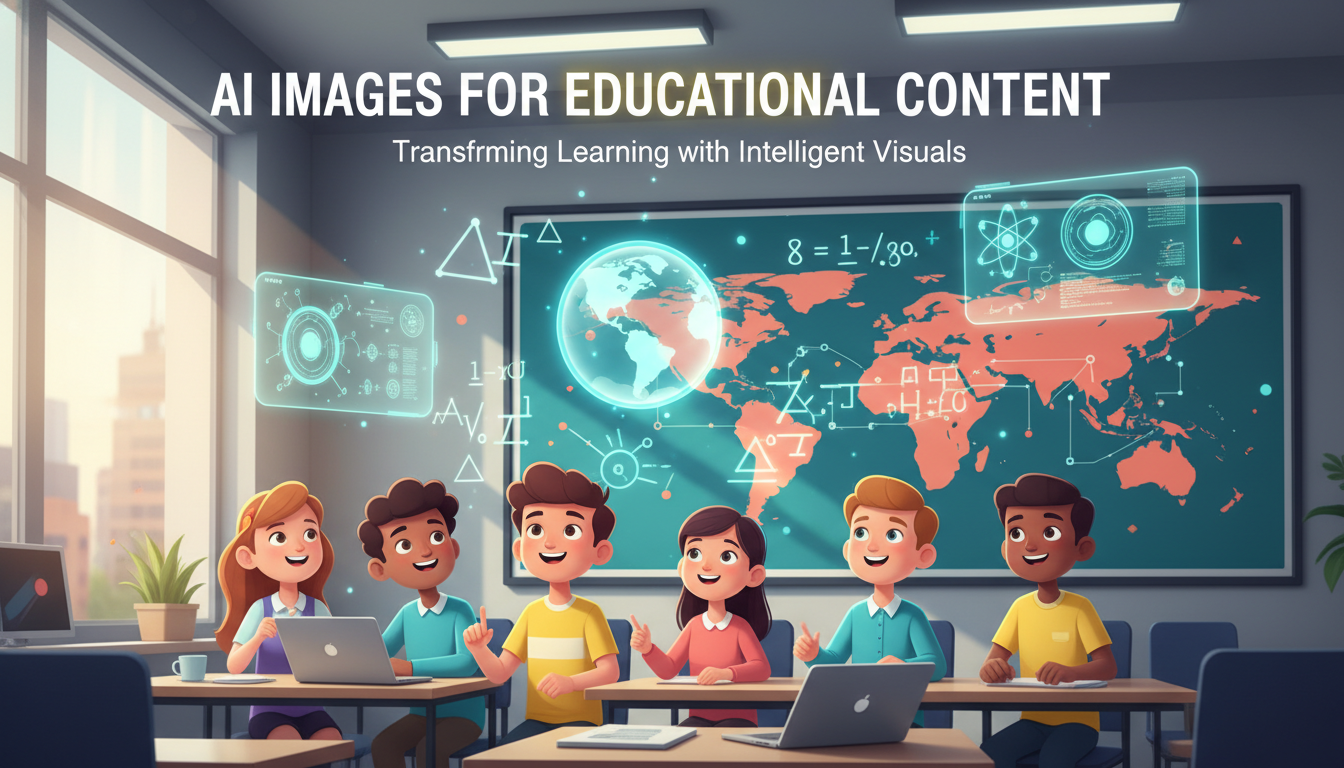
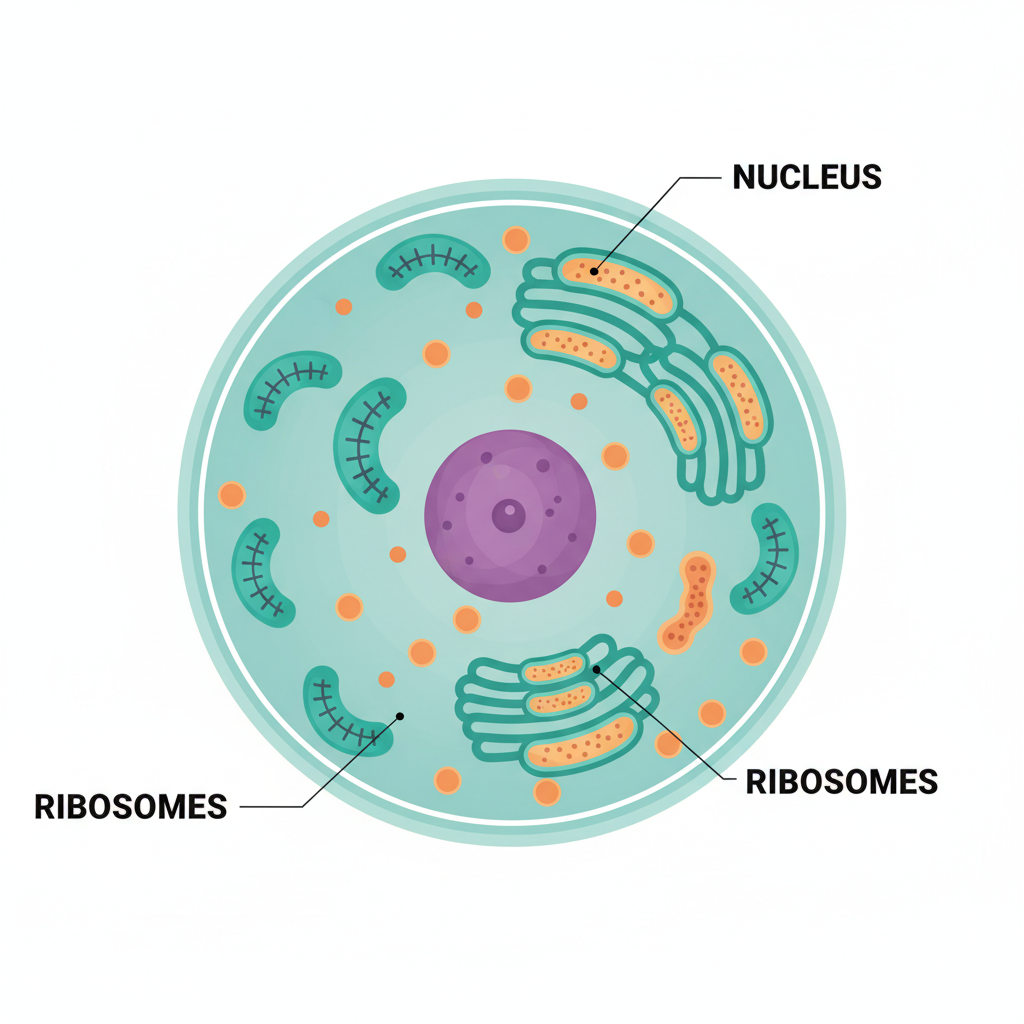
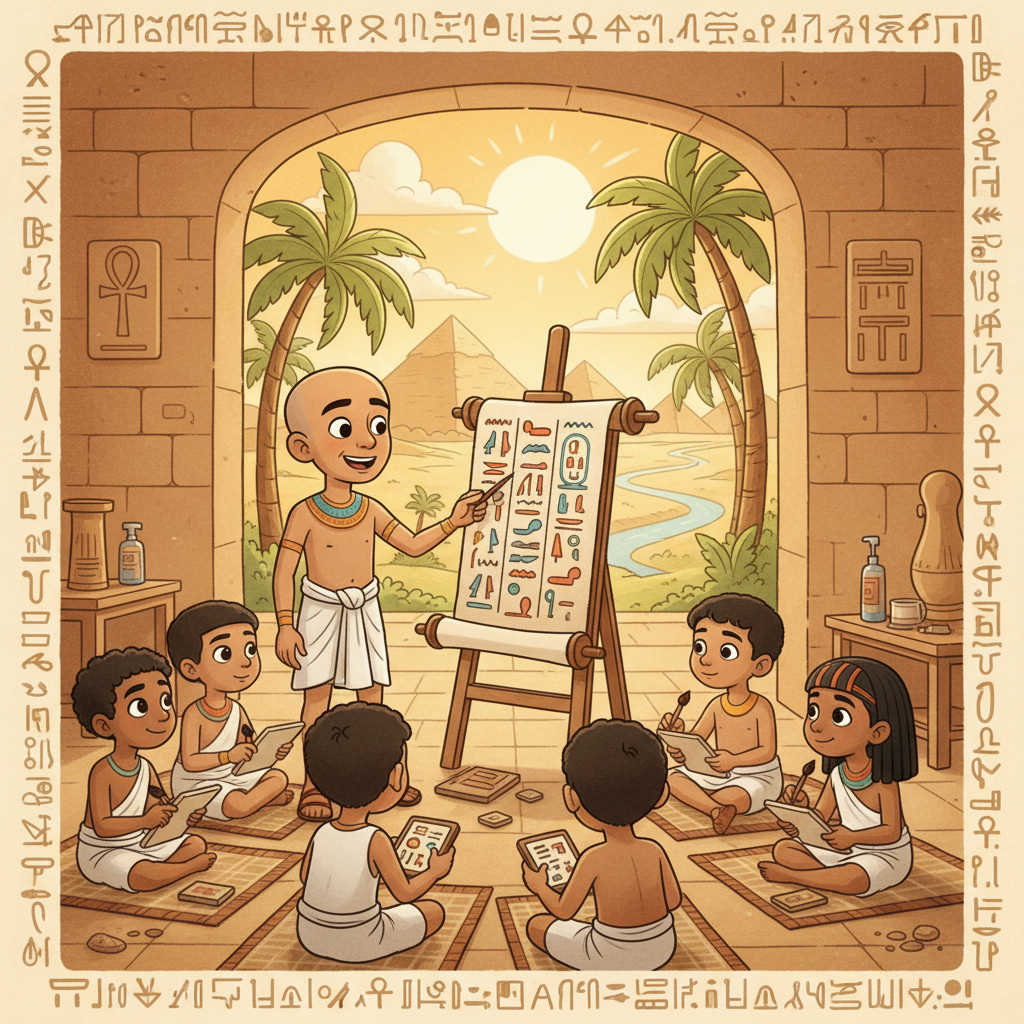
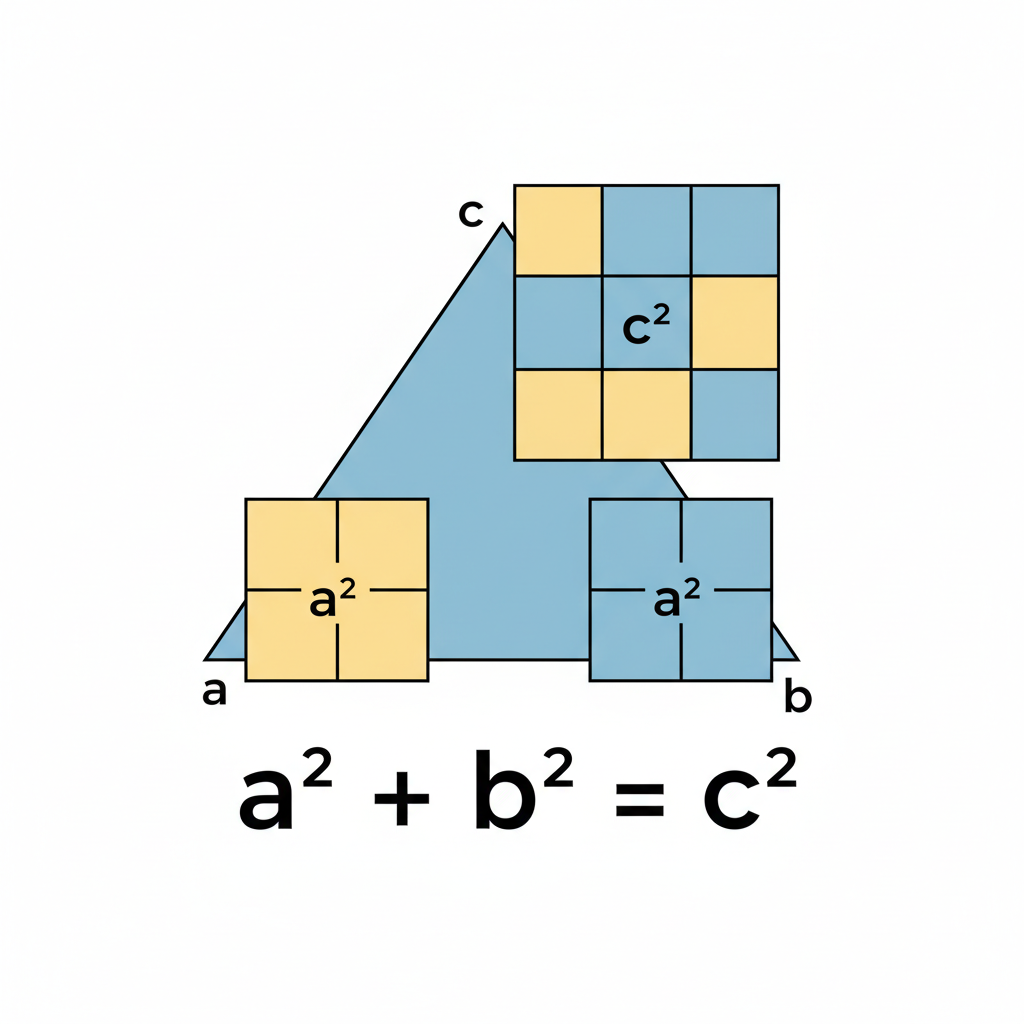
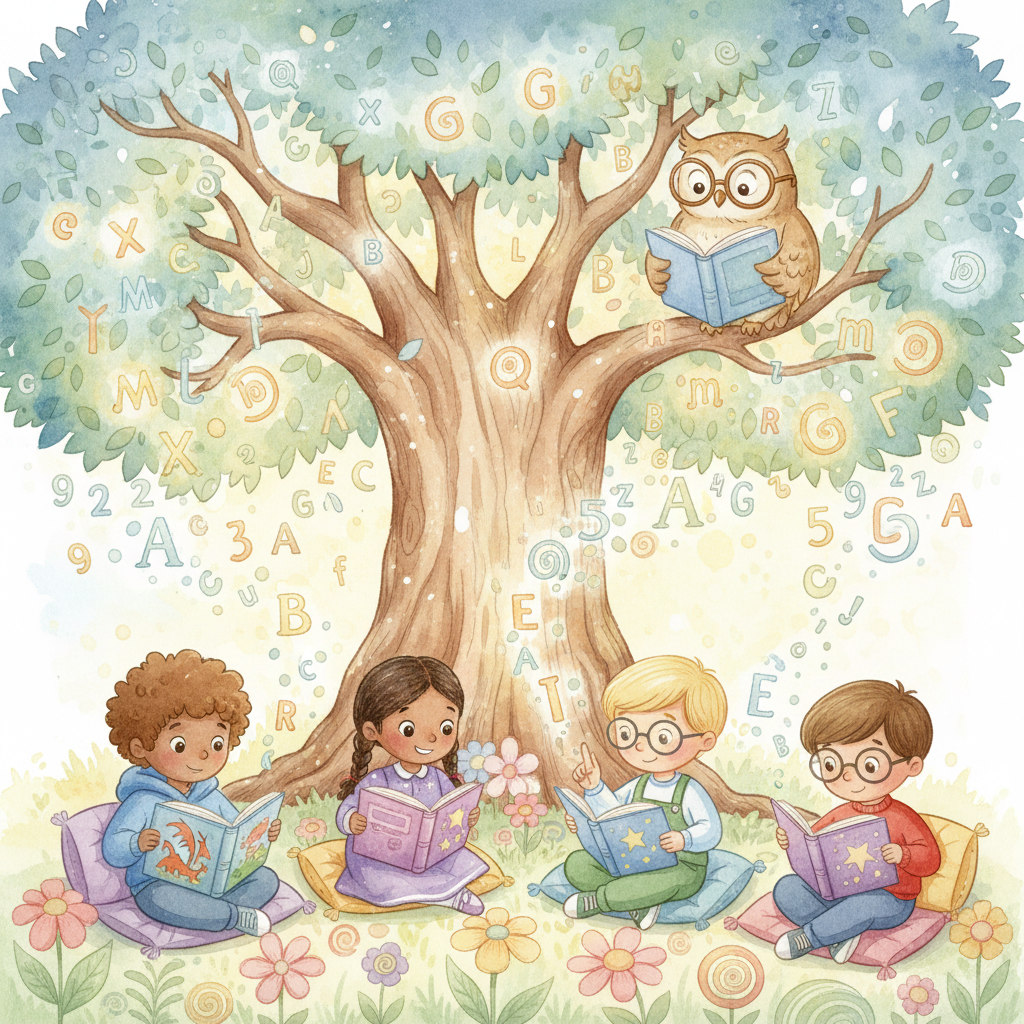
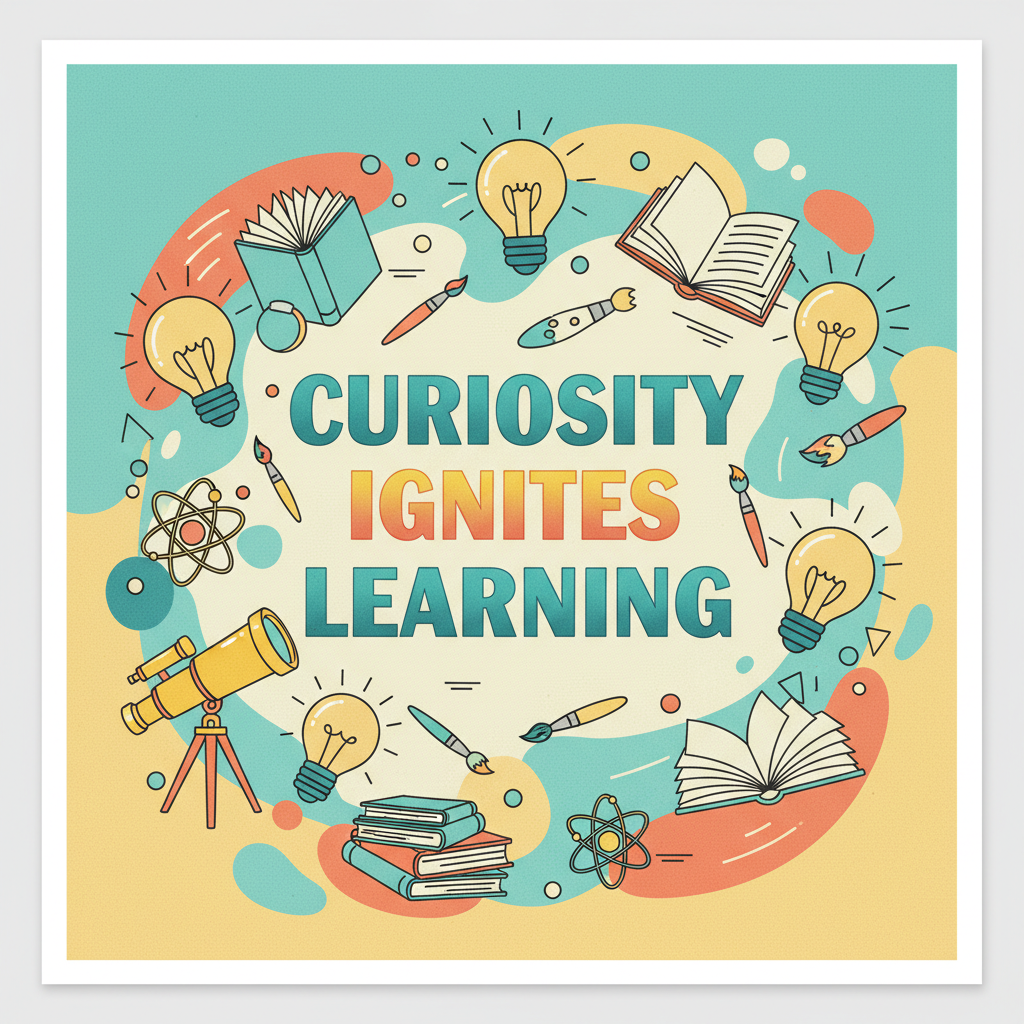
Real learning visuals from the AI for education tool on this page — labeled science diagrams, math infographics, historical scenes, storybook illustrations, and classroom posters teachers actually use.
How AI Images for Educational Content Work
Three steps from a one-line lesson brief to a finished classroom-ready visual — built for daily teaching workflows
Describe the Lesson Visual
Pick a preset like Science Diagram, Math Infographic, Historical Scene, Storybook, Classroom Poster, or Vocabulary Flashcard — or write a one-line brief like "labeled water cycle diagram for 4th grade" or "storybook illustration of a curious fox learning to read for kindergarten". The AI for education tool reads subject, grade level, and visual style so the educational content matches the lesson instead of generic stock art.
AI Renders the Teaching Visual
Nano Banana 2 reads the brief and renders authentic AI images for educational content — crisp readable labels with leader lines for science diagrams, color-coded sections for math infographics, age-appropriate cartoon styling for storybook art, warm period palettes for historical scenes, bold typography for motivational classroom posters, and clean flashcard layouts for vocabulary cards. The AI educational images tool handles composition, label legibility, and grade-appropriate detail so the learning visual feels classroom-ready instead of generic AI art.
Download for Slides, Worksheets, or Print
Download AI images for educational content as a high-resolution PNG ready for Google Slides and PowerPoint decks, printed worksheets, anchor charts and bulletin boards, Teachers Pay Teachers product listings, e-learning course pages, YouTube and TikTok educational thumbnails, homeschool curriculum PDFs, ESL flashcard decks, and parent newsletters. AI educational images become the first step of a longer lesson workflow — generate, drop into your template, brand, and ship.
Why Teachers Choose AI Images for Educational Content
Compared with paid stock photo libraries, dated free clip art, and generic AI art tools — AI educational images are tuned for real classroom and curriculum workflows.
Custom-Tailored to Your Lesson
Stock photo libraries return generic plant photos for "photosynthesis diagram for 4th grade", and free clip art is stylistically dated. AI images for educational content render exactly the visual your lesson needs — the right grade level, the right concept, the right visual style. Teachers describe the educational content, and the AI for education tool renders a custom illustration tuned to the subject and the rest of the curriculum's visual language.
Faster Than a Stock Search
A typical Shutterstock or Adobe Stock search for a specific lesson visual takes 15-30 minutes of scrolling and rarely surfaces an exact match. AI images for educational content render in under 30 seconds and hit the brief on the first try most of the time. Teachers ship a full week of lesson visuals in a single planning period instead of chasing the closest stock photo across three subscription libraries — a real workflow change for daily teaching.
Tunable to Any Grade Level
AI images for educational content adapt to grade level on demand — friendly cartoon storybook style for kindergarten, slightly more detailed illustration for elementary, accurate scientific diagrams for middle school and high school, and clean adult-learner aesthetic for university and ESL adult classes. Mention the grade and audience in the brief, and the AI for education tool adjusts complexity, label density, color palette, and character design to match. One tool covers the whole K-adult learning content range.
Slide Deck and Worksheet Ready
AI educational images output is high-resolution PNG ready for Google Slides, PowerPoint, Keynote, Canva, Figma, Adobe Express, and printed worksheets. Drop the image into your slide template, your Teachers Pay Teachers worksheet packet, your homeschool unit study, or your e-learning course page and add school branding. Many instructional designers use AI images for educational content as a starting layer rather than the final visual, then add custom overlays, course branding, and scaffolding text on top.
Built for Curriculum and E-Learning Workflows
Daily teaching needs daily fresh visuals — but instructional design is one of the most expensive parts of curriculum production. AI images for educational content are built for real workflows: K-12 lesson decks, homeschool unit studies, university course slides, e-learning courses on Coursera and Udemy, Teachers Pay Teachers digital products, YouTube education channel thumbnails, ESL classroom flashcards, museum and zoo signage, and parent communication newsletters. Curriculum publishers ship a full chapter of fresh educational illustrations in an afternoon.
Free, No Sign Up Required
AI images for educational content on this page are free, no payment, no credit card, no sign up — describe the lesson visual, pick a preset, and generate. Optional plans starting at $2.99 unlock unlimited educational content generation and faster queue priority during back-to-school season, but the free tier alone covers a full week of classroom visuals, a homeschool unit study, or a slide deck refresh for most teachers, homeschool parents, instructional designers, and content developers.
AI Images for Educational Content FAQ
Everything teachers, homeschool parents, and instructional designers ask about AI educational images and learning visuals
Create AI Images for Educational Content Free
Teachers, homeschool parents, instructional designers, and content developers use the AI for education tool on this page to skip the paid stock photo subscription and the dated free clip art search. Pick a preset, describe the lesson visual, and AI educational images are ready for the slide deck, the worksheet, or the e-learning course in seconds. Free, no sign up, powered by Nano Banana 2.
Create Educational Images FreeAI Images for Educational Content: Diagrams, Infographics, and Classroom Visuals for Teachers
What AI Images for Educational Content Should Actually Do
Search for AI images for educational content and most results are either paid stock photo libraries that charge $10-30 per image and rarely match your lesson, or generic AI art generators that ignore label legibility, age-appropriate styling, and the small classroom-ready details that make a real teaching visual usable in front of students. A real AI for education tool should read your subject, grade level, and educational style and render true learning visuals — labeled science diagrams with leader lines, math infographics with crisp formula typography, age- appropriate storybook illustrations, historical scenes with authentic period palettes, and classroom motivational posters with sharp readable headlines. That is the bar this page is built to: AI images for educational content that gives teachers, homeschool parents, instructional designers, and curriculum publishers classroom-ready visuals from a one-line lesson brief.
The AI for education tool on this page runs on Nano Banana 2 — Google's state-of-the-art image model, also known as Gemini 3 Pro Image. It is preset for educational content context: Science Diagram renders labeled cross-sections in clean modern textbook style, Math Infographic produces color-coded geometric explanations with crisp formula typography, Historical Scene captures friendly accurate period detail for elementary and middle school history, Storybook Style delivers warm watercolor character art for early childhood literacy and ESL, Classroom Poster gives bold motivational typography surrounded by educational icons, and Vocabulary Flashcard outputs single-object flashcard illustrations on clean backgrounds. AI educational images used to mean either paying for an editorial illustrator or settling for stock-library compromises; the AI images for educational content tool on this page collapses both into a single prompt per lesson.
Whether you searched AI images for educational content, AI educational images, learning visuals, AI for education, teaching tools, AI visuals, educational media, classroom infographic, science diagram generator, or storybook illustration maker — the tool above is what you came for. Pick a preset like Science Diagram, Math Infographic, Historical Scene, Storybook Style, Classroom Poster, or Vocabulary Flashcard, or write your own lesson brief. The AI for education tool handles the rest, free, with no sign up and no credit card.
Teachers, Homeschool Parents, and Instructional Designers Shipping Lessons Daily
For K-12 classroom teachers, AI images for educational content are the fastest way to refresh daily lesson decks — generate a labeled water cycle diagram, a color-coded fractions infographic, an ancient Egypt scene, and a vocabulary flashcard set in a single planning period. For homeschool parents, the AI for education tool turns a unit study brief into a full visual packet without a paid stock subscription. For instructional designers building Coursera, Udemy, Skillshare, and Khan-Academy-style content, AI educational images become every slide thumbnail, lesson opener, and concept diagram. For Teachers Pay Teachers sellers and curriculum publishers, AI images for educational content power the illustration layer of every digital download, worksheet packet, and printable activity. AI for education used to be a future-of-edtech promise; AI educational images on this page make daily teaching content a free, repeatable habit.
Looking for related AI tools for the rest of the educational content stack? /tools/ai-image-generator is the general-purpose 4K image generator for any subject, /tools/ai-collage-art-generator handles mixed-media art collage for art and humanities lessons, and /tools/ai-image-upscaling upscales generated educational visuals to print-ready 4K resolution. All three pair well with the AI images for educational content tool on this page — generate the lesson visual here, then upscale or expand the supporting visuals separately for print and projection.
Ready to use AI images for educational content? Scroll back to the interactive tool section above. Pick Science Diagram, Math Infographic, Historical Scene, Storybook Style, Classroom Poster, or Vocabulary Flashcard — or write your own lesson brief with subject, grade level, and visual style. The AI for education tool will deliver classroom-ready learning visuals in seconds. That is the whole pitch: AI images for educational content built for daily teaching workflows, tuned for grade-appropriate authenticity, and shipped free with no sign up.
AI images for educational content — generate diagrams, infographics, classroom posters, and storybook illustrations in seconds, free no sign up. AI educational images for K-12 teachers, homeschool parents, instructional designers, curriculum publishers, ESL educators, and content developers. Optional plans from $2.99 only when you want unlimited.