
AI Image Upscaling
Turn Low-Res Photos Into 4K and 8K Crystal Clear Images
Upload a blurry, pixelated, or low-resolution photo and the AI image upscaling tool on this page rebuilds it as a crystal-clear 4K or 8K image in seconds. AI image upscaling on Nano Banana 2 invents real high-resolution detail instead of just stretching pixels — sharp skin texture, natural hair strands, leaf and rock detail in landscapes, restored colors in vintage family photos, crisp edges in anime art, microscopic clarity in macro shots, and visible brushstrokes in classical paintings. Built for photographers, families digitizing old photo albums, e-commerce sellers sharpening product images, social media managers, designers, and small business owners who need professional photo clarity without Photoshop. Free AI image upscaler powered by Nano Banana 2.
Try the AI Image Upscaling Tool
Upload your low-resolution or blurry photo, pick an upscaling style — the AI image upscaler returns a crystal-clear 4K or 8K version in seconds.
AI Image Upscaling
Upload a low-res or blurry photo, pick a preset, and the AI image upscaler renders a sharp 4K / 8K version in seconds.
Upload your low-resolution or blurry photo, pick an upscaling preset, and click Generate.
AI Image Upscaling Examples
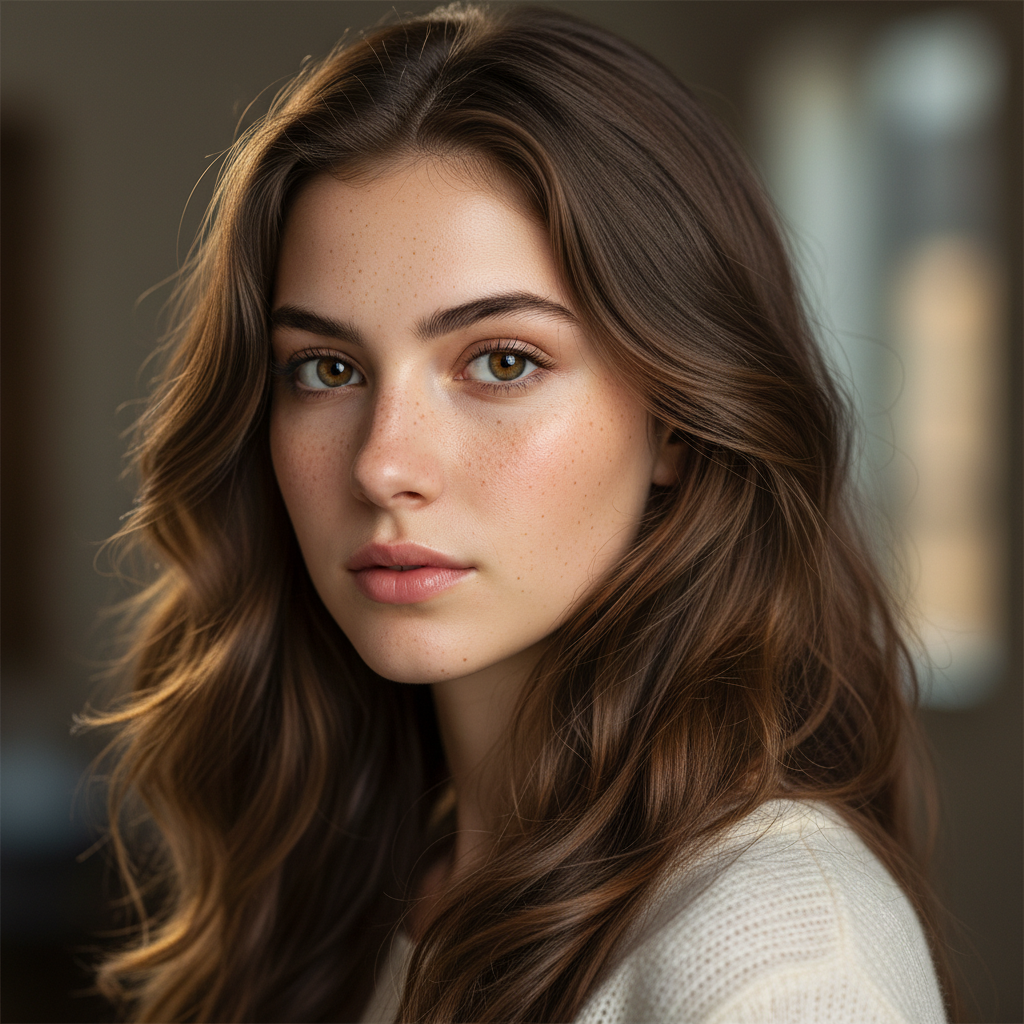
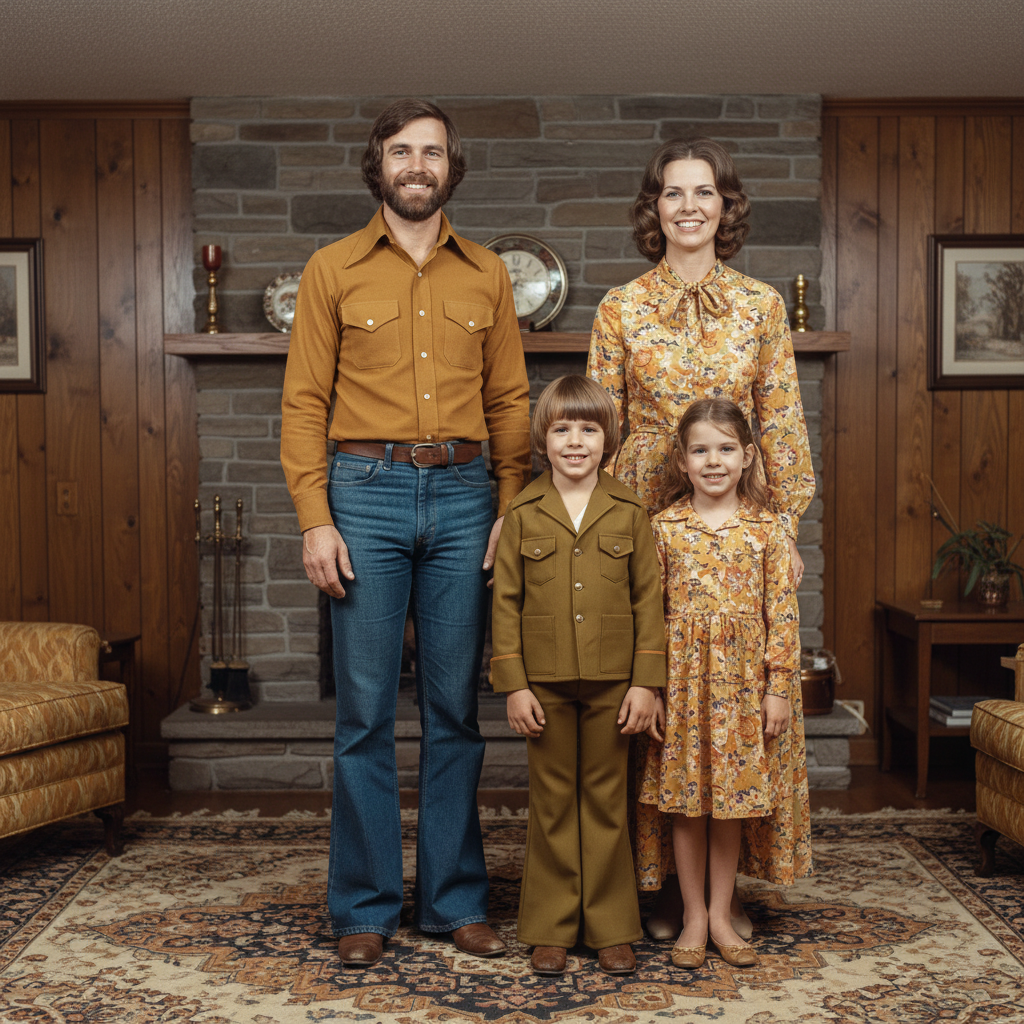
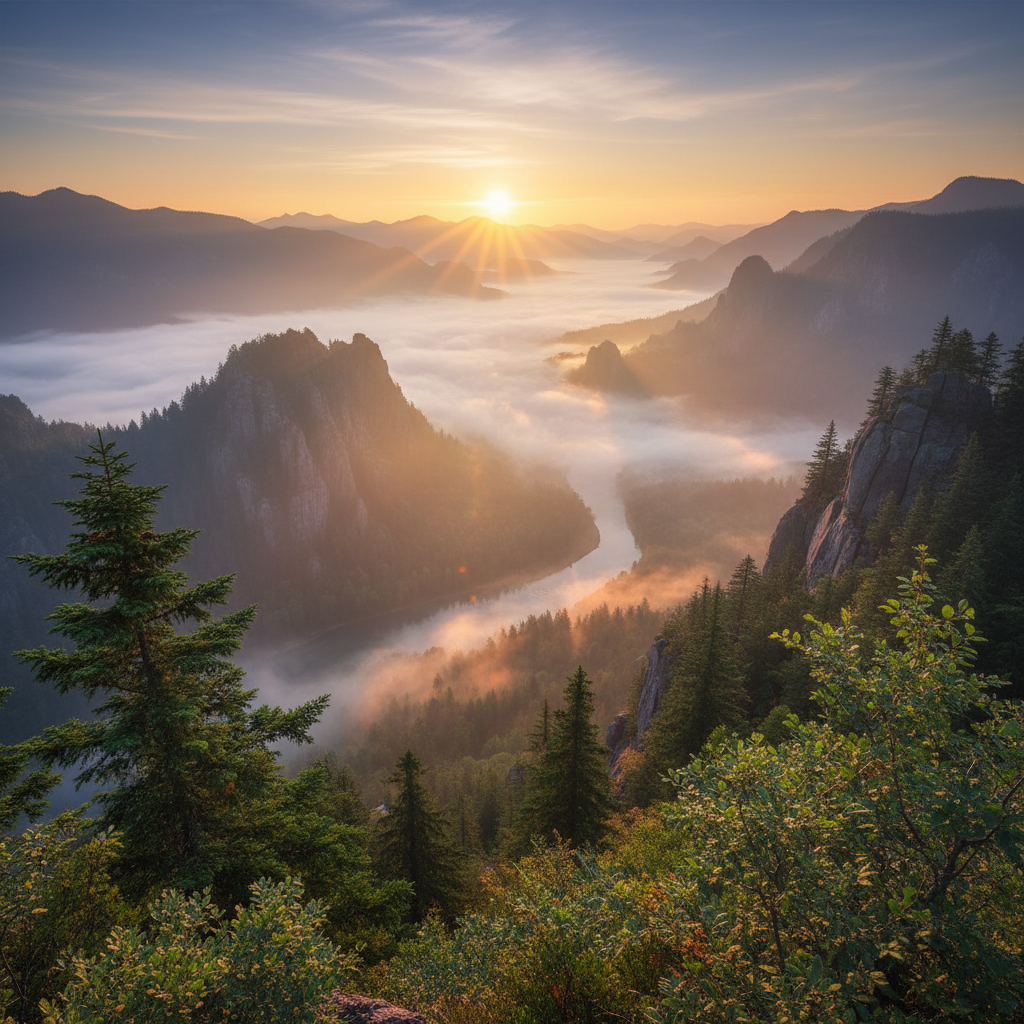
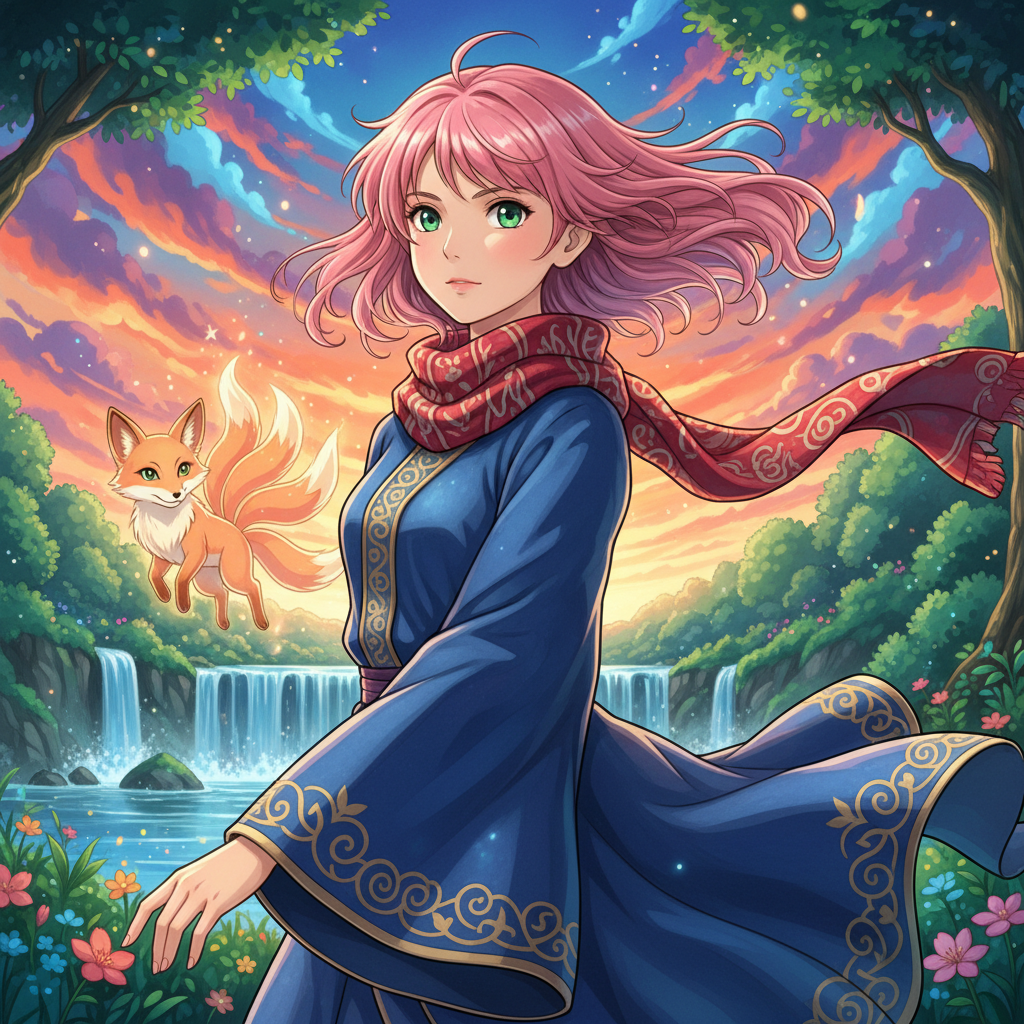
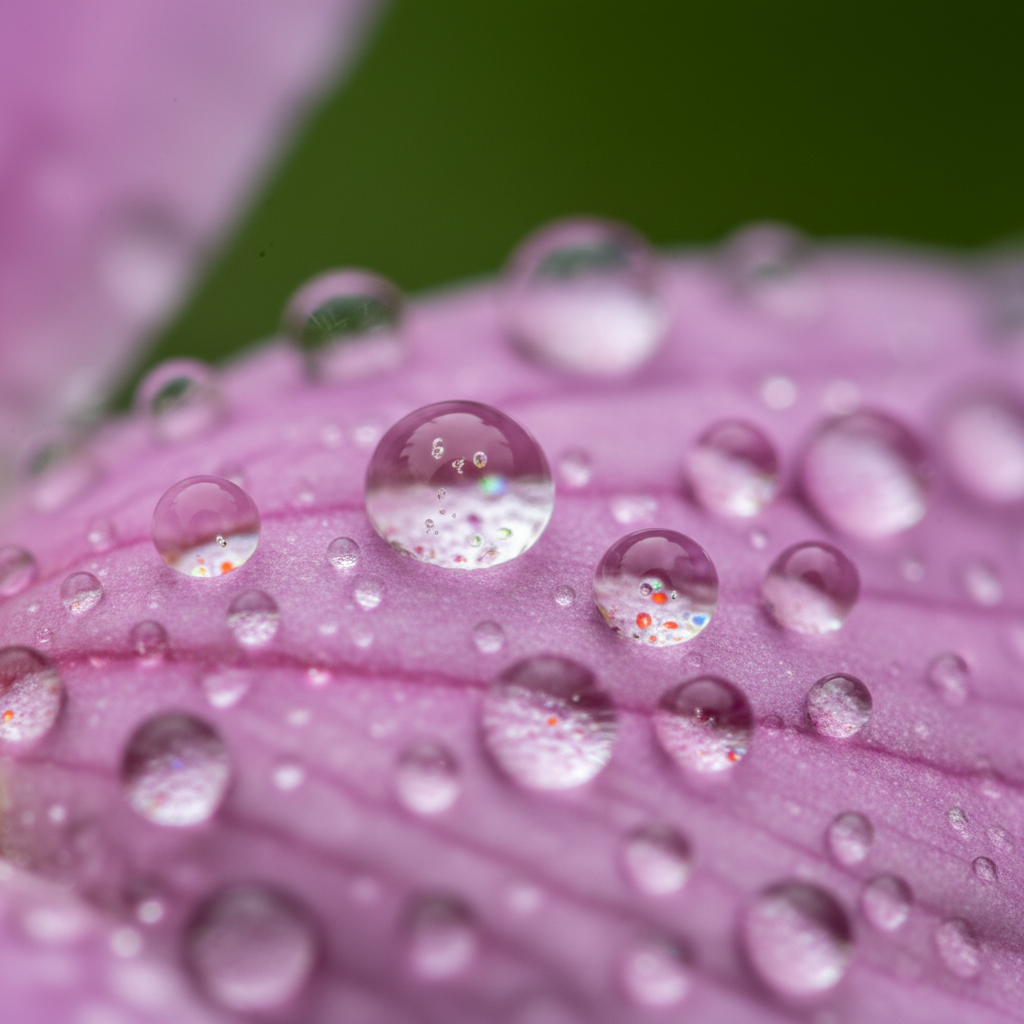
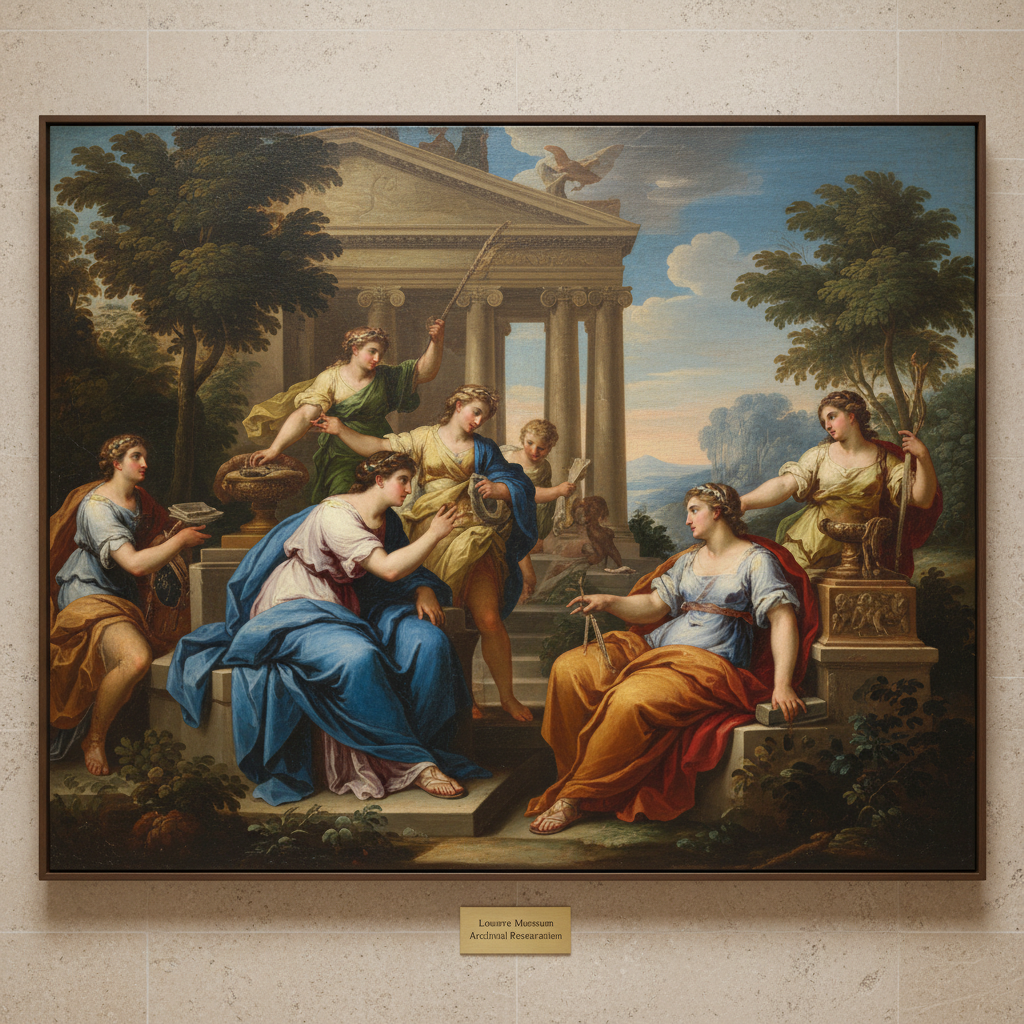
Real upscaling results from the AI image upscaler on this page — 4K portraits, vintage photo restoration, landscape detail, anime upscaling, macro enhancement, and oil painting restoration.
How AI Image Upscaling Works
Three steps from a low-resolution or blurry photo to a crystal-clear 4K or 8K image — ready for print, social media, archival storage, or premium display.
Upload Your Low-Resolution Photo
Drag and drop a blurry, pixelated, compressed, or low-resolution photo into the AI image upscaling tool — vintage family photographs, screenshots, downloaded social media images, scanned prints, low-quality phone photos, anime fan art, product photos that need sharpening, or scanned classical paintings. The AI image upscaler accepts JPG and PNG and processes any subject, from portraits to landscapes to macro detail.
Pick an Upscaling Preset
Choose 4K Portrait for sharp skin texture and hair detail, Vintage Restore for 1960s and 1970s family photo restoration, Landscape Detail for crisp leaf and rock clarity, Anime Upscale for crisp clean lines and vibrant color, Macro Detail for microscopic clarity, or Oil Painting for gallery-quality classical art restoration. Each preset tunes the AI image upscaler for the specific subject so output looks natural rather than over-sharpened.
Download Crystal-Clear 4K / 8K Output
In seconds the AI image upscaler returns a crystal-clear high-resolution PNG ready for premium photo prints, large-format wall art, archival storage, high-density retina screens, 4K video thumbnails, marketplace product listings, and printed marketing collateral. AI image upscaling output holds up under close inspection because the model reconstructs real detail rather than just stretching pixels.
Why the AI Image Upscaling Tool Wins
Compared with Photoshop bicubic resampling, traditional sharpening filters, and generic AI upscalers — the AI image upscaling tool on this page reconstructs real high-resolution detail tuned for the specific subject.
Reconstructs Real Detail Instead of Stretching Pixels
Photoshop bicubic resampling and basic sharpen filters only stretch what is already in the pixels — the result is bigger, never actually sharper. The AI image upscaling tool on this page uses a generative model that has learned what real high-resolution photos look like and predicts plausible new detail from scratch. Skin gains real pore texture, landscapes gain real leaf and rock detail, and old photos look natural rather than fuzzy. AI image upscaling that genuinely adds information instead of just resizing the canvas.
Preset for Each Subject Type
A generic AI image upscaler over-sharpens portraits and softens landscapes, then makes vintage photos look plastic. The AI image upscaling tool on this page is preset for each subject: 4K Portrait protects natural skin texture, Vintage Restore is tuned for 1960s and 1970s family photographs, Landscape Detail emphasizes leaf and rock clarity, Anime Upscale keeps clean lines crisp, Macro Detail handles microscopic texture, and Oil Painting protects original brushstroke detail. AI image upscaler output looks subject-appropriate, not generic.
Vintage Photo Restoration Built In
The Vintage Restore preset is one of the strongest reasons to use this AI image upscaler — it does not just sharpen old photos, it restores them. Faded sepia tones recover natural skin color, scratches and grain disappear, blurry faces regain identifiable detail, and yellowed prints look fresh. Vintage photo restoration that used to require a professional retoucher and several hours per image now runs in seconds. Families digitizing old photo albums, archivists working on historical collections, and museums preparing scanned exhibits all use AI image upscaling for archival-quality results.
4K and 8K Output for Print and Display
The AI image upscaling tool on this page renders crystal-clear 4K resolution by default and supports 8K ultra-high-resolution output for print-quality work — wall art, photo books, premium prints, archival reproduction, museum-grade scans, and large-format display. AI image upscaling at 4K and 8K is suitable for high-density retina screens, A3 and A2 wall prints, large monitors, projection, and any context where blurry low-resolution images would look unprofessional. Pixel-perfect detail across the full canvas.
Fixes Blurry, Pixelated, Compressed Photos
Rescuing blurry social media downloads, sharpening compressed JPEG email attachments, enhancing screenshots and webcam captures, restoring scanned documents, and preparing low-resolution stock images for large-format print are all everyday use cases for AI image upscaling. The AI image upscaler analyzes available detail, predicts the missing high-frequency information, and reconstructs the image at 4K or 8K with sharp edges and realistic texture. AI image upscaling is the fastest, cheapest way to give any low-quality photo professional clarity.
Free, No Sign Up Required
The AI image upscaling tool on this page is free, no payment, no credit card, no sign up — upload your photo, pick a preset, and download the upscaled result. Optional plans starting at $2.99 unlock unlimited AI image upscaling and faster queue priority for batch photo restoration projects, but the free tier alone covers a typical weekend of vintage photo digitization, a small e-commerce catalog refresh, and a week of social media image enhancement for most users, photographers, families, and small business owners.
AI Image Upscaling FAQ
Everything photographers, families, and online sellers ask about the AI image upscaler.
Try AI Image Upscaling Free
Photographers, families digitizing old photo albums, e-commerce sellers, and content creators use the AI image upscaling tool on this page to turn low-resolution and blurry photos into crystal-clear 4K and 8K images. Upload your photo, pick a preset, and the AI image upscaler returns a professional sharpened result in seconds. Free, no sign up, powered by Nano Banana 2.
Upscale Your Photo FreeAI Image Upscaling: 4K and 8K Photo Enhancement, Vintage Photo Restoration, and Real Detail Reconstruction
What AI Image Upscaling Should Actually Deliver
Search for AI image upscaling and most results are either old-school resampling filters dressed up with marketing language, or generic AI image upscalers that over-sharpen portraits, soften landscapes, and make vintage photos look plastic. A real AI image upscaling tool should reconstruct genuine high-resolution detail from a low-resolution source — sharp skin pores in portraits, individual leaves and rocks in landscapes, restored color in faded family photos, crisp clean lines in anime art, microscopic clarity in macro shots, and visible brushstroke texture in classical paintings. That is the bar this page is built to: an AI image upscaler that gives photographers, families, e-commerce sellers, and designers crystal-clear 4K and 8K output from any low-resolution starting point.
The AI image upscaling tool on this page runs on Nano Banana 2 — Google's state-of-the-art image model, also known as Gemini 3 Pro Image. It is preset for each subject type so the AI image upscaler knows what to protect: 4K Portrait keeps natural skin texture and individual hair strands sharp, Vintage Restore is tuned for 1960s, 1970s, and 1980s family photo restoration with color recovery and scratch removal, Landscape Detail emphasizes crisp leaf and rock clarity at golden hour, Anime Upscale preserves clean lines and saturated color, Macro Detail handles microscopic texture, and Oil Painting protects brushstroke detail for archival classical art restoration. AI image upscaling used to mean either booking a professional retoucher or accepting fuzzy bicubic-stretched output; the AI image upscaling tool on this page collapses both into a single upload.
Whether you searched ai image upscaling, ai image upscaler, image upscale ai, photo upscaler, ai photo enhancer, 4k image upscaling, 8k image upscaling, ai upscaling tool, photo restoration ai, ai sharpen image, low res to high res ai, or ai upscale free — the tool above is what you came for. Pick 4K Portrait, Vintage Restore, Landscape Detail, Anime Upscale, Macro Detail, or Oil Painting, upload your photo, and the AI image upscaler delivers crystal-clear 4K or 8K output in seconds. Free, no sign up, no credit card.
Photographers, Families, and Online Sellers Using AI Image Upscaling Daily
For professional photographers retouching low-resolution archive photos, AI image upscaling is the fastest way to recover commercial-grade detail without a full re-shoot. For families digitizing 1960s and 1970s photo albums, the Vintage Restore preset turns scratched, faded prints into crystal-clear 8K digital archives ready for cloud storage, photo books, and shared family galleries. For e-commerce sellers fighting compressed marketplace JPEGs and low-quality supplier photos, AI image upscaling sharpens product images for Amazon, Shopify, Etsy, and eBay listings — higher visual quality drives higher conversion. For social media managers, the AI image upscaler rescues downloaded reference images, screenshots, and webcam captures so they look professional in feed. For real estate agents, AI image upscaling sharpens blurry phone photos into listing-quality visuals. For designers building print work, the AI image upscaling tool prepares low-resolution stock and reference images for A3 and A2 large-format output. For anime fans, the Anime Upscale preset turns small fan art into crisp wallpaper-grade 4K. For art collectors and museums, Oil Painting restoration creates archival-quality digital reproductions. AI image upscaling used to be a specialist commission; this AI image upscaler makes it a free, daily habit.
Looking for related AI tools for the rest of your photo workflow? /tools/ai-image-generator is the general-purpose 4K image generator for any subject from a text prompt, /tools/ai-photo-restoration-tool handles deeper restoration of damaged and torn photographs, and /tools/ai-image-editor composites and refines real photos with AI-generated context. All three pair well with the AI image upscaling tool on this page — upscale to 4K or 8K here, then restore damage, edit, or composite the sharpened result.
Ready to use the AI image upscaler? Scroll back to the interactive tool section above, upload your low-resolution or blurry photo, pick 4K Portrait, Vintage Restore, Landscape Detail, Anime Upscale, Macro Detail, or Oil Painting, and the AI image upscaling tool will deliver crystal-clear 4K or 8K output in seconds. That is the whole pitch: an AI image upscaler that reconstructs real high-resolution detail tuned for the specific subject, and ships free with no sign up.
AI image upscaling — turn low-resolution and blurry photos into crystal-clear 4K and 8K images, free no sign up. AI image upscaler for portrait sharpening, vintage photo restoration, landscape detail, anime upscaling, macro enhancement, and oil painting restoration. Optional plans from $2.99 only when you want unlimited.