
AI Photo Restoration Tool
Restore Old Photos AI in Seconds
Bring damaged, faded, sepia, scratched, and water-stained old photographs back to life. The AI photo restoration tool on this page reads your restoration brief — damage type, era, color recovery — and renders museum-archival quality restored photos ready for family albums, gallery prints, memorial slideshows, and digital archives. Built for photographers, historians, genealogists, and families who want to restore old photos AI instead of sending originals to an expensive specialist lab. Free AI image repair powered by Nano Banana 2.
Try the AI Photo Restoration Tool
Pick a restoration preset or describe your own — the AI photo restoration tool returns museum-archival quality restored photographs ready for family albums, prints, and digital archives.
AI Photo Restoration Tool
Pick a restoration preset or write your own brief — the AI photo restoration tool delivers a museum-archival restored photograph in seconds.
Upload your old or damaged photo, select a restoration style, and bring it back to life
Made with the AI Photo Restoration Tool
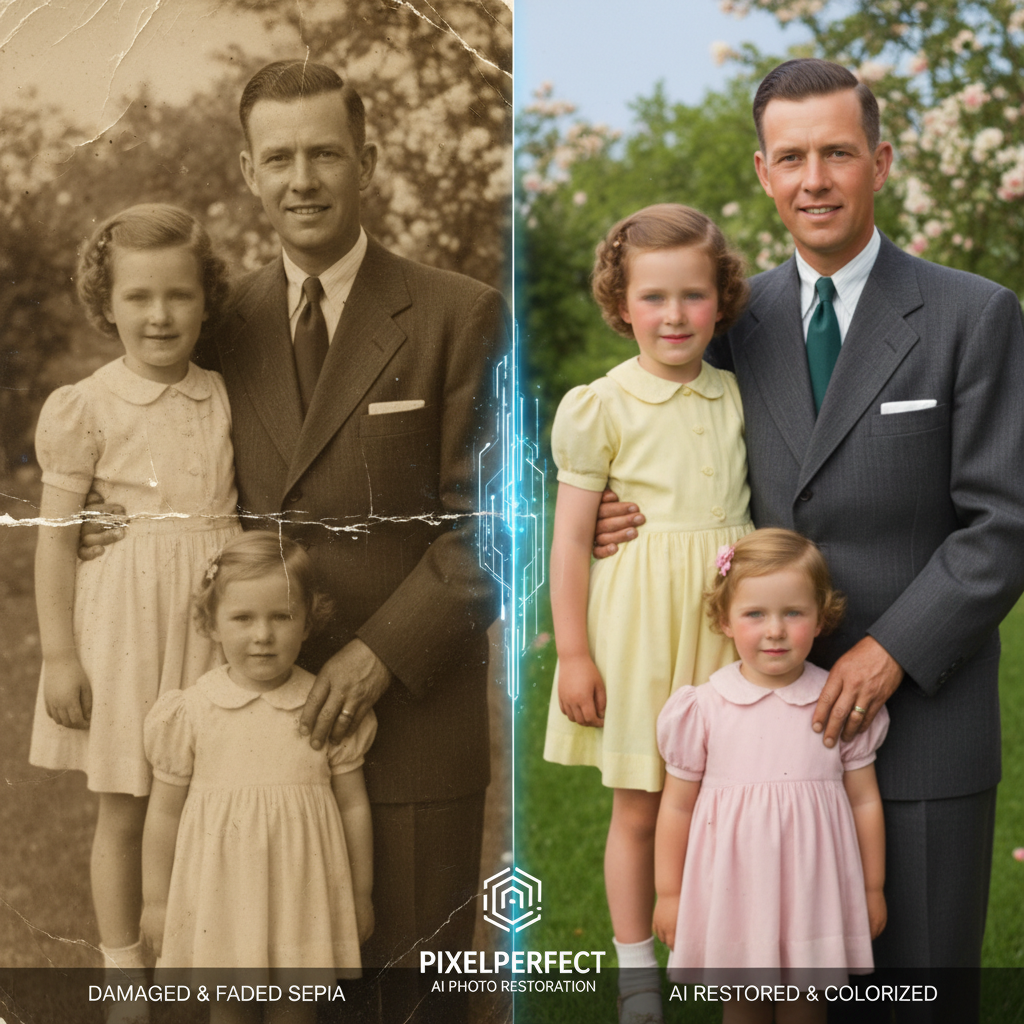
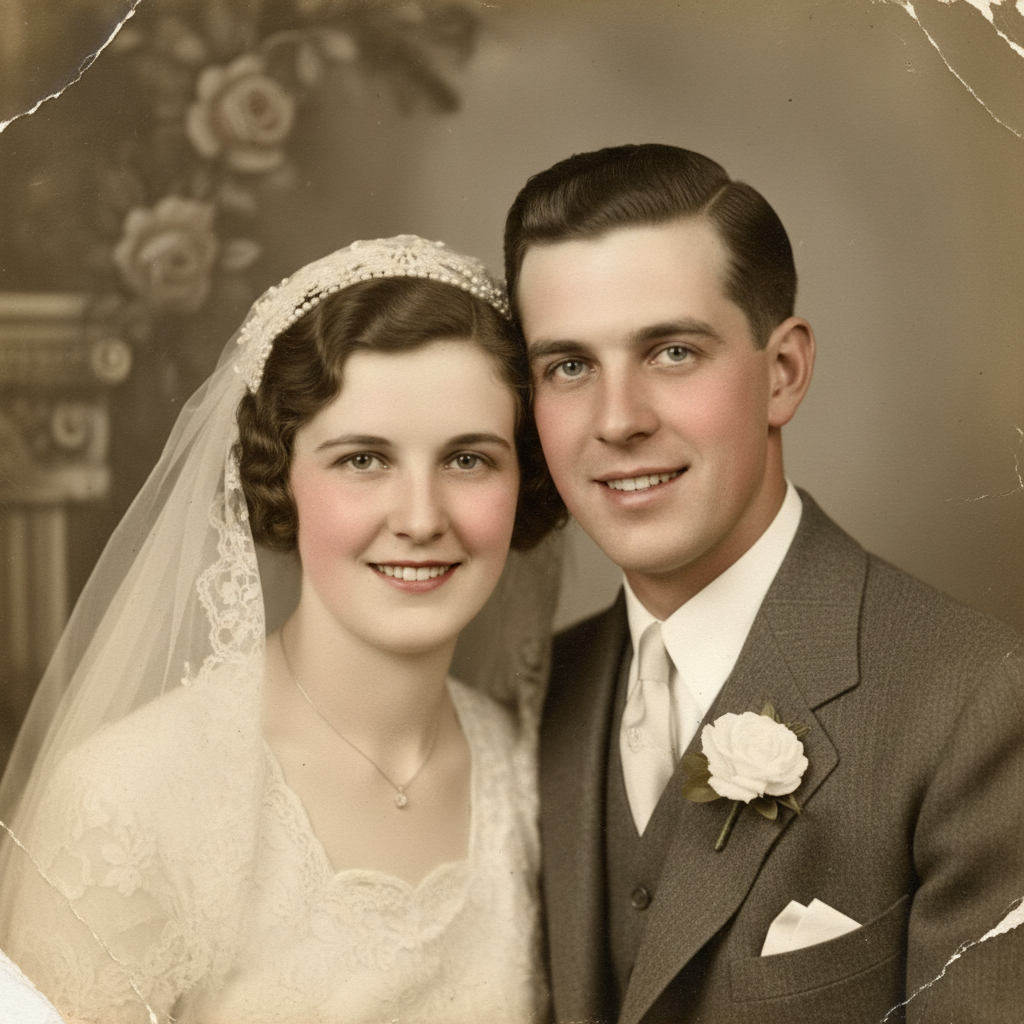
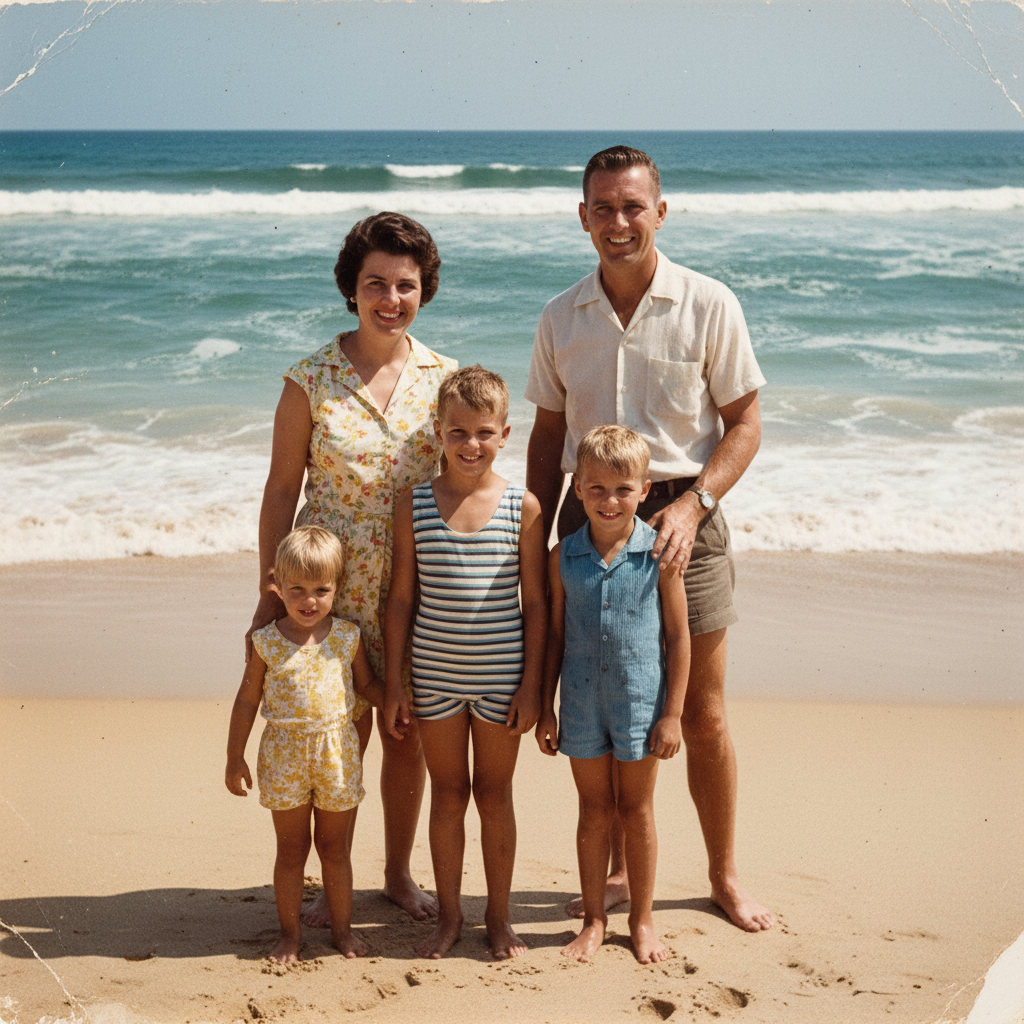
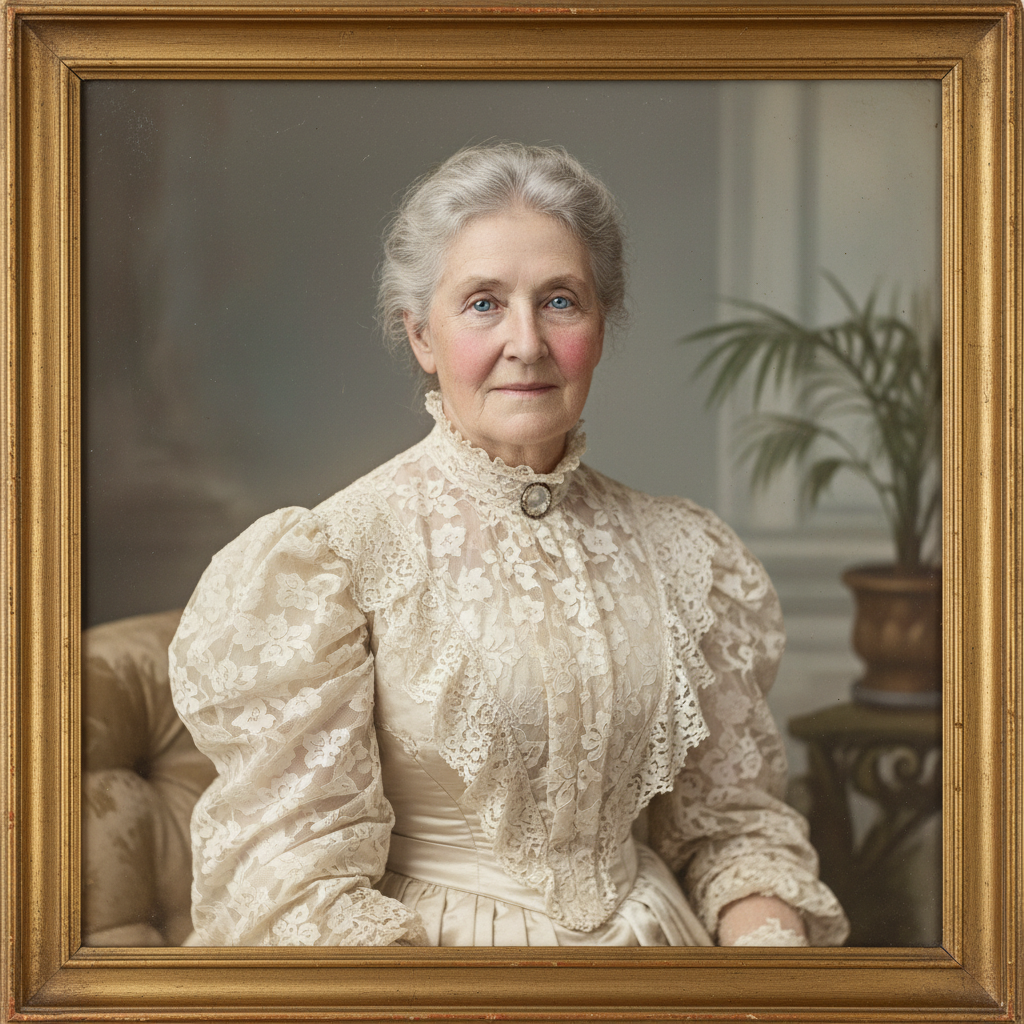
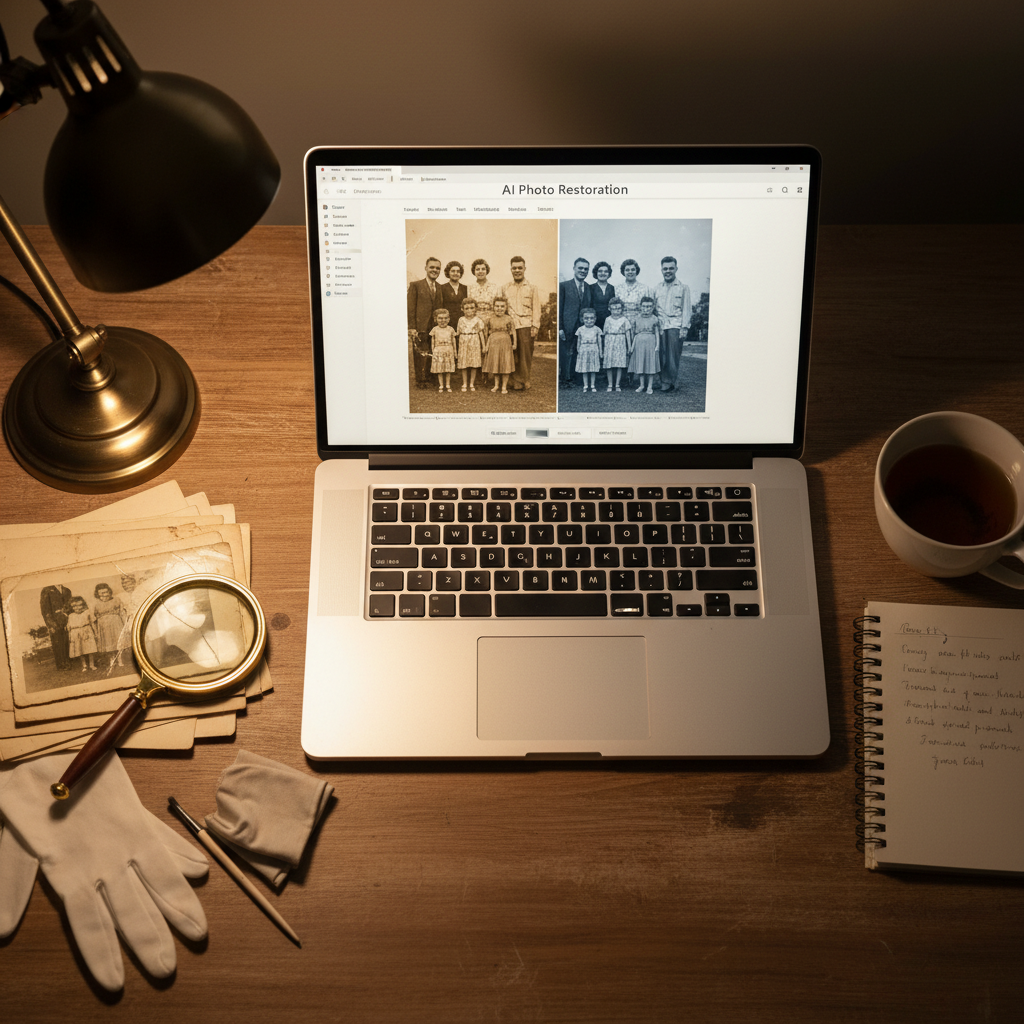
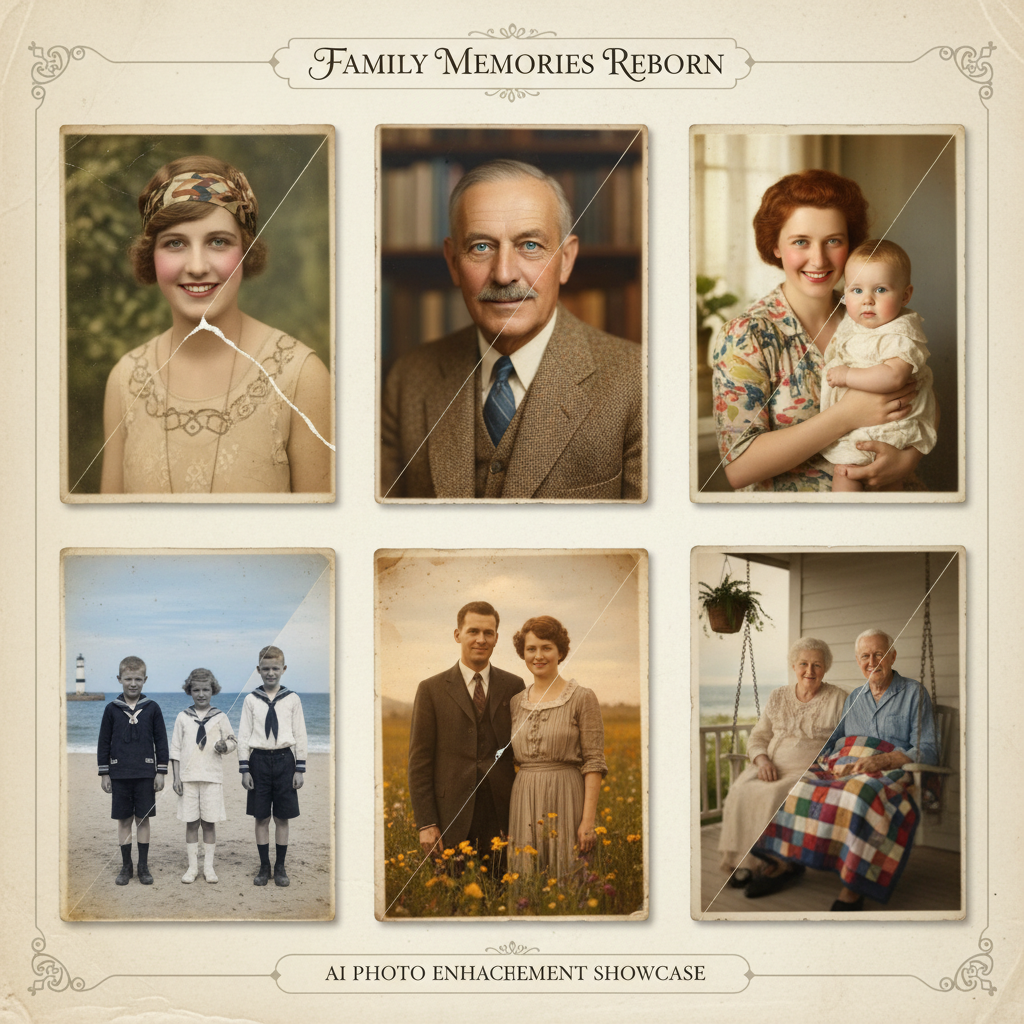
Real restored photographs from the AI photo restoration tool on this page — family portrait repairs, sepia-to-color conversions, scratch removal, faded color recovery, wedding heirlooms, and beach memory restorations.
How the AI Photo Restoration Tool Works
Three steps from a damaged photograph to a museum-archival quality restored print — built for photographers, historians, and families
Describe the Damage and Era
Pick a restoration preset like Family Portrait Repair, Sepia to Color, Scratch Removal, Faded Color Recovery, Wedding Heirloom, or Beach Memory — or write your own brief like "restore my grandmother's 1950s wedding photo, scratches and color fade". The AI photo restoration tool reads damage type, era, and color recovery cues so AI image repair matches the original photograph semantically.
AI Photo Enhancement Repairs the Print
Nano Banana 2 reads damage patterns specific to old photographs — scratches, creases, water stains, fading, sepia cast, color drift — and applies targeted AI image repair. The AI photo restoration tool reconstructs facial detail, evens skin tones, recovers fabric and hair texture, and converts sepia or black-and-white to period-accurate natural color, so AI photo enhancement output reads as a finished archival print.
Print, Share, or Archive
Download the AI photo restoration tool output as a high-resolution PNG ready for archival prints, gallery framing, family album reprints, memorial slideshow projection, or digital scan archives. Share AI vintage photo restoration results in a family group chat, post to a genealogy site, hand off to a print lab, or drop into a photo book service. Restore old photos AI for grandchildren, siblings, museum collections, and your own digital archive — that is exactly what the AI photo restoration tool delivers.
Why the AI Photo Restoration Tool Wins
Compared with generic photo filters and expensive specialist labs, the AI photo restoration tool delivers museum-archival quality results in seconds.
Real Damage Repair, Not Just Filters
Generic photo filters apply the same color curve to every image — they cannot remove a deep scratch, fill in a torn corner, or recover detail in a faded face. The AI photo restoration tool on this page is purpose-built to repair damage. AI image repair targets scratches and creases, recovers fine detail in faded areas, and reconstructs natural color from sepia or black-and-white originals so AI photo enhancement is about repairing the photograph, not just filtering it.
Sepia & Black-and-White to Color
The AI photo restoration tool converts sepia and black-and-white photographs to period-accurate natural color — skin tones, eye color, hair color, clothing, sky, foliage, fabric textures. Restore old photos AI handles 1890s Victorian albumen prints, 1920s studio portraits, 1940s wartime snapshots, 1960s family beach photos, and every era in between. AI vintage photo restoration is the closest most families will ever come to seeing an ancestor in living color.
Faster Than a Specialist Lab
Sending an old photograph to a specialist restoration lab takes weeks per print and costs $100-$500 per restoration. The AI photo restoration tool delivers museum-archival quality results in seconds for free. Families restoring an entire shoebox of old photographs save hundreds of hours and thousands of dollars by running every print through the AI photo restoration tool first, then only commissioning a specialist for the most important heirloom pieces.
Preserves Identity & Expression
A good AI photo restoration tool repairs damage without changing identity. The AI photo restoration tool on this page preserves the original face structure, expression, hairstyle, clothing, and pose while removing scratches, creases, water stains, and color fading. AI photo enhancement adds back missing detail using period-accurate reference, so a restored grandparent portrait still looks like the same grandparent — just clean and sharp.
Print-Ready Archival Quality
The AI photo restoration tool renders restored photographs at high resolution suitable for archival prints, gallery framing, family album reprints, memorial slideshow projection, and digital scan archives. AI vintage photo restoration output is print-ready with no upscaling step — drop the file into a photo book service, hand it to a print lab, or post to a family group chat at full quality without losing detail in the print process.
Free, No Sign Up Required
The AI photo restoration tool on this page is free, no payment, no credit card, no sign up — just describe the damage and generate. Optional plans starting at $2.99 unlock unlimited restorations and faster queueing during peak hours, but the free tier alone covers shoebox-sized family archives, genealogy projects, memorial slideshows, and routine AI image repair workflow for photographers, historians, and families.
AI Photo Restoration Tool FAQ
Everything photographers, historians, and families ask about restoring old photos AI
Restore Old Photos AI Free
Photographers, historians, and families use the AI photo restoration tool on this page to skip expensive specialist labs and bring damaged old photographs back to life. Pick a preset, describe the damage and era, and AI image repair delivers museum-archival quality restored prints in seconds. Free, no sign up, powered by Nano Banana 2.
Restore Old Photos FreeAI Photo Restoration Tool: AI Image Repair and AI Vintage Photo Restoration for Families
What an AI Photo Restoration Tool Should Actually Do
Search for an AI photo restoration tool and most results are generic photo filters with a restoration sticker on top. A real AI photo restoration tool should read your photograph — damage pattern, era, original color — and repair scratches, creases, water stains, fades, and sepia casts while preserving identity. That is the bar this page is built to: an AI photo restoration tool that reads damage semantically and repairs it like a museum specialist would, so families can restore old photos AI without sending the originals to an expensive lab.
The AI photo restoration tool on this page runs on Nano Banana 2 — Google's state-of-the-art image model also known as Gemini 3 Pro Image. It applies targeted AI image repair to scratches and creases, recovers fine detail in faded areas, and reconstructs natural color from sepia or black-and-white originals so the restored photo prints sharp at archival resolution. AI photo enhancement workflows used to mean either accepting the damage or paying hundreds of dollars per print to a restoration specialist; the AI photo fixer on this page collapses that into a single prompt per photograph.
Whether you searched AI photo restoration tool, restore old photos AI, AI image repair, AI photo enhancement, AI photo fixer, or AI vintage photo restoration — the tool above is what you came for. Pick a preset like Family Portrait Repair, Sepia to Color, Scratch Removal, Faded Color Recovery, Wedding Heirloom, or Beach Memory, or write your own brief. The AI photo restoration tool handles the rest, free, with no sign up and no credit card required.
Photographers, Historians, and Families Restoring Memories
For photographers, the AI photo restoration tool is the fastest way to digitize and repair old client archives at scale. For genealogists and historians, AI image repair turns damaged archival prints into research-grade reference photographs — useful for family tree projects, museum collections, and historical society publications. For memorial designers, AI photo enhancement delivers sharp restored portraits ready for slideshow projection at services. For families, the AI photo restoration tool means a shoebox of damaged old photographs can become a family album of museum-archival quality prints in an afternoon. Restore old photos AI to share with grandchildren, siblings, cousins, and future generations who will never get another chance to see those photographs at full clarity.
Looking for related AI tools for creative work? /tools/ai-image-generator is the general-purpose 4K image generator for any subject, /tools/ai-headshot-generator creates professional headshots from a selfie, and /tools/ai-image-editor handles general photo editing tasks. All three pair well with the AI photo restoration tool on this page — restore the old photo here, then use those tools for headshots, edits, and original imagery alongside the restored archive.
Ready to use the AI photo restoration tool? Scroll back to the interactive tool section above. Pick Family Portrait Repair, Sepia to Color, Scratch Removal, Faded Color Recovery, Wedding Heirloom, or Beach Memory — or write your own brief with damage type, era, and color recovery cues. The AI photo restoration tool will deliver museum-archival quality restored photographs in seconds. That is the whole pitch: an AI photo restoration tool that reads damage like a museum specialist, repairs prints like an archival lab, and ships free with no sign up.
AI photo restoration tool — restore old photos AI in seconds, free no sign up. AI image repair, AI photo enhancement, and AI vintage photo restoration for photographers, historians, and families. Optional plans from $2.99 only when you want unlimited.