
AI Flashcard Generator
The card you need is the one word your student is actually stuck on, and it is never the one in the pack you bought. This AI flashcard generator makes it in about twenty seconds — pick a card type, dictate the word and the picture, print. Six starting points below, plus the card that came back with a misspelling on it, because one of them did.
Make a Flashcard FreeTry the AI Flashcard Generator — Free
Pick the card type, then dictate the actual content in the box — which word, which picture, which letter, which language. Being specific is not fussiness here: every word you spell out came back correct, and the only misspelling on this page is one the model added by itself.
AI Flashcard Generator
Choose a card type, dictate the exact word and picture you want, and get a printable flashcard. Up to 4K.
Six Cards From This AI Flashcard Generator, Shown Exactly As They Came Back
Nothing here has been retouched, reordered or regenerated to look better. Five cards are clean and one has a misspelling on it. Read the notes under each card — they say precisely what landed and what drifted.
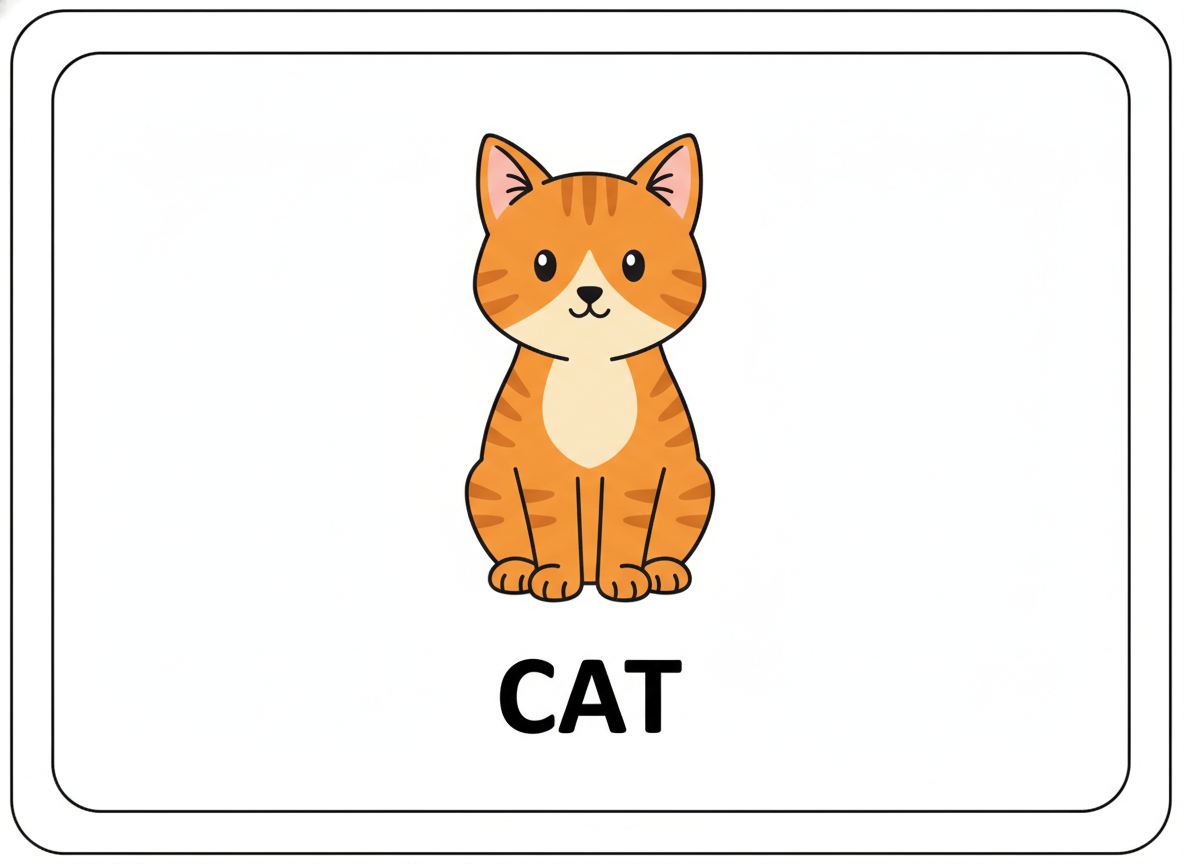
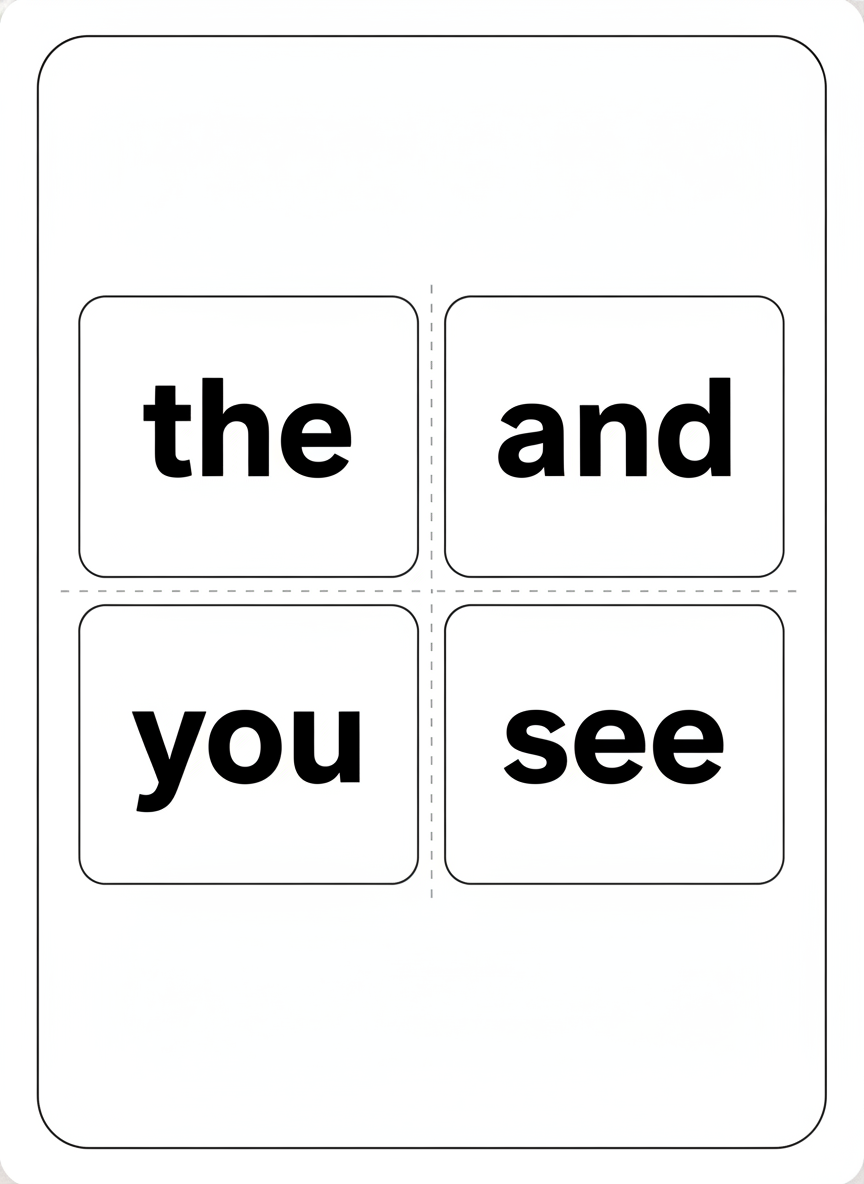
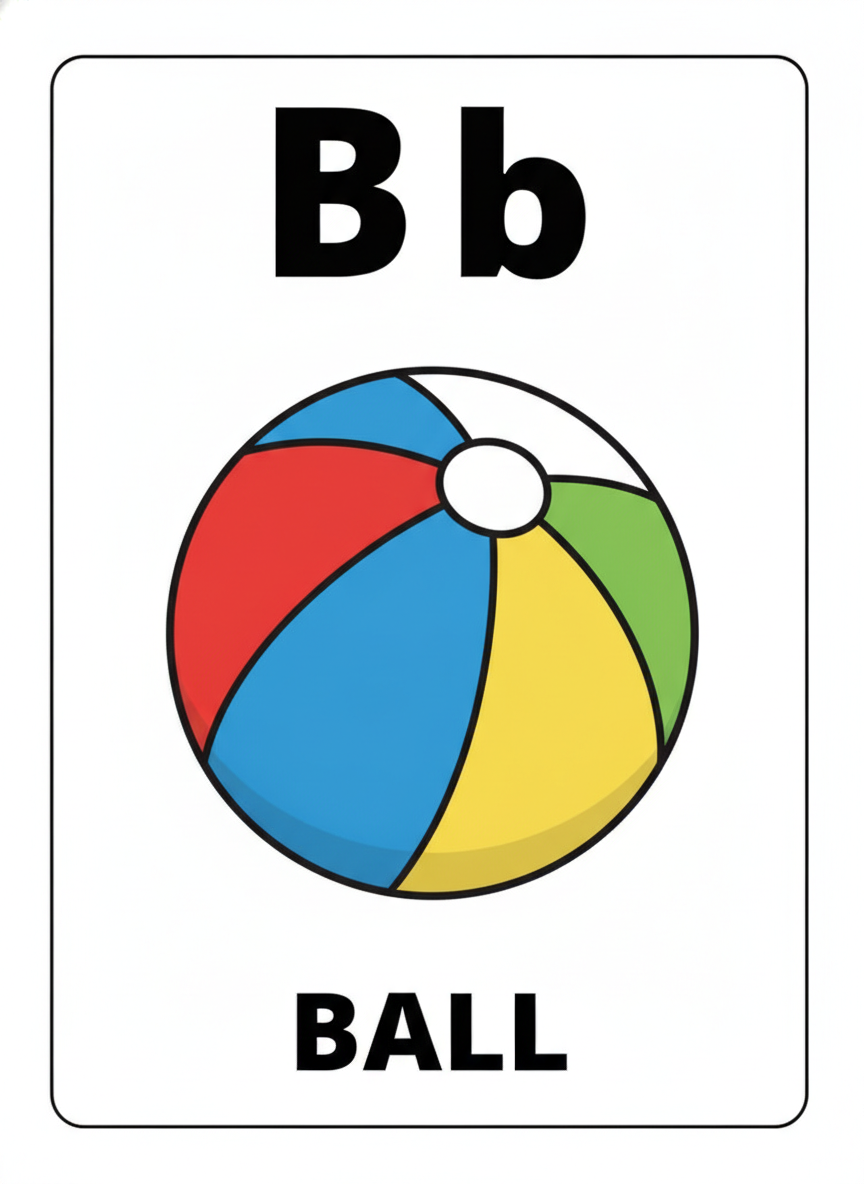
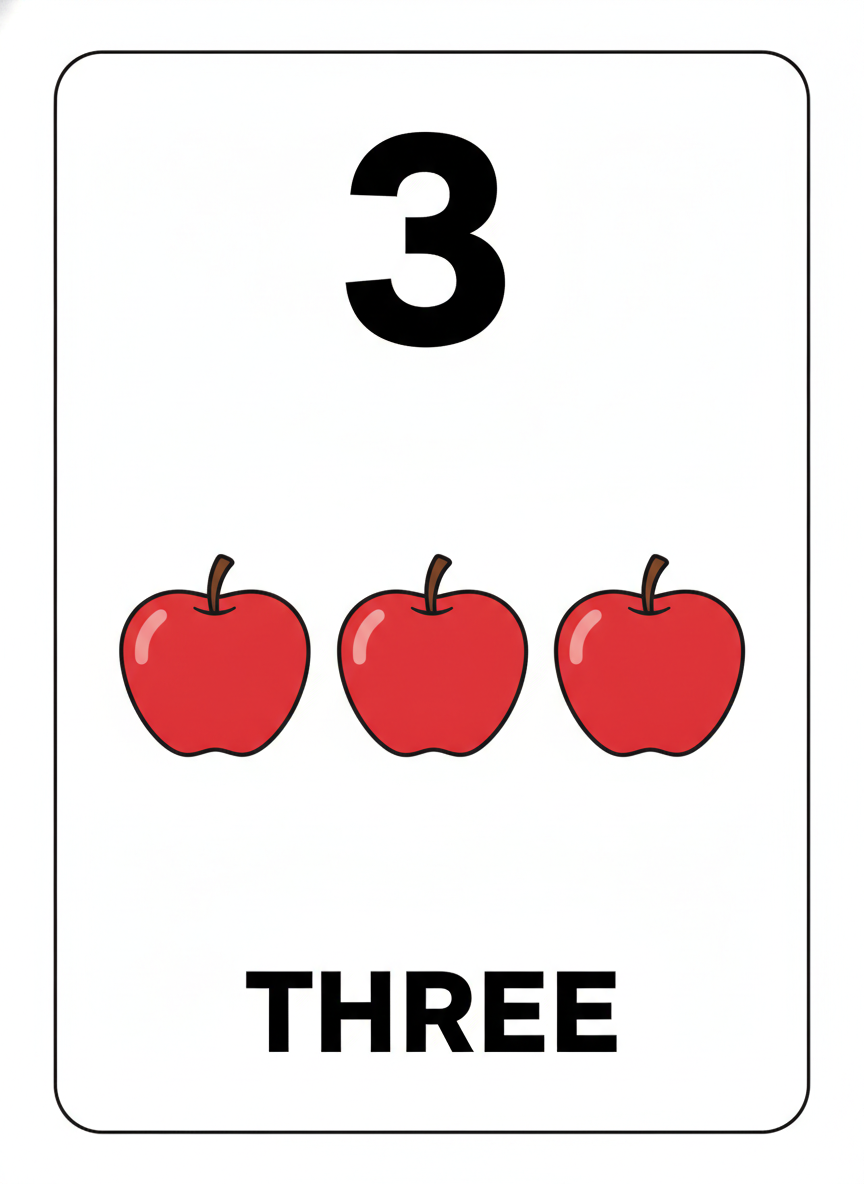
How It Works
Pick the card type
Six presets: picture vocabulary, sight words, alphabet letters, numbers and counting, bilingual pairs, and a six-up sheet with cut lines. Each one already carries the page furniture — white stock, border, margins, card proportions — and a long clause forbidding every stray title, watermark and publisher mark by name.
Dictate the word and the picture
This is the step that decides whether the card is usable. Name the exact word and the exact object: "the word CUP with a plain blue mug". Content you spell out lands accurately — all eleven dictated words in the gallery came back correct. Content you leave to the model is where spellings and quantities drift.
Proofread, then print
Twenty seconds later you have a card. Before it reaches a learner, read every word — including any writing on the picture itself, which is where the one error on this page hides — count any group of objects, and download at full resolution. Run one test print to check the trim before you cut a whole set.
What This AI Flashcard Generator Gets Right, and What It Gets Wrong
A flashcard is a harder subject than it looks, because it is mostly text and a single wrong letter makes the card teach the wrong thing. Here is exactly where the line falls, based on the six cards above.
Dictated short words are reliable
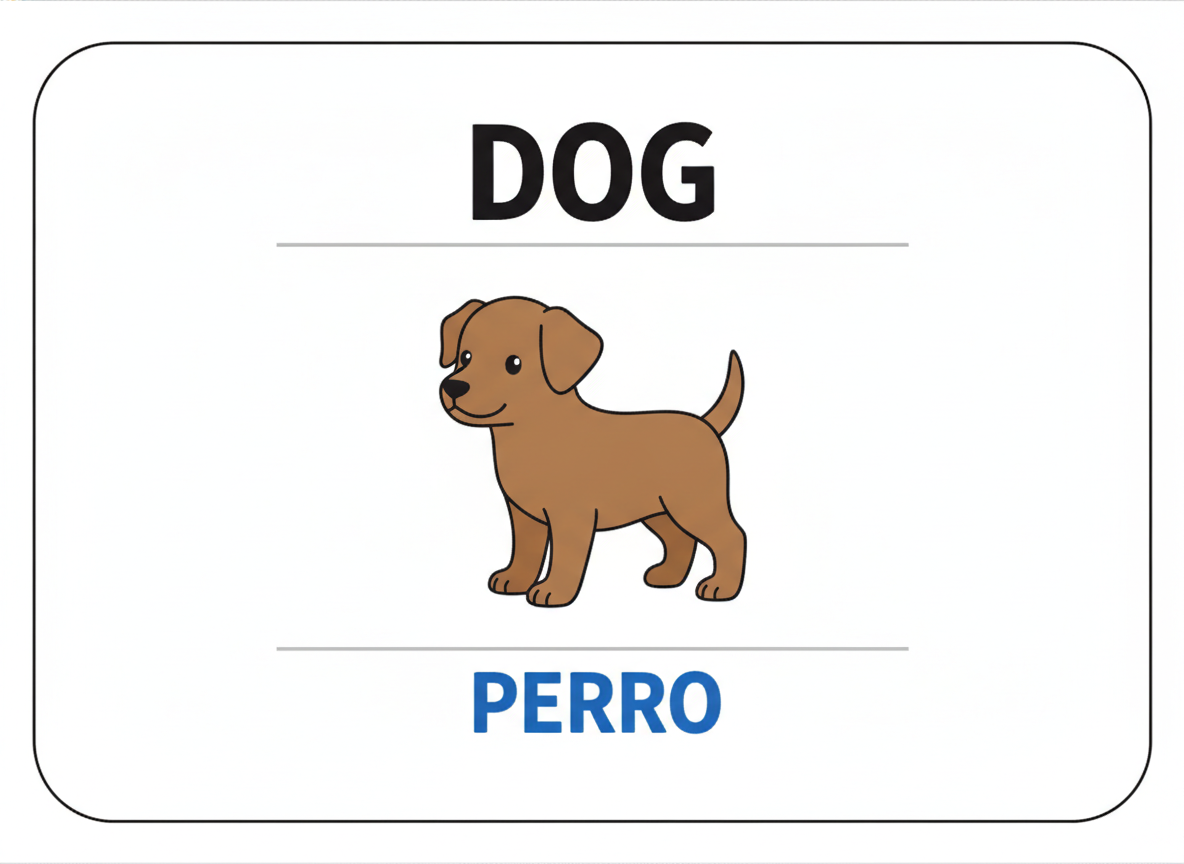
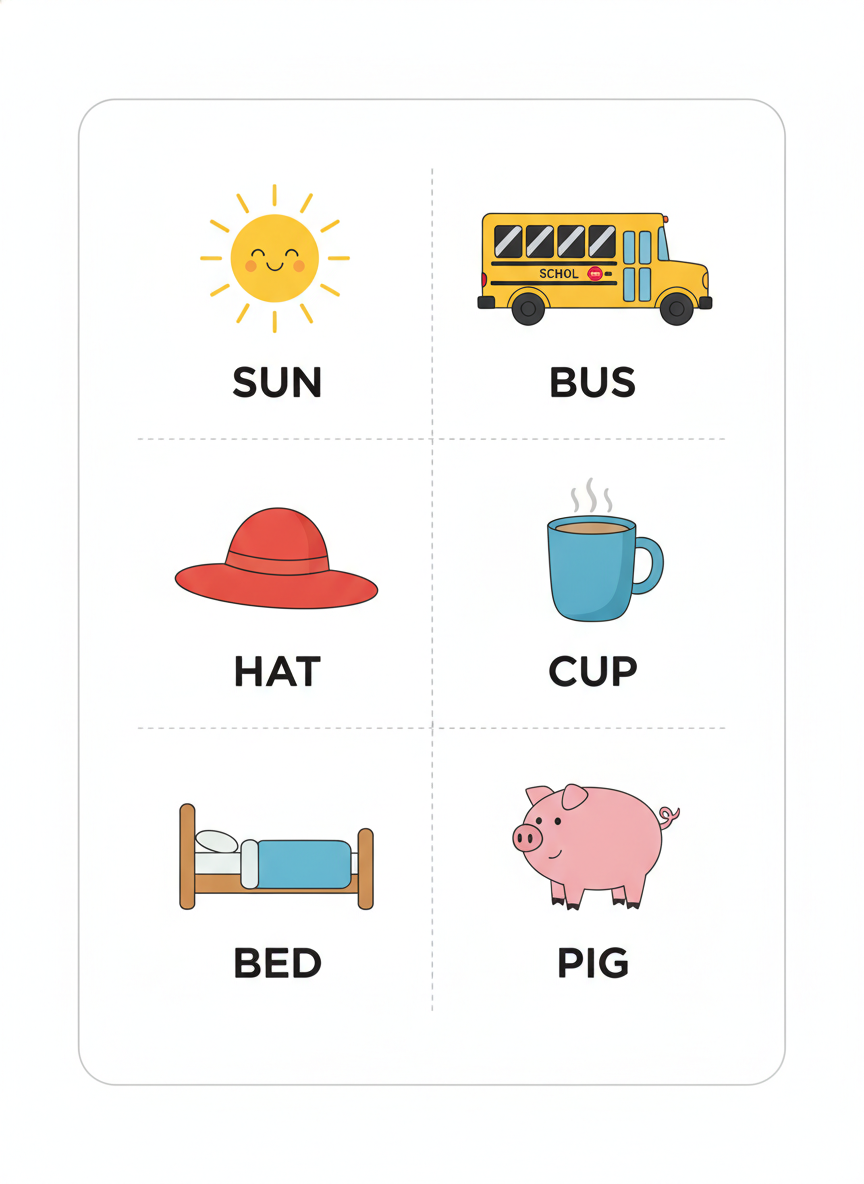
Eleven words were requested across the six cards and eleven came back correct: CAT, BALL, THREE, DOG, PERRO, SUN, BUS, HAT, CUP, BED, PIG. Three to five letters, common vocabulary, print capitals or heavy lowercase. This is the single most useful thing to know about the tool, and it is why every preset here is built around one short word per card.
Undictated text on objects is the real failure
The one misspelling on this page is SCHOL, written on the side of a school bus that nobody asked to have writing on it. The caption under that bus says BUS and is perfectly correct. Your eye checks the caption; the error is in the artwork. Avoid picture subjects that normally carry writing, and read the drawing as carefully as the word.
Letterforms are properly taught, not just drawn
The alphabet card returned an uppercase B beside a genuine single-storey handwriting lowercase b, with the ascender on the correct side — not the two-storey typographic form that confuses an early reader. Sight words stayed in lowercase instead of being helpfully capitalised. The model understands what these cards are for, not merely what they look like.
Small counts can land, large ones should not be trusted
Three apples were asked for beside a numeral 3, and three apples arrived. That is a genuine pass and worth having. It is not a guarantee. Counting drawn objects is the most reliable failure in image generation, and the odds fall away quickly above five. Making a set from one to ten means counting every card and regenerating several.
Card furniture is convincing
Thin rounded borders, even margins, dashed trim lines on the cut sheets, flat colour artwork with clean outlines and no drop shadows or photographic texture. These do not look like AI pictures of flashcards; they look like flashcards, which is the difference between something you print and something you apologise for.
Exact layout drifts, and sometimes it costs paper
The sight word sheet was briefed to fill the page and came back as a grid floating in the middle of it, wasting about a third of the sheet and shrinking the cut cards. The bilingual puppy sits slightly off centre. None of it makes a card unusable, but do not rely on a generated page hitting a precise trim spec if you are building a boxed set.
Writing a Prompt That Produces a Usable Flashcard
Four habits that separate a card you can laminate from one you have to regenerate, learned from the six in the gallery.
Dictate the word, do not describe it
"A farm animal card" invites invention. "The word PIG with a pink cartoon pig" gets you that card. Every word you name is a word that cannot come back wrong, and every word you leave to the model is a word you will have to check.
Ban text on the artwork, not just the card
This is the lesson of the bus. Forbidding titles, watermarks and footers keeps the card clean and still lets the model write on a vehicle, a sign or a packet drawn inside it. Say plainly that no depicted object may carry any lettering.
Choose objects that carry no writing
When you have a free choice of picture, a pig is safer than a bus, an apple safer than a cereal box, a mug safer than a T-shirt. Half the stray-text problem disappears if the thing on the card is not something that is branded in the real world.
One short word per card
Three to five letters is the safe zone and it is also good flashcard design. If a card needs a definition, a sentence or a phonetic respelling, generate the picture here and add the text yourself afterwards rather than asking the model to write it in.
Who Uses an AI Flashcard Generator
Early-years teachers
The pack you bought covers the alphabet and the pack your class needs covers the six words they are actually working on this week. Making the missing cards in a minute beats buying another set where four fifths of the cards are already mastered.
Homeschool parents
One child, one pace, and no reason to own a boxed set built for a class of thirty. Generate the next handful of cards when the last handful is learned, at whatever level that child is on today, and stop paying for the cards you skip.
Language tutors
Concrete nouns with a picture and a colour-coded translation, made to match the vocabulary list your student is on rather than a generic beginner deck. Proofread the target language yourself, and keep accented words for cards you type instead.
Speech and language therapists
Targeted articulation practice needs cards for one specific sound in one specific position, which is exactly the set that does not exist commercially. A page of initial-P words is four generations away rather than a special order.
Montessori and SEN settings
Clean flat artwork on white, one object per card, no busy backgrounds and no cartoon clutter competing for attention. The picture-only and word-only cards can also be generated as matched pairs for classic three-part card work.
Marketplace sellers
A first draft of a flashcard pack in an afternoon rather than a fortnight. The economics only work if the proofreading is real — read every word and every drawing before it goes on sale, because a review is an expensive place to find a typo.
AI Flashcard Generator FAQ
Related Classroom & Printable Tools
AI Worksheet Generator
The full-page neighbour of this tool. Where a flashcard holds one word for recall, a worksheet gives a child a task to work through — tracing, counting, mazes, matching and single-digit sums, with the same honest account of what comes back wrong.
AI Coloring Page Generator
Pure line art with no text at all, which sidesteps the entire misspelling problem. The right choice for wet play, early finishers and calm-down time, and for picture prompts you want a child to colour rather than read.
AI Image Tools for Education
The wider view of what image generation is genuinely useful for in a school — diagrams, display material, story prompts and lesson illustrations — and a realistic account of where each one is and is not dependable.
Make the Card You Actually Need
Six card types — picture vocabulary, sight words, alphabet, numbers, bilingual pairs and six-up cut sheets — each one a clean printable card in about twenty seconds, with your exact word dictated onto it. Up to 4K. Free to start, from $2.99.
Make a Flashcard FreeAn AI Flashcard Generator for Teachers, Tutors and Homeschool Parents
The problem an AI flashcard generator solves is not that flashcards are hard to find. There are millions of them, and that is the problem: you buy a boxed alphabet set, and by week three the twenty-two cards your class has mastered are still in the box alongside the four they have not, and the six words they are genuinely stuck on were never in there. Making the missing cards yourself means hunting clip art, fighting a word processor over table borders, and losing an evening. So most people compromise, and the compromise is the deck the learner actually gets. Describing the card you want and having it appear twenty seconds later changes which of those options is the cheap one.
The six presets here cover the card types that get printed most in early-years classrooms, tutoring rooms and kitchen tables. Picture vocabulary cards pairing one clear object with one short word. Word-only sight word sheets for high-frequency vocabulary that cannot be sounded out. Alphabet cards carrying an uppercase and lowercase pair, a picture starting with that letter and the word beneath. Number cards with a numeral, a counted group and the number word. Bilingual pairs with the target language colour-coded against the native one. And a six-up cutting sheet with dashed trim lines, which turns a twenty-four card set into four generations instead of twenty-four. Each preset carries the card furniture with it — white stock, thin rounded border, even margins, flat colour artwork — plus an explicit clause naming every title, category label, pronunciation guide, page number, footer and watermark that must not appear.
Those six cards are shown exactly as they were generated, mistake included, because the strengths and weaknesses of this AI flashcard generator are consistent enough to be worth learning before you rely on it. The headline result is good: eleven words were dictated across the six cards and all eleven came back spelled correctly, including a five-letter Spanish word with a doubled R. The letterforms are pedagogically right rather than merely decorative, with a proper single-storey handwriting lowercase b and sight words that stayed in lowercase instead of being helpfully capitalised. Even the counting card, testing the least reliable thing you can ask an image model to do, returned exactly three apples beside its numeral 3. The one failure came from a direction that is easy to miss: the model wrote SCHOL along the side of a school bus, misspelling a word nobody had asked for, on artwork whose caption underneath read BUS and was perfectly correct.
The working rule follows from that. Dictate every word that matters and keep each one to three to five letters, ban lettering on the depicted objects and not just on the card, choose picture subjects that do not carry writing in the real world, and treat the finished image as a first draft that needs one proofread pass — read the caption, then read the artwork, then count anything countable — before it reaches a learner or goes on sale in a printables pack. What you get in exchange is a deck that is exactly the words, the letters and the vocabulary your student is on this week, rather than the closest thing somebody else happened to publish. That is a genuinely different position to teach from, and it takes about twenty seconds a card.