
AI Coupon Generator
A coupon has about four seconds to work. It has to state the offer in a figure someone can read across a room, say what the offer applies to, carry a date it stops being valid, and leave room for the small print that keeps you out of an argument at the till. This AI coupon generator handles that layout for you. Pick a format — clip-out discount coupon, cafe promotion, retail money-off voucher, salon treatment voucher, digital promo code card or loyalty punch card — type in your offer, your discount, your expiry date and your conditions, and Nano Banana Pro sets the whole coupon in about twenty seconds, ready to print or post.
Try It Now — Free
Choose a coupon format, then type your business name, the exact offer, the discount figure, the expiry date and any conditions into the box. Write them exactly as they should appear. Your coupon arrives in about twenty seconds at up to 4K.
AI Coupon Generator
Pick a coupon format, add your offer, discount, expiry date and conditions, and get a print-ready coupon in seconds
Coupons From the AI Coupon Generator
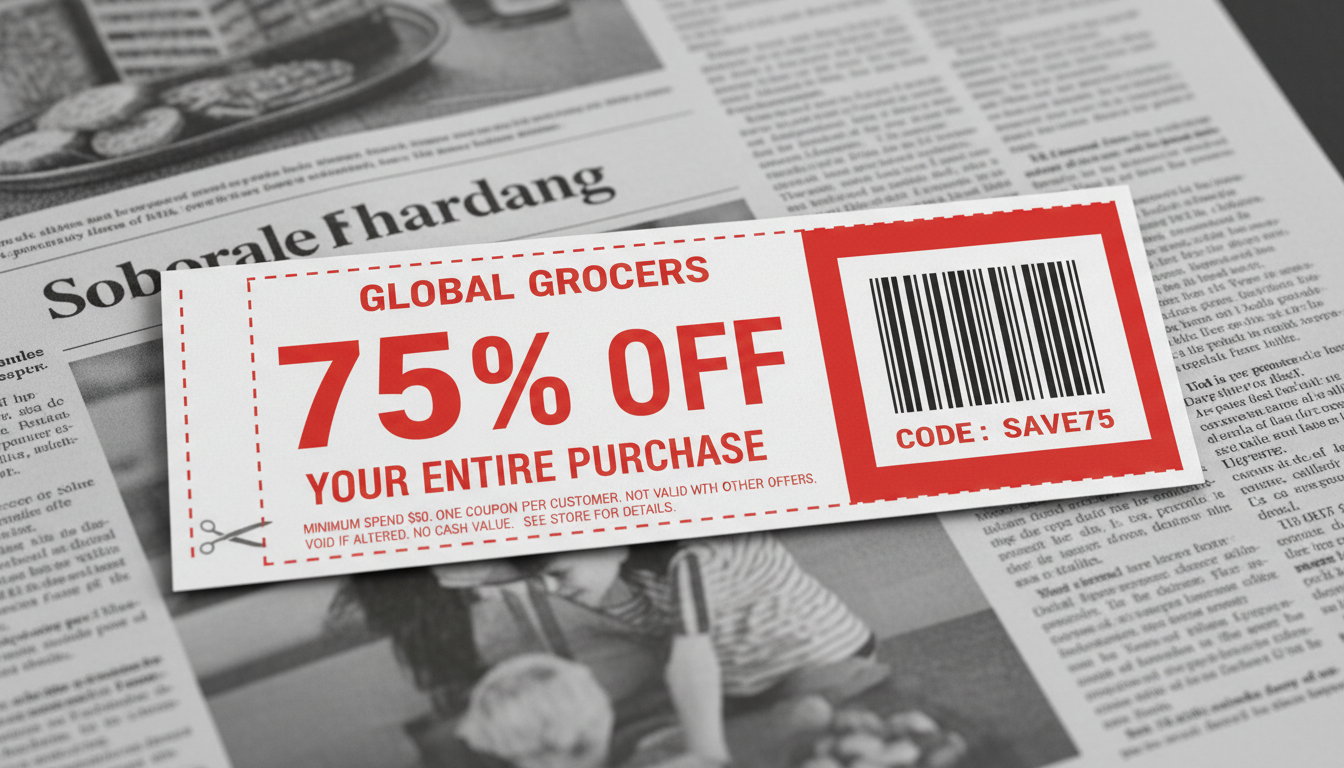
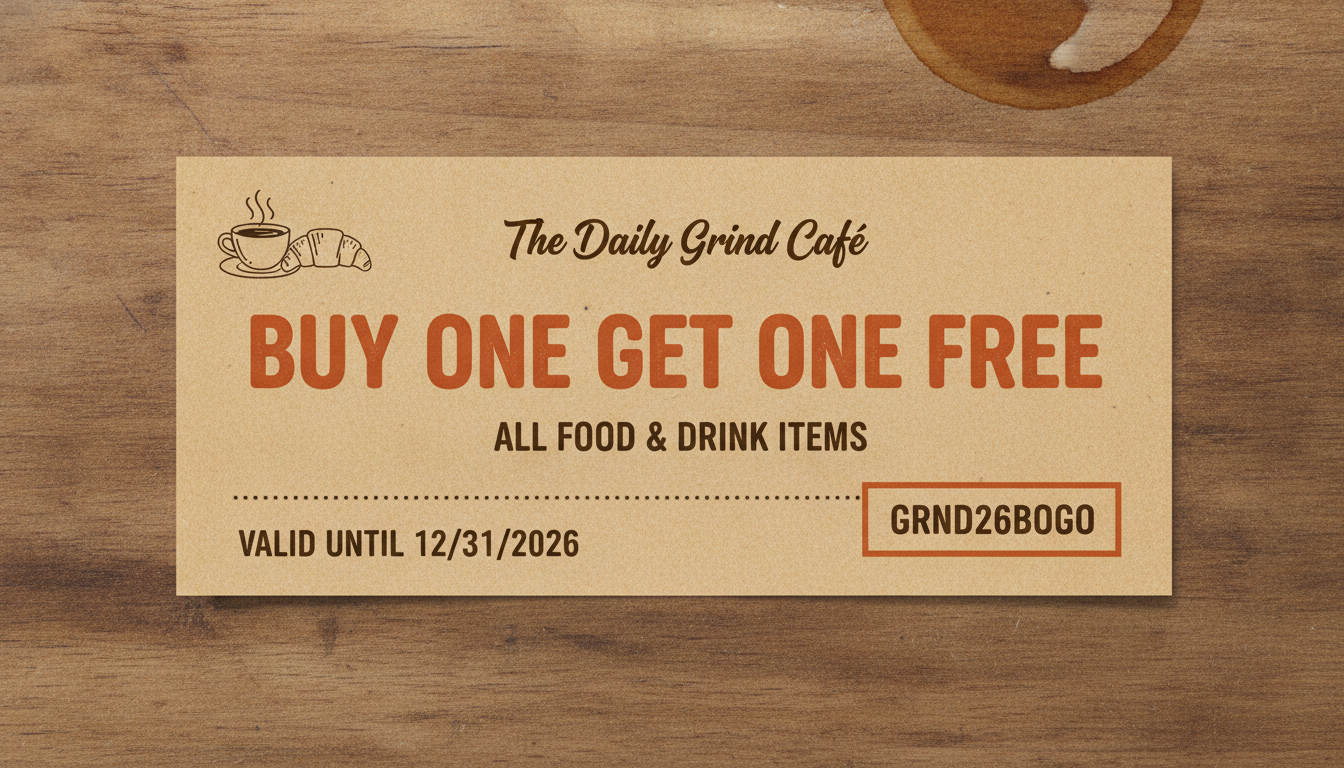
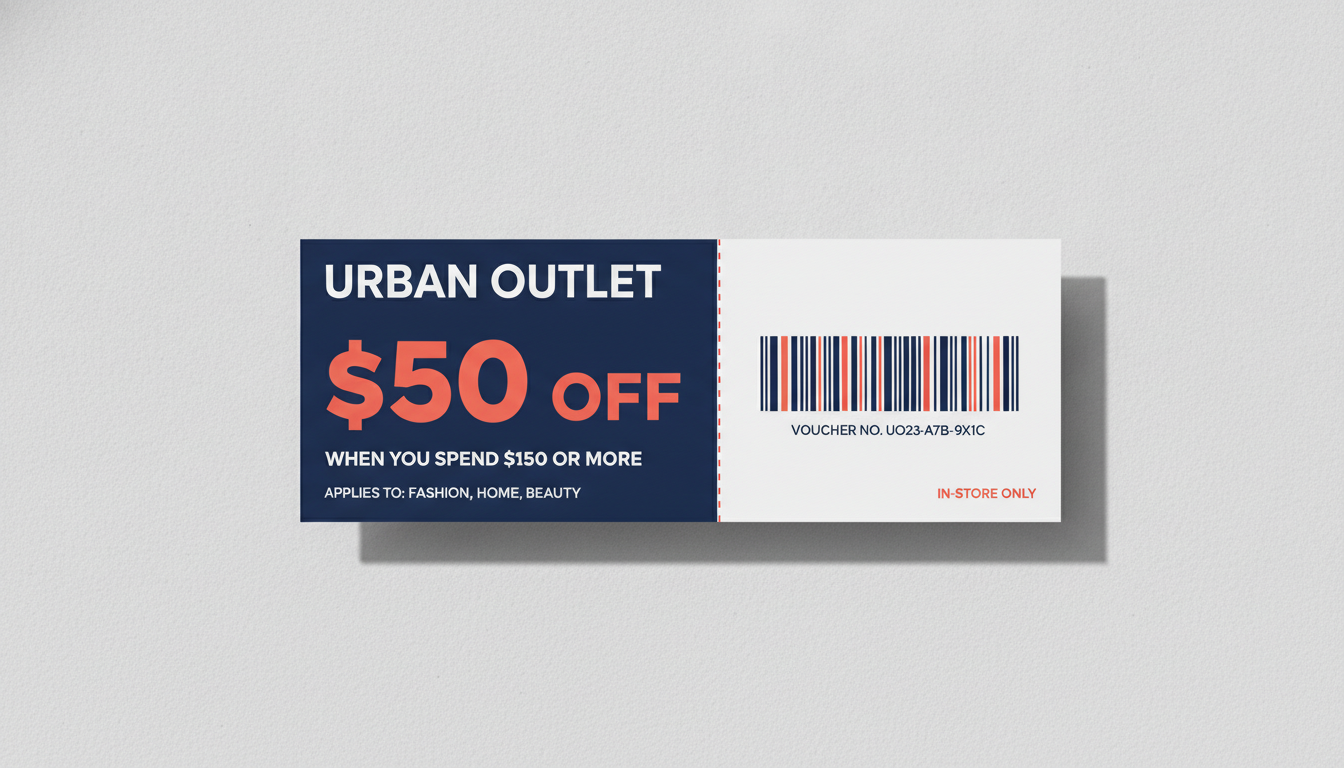
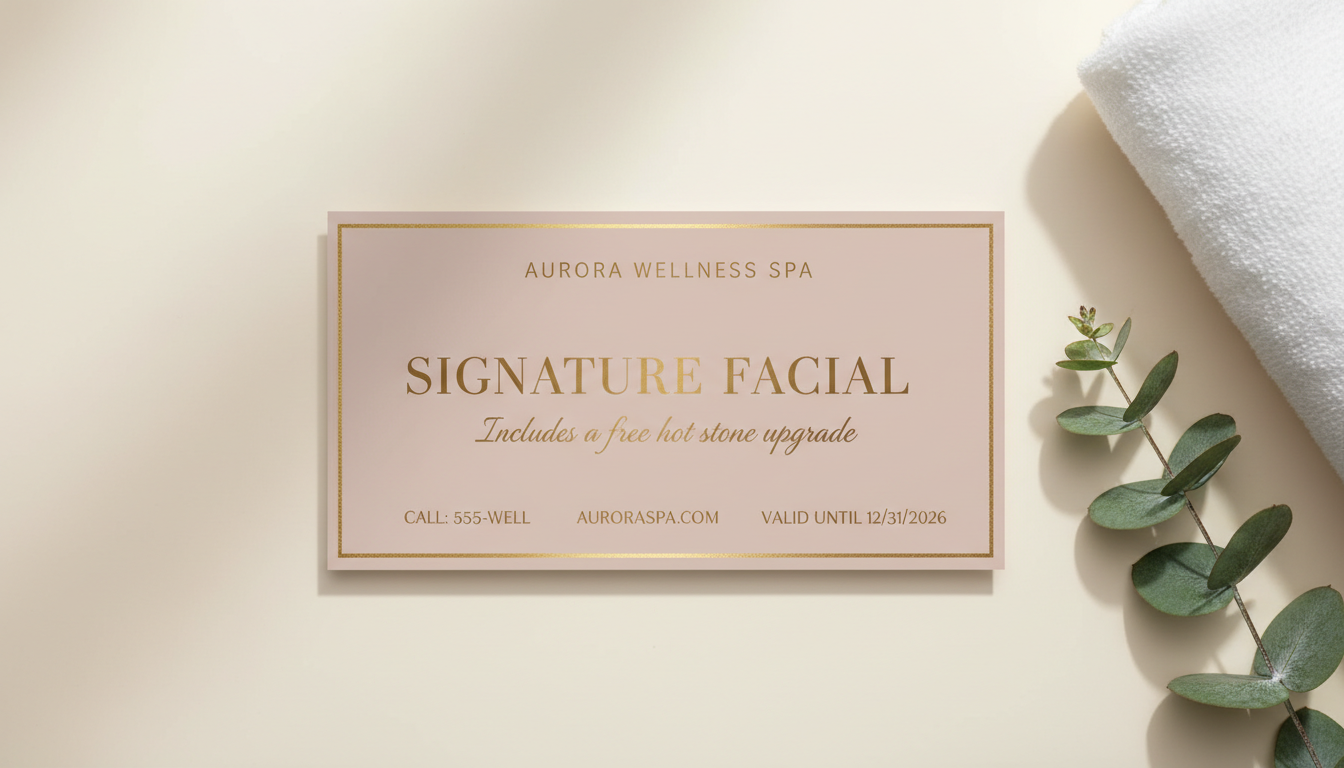
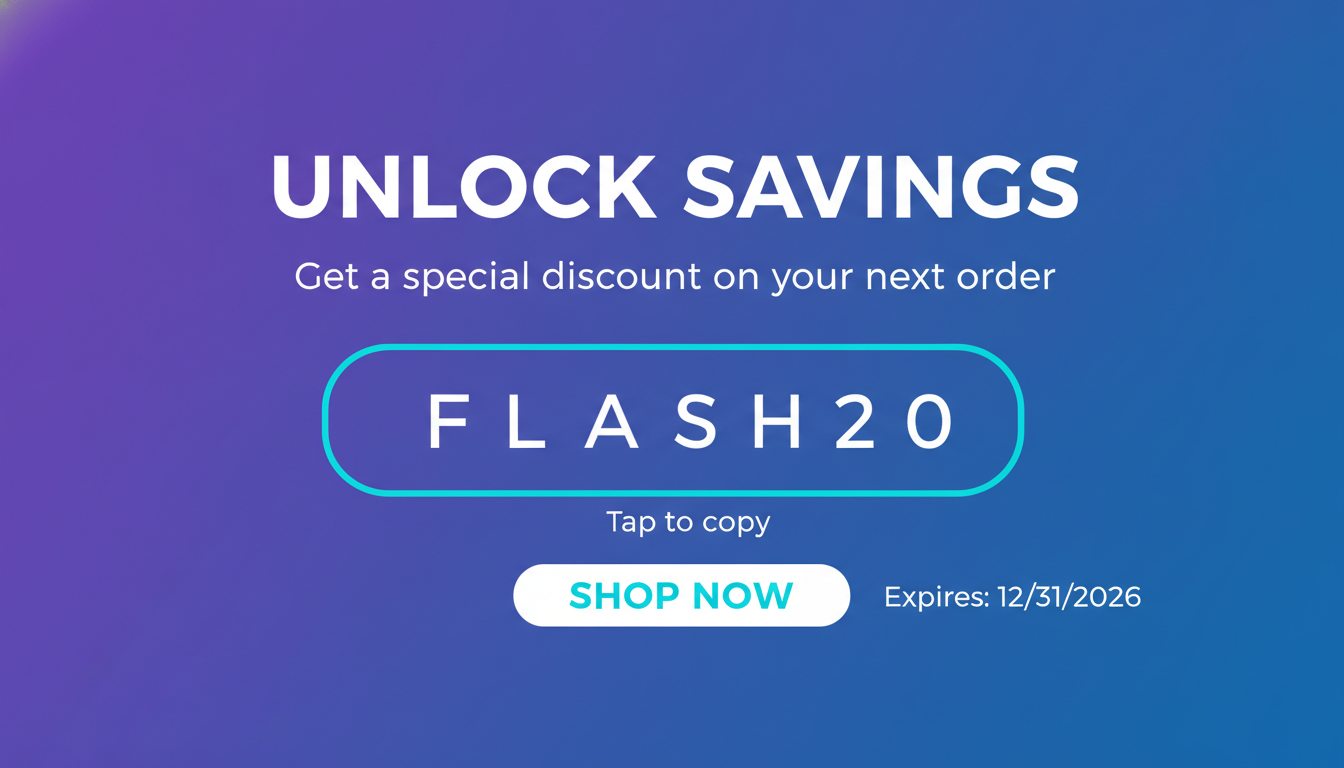
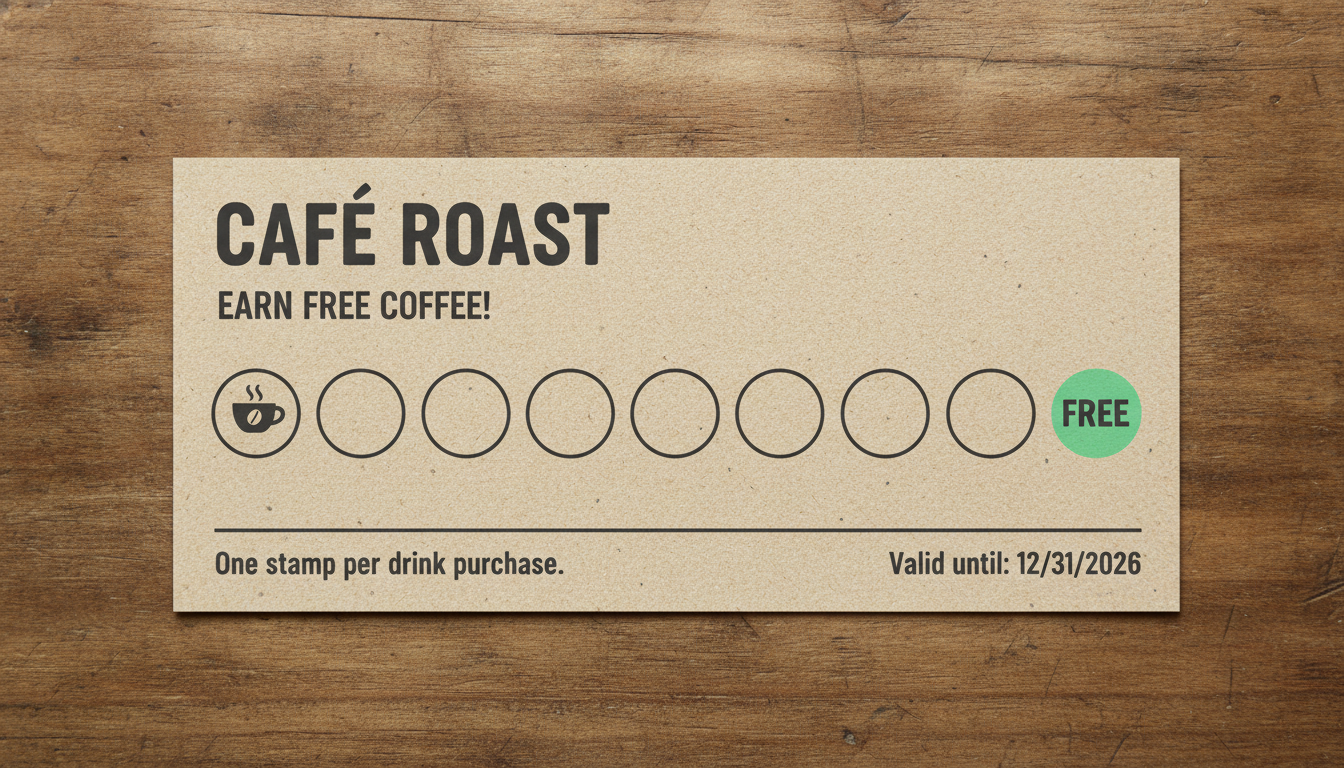
Clip-out coupon, cafe promotion, retail money-off voucher, salon voucher, digital promo code card and loyalty punch card — six formats, all generated from a typed offer
How the AI Coupon Generator Works
Three steps from a promotion you have decided on to a coupon you can hand out
Choose a Coupon Format
Six presets cover the shapes a coupon really takes: a clip-out coupon with a dashed cut border and terms along the foot, a kraft cafe promotion built around a buy-one-get-one line, a retail money-off voucher with a minimum-spend condition and a barcode panel, a blush-and-gold salon treatment voucher with a booking line, a flat digital promo code card for email and social, and a loyalty punch card with a row of stamp circles. Each preset already carries its own content logic — where the discount figure sits, what the fine print says, whether there is a code box or a stamp row — so you are choosing a kind of offer, not building a layout.
Type the Offer and the Conditions
Put the real promotion in the details box: your business name, the exact offer, the discount figure, the expiry date, and the conditions you intend to enforce. "THE CORNER PANTRY, 25% off all bakery items, valid until 31 March 2026, one per customer, in-store only" gives the AI coupon generator something precise to typeset. Vague input produces a handsome coupon for an offer nobody can pin down, which is the version you end up arguing about at the counter.
Proof the Numbers, Then Add a Real Code
Each coupon comes back in about twenty seconds at up to 4K. Read every figure against what you actually agreed to honour — the discount, the minimum spend, the expiry date, the exclusions — because a coupon is a public offer and the number printed on it is the one customers will hold you to. Then replace the barcode or promo code block: the one on the design is decorative artwork and will not scan. Drop in the real code from your till system or store platform before you print a run.
Why Small Businesses Use an AI Coupon Generator
Six reasons this beats bending a stock template around your offer
It Actually Renders Your Numbers
Most image models turn text into decorative nonsense, which is why coupon design has been out of reach for them — a coupon whose discount you cannot read is a picture of a coupon. Nano Banana Pro was built to set legible type inside an image, so the percentage off, the minimum spend, the expiry date and the promo code come back as figures rather than squiggles. That single capability is what makes this tool work, and it is the first thing to test on any alternative you are weighing up.
Six Coupon Formats, Not One Template
A supermarket clip-out, a spa voucher and a loyalty punch card are different objects doing different jobs. The presets span a dashed-border clip coupon with terms fine print, a kraft cafe promotion, a retail money-off voucher with a minimum-spend line, a gold-on-blush salon voucher with booking details, a flat digital promo code card, and a stamp-row punch card. Each brings its own stock, palette, type treatment and information hierarchy, so switching format redesigns the offer rather than recolouring it.
The Fine Print Is the Hard Part
Anyone can put 25% OFF on a rectangle. The fiddly bit is everything around it: the expiry date placed where it is unmissable, the exclusions small but legible, the minimum spend sitting directly under the discount so nobody claims they missed it, and the redemption code kept clear of the cut line. Those decisions are what separate a coupon that runs cleanly from one you spend a fortnight explaining, and they are encoded in the presets.
Right for Businesses With No Designer
Cafes, barbers, market stalls, nail bars, corner shops, independent gyms and one-person online stores all run promotions and almost never have a designer. The usual fallback is clip art in a word processor, and it looks it — which quietly signals the offer is not serious. Generating a proper coupon takes a couple of minutes here, and a sheet of them prints on an office printer or at a copy shop for the price of the paper.
Print and Digital From One Tool
Coupons export at up to 4K, which is ample for a hand-out at roughly credit-card size, a sheet of several to a page, a flyer insert, or a full-width banner in an email campaign. The Digital Promo Code preset deliberately drops the paper texture and cut marks so it reads as a screen graphic rather than a photograph of a coupon. There is no watermark and output is cleared for commercial use, so you can run a real promotion against it.
Cheaper Than a Template Subscription
Coupon templates on design sites sit behind a monthly plan, and the free ones are the ones every other shop on the street is using. Here you start free with no credit card, and plans begin at $9.98 — so trying three formats for a weekend promotion, or making a fresh coupon for every month of the year, costs less than one month of a design subscription you would cancel straight after the sale.
Frequently Asked Questions
Common questions about using an AI coupon generator
Design a Coupon in Twenty Seconds
Pick a format, type your offer, discount and expiry date, and get a print-ready coupon at up to 4K — clip-out coupon, cafe promotion, retail voucher, salon voucher, digital promo code or loyalty punch card. Powered by Nano Banana Pro. Free to start, plans from $9.98.
Make a Print-Ready Discount Coupon With an AI Coupon Generator
Most promotions are decided by someone who is not a designer. The quiet Tuesday needs fixing, the bakery case is overstocked on a Sunday afternoon, a new salon has opened two doors down — and then the coupon needs to exist by tomorrow morning. What usually happens next is clip art, an underlined percentage and a word-processor border, six to a page, and everyone quietly agrees not to mention it. An AI coupon generator removes that step: you type the offer you have already decided on, choose a direction, and a coupon comes back laid out in about twenty seconds.
What makes this possible now is text rendering. Image models have been able to produce a handsome photograph of a coupon for years, provided nobody tried to read it — the discount dissolved into approximate letterforms and the expiry date became texture. Nano Banana Pro was built to set legible type inside an image, which is what moves this from a mood-board exercise to a coupon with your actual shop name, your actual 25% and your actual end-of-March date on it. You supply the words and the figures; the preset supplies the stock, the palette, the hierarchy and the spacing.
Six presets cover the coupons businesses really hand out. Clip-Out Coupon gives the classic dashed border with a large percentage figure and terms along the foot. Cafe & Restaurant sets a warm kraft promotion around a buy-one-get-one line. Retail Money-Off pairs a bold dollar amount with a minimum-spend condition and a barcode panel. Salon & Spa Voucher goes blush and gold with a treatment name and booking details. Digital Promo Code drops the paper entirely for a flat gradient email banner with a copy-code box. Loyalty Punch Card lays out a row of stamp circles ending in a free one. Same offer, six objects.
For Cafes, Salons, Shops, Market Stalls and Online Stores
Getting a usable coupon comes down to how you fill the details box. Give it the business name, the exact offer, the discount figure, the expiry date including the year, and the conditions you actually intend to enforce — one per customer, in-store only, excludes sale items, minimum spend. Then run the same offer through two or three formats and look at them at hand-out size rather than full screen, because fine print that reads on a laptop disappears at credit-card scale. Once the coupon is settled, the same styling carries across the rest of the promotion: the AI flyer generator handles the sheet in the window, the AI Instagram post generator covers the social announcement, the AI business card generator keeps the counter tidy, and the AI certificate generator is the better fit when what you actually want is a gift certificate rather than a discount.
Three limits are worth stating plainly, because the output is convincing enough that they matter. The barcode strips and code boxes are decorative artwork and will not scan — overlay a real code from your till or store platform if redemption depends on it, or generate one with the AI QR code art generator and test it with your phone before printing. Unique single-use codes should be bulk-generated by your platform and merged in afterwards, not asked of the model, which will repeat or drift. And you get a flattened image at up to 4K rather than a layered document with live text, so there is no bleed, CMYK or crop-mark setup, the dashed border is printed rather than cut, and fixing a typo means regenerating rather than editing — which is exactly why the numbers deserve a careful read before the print run.
Within those limits, everything you generate is yours. Coupons export at up to 4K with no watermark and are cleared for commercial use, which matters when the discount is funding real footfall. Two things to keep straight: a coupon is a public offer, so put the genuine expiry, minimum spend and exclusions on the face of it and be ready to honour what it says; and keep it to your own business — reproducing another retailer's coupon branding, or making anything meant to pass as a genuine coupon from a shop you do not own, is a different matter entirely and not what this is for. It is free to start with no credit card, and plans begin at $9.98 when you want a fresh coupon for every promotion in the year. Type in the offer you have already decided on, and print something that makes it look deliberate.
Try the AI coupon generator free today. Add your offer, discount and expiry date, pick one of six coupon formats, and download a print-ready coupon at up to 4K. No credit card required to start. Paid plans from $9.98.