
AI Brochure Generator
A brochure is the one piece of print a prospect actually takes home, and it is usually the piece that never gets made — because a designer wants a brief and a fee, and the template sites hand you the same tri-fold everyone else in your industry is already using. This AI brochure generator gives you a third route. Pick a format — corporate tri-fold, travel package, property listing, clinic panel, product spec sheet or fundraising cover — type in your company name, your services and your copy, and Nano Banana Pro lays out a designed brochure with readable headings and body text in about twenty seconds.
Try It Now — Free
Choose a brochure format, then type your company name, headline, section headings and the services or details you want listed. The more exactly you write them, the more exactly they come back. Your design arrives in about twenty seconds at up to 4K.
AI Brochure Generator
Pick a brochure format, add your company name, services and copy, and get a laid-out brochure design in seconds
Brochures From the AI Brochure Generator
Corporate tri-fold, travel package, property listing, clinic panel, product spec sheet and fundraising cover — six formats, all generated from a short description
How the AI Brochure Generator Works
Three steps from a list of services to a designed brochure
Choose a Format
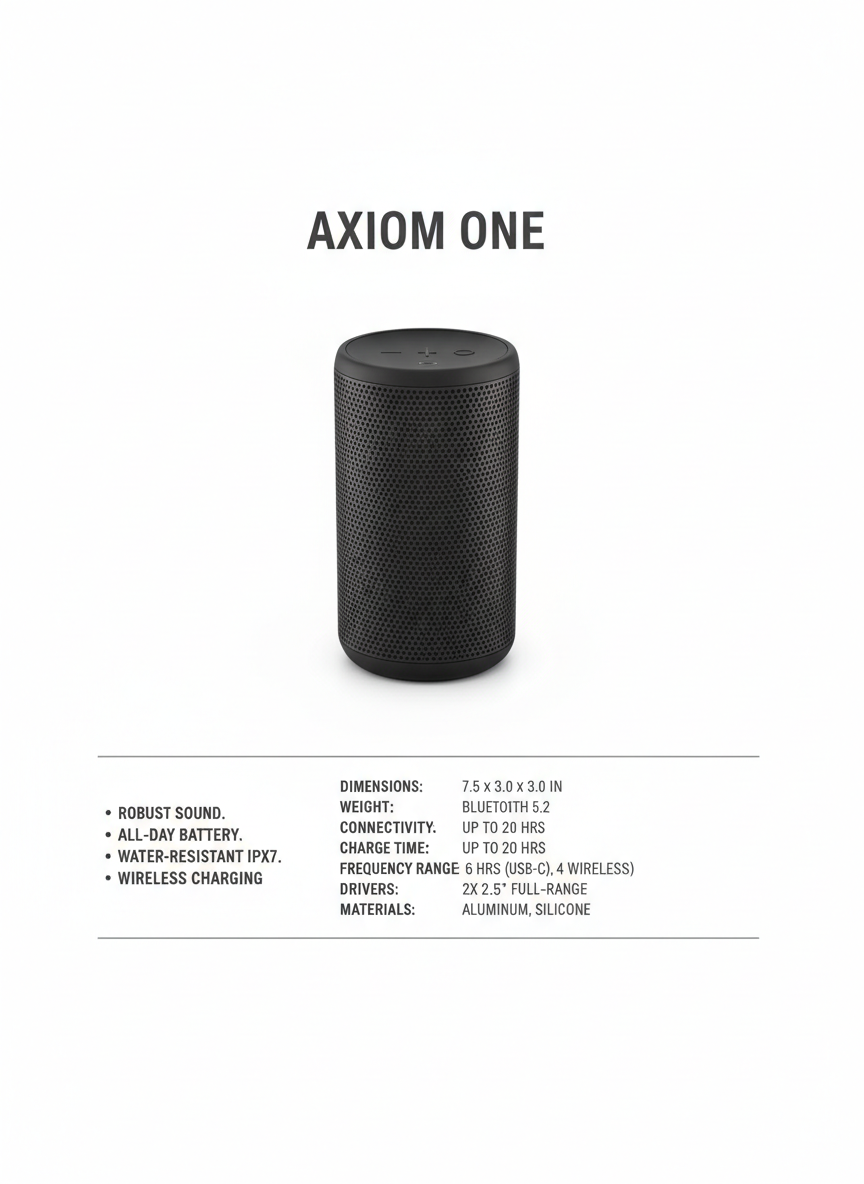
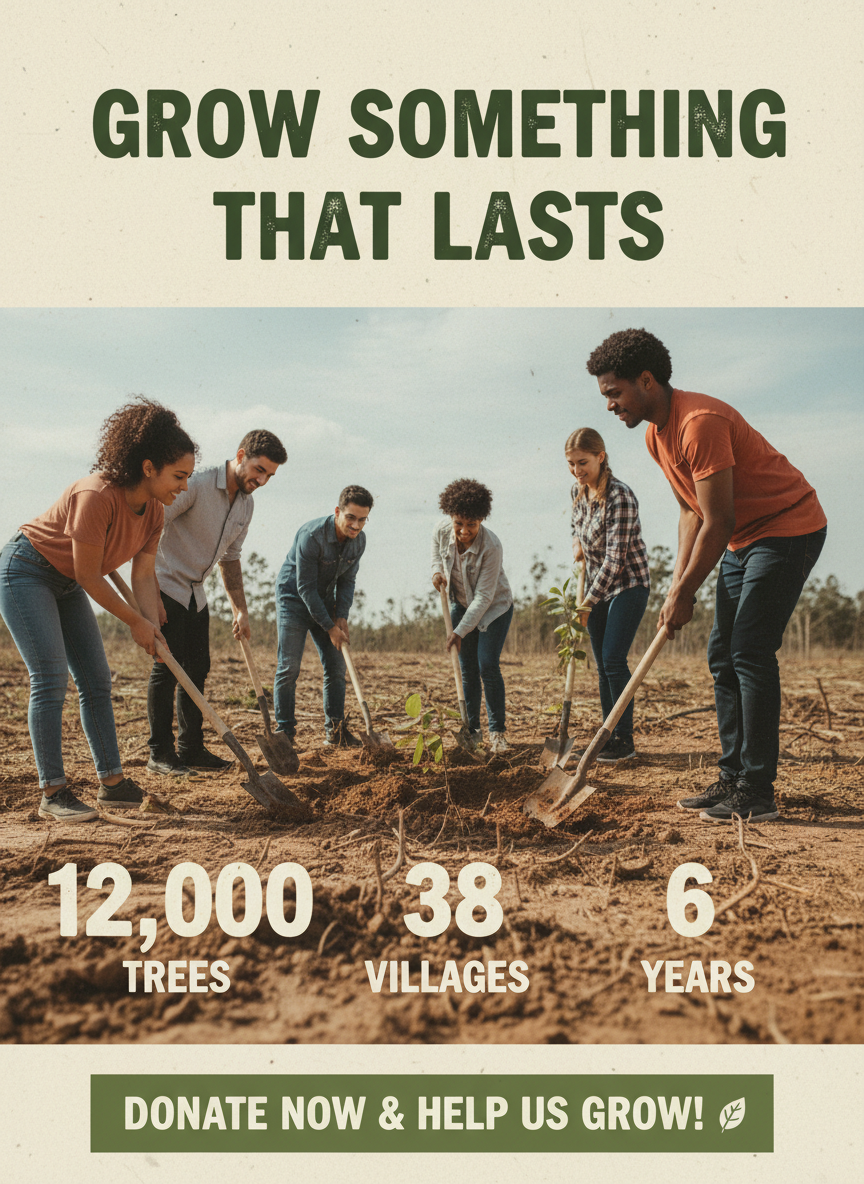
Six presets cover the brochures small businesses actually print: a navy corporate tri-fold panel, a travel package cover, a property listing sheet, a clinic services panel, a product spec sheet and a nonprofit fundraising cover. Each preset already carries its own layout logic — where the photograph sits, how the headline relates to the body copy, whether the content wants bullets, a spec table or a statistics row — so you are choosing a structure rather than building a grid.
Type Your Own Copy
Put your real content in the details box: the company name, the headline, the section headings you use, the services or specifications you want listed, and the contact line. "NORTHLINE CONSULTING. Services: operations audit, systems migration, team training" gives the AI brochure generator something concrete to typeset. Vague input produces a handsome brochure for a company that does not exist; specific input produces one for yours.
Regenerate, Then Proof It
Each design comes back in about twenty seconds at up to 4K. Run the same copy through two or three formats and compare them at the size someone will hold. Then read every line: AI-rendered type can drop a letter, garble a long URL or round a figure, so proof the copy before anything reaches a printer, and retype phone numbers, emails and prices in a design tool if they need to be exact.
Why Businesses Use an AI Brochure Generator
Six reasons teams reach for this before they open a template site
It Actually Renders Your Words
A brochure is mostly text — headline, service names, body copy, a contact line — which is exactly what image models have historically been worst at. Nano Banana Pro was built to render legible type, so your headings and service lists come back as words you can read rather than shapes that resemble words. That single capability is what makes a brochure generator possible at all, and it is the first thing worth testing against any other tool you are weighing up.
Six Structures, Not One Template
A dental practice and a boutique tour operator do not want the same object. The presets span a navy corporate tri-fold, a photo-led travel cover, a property listing with a specification row, a clinic panel with iconed services, a Swiss-minimal product spec sheet and a warm fundraising cover. Each carries its own palette, hierarchy and content logic, so switching format changes how the information is organised rather than just recolouring one layout.
A Draft to Argue With
The hardest part of a brochure is not the design, it is the blank page and the meeting where nobody can picture the thing being discussed. Twenty seconds gets a concrete draft on the table, with your services in it, that people can react to. Even when the final artwork ends up being rebuilt properly, starting from something visible beats starting from a brief, and it is a cheap way to test three directions before committing budget.
Cheaper Than a Design Round
A freelance brochure design runs a few hundred at the low end and arrives with a revision limit attached. Template sites cost less but hand you the layout your competitor down the road is already using, and the fonts worth having sit behind a subscription. Here you start free with no credit card, and plans begin at $9.98 — less than the print run itself, with unlimited direction changes while you work out what the brochure should actually say.
Print-Ready Resolution
Designs export at up to 4K, which is enough for an A4 or A5 brochure panel, a leaflet, a leave-behind at a trade stand or a PDF attached to an email. There is no watermark and output is cleared for commercial use, so the file you download is the file you hand to a printer or send to a prospect. Portrait 3:4 is the default because that is the shape of a folded brochure panel.
Consistent With the Rest of Your Print
The same copy and styling carries across everything else a business hands out: a flyer for the event, a poster for the window, a business card for the follow-up. Generate the brochure first, then reuse its palette and type description for the companion pieces so the set looks deliberate. Five printed items that share a look read as a brand; five that do not read as a scramble, and prospects notice the difference before they read a word.
Frequently Asked Questions
Common questions about using an AI brochure generator
Design Your Brochure in Twenty Seconds
Pick a format, type your company name, services and copy, and get a laid-out brochure design at up to 4K — corporate tri-fold, travel package, property listing, clinic panel, spec sheet or fundraising cover. Powered by Nano Banana Pro. Free to start, plans from $9.98.
Design a Company Brochure With an AI Brochure Generator
The brochure occupies an odd position in small business marketing. Everyone agrees it would be useful to have something to hand across a table or leave on a stand, and almost nobody makes one, because the route to getting it is out of proportion to the job. A designer wants a brief, a fee and a week. A template site wants a subscription and still gives you the tri-fold your competitor two towns over downloaded last month. The version built in a word processor at eleven at night is the one that actually gets printed, and everyone in the room knows it looks like what it is. An AI brochure generator fits the rhythm of a small business better, because the cost of trying a direction and abandoning it drops to twenty seconds.
What makes this possible now is text rendering. Image models have been able to produce a convincing photograph of a brochure for years, as long as nobody tried to read it — the headline dissolved into approximate letterforms and the service list became texture. Nano Banana Pro was built to set legible type inside an image, which is what moves this from a mood board exercise to something with your actual company name and your actual services on it. You supply the words, the preset supplies the structure, the palette, the photography and the spacing, and the result is a designed object rather than a list in a box.
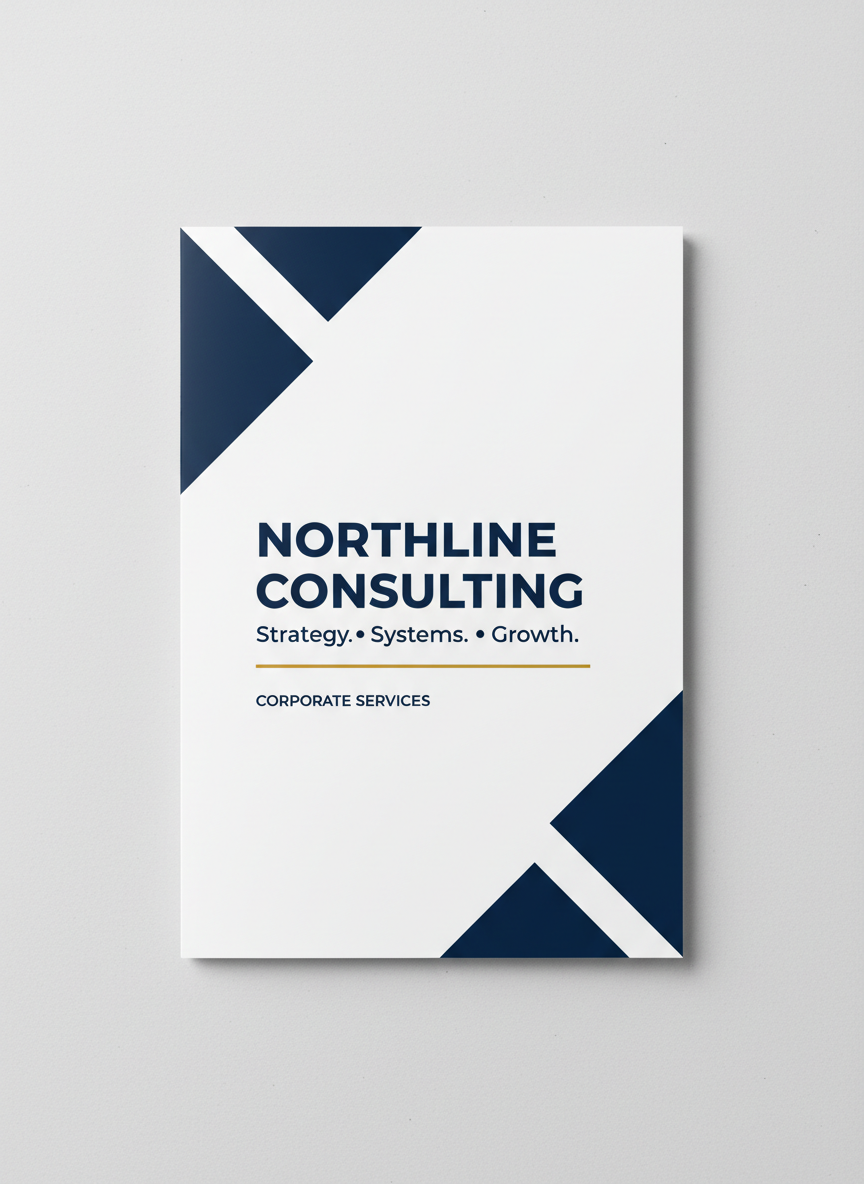
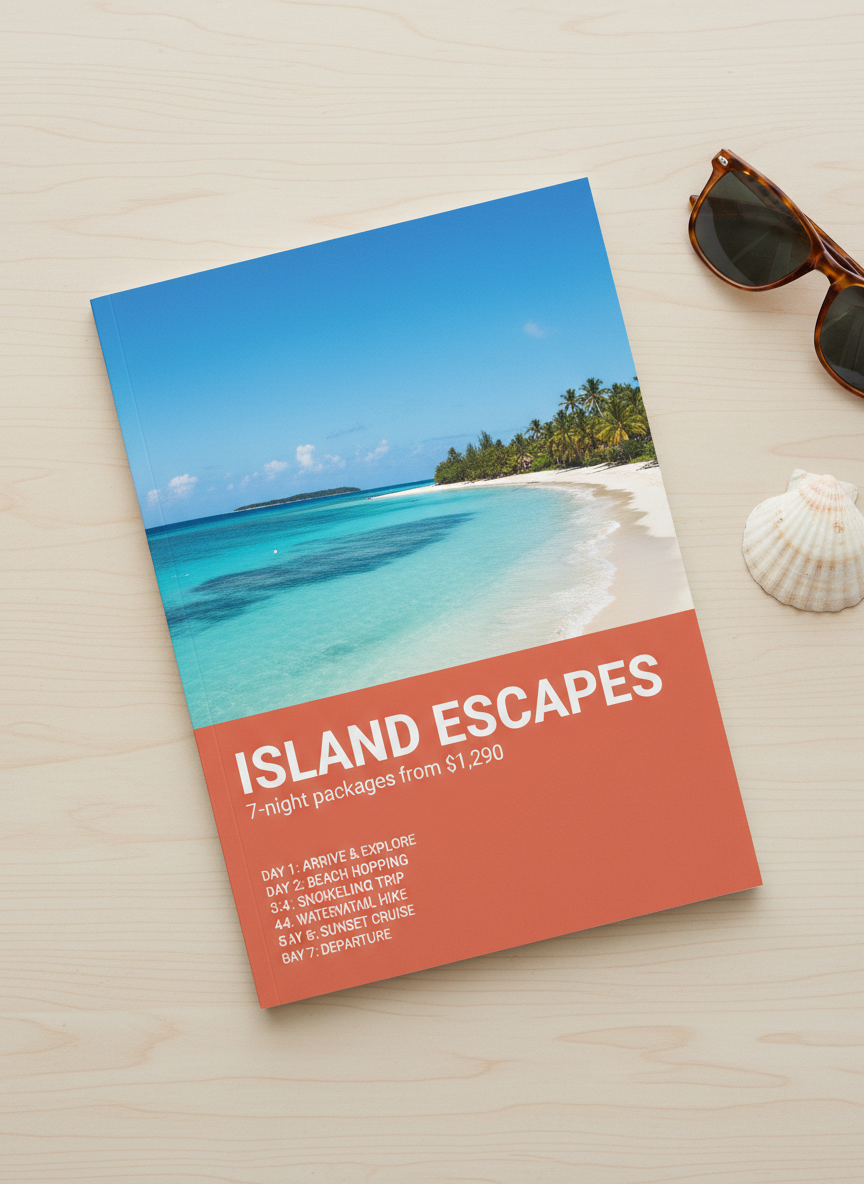
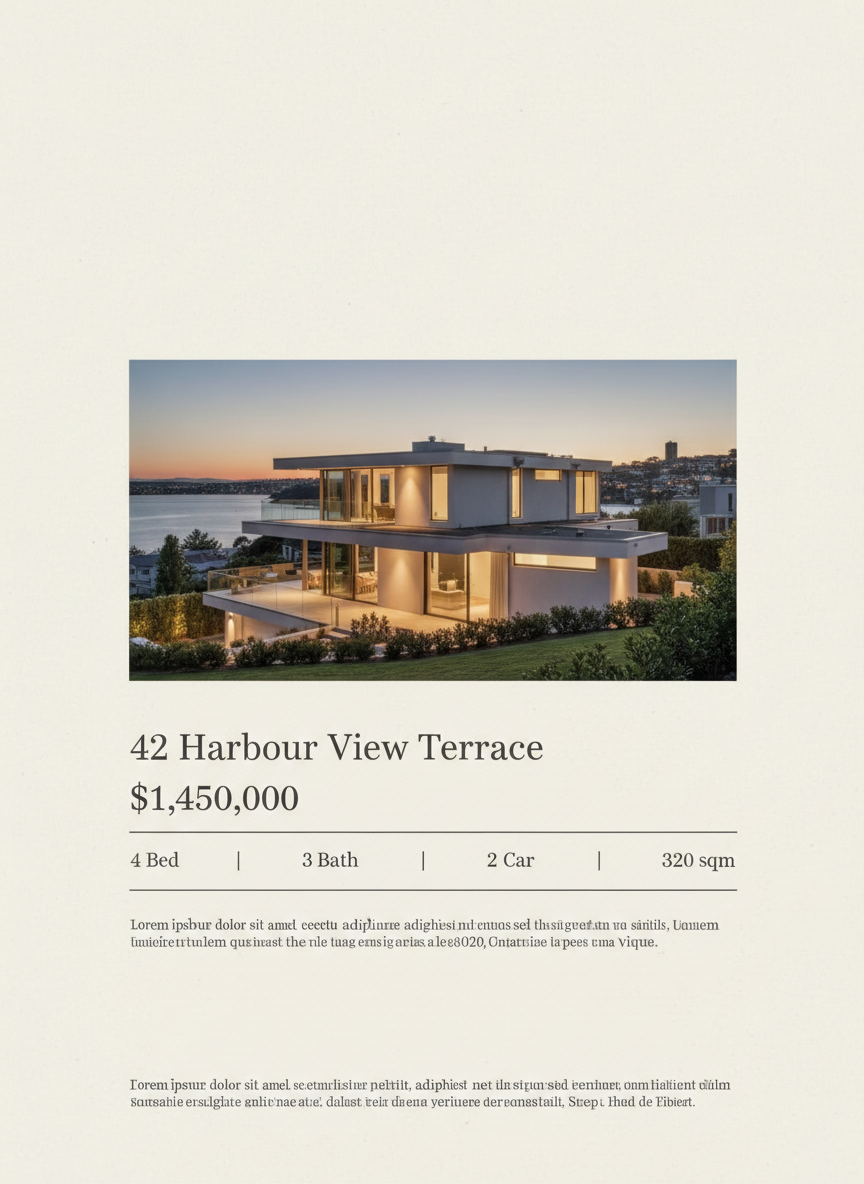
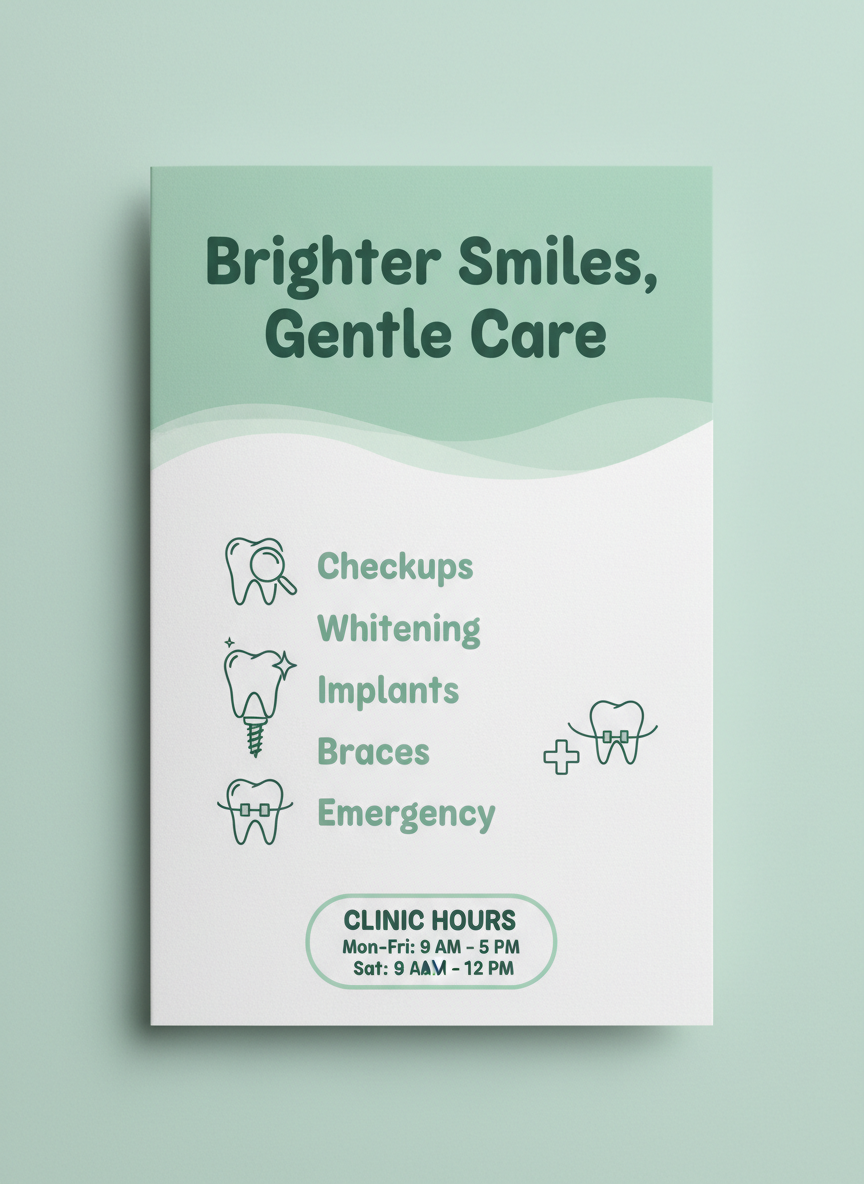
Six presets cover the brochures that really get printed. Corporate Tri-Fold sets a navy and white services panel with a gold rule and a contact block. Travel & Tour leads with a destination photograph over a coral band, a package price and a numbered itinerary. Real Estate Listing places a property photograph above an address headline and a specification row. Clinic & Healthcare lays out iconed services and opening hours in soft mint. Product Spec Sheet goes Swiss-minimal with feature bullets and a spec table. Nonprofit & Fundraising pairs a documentary photograph with three impact figures. Same tool, six different rooms.
For Consultancies, Agencies, Clinics, Agents and Nonprofits
Getting a usable design comes down to how you write the details box. Give it the company name, the headline, the section headings you use, each service with a short line of explanation, and the contact details, written the way you want them to read. Then run the same copy through two or three formats and look at them at the size someone actually holds. Once the brochure is settled, the same palette and type description carry into the rest of your print, and the AI flyer generator handles single-sheet event and sale pieces, the AI poster generator covers window and wall work, the AI business card generator finishes the stationery, and the AI infographic generator turns the numbers inside your brochure into something worth looking at.
Three limits are worth stating plainly, because the output is convincing enough that they matter. The first is proofing: AI-set type is good now but not infallible, and in a copy-heavy panel a long service name can drop a character or an email address can be garbled. Read every line before it reaches a printer. The second is the file itself — you get a flattened image at up to 4K, not a layered document with live text, so nobody can fix a typo at the print shop and there is no bleed, CMYK or fold setup. The third is truthfulness: generated photography is illustrative, so property images, clinical claims and impact statistics have to be replaced with or verified against the real thing before you hand the brochure to anyone.
Within those limits, everything you generate is yours. Designs export at up to 4K with no watermark and are cleared for commercial use, which matters for a consultancy printing its own leave-behinds, an agency pitching concepts to a client, or a nonprofit that needs a fundraising leaflet by Friday. It is free to start with no credit card, and plans begin at $9.98 when you want to work properly through several formats and companion pieces. Type in your services, pick a direction, and see the brochure you have been meaning to make since the last trade show.
Try the AI brochure generator free today. Add your company name and services, pick one of six formats, and download a print-ready brochure design at up to 4K. No credit card required to start. Paid plans from $9.98.