
AI Sticker Maker
Generate Custom Stickers from Any Prompt
Create custom die-cut stickers with AI in seconds. From kawaii characters to motivational quotes to brand logos — describe any sticker and get print-ready designs instantly. Perfect for Etsy sellers, planner enthusiasts, and creators.
Try It Now — Free
Select a sticker style or describe your own design to generate custom stickers
AI Sticker Maker
Select a style and generate a custom sticker design instantly
Upload your image, select a sticker style, and turn it into a fun sticker
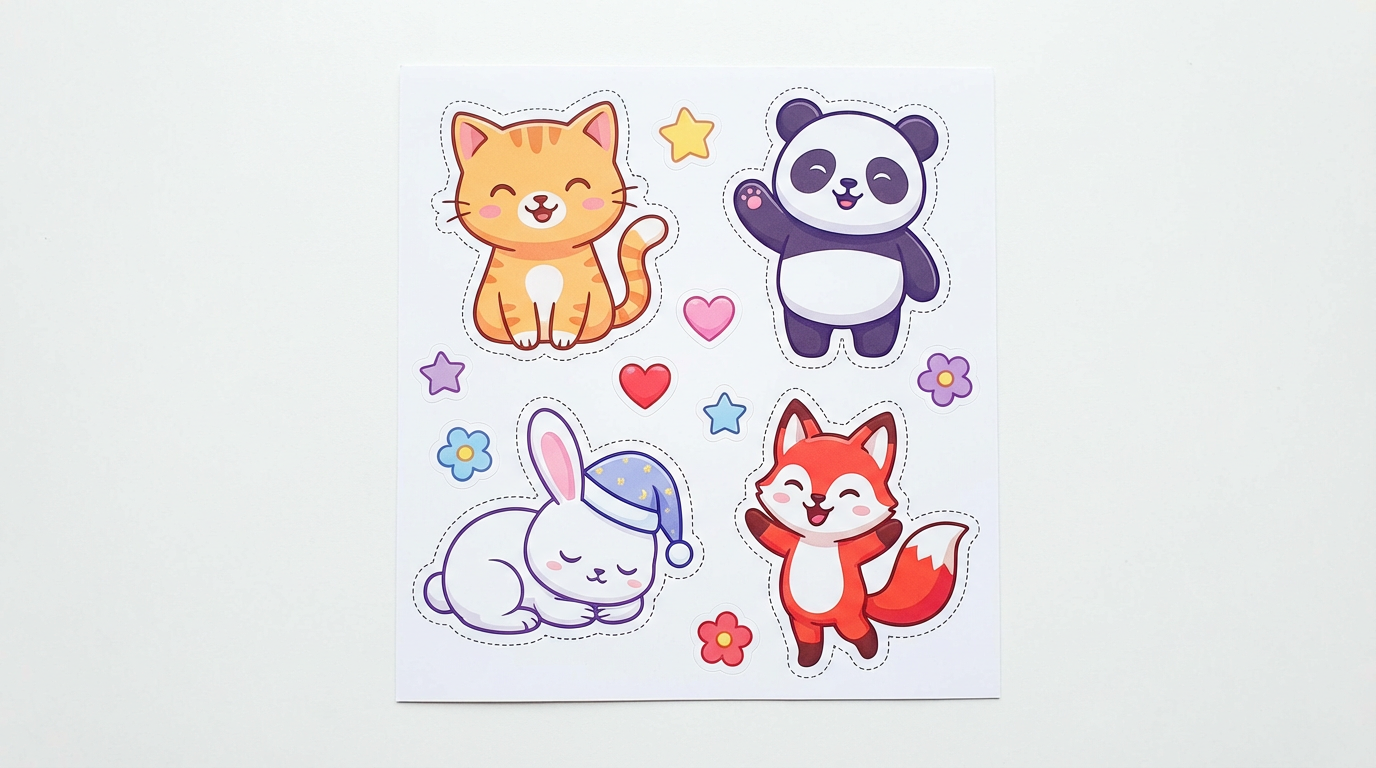
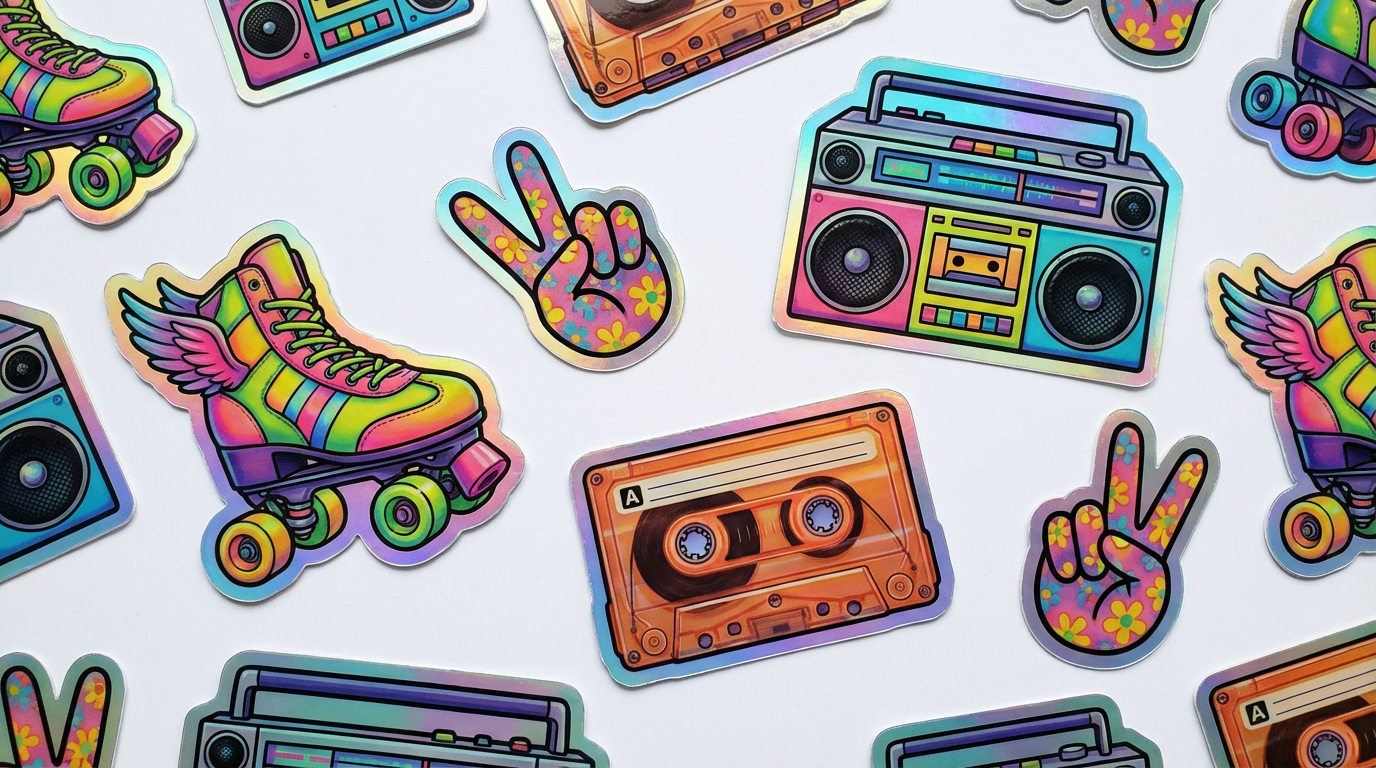
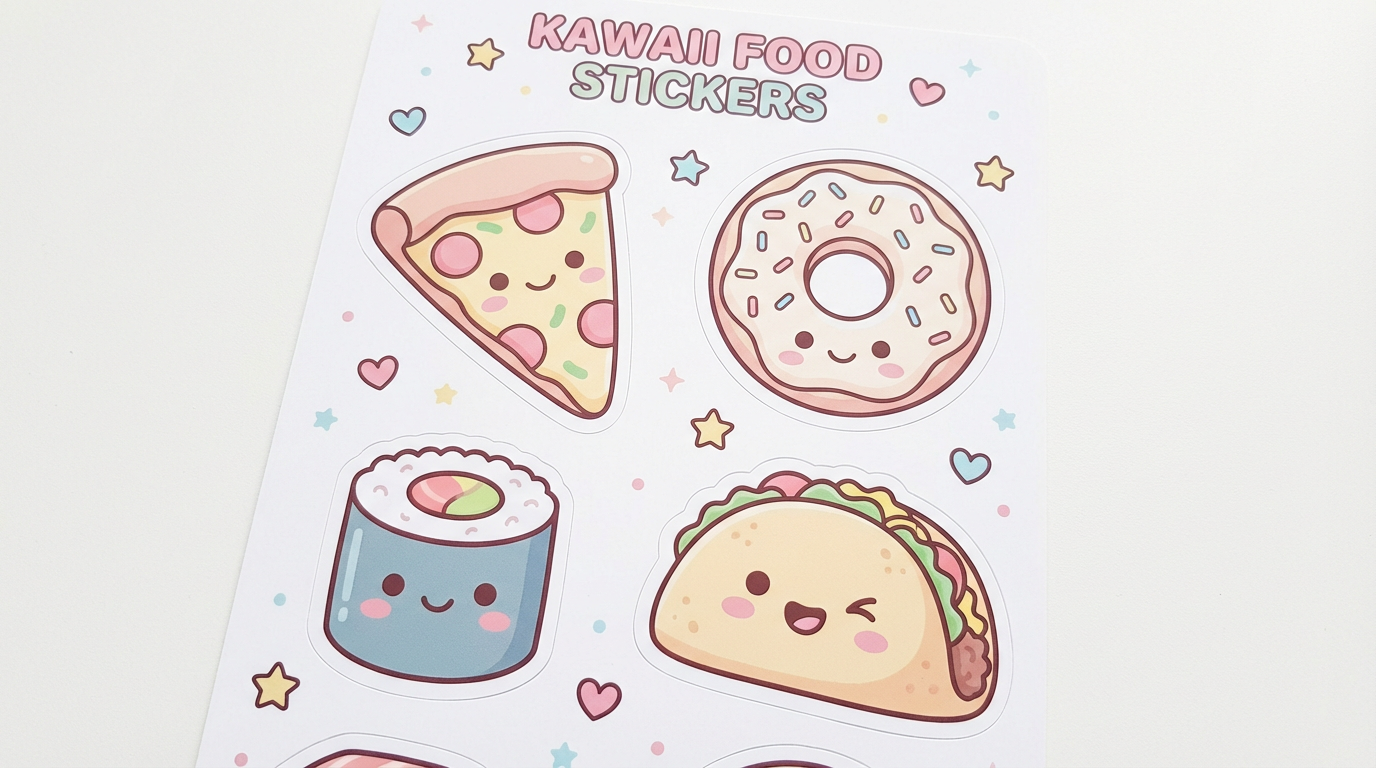
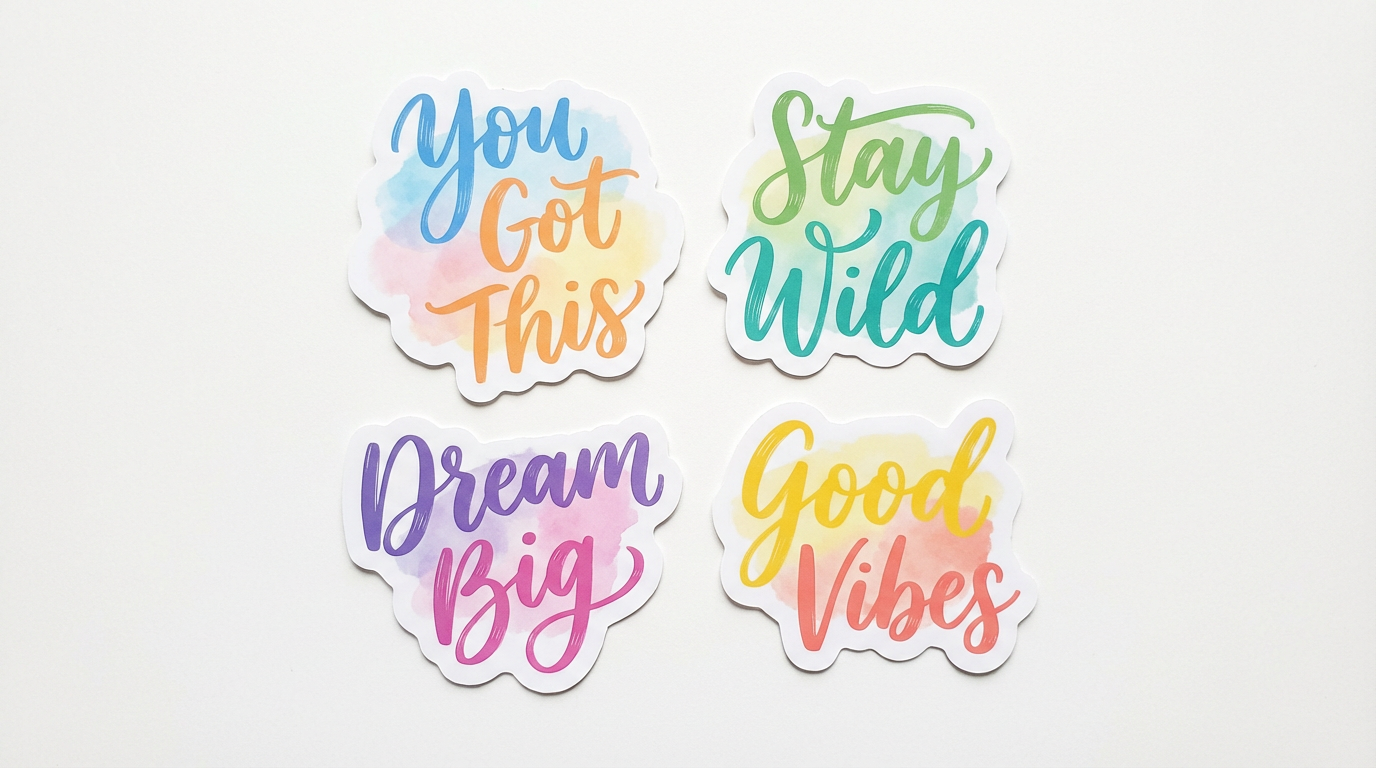
AI Sticker Design Examples
See the variety of custom sticker designs you can create with AI
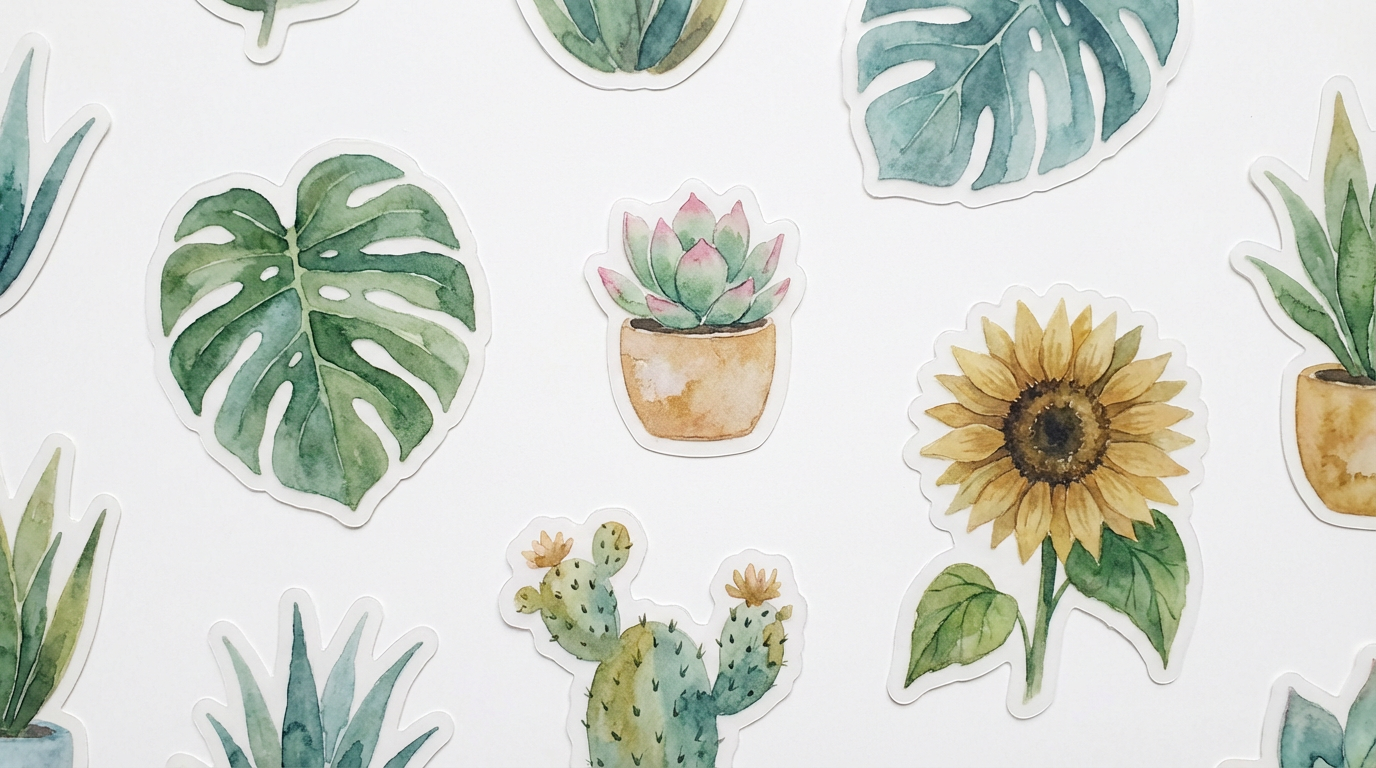
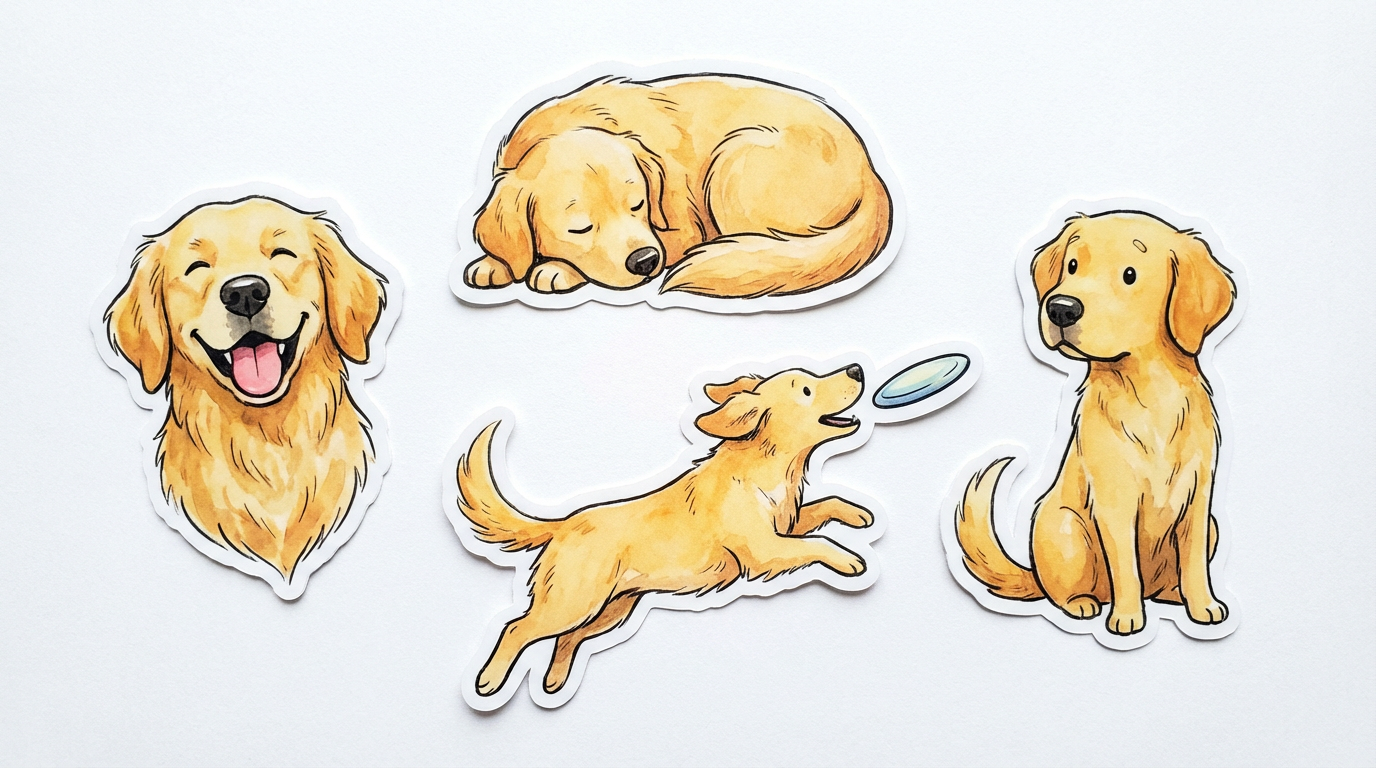
How It Works
Create custom stickers in three simple steps
Describe Your Sticker
Pick a preset like Kawaii Animals, Food Characters, or Botanical Plants — or type your own description. Specify the style, colors, theme, and whether you want a single sticker or a collection. The more detail you give, the better the result.
AI Generates Your Design
Nano Banana Pro creates a high-quality sticker design with clean edges, vibrant colors, and die-cut ready composition. The AI understands sticker conventions — clean borders, bold colors, and designs that look great at any size from laptop stickers to phone cases.
Download & Print
Download your sticker design in high resolution and print on vinyl, holographic, or matte sticker paper. Use them for personal projects, sell on Etsy or Redbubble, create sticker packs for messaging apps, or add to your print-on-demand store. Commercial use included.
Why Creators Choose AI Sticker Maker
Create unlimited custom sticker designs without any illustration skills
Any Style Imaginable
From kawaii and chibi to watercolor and retro — describe any aesthetic and the AI creates a matching sticker design. No more browsing clip art libraries or settling for generic designs. Generate exactly the sticker you envision in seconds.
Die-Cut Ready Output
Every sticker is generated with clean, defined edges on a white background — ready for die-cut printing on vinyl, holographic, or matte sticker paper. No manual background removal or edge cleanup needed. Just download and send to your printer or Cricut.
Print-on-Demand Ready
Upload directly to Redbubble, Etsy, TeePublic, or any print-on-demand platform. The high-resolution output meets all quality requirements for professional sticker printing. Create entire sticker collections and start selling the same day.
Full Commercial License
All generated sticker designs include full commercial rights. Sell them as physical stickers, digital downloads, planner sticker sheets, or messaging app packs. No attribution required, no per-design fees, no restrictions on how you use them.
Unlimited Variety
Every generation is unique. Create themed sticker packs — animals, food, quotes, plants, holidays — all with consistent quality but unique illustrations. Scale your sticker business without hiring illustrators or licensing existing art.
Perfect for Every Platform
Create stickers for any use case: laptop decals, water bottles, phone cases, planner decorations, messaging apps, social media, packaging branding, and more. The AI adapts to any sticker format and size requirement you specify.
Sticker Design Pro Tips
Get better sticker designs with these prompt techniques
Specify "Die-Cut Sticker"
Always include "die-cut sticker design on white background" in your prompt. This tells the AI to create a design with clean, defined edges suitable for cutting. Without this, you may get full-scene illustrations that are harder to use as stickers.
Keep It Simple
The best stickers have bold, simple compositions that read well at small sizes. Avoid overly complex scenes with many tiny details. A single character, object, or short phrase works better than a crowded composition for sticker printing.
Use Bold Colors
Stickers need to pop. Request "vibrant colors" or "bold saturated palette" in your prompt. Pastel stickers work too, but specify the palette explicitly. Avoid requesting muted or dark colors that may not stand out on surfaces.
Define the Style
Be specific about the art style: "kawaii," "watercolor," "retro 90s," "minimalist line art," or "cartoon chibi." Consistent style across a sticker pack makes it feel cohesive and professional when sold as a collection.
Add "Clean Edges"
Include "clean edges" or "clean border" to ensure the sticker has a well-defined outline suitable for die-cutting. This prevents fuzzy or blended edges that make physical printing and cutting difficult.
Think About Scale
Consider where the sticker will be used. Laptop stickers need bold designs visible at 3-4 inches. Planner stickers should be detailed at 1 inch. Specify the intended use so the AI optimizes the design for that scale.
Frequently Asked Questions
Everything you need to know about the AI sticker maker
Ready to Create Custom Stickers?
Join thousands of creators and sellers who use AI to generate custom sticker designs instantly. Start for free today, plans from $9.98.
Create Stickers FreeAI Sticker Maker for Sellers, Creators, and Enthusiasts
Why AI Sticker Makers Are Transforming the Sticker Industry
The custom sticker market has exploded — from Etsy shops selling handmade planner stickers to Redbubble creators offering laptop decal collections. But creating original sticker art has always been the bottleneck. Freelance illustrators charge $15-$50 per sticker design, and stock sticker packs feel generic and oversaturated. For sellers trying to differentiate in a crowded marketplace, the cost and time of custom illustration limits how fast they can grow.
An AI sticker maker eliminates these barriers completely. Describe any sticker — a kawaii cat with a coffee cup, a motivational quote in watercolor lettering, a botanical monstera leaf — and get a die-cut ready design in seconds. The AI understands sticker design conventions: clean edges, bold colors, compositions that look great at small sizes, and backgrounds suitable for cutting. Every design is unique, so you never compete with other sellers using the same clip art.
With Nano Banana Pro, you can create stickers in any style imaginable. Kawaii and chibi characters for the planner community. Retro aesthetics for laptop sticker collectors. Watercolor botanicals for nature enthusiasts. Minimalist line art for premium vinyl stickers. One tool covers every niche in the sticker market.
From Hobby Projects to Sticker Business
Print-on-demand sellers are among the biggest users of AI sticker makers. Need a 20-sticker animal pack for your Etsy shop? Generate the entire collection in an afternoon. Want to test a new niche — cottagecore stickers, gym motivation stickers, foodie stickers — before investing in inventory? Create samples instantly and gauge demand before committing. The AI sticker maker turns market research into a same-day process.
Beyond selling, AI stickers are perfect for personal projects. Planner enthusiasts create custom decorative stickers that match their exact aesthetic. Parents make personalized sticker rewards for kids. Small businesses design branded stickers for packaging and marketing materials. Teachers create themed reward stickers for classrooms. The applications are as diverse as the designs you can imagine.
Starting at just $9.98, Nano Banana 2 makes professional-quality sticker generation accessible to everyone. Whether you're building an Etsy sticker empire, decorating your planner, or creating branded packaging — the AI sticker maker puts unlimited design creativity at your fingertips. Try it free today.
Start creating custom stickers with AI today. Join thousands of creators who use Nano Banana 2 for instant AI sticker generation. Free tier available with no credit card required. Premium plans from $9.98.