
Text-to-Video vs Image-to-Video
Creative Freedom, Visual Consistency, and Render Speed Compared
Text-to-video vs image-to-video is the question every AI video creator, marketer, and content producer hits the moment they open a modern AI video tool — and the honest answer depends on whether you have a starting image and how much creative freedom you actually need. This page breaks down text-to-video vs image-to-video across the five things that actually matter: input type, creative freedom, visual consistency, render speed, and the best use case for each. Text-to-video wins on creative range and cinematic flair. Image-to-video wins on visual consistency and matching an existing brand or character. Below you can also generate custom hero stills, character designs, product photos, and storyboard frames with a free AI image tool — perfect input material for image-to-video pipelines.
Generate Source Stills for Image-to-Video
Whether you commit to text-to-video, image-to-video, or run a hybrid AI video workflow — every image-to-video clip starts with a hero still. Generate product shots, character designs, storyboard frames, and concept stills here in seconds, then drop them straight into any image-to-video pipeline.
AI Hero Still Generator for Video
Generate custom product shots, character designs, storyboard frames, and concept stills — perfect source material for any image-to-video AI pipeline.
Text-to-Video vs Image-to-Video in Pictures
Visual snapshots of both AI video creation methods — the prompt-driven text-to-video pipeline and the source-image-driven image-to-video pipeline — plus the workflow, consistency, and creative freedom differences between them.
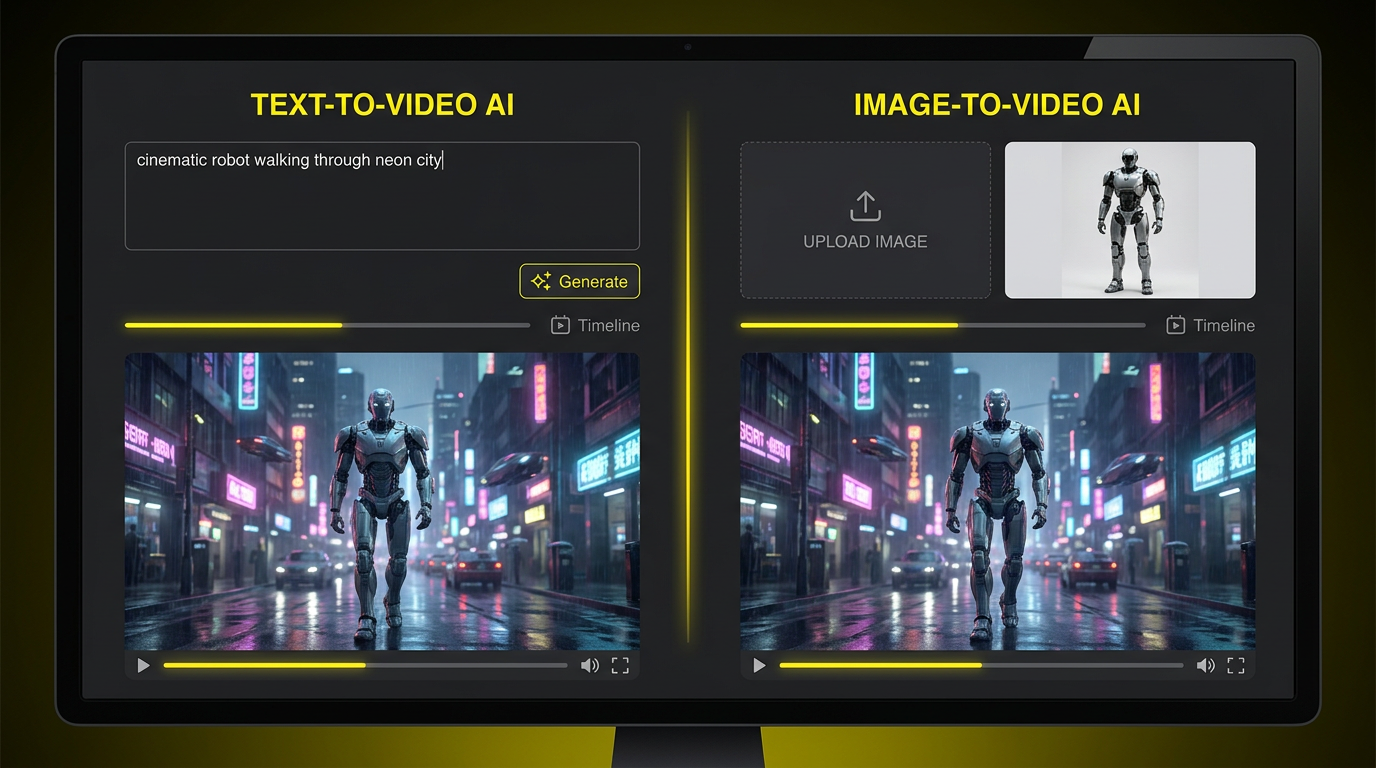
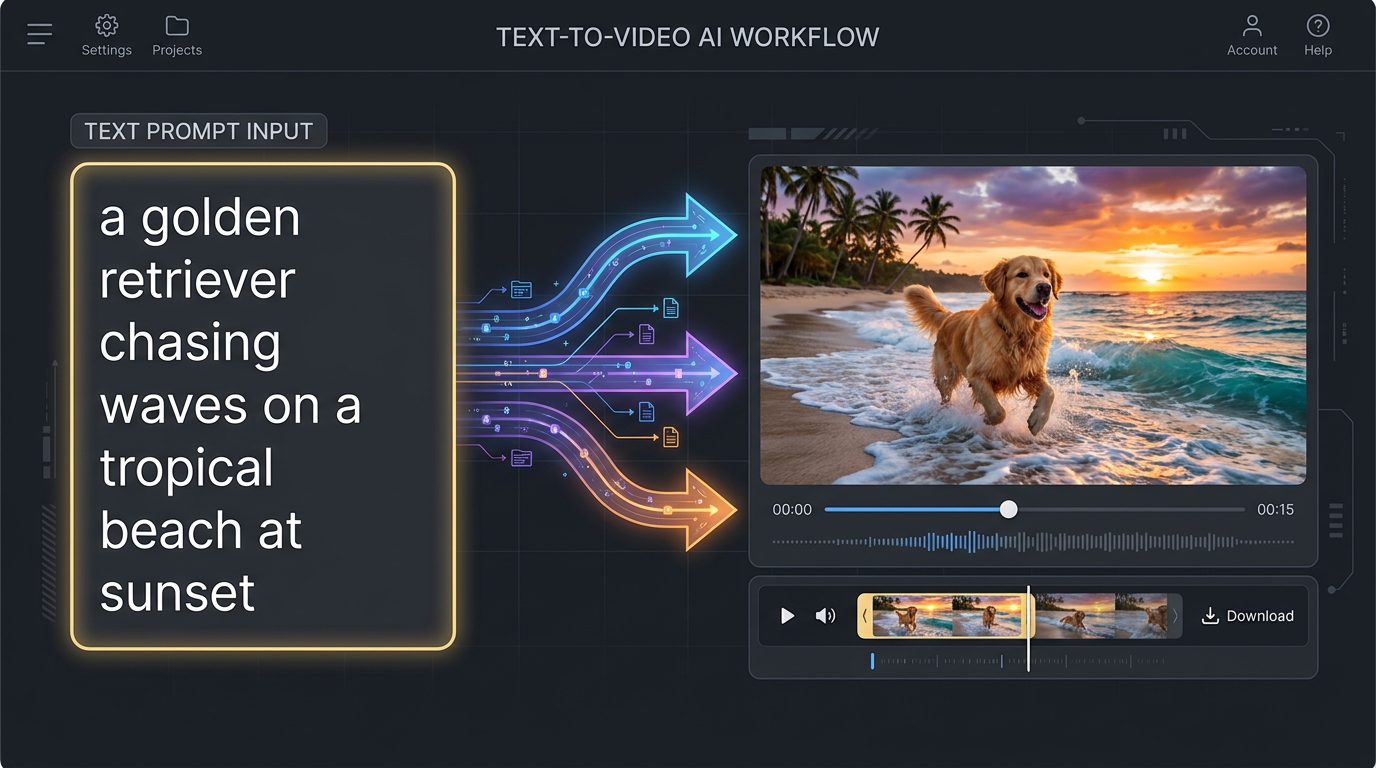
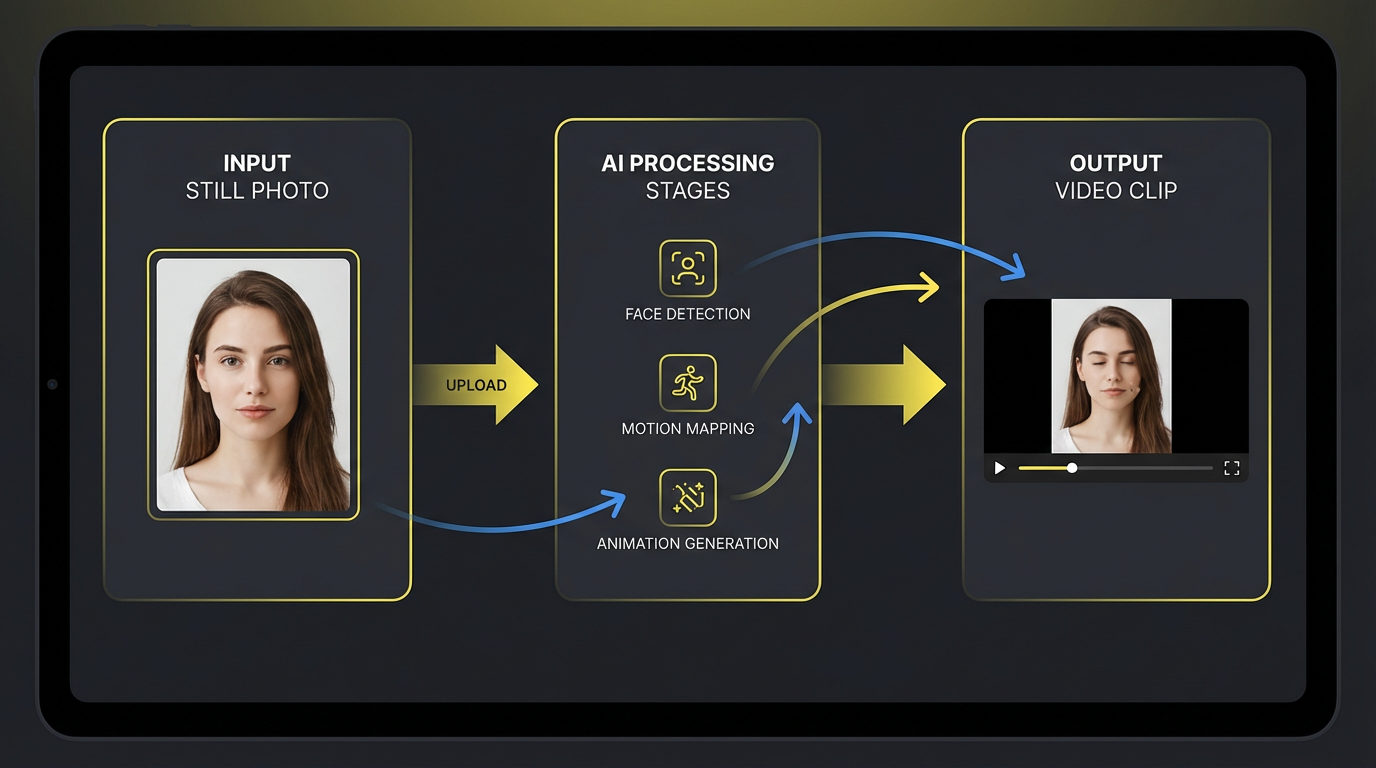
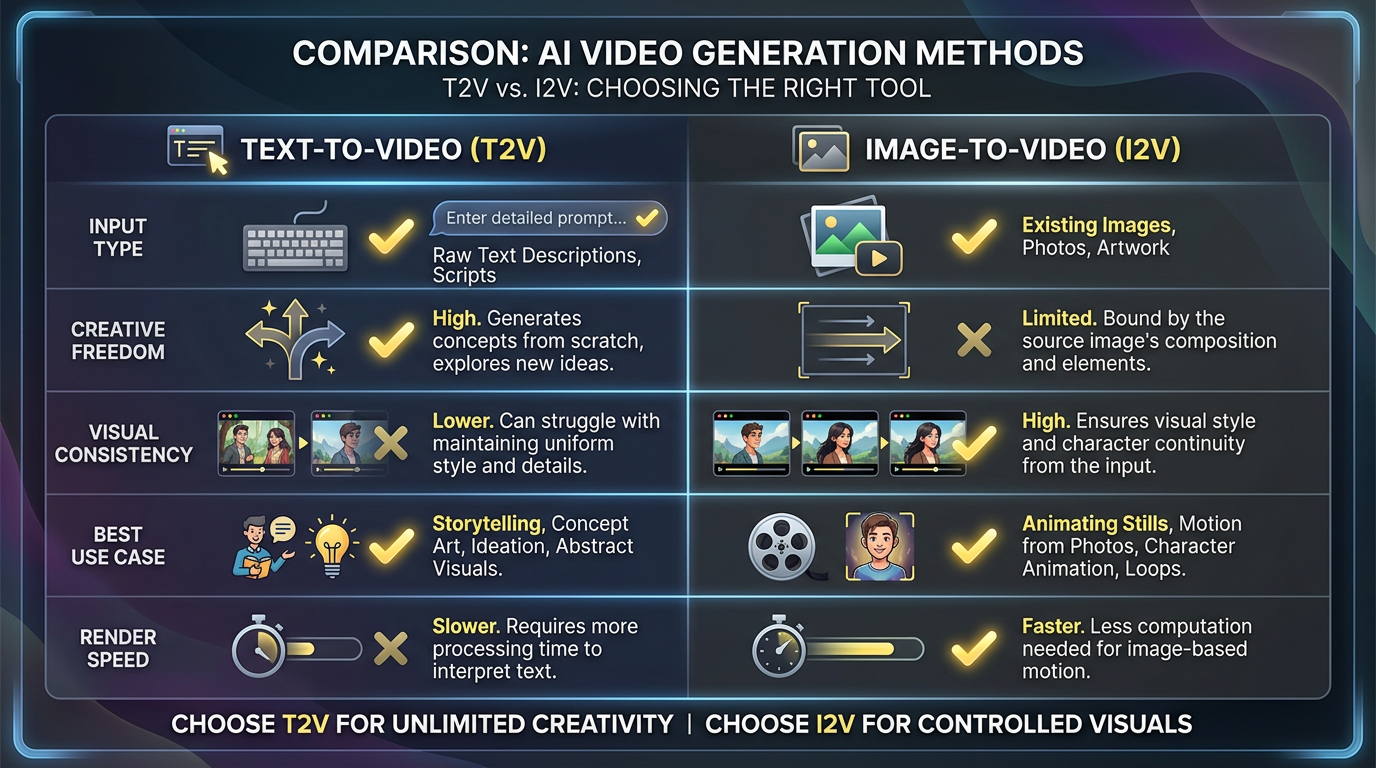
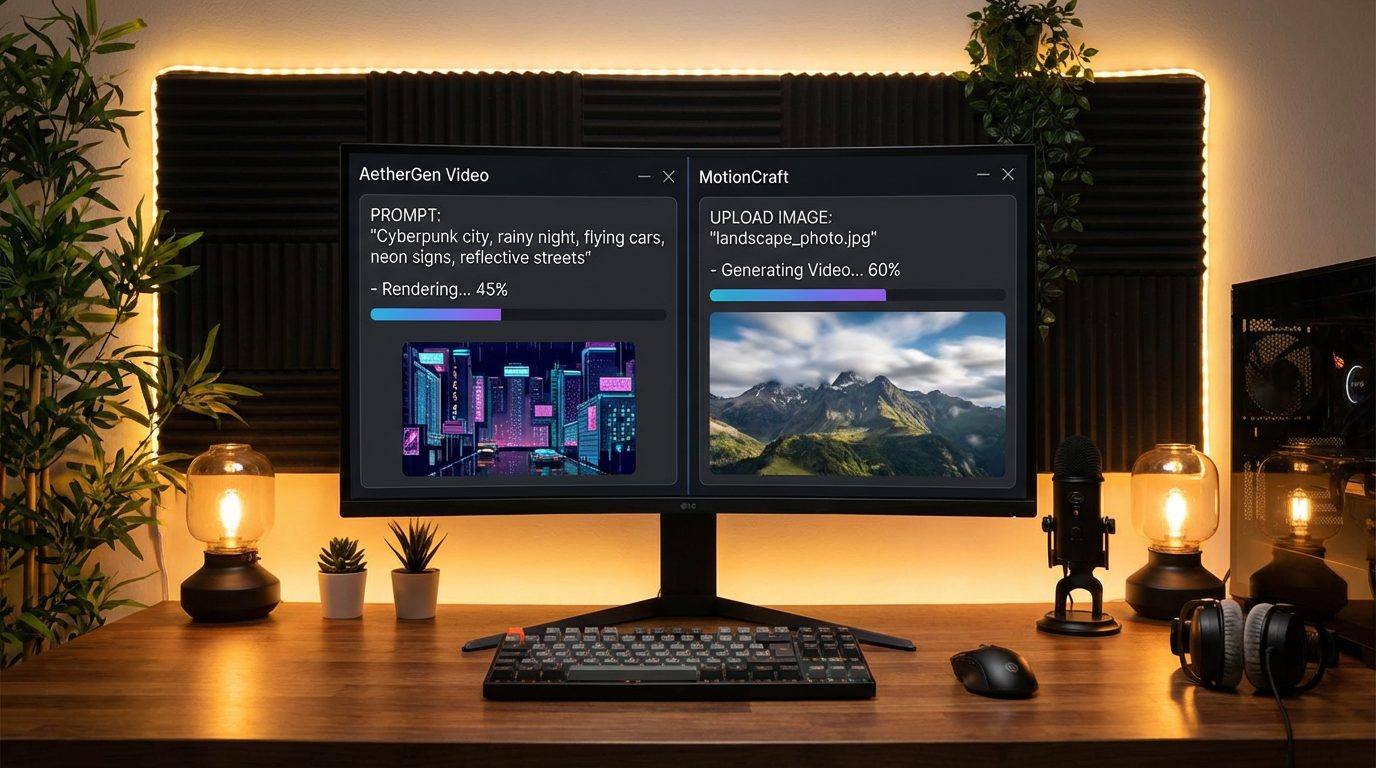
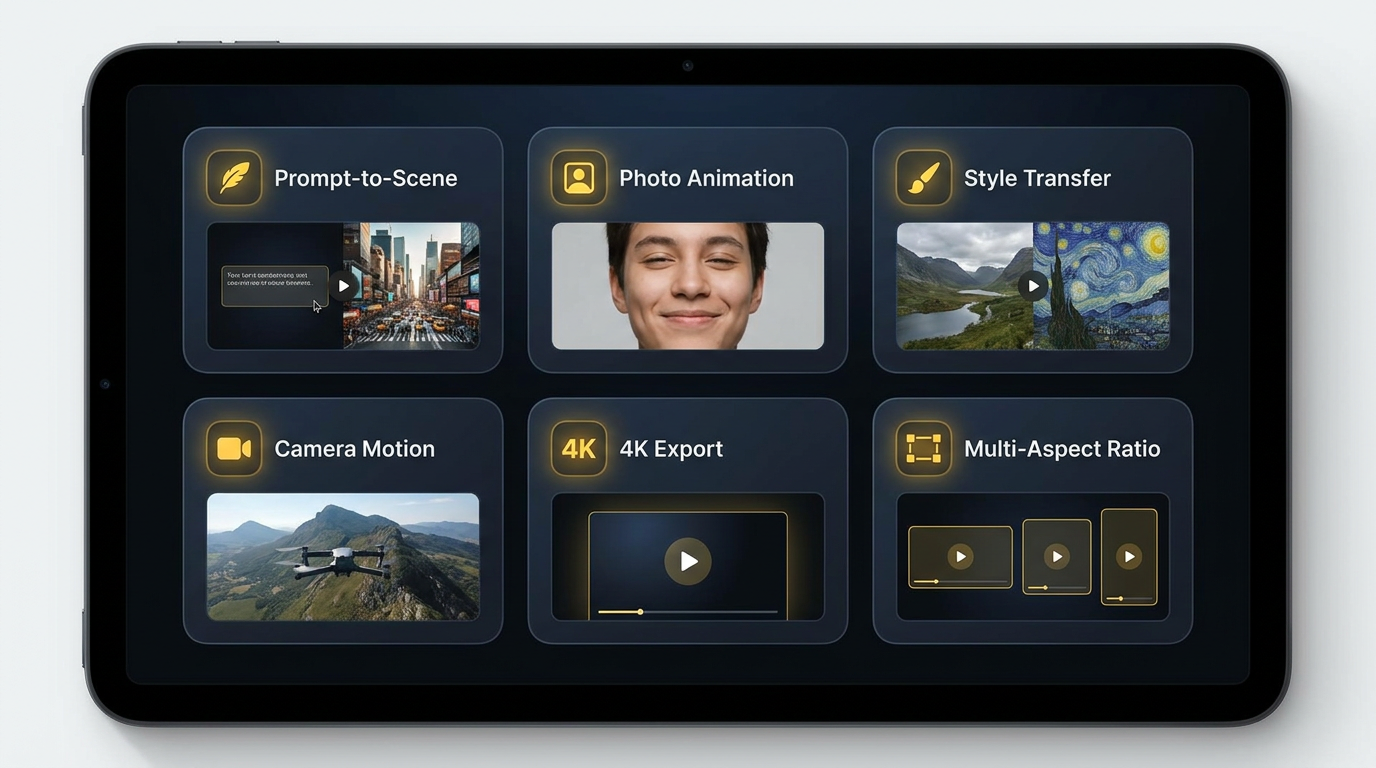
Text-to-Video vs Image-to-Video — Side-by-Side
The seven comparisons that decide which AI video method fits your shot — input type, creative freedom, visual consistency, render speed, iteration cost, and best use case.
| Criterion | Text-to-Video | Image-to-Video |
|---|---|---|
| Input type | Text prompt only — describe the scene from scratch | Hero image + optional motion prompt |
| Creative freedom | Maximum — fictional, surreal, impossible scenes | Constrained by source image composition |
| Visual consistency | Varies per generation — needs prompt engineering | Frame-perfect — preserves source image exactly |
| Render speed per clip | 30 sec – 3 min | 30 sec – 3 min |
| Iterations to usable clip | 3–10 generations typical | 1–2 generations typical |
| Cost per finished clip | $1.50 – 5 (more iteration) | $0.50 – 1.50 (less iteration) |
| Brand / character lock-in | Hard — character drift across clips | Easy — same source = same character |
| Best for | B-roll, concept clips, fictional scenes, music videos | Product shots, brand reels, character animation, real estate |
How Text-to-Video vs Image-to-Video Workflows Differ
Three steps for each path — from blank slate or hero image to a finished, exportable video clip. The difference in input, iteration, and output predictability is the core of the text-to-video vs image-to-video decision.
Define the Input
Text-to-video starts with a written prompt — a paragraph describing the scene, the camera move, the lighting, and the mood. The richer the prompt, the closer the output lands to your imagined shot. Image-to-video starts with a hero image — a product photo, character design, storyboard frame, or AI-generated still. The image carries 80% of the creative information already, so you only need a short motion prompt like "slow zoom in" or "subtle head turn." Text-to-video vs image-to-video on input is the most fundamental difference: text-to-video asks you to describe; image- to-video asks you to provide.
Generate and Iterate
Text-to-video typically requires 3–10 iterations before the AI lands on the scene you imagined — refining the prompt, adjusting the camera language, retrying with different seeds. Image-to-video usually nails it in 1–2 generations because the source image already locks in subject, composition, color, and lighting. Text-to- video vs image-to-video on iteration cost is where image-to-video pulls ahead for branded and product work — fewer generations, fewer credits, faster path to a usable clip. For exploratory creative work, text-to-video iteration is a feature, not a cost: each new prompt opens a new visual direction.
Export and Edit
Both text-to-video and image-to-video output the same standard formats — typically 5–10 second 720p–4K MP4 clips ready to drop into any video editor. The difference shows up in editing: text-to-video clips often need stronger continuity tricks (color match passes, audio bridges, motion transitions) because each generated clip is a fresh interpretation. Image-to-video clips are easier to assemble into longer sequences because they all derive from a consistent visual base. Text-to-video vs image-to-video on the post-production stage favors image-to-video for any project cutting multiple clips into a single sequence.
Six Specific Differences Between Text-to-Video and Image-to-Video
Six concrete differences that decide which AI video method fits each shot in your production — and why most professional creators run both methods in the same project.
Creative Freedom Range
Text-to-video can produce scenes that no camera could ever capture — surreal landscapes, fictional creatures, impossible camera moves, dreamlike compositions. Image-to-video is constrained by the source image: it can add motion, but it cannot re-imagine the scene. For pure creative range, text-to-video vs image-to-video is decided by text-to-video. For brand and product work where the visual is already locked, image-to-video is the right constraint.
Visual Consistency Lock
Image-to-video preserves every pixel of the source — same character, same product, same color, same composition, every time. Text-to-video reinterprets the prompt on each generation, so character drift across multi-clip sequences is a real challenge. For text-to-video vs image-to-video on visual consistency, image-to-video wins by a wide margin — critical for brand assets, character animation, and product reels.
Iteration Speed
Text-to-video typically needs 3–10 iterations to land the right shot — each prompt refinement opens a new visual direction. Image-to-video usually delivers a usable clip on the first or second try. For text-to-video vs image-to-video on time-to-finished-clip, image-to-video is often 2–4× faster end-to-end when you have a hero image ready, but text-to-video is faster for exploratory creative discovery where each iteration is itself the value.
Cost Per Finished Clip
Both methods consume similar credits per render, but text-to-video burns more credits in iteration — typically $1.50–5 per finished clip versus $0.50–1.50 for image-to-video. For text-to-video vs image-to-video on total project cost, large branded content libraries favor image-to-video; one-off cinematic concept clips favor text-to-video. Both are dramatically cheaper than filmed footage at $200–2,000+ per clip.
Brand and Character Lock-In
Image-to-video makes brand and character lock-in trivial — the same source image guarantees the same character across a series. Text-to-video requires either character LoRAs, reference image conditioning, or careful prompt engineering to maintain consistency. For text-to-video vs image-to-video on brand work, image-to-video is the safer default for any project where a recognizable character or product must appear identical in every clip.
Best Use Case Fit
Text-to-video is best for B-roll, concept clips, fictional scenes, music video sequences, and any shot where the perfect stock footage simply does not exist. Image-to-video is best for product hero shots, character animation, real estate listings, brand reels, ecommerce launch sequences, and storyboard previews. The text-to-video vs image-to-video decision is rarely either-or in a real production — it is a per-shot choice that most professional creators make dozens of times in a single project.
The Honest Verdict
Text-to-video vs image-to-video — when each one wins.
Pick Text-to-Video When:
- ✓You are creating a scene that does not exist yet — fictional, surreal, or fantastical
- ✓You need cinematic B-roll that no stock library carries
- ✓You are exploring creative directions for a new campaign or music video
- ✓You want maximum creative range and impossible camera moves
- ✓You have no source image and a blank slate to fill
- ✓You are pitching concept clips for a brand or agency review
Pick Image-to-Video When:
- ✓You already have a hero photo, product shot, or character design
- ✓You need brand or character lock-in across multiple clips
- ✓You are animating ecommerce product photos or real estate listings
- ✓You want predictable output on the first or second generation
- ✓You are turning storyboard frames into animated previews
- ✓You need to keep cost per finished clip as low as possible
Most creators run a hybrid text-to-video vs image-to-video workflow: text-to-video for B-roll, concept clips, and scene-setting shots; image-to-video for hero shots, branded products, and character moments. The combined workflow gives you creative freedom and visual lock-in in the same edit.
Text-to-Video vs Image-to-Video FAQ
Honest answers to the seven questions every video creator asks before picking a method.
Generate Hero Stills Free
Whether you commit to text-to-video, image-to-video, or run a hybrid AI video workflow — every image-to-video clip starts with a hero still. Generate product shots, character designs, storyboard frames, and brand visuals in seconds with the AI image tool above. No sign up, no credit card, powered by Nano Banana 2.
Start Generating FreeText-to-Video vs Image-to-Video: A Practical 2026 Breakdown for Video Creators, Marketers, and Content Producers
What Text-to-Video vs Image-to-Video Actually Means in 2026
Two years ago, text-to-video vs image-to-video was barely a question — both methods were experimental, both produced 2–3 second jittery clips, and most creators stayed with traditional filmed footage. In 2026, the text-to-video vs image-to-video gap has matured into the central creative decision for any AI video project. Text-to-video now produces 5–10 second cinematic 4K clips from a single paragraph prompt, with realistic motion, dynamic camera moves, and consistent lighting. Image-to-video starts from any hero image — a product photo, character design, storyboard frame — and animates it into a 5–10 second clip while preserving every pixel of the source. Both methods now ship in the same modern AI video tools, and the question for every shot in every project is no longer which method works, but which method fits.
The honest text-to-video vs image-to-video comparison breaks down on five axes. On input type, text-to-video requires only a written prompt; image-to-video requires a hero image plus an optional motion prompt. On creative freedom, text- to-video wins — it can render scenes that no camera could capture. On visual consistency, image-to-video wins — it preserves the source image exactly, guaranteeing brand and character lock-in across a series. On render speed, the two are roughly tied — typically 30 seconds to 3 minutes per clip. On iteration cost, image-to-video wins because the source image cuts iteration cycles from 3–10 down to 1–2. Text-to-video vs image-to-video in 2026 is not a winner-takes- all fight; it is a per-shot creative decision.
Whether you searched text-to-video vs image-to-video, ai video generation methods, text to video vs image to video ai, video creation methods comparison, ai video tools comparison, image to video vs text to video, ai video pipeline, text to video benefits, image to video benefits, ai video for marketing, or ai video for content creators — this page is built to give you the honest breakdown and a working AI image tool above to start producing image-to-video source stills today.
Video Creators, Marketers, and Content Producers Choosing Between Text-to-Video and Image-to-Video
YouTubers and social creators publishing weekly clips are running both methods in the same project — text-to-video for opening B-roll, scene-setting shots, and abstract concept clips; image-to-video for thumbnails brought to life, product reviews where the gadget photo needs to spin, and host portraits animated for intros. Marketing teams shipping product launches lean heavily on image-to-video: one product photo can be animated into a dozen platform-specific clips while preserving the exact brand visual. Ecommerce sellers turning Shopify product photos into Reels and Shorts have made image-to-video the default — every clip matches the listing photo, brand colors, and product detail. For text-to-video vs image-to-video in branded content, image-to-video wins on consistency. For text-to-video vs image-to-video in cinematic and music video work, text-to-video wins on creative range.
Filmmakers, music video directors, and concept artists working on greenfield creative projects use text-to-video as a sketching tool — typing 30 different prompts in 20 minutes to find a visual direction faster than mocking up reference images first. Once a visual style is locked, those same creators often switch to image-to-video to maintain the look across a finished sequence. Real estate agents are using image-to-video to add subtle camera motion to listing photos without paying for a video shoot. Educators are using text-to-video to generate visualizations of historical scenes, scientific concepts, and abstract ideas. The text-to-video vs image-to-video decision is no longer binary — it is a workflow choice per shot, per stage, per deliverable.
Looking for related AI video tools across the rest of your pipeline? /tools/text-to-video converts written prompts into AI-generated video clips, /tools/image-to-video animates still images into dynamic video sequences, and /tools/ai-video-generator bundles both methods in a single AI video creation interface. All three pair well with the AI hero still tool on this page — generate the source image here, then animate it via image-to-video, or use text-to-video for everything else, and let your text-to-video vs image-to-video decision settle into the workflow that fits your project.
Text-to-video vs image-to-video — text-to-video wins on creative freedom and cinematic range; image-to-video wins on visual consistency, brand lock-in, and iteration cost. Most creators run a hybrid text-to-video vs image-to-video workflow today. Generate AI hero stills free above. Optional plans from $2.99 only when you want unlimited.