
Self-Hosted AI vs PaaS AI
Pick the Right Way to Generate — and Visualize It
Choosing between self-hosted AI and PaaS AI comes down to cost, control, privacy, and scale. Self-hosted AI puts the GPUs, weights, and data path in your hands for maximum control and privacy. PaaS AI hands the infrastructure to a managed platform so you can generate 4K images and video in seconds with no hardware and no ops. This page breaks down the trade-off in plain terms — and gives you a free AI infrastructure art generator to turn the comparison into striking split-screen, isometric, blueprint, and data-flow visuals for your slides, docs, and posts. Powered by Nano Banana 2.
Self-Hosted AI vs PaaS AI at a Glance
The core trade-offs to weigh before you choose how to run AI image and video generation
| Dimension | Self-Hosted AI | PaaS AI |
|---|---|---|
| Setup time | Days to weeks — provision GPUs, install drivers, deploy models | Minutes — open the browser and generate |
| Upfront cost | High — hardware, power, cooling, engineering | None — pay per use, free tier to start |
| Scaling | Manual — buy and rack more GPUs | Instant, elastic, auto-scaled |
| Privacy & control | Maximum — data never leaves your infrastructure | Depends on provider policy; commercial-safe with trusted platforms |
| Maintenance | You own uptime, patching, and ops | Zero — the provider handles it |
| Best for | Regulated data, air-gapped, very high steady volume | Fast iteration, spiky demand, creators and teams |
BananaNano2 is a PaaS AI image and video generator — 4K results in seconds, no GPU required.
Visualize Self-Hosted AI vs PaaS AI — Free
Pick a style, add your components, palette, or the labels you want in the diagram, and the AI infrastructure art generator delivers a crisp 4K comparison visual in seconds.
AI Infrastructure Art Generator
Select a style and generate self-hosted-vs-PaaS AI comparison art instantly. Add your own details for a custom diagram or scene.
Self-Hosted AI vs PaaS AI Art Gallery
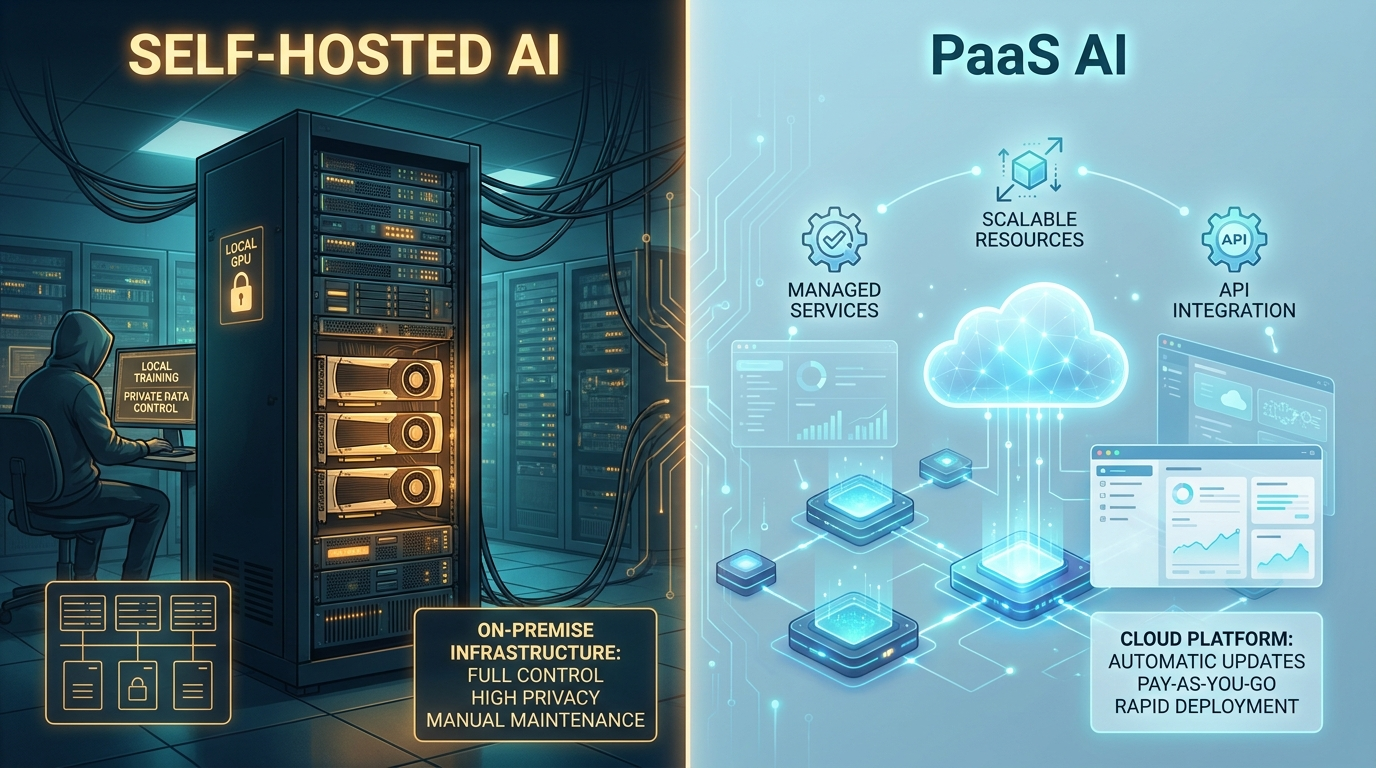
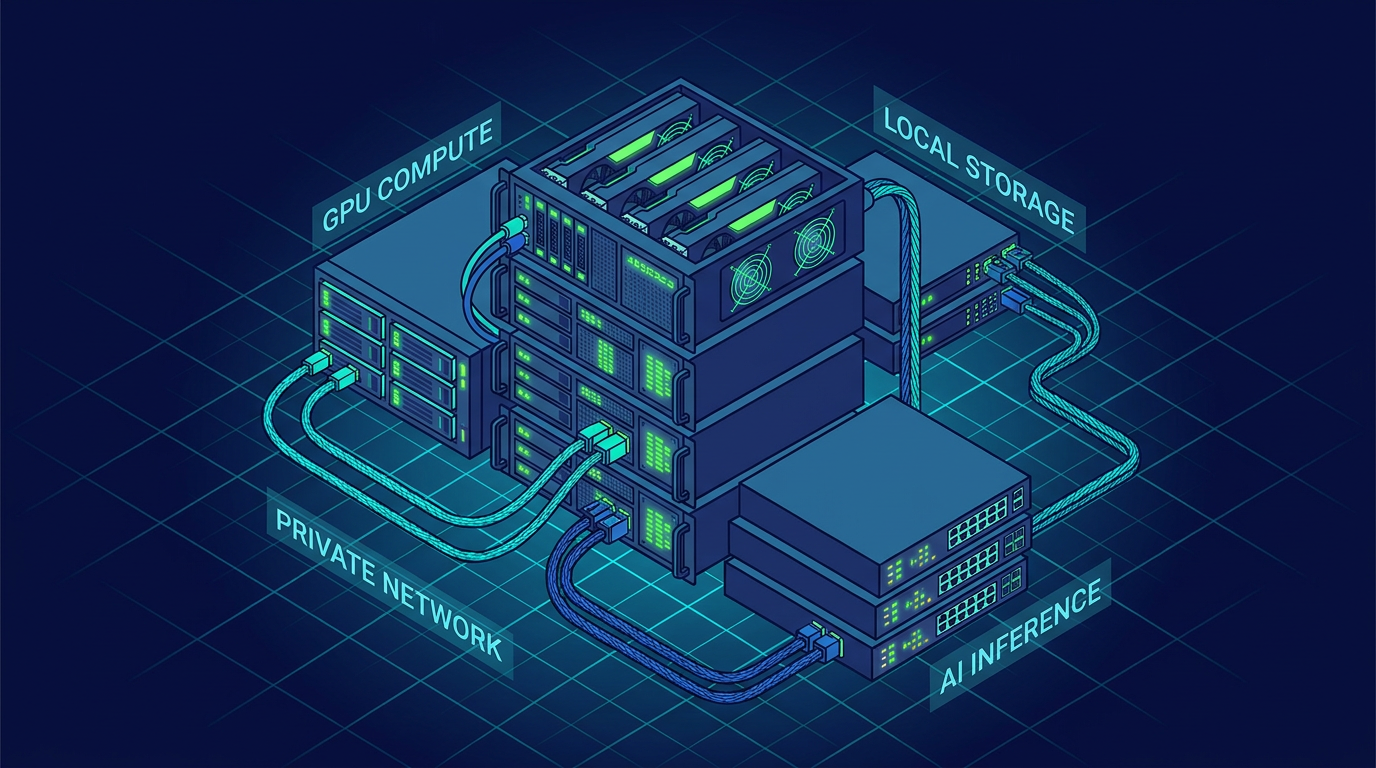
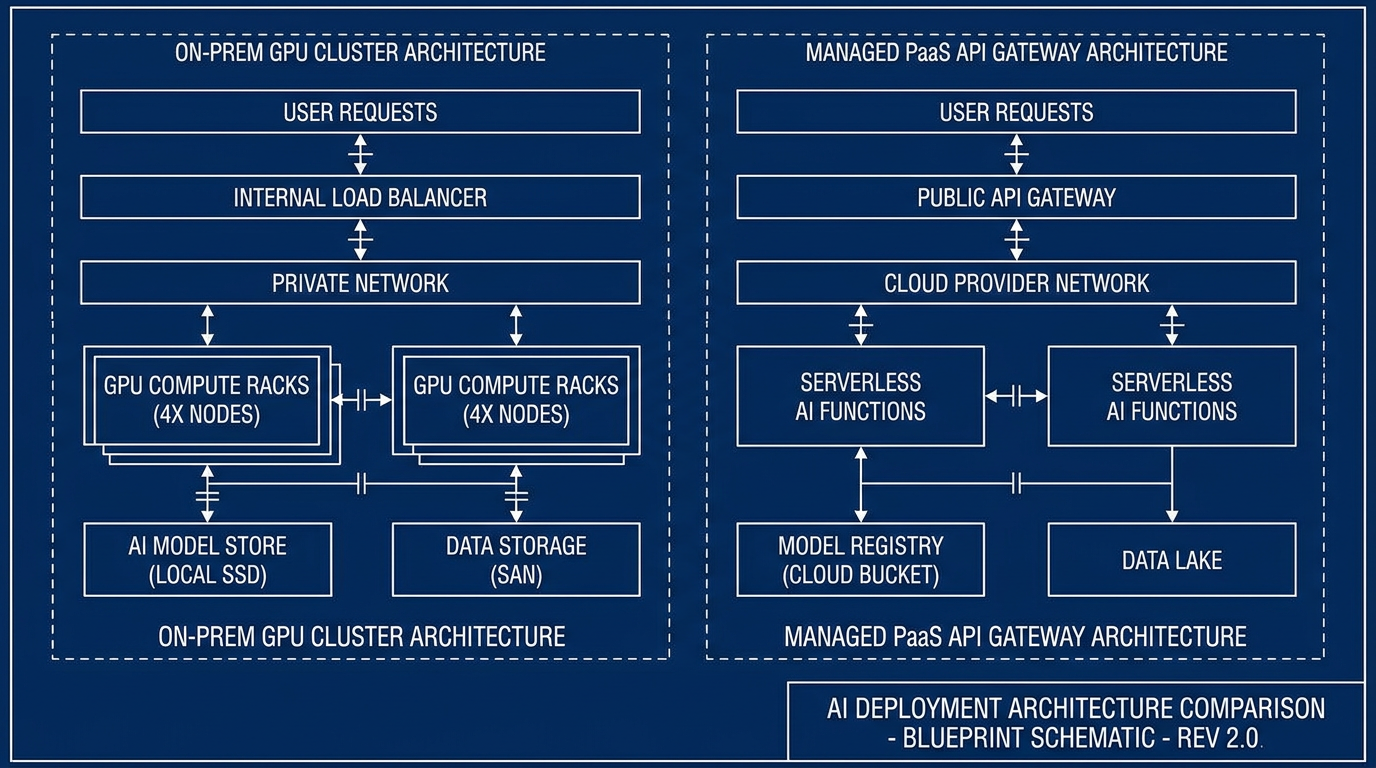
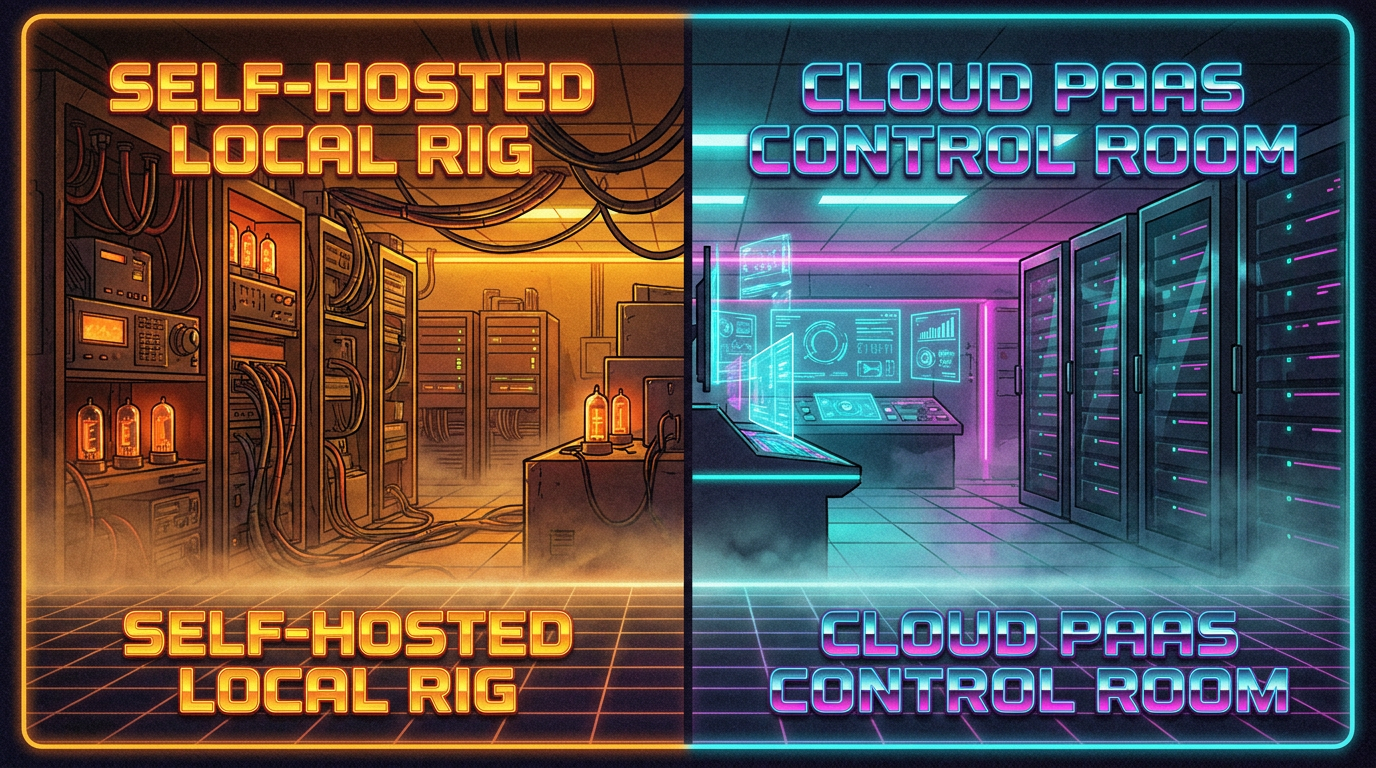
Real infrastructure comparison visuals created with the AI generator — split-screen scenes, isometric GPU rigs and cloud platforms, blueprint schematics, hybrid data-flow art, and neon server rooms, all rendered in crisp 4K.


How the AI Infrastructure Art Generator Works
Three steps from idea to a finished self-hosted-vs-PaaS visual — no design skills required
Pick a Style
Choose a preset — Split-Screen Compare, Self-Hosted GPU Rig, PaaS Cloud Platform, Blueprint Schematic, Hybrid Data Flow, or Neon Server Room. Each preset loads a tuned prompt so you get authentic infrastructure art without writing a long description yourself.
Add Your Details
Type optional details — the components you want shown, your color scheme, or the exact labels you want in the diagram, like "Self-Hosted", "PaaS", or "API Gateway". The generator reads your full brief and bakes crisp readable typography directly into the artwork, ideal for architecture slides and developer docs.
Generate & Download 4K
Click Generate and the AI infrastructure art generator renders your comparison visual in 4K within seconds. Download it with no watermark, generate another variation, or open it in the full editor to refine — all with full commercial-use rights.
Why Teams Use This AI Infrastructure Art Generator
The features that make it a go-to tool for developer advocates, designers, and tech brands who need clean self-hosted-vs-PaaS visuals fast.
True 4K Infrastructure Detail
The generator renders true 4K ultra HD artwork, so fine linework, glowing nodes, and typography stay sharp on large displays, slide decks, framed prints, and merchandise. Cool palettes and clean composition hold up at full resolution — exactly what a self-hosted-vs-PaaS diagram needs to read as a genuine infrastructure illustration rather than a blurry mockup.
Crisp Diagram Typography
Most AI tools garble letters, but this generator renders crisp, readable typography directly inside the image. Type your labels — "Self-Hosted", "PaaS", "GPU Cluster", "API Gateway" — and get a diagram with proper kerning and clean lettering, ideal for architecture slides, developer documentation, blueprints, and infrastructure wall art.
Free, No Account Needed
The AI infrastructure art generator is free with no sign up — generate comparison visuals right now in your browser with no watermark and full commercial rights. There is no profile to create and no credit card required, so you can test the generator and download a 4K image in seconds. That is PaaS AI in action: no GPU, no setup, instant output.
Every Infrastructure Aesthetic
From clean split-screen comparisons and isometric GPU rigs to managed cloud platforms, blueprint schematics, hybrid data-flow maps, and neon server rooms, the generator covers every infrastructure look. Mix subjects, layouts, and palettes — cyan and navy, teal-to-violet, or neon glow — for exactly the self-hosted-vs-PaaS visual you want.
Full Creative Control
The generator exposes preset styles, optional custom prompts, and a format ideal for social posts, slides, and print art — plus image-to-image editing and prompt history in the full editor. Iterate fast on composition, palette, and layout until your infrastructure comparison visual is exactly right.
Commercial-Ready Artwork
Every visual ships with full commercial-use rights even on the free tier. Use your infrastructure illustrations and comparison diagrams in pitch decks, developer docs, marketing sites, editorial illustration, and product mockups with no watermark — brand-safe tech visuals, ready to ship.
Self-Hosted AI vs PaaS AI FAQ
The questions developers and creators ask most about self-hosted AI, PaaS AI, and this generator
Skip the GPUs — Generate on PaaS AI Now
Weighing self-hosted AI vs PaaS AI? Start on PaaS AI with zero setup. Pick a style above, add your components or labels, and the AI infrastructure art generator delivers crisp 4K artwork in seconds. Free, no sign up, full commercial rights, powered by Nano Banana 2.
Start Creating FreeSelf-Hosted AI vs PaaS AI: How to Choose for Image & Video Generation
What Self-Hosted AI and PaaS AI Actually Mean
The self-hosted AI vs PaaS AI decision shapes your cost, speed, privacy, and how much engineering you sign up for. Self-hosted AI means running the models on infrastructure you own and operate — an on-premise GPU server, a workstation, or a private cloud instance you manage end to end. You control the weights, the data path, and the model versions, which is ideal for regulated data, air-gapped environments, or very high, steady inference volume. The cost is real: GPUs, power, cooling, and the ongoing ops work of keeping everything patched and online.
PaaS AI — Platform-as-a-Service AI — flips that model. The provider owns the GPUs, scaling, and uptime, and you simply call the platform over an API or a web app and pay per use. For image and video generation, PaaS AI like BananaNano2 means you type a prompt, pick a style, and get a crisp 4K result in seconds with no hardware, drivers, or model setup. There is no idle-GPU bill, scaling is instant, and maintenance is someone else's job. The trade-off is that your inputs go to the provider, so you rely on their data policy and security — which, with a reputable commercial-safe platform, is more than enough for the vast majority of creative and marketing work.
Whether you searched for self-hosted AI vs PaaS AI, cloud versus on-premise AI, or an AI deployment comparison, this page is your guide — and your tool. The interactive AI infrastructure art generator above runs on Nano Banana 2 and turns the comparison into crisp 4K visuals in seconds — free, no account, no sign up.
Which Should You Pick — and How to Visualize It
A practical rule: if your GPUs would sit idle much of the day, PaaS AI wins on cost and speed; if you run heavy, constant volume or must keep data fully in-house, self-hosted AI earns its keep. Many teams run a hybrid — PaaS AI for fast iteration, prototyping, and burst capacity, and self-hosted AI for sensitive or high-volume production. Most creators, marketers, and small teams generating images and video are best served by a PaaS AI platform, because they get 4K quality instantly with zero infrastructure to babysit. That is exactly what the generator on this page demonstrates: PaaS AI output, live in your browser, no GPU required.
Need to explain the trade-off to a team or an audience? Use the generator to create split-screen self-hosted-vs-PaaS scenes, isometric GPU rigs and cloud platforms, blueprint schematics, and hybrid data-flow art for your slides, docs, and posts. Looking for more AI tools? /tools/ai-image-generator is the general-purpose 4K AI art generator, /tools/ai-iaas-art-style focuses on cloud-infrastructure art, and /tools/ai-multi-agent-imaging explores AI systems visuals. They all pair well when you are building a clean, modern tech visual identity.
Ready to decide and design? Scroll back to the interactive AI infrastructure art generator. Pick Split-Screen Compare, Self-Hosted GPU Rig, PaaS Cloud Platform, Blueprint Schematic, Hybrid Data Flow, or Neon Server Room — or add your own details — and the generator will deliver crisp 4K artwork in seconds. Free, no sign up, no account required, powered by Nano Banana 2.
Self-Hosted AI vs PaaS AI — compare the trade-off and create the visuals free, no sign up. Generate split-screen comparisons, isometric infrastructure, blueprints, and hybrid data-flow art in 4K, powered by Nano Banana 2. Optional plans from $2.99 only when you want unlimited.