
Self-Hosted AI Image Generator
Own Your AI Image Software — Or Skip the Setup with Our Hosted Demo
A self-hosted AI image generator gives you complete control: prompts, uploads, and generated images stay on your hardware, your network, and your infrastructure. This page is the practical guide — when local AI image generation is worth the operational cost, what hardware on-premise AI actually needs, how to deploy self-hosted image tools step by step, and when a hosted AI image generator like Nano Banana 2 is the smarter call. Read the comparison, then run the free hosted demo below to validate your use case before you buy a GPU.
Validate Your Self-Hosted AI Image Generator Use Case First
Before you buy a GPU and stand up on-premise AI infrastructure, prove the workflow works. Pick a preset matched to a real self-hosted AI image generation use case and generate the same kind of output you would expect from local AI image generation in production.
Self-Hosted AI Image Generator — Free Hosted Demo
Test the kind of output a self-hosted AI image generator would produce — without buying hardware. Pick a preset or write your own brief.
Self-Hosted AI Image Generator in the Real World
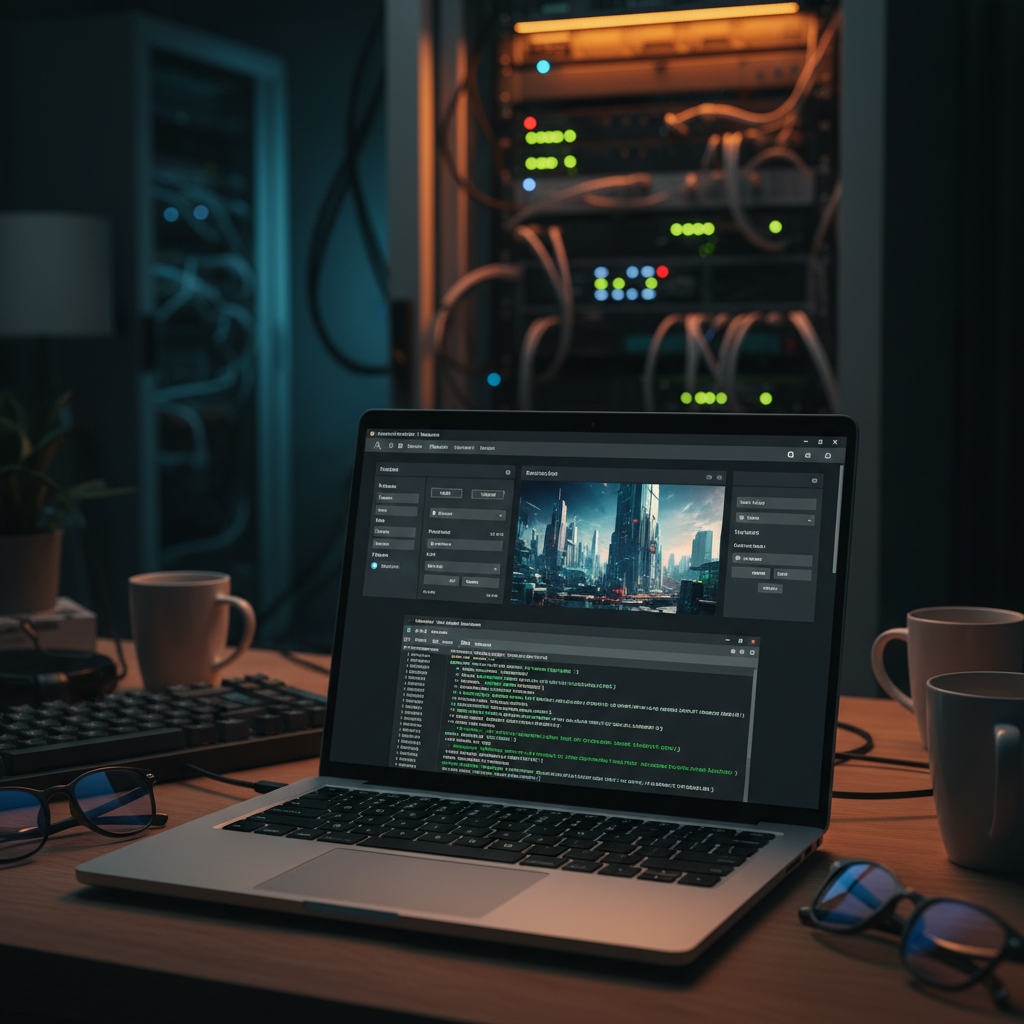
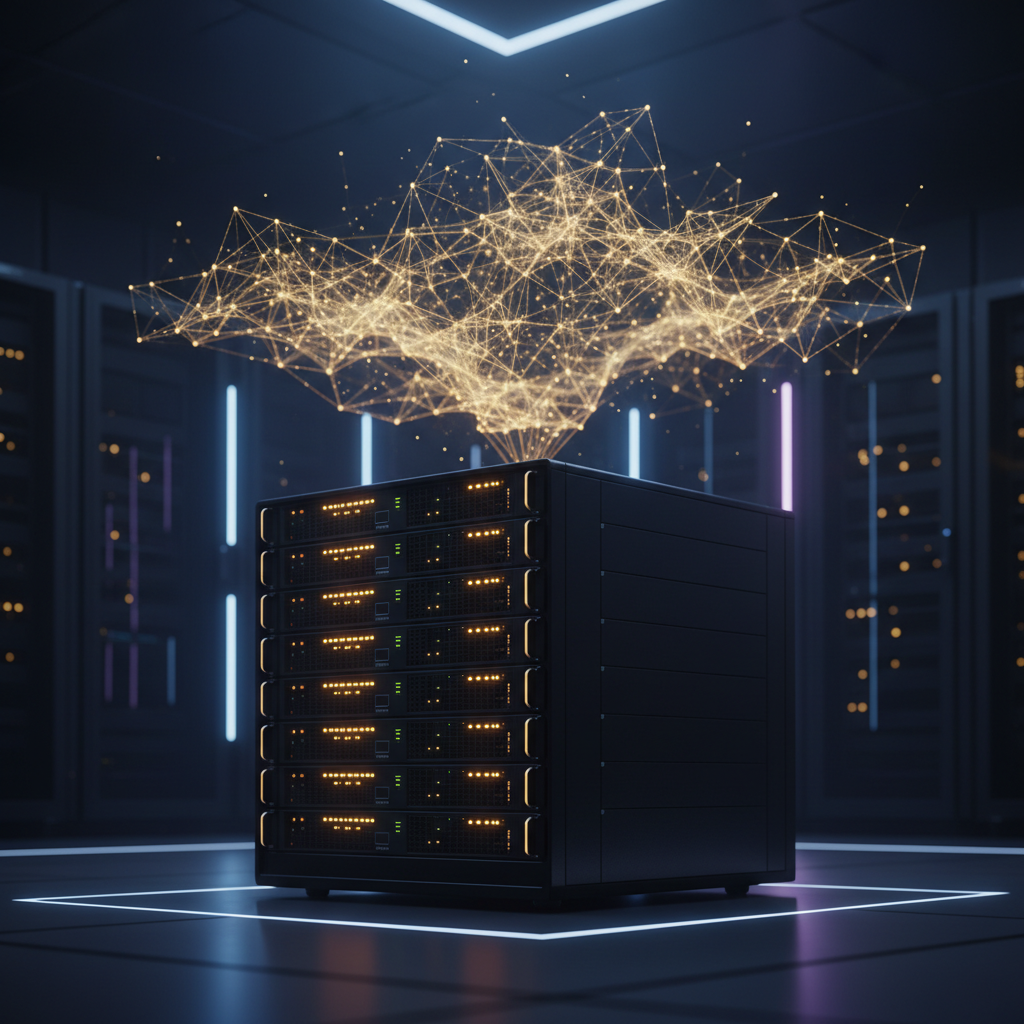
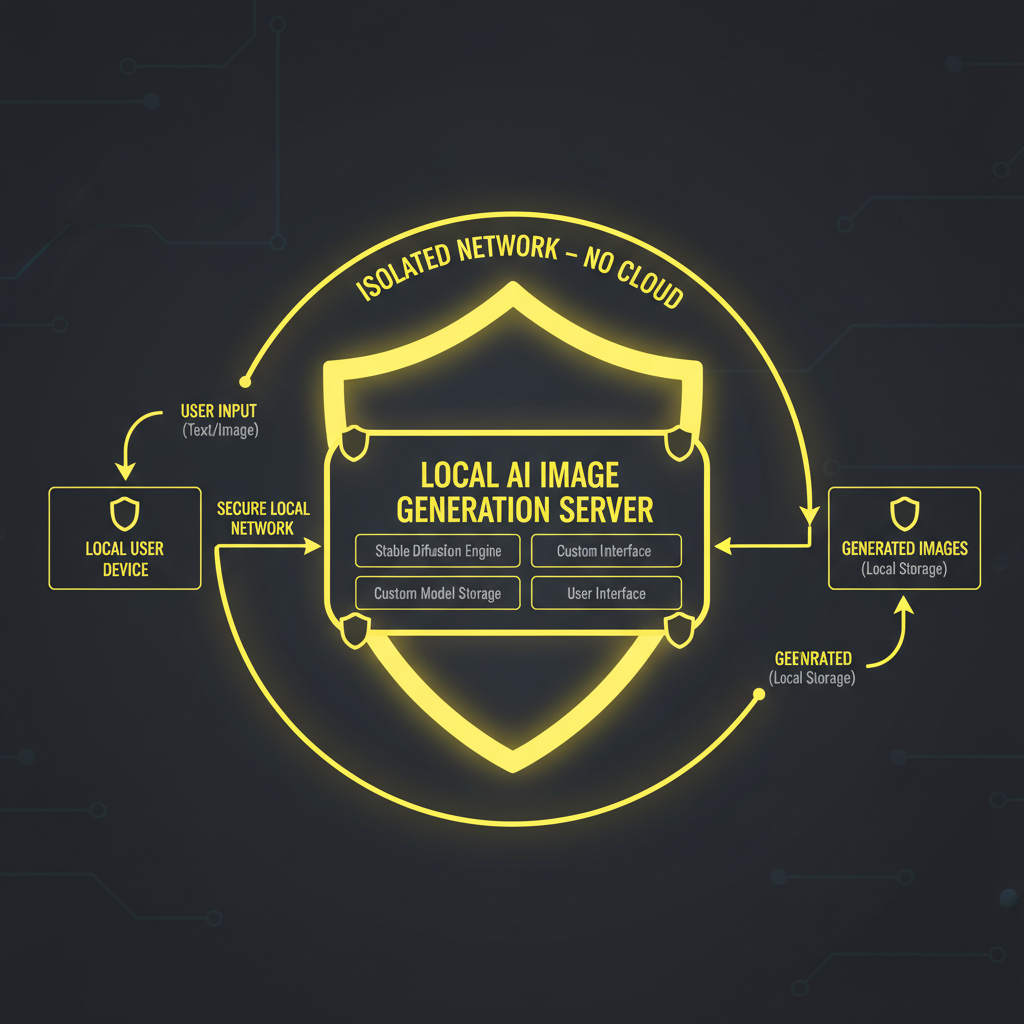
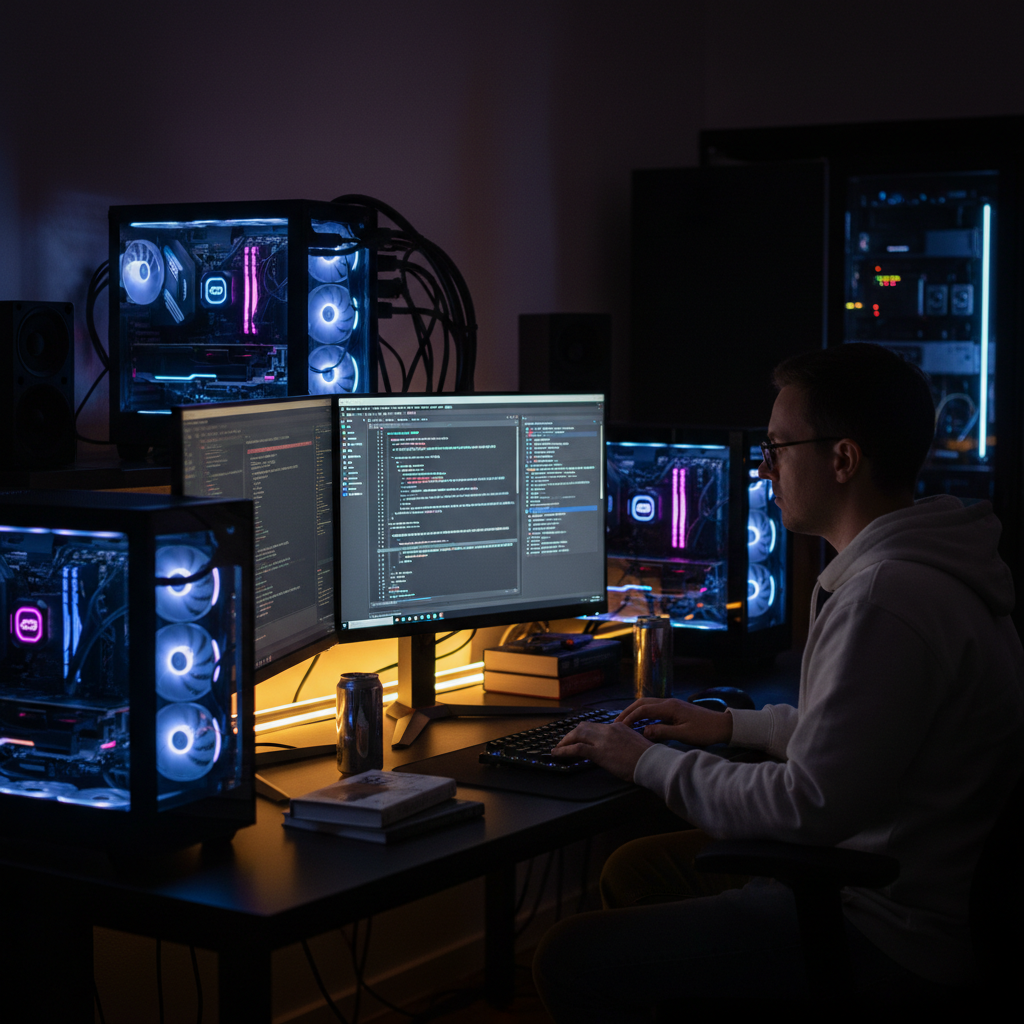
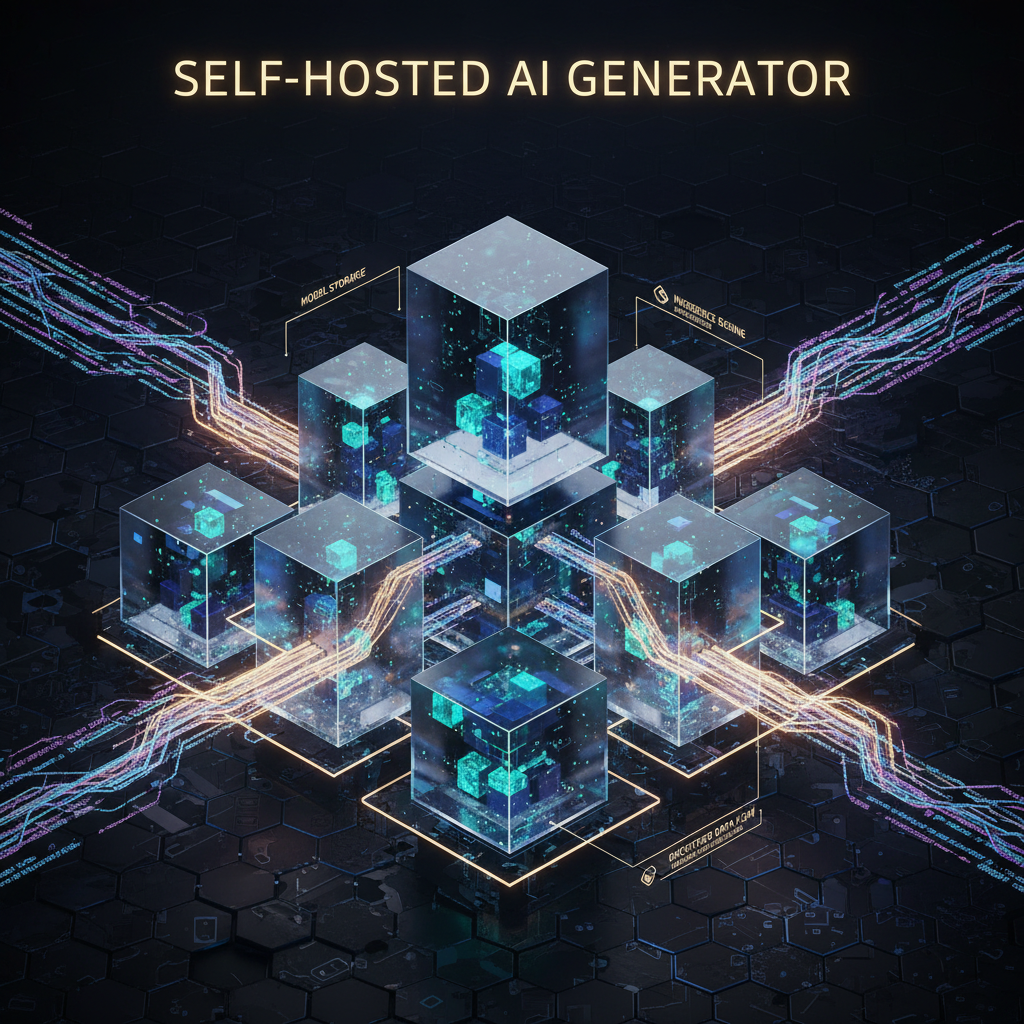
Real reference snapshots of self-hosted AI image generator deployments — developer home labs, on-premise AI server rooms, local AI image generation workflows, and the self-hosted image tools architecture diagrams teams use to ship privately.
Self-Hosted AI Image Generator vs Hosted — Honest Trade-Offs
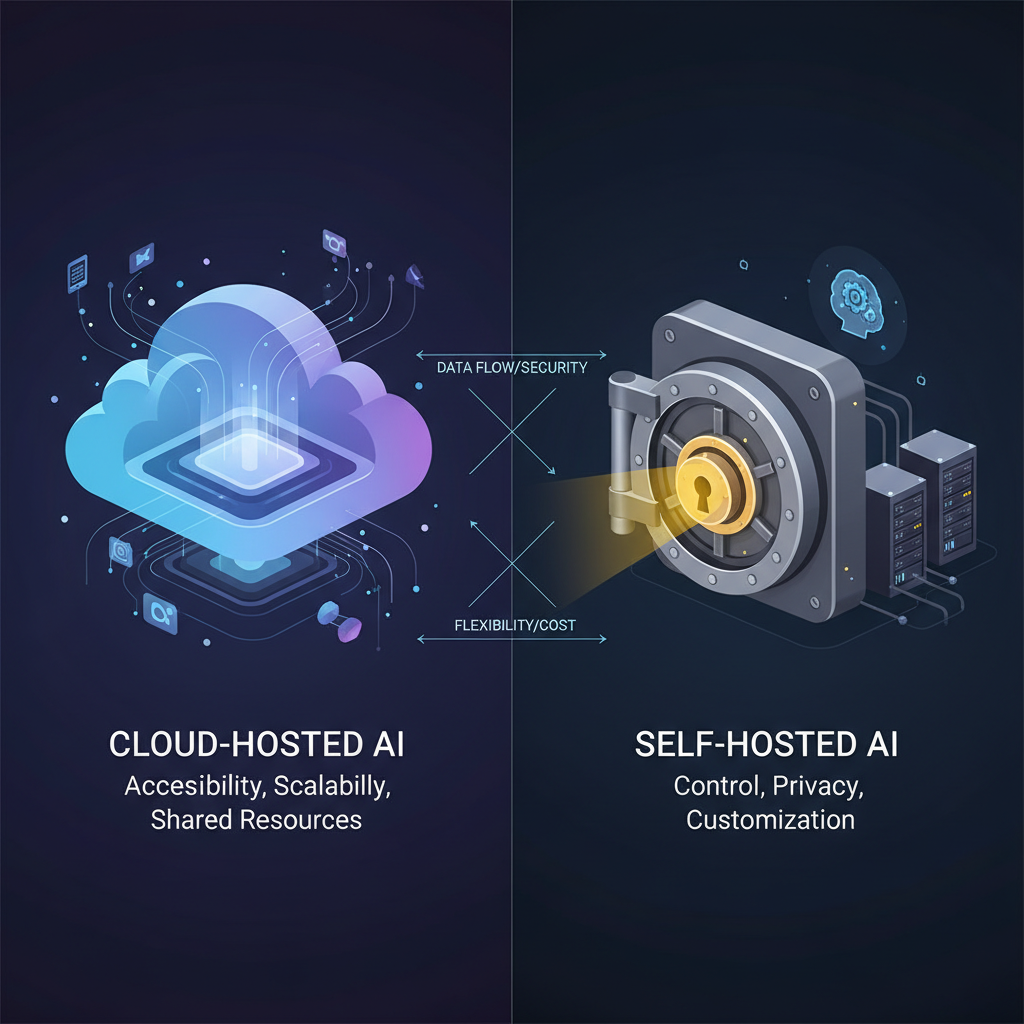
The decision matrix for AI image software — when on-premise AI is the right call, when a hosted self-hosted AI image generator alternative wins, and where the cost math actually breaks.
| Criterion | Self-Hosted AI Image Generator | Hosted (Nano Banana 2) |
|---|---|---|
| Data privacy | Total — never leaves network | TLS in transit, hosted policy |
| Up-front cost | $1,500-$25,000 hardware | $0 to start |
| Per-image cost | ~$0.001 amortized at volume | ~$0.039 per image |
| Setup time | 30 min to 1 week engineering | Instant — open the page |
| Output quality | SDXL / Flux dev (open weights) | Nano Banana 2 / Gemini 3 Pro Image |
| Operational burden | You own drivers, queues, uptime | Zero — fully managed |
| Scaling | Buy more GPUs | Auto, pay-per-call |
| Air-gapped compatible | Yes — full offline | No, requires internet |
| Compliance fit | HIPAA, GDPR, classified | SOC 2, GDPR (in-transit) |
| Best for | High volume, regulated, private data | Validation, low-medium volume, ease |
| Crossover point | > 50K images/month | < 5K images/month |
High-volume teams (50K+ images/month), regulated industries that cannot ship data to a third-party API, and any on-premise AI deployment with strict data residency requirements. Local AI image generation is the only legal option in many regulated sectors.
Validation, prototyping, low-to-medium volume use cases, and any team without dedicated DevOps capacity. Skipping the self-hosted image tools setup saves weeks of engineering for the first proof of value.
Most mature shops use hosted for low-volume internal work and self-hosted AI image generator infrastructure for the regulated, high-volume, or competitive-sensitive workflows. AI image software stacks are increasingly hybrid.
Deploy a Self-Hosted AI Image Generator in 3 Steps
The realistic path from zero to production self-hosted image tools — or skip steps 1-3 and use the hosted self-hosted AI image generator alternative above.
Provision GPU Hardware
Pick a GPU with sufficient VRAM for your target self-hosted AI image generator workload — RTX 4060 Ti 16GB for entry-level local AI image generation, RTX 4090 or A6000 for production on-premise AI deployments. Install NVIDIA drivers, CUDA 12.x, and 32GB+ system RAM. Pre-budget $1,500-$5,000 for a single-node home lab and $15,000+ for a small-team self-hosted image tools cluster.
Install AI Image Software
Clone Automatic1111 or ComfyUI — the two dominant self-hosted AI image generator front-ends. Run the install script which fetches PyTorch and dependencies, then download model weights (SDXL, Flux.1 dev, SD 1.5) from Hugging Face. Local AI image generation is running in 30-60 minutes. For production on-premise AI, wrap the stack in Docker, add Redis + Celery for queueing, and put NGINX with auth in front of it.
Operate & Iterate
Self-hosted AI image generator operations is the part nobody talks about — driver updates, CUDA mismatches, model version churn, GPU thermal throttling, and 3am incident response. Build dashboards for GPU utilization and queue depth. Schedule regular model refreshes from Hugging Face so your self-hosted image tools stay current. Or pay for a hosted AI image generator and skip all of this — the demo above is the equivalent quality at $0.039 per image.
Why Teams Run a Self-Hosted AI Image Generator
The six concrete reasons engineers, security teams, and regulated organizations deploy on-premise AI image software instead of using a hosted API.
Total Data Privacy
A self-hosted AI image generator keeps prompts, reference uploads, and generated outputs on your network only. No third-party API sees the data, no telemetry leaves the box, and you can fully air-gap the deployment for classified or regulated workloads. Local AI image generation is the only path that satisfies HIPAA-grade privacy, GDPR data-residency, China PIPL, Australia Privacy Act, and the strictest enterprise InfoSec policies. On-premise AI is mandatory in defense, healthcare imaging, sealed legal evidence, and pre-release product design — anywhere a hosted self-hosted image tools service is simply not a legal option.
Predictable Cost at Volume
Self-hosted AI image generator economics flip at high volume. Below 5K images/month a hosted API beats it, but above 50K/month an amortized GPU drives per-image cost below $0.001 — 30-50x cheaper than per-call pricing. Local AI image generation also has zero burst-pricing surprise: a hosted API charges per call regardless, while self-hosted image tools cost the same to render 1 or 10,000 images that hour. AI image software ROI is volume-driven and deterministic in a way that on-premise AI excels at compared to per-call pricing models.
Full Model Choice
Self-hosted AI image generator deployments give you total control of which model runs — SDXL, Flux.1 dev, SD 1.5, custom fine-tunes, LoRAs, ControlNet, in-painting models. You can swap models per workload, A/B test fine-tunes against base, or run a private model trained on your proprietary dataset. Hosted AI image generators give you whatever the provider offers; local AI image generation lets you build exactly the AI image software stack your use case demands. On-premise AI is the only path for teams running custom-fine-tuned image models on private training data.
Air-Gapped Operation
Self-hosted AI image generator can run completely offline once model weights are downloaded — install the stack, download Flux.1 dev or SDXL once, then disconnect the box from the internet permanently. Air-gapped local AI image generation is mandatory in defense, intelligence, and any environment where outbound network traffic is forbidden. On-premise AI deployments routinely operate inside SCIF (Sensitive Compartmented Information Facility) infrastructure or sealed corporate networks where no hosted self-hosted image tools service is reachable. AI image software that ships in air-gapped environments is exclusively self-hosted.
No Per-Image Rate Limits
A self-hosted AI image generator has no rate limits except your hardware. Need 10,000 product variations rendered overnight? Spin up the queue and let it grind — no throttling, no quota, no surprise overage bill. Hosted self-hosted AI image generator alternatives all have rate limits, concurrency caps, and tier-based quotas that interrupt large jobs. Local AI image generation removes that friction entirely. On-premise AI is the right call for batch render jobs, dataset generation, training-data augmentation, and any workload that needs sustained high throughput without an API gatekeeper.
Open-Source Stack Ownership
Self-hosted AI image generator deployments use open-source AI image software — Automatic1111, ComfyUI, Stable Diffusion, Flux.1 dev, all MIT or Apache or open-RAIL licensed. You own the stack, can fork it, audit the source, customize the UI, integrate with internal tooling, and never depend on a vendor staying in business or keeping pricing stable. Local AI image generation gives you the kind of supply-chain certainty enterprise architecture teams require. On-premise AI deployed on open-source self-hosted image tools is the only path that survives a vendor sunsetting their hosted API.
Self-Hosted AI Image Generator FAQ
The seven AI image software questions developers, security teams, and regulated organizations ask before deploying on-premise AI infrastructure.
Skip the GPU Bill — Try the Hosted Self-Hosted AI Image Generator Alternative
Before you commit weeks of engineering and thousands of dollars to a self-hosted AI image generator deployment, validate the workflow with a hosted demo. The free AI image software above runs Nano Banana 2 / Gemini 3 Pro Image — the equivalent quality of high-end local AI image generation, with zero hardware. Free, no sign up.
Try the Hosted Demo FreeSelf-Hosted AI Image Generator: The Complete Guide to On-Premise AI Image Software in 2026
Why Self-Hosted AI Image Generator Demand Has Exploded
Search self-hosted AI image generator in 2026 and you find a market that has moved decisively from hobbyist territory into mainstream enterprise procurement. Three forces converged. First, regulated industries — healthcare imaging, defense, legal evidence, pre-release product design — discovered that hosted AI image software simply cannot satisfy their data-residency requirements, forcing on-premise AI as the only legal path. Second, the open-weights model ecosystem matured: Stable Diffusion XL, Flux.1 dev, and dozens of fine-tunes now match intermediate hosted output quality, so the local AI image generation quality gap has effectively closed for most production use cases. Third, GPU pricing plateaued — RTX 4090 and 5090 cards put high-end self-hosted image tools within reach of small teams without enterprise budgets. The combined effect is a real shift toward hybrid stacks where teams keep hosted AI image software for low-volume convenience work and stand up self-hosted AI image generator infrastructure for the regulated, high-volume, or competitively sensitive workloads.
A typical self-hosted AI image generator deployment in 2026 looks like this: a Docker-orchestrated stack running ComfyUI or Automatic1111 on 1-4 NVIDIA GPUs, behind an NGINX reverse proxy with corporate SSO, fed by a Redis + Celery job queue, monitored with Prometheus + Grafana for GPU utilization and queue depth, and refreshed monthly with new model weights from Hugging Face. The on-premise AI stack is now boring infrastructure — well-documented, repeatable, and operationally similar to running any other internal microservice. Local AI image generation has moved from research project to production tier, and the self-hosted image tools ecosystem (model registries, LoRA repositories, ControlNet add-ons, in-painting workflows) is mature enough to support production traffic. AI image software is no longer a binary hosted-vs-self-hosted choice; mature teams run both.
Whether you searched self-hosted AI image generator, AI image software, on-premise AI, local AI image generation, or self-hosted image tools — this page is your decision guide. Read the comparison table for the trade-offs, scroll to the interactive hosted demo to validate your use case before buying hardware, and use the FAQ to size GPU requirements and operational burden. The honest answer for most teams: prove value with a hosted self-hosted AI image generator alternative first, then graduate to on-premise AI infrastructure once volume, privacy, or compliance demands it.
When to Choose Local AI Image Generation Over Hosted
Pick a self-hosted AI image generator when one of three conditions is true. First — privacy mandate: your prompts or reference images contain regulated data (HIPAA-protected health information, attorney-client privileged material, classified imagery, pre-release product designs, EU citizen personal data requiring strict residency) that legally cannot be transmitted to a third-party AI image software API. Local AI image generation is the only compliant choice. Second — high volume: you generate more than 50,000 images per month, where amortized GPU hardware drops per-image cost below $0.001 vs $0.039 hosted, and on-premise AI economics flip decisively in your favor. Third — air-gapped deployment: your environment forbids outbound network traffic entirely (defense SCIF, classified networks, sealed corporate networks) and self-hosted image tools are the only path that runs without internet access. Outside those three conditions, the operational overhead of running a self-hosted AI image generator rarely justifies the cost vs hosted AI image software.
Looking for related AI image generator tools to round out your AI image software stack? /tools/ai-image-generator is the general-purpose hosted 4K AI image generator, /tools/ai-image-generator-vs-photoshop settles the AI vs graphic design software debate, and /tools/ai-art-generator handles original AI art for posters and prints. All three pair well with the self-hosted AI image generator decision guide on this page — validate the workflow hosted first, then commit to on-premise AI infrastructure once the use case is proven and the volume or compliance trigger justifies local AI image generation.
Ready to decide between self-hosted AI image generator deployment and hosted AI image software? Scroll back to the interactive tool. Pick On-Premise Dashboard, Air-Gapped Server, Private Medical Asset, Developer Home Lab, Architecture Diagram, or Pre-Release Product Concept — or write your own self-hosted use case brief — and the hosted self-hosted AI image generator alternative will deliver Nano Banana 2 quality output in seconds. That is the smartest possible first step: prove value hosted, scale to on-premise AI only when the math demands it. Local AI image generation — see for yourself, free, no sign up.
Self-hosted AI image generator decisions are easier when you can test the equivalent quality first — free, no sign up. On-premise AI sizing, local AI image generation hardware tips, and self-hosted image tools comparison all powered by Nano Banana 2. Optional plans from $2.99 only when you want unlimited.