
Free AI Pixel Art Generator
No Sign Up Required
Create pixel art free — no account, no email, no waitlist. Generate 8-bit characters, 16-bit game sprites, retro landscapes, and pixel art items from text prompts in seconds. Perfect for indie devs, game jams, and pixel art fans.
Try The Free Pixel Art Generator
Pick a preset or describe the pixel art you want — the tool below works right in your browser, no sign up required.
Free Pixel Art Generator
Select a preset or write your own prompt — no account needed
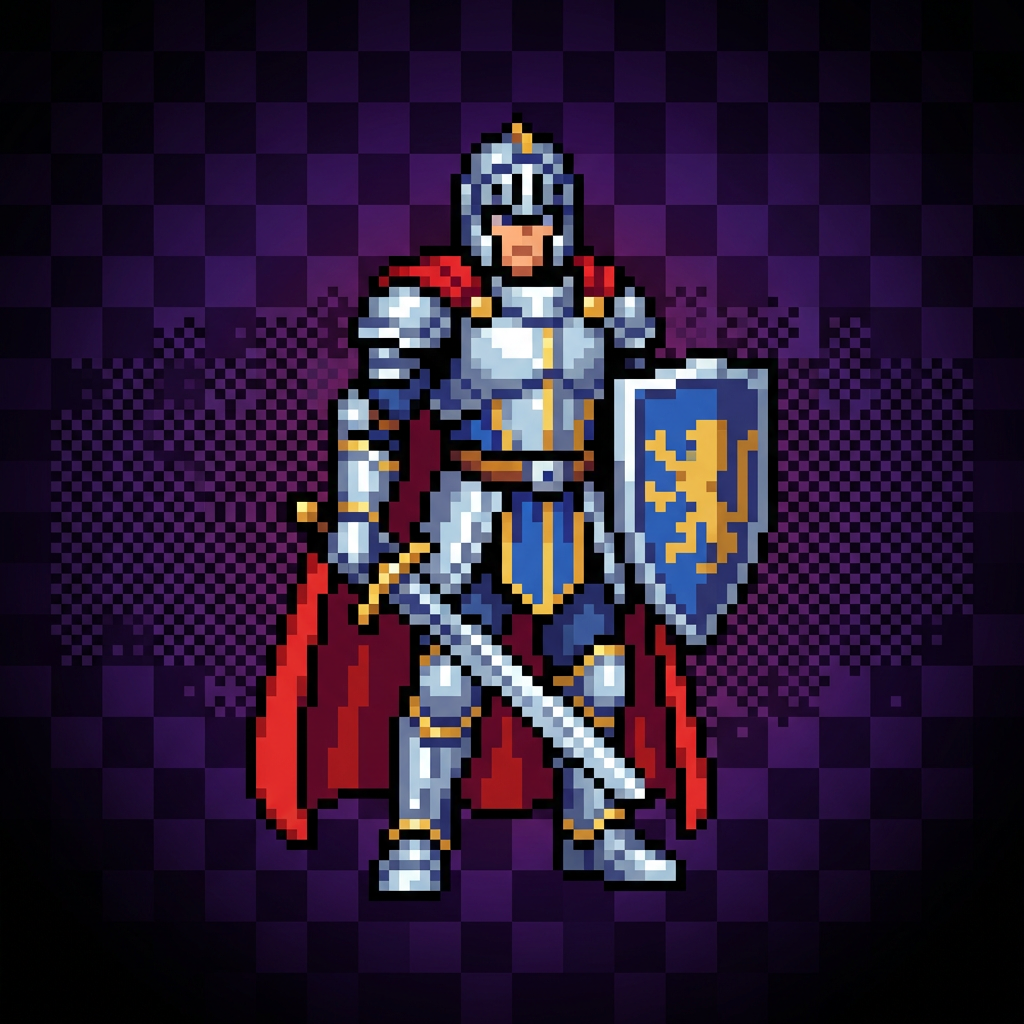
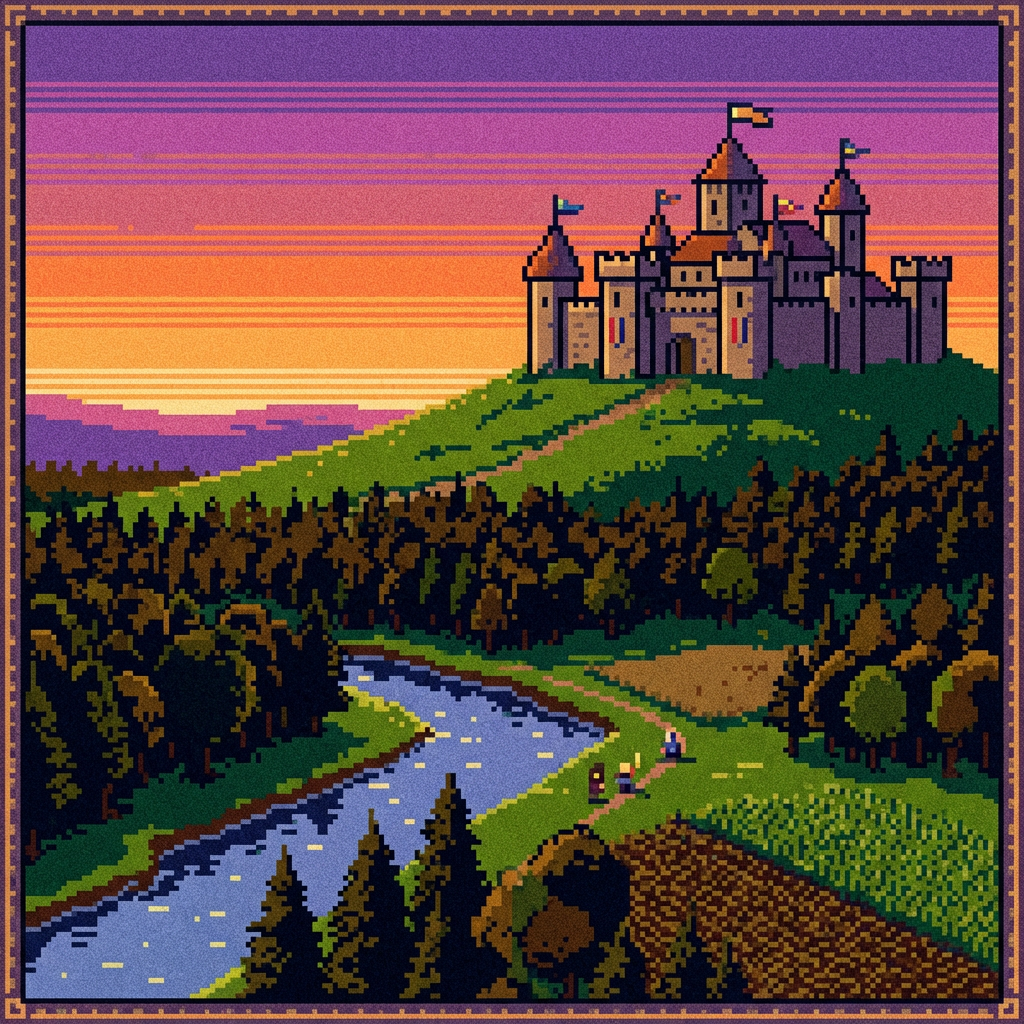
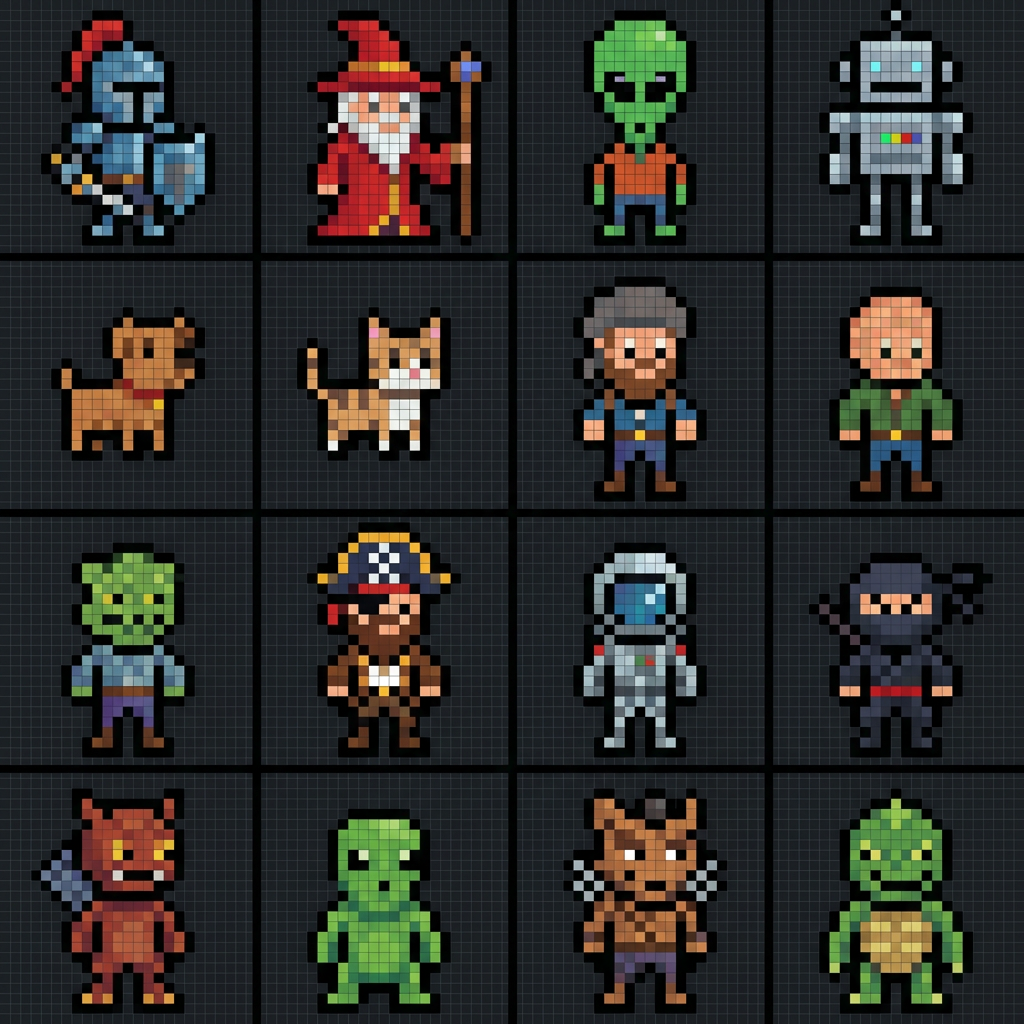
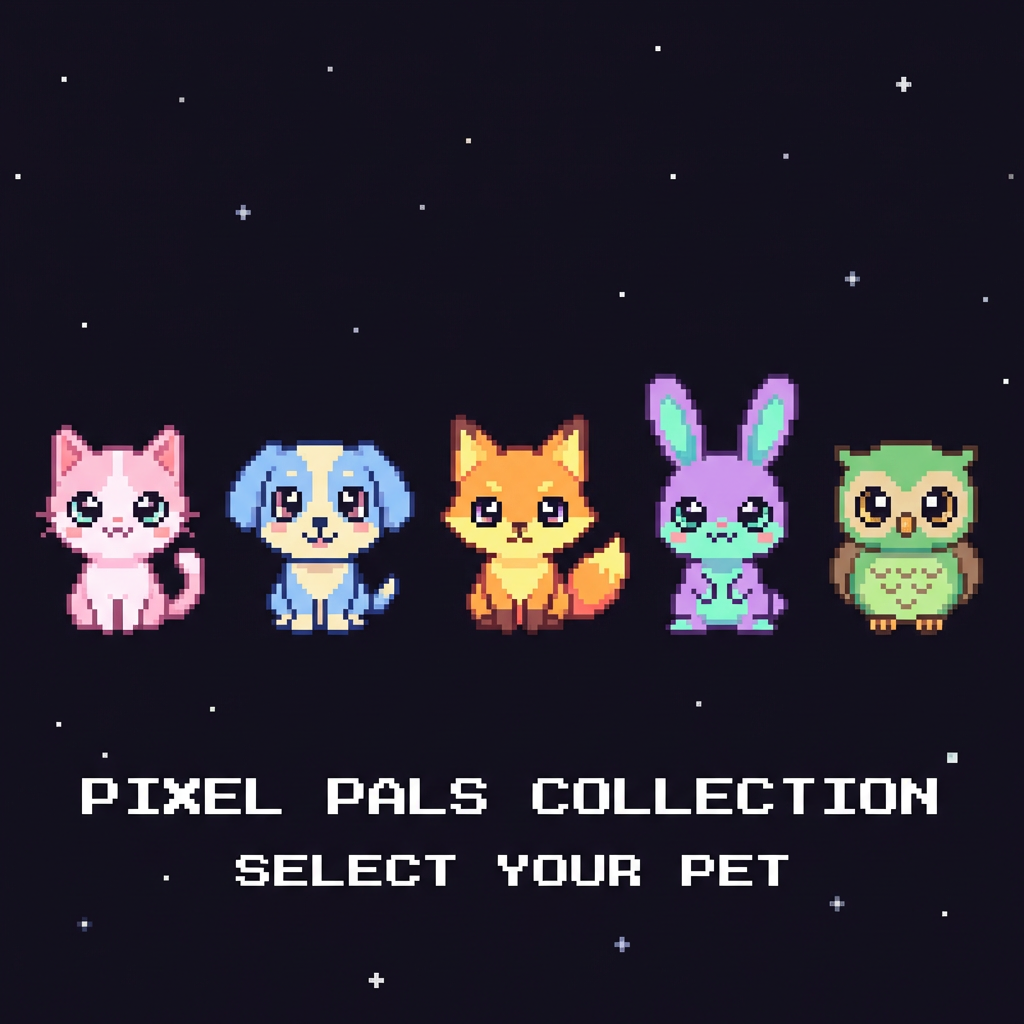
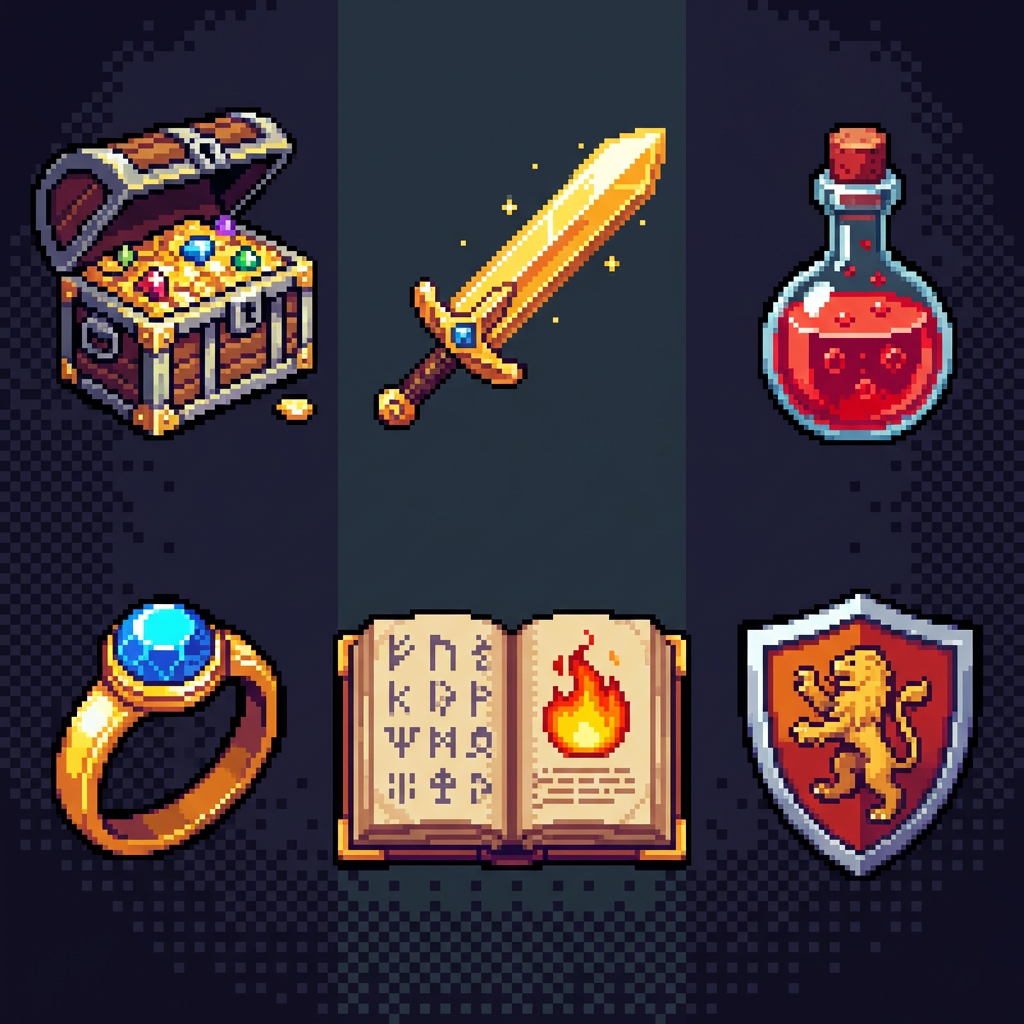
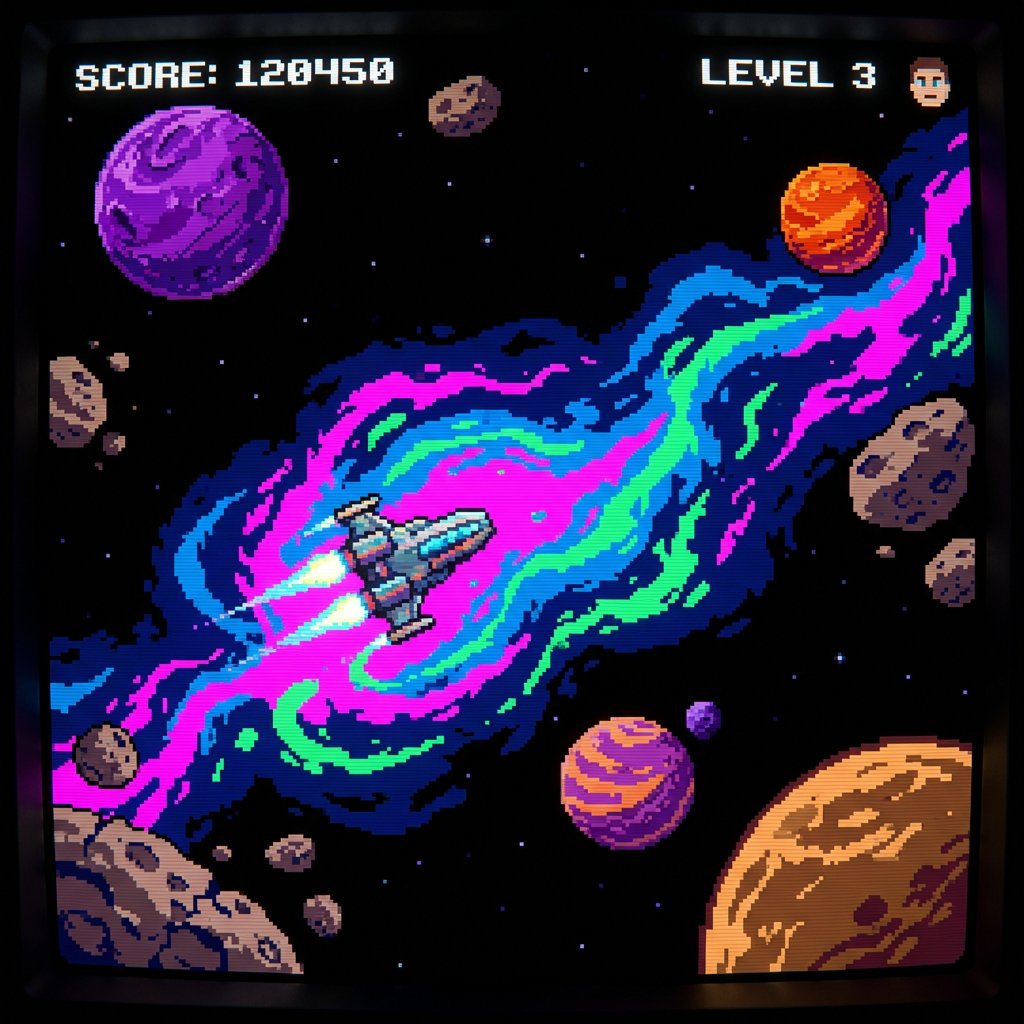
Free Pixel Art Examples
Real pixel art created with this free AI pixel art generator — no sign up, no filters applied
How The Free Pixel Art Generator Works
Three steps, zero sign up — from idea to finished pixel art in under a minute
Describe Your Pixel Art
Tap a preset like RPG Character, Fantasy Landscape, or Cute Animals — or type a custom prompt. Include the subject, art style (8-bit, 16-bit, chibi), color palette, and pose. The more specific you are, the more accurate the pixel art output.
AI Generates Your Pixel Art
Nano Banana Pro turns your prompt into clean pixel art in seconds — aligned pixel grids, limited color palettes, and authentic retro feel. Generate multiple variations, compare results, and refine until you have the exact sprite or scene you need.
Download & Use It Anywhere
Download your pixel art in high resolution — no watermark, no sign up, no email required. Drop it into your indie game, scale it to 32×32 or 64×64 for sprites, share it on social, or sell it. Every image is yours for commercial use.
Why Use This Free Pixel Art Generator
Built for indie devs, game jammers, and pixel art fans who want results, not paywalls
Truly Free Pixel Art — No Sign Up
Open the page, click a preset, generate pixel art. No account, no credit card, no email capture, no free-trial dark patterns. The free tier is genuinely free, and the tool works from the first click so you can evaluate it before committing to anything.
Authentic 8-bit and 16-bit Styles
The AI understands the visual rules of real pixel art — aligned pixel grids, limited color palettes, proper dithering, and authentic retro feel. Generate pixel art that looks like it came from a real NES, SNES, or Game Boy cartridge, not a blurry filter-stamped PNG.
Game-Ready Character Sprites
Create consistent character designs, item sets, and tilesets ready for your indie game. Generate pixel art characters with clear poses (standing, walking, attacking) so sprites drop straight into your engine. Perfect for Unity, Godot, GameMaker, and Love2D pipelines.
Unlimited Subjects and Themes
Characters, monsters, landscapes, buildings, vehicles, food, weapons, UI icons, potions, spell effects, space scenes, cute animals, dungeon rooms — the AI handles any pixel art subject. From simple 8-bit sprites to detailed 16-bit backgrounds, no theme is off limits.
High Resolution Output
Pixel art is rendered at up to 4K resolution with crisp, clean pixels. Scale down to 16×16, 32×32, or 64×64 for your game sprites, or keep it full size for prints and posters. High-res output preserves every pixel so nothing goes soft when you resize.
Commercial Use Built In
Every pixel art image generated is yours to use commercially. Ship it in a paid game, sell it as an NFT, print merch, or bundle it in an asset pack. No royalties, no attribution required, no hidden license gotchas — just keep the pixel art you make.
Pixel Art Pro Tips
Get the best output from the free pixel art generator with these prompt tricks
Name the Bit Style
Include "8-bit," "16-bit," or "32-bit" in every prompt. 8-bit gives you iconic minimal sprites like the NES era. 16-bit adds colors and detail like SNES. Being explicit keeps the pixel art style consistent across a project.
Limit the Color Palette
Mention "NES palette," "4-color Game Boy palette," or "pastel 16-color palette" to make pixel art look authentic. Real retro games had hardware color limits — saying so pushes the AI away from washed-out modern looks.
Use a Dark Background
End your prompt with "on dark background" or "on black background." Sprites read cleaner, colors pop, and you get output that is easy to lift into a game engine with background removal or a simple color key.
Lock the Pose
For character sprites, specify pose: "standing facing forward," "side view walking," "attack pose swinging sword." Vague poses give you unusable mid-animation frames. Explicit poses give you sprites you can drop straight into a game.
Iterate in Batches
Generate 3–5 versions per concept, then pick the best. Mix ideas from different takes to build your final sprite. The free pixel art generator is fast — use that to explore, not to settle for the first result.
Reference Real Games
Say "Zelda-style top-down tileset," "Mega Man X style character," or "Stardew Valley farm items." The AI recognizes iconic pixel art game styles and aligns the output to their visual language for free.
Frequently Asked Questions
Everything you need to know about the free pixel art generator
Ready to Make Pixel Art — For Free?
No sign up, no login, no payment. Open the tool, pick a style, and create pixel art in seconds. Premium plans from $2.99 when you want more.
Start Creating Pixel Art FreeThe Free Pixel Art Generator for Indie Devs and Retro Fans
Why a Free Pixel Art Generator Actually Matters
Pixel art is everywhere — Celeste, Stardew Valley, Undertale, Dead Cells, Shovel Knight — but drawing it pixel by pixel takes years to master. For most indie devs, the cost is not the tools, it is the time. A free pixel art generator closes that gap. You describe what you want, the AI returns authentic pixel art in seconds, and you spend your time on gameplay instead of sprite rotation frames.
The key word is "free." Most so-called free pixel art tools hide behind sign-ups, email capture, or trial paywalls that lock you out after the first image. This page is different — the pixel art generator above works the moment you land here. No account, no credit card, no email harvesting. Generate pixel art, download it, use it. That is the whole contract.
Whether you are prototyping a Metroidvania, rigging a game jam entry, designing NFT sprites, or just making a pixel art avatar for your profile, having a free pixel art generator on tap changes how fast you can move. The sooner you see your idea as pixel art, the sooner you know whether it is worth building out.
From Pixel Art Prompt to Finished Sprite
A solid prompt is the whole game. The free pixel art generator on this page responds best when you name the bit style (8-bit or 16-bit), the subject, a clear pose, and a color palette or game reference. "16-bit pixel art knight with red cape, standing facing forward, NES palette, on dark background" gives you a clean sprite. "A knight" does not. Spend 30 seconds on the prompt and the rest of the pipeline gets easier.
For larger projects, treat the free pixel art generator as a concept and asset engine. Generate rough ideas first, lock a style direction, then use that direction in every follow-up prompt so your characters, items, and tilesets feel like they came from the same game. Consistency is what separates an asset dump from a real pixel art project, and prompt consistency is how you get it.
The free tier handles personal projects, game jams, portfolio work, and small commercial runs. When you graduate to a full studio pipeline and need more volume, higher resolution, or faster queues, premium plans start at $2.99. Either way, every pixel art image you generate is yours — no royalties, no attribution, no strings. Start with the free pixel art generator above and see what you can ship.
Free pixel art generator — no sign up, no login, no payment. Create 8-bit and 16-bit pixel art for your indie game, jam entry, or personal project today. Upgrade anytime from $2.99 if you want more volume.