
AI Face Swap
Realistic Face Replacement in Seconds
Swap faces in photos with photorealistic AI. Create seamless face replacements for creative projects, social media content, memes, and professional edits — no Photoshop skills required.
Try It Now — Free
Select a face swap style or describe your own scenario to generate realistic results
AI Face Swap Generator
Select a style and generate face swap images instantly
AI Face Swap Examples
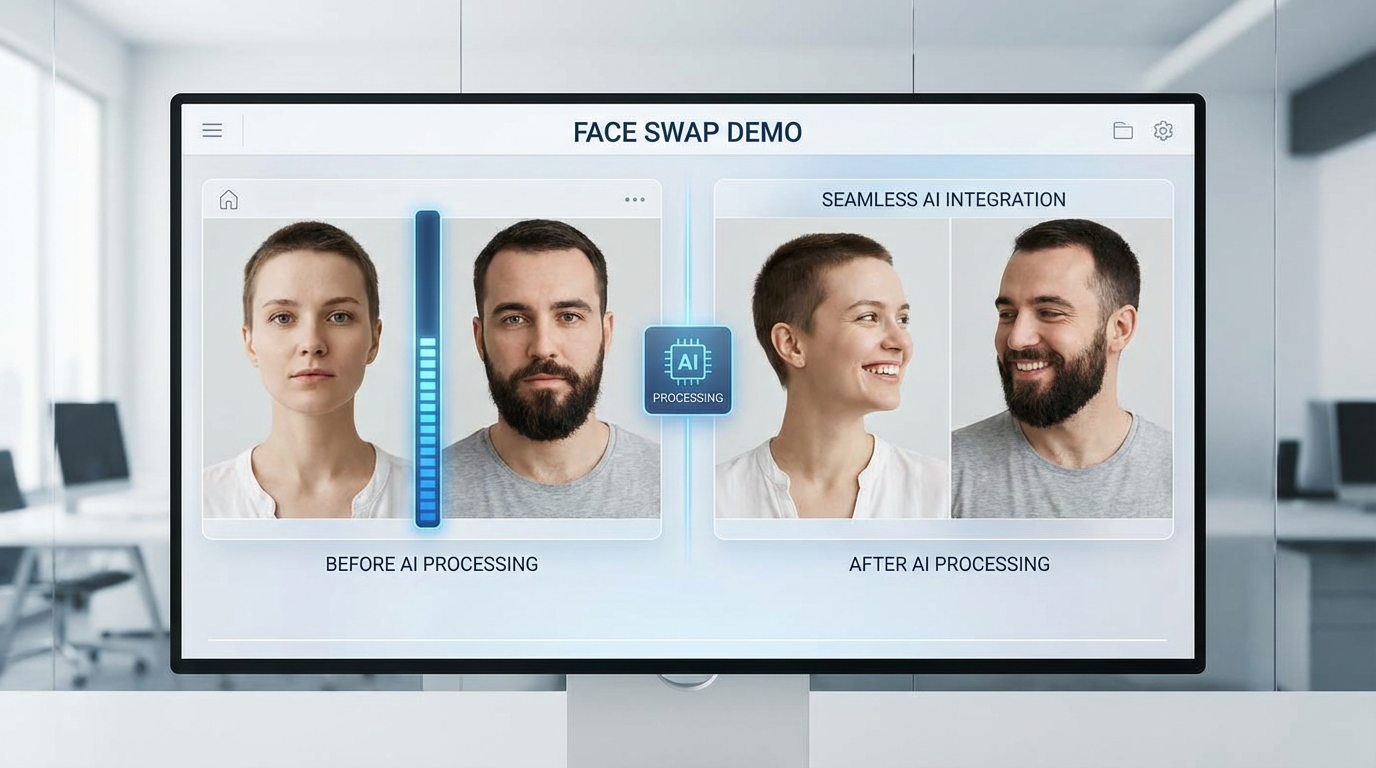
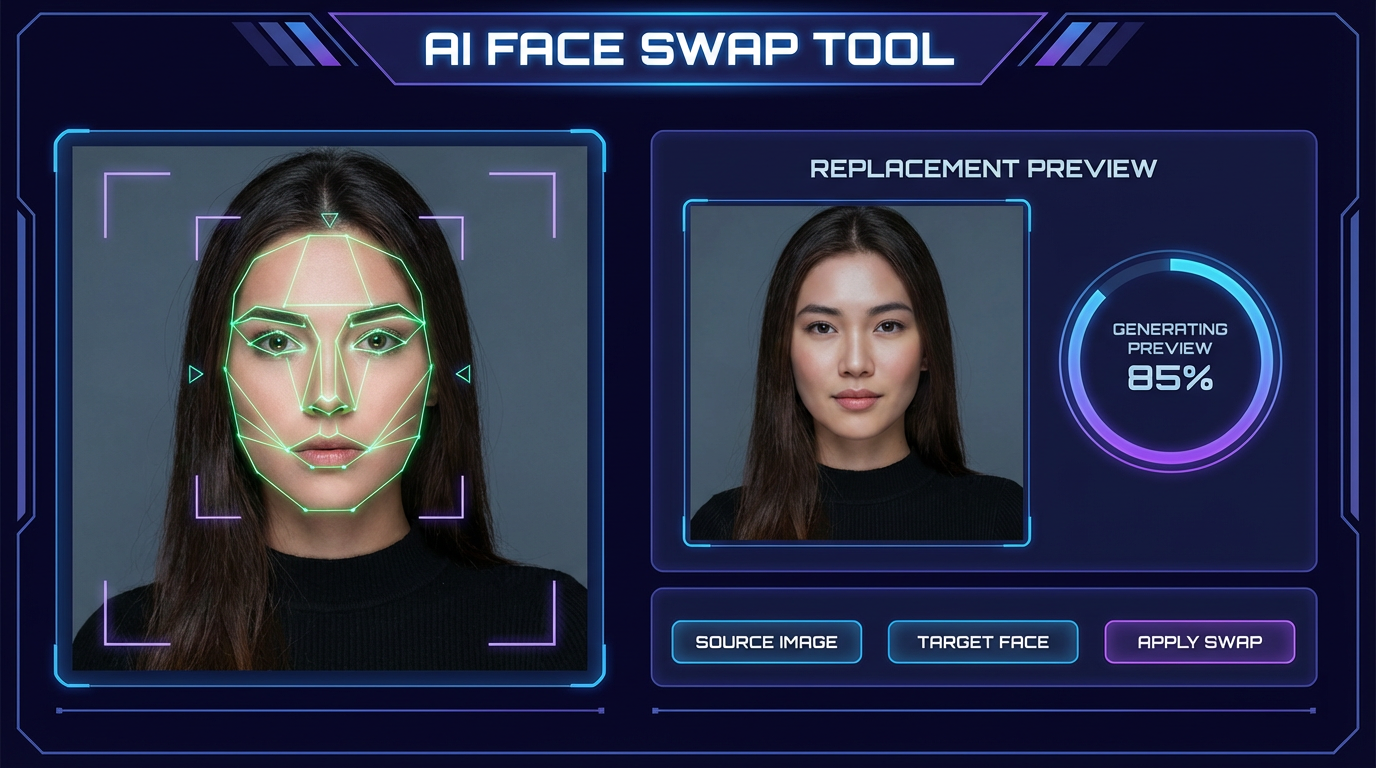
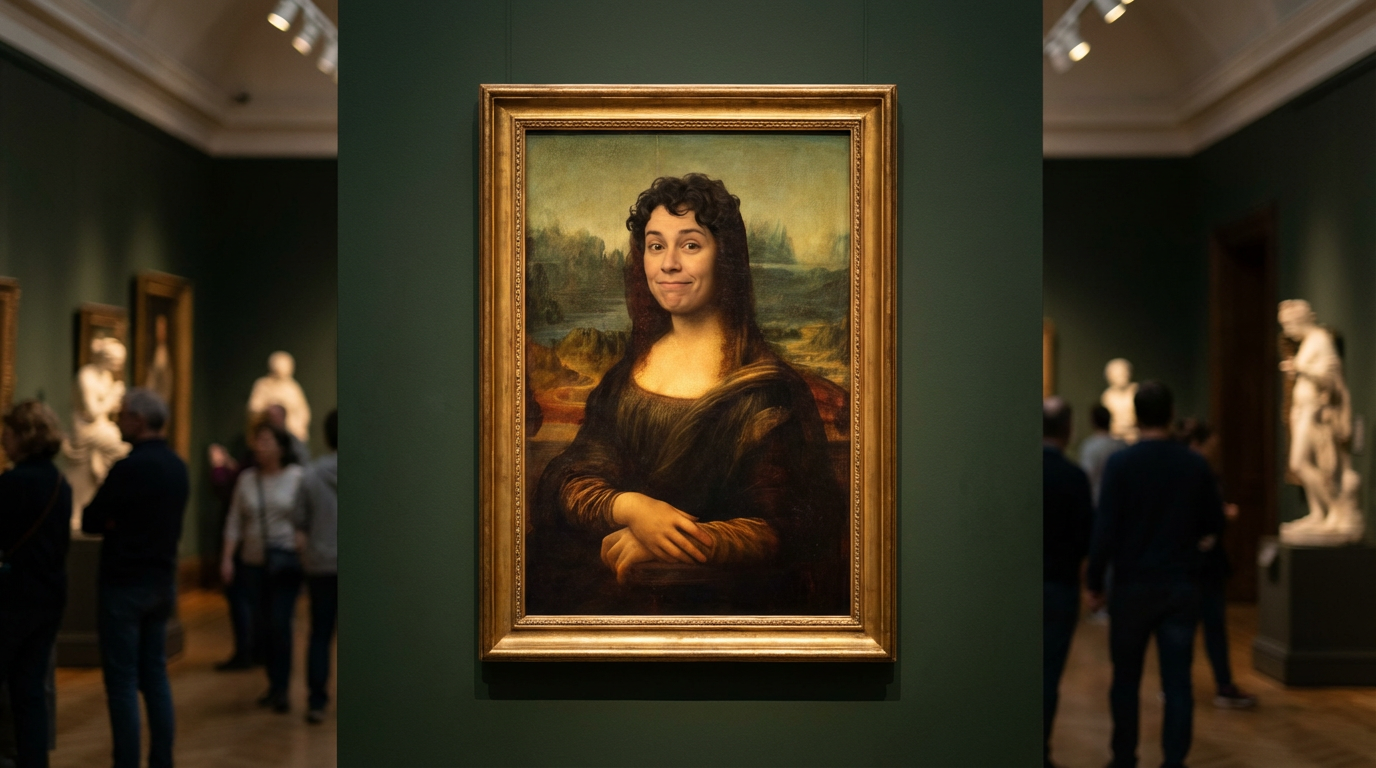
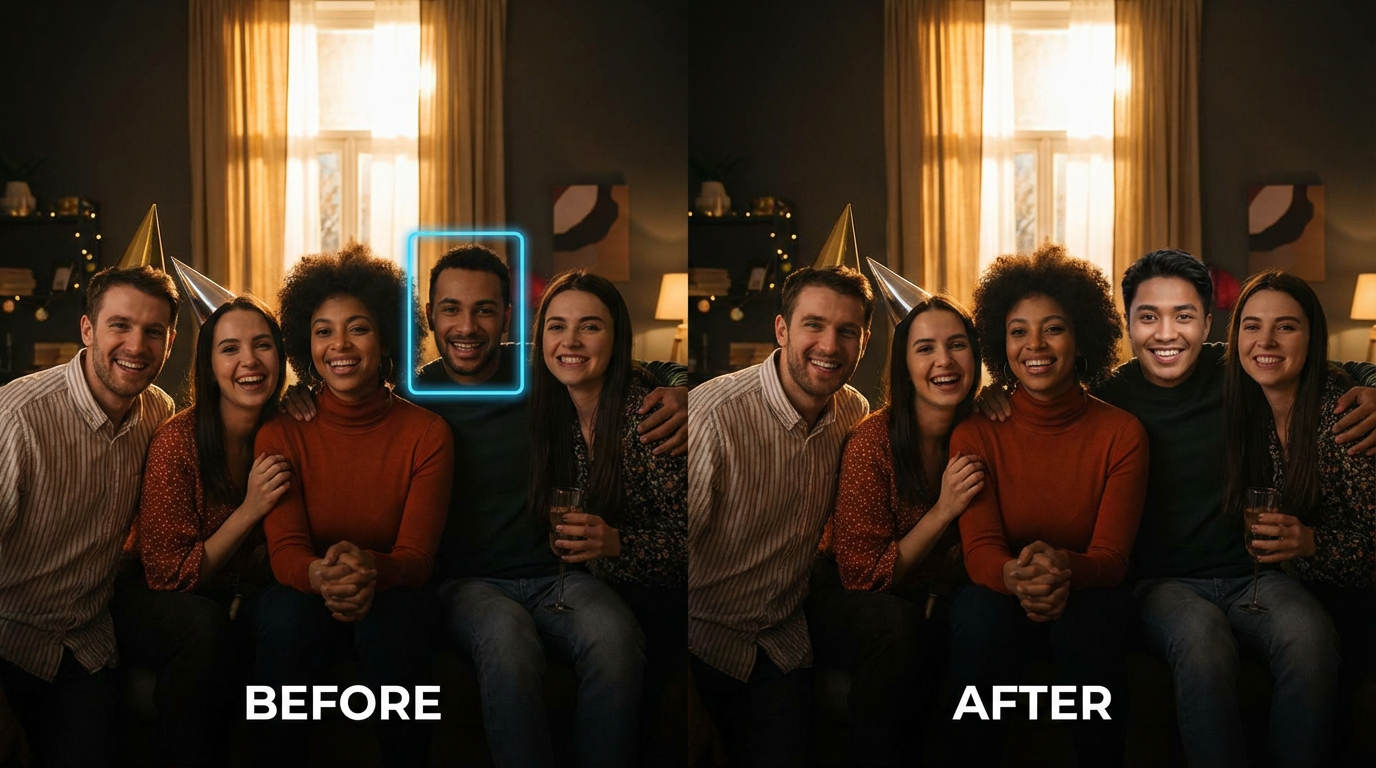
See the photorealistic quality of AI-powered face swaps
How It Works
Create realistic face swaps in three simple steps
Choose Your Scenario
Pick a preset like Portrait Swap, Celebrity Mashup, or Historical Art — or describe your own face swap scenario. Specify the source face, target photo, and any style preferences you want.
AI Swaps the Face
Nano Banana Pro analyzes facial geometry, skin tone, lighting direction, and expression. It generates a photorealistic swap that matches the target photo's environment — not a crude overlay, but a seamless integration.
Download & Share
Download your face swap in high resolution. Generate multiple variations with different expressions, angles, or styles. Use the results for social media, creative projects, or professional content.
Why Creators Choose AI Face Swap
Professional face replacement without professional editing skills
Photorealistic Results
The AI doesn't just paste faces — it blends them. Skin tones match, lighting aligns, shadows fall naturally. The result looks like the person was actually there, not edited in afterward.
No Editing Skills Required
Photoshop face swaps take hours of careful masking, color correction, and blending. AI does it in seconds with a text description. Perfect for creators who think in ideas, not layer masks.
Any Angle, Any Lighting
The AI understands 3D facial geometry. It handles profile shots, three-quarter angles, dramatic lighting, and even partially obscured faces. No more "the angle doesn't match" problems.
Batch Processing
Need to swap faces across a series of photos? Generate multiple variations in one session. Create consistent results across an entire photo set for campaigns, content series, or creative projects.
Creative Freedom
Put faces on historical paintings, swap with celebrities for memes, create alternate versions of group photos, or preview how you'd look with different hairstyles. The only limit is your imagination.
Full Commercial Rights
Use your AI face swaps for social media, marketing, entertainment, or any commercial purpose. No watermarks, no attribution required, no per-image licensing fees. You own what you create.
Face Swap Pro Tips
Get more realistic AI face swaps with these proven techniques
Match the Lighting
The most important factor for realistic face swaps. Describe the lighting in your prompt: "warm studio lighting," "overcast outdoor light," "dramatic side lighting." When source and target lighting match, the swap becomes invisible.
Specify Skin Tone
Help the AI blend perfectly by describing skin characteristics: "fair complexion," "warm olive skin," "deep brown skin tone." The more specific you are, the more natural the blending between face and neck/body.
Describe the Expression
A smiling face on a serious body looks wrong. Match the expression to the scene: "relaxed smile," "focused concentration," "laughing candidly." Emotional consistency sells the swap.
Include Face Angle
Specify the face orientation: "looking directly at camera," "three-quarter profile," "slight head tilt." Matching the angle between source and target prevents that uncanny valley feeling that ruins face swaps.
Set the Scene Context
Describe the surrounding environment: "corporate office background," "beach sunset," "indoor party." Context helps the AI match not just the face but the overall mood, color temperature, and depth of field.
Request High Resolution
Low-resolution face swaps look obviously fake. Always request high-resolution output. Fine details like pores, hair strands, and iris patterns are what make the difference between "clearly edited" and "wait, is that real?"
Frequently Asked Questions
Everything you need to know about AI face swap
Ready to Swap Faces with AI?
Join thousands of creators who use AI for seamless face swaps. Photorealistic results in seconds. Start for free today, plans from $9.98.
Try Face Swap FreeAI Face Swap Tool for Creators, Marketers, and Social Media
Why AI Face Swap Is Changing Content Creation
Face swapping used to require advanced Photoshop skills — hours of careful masking, color matching, and blend-mode adjustments to make a single swap look convincing. Professional retouchers charge $50-$200 per image, and even then the results often have telltale artifacts. For most creators, realistic face swaps were simply out of reach.
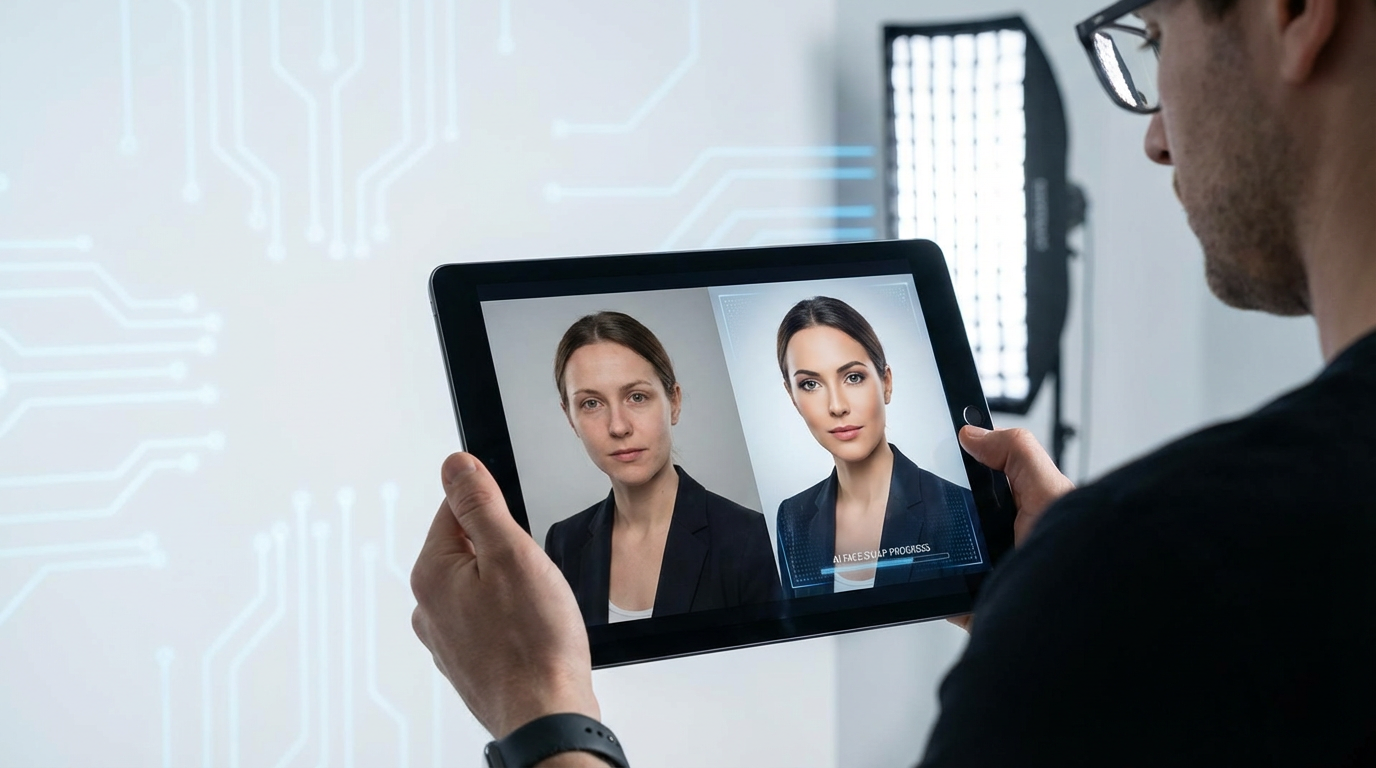
AI face swap technology changes this equation completely. Modern generative AI understands facial geometry in three dimensions — it knows how light falls across cheekbones, how skin tone varies between forehead and jawline, how shadows shift with head angle. Instead of cutting and pasting pixels, AI reconstructs the face within the target photo's environment, producing results that are often indistinguishable from real photographs.
With Nano Banana Pro's advanced face understanding, you describe the swap you want and get a photorealistic result in seconds. No layer masks, no color curves, no hours of tedious manual editing. The AI handles the technical complexity so you can focus on the creative concept.
From Memes to Marketing: Face Swap Use Cases
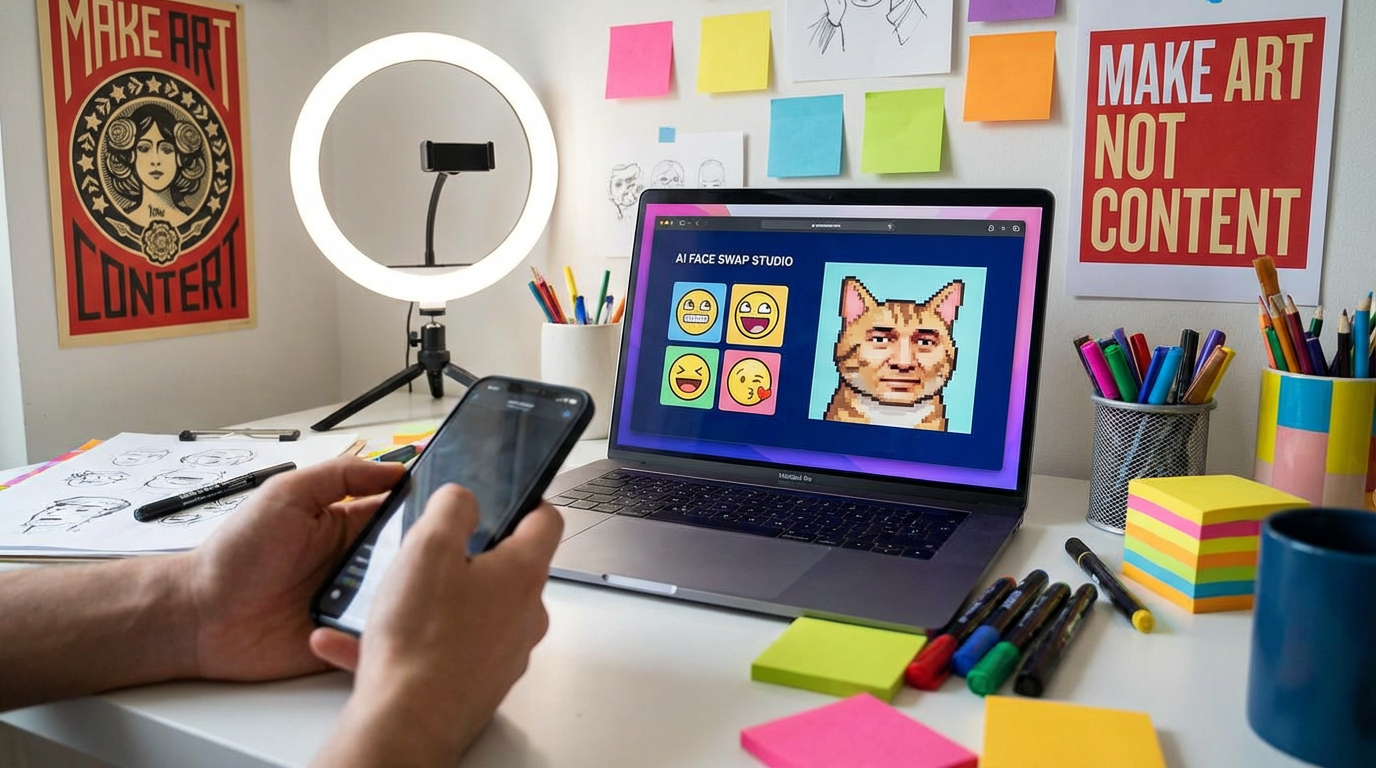
AI face swap isn't just for entertainment — though it excels at creating viral memes and social media content. Marketing teams use face swaps to localize campaigns by placing region-appropriate faces in ads. E-commerce brands swap model faces to show diversity without reshooting. Content creators produce engaging before-and-after content that drives shares and engagement.
The creative applications are vast. Place yourself in historical paintings for unique social media profile photos. Create alternate versions of family photos where everyone is actually smiling. Preview how you'd look with a celebrity's hairstyle. Generate consistent character faces across a series of images for storytelling or branding.
Starting at just $9.98, Nano Banana 2 makes professional-quality face swaps accessible to everyone. Whether you're a social media manager creating viral content, a marketer localizing campaigns, or just someone who wants to have fun with photos — AI face swap puts photorealistic editing power in your hands. Try it free today.
Start swapping faces with AI today. Join thousands of creators who use Nano Banana 2 for photorealistic AI face swaps. Free tier available with no credit card required. Premium plans from $9.98.