
AI Video Upscaling
Enhance Any Video to 4K — Sharpen, Restore, and Upscale Instantly
Upscale any video to 4K with AI. Enhance resolution, sharpen details, reduce noise, and restore quality on old or low-res footage. Turn blurry smartphone clips into crisp, professional-quality video in minutes.
Try It Now — Free
Describe the scene you want to enhance and AI will generate a preview showing the upscaled result
AI Video Upscaling Preview
Describe the video scene you want to upscale, and AI will generate a preview of the enhanced result
Upload your video, select an upscaling style, and get a high-resolution result
Video Upscaling Gallery
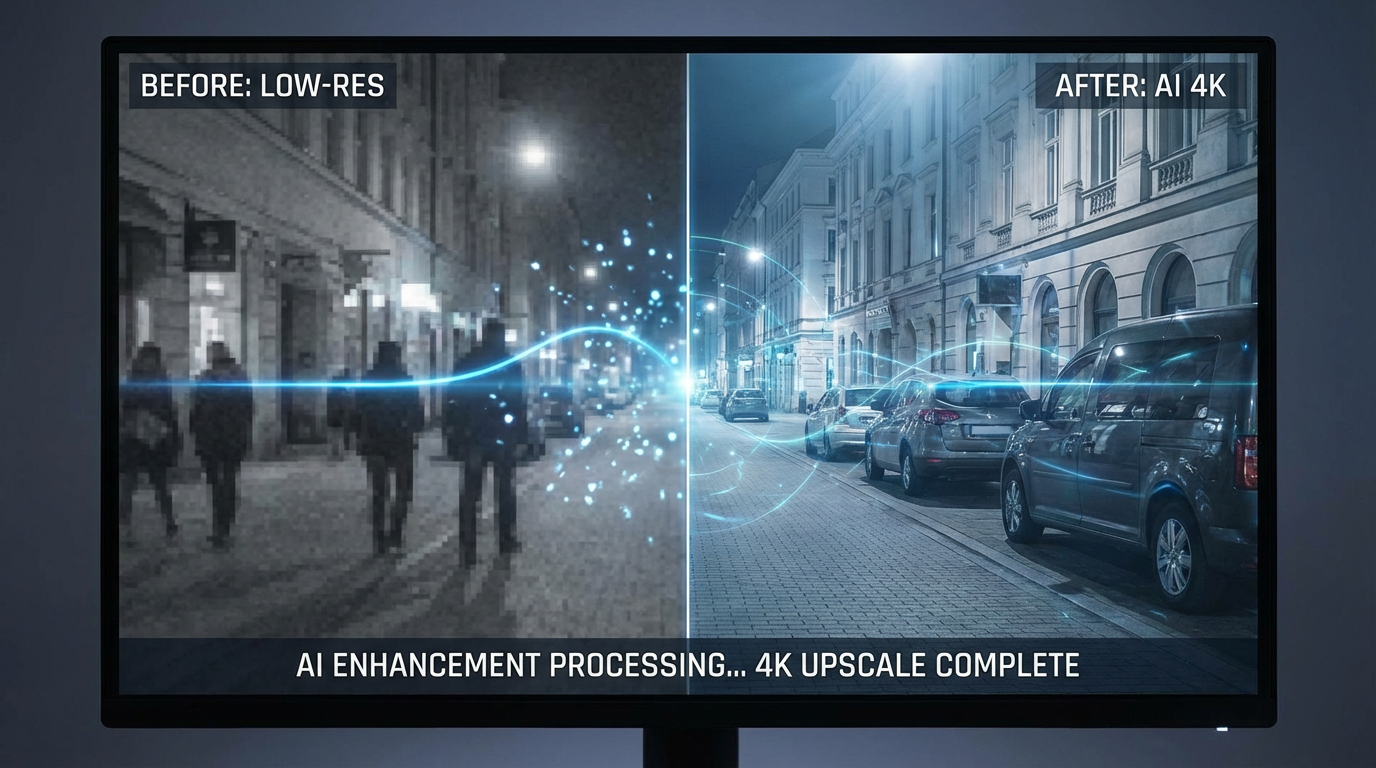
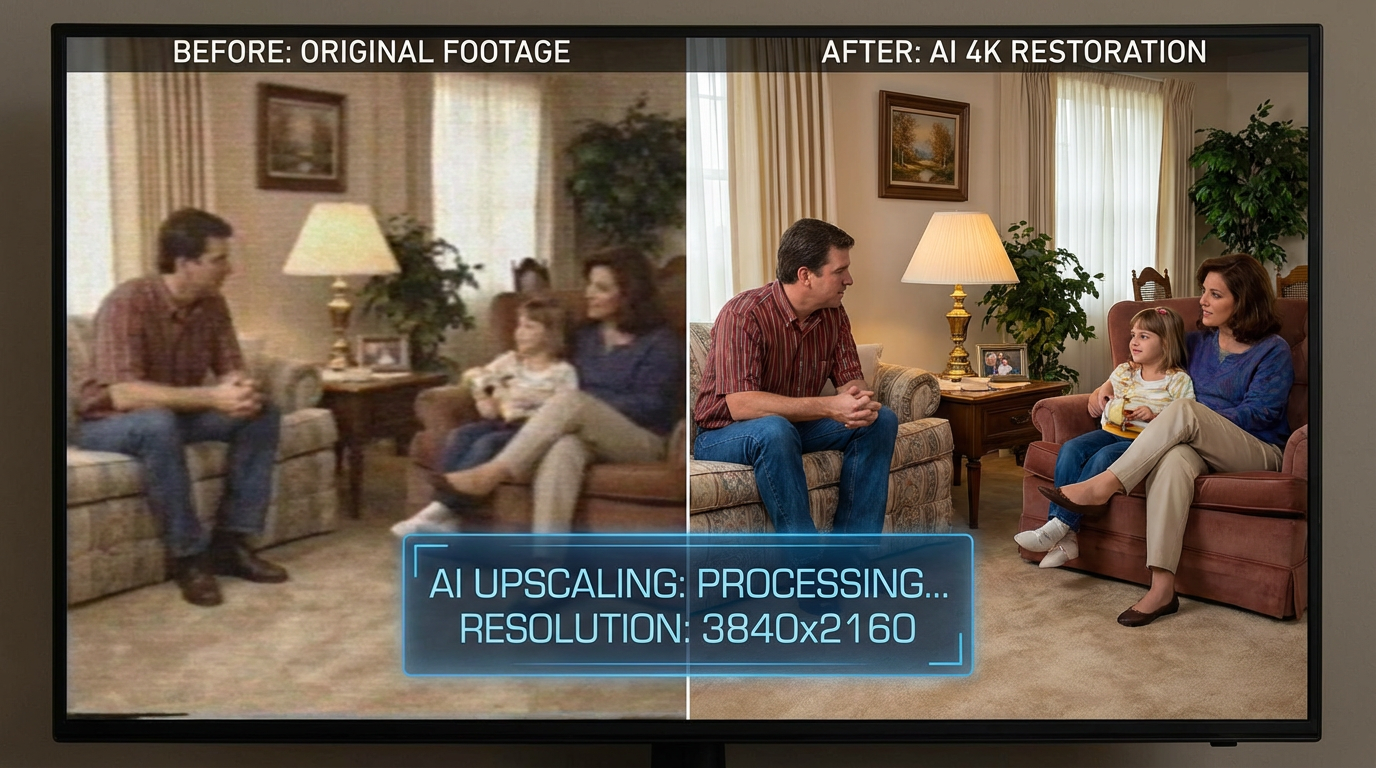
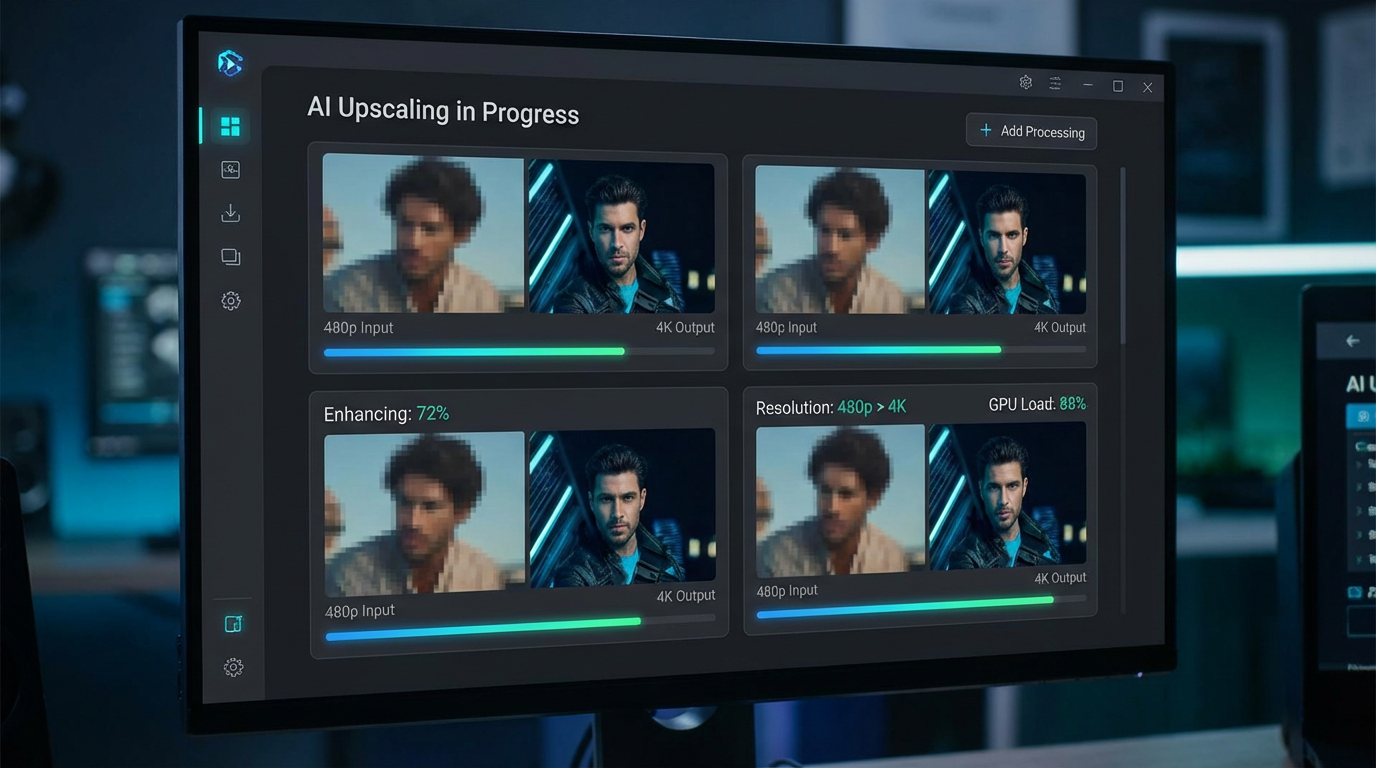
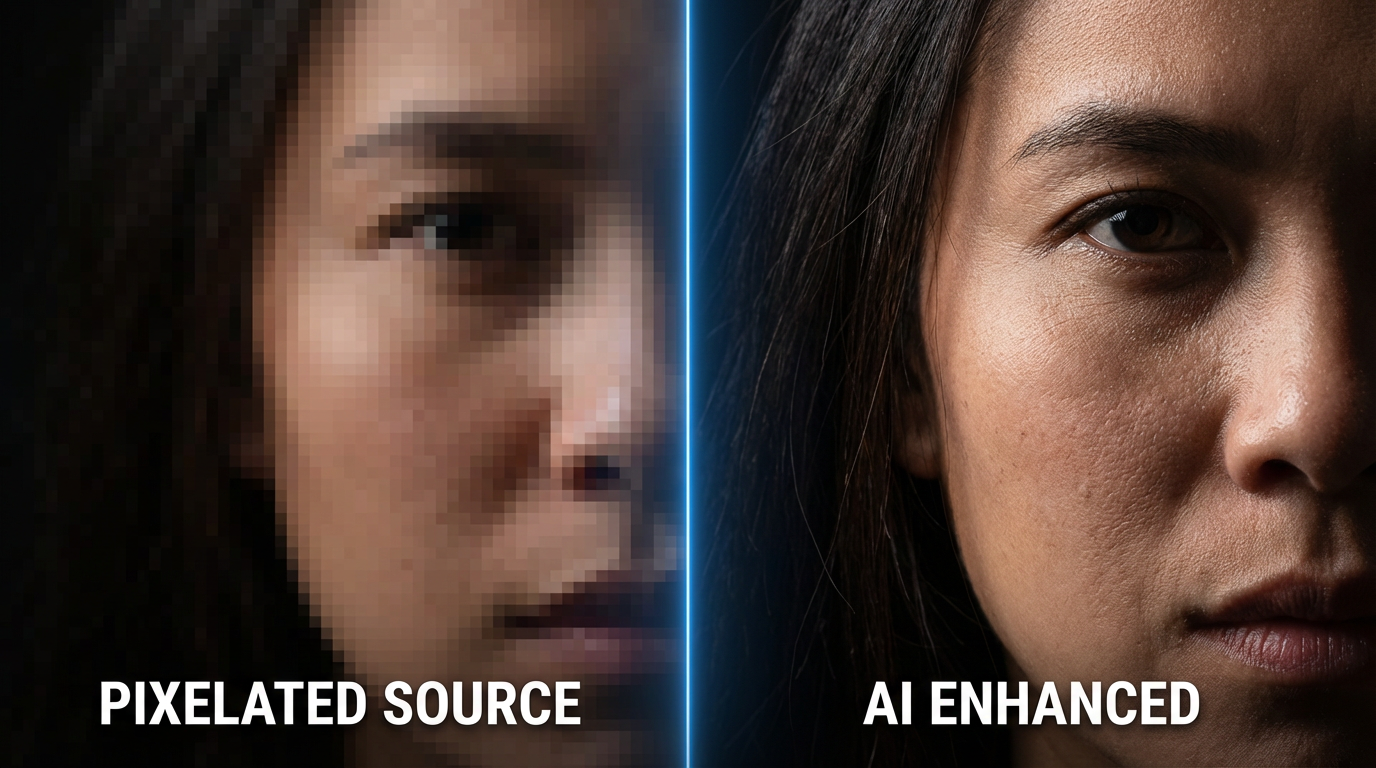
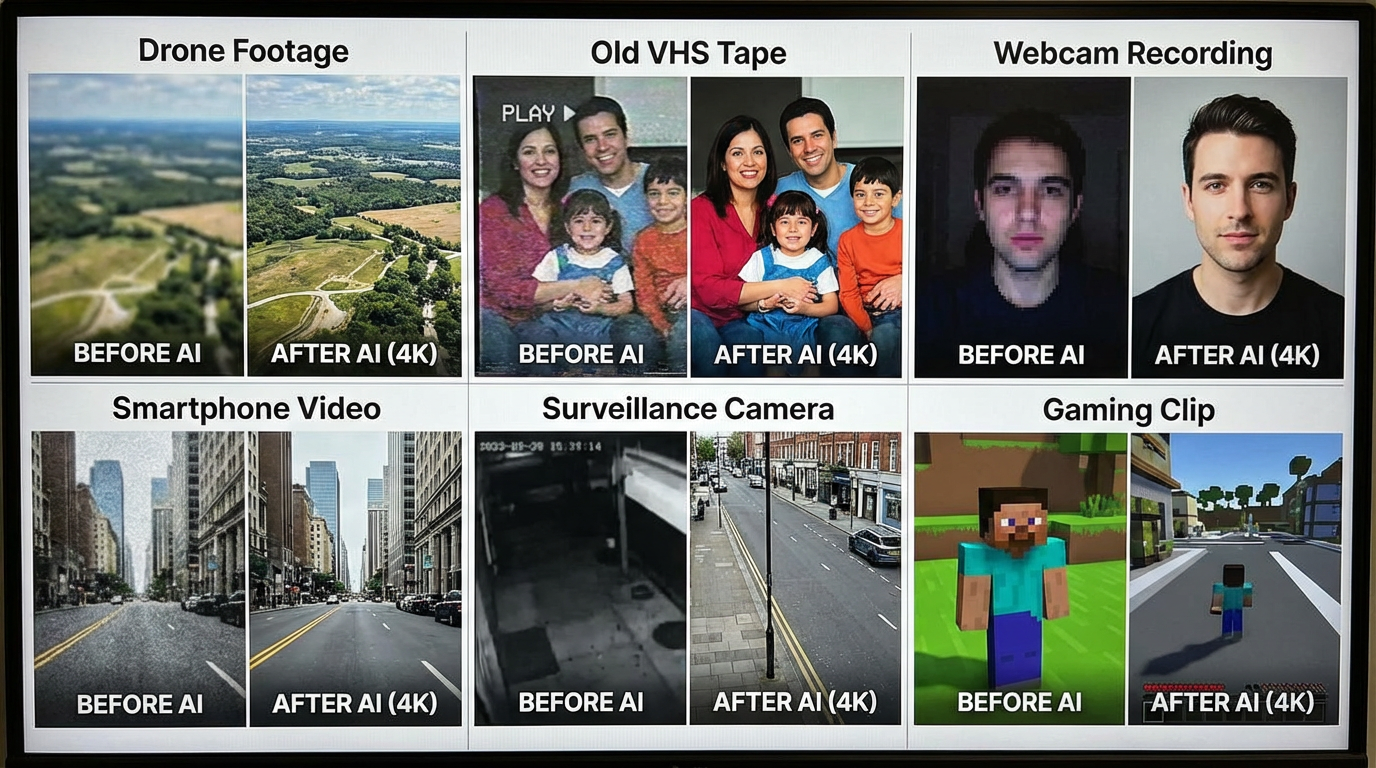
From blurry low-res footage to crystal clear 4K — see the AI upscaling difference
How It Works
Upscale any video to 4K in three simple steps
Upload Your Video
Upload any video — old home movies, smartphone clips, webcam recordings, drone footage, or screen captures. The AI analyzes resolution, noise levels, compression artifacts, and content to determine the optimal upscaling strategy for each frame.
AI Enhances Every Frame
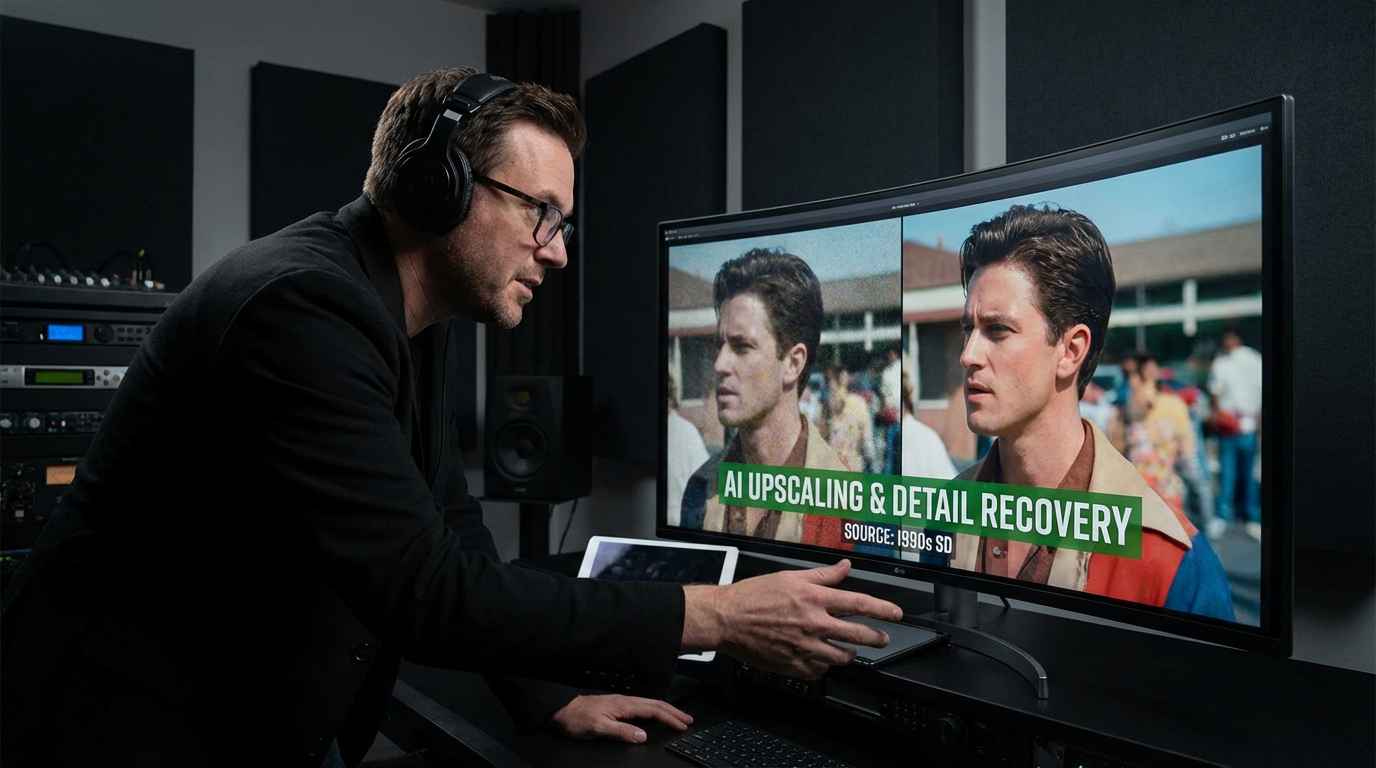
The AI upscales each frame using deep learning trained on millions of high-resolution videos. It adds real detail — not just sharpening. Faces become clearer, text becomes readable, textures gain definition, and noise vanishes while preserving the natural look of your footage.
Download in 4K
Download your upscaled video in stunning 4K resolution. The AI maintains temporal consistency — no flickering or frame-to-frame artifacts. Your enhanced video is ready for large screens, professional projects, social media, or archival preservation.
Why Choose Our AI Video Upscaling
Professional-grade video enhancement — no editing skills required
True 4K Upscaling
Go beyond simple interpolation. Our AI generates real detail that didn't exist in the original footage — reconstructing textures, sharpening edges, and adding definition that makes upscaled video look natively shot in 4K. The result is indistinguishable from native high-resolution footage.
AI Noise Reduction
Eliminate grain, compression artifacts, and digital noise without losing detail. The AI distinguishes between noise and actual content, removing unwanted visual artifacts while preserving fine details like hair strands, fabric textures, and subtle color gradients.
Old Video Restoration
Breathe new life into old home movies, VHS tapes, and archived footage. The AI corrects color degradation, removes interlacing artifacts, stabilizes shaky footage, and upscales resolution — transforming decades-old recordings into watchable, shareable video.
Face Enhancement
AI-powered face enhancement makes blurry faces clear and recognizable. The technology reconstructs facial features, sharpens expressions, and restores detail in faces that were too far from the camera or shot in low resolution — critical for home videos and surveillance footage.
Batch Processing
Upscale multiple videos at once. Queue up your entire video library — home movies, content archives, or production footage — and let the AI enhance everything overnight. Progress tracking and notifications keep you informed without requiring constant monitoring.
Commercial License Included
Use all AI-upscaled videos for any commercial purpose — YouTube content, client deliverables, broadcast media, marketing campaigns, and professional productions. Full commercial licensing with every enhanced video.
Upscaling Use Cases
Six common scenarios where AI video upscaling transforms your footage.
Old Home Videos
VHS / MiniDV / Hi8Rescue precious family memories trapped on aging tapes. AI restores faded colors, removes tape noise, corrects interlacing, and upscales standard definition to 4K. Transform grainy childhood videos into crisp, shareable footage that looks like it was shot yesterday.
Smartphone Footage
720p / 1080p → 4KOlder smartphones shot in 720p or 1080p. AI upscaling doubles or quadruples the resolution while adding genuine detail — sharper faces, readable signs, and natural textures. Perfect for repurposing older phone footage for large screens or professional projects.
Drone & Action Cam
GoPro / DJI FootageAction cameras and drones often sacrifice resolution for frame rate or stabilization. AI upscaling recovers the lost detail, producing stunning 4K aerials and action shots from 1080p or lower source material without introducing motion blur.
Webcam Recordings
Zoom / Stream / VlogWebcam recordings and video calls are typically 720p with heavy compression. AI enhancement sharpens faces, reduces compression blocks, and upscales to crisp 1080p or 4K — essential for repurposing webinar recordings, podcast videos, and remote interviews.
Security & CCTV
Surveillance FootageSecurity cameras record at minimal resolution to save storage. AI upscaling makes faces recognizable, license plates readable, and details visible that were previously too blurry to identify — invaluable for evidence review and incident documentation.
Gaming & Screen Capture
Gameplay / TutorialsOlder gameplay recordings and screen captures at 480p or 720p look terrible on modern monitors. AI upscaling sharpens UI text, enhances textures, and produces clean 4K footage from low-res source — ideal for retro gaming compilations and legacy tutorial content.
Frequently Asked Questions
Everything you need to know about AI video upscaling
Ready to Upscale Your Videos to 4K?
Join thousands of creators who use AI video upscaling to transform low-res footage into stunning 4K content. Start for free today.
Try Video Upscaling FreeAI Video Upscaling for Filmmakers, Content Creators, and Archivists
How AI Video Upscaling Works
AI video upscaling uses deep neural networks trained on millions of high-resolution video frames to intelligently increase video resolution. Unlike traditional bicubic or bilinear interpolation that simply stretches pixels, AI upscaling generates new detail that looks natural and authentic. The model learns patterns — how edges should look, how textures continue, how faces are structured — and uses that knowledge to reconstruct detail that wasn't visible in the original footage.
The AI processes each frame individually while maintaining temporal consistency across the entire video. This means upscaled footage plays smoothly without flickering, color shifting, or frame-to-frame artifacts that plague simpler upscaling methods. Motion remains fluid, colors stay consistent, and the enhanced detail holds up even on large 4K displays.
Advanced noise reduction works alongside upscaling to remove grain, compression blocks, and digital artifacts before resolution enhancement. This two-step process ensures the AI isn't upscaling noise — it's upscaling clean content, producing results that look natively shot at high resolution rather than artificially enlarged.
Who Uses AI Video Upscaling
Content creators and YouTubers use AI upscaling to rescue older footage shot on early smartphones or budget cameras. That 720p travel vlog from 2015 can become crisp 4K content suitable for modern viewing. Filmmakers use it during post-production to enhance B-roll, upscale archival footage for documentaries, and recover detail from challenging shooting conditions.
Families are using AI upscaling to preserve memories — converting decades of VHS home movies, MiniDV tapes, and early digital camera footage into high-resolution video that can be enjoyed on modern TVs. Security professionals enhance surveillance footage to identify details invisible in the original low-resolution recordings.
Starting at just $9.98, Nano Banana 2 is the most accessible AI video upscaling tool that delivers professional-quality results. Try it free with starter credits — no credit card required. Upscale any video to 4K with AI-powered resolution enhancement, noise reduction, and detail recovery in minutes.
Start upscaling your videos to 4K today. Join thousands of creators who use Nano Banana 2 for AI-powered video upscaling. Free tier available with no credit card required. Premium plans from $9.98.