
Command-Line AI Image Tool
Generate 4K Images From Your Terminal
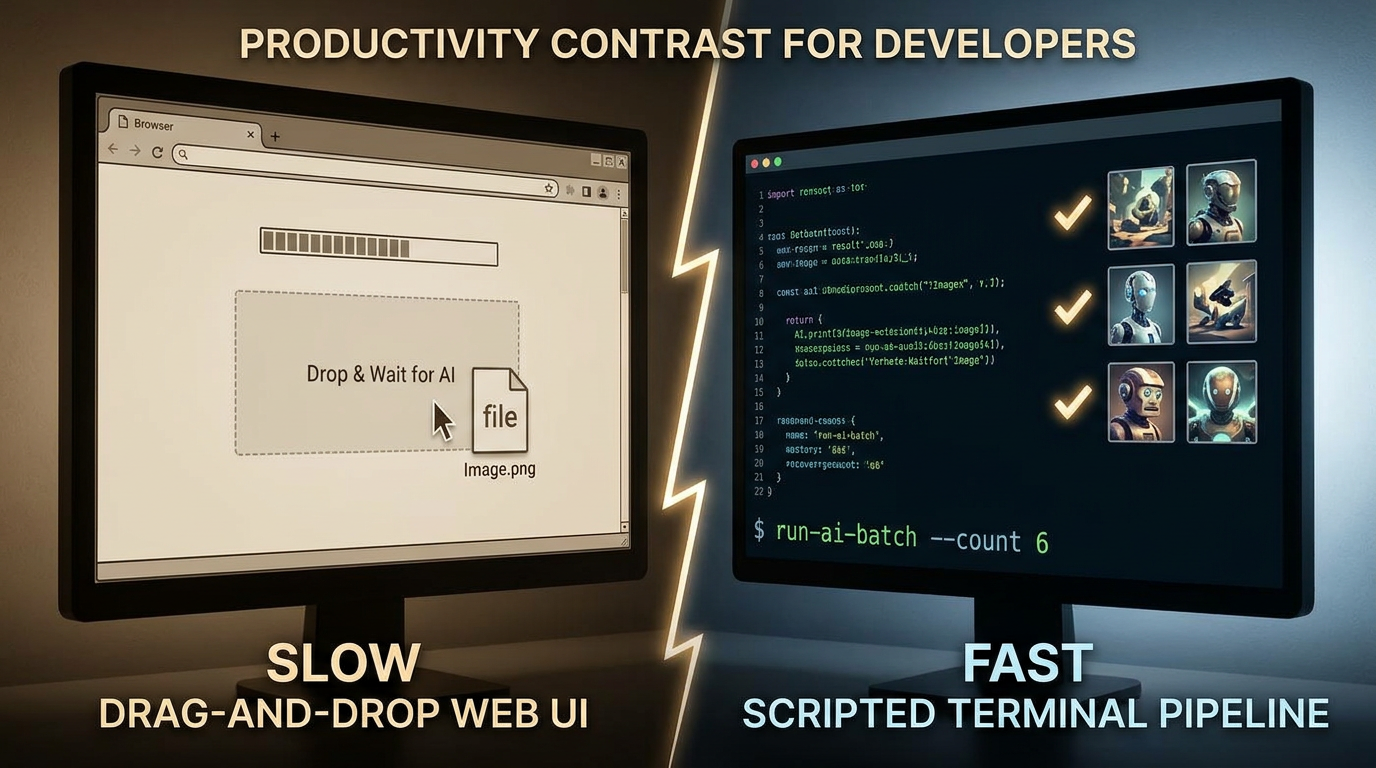
Stop click-dragging through web UIs. Our command-line AI image tool lets you script prompts, batch from CSV, pipe through xargs, wire into CI/CD, and ship 4K renders without ever leaving the shell. Built for developers who would rather automate a hundred images than manually generate three.
Try It Now — Free
Test a developer-grade prompt in the browser, then wire the same model into your terminal pipeline
Command-Line AI Image Tool
Pick a developer-oriented preset or write your own prompt — preview the model output here, then drop the same prompt into your shell pipeline
Command-Line AI Image Tool Examples
What developers ship when they stop clicking and start scripting their image generation
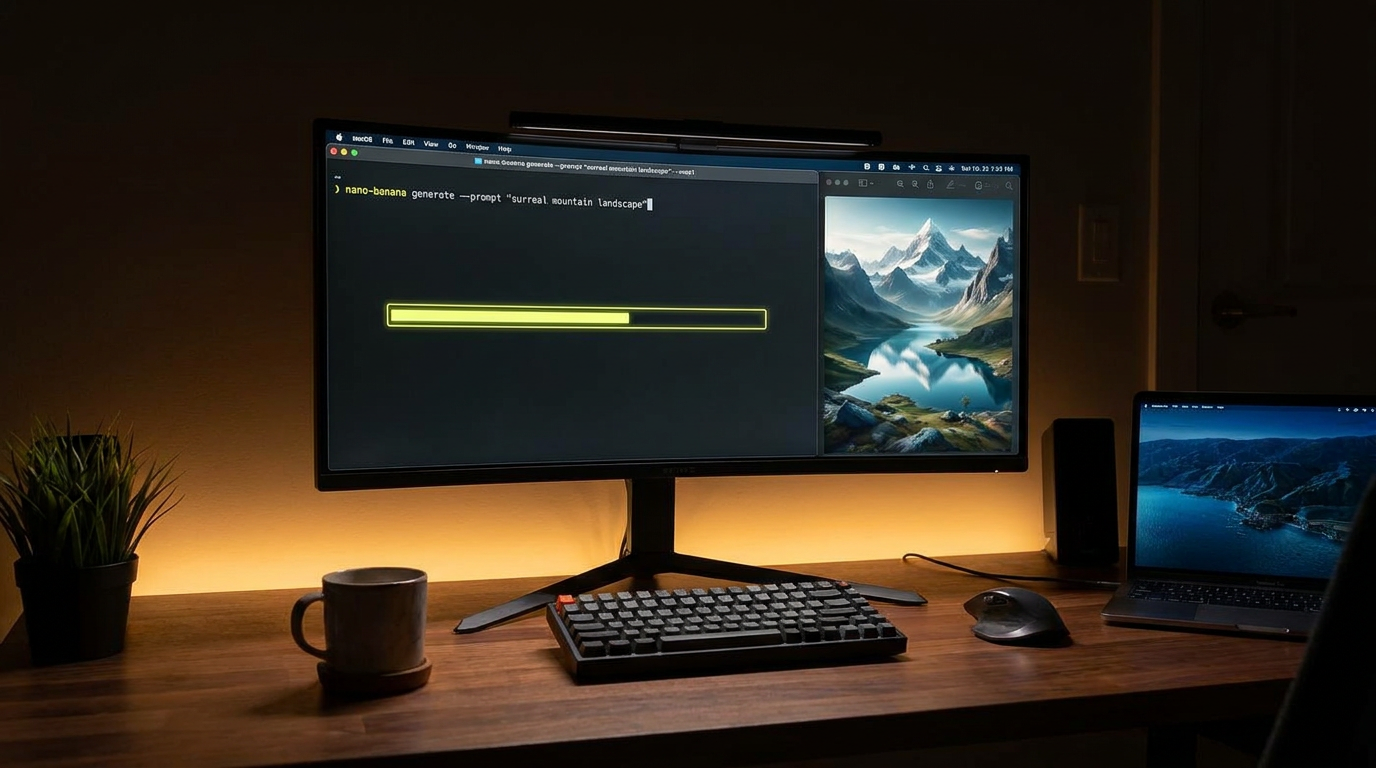
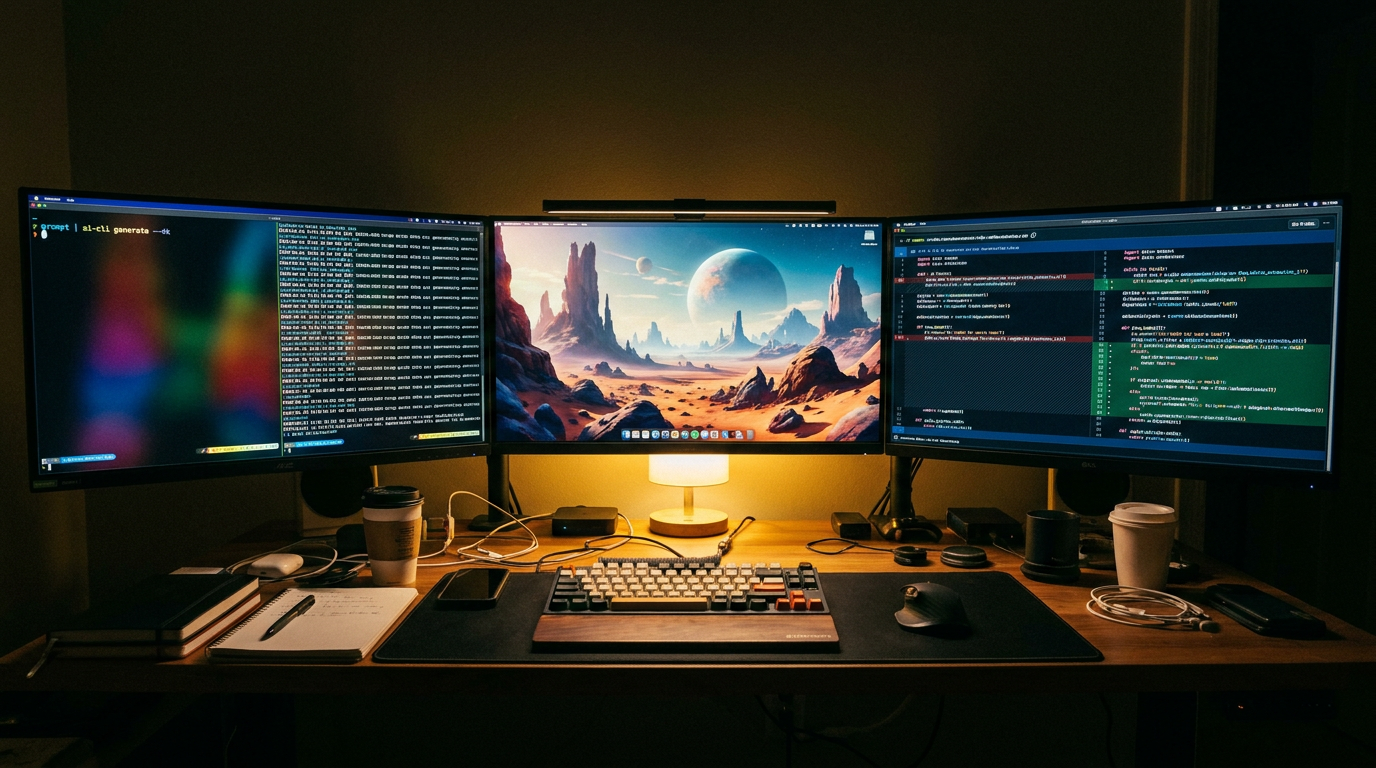
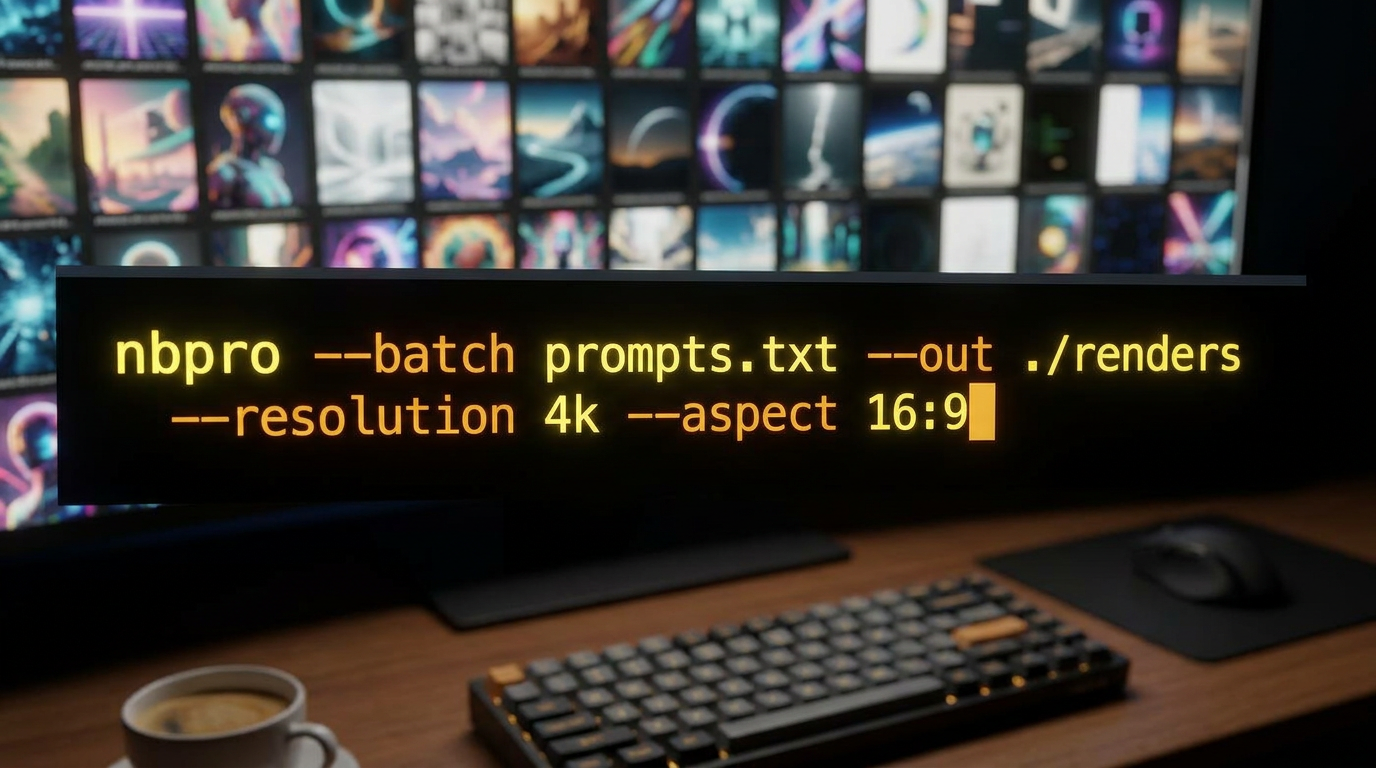
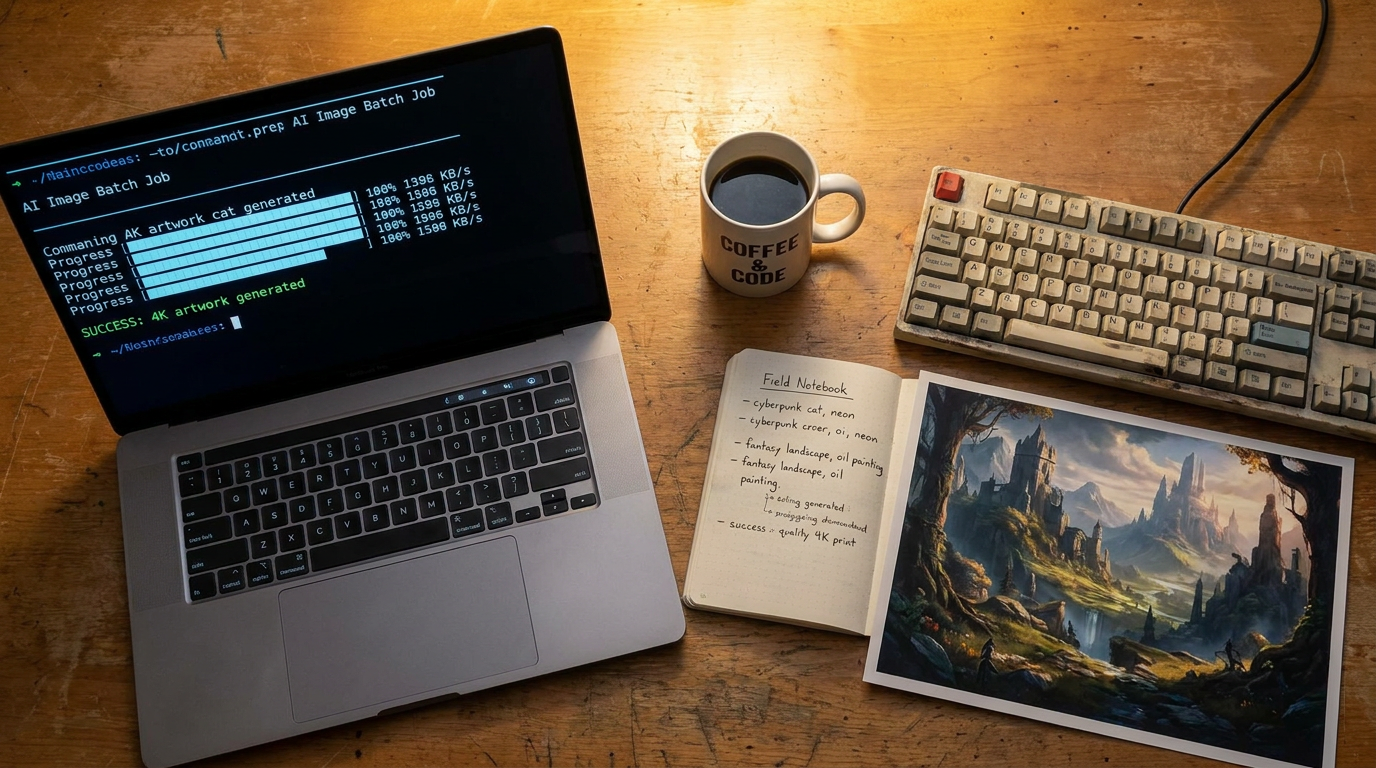
How the Command-Line AI Image Tool Works
One install, one config, one terminal — and a fully scriptable AI image pipeline
Install & Authenticate
Install the command-line AI image tool with a single package manager command, drop your API key into an env var, and you are ready. No GUI, no browser session, no manual login flow — just a binary on your PATH and a config file in your home directory. Works on macOS, Linux, and Windows shells.
Script Your Prompts
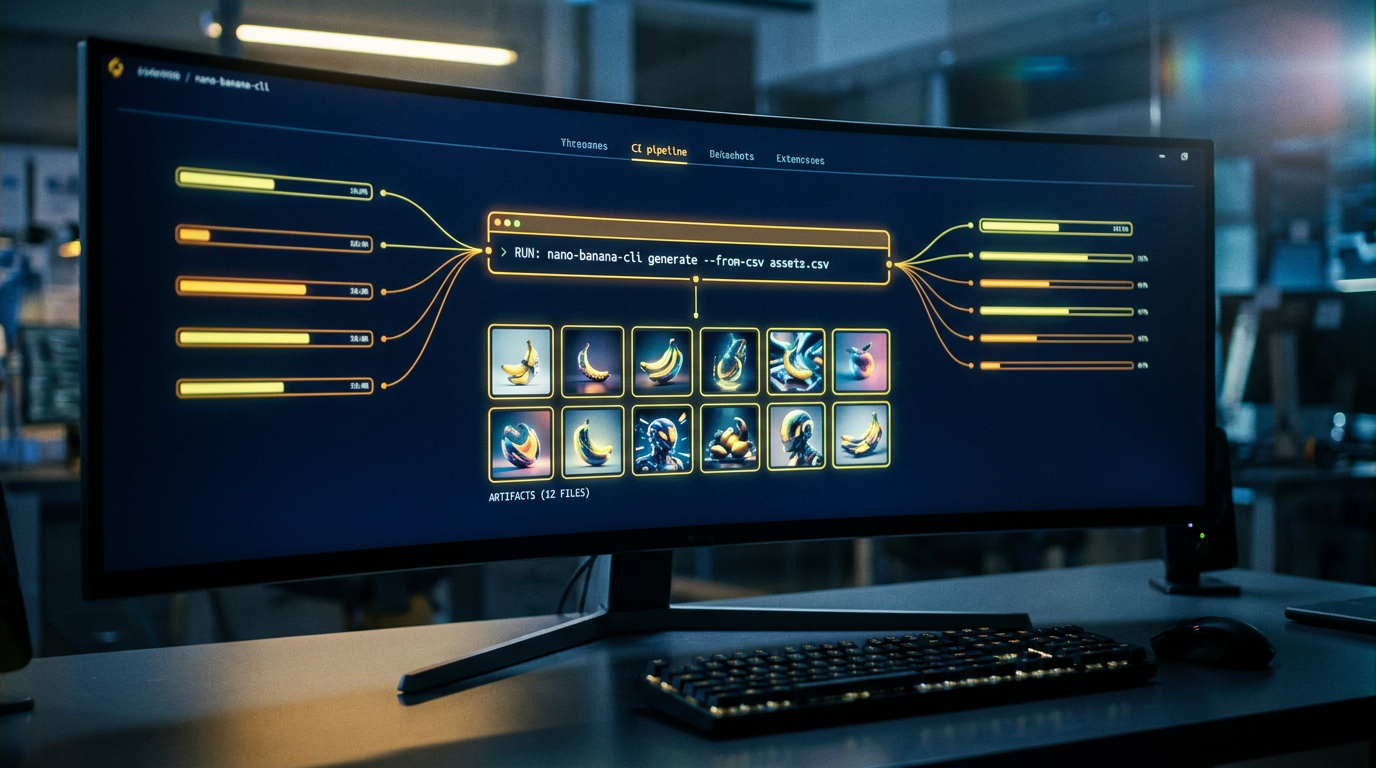
Pipe prompts in from a CSV, a JSON manifest, stdin, xargs, or a shell loop. The command-line AI image tool accepts every input the rest of your dev workflow already produces, so you do not need to bolt a new content pipeline onto your project — your existing scripts drive image generation directly.
Ship 4K Renders to Disk or S3
Every render writes to a path you control — local disk, an S3 bucket, an R2 bucket, or a CI artifact directory. The command-line AI image tool returns proper exit codes, structured JSON logs, and retry-aware error output, so build systems and orchestrators can branch on success or failure without screen-scraping.
Why Developers Choose This Command-Line AI Image Tool
Built for teams who treat image generation as part of their build pipeline, not a side errand in a browser tab
Batch From CSV, JSON, or Stdin
Point the command-line AI image tool at a CSV of prompts, a JSON manifest, or pipe lines in from stdin and it renders every row in parallel. One script can fire off a hundred ecommerce product hero shots, a thousand thumbnail variations, or every cover image for a 50-article content drop — without opening a browser.
Scriptable Flags For Every Knob
Every model setting maps to a flag. Resolution, aspect ratio, output format, seed, negative prompt, style preset, batch count — all addressable from the command line. That means the command-line AI image tool fits cleanly into Makefiles, shell scripts, Justfiles, package.json scripts, and any other build-runner your team already uses.
CI/CD Friendly Output
The tool returns proper exit codes, machine-readable JSON output, and rate-limit-aware retry behavior — exactly what build systems need. Drop the command-line AI image tool into GitHub Actions, GitLab CI, CircleCI, or Jenkins, and let your pipeline generate hero images, OG tags, social cards, and product art as part of every deploy.
4K Output Per Render
Every image the command-line AI image tool produces comes out at up to 4K with clean detail, sharp text, and accurate color. That is high enough resolution for print, OOH, large-format displays, hero placements, and Retina screens — no upscaling step required, and no quality penalty for going headless instead of using the web UI.
Pipe-Native, Unix-Style
The command-line AI image tool reads stdin and writes structured output, so it composes cleanly with grep, jq, awk, xargs, parallel, and every other Unix tool in your shell. Use it as one stage in a longer pipeline — fetch prompts from an API, render them, post them to a CMS, all in one command.
Royalty-Free Commercial Use
Everything you generate with the command-line AI image tool ships with full commercial rights. Drop the renders into paid ads, brand campaigns, sponsored content, marketing pages, product catalogs, and packaging without attribution, royalties, or stock-license paperwork. Your script generates the art, your project ships it.
Command-Line AI Image Tool in the Wild
How developers, DevOps engineers, and indie hackers wire AI image generation into their everyday shell
Automated OG Image Generation
Indie hackers wire the command-line AI image tool into their static site build so every new blog post auto-generates a custom Open Graph image at deploy time. One script reads the post title, calls the CLI with a templated prompt, and writes a 1200x630 image into the build output — no manual design step in the publishing flow.
Batch Product Catalog Renders
Ecommerce teams pipe their product CSV through the command-line AI image tool to generate hero shots, lifestyle imagery, and size-variant mockups for thousands of SKUs in a single run. One overnight job replaces weeks of studio photography and design queue waiting time.
CI-Generated Social Cards
Marketing engineers add a GitHub Actions step that runs the command-line AI image tool against every merged release note, generating custom social cards for LinkedIn, X, and Discord. The PR description carries the prompt; the merge produces the image — no designer in the loop for routine launches.
Scripted A/B Creative Tests
Performance marketers loop the command-line AI image tool over a list of style variations — premium, playful, dramatic, minimal, retro, futuristic — to generate six versions of every ad creative. The CLI pipes outputs straight into the ad-platform upload script, so winning variations come from data instead of designer intuition.
Game Asset Pipelines
Indie game devs hook the command-line AI image tool into their asset-build pipeline to generate concept art, item icons, tile backgrounds, and character portraits as part of every game build. The Makefile target runs the CLI; the output lands in the Unity or Godot asset folder ready for import.
Documentation Hero Images
DevRel teams use the command-line AI image tool to auto-generate hero images for every documentation page based on the page title and section. A single script crawls the docs site map, calls the CLI per page, and produces a consistent, on-brand image library without a manual design pass.
Frequently Asked Questions
Everything developers want to know about the command-line AI image tool
Ship AI Images From Your Terminal — Free
No signup. No credit card. Try the command-line AI image tool in the browser, then wire the same model into your shell scripts, Makefiles, and CI pipelines. Premium plans start at $2.99 for higher batch concurrency and priority rendering.
Start Creating NowCommand-Line AI Image Tool — Scriptable, Pipeline-Native, Developer-First
Why a Command-Line AI Image Tool Beats a Web UI
Web UIs are great for trying one prompt. They fall apart the moment a developer needs to generate a hundred. A command-line AI image tool lets you script the same model the web app exposes, so a CSV of two thousand product names becomes two thousand hero images in a single overnight job — instead of two thousand clicks across a fragile browser session. Once image generation lives in the shell, it composes with every other build step, deploy step, and content pipeline a team already runs.
Automation is the underrated win. When the command-line AI image tool is wired into CI/CD, a release does not need a designer in the loop for routine creative — OG images, social cards, documentation hero art, and changelog illustrations all generate as part of the build. The diff that ships the code also ships the imagery, with no out-of-band handoff, no missed asset, and no stale stock photo. That is the difference between a content workflow that scales with engineering and one that bottlenecks behind a design queue.
Reproducibility matters too. A scripted prompt with a fixed seed produces the same image again next quarter, next year, or on a teammate's laptop — which a web-UI session cannot promise. With a command-line AI image tool checked into the repo, your creative direction lives next to your code, gets reviewed in pull requests, and rolls back cleanly when a brand refresh changes the look. AI image generation stops being a one-off side errand and starts behaving like the rest of your engineering work.
How Nano Banana 2 Powers the Command-Line AI Image Tool
Our command-line AI image tool is backed by Nano Banana 2, the same model that drives the web experience — same prompt fidelity, same 4K resolution, same text rendering and character consistency — exposed through a developer-friendly CLI surface. Every model setting that exists in the web UI maps to a flag on the command line, so anything you can render in a browser session you can also render from a shell script, a Makefile, a GitHub Actions step, or a cron job.
Resolution and quality do not drop just because the request came from a terminal. Every render the command-line AI image tool produces ships at up to 4K with sharp text, accurate color, and clean detail — print-ready, OOH-ready, hero-ready. Aspect ratio, output format, batch count, seed, and style preset are all configurable per call, so the CLI can serve mixed workloads: 9:16 verticals for TikTok, 1:1 squares for Instagram, 16:9 wides for YouTube, and 1200x630 banners for OG tags in the same script.
Start using the command-line AI image tool right now — no signup, no credit card, no watermarks. Preview a prompt in the browser above, then drop the same prompt into your terminal pipeline. Premium plans start at $2.99 and unlock higher batch concurrency, priority rendering, and overnight queue stacking for teams running production pipelines. Every output ships with full commercial rights — ready for paid ads, brand campaigns, sponsored content, product catalogs, in-store displays, and merchandise, with no attribution and no per-impression royalty.
Script your AI image pipeline with the command-line AI image tool. No signup, no credit card, no watermarks. Royalty-free 4K renders that drop straight into shell scripts, Makefiles, and CI/CD pipelines — full commercial rights included. Premium plans from $2.99 for higher batch concurrency and priority rendering.